



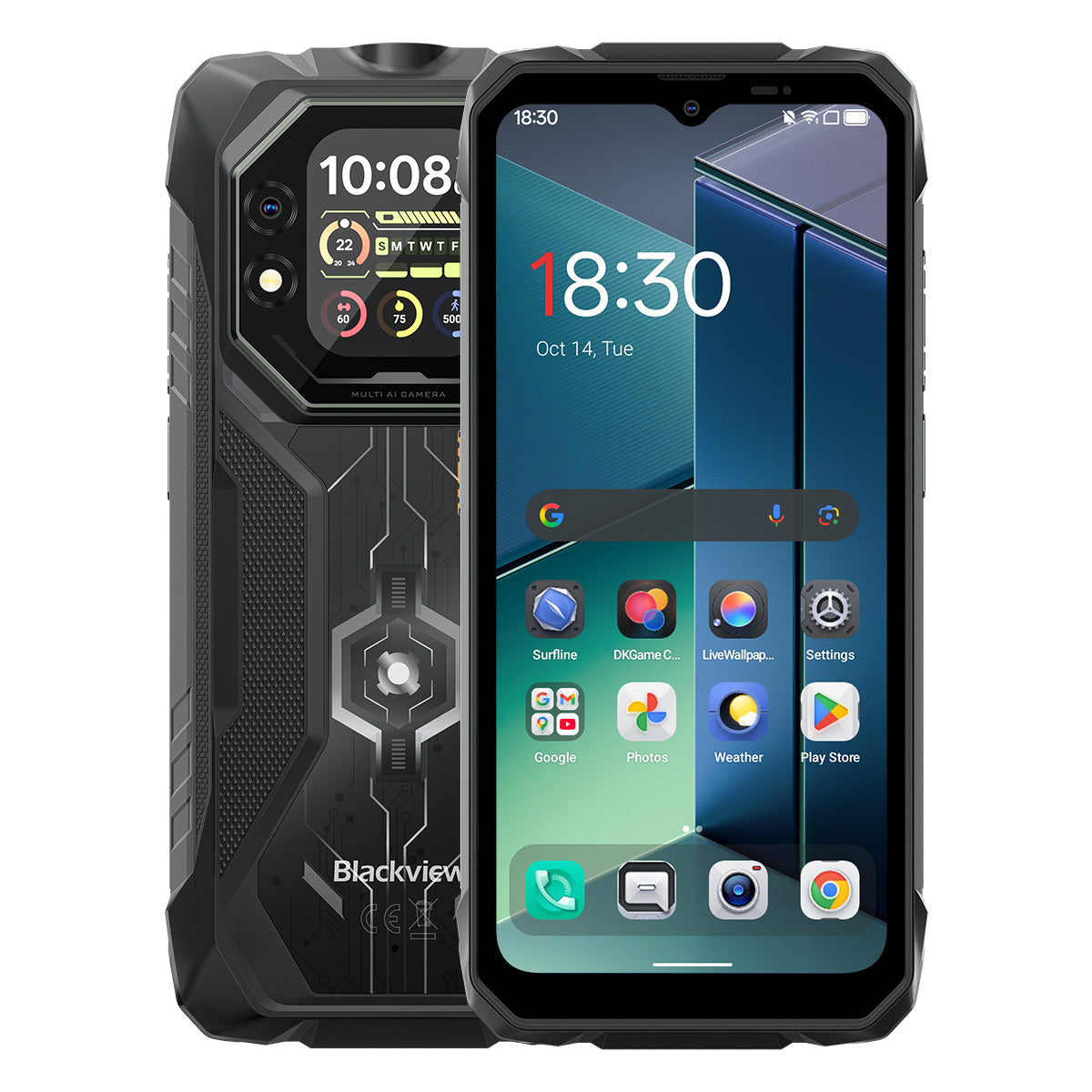


Téléphone robuste Blackview ROCK 1 avec écran principal de 6.56 pouces à 90 Hz et écran secondaire de 2.01", processeur octocœur MediaTek Helio G81, batterie de 15000 mAh, caméra de vision nocturne de 20 MP et 4G

Disponible en stock (12)
Points forts
Points forts
✔Écran principal de 6,56 pouces & écran secondaire multifonctionnel de 2,01"
✔Processeur MediaTek Helio G81 octa-core
✔Batterie 15000mAh & charge rapide 33W
✔Appareil photo Sony® 20MP Vision nocturne
✔Certifications IP68, IP69K & MIL-STD-810H
Informations
Informations
Le Blackview ROCK 1 est conçu pour les utilisateurs qui ont besoin d'une performance mobile fiable dans des environnements exigeants. Il combine un écran principal de 6,56 pouces à 90 Hz et un écran secondaire de 2,01 pouces avec les performances du MediaTek Helio G81 et une batterie de 15000 mAh avec charge rapide 33W pour le travail, les voyages, la navigation et une utilisation en extérieur. Les principales fonctionnalités prêtes pour le terrain incluent un appareil photo Sony de 20 MP avec vision nocturne, une double écran pour des vérifications rapides du statut, ainsi qu'une protection IP68, IP69K et MIL-STD-810H. Conçu pour les chantiers, les voyages en zones reculées et la robustesse au quotidien, il offre aux utilisateurs la confiance nécessaire pour rester connectés, capturer les détails et continuer quand les téléphones ordinaires ne suffisent pas.
À propos de la marque
À propos de la marque
Chez Blackview, nous pensons qu’une technologie exceptionnelle doit offrir bien plus que des caractéristiques impressionnantes. Elle doit s’adapter à la vraie vie, résoudre de vrais problèmes et rester fiable quand cela compte le plus.
Blackview a commencé par des téléphones robustes conçus pour les environnements difficiles. Aujourd’hui, nous proposons un écosystème plus vaste d’appareils intelligents, notamment des smartphones, des tablettes, des ordinateurs portables, des montres connectées, des produits audio et bien plus encore.
Dans toutes nos catégories, nos priorités restent les mêmes : une qualité durable, une innovation pratique et des prix accessibles. Nous concevons des produits fiables dès le premier jour.
Nous savons ce qui compte le plus pour nos clients : des performances fluides, une fiabilité durable, des fonctionnalités utiles et une technologie qui facilite le quotidien sans coûter inutilement cher.
C’est pourquoi Blackview accorde une attention particulière aux tests des produits, à l’expérience utilisateur et aux fonctionnalités qui apportent une réelle valeur au travail, aux voyages, à la création, aux activités de plein air et aux échanges du quotidien.
Blackview s’adresse aux personnes qui recherchent une technologie digne de confiance : des appareils intelligents et performants, conçus pour suivre le rythme de la vie moderne.
Fiable par conception. Pratique par nature. Conçu pour la vraie vie.
Livraison et retours
Livraison et retours
• Expédition : Le traitement de la commande prend généralement environ 2 à 7 jours ouvrés, à l’exception des produits en prévente. Le délai d’expédition ne comprend que les jours ouvrés, hors jours fériés et jours non ouvrés. Les délais d’expédition dépendent du mode d’expédition.
• Retours : Vous pouvez demander un retour dans les 14 jours suivant la livraison si le téléphone n’a pas été utilisé ni endommagé et s’il est accompagné de tous ses accessoires d’origine. Les défauts liés au produit constatés dans un délai d’un mois peuvent donner droit à un remplacement, à un remboursement ou à une réparation gratuite après inspection. Les dommages causés par une mauvaise utilisation, une chute, l’eau, un démontage ou des modifications non autorisées ne sont pas couverts.

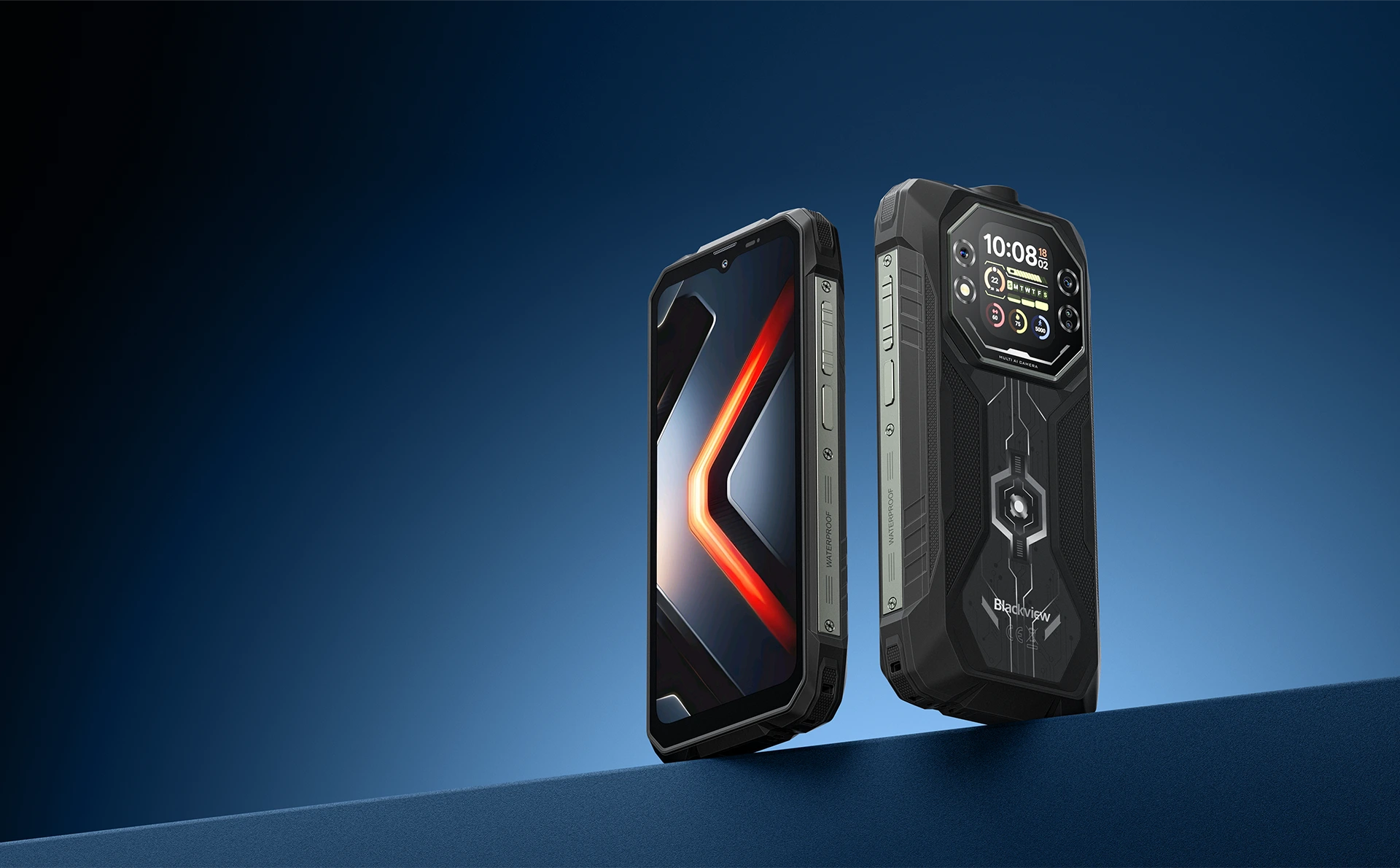
Doubles écrans innovants
À la hauteur d’une puissance exceptionnelle
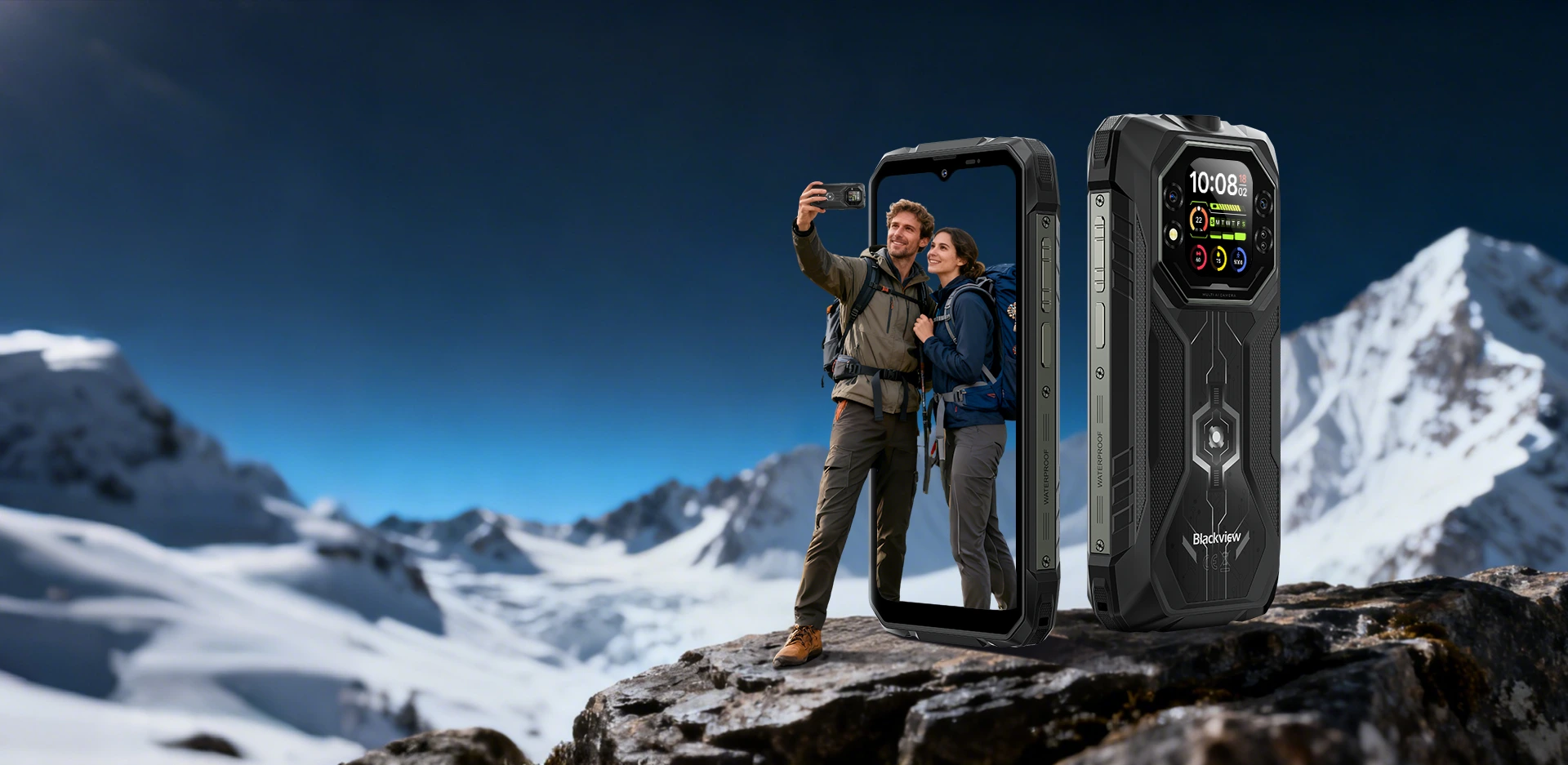
Votre compagnon de confiance pour explorer les grands espaces
Un design robuste allié à une esthétique soignée
Le ROCK 1 présente une structure robuste et durable, qui témoigne de sa conception technologique de pointe. Sa coque arrière arbore une finition mate unique qui joue avec la lumière pour créer des effets visuels dynamiques et apporter une touche subtile de raffinement à son allure robuste.
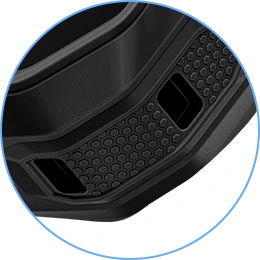
Attachez facilement une dragonne, suspendez-le où vous voulez et gardez-le en sécurité.

N° 1
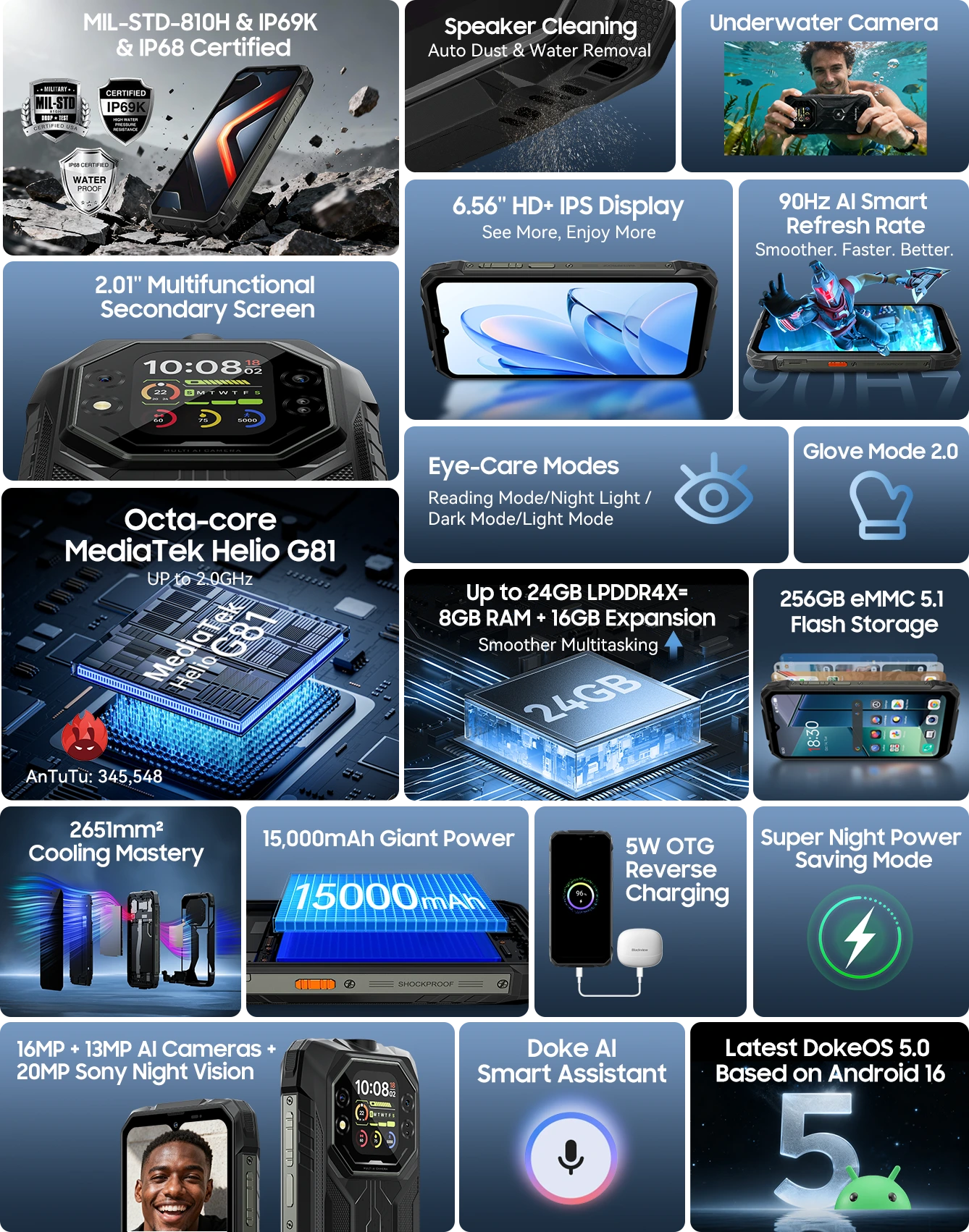
Certifié MIL-STD-810H, IP69K et IP68, conçu
Pour triompher des conditions extrêmes
N° 2
Double écran innovant, une nouvelle définition
Vision intelligente

N° 1
Certifié MIL-STD-810H, IP69K et IP68,
Conçu pour triompher des conditions extrêmes
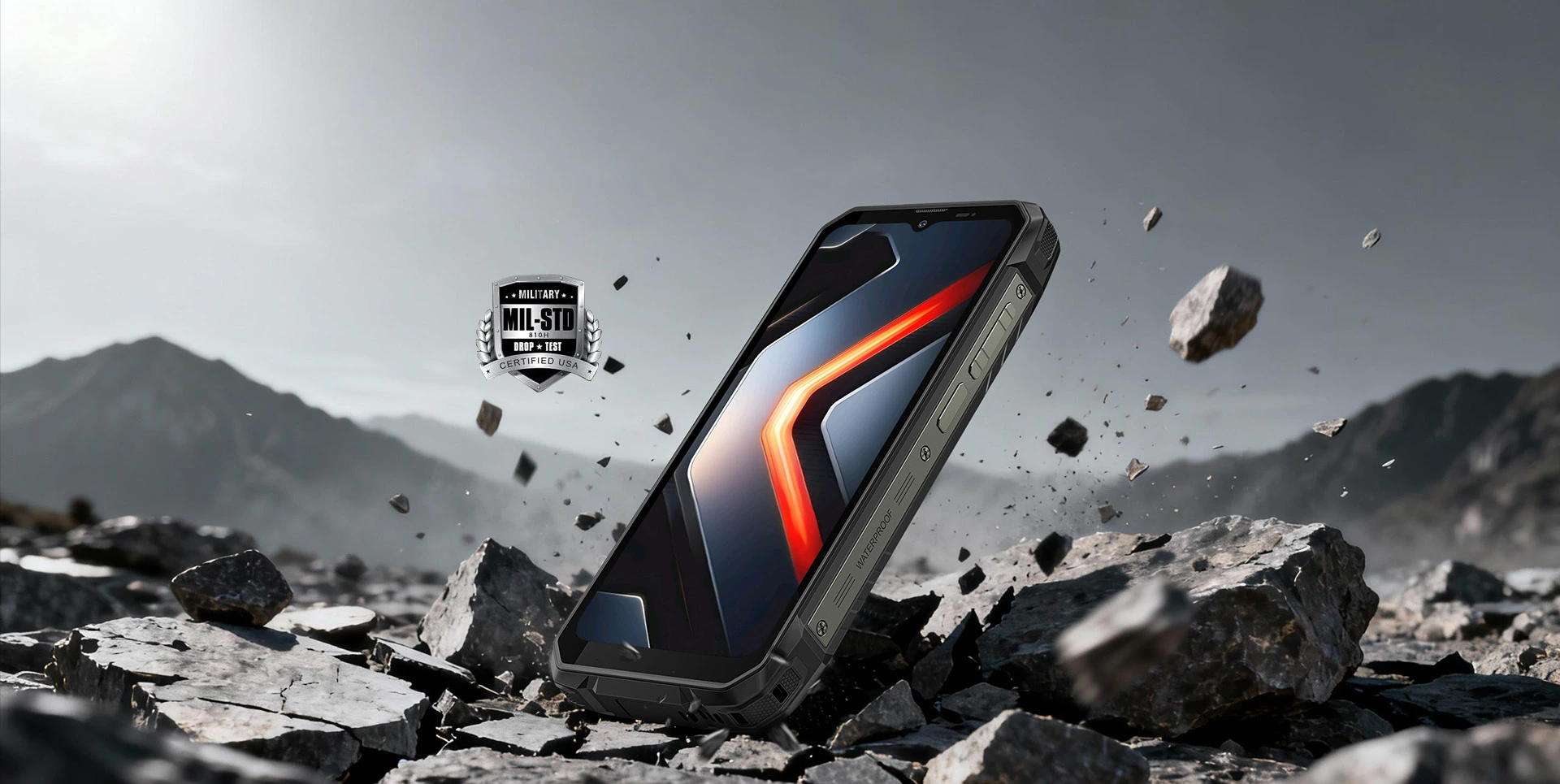
Certifié MIL-STD-810H
Conçu pour résister. Prêt à tout.
Le ROCK 1 offre une robustesse de qualité militaire pour résister aux chutes, à l’eau et à la poussière. Des chantiers aux aventures en plein air les plus extrêmes, c’est votre compagnon de confiance pour relever tous les défis.
A fait ses preuves lors de ces tests extrêmes

Pluie

Sable et poussière

Vibrations

Choc

Humidité

Altitude

Accélération

Haute température

Basse température

Immersion
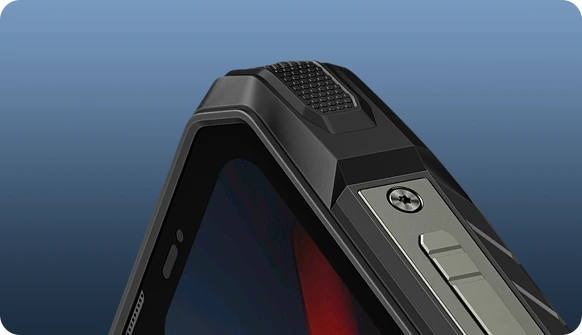
Coins renforcés antichocs
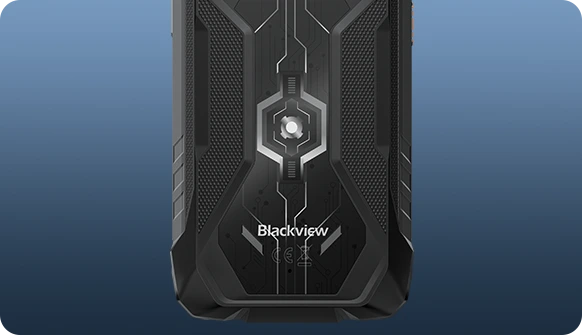
Coque arrière ultra-résistante
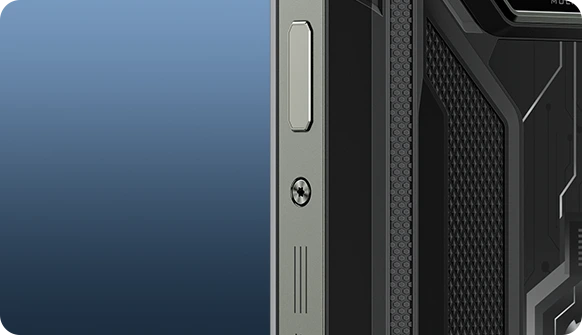
Aluminium de qualité aéronautique
Châssis en alliage
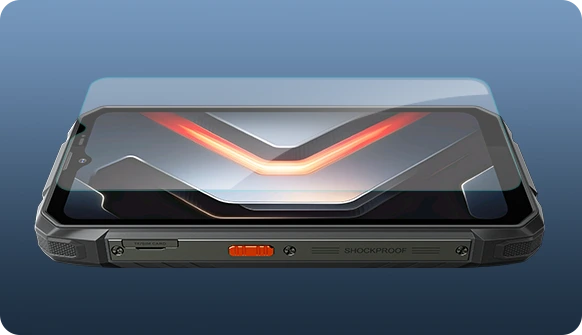
Résistant aux rayures
Verre Panda incassable
Certifié IP69K et IP68
Conçu pour les conditions extrêmes.
Le ROCK 1 répond aux normes IP68 et IP69K : il est entièrement protégé contre la poussière, l’immersion en eau profonde et les jets puissants à haute pression. Conçu pour les environnements extrêmes, il fonctionne de manière fiable là où les autres ne le peuvent pas.
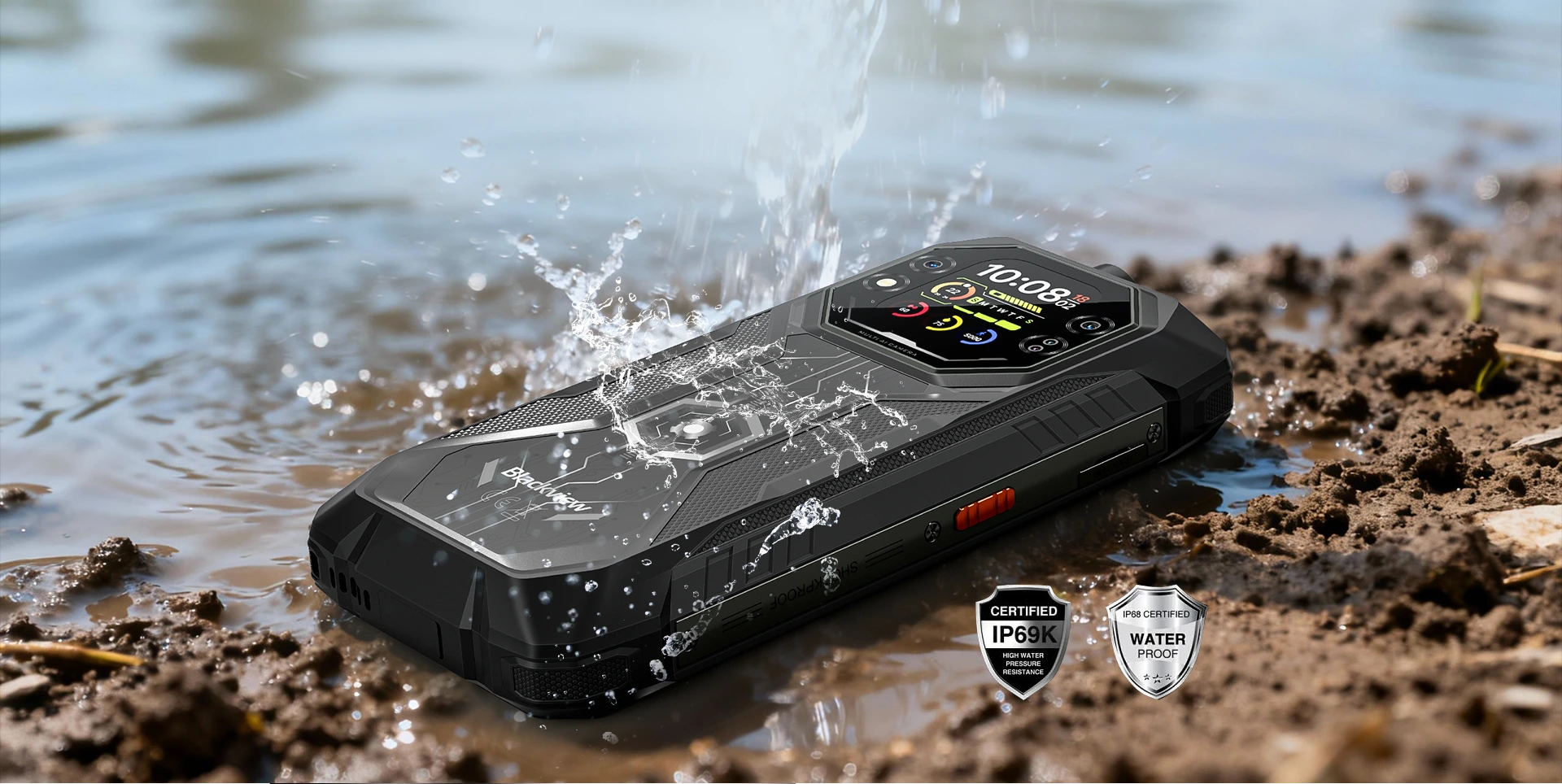
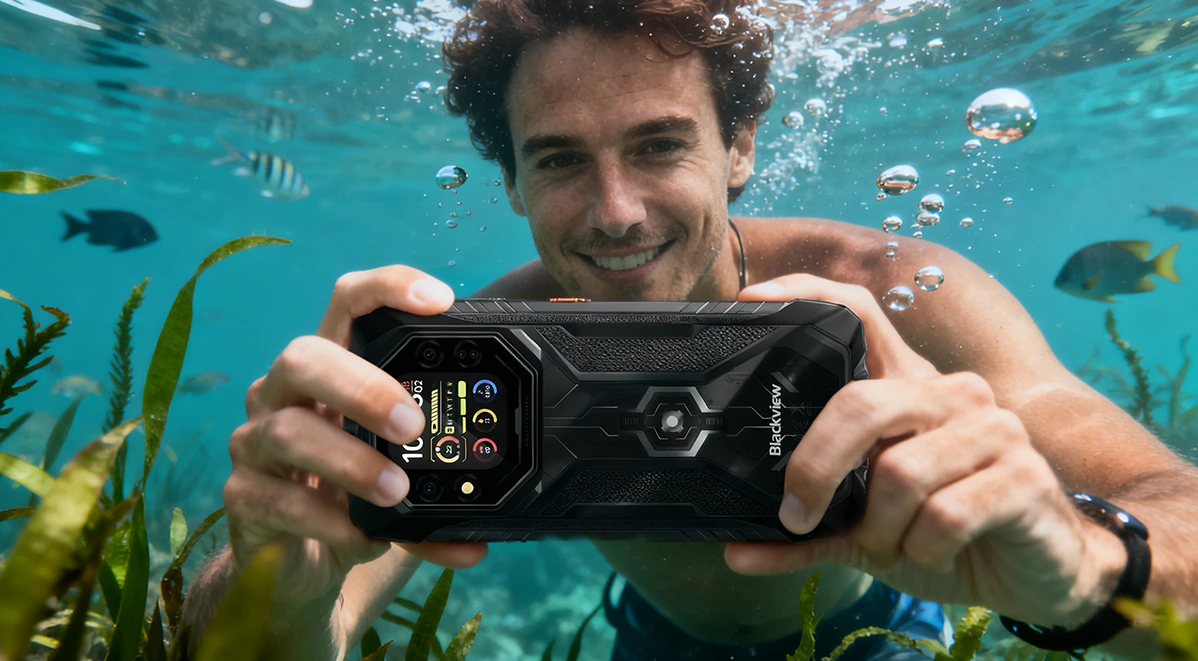
*Étanche jusqu’à 1,5 m de profondeur pendant 30 minutes.
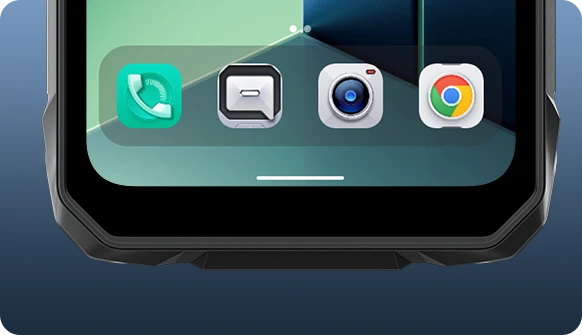
Étanchéité parfaite sur tout le pourtour de l’écran
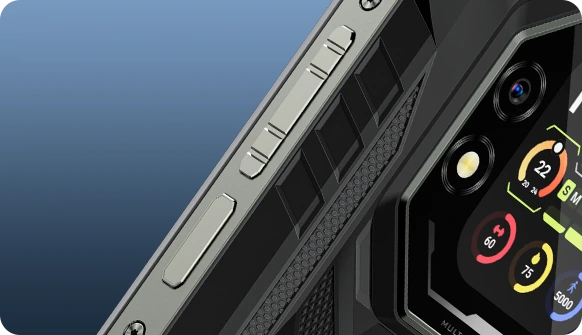
Boutons en aluminium résistant à la corrosion avec des joints étanches en silicone haut de gamme
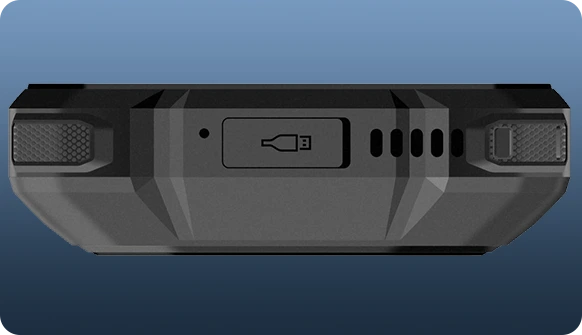
Plug en TPU pour le port USB, étanchéité parfaite
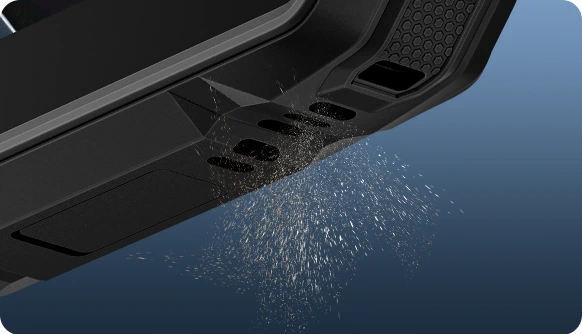
Nettoyage du haut-parleur, élimination automatique de la poussière &
Évacuation de l’eau
Appareil photo sous-marin
N° 2
Double écran innovant, une nouvelle vision intelligente
Écran IPS HD+ de 6,56"
Voyez plus, profitez davantage
L’écran IPS HD+ de 6,56" du ROCK 1 allie une netteté remarquable à de larges angles de vision, pour une expérience visuelle immersive, que ce soit pour jouer, regarder des vidéos en streaming et bien plus encore.
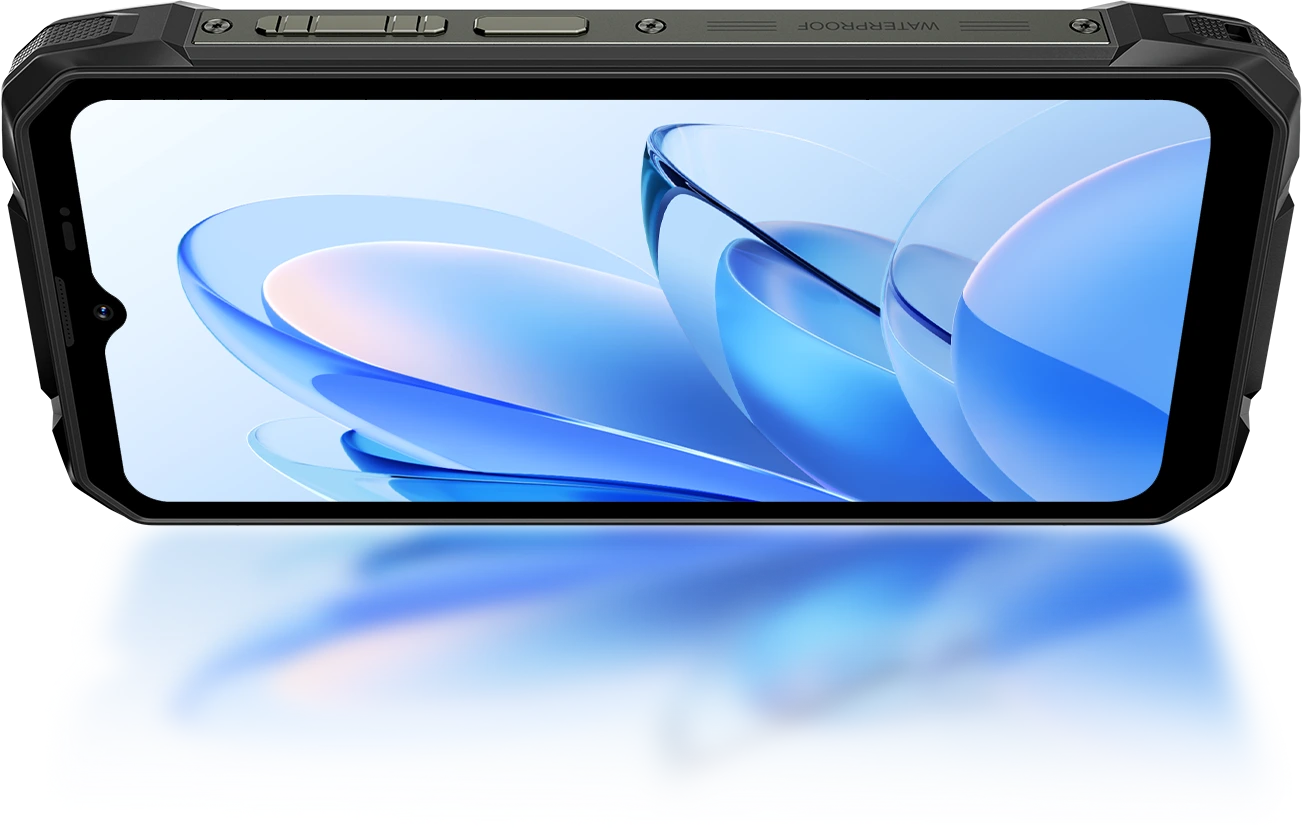
720*1612
Résolution
178°
IPS à vision intégrale
450 nits
Luminosité
180 Hz
Fréquence d’échantillonnage tactile
83%
Rapport écran-body
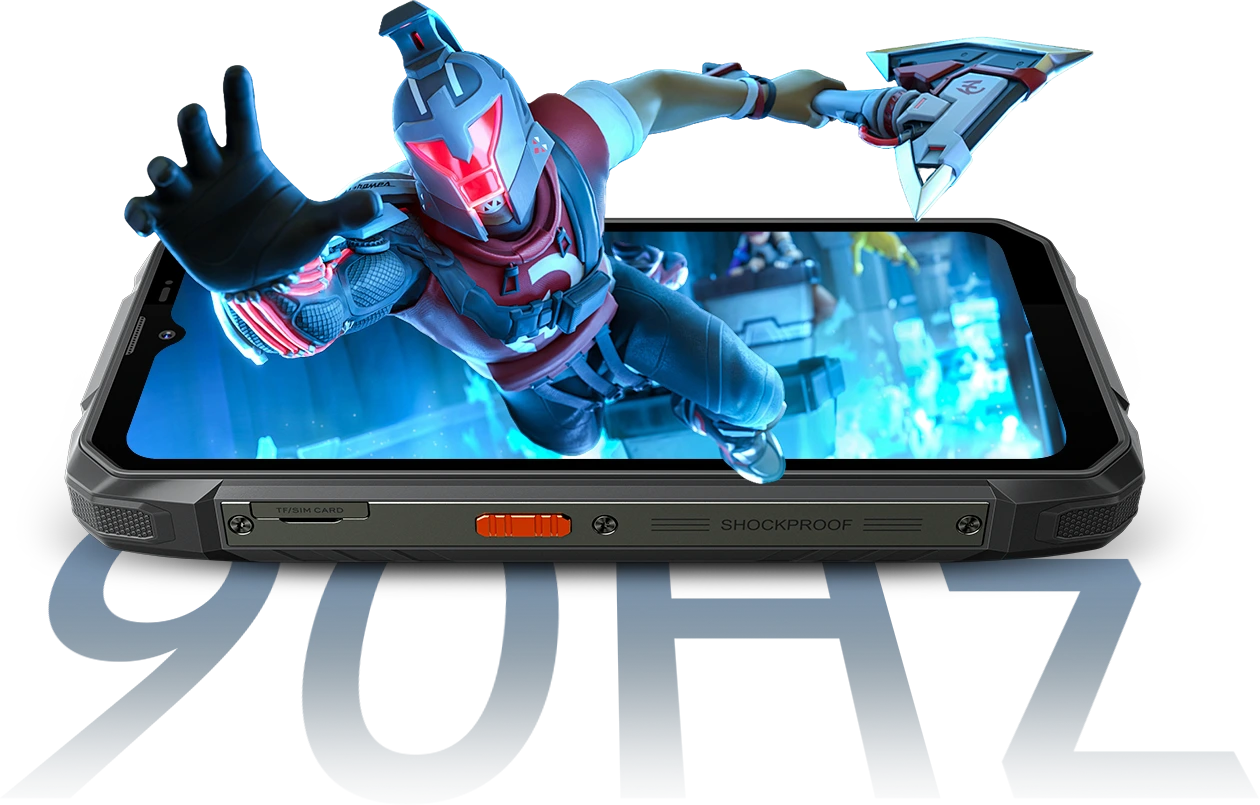
Taux de rafraîchissement intelligent par IA de 90 Hz
Plus fluide. Plus rapide. Meilleur.
Dites adieu aux ralentissements : le changement intelligent garantit un défilement ultra-fluide et optimise l’autonomie.
Écran secondaire multifonction de 2,01 pouces
Petit écran, grande différence
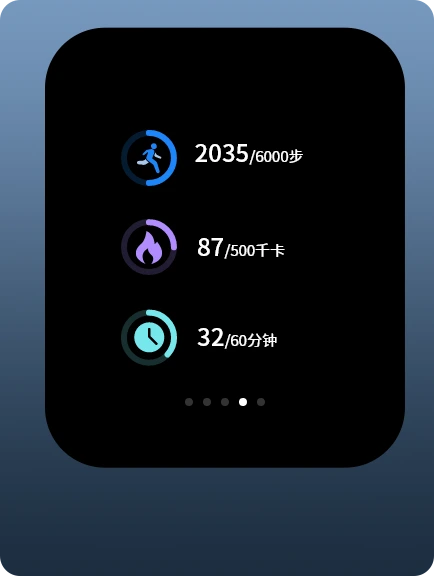
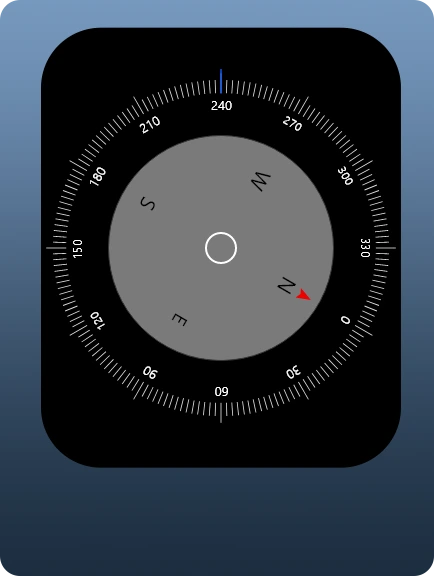
Le sous-écran intelligent de ROCK 1 met les notifications, le contrôle de la musique, les cadrans personnalisables et bien plus encore à portée de main : efficacité, praticité et plaisir sans interruption.
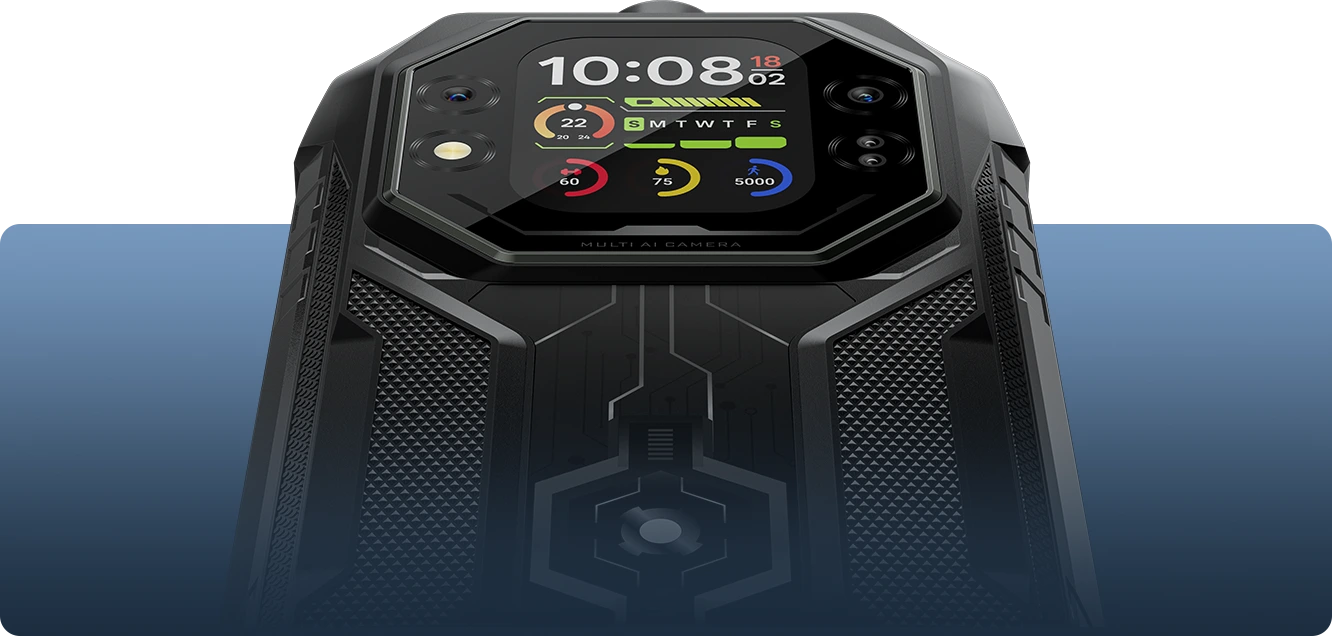
2,01 pouces
Taille
240*296
Résolution
Panda
Verre
16:13
Format d’image
500 nits
Luminosité
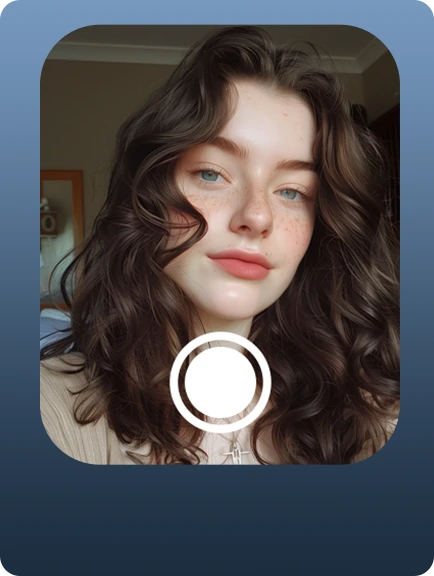
Prenez des selfies avec
Appareil photo arrière
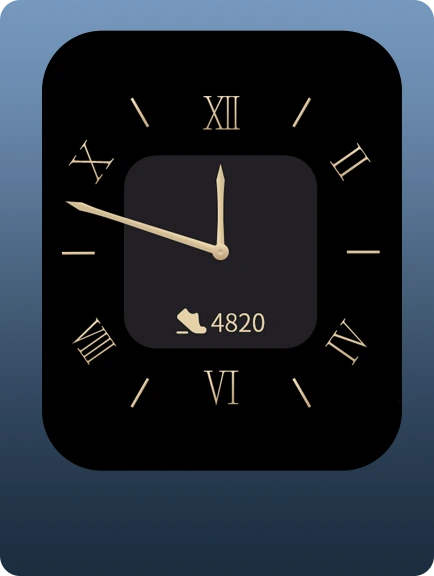
Consulter l’heure et la date
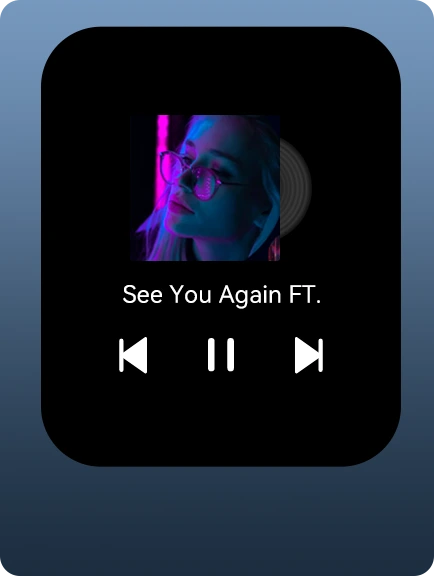
Lire / mettre en pause / changer de piste

Répondre aux appels / les refuser
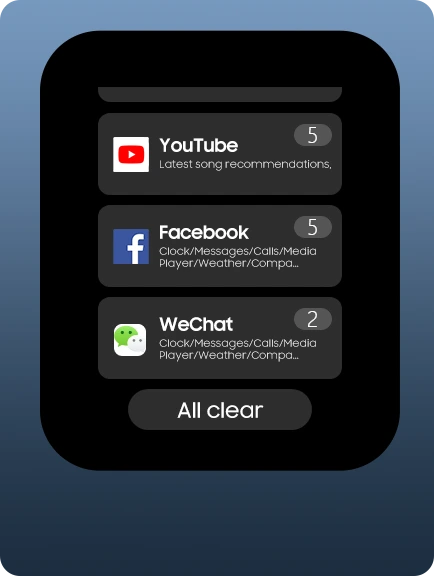
Afficher le message
Notifications
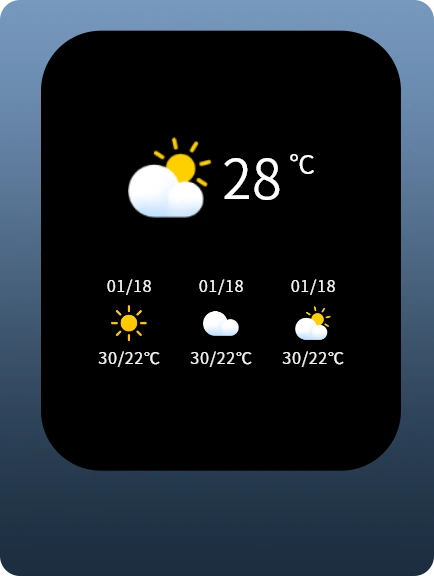
Consultez la météo
Utilisez le système intégré
Boussole
Suivez vos pas
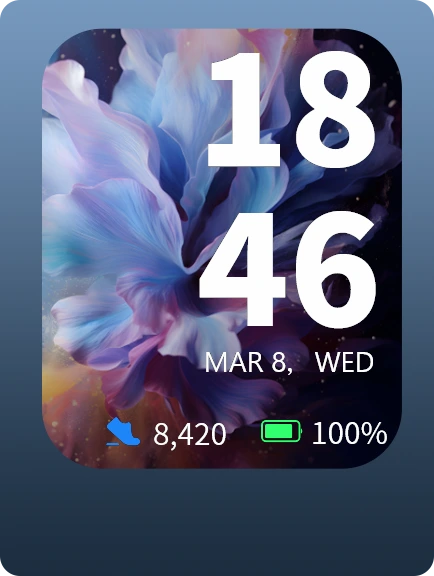
Personnalisez les styles d’horloge
Modes de protection des yeux
Un confort durable, de jour comme de nuit.
Quatre modes de protection des yeux pour prendre soin de votre vue à tout moment : lisez, travaillez ou détendez-vous dans un confort optimal.
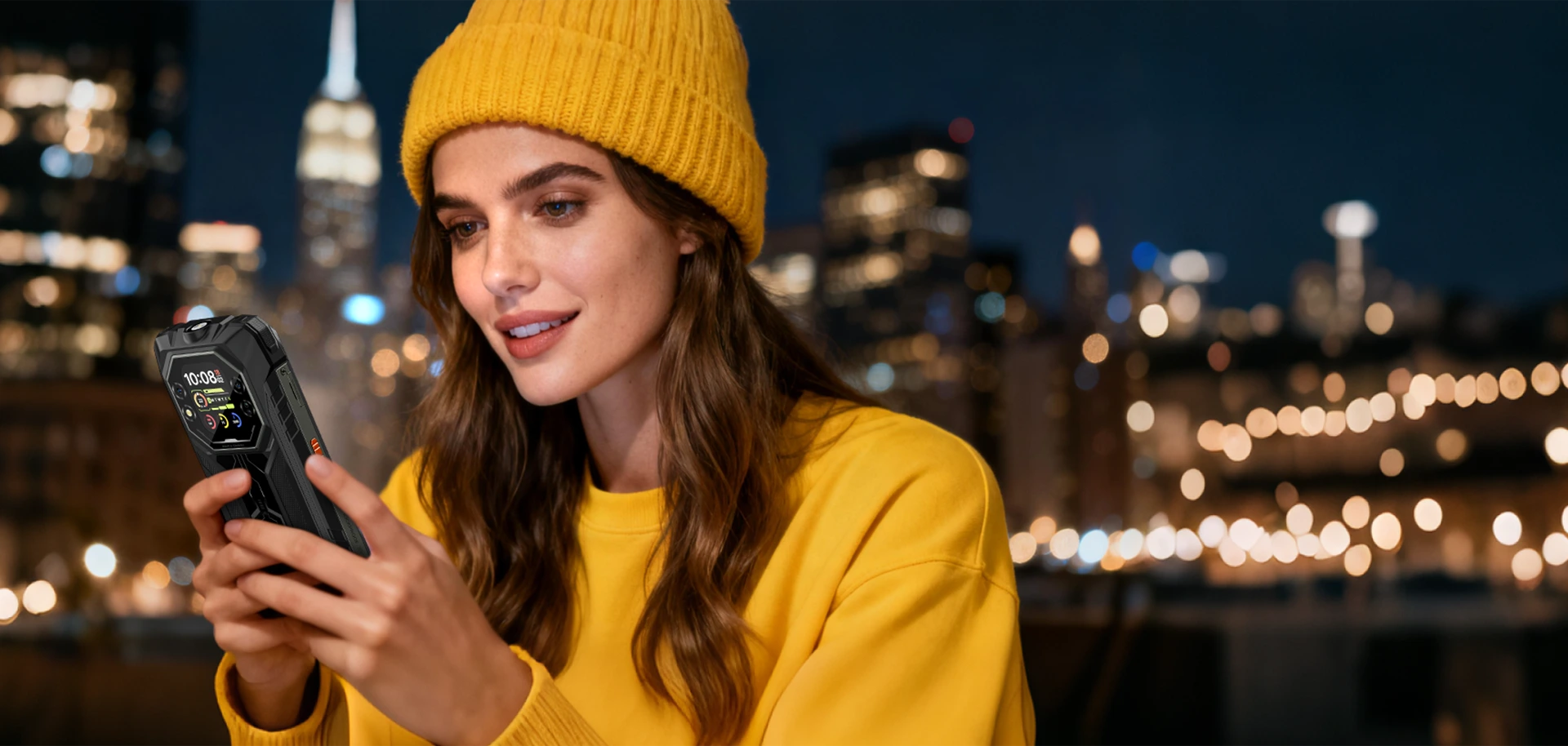
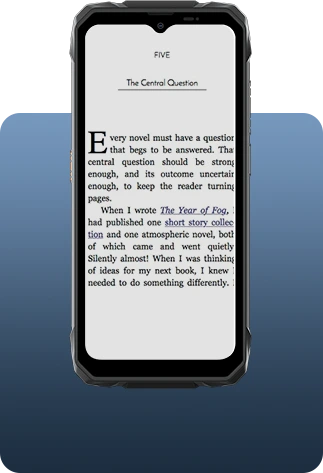
Mode lecture
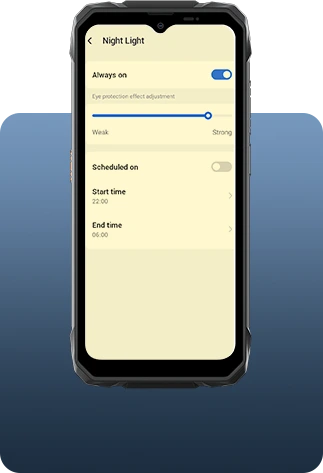
Mode nuit
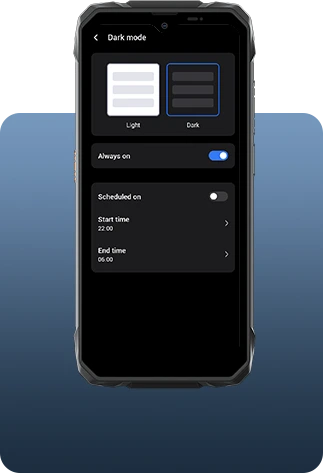
Mode sombre
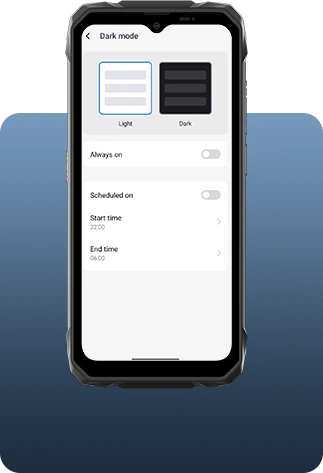
Mode clair
Mode gants 2.0
Contrôle fluide, même avec des gants.
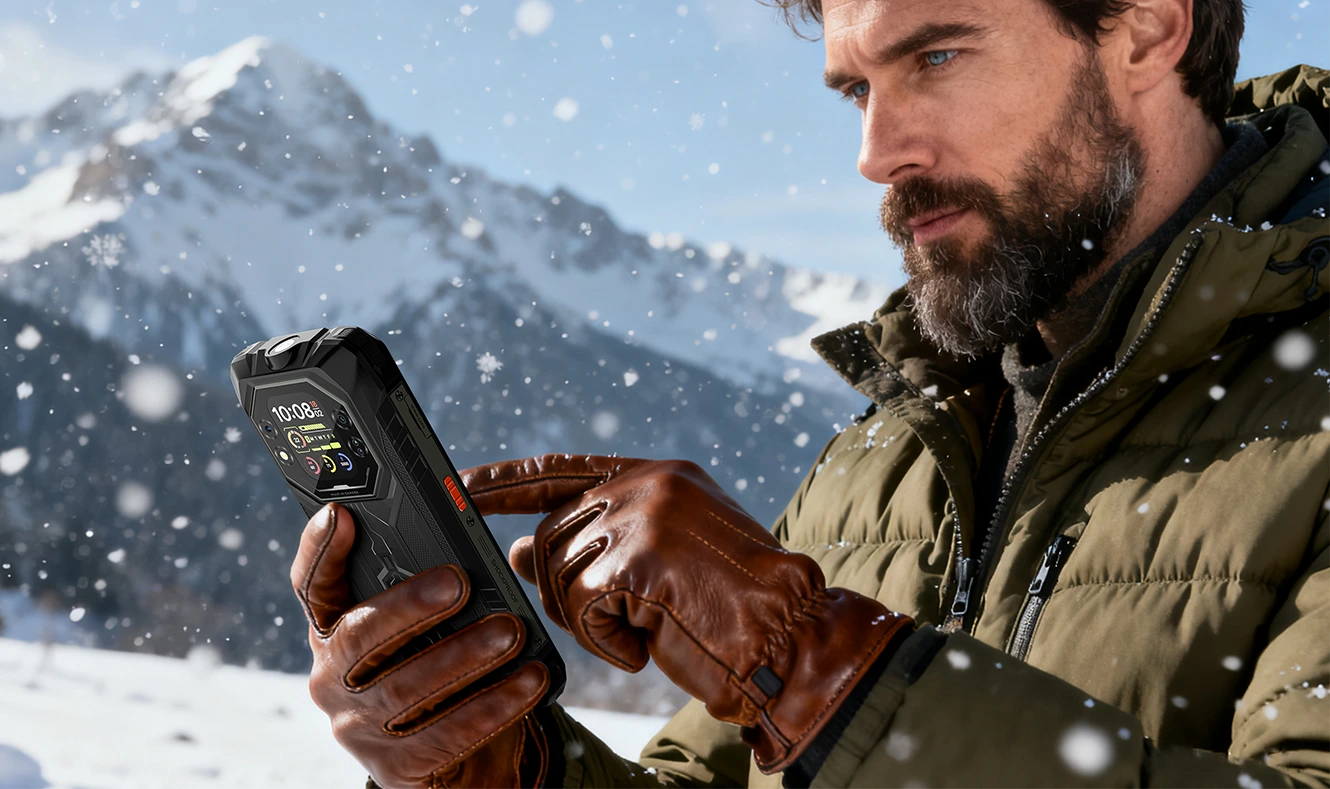
Sensibilité tactile accrue de 8 % 
N° 3
Helio G81 optimisé, performances libérées
MediaTek Helio G81 à huit cœurs
Rapide. Efficace. Fiable.
Aucun ralentissement, c’est parti. Avec ROCK 1, passez facilement d’une application professionnelle à une autre, naviguez hors réseau et regardez des vidéos en streaming où que vous soyez, toute la journée.
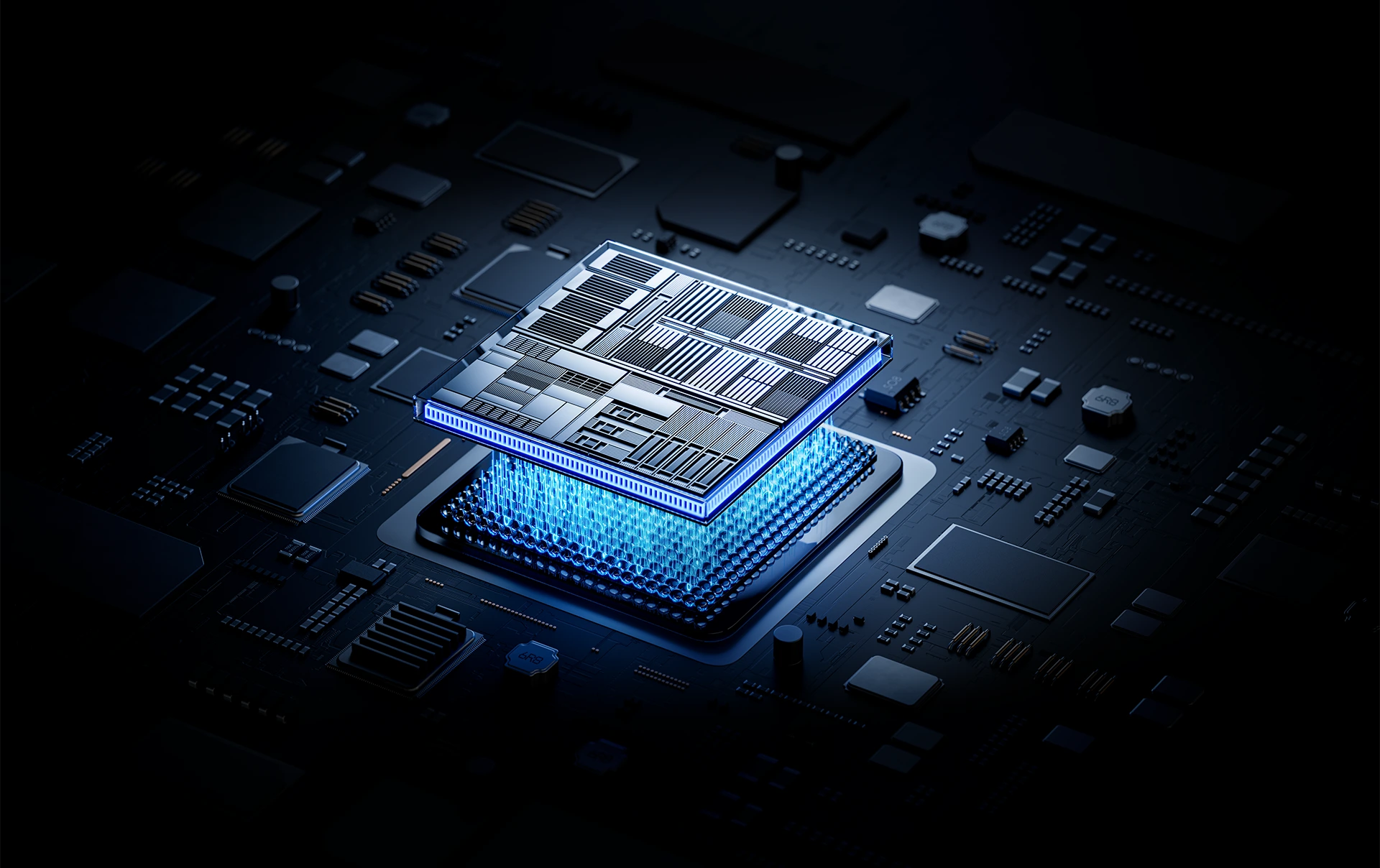

2*Cortex-A75@2.0GHz+
6*Cortex-A55@1.7GHz
Ouverture instantanée, multitâche fluide

Arm Mali-G52 MC2
Graphismes plus fluides, détails plus nets

345,548
Benchmark AnTuTu
Jusqu’à 24 Go de RAM LPDDR4X
Multipliez les tâches sans compromis.
Conçu pour en faire plus. ROCK 1 fait tourner vos applications professionnelles et vos divertissements à toute vitesse, avec des chargements rapides, des transitions fluides et des performances toujours stables.
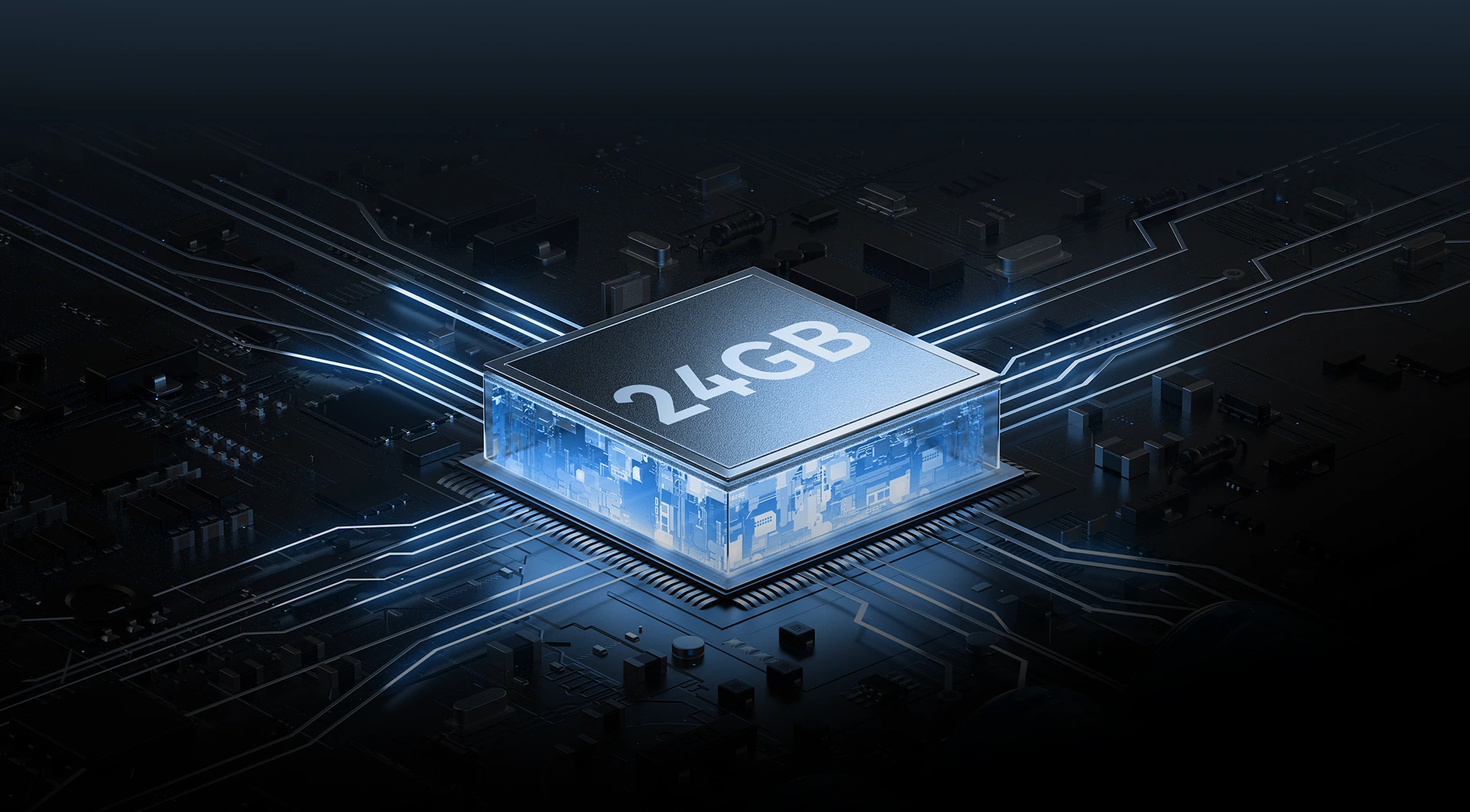
Jusqu’à 24 Go de RAM = 8 Go de RAM + 16 Go d’extension
Mémoire atomisée 2.0
9 % de RAM disponible en plus
Stockage flash eMMC 5.1 de 256 Go
Lancement instantané, fluidité sans interruption.
Installez et ouvrez instantanément des contenus volumineux, et lancez vos applications en un éclair pour une expérience fluide et toujours disponible !
Système de fichiers F2FS
Vitesse de lecture aléatoire 25 % plus rapide
Vitesse d’écriture aléatoire 3 fois plus rapide
Système de fichiers en lecture seule EROFS
Jusqu’à 300 % de lecture aléatoire plus rapide
Refroidissement exceptionnel sur 2651 mm²
Restez au frais, profitez de meilleures performances
ROCK 1 exploite une technologie de refroidissement à trois matériaux pour dissiper la chaleur de façon exceptionnelle et offrir une expérience plus fluide et plus fraîche.
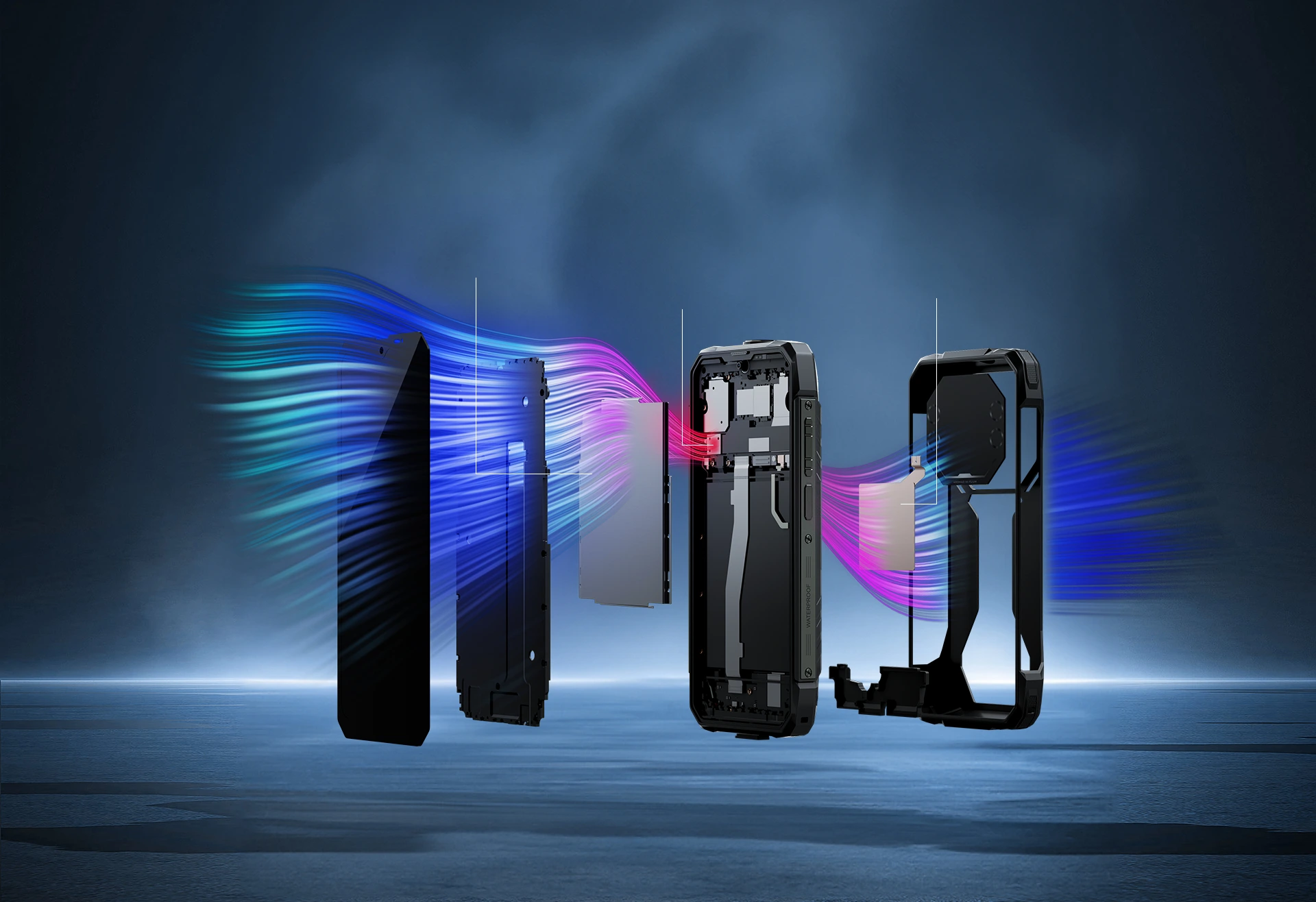
Graphite
Graisse thermique en silicone
Feuille de cuivre
Reste à 38 °C même après des sessions de jeu intenses
N° 4
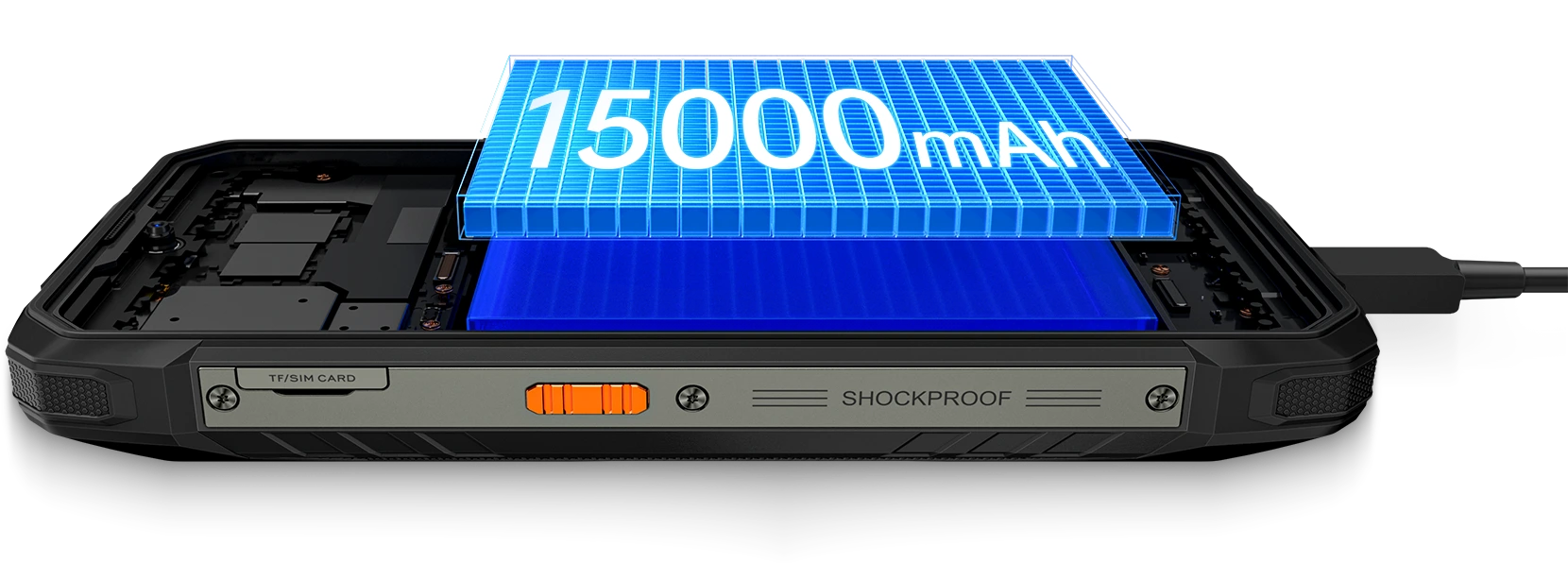
Une puissance de 15 000 mAh, pour une autonomie infinie
Puissance colossale de 15 000 mAh
Une énergie sans limites, un plaisir inépuisable !
ROCK 1 offre une énorme capacité de 15 000 mAh, pour une puissance inépuisable au travail, en voyage et à l’aventure. Toujours pleinement chargé, prêt à vibrer à chaque instant !

Charge intelligente
Protection

Économie d’énergie par IA
Algorithme

20 heures
Jeu

84 h
Appels

64 h
Musique

26 h
Web

22 h
Vidéo

45 jours
Veille
*Les données ont été testées par le laboratoire Blackview dans le cadre d’une utilisation continue. L’utilisation réelle peut varier selon les conditions d’utilisation.
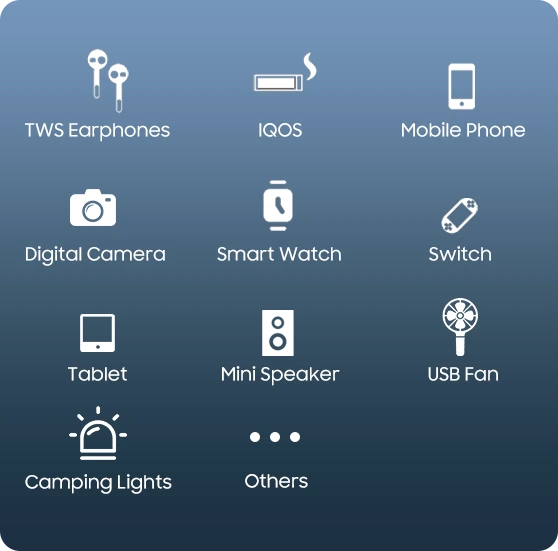
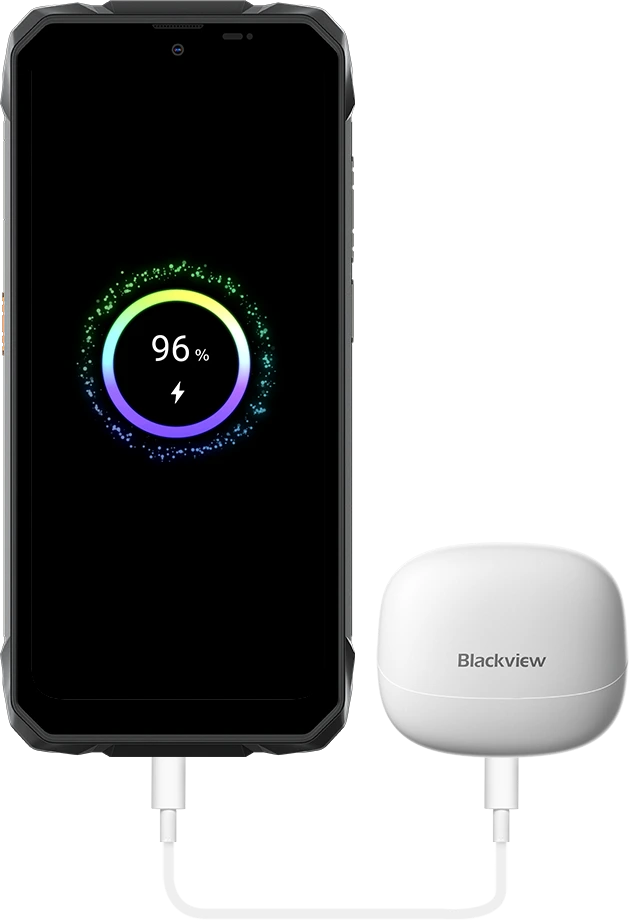
Recharge inversée OTG 5 W
De l’énergie à tout moment,
Partagez partout.
Rechargez facilement vos écouteurs, votre montre connectée et bien plus encore : ils sont toujours prêts en cas d’urgence, même en déplacement.
N° 5
Immortalisez chaque instant, de jour comme de nuit.
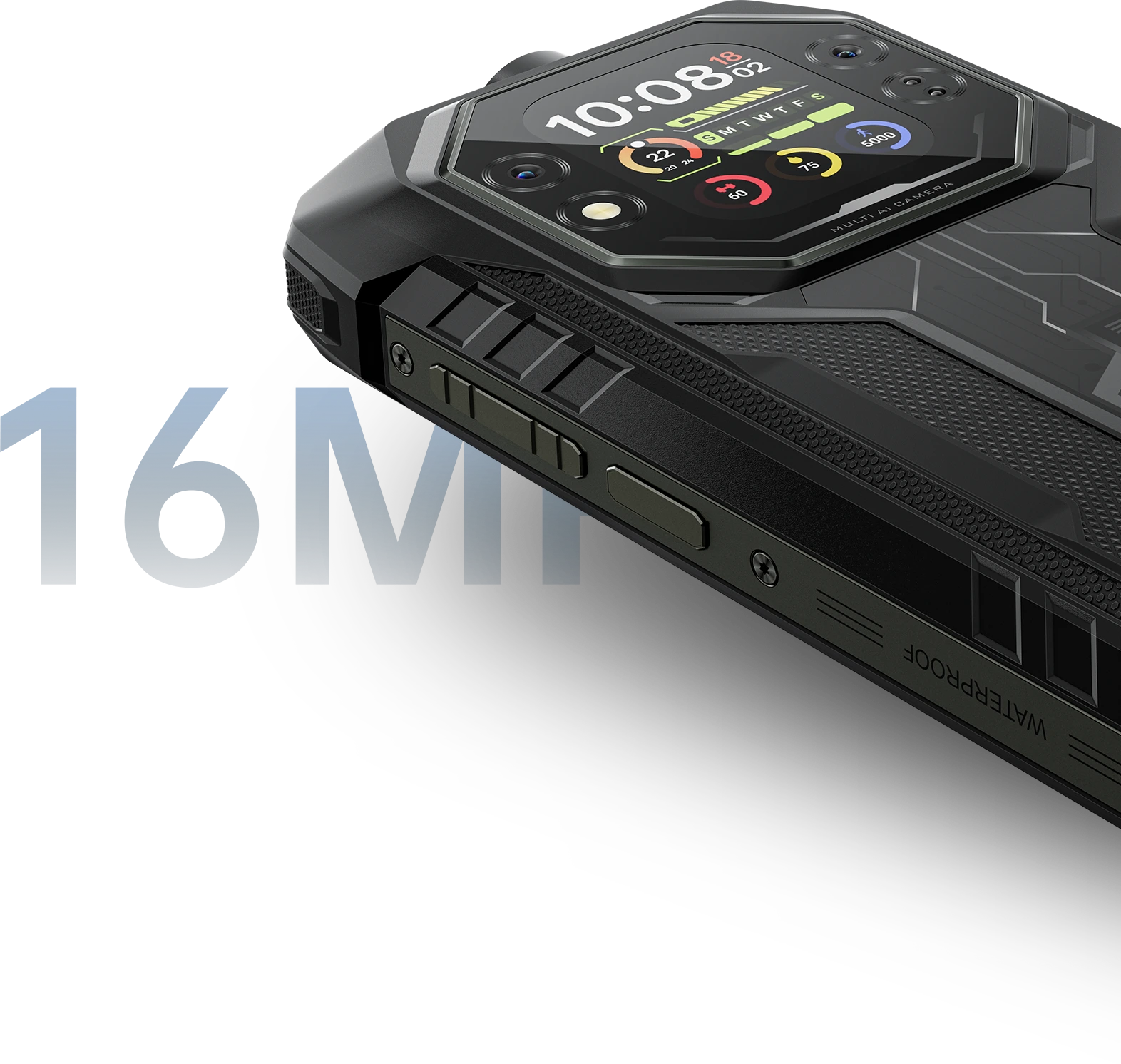
Appareil photo principal IA de 16 MP
Nettes. Éclatantes. Sans effort.
Du travail aux loisirs, l’appareil photo principal de 16 MP du ROCK 1 prend des photos nettes et éclatantes, prêtes à être partagées instantanément.
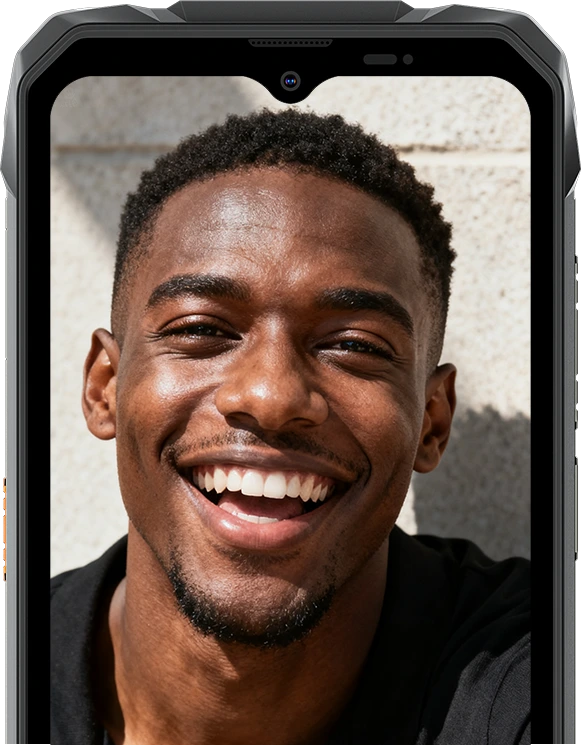
Appareil photo avant IA de 13 MP
Des selfies parfaits, à tout moment.
L’appareil photo avant de 13 MP avec IA du ROCK 1 vous met toujours en valeur grâce à des réglages intelligents pour un résultat impeccable en toute circonstance.
Portrait
Mettez en valeur l’essentiel.
Le flou d’arrière-plan généré par l’IA met votre sujet en valeur avec une profondeur saisissante pour un rendu professionnel qui attire le regard.


Beauté
Un éclat naturel, sans effort.
Naturellement vous.
Une peau lissée, des tons sublimés et la perfection de l’IA : vos selfies pris à la volée n’ont jamais paru aussi naturels et impeccables.
Nuit
Maîtrisez la nuit.
Lumineuses, nettes et éclatantes, ces photos en basse lumière améliorées par l’IA capturent chaque détail, même dans les moments les plus sombres.

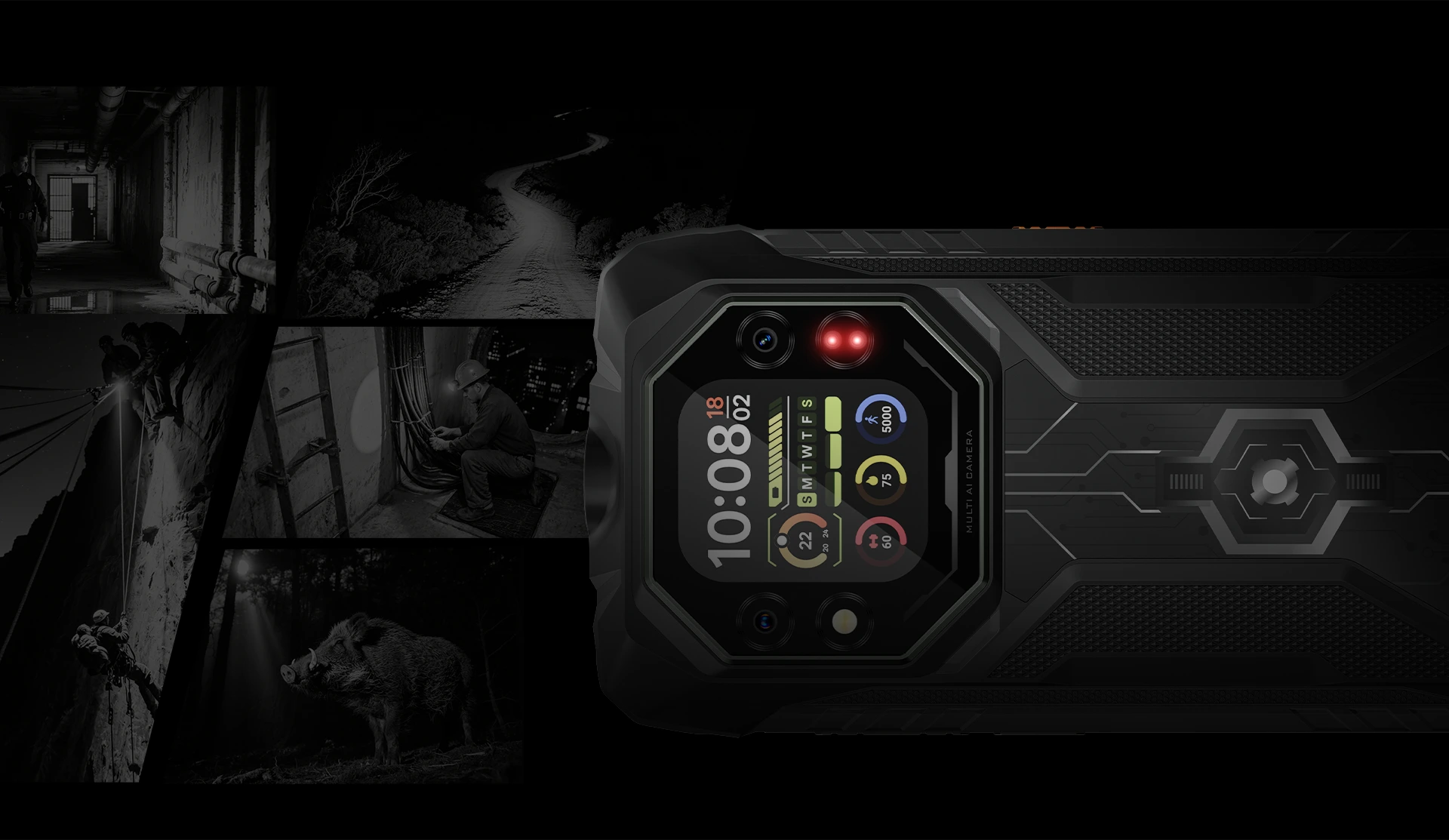
Vision nocturne Sony 20 MP
Voyez au-delà de l’obscurité.
ROCK 1 perce l’obscurité pour révéler chaque détail de la nuit et capturer ce que l’œil nu ne peut voir.
N° 6
L’assistant intelligent Doke AI, exclusif au secteur
Grâce à l’intégration des trois meilleurs modèles d’IA au monde, Doke AI comprend précisément vos besoins et vous offre une expérience de service plus intelligente, plus rapide et plus personnalisée !

DeepSeek-R1

ChatGPT-4o mini

Gemini AI 2.0 Flash
Gemini AI
Un assistant plus intelligent, adapté à vos besoins.
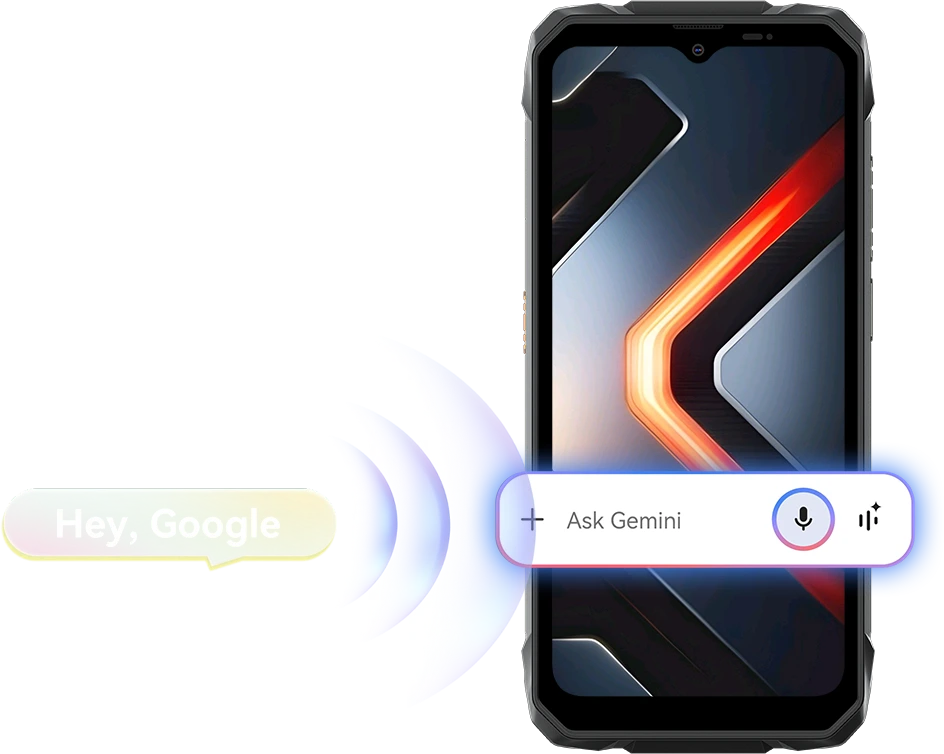
Activation vocale &
Reconnaissance vocale
Déverrouillage instantané et sécurisé par reconnaissance vocale, sans les mains.
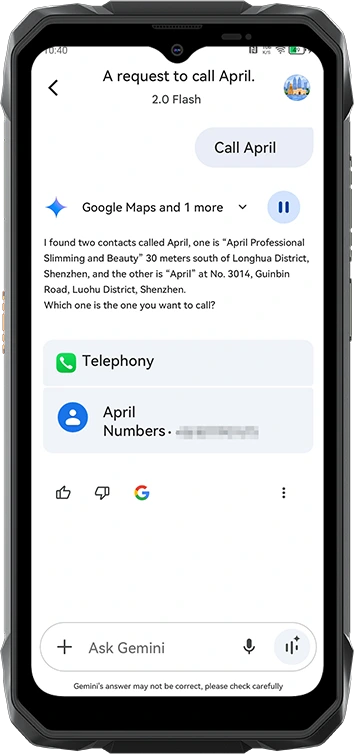
Contrôle intelligent universel
Une commande suffit pour contrôler facilement vos applications et paramètres.
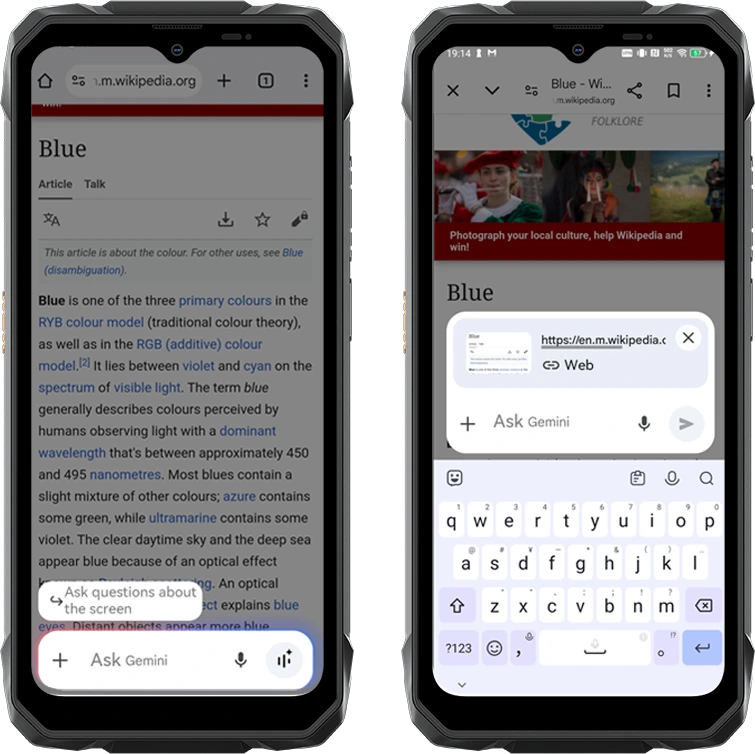
Assistance plein écran
Posez vos questions sur ce qui s’affiche à l’écran et obtenez des réponses instantanément.
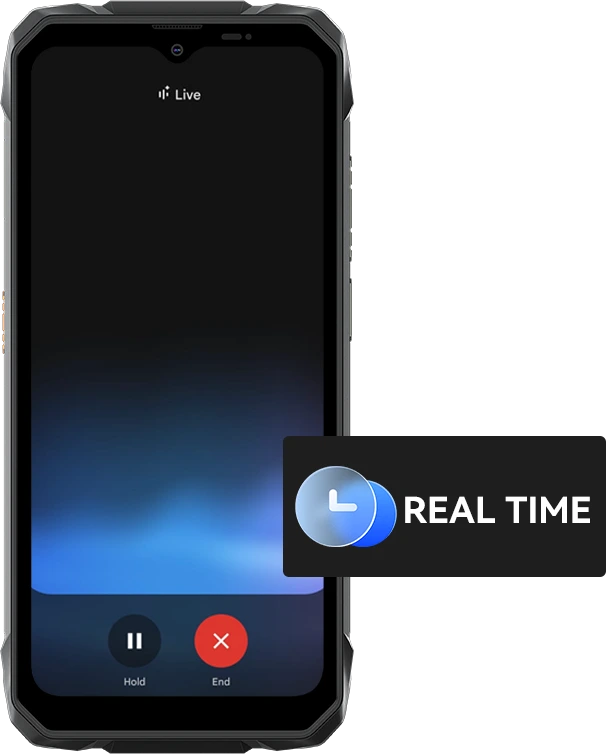
Interaction en temps réel
Des réponses instantanées et des conversations naturelles, où que vous soyez et à tout moment.
Les seules applications d’IA Doke développées en interne du secteur

Application Hi Doki
Votre assistant de chat intelligent par IA
Pour vous aider dans vos tâches et vous inspirer de nouvelles idées, Hi Doki est toujours là pour vous accompagner.
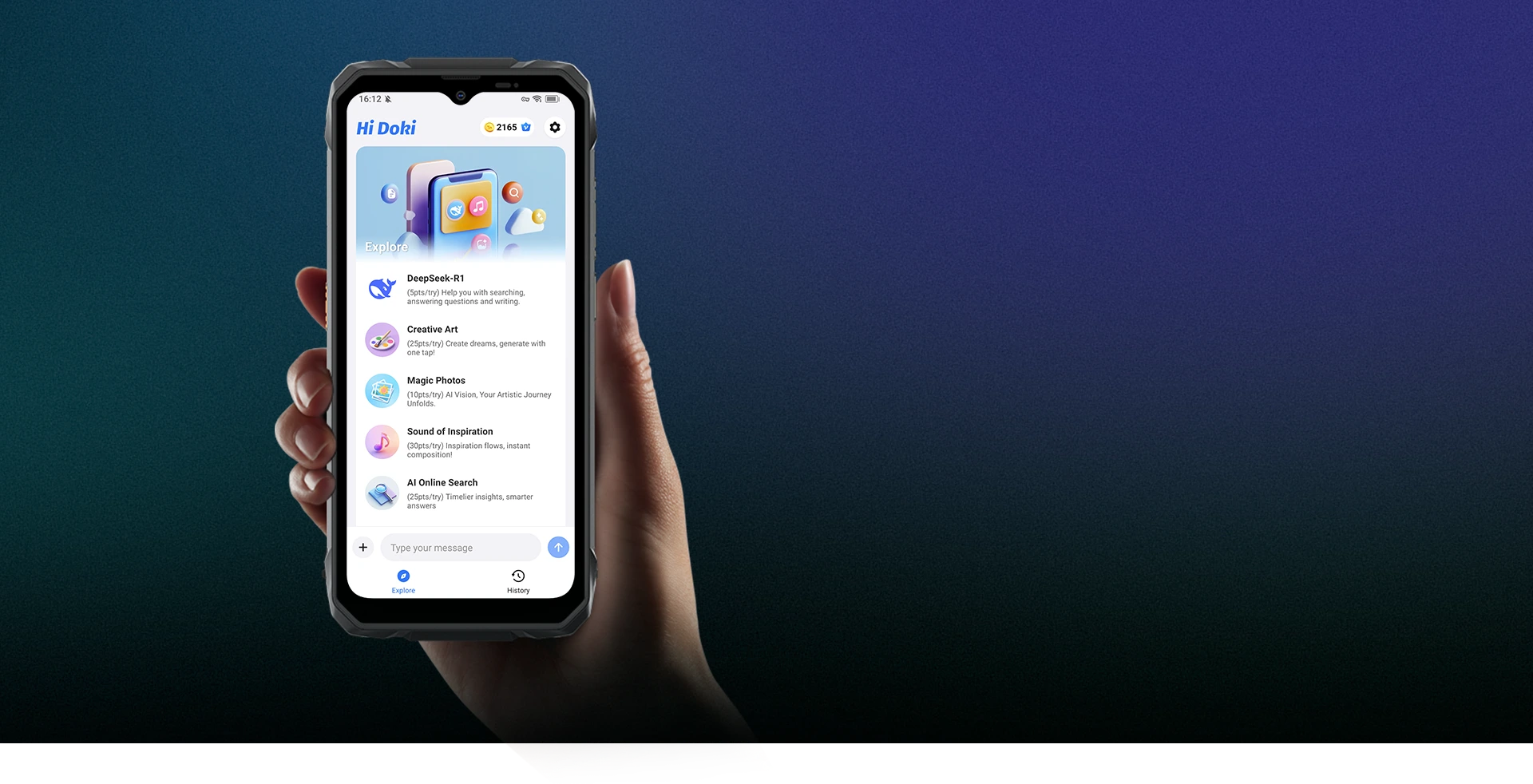

Nouvelle génération
DeepSeek-R1
Une réflexion approfondie, une intelligence de niveau supérieur.
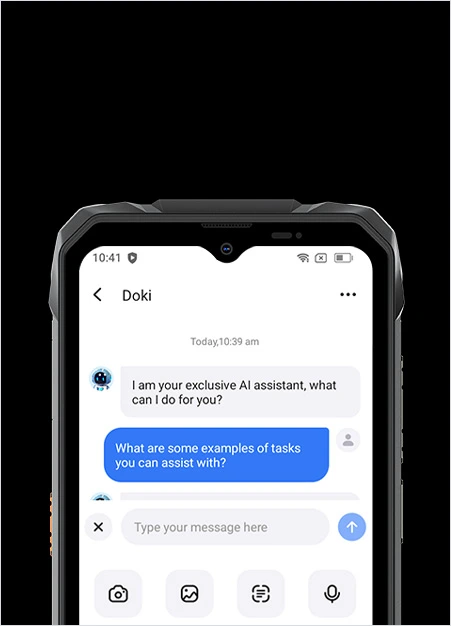
Recherche en ligne par IA
Des informations pertinentes au bon moment, des réponses plus intelligentes.
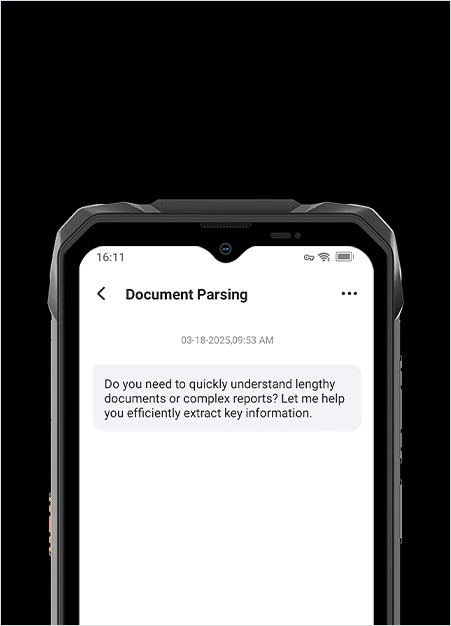
Analyse de documents
Importez et analysez instantanément.
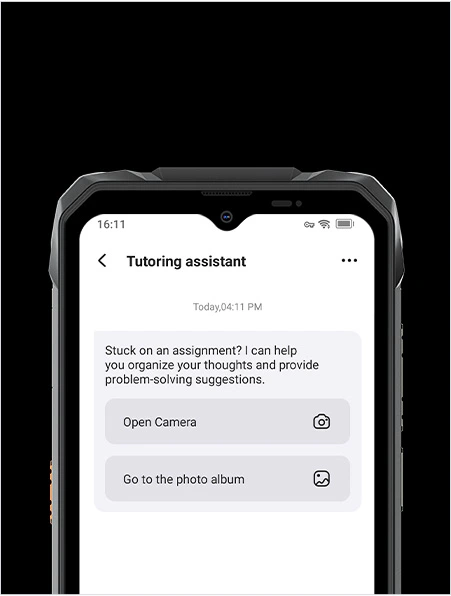
Assistant pédagogique
Scannez, résolvez et apprenez plus efficacement.
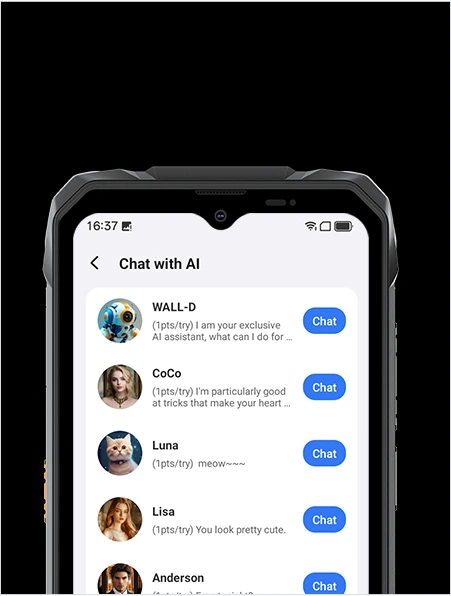
Discuter avec l’IA
19 personnalités IA, des conversations sans fin

Application ImageX
Votre IA toujours à portée de main
Éditeur photo
Avec 18 outils de retouche photo par IA, ROCK 1 transforme sans effort vos photos de plein air, de terrain et de vos moments du quotidien en images saisissantes prêtes à être partagées.
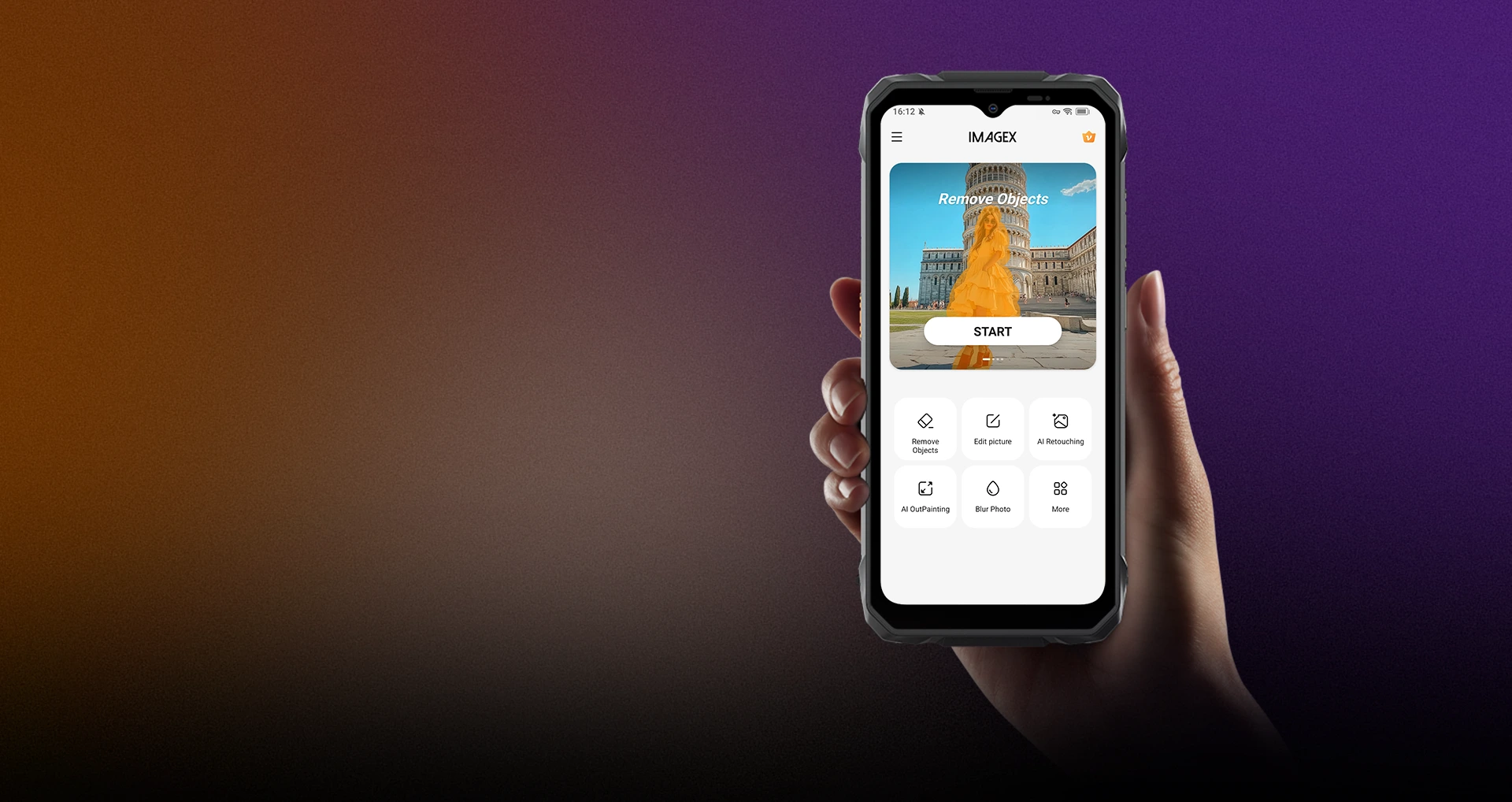
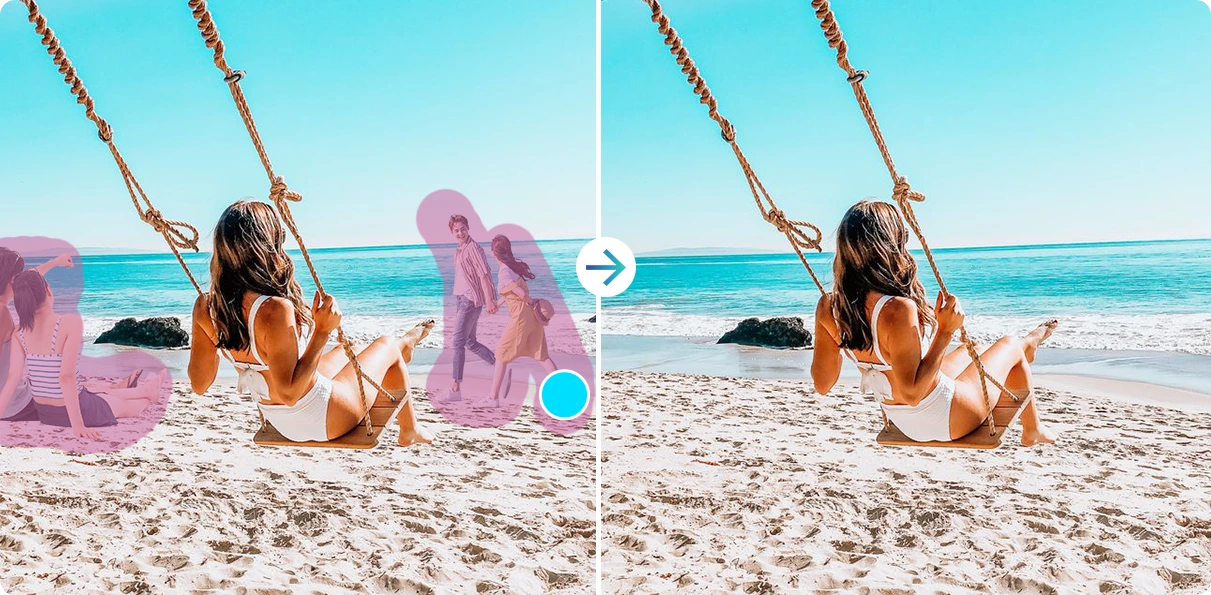
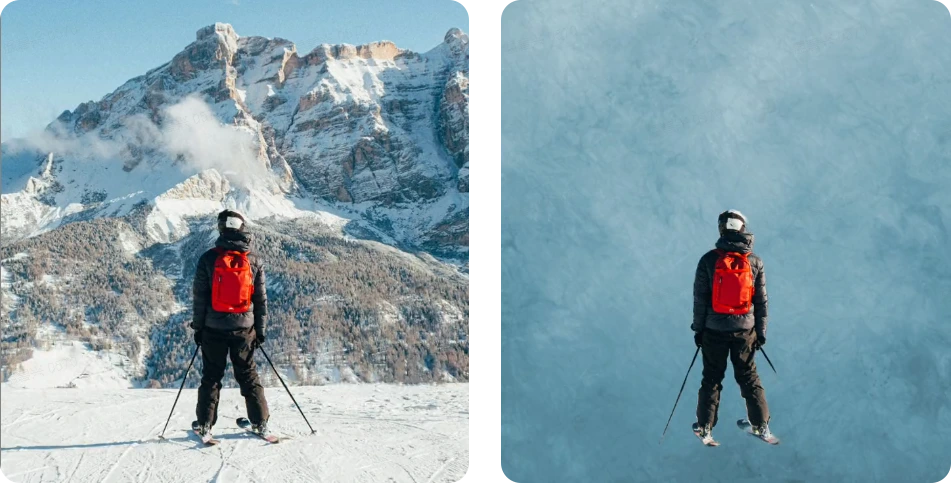
Suppression d’objets par IA
Supprimez facilement les éléments indésirables avec une précision parfaite.
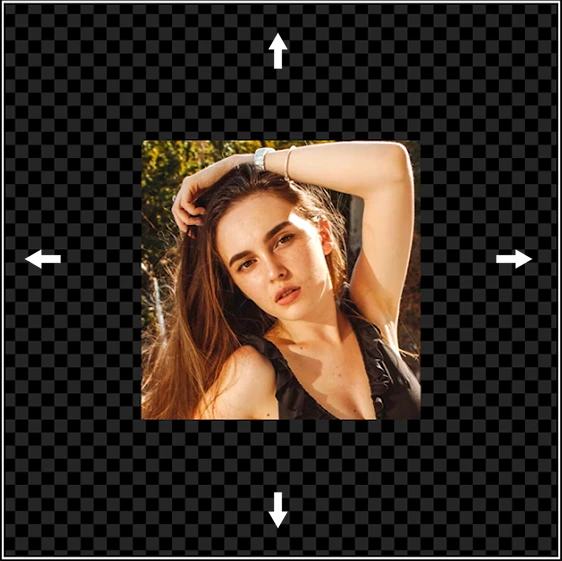
Extension d’image par IA
Agrandissez votre toile et élargissez les perspectives en toute simplicité.
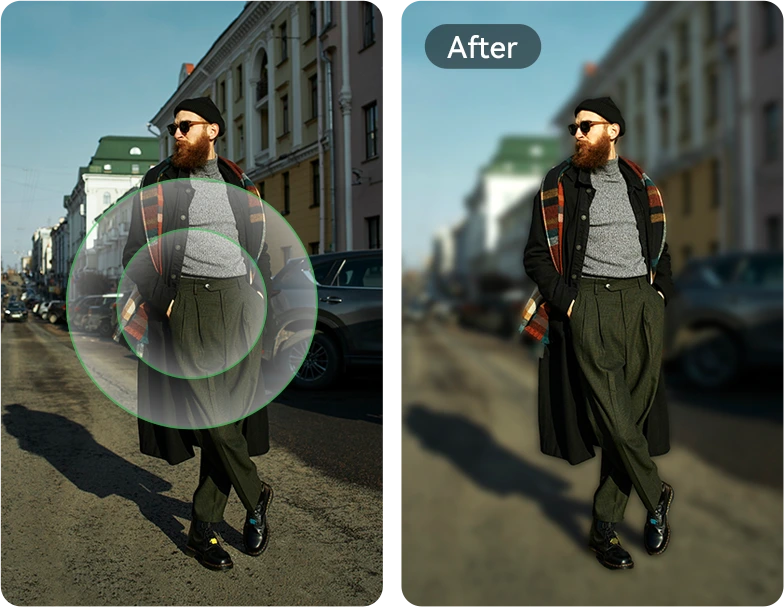
Flou photo par IA
Mettez le sujet en valeur grâce au floutage intelligent de l’arrière-plan.
Remplacement de l’arrière-plan par IA
Remplacez facilement les arrière-plans et réinventez vos scènes.
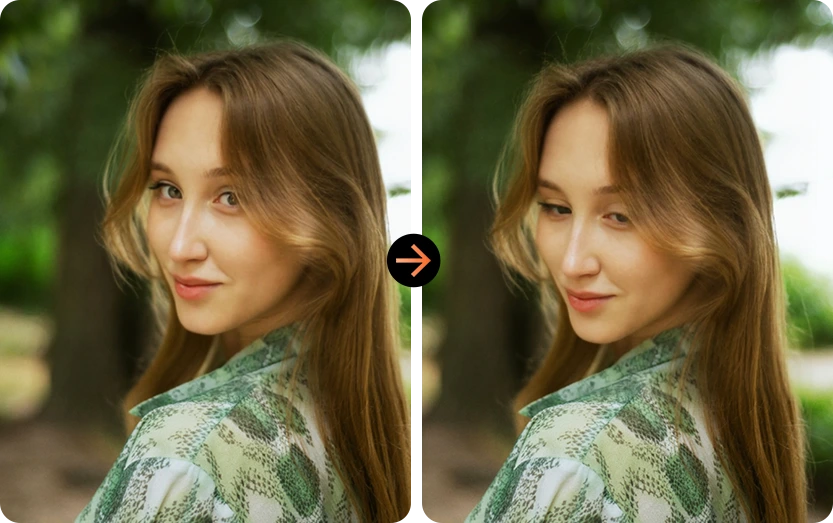
Animation par IA
Transformez des images fixes en moments animés : faites revivre vos cadrans et vos souvenirs !

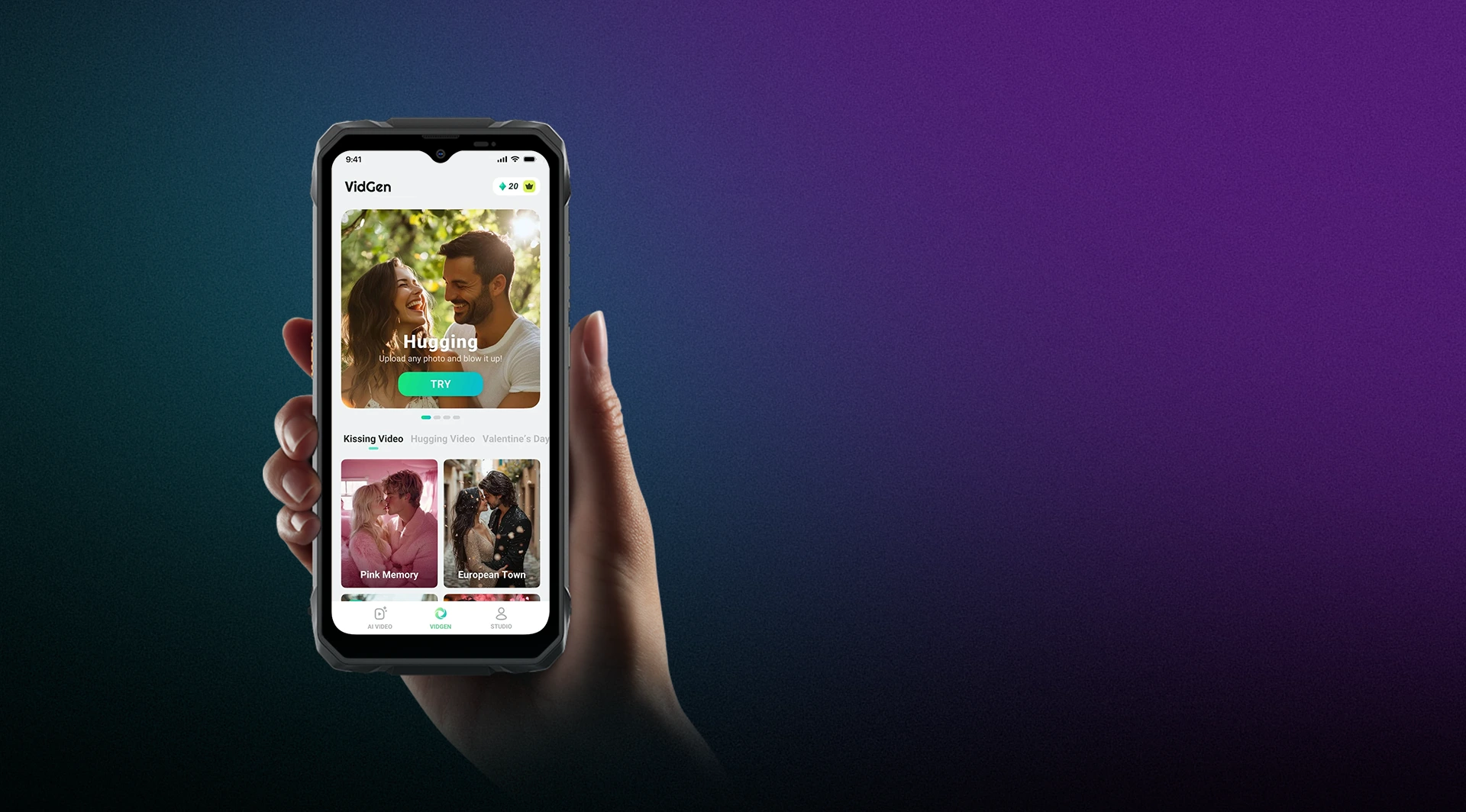
Application VidGen
Votre créateur de vidéos magique grâce à l’IA !
Du texte à la vidéo, des photos aux moments cinématographiques, l’IA intelligente de VidGen transforme vos aventures du quotidien en créations époustouflantes, prêtes à être partagées, avec des effets amusants et dynamiques, en quelques gestes !

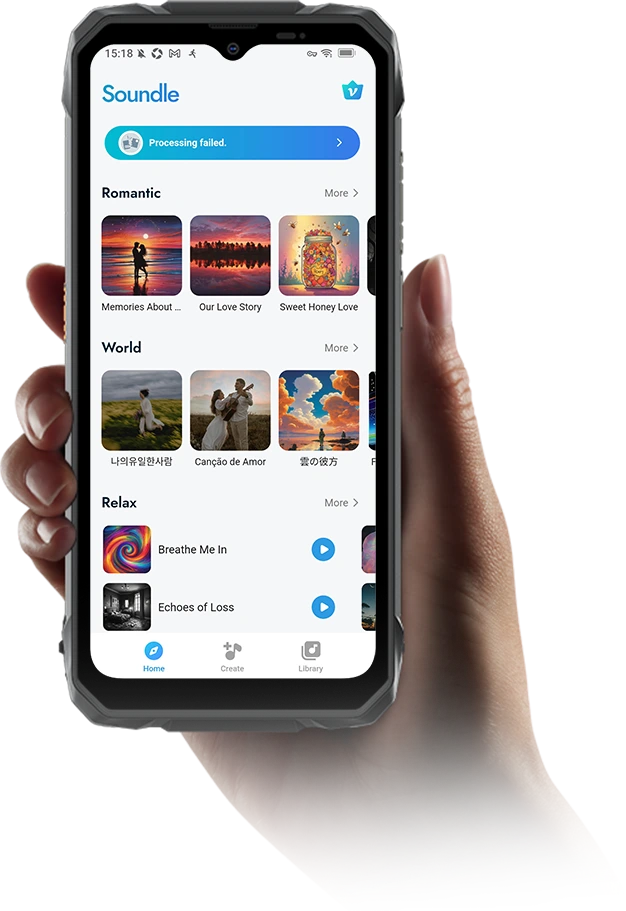
Application Soundle
Votre compositeur musical IA !
Pas besoin d’instruments ni de studio : Soundle transforme votre téléphone en puissant studio musical et crée des mélodies uniques pour chaque instant.
N° 7
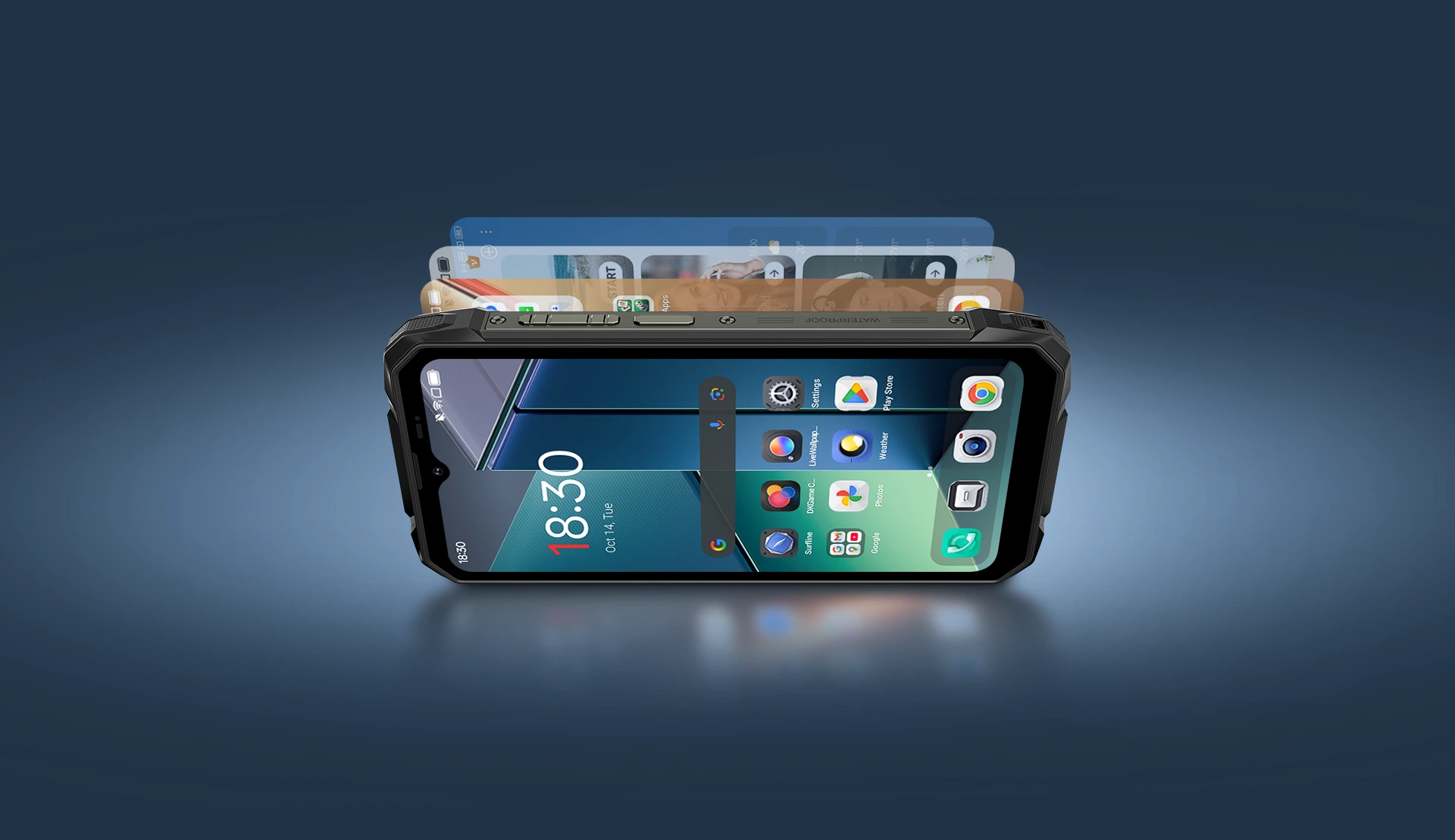
Dernière version : DokeOS 5.0 basé sur Android 16
DokeOS passe de la version 4.2 (Android 15) à la version 5.0 (Android 16), pour des performances plus rapides, une utilisation plus fluide, une interface plus épurée, une expérience plus personnalisée et des fonctionnalités plus intelligentes. Une mise à niveau complète pour une expérience utilisateur exceptionnelle.

Explorez davantage, à portée de main
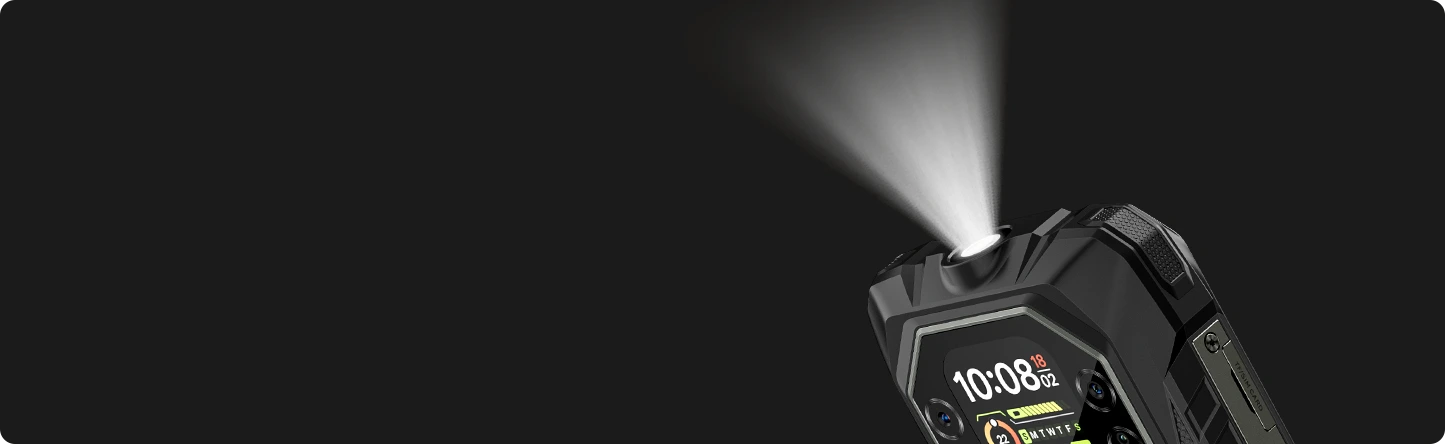
Lampe torche puissante jusqu’à 120 lm
Éclairage puissant avec flash SOS
flash en cas d’urgence.
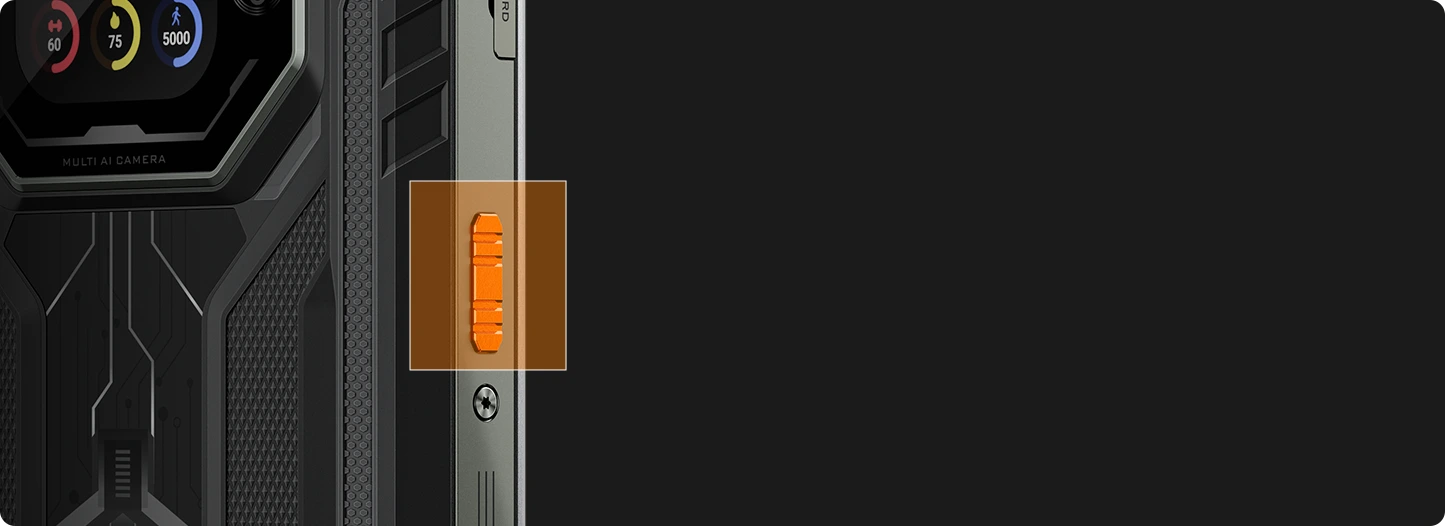
Fonction de la touche latérale
La simplicité au bout des doigts !
Un appui, sans tracas : accédez instantanément à vos
fonctions ou applications fréquemment utilisées en toute simplicité !

Démarrer l’enregistrement audio

Allumer la lampe torche

Captures d’écran

Ouvrir l’appareil photo sous-marin

Ouvrir PTT

Ouvrir SOS
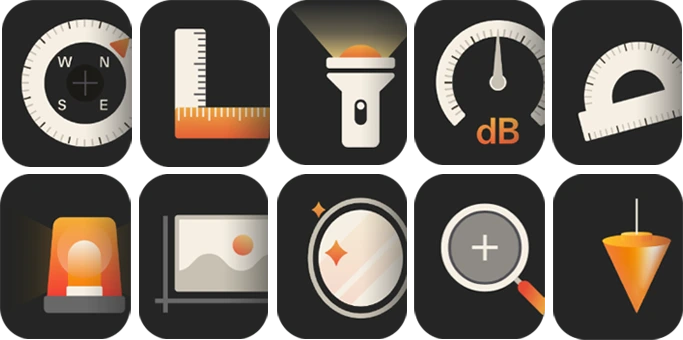
Boîte à outils pratique
Des outils qui tiennent dans votre poche !
10 outils essentiels dans une seule application, pour transformer votre ROCK 1 en une boîte à outils polyvalente pour les tâches du quotidien.
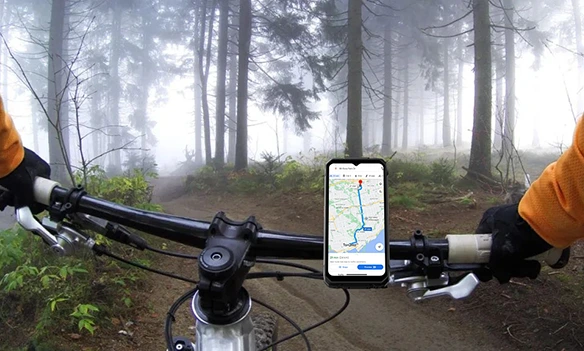
Navigation à quatre constellations
Naviguez partout,
À vous de conquérir le monde !
Navigation fluide et précise grâce au GPS, à Beidou, à Galileo et à Glonass, pour une fiabilité optimale même dans les endroits les plus isolés ou les plus exigeants.
Caractéristiques du Blackview ROCK 1
| Modèle | ROCK 1 |
| Couleur | Noir |
| Dimensions | 177.9 * 83.5 * 24.7mm |
| Poids | 490 g |
| Système d’exploitation | DokeOS 5.0 basé sur Android 16 |
| Écran | Écran IPS HD+ de 6,56 pouces, résolution de 720 * 1612 Taux de rafraîchissement de 90 Hz, ratio écran/boîtier de 83 % Écran secondaire : 2,01 pouces, résolution de 240 * 296 |
| Processeur | MediaTek Helio G81 à huit cœurs |
| RAM & ROM | 8 Go de RAM + 256 Go de ROM, LPDDR4X + eMMC 5.1 |
| Extension TF | Stockage extensible jusqu’à 256 Go |
| Batterie | 15000 mAh ; charge rapide 33 W |
| Appareil photo avant | 13MP |
| Appareil photo arrière | Appareil photo principal 16 MP + vision nocturne 20 MP |
| VSpeaker | Haut-parleur Smart-PA 1PC Box |
| Luminosité de la lampe torche | Max. 120 lm, min. 110 lm |
| Navigation | GPS+GLONASS+Galileo+Beidou |
| Emplacement pour carte | Deux ; 2 SIM/1 SIM + 1 carte TF |
| NFC | Prise en charge |
| Wi-Fi & Bluetooth | Wi-Fi 5 ; BT 5.0 |
| Connectivité réseau | Bandes 2G : B2/B3/B5/B8 Bandes 3G : WCDMA : B1/B8 CDMA : BC0/BC1/BC10 Bandes 4G : TDD : B40/B41 FDD:B1/B3/B7/B8/B19/B20/B28A/B28B |
| Design | |
| Produit | Blackview ROCK 1 |
| Couleur | Noir |
| Afficher | |
| Écran principal | 6,56 pouces |
| Affichage secondaire | 2,01 pouces |
| Fréquence de rafraîchissement | 90 Hz |
| Performance | |
| Processeur | MediaTek Helio G81 |
| Batterie & Charge | |
| Batterie | 15000mAh |
| Chargement | Charge rapide 33W |
| Caméra | |
| Caméra de vision nocturne | Sony 20MP |
| Durabilité | |
| Indice de robustesse | IP68 & IP69K & MIL-STD-810H |
| Connectivité | |
| Réseau | 4G |
Who is the Blackview ROCK 1 rugged phone designed for?
The Blackview ROCK 1 is designed for construction workers, maintenance technicians, farmers, delivery drivers, and outdoor enthusiasts such as campers or anglers. It is also well-suited for workers who need a device for communication, navigation, and daily tasks in environments prone to dust, rain, or accidental impacts—such as construction sites or mines.
With its high-capacity battery, rugged, durable build, and night-vision camera, it supports both professional work and outdoor activities. Additionally, the rear display allows for quick access to information and control options. Beyond its practical tools and massive battery, it offers all the standard features found in mainstream smartphones.
Does the Blackview ROCK 1 have a 15,000mAh battery?
Yes. The Blackview ROCK 1 rugged phone is equipped with a 15,000mAh battery, providing ample power for calls, text messages, navigation, and entertainment. This ensures you stay powered up even when you are away from your desk or a wall outlet for the day. If used primarily for routine calls and text messages, the battery will last even longer.
The time between charges depends on how you use the phone. Intensive tasks like prolonged navigation, photography, or gaming may drain the battery down to 20%, while lighter use—such as occasional calls, texts, or a standard workday—will require less frequent charging. This capacity ensures you have enough power to start the next day or handle unexpected situations.
How much does the Blackview ROCK 1 weigh?
The Blackview ROCK 1 weighs 490 grams and measures 24.7 mm thick. These figures refer to the device's weight alone and do not include accessories such as cases or lanyards, which would increase the total weight.
For daily use at work, you can carry the device in a dedicated work pouch or a specific compartment in your bag, making it easy to access. If you prefer to keep it in a pocket, ensure that the pocket is spacious enough to accommodate the device's thickness.
What affects the Blackview ROCK 1’s battery life in everyday use?
The following factors can impact battery life:
Screen Brightness: Higher brightness levels consume more power. It is recommended to adjust the brightness to a comfortable level based on your current environment.
App Usage: Activities such as gaming, video calls, or prolonged navigation consume more power than occasional messaging or a glance at a map.
Mobile Signal Strength: When the signal is weak, the phone works harder to maintain a connection, which leads to increased power consumption.
Background Activity: Even when you are not actively using certain apps, they may still consume power by performing downloads, updates, or data synchronization in the background.
Hotspot and Flashlight: Enabling these features increases power consumption; leaving them on for extended periods will drain the battery significantly faster. It is best to turn them off when they are no longer in use.
You can also check your battery usage in "Settings" to identify which apps are consuming the most power and make adjustments accordingly.
What can I do with the Blackview ROCK 1’s rear display?
When the back of the phone is facing you, you can view notifications, control music playback, or check the time via the customizable watch faces—all without needing to flip the phone over to use the main screen. It provides a more convenient way to access specific information.
You can also view alerts or pause music playback directly, again without needing to turn the phone over. You can choose the display options that best suit your personal habits. For tasks such as reading long messages, typing, or browsing content, the main screen is recommended, as it offers more display space.
Can I use the Blackview ROCK 1’s rear display to take selfies?
Yes. The Blackview ROCK 1 supports taking selfies with the rear camera, and the rear display helps with framing. You can see your position within the frame on the screen, eliminating the need to guess where the camera is pointed.
When using the rear screen for photography, adjust your position within the preview frame and follow the on-screen prompts to take the shot. Clean the lens before shooting and face toward a light source for clearer results. If taking a group photo, ensure everyone is visible within the preview frame before capturing the image.
What can I see with the Blackview ROCK 1’s night vision camera?
The Blackview ROCK 1’s night-vision camera allows you to observe nearby objects, people, and animals in the dark. It is useful for viewing dimly lit areas or monitoring your surroundings when it is too dark for the main camera to capture clear details.
When using it, keep the phone steady and point the lens toward the area you wish to observe. Factors such as distance, obstacles, and reflective surfaces may affect the view. Please note that the night-vision function cannot measure temperature, nor can it see through objects.
Is the Blackview ROCK 1’s main camera suitable for everyday photos?
Yes, it is. The Blackview ROCK 1 features a 16MP main camera, which is capable of handling daily photography needs—such as capturing family moments, outdoor scenery, documents, or the condition of equipment. For the best results and sharper detail, it is recommended to take photos in well-lit environments.
To achieve better image quality, clean the lens, tap the subject on the screen to focus, and keep the phone steady. In low-light conditions, try to increase the available lighting; if your subject is moving, wait until they are still before pressing the shutter button.
How does the Blackview ROCK 1’s speaker perform for calls and music?
The built-in speaker on the Blackview ROCK 1 supports hands-free calling, voice navigation, video viewing, and general music playback. Performance is smooth when the phone is nearby, the network connection is stable, and the surrounding environment is quiet. Conversely, issues such as stuttering or poor audio clarity may occur under less-than-ideal conditions.
When using the speaker for calls, it is best to keep the phone close by, ensure the speaker is not obstructed, and adjust the volume to suit your environment. For the best experience during hands-free calls, choose a quiet location. If you are listening to music—for instance, in a living room—and desire better sound quality, you can connect headphones or an external Bluetooth speaker.
What can I customize with the Blackview ROCK 1’s shortcut button?
You can configure the shortcut key on the Blackview ROCK 1 to perform specific actions, such as starting a voice recording, turning on the flashlight, taking a screenshot, or launching the underwater camera. This allows for quicker access to frequently used features.
Locate the shortcut key settings within the "Settings" menu and select your desired action. For example, if you assign the "Flashlight" function to the shortcut key, you can quickly turn it on whenever you need temporary illumination. Once configured, you may want to test it; please note that some functions may require you to unlock the phone before they can be used.
What does the Blackview ROCK 1’s 90Hz refresh rate mean for everyday use?
A 90Hz refresh rate means the screen can refresh up to 90 times per second. This results in smoother scrolling, swiping, and animations—for instance, when browsing the web, checking messages, or navigating through app menus.
While the refresh rate determines how dynamic content is displayed, it does not increase image resolution, nor does it make every application run faster. Furthermore, since games have their own frame rate limits and hardware requirements, it does not guarantee that all games will run at 90 frames per second.
How does the Blackview ROCK 1 perform when running everyday apps?
The Blackview ROCK 1 is well-suited for daily tasks such as messaging, handling emails, using navigation, and browsing the web. You can easily check emails, switch to a messaging app to reply, and then return to your browser. For more resource-intensive applications—such as demanding games—you may notice slightly longer startup or response times.
If app switching becomes noticeably sluggish, check for background processes like ongoing downloads, system updates, or other high-load tasks. Additionally, freeing up some storage space and restarting the phone can often resolve temporary slowdowns.
What protection does the Blackview ROCK 1 offer for outdoor work?
The Blackview ROCK 1 rugged phone features IP68 and IP69K ingress protection ratings and meets the MIL-STD-810H testing standard. It is designed to effectively withstand dust (such as cement dust), moisture, and impacts that may be encountered during outdoor work.
When working outdoors, ensure that the SIM card slot and all port covers are securely closed. If the phone accidentally falls out of your pocket, check it for any damage. Please note that protective capabilities may diminish over time, so the device should still be handled with care during daily use.
How do I check for software updates on the Blackview ROCK 1?
Check the "Settings" on your phone to see if there is a notification for a system update. If you receive a notification, review the update details and follow the on-screen instructions to download and install it. If no update notification appears, you can check again later.
Before updating, back up important photos, contacts, and files; connect to a stable Wi-Fi network; and ensure your phone has sufficient battery power. It is recommended to perform the update when you are not using your phone—for instance, while you are asleep—as the device may restart during the installation process. Follow the on-screen prompts and wait for the update to complete before using your phone again.
What should I do if the home screen keeps crashing on my Blackview ROCK 1?
First, try restarting your phone to see if the home screen returns to normal. If the issue persists, check whether your phone’s internal storage is nearly full. You can free up space by deleting unnecessary large files or apps, or by backing up your data. Then, check again to see if the screen has returned to normal.
Next, inspect the screen for cracks or other physical damage, and check if it has begun to separate from the device body. Also, observe whether any lines, flickering, or dark spots appear on the display. If these problems continue, consider having the device evaluated by a professional phone repair technician.
Jump to another section