



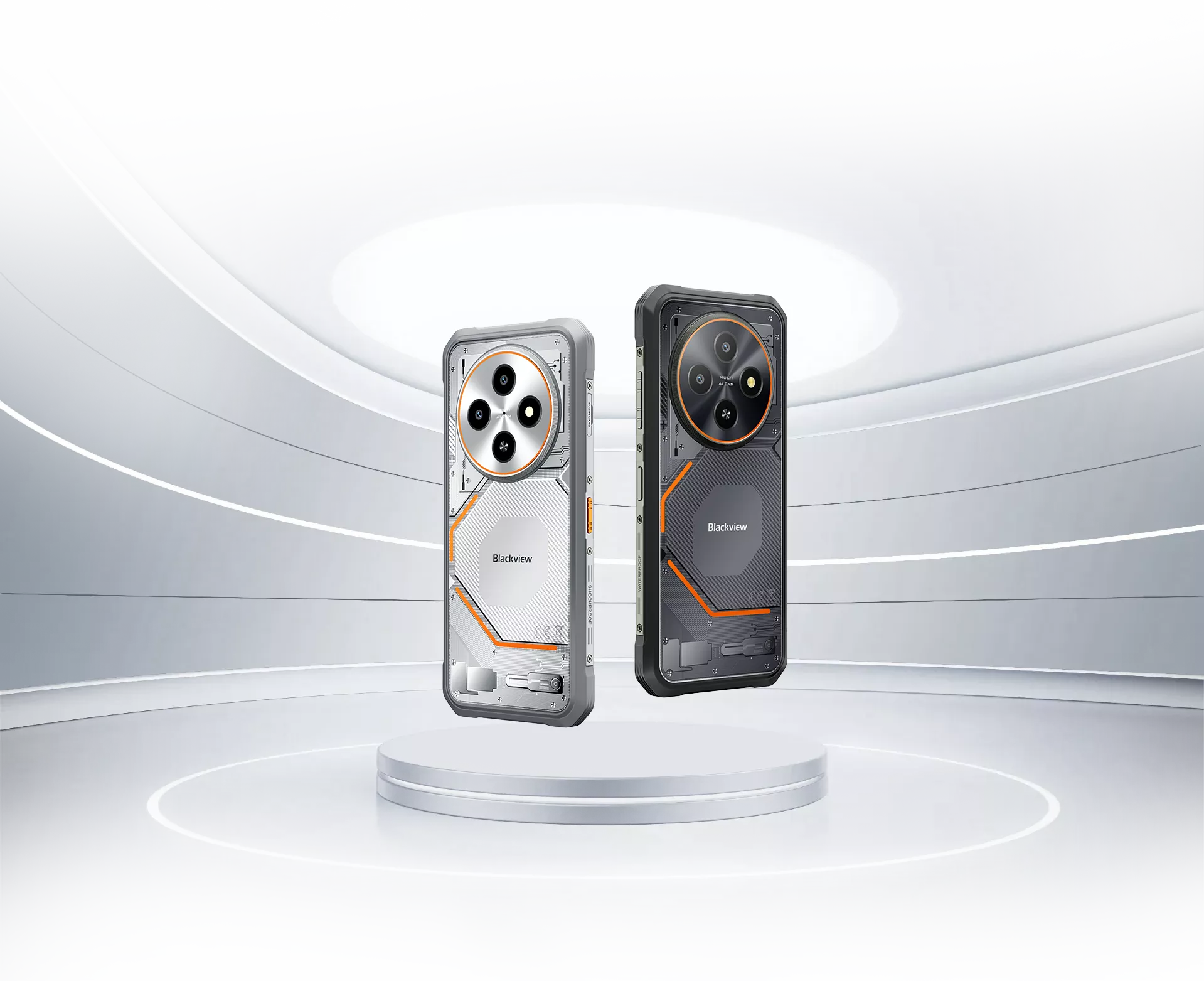
Blackview FORT 2 Ultra-fin 6.56 pouces MediaTek Helio G81 Octa-core 5000mAh 16MP+13MP Caméra IA NFC 4G Téléphone robuste

En rupture de stock
Points forts
Points forts
✔Écran de 6,56 pouces, 245,3 g & téléphone robuste mince de 10,7 mm
✔Processeur MediaTek Helio G81 Octa-core
✔5000mAh & charge rapide 18W
✔Certifié IP68 & IP69K & MIL-STD-810H
Informations
Informations
Le Blackview FORT 2 est un téléphone robuste 4G fin conçu pour les utilisateurs qui ont besoin de fiabilité en extérieur sans transporter un appareil lourd. Son écran HD+ de 6,56 pouces à 90 Hz, son processeur MediaTek Helio G81, sa batterie de 5000 mAh et sa charge rapide 18W assurent des tâches quotidiennes fluides et pratiques. Avec une protection IP68 & IP69K, une durabilité MIL-STD-810H, un mode gant, un appareil photo sous-marin, le NFC, la double prise en charge 4G et un appareil photo arrière de 16 MP, c’est un téléphone léger prêt pour le terrain, idéal pour le travail, les voyages et les aventures quotidiennes.
À propos de la marque
À propos de la marque
Chez Blackview, nous croyons que la grande technologie doit aller au-delà des spécifications impressionnantes. Elle doit s’adapter à la vie réelle, résoudre de vrais problèmes et rester fiable quand cela compte le plus.
Blackview a commencé avec des téléphones robustes conçus pour des environnements difficiles. Aujourd’hui, nous proposons un écosystème plus large d’appareils intelligents, incluant smartphones, tablettes, ordinateurs portables, montres connectées, produits audio, et plus encore.
Dans chaque catégorie, notre objectif reste le même : qualité durable, innovation pratique et prix accessibles. Nous concevons des produits qui inspirent confiance dès le premier jour.
Nous comprenons ce que les clients apprécient le plus : des performances fluides, une fiabilité durable, des fonctionnalités utiles et une technologie qui facilite la vie quotidienne sans coût superflu.
C’est pourquoi Blackview accorde une réelle attention aux tests produits, à l’expérience utilisateur et aux fonctionnalités qui apportent une valeur significative au travail, aux voyages, à la création, à l’exploration en plein air et à la connexion quotidienne.
Blackview est fait pour les personnes qui veulent une technologie de confiance : des appareils intelligents et performants conçus pour suivre le rythme de la vie moderne.
Fiable par conception. Pratique par nature. Fait pour la vie réelle.
Expédition et retours
Expédition et retours
• Livraison : Les commandes sont traitées sous 1 à 2 jours ouvrables. La livraison standard prend de 3 à 7 jours ouvrables selon votre localisation.
• Retours : Vous pouvez retourner ou échanger les produits dans les 30 jours suivant la réception de votre commande. Les articles doivent être dans leur état d'origine avec une preuve d'achat.
Si votre article est défectueux ou endommagé en raison d'un problème de fabrication, nous le remplacerons volontiers sans frais supplémentaires.

 Plus Léger à Porter. Plus Libre d'Esprit.
Plus Audacieux pour Vivre Où Que Vous Alliez, Restez Léger et Inarrêtable.
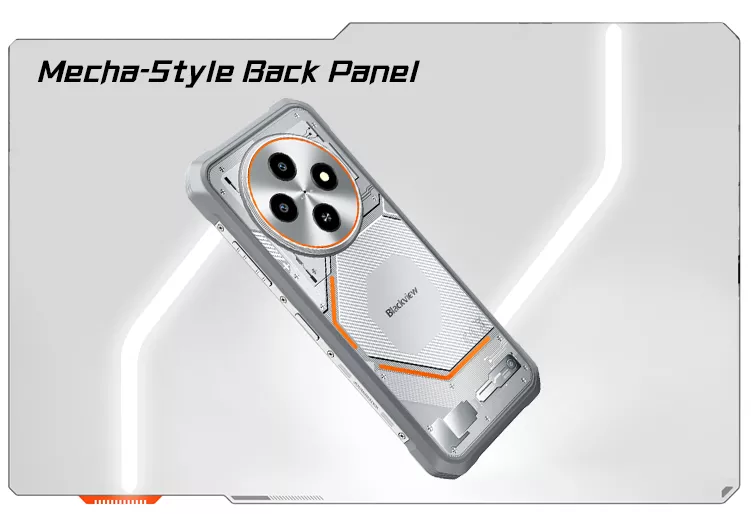
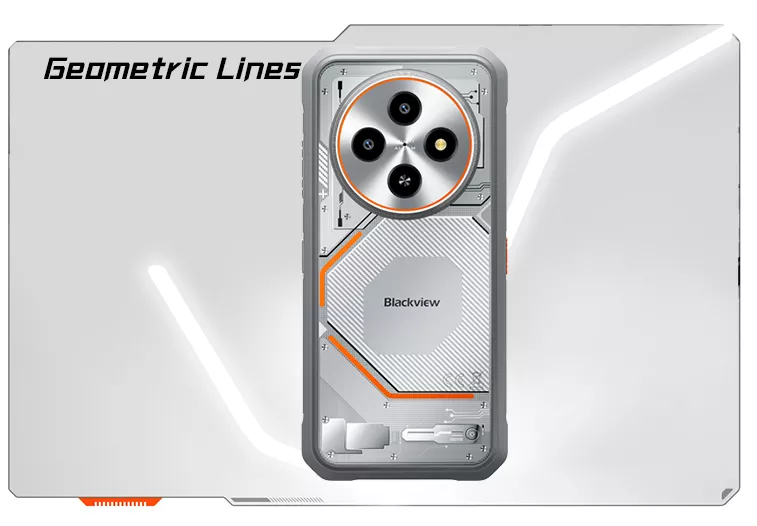
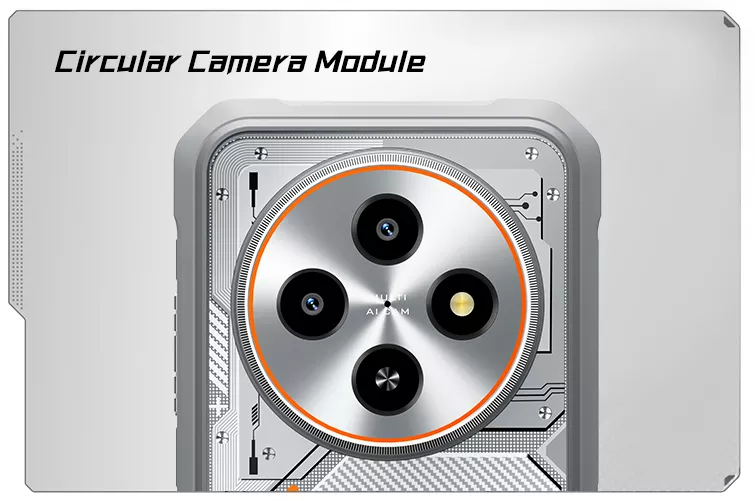
Plus Élégant Que Vous Ne Le Pensez
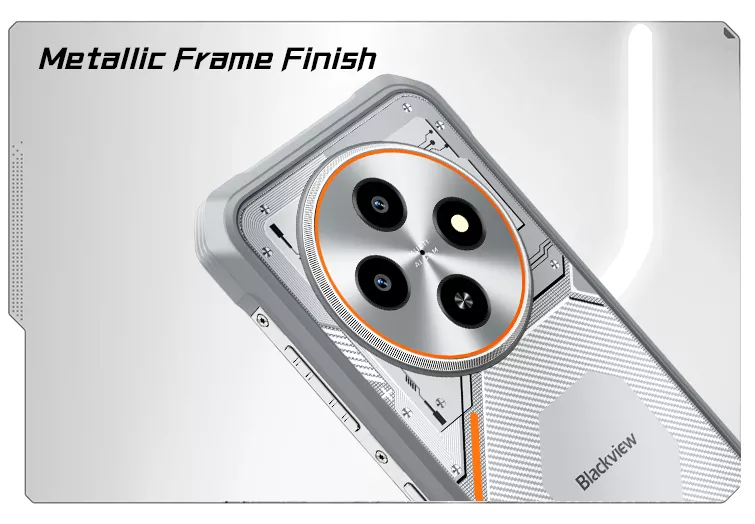

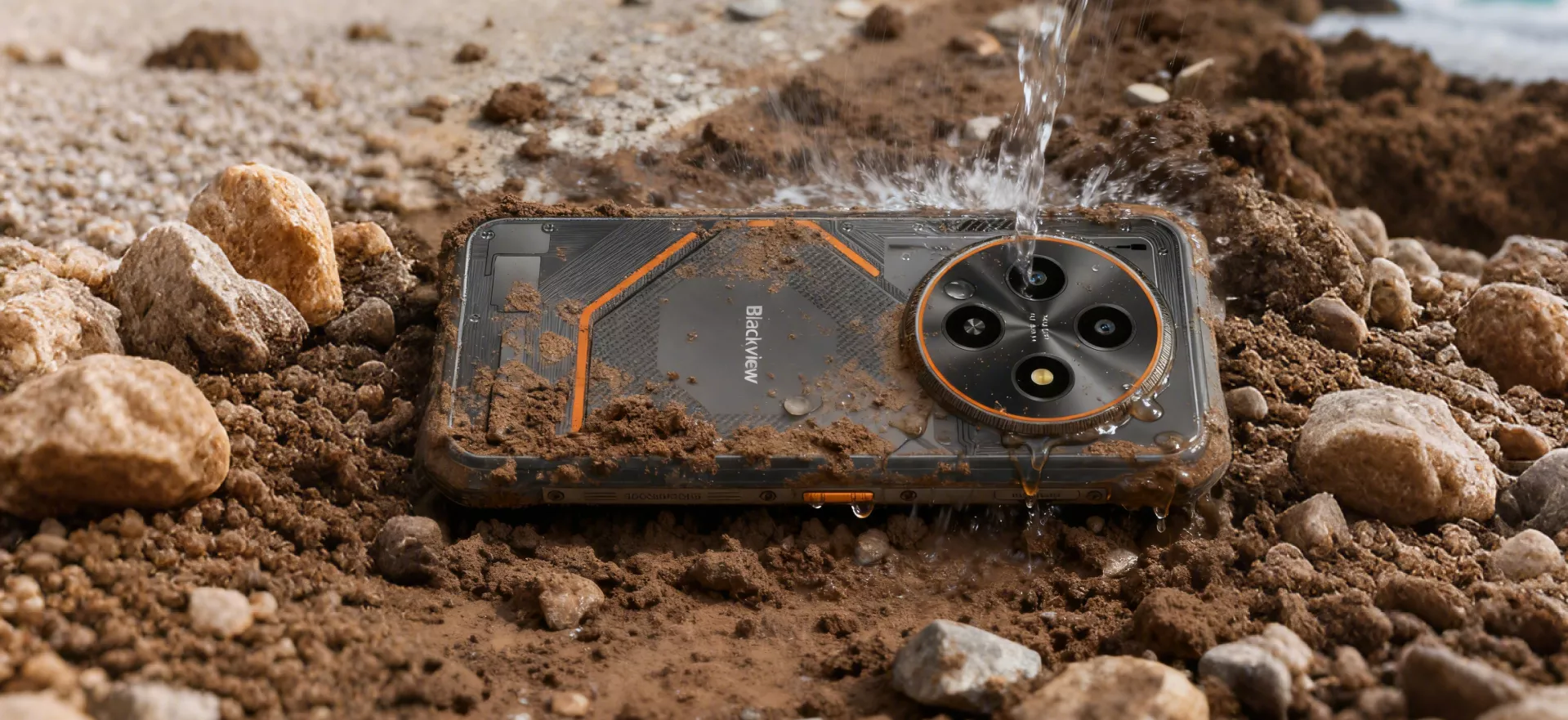 Construit Sec. Construit Propre. Construit Robuste
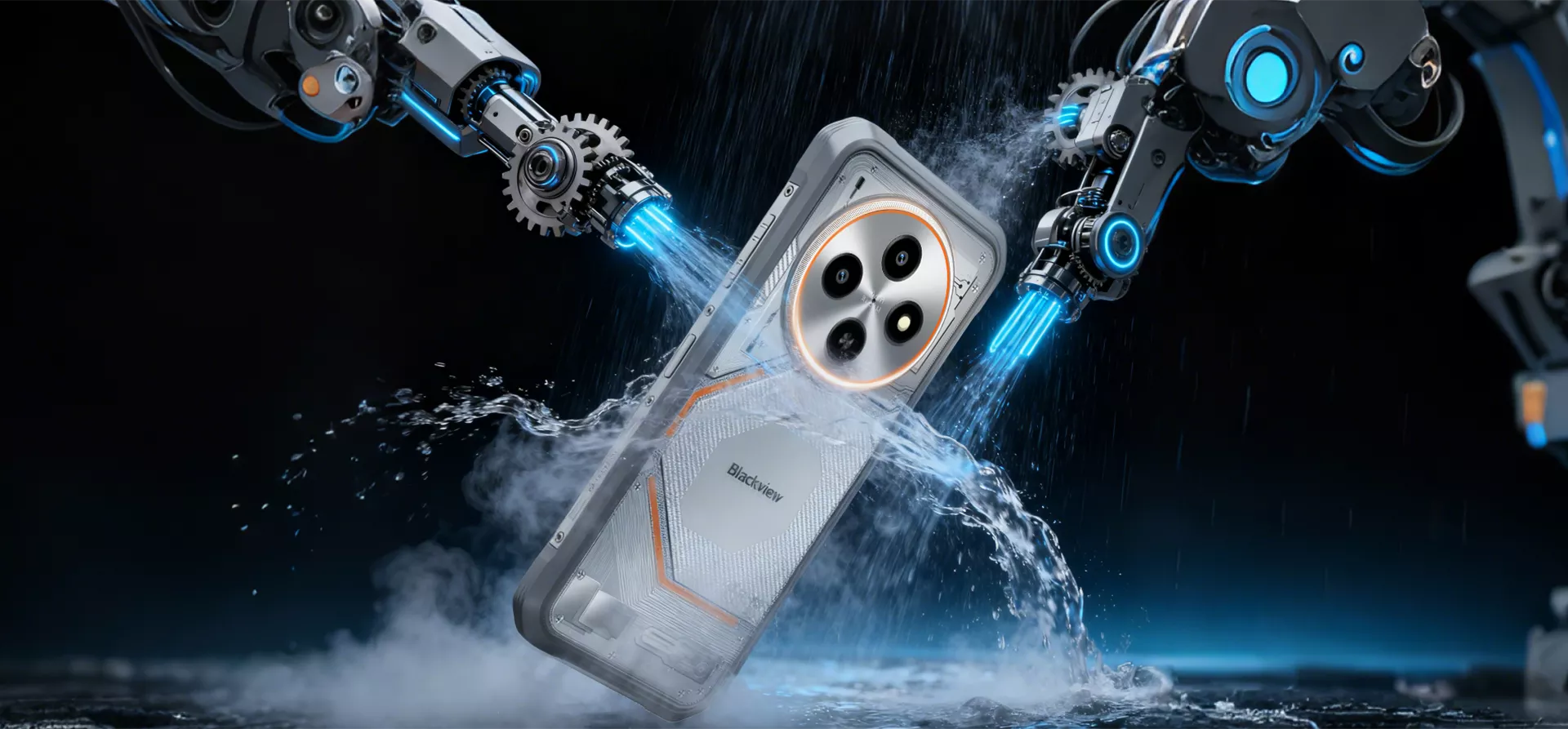
Résistance à l'Eau et à la Poussière IP68 & IP69K de Premier Ordre
Des chantiers boueux aux averses soudaines et à la neige glacée, le FORT 2 encaisse tout
rythme. Avec les certifications IP68 et IP69K, il résiste à une immersion de 1,5 m pendant 30 minutes et ignore les fortes
pluie de plus de 80 mm/h — conçu pour prospérer dans les conditions les plus difficiles.
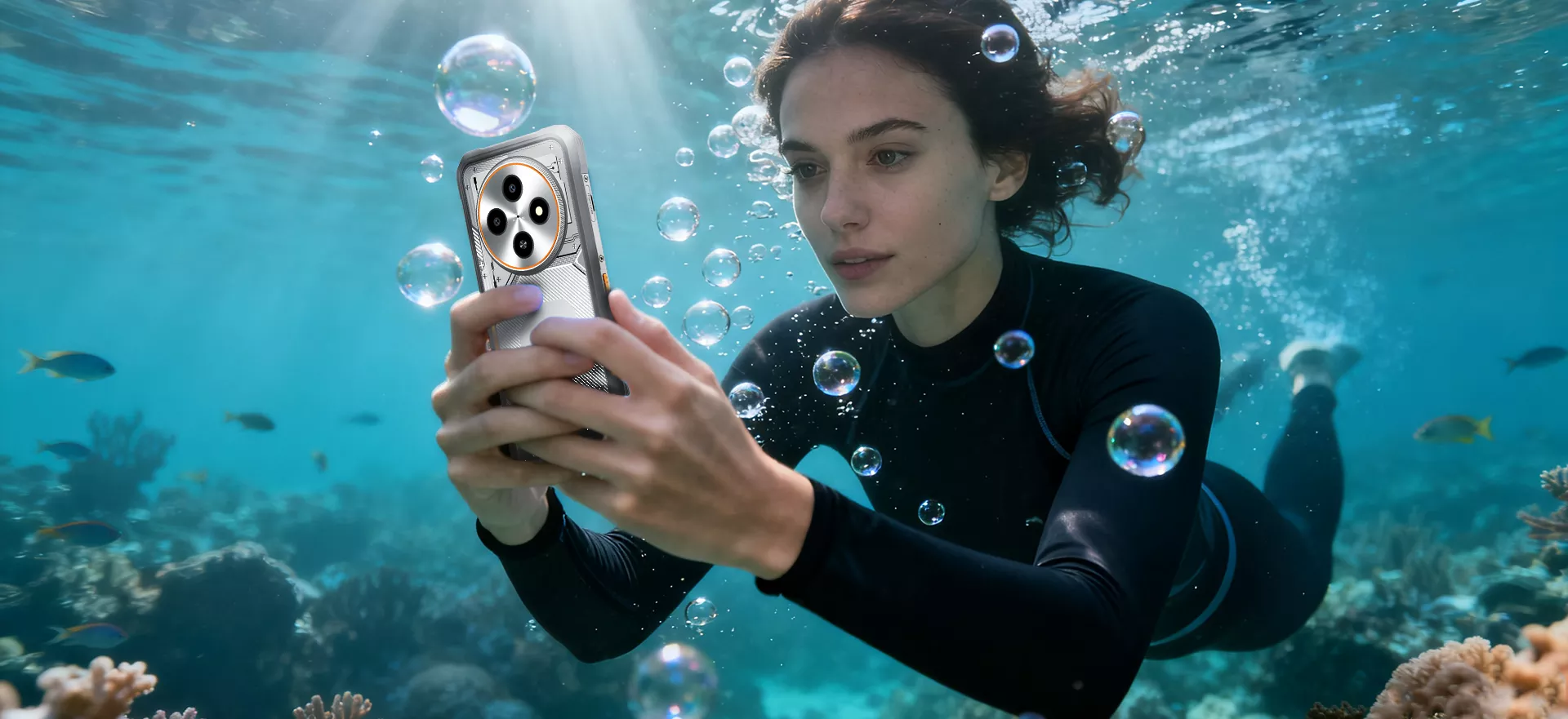
 Plongez. Capturez Tout
Caméra Sous-Marine
La caméra sous-marine du FORT 2 vous permet de prendre des photos nettes même dans des conditions humides et difficiles
— assez robuste pour résister facilement à l'eau et à la poussière.

Une IA Qui Fonctionne Où Que Vous Alliez Les Meilleures IA
Efficacité Sans Coutures Contrôle Intelligent Global IA Transformez votre voix ou texte en un assistant puissant multi-applications — rendant des tâches quotidiennes plus rapides et plus faciles. De la navigation GPS et la communication d'urgence aux alertes météo et gestion d'appareils, Gemini AI fonctionne à travers les applications pour vous garder en contrôle sans effort.
un hub intelligent Assistance intelligente AI plein écran Fini les réponses vagues — il comprend votre écran et adapte ses réponses basé sur du contenu en temps réel. Il suffit d'appuyer pour poser une question et vivre une AI qui vous comprend vraiment.
Simplifiez vos tâches Q&R vocale AI intelligente pour tous
Toujours fiable

DeepSeek-R1 Votre compagnon AI ultime pour des recherches rapides et des réponses précises.
Analyse Assimilez facilement des documents longs ou des rapports complexes.
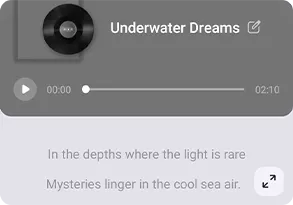
Composition Avec 16 styles dynamiques, transformez l'imagination en mélodie en quelques secondes.
Assistant 20 personnalités — prêtes à discuter, apprendre ou divertir à tout moment.
Conquérez l'extérieur Application ImageX (Améliorateur photo AI) Des aventures robustes en plein air aux projets en déplacement, ImageX facilite la capture et améliorer les moments sans effort. Avec jusqu'à 18 outils AI intelligents, vous pouvez prendre, affiner et retoucher des photos directement sur votre appareil robuste — idéal pour le travail sur le terrain, les voyages ou toute créativité en plein air.
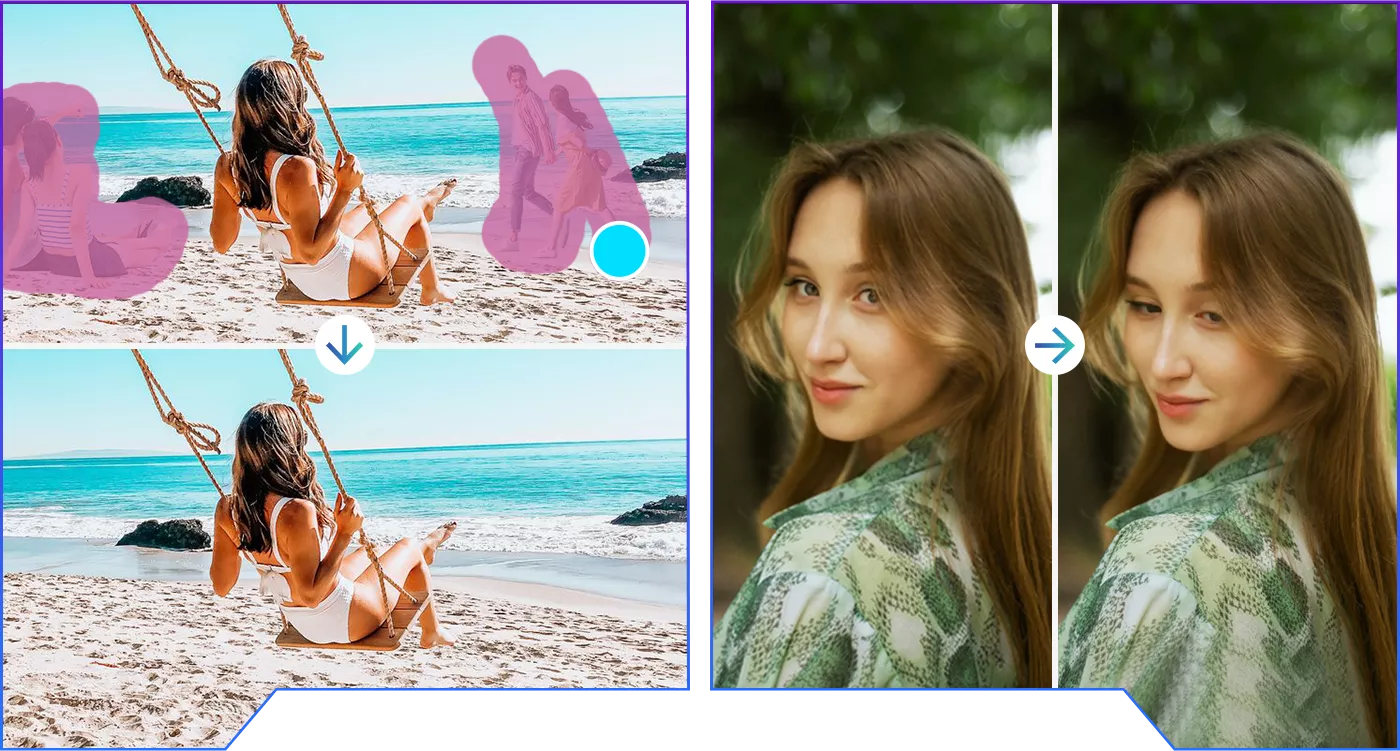 Jusqu'à 18 algorithmes avancés de retouche d'image
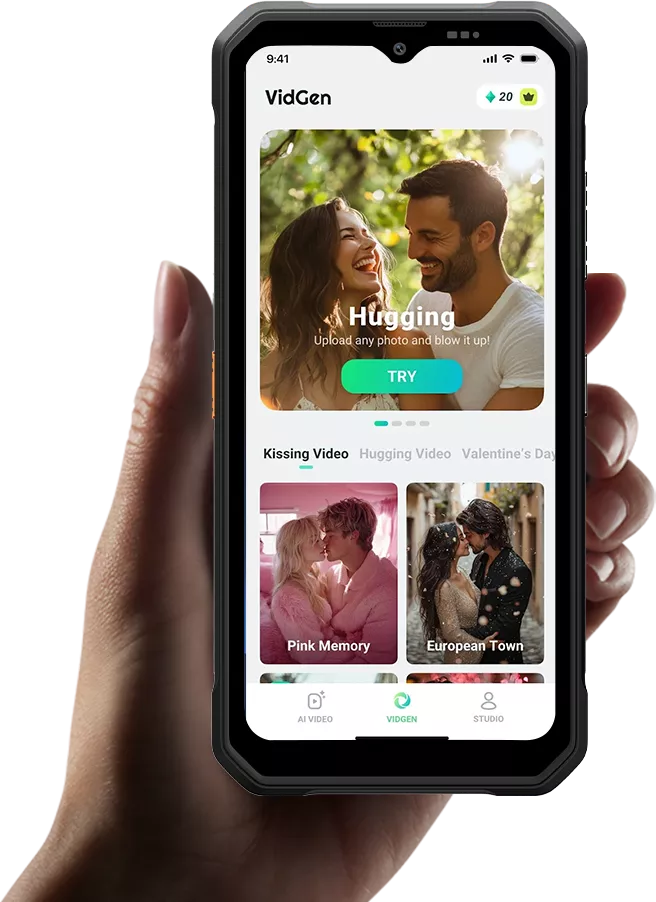

Aventures dynamiques Application VidGen (Générateur vidéo AI)
avec musique

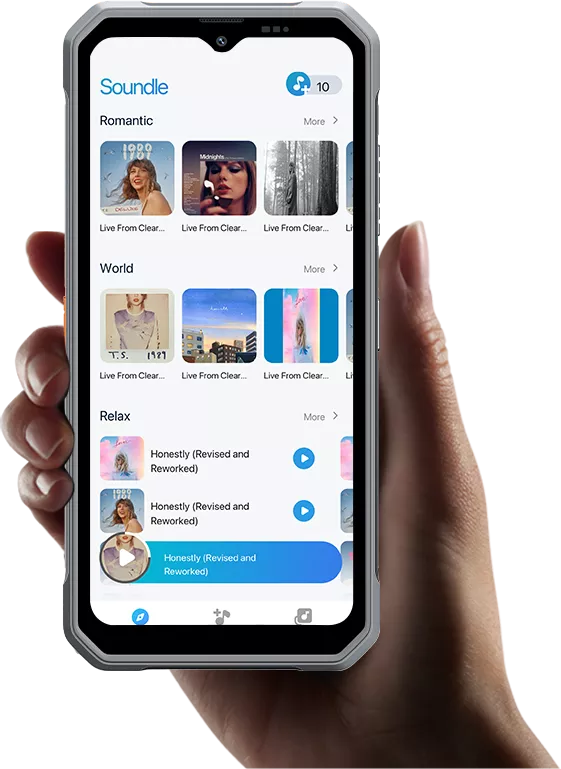
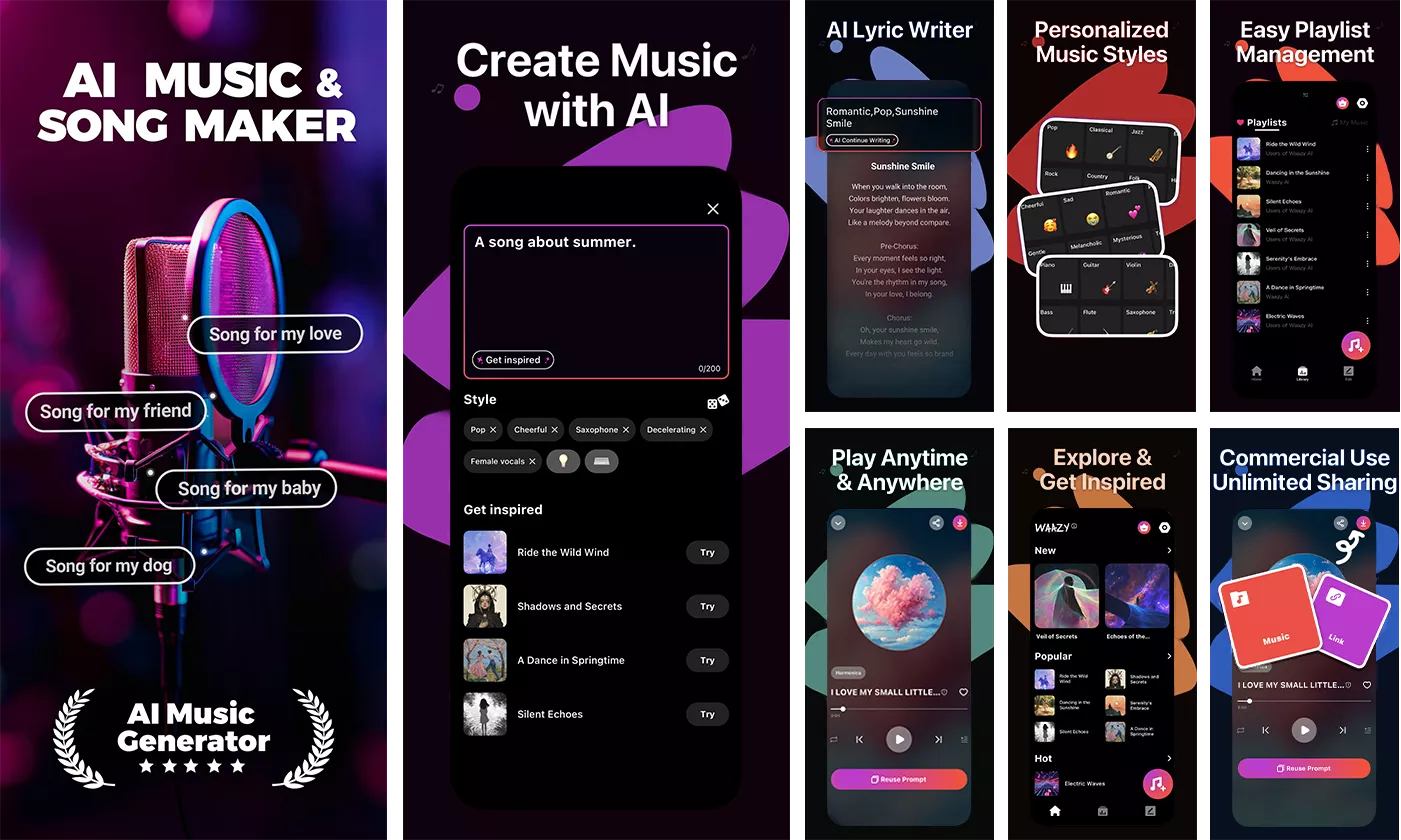 *Un essai gratuit de 30 jours est disponible pour toutes les applications Doke AI, offrant un accès complet à
toutes les fonctionnalités AI sans aucune limitation.
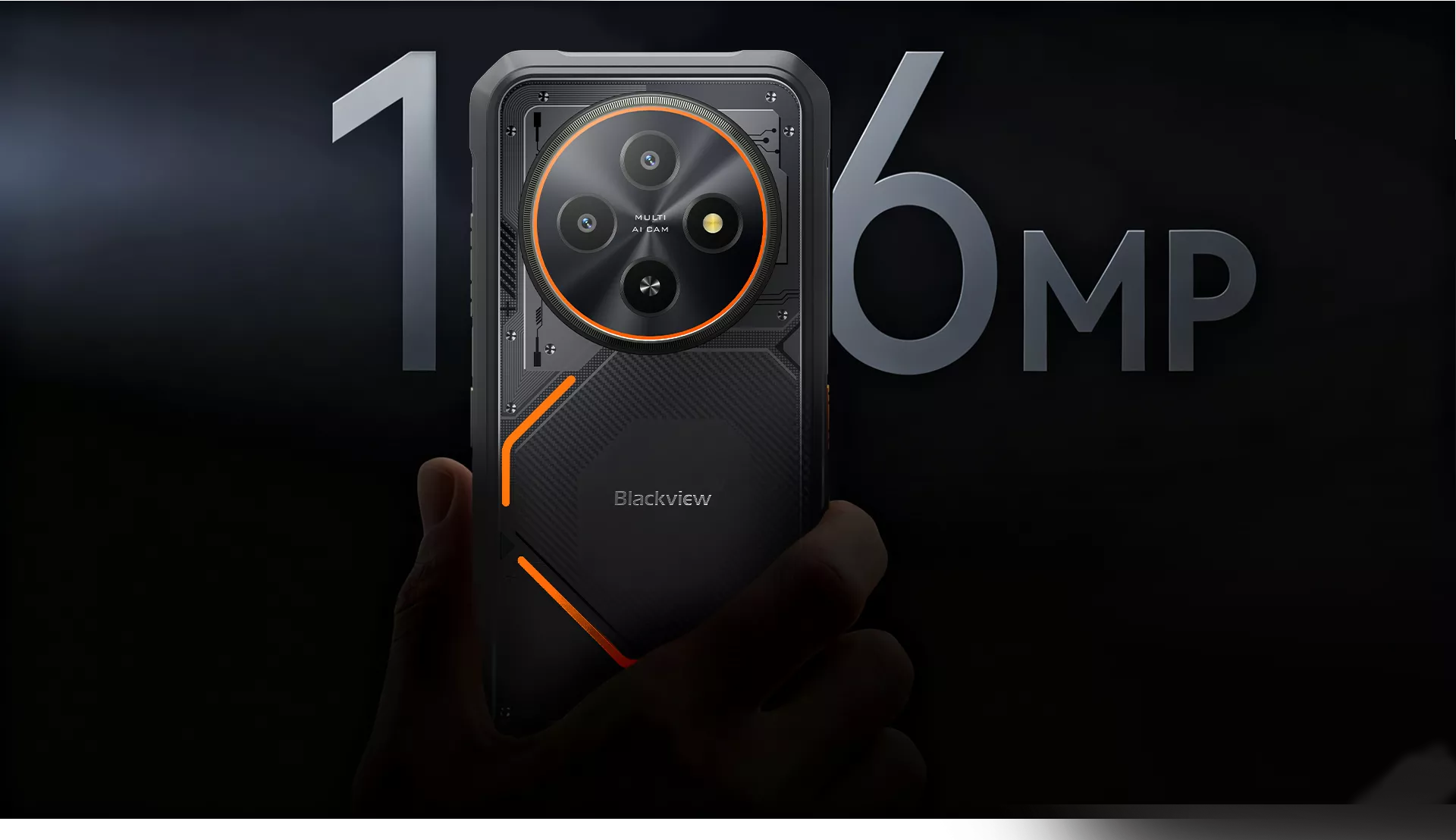
Caméra arrière AI 16MP
Immortalisez vos aventures. Chaque détail net
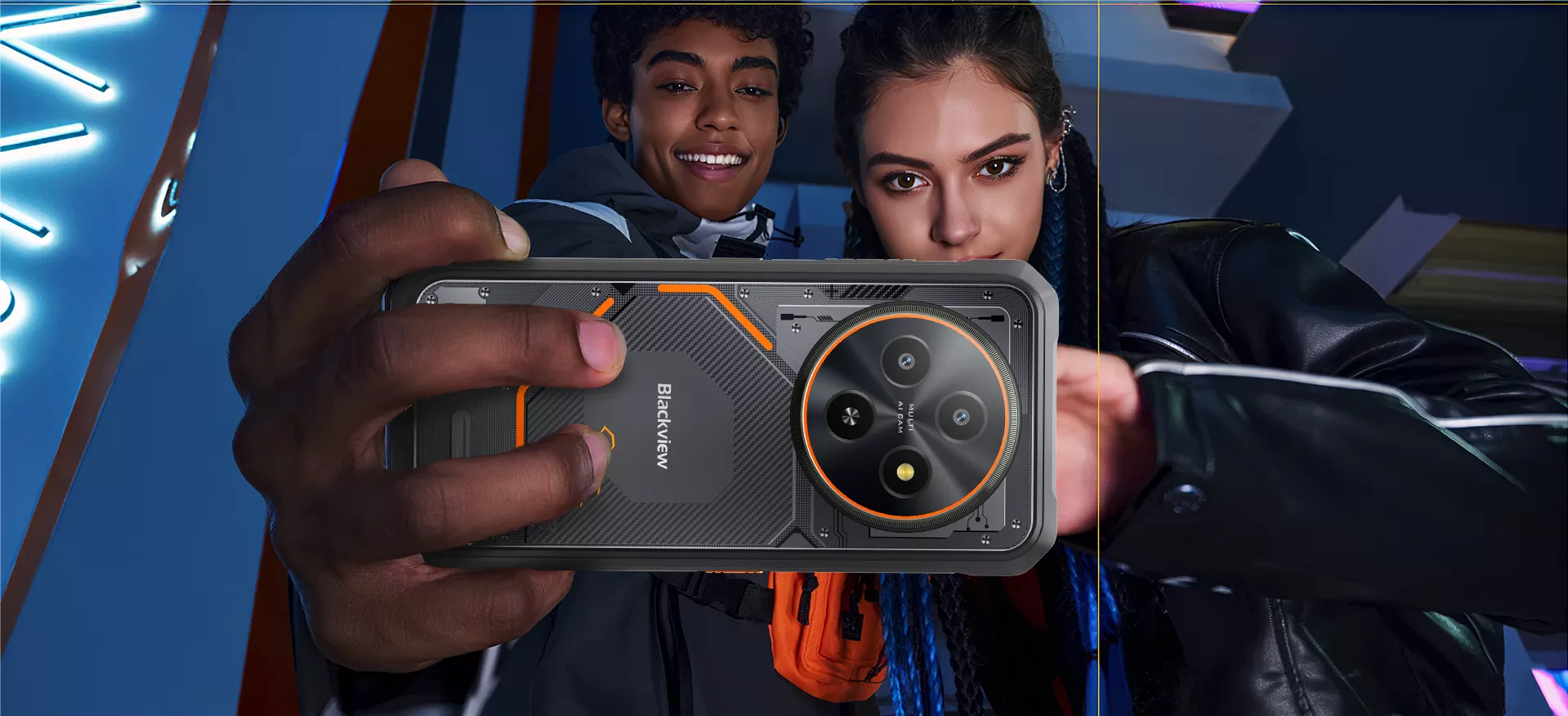
La caméra arrière 16MP du FORT 2 permet de capturer le travail sur le terrain, les aventures en plein air ou les groupes
selfies sans effort — avec des vidéos nettes qui préservent chaque détail dans des conditions difficiles.
 Mouvement net. Vue immersive
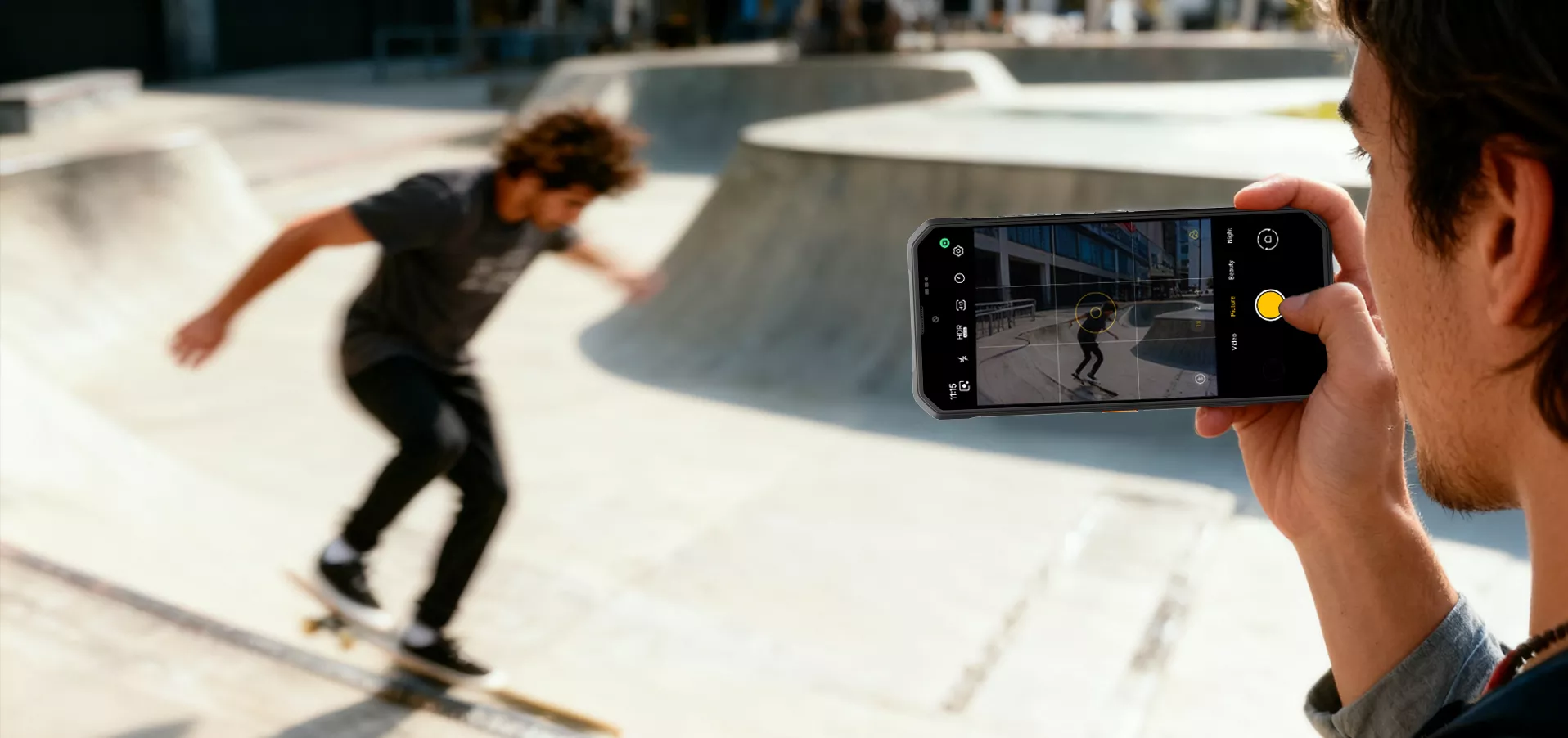
Enregistrement vidéo 1080P FHD
Capturez chaque instant avec une vidéo 1080P FHD nette et détaillée. Parfait pour les activités en extérieur
aventures, travaux sur le terrain et activités nomades, offrant des couleurs vives, un mouvement fluide et une immersion
vision partout.
 Un tapotement pour tout explorer
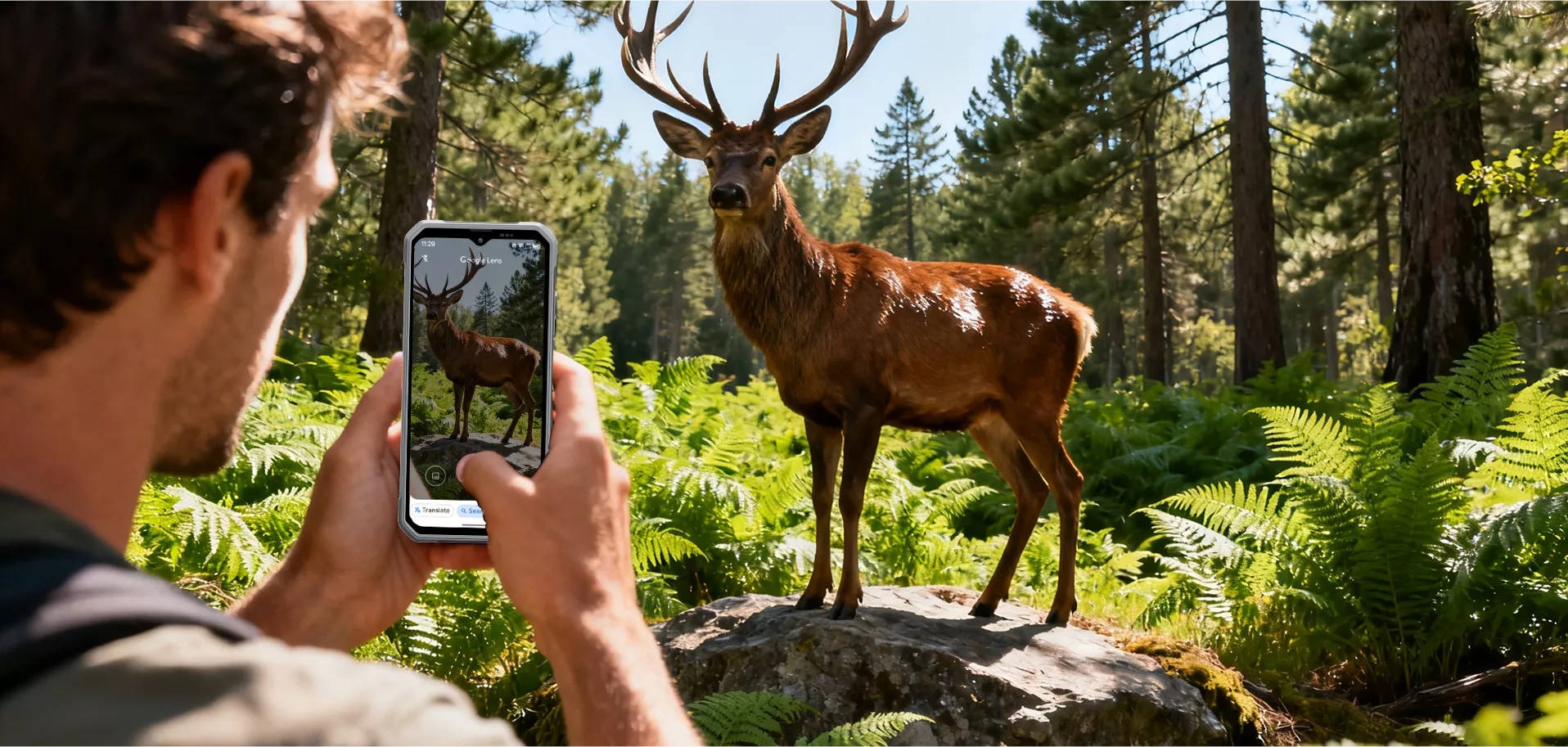
Google Lens intelligent AI
Un simple tapotement sur le déclencheur ouvre un monde de découvertes. Recherchez instantanément,
identifier et explorer tout ce qui est visible.


expérience visuelle apaisante

avec interface en niveaux de gris

avec des couleurs plus chaudes
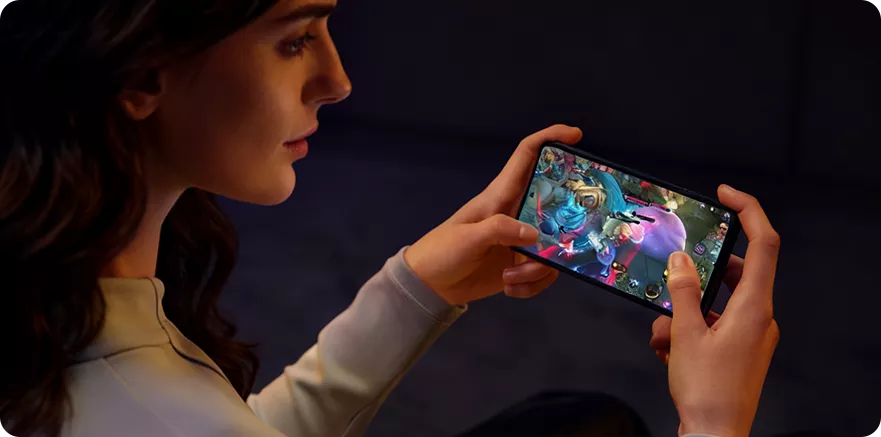
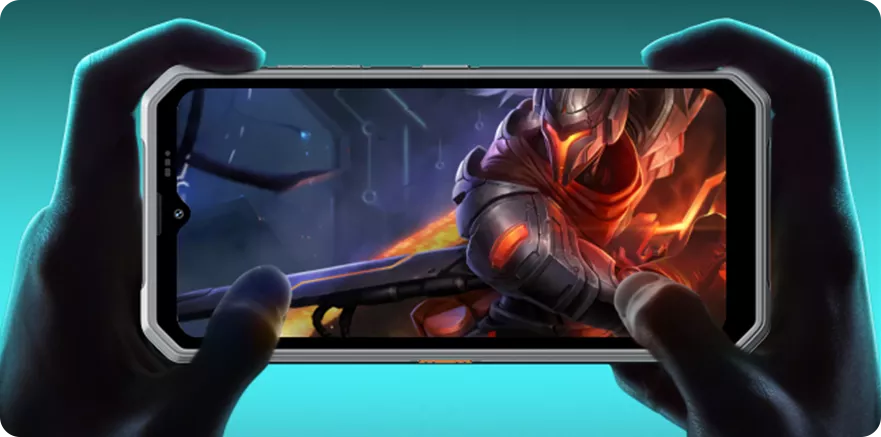
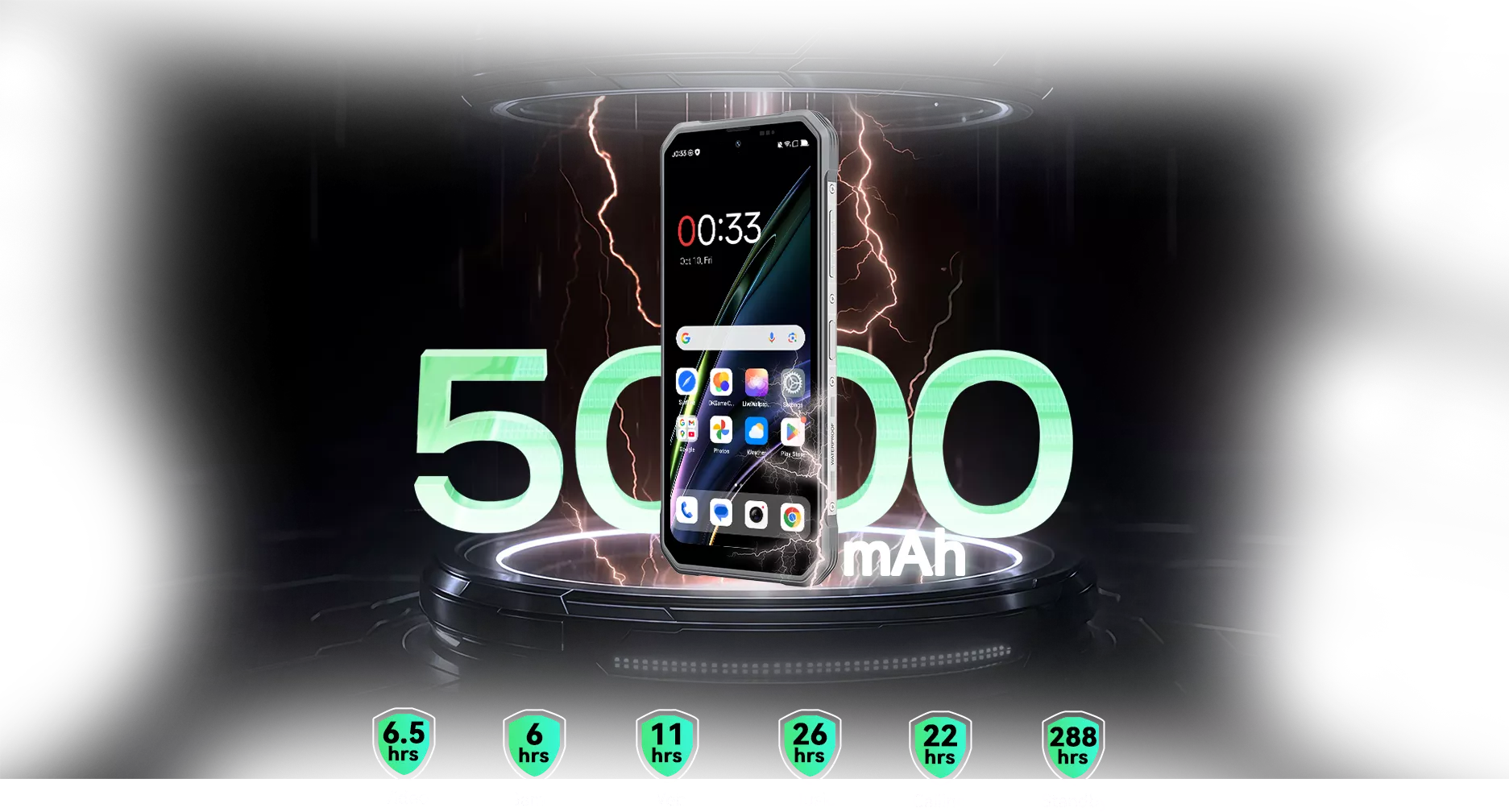

Performance maximale Processeur MediaTek Helio G81 Octa-core


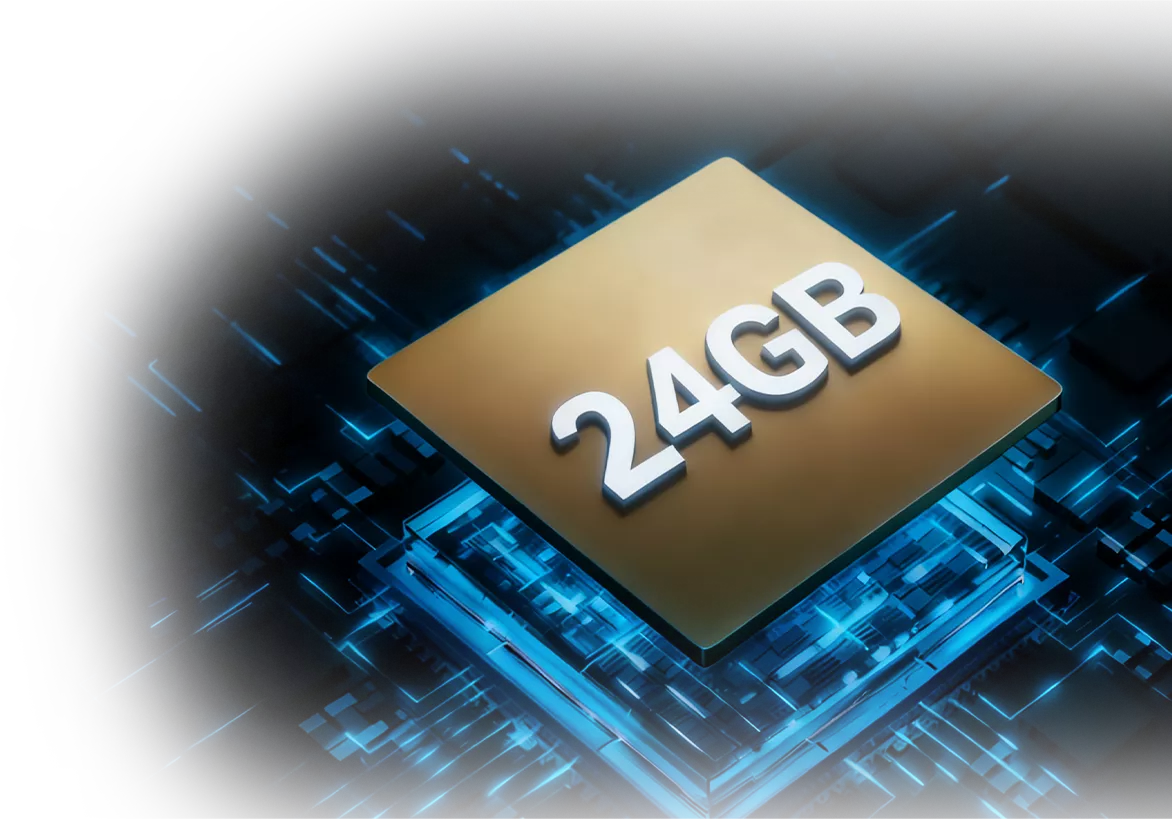
Zéro limite Jusqu'à 24 Go de RAM = 8 Go RAM + 16 Go d'extension Des inspections de site aux missions en extérieur, les jusqu'à 24 Go de RAM du FORT 2 maintiennent les applications fonctionnant sans accroc et tâches fluides, conçu pour un usage intensif et robuste.
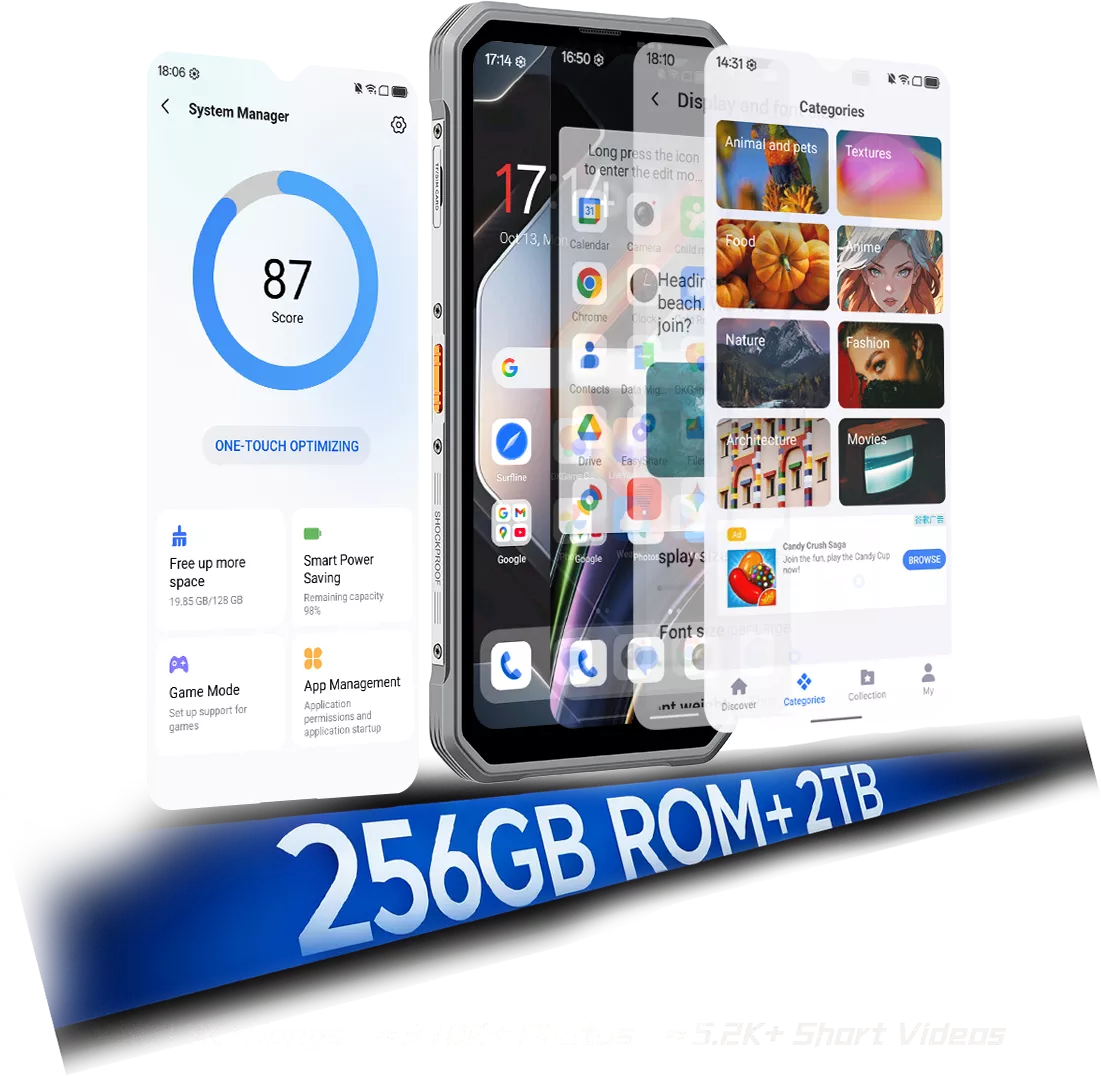
et confidentialité avec le Dernier DokeOS 5.0 basé sur
Android 15


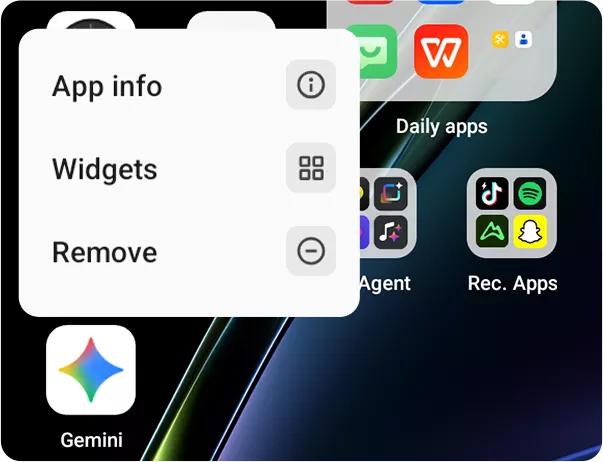
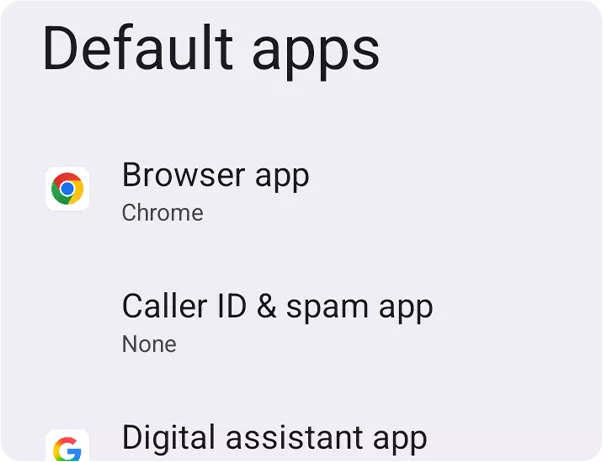
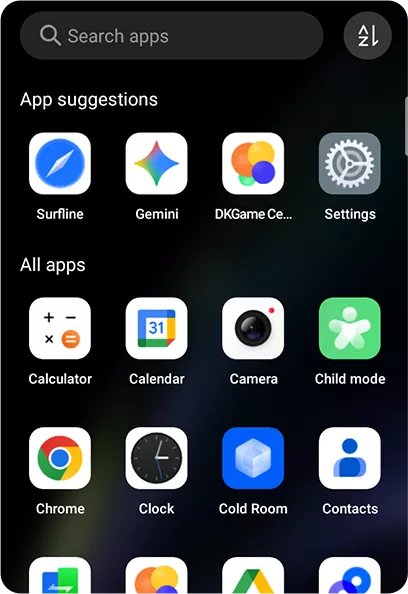
Ajout de la confirmation de désinstallation et icônes plus claires. •Tiroir d'applications :
Triez les applications par nom, utilisation ou catégorie.
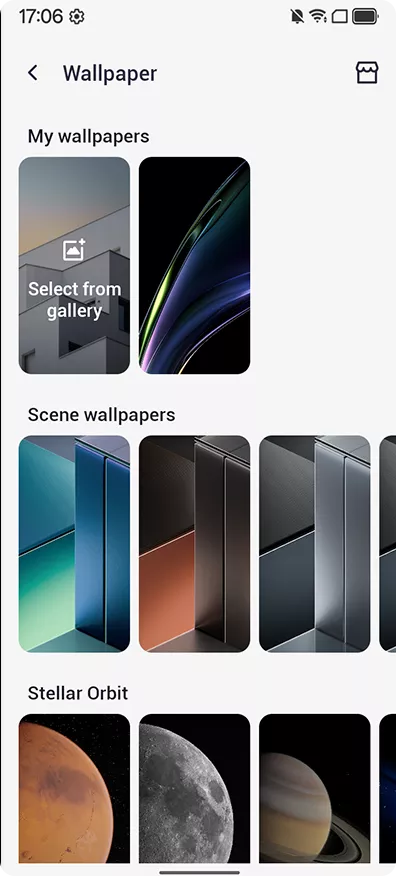
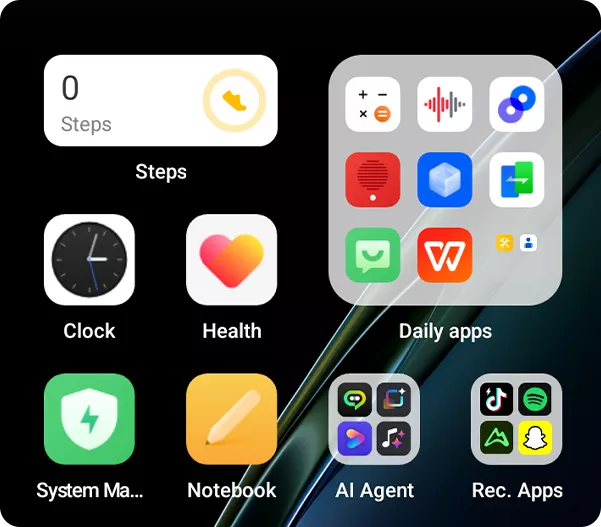 •Widgets de bureau :
Liste repensée avec des informations plus claires
à un d'un coup d'œil.
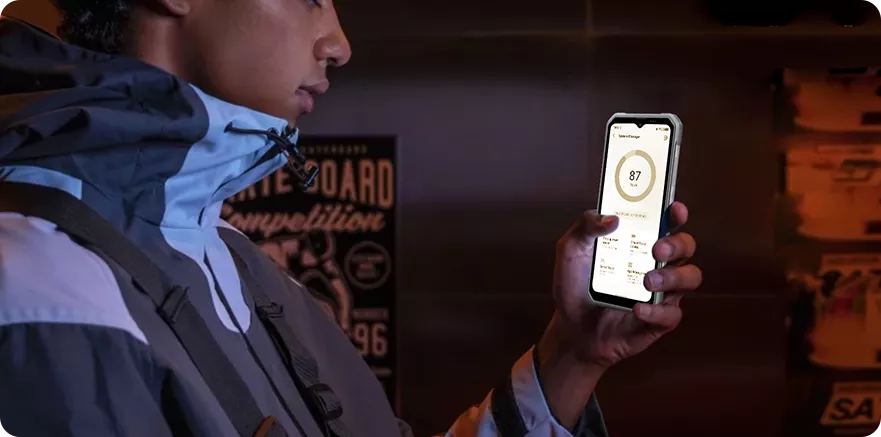
Nouvelles textures de verre pour un aspect plus léger et naturel. Raffiné. Fiable. Prêt pour votre quotidien Conçu pour la rapidité, la fluidité et l'efficacité, DokeOS 5.0 améliore le stockage, l'IA, appareil photo, et plus pour une expérience fluide. Gestionnaire système : nettoyage plus intelligent, espace libéré
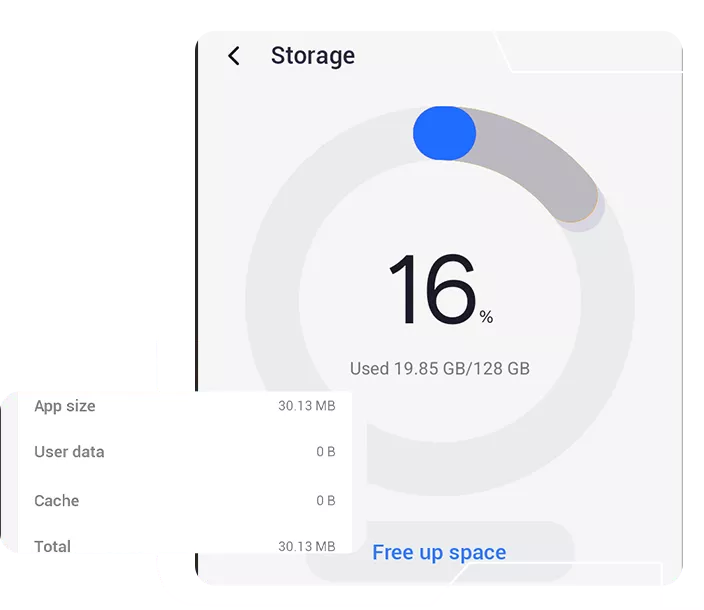
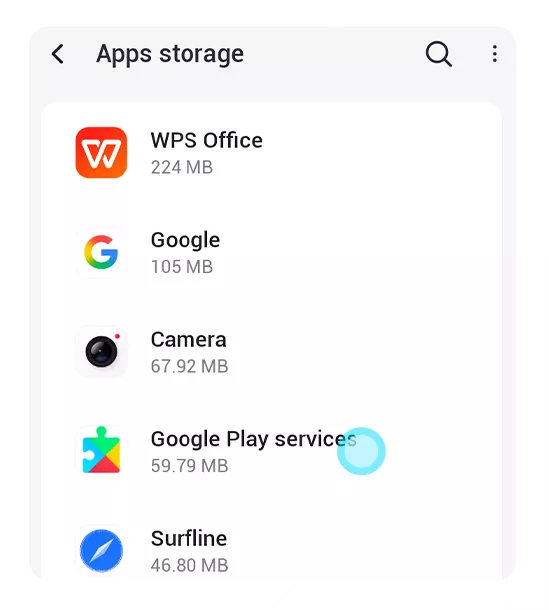
Un clic pour supprimer les fichiers inutiles et libérer de l'espace. •Nettoyage catégorisé :
Nettoyage par type de fichier pour un meilleur contrôle.
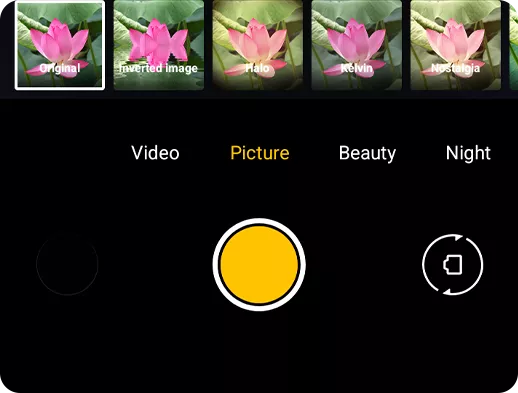
Créez des ambiances cinématographiques en un clic. •Accès rapide :
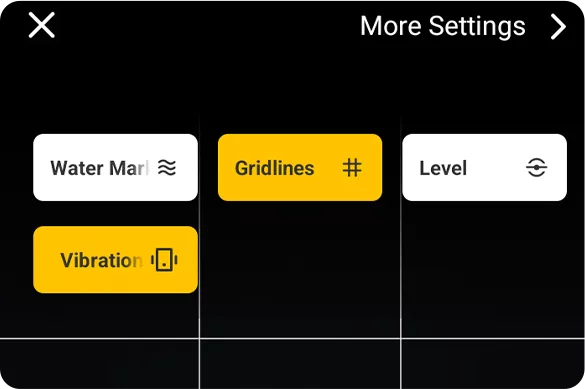
Grilles de composition, filigranes, outil de niveau et retour haptique retour

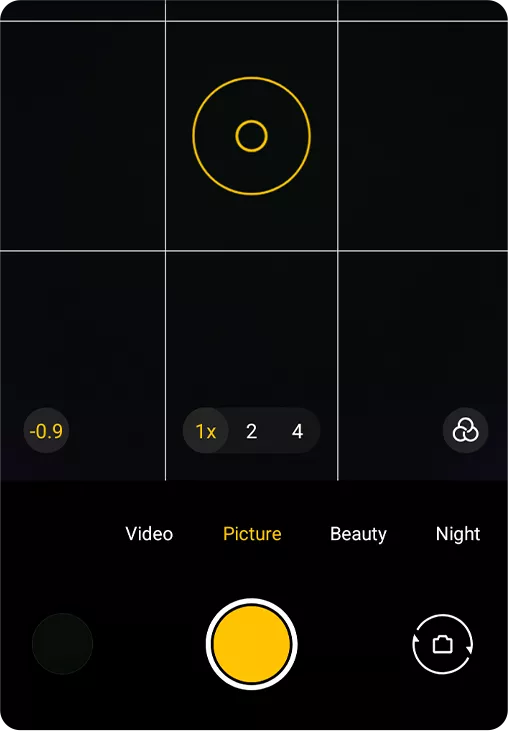
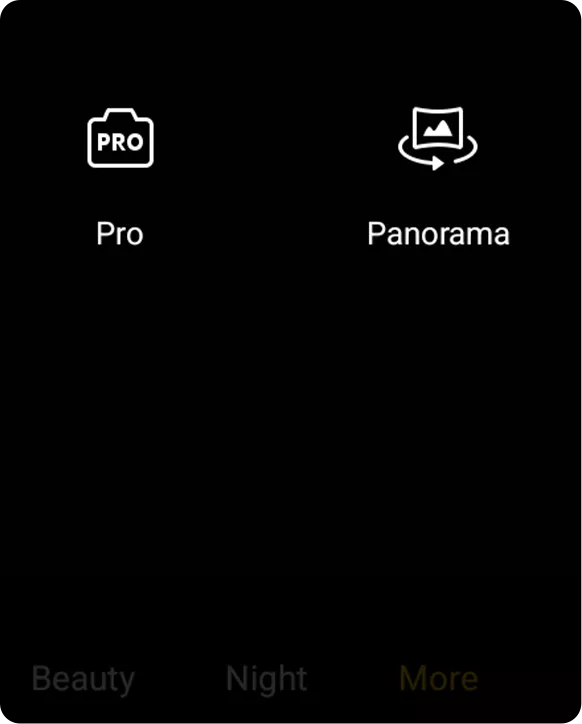
Cadrage plus précis, prises de vue plus stables. •Améliorations du mode Pro :
Ajustez la température des couleurs & choisissez parmi trois modes de mesure

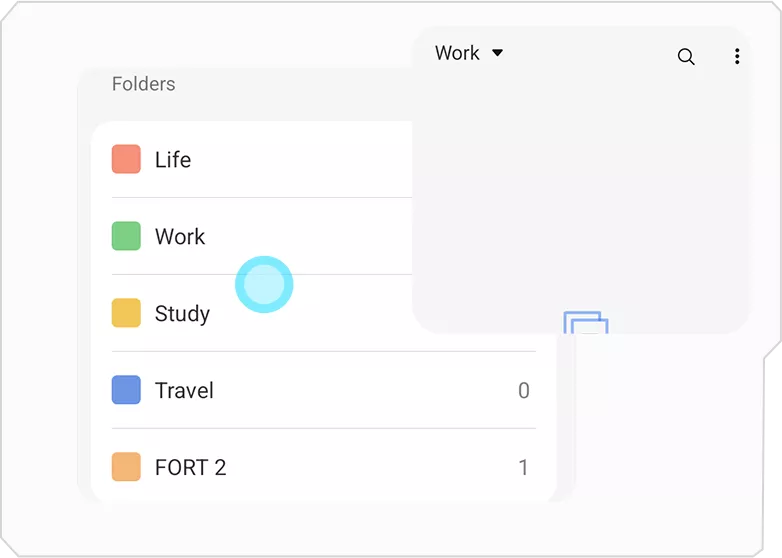
 Écrivez librement. Trouvez facilement. Gardez en sécurité
Recherchez tout, instantanément. •Tri flexible :
Triez par création, modification, et plus pour une recherche facilitée recherche.
Gérez plusieurs notes à la fois. •Supprimés récemment :
Récupérez facilement les notes supprimées.
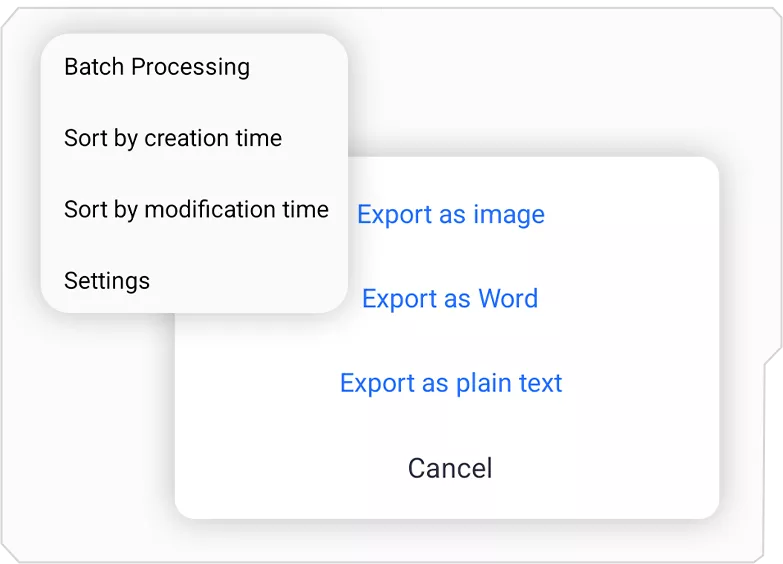
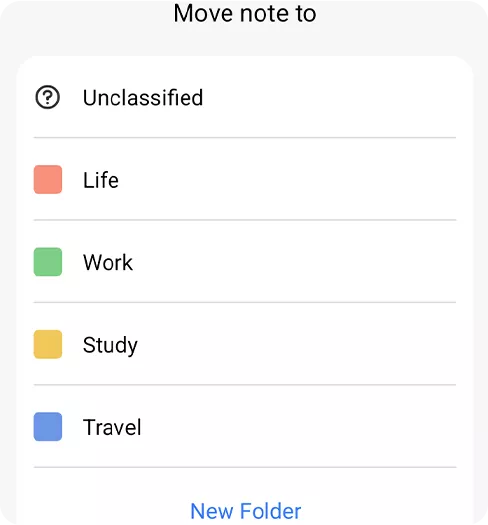
Retour instantané pour chaque action. •Export flexible :
Exportez les notes en Word ou TXT.
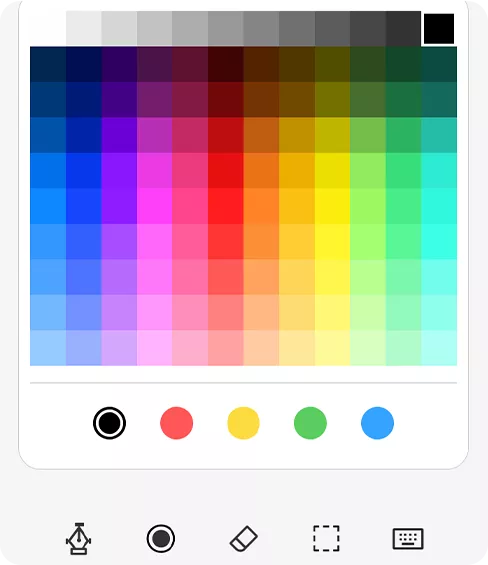
Formatez les notes avec surlignages, listes et styles personnalisés couleurs. •Améliorations des gribouillis :
Gribouillis plus intelligents avec pinceau et couleurs ajustables.
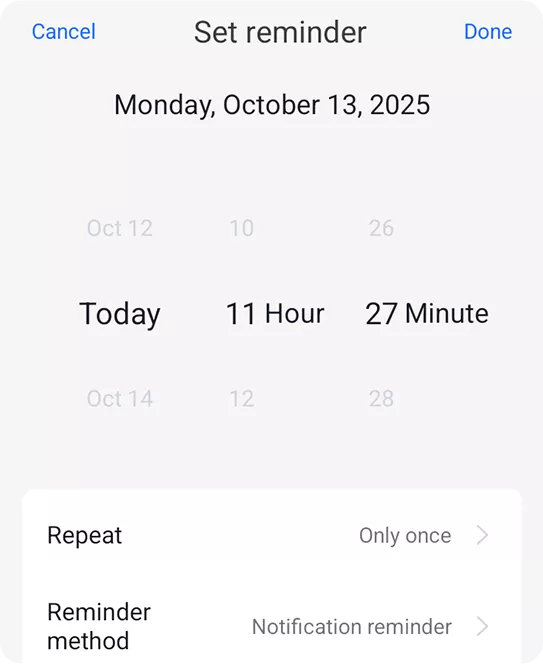
Rappelez plus intelligemment •Rappels améliorés :
Rappels flexibles avec options quotidiennes, hebdomadaires, mensuelles, ou options annuelles.
 Surfline : l'actualité à portée de main
Regroupe les sujets tendance de plusieurs sources pour une vue claire et concise. •Accès en un clic :
Obtenez ce dont vous avez besoin instantanément, sans changer d'application requis.
-
![]() •Centre de jeux 【NOUVEAU】
-
![]() •Application EasyShare
-
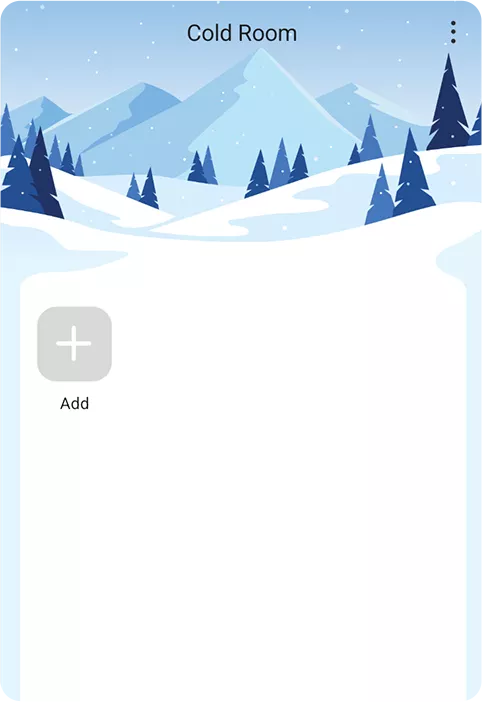
![]() •Application Espace de travail
-
![]() •Application Santé
-
![]() •Minuteur réfléchi
-
![]() •Assistant de migration des données






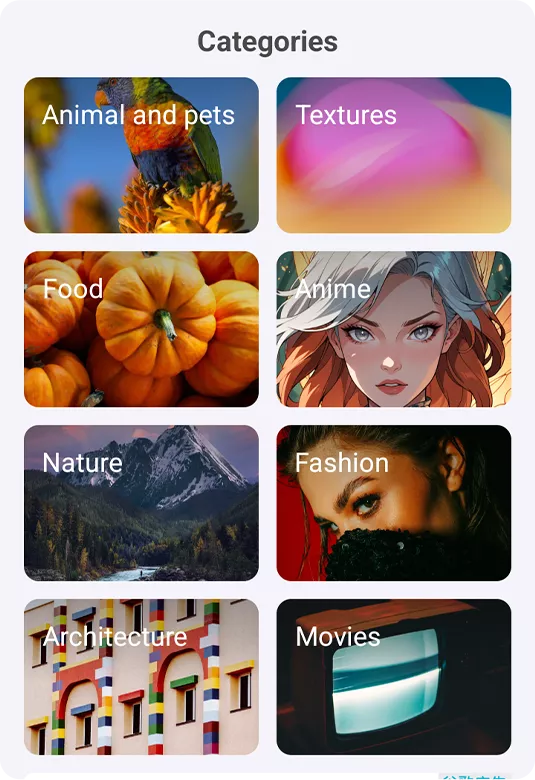
 Votre apparence, vos règles
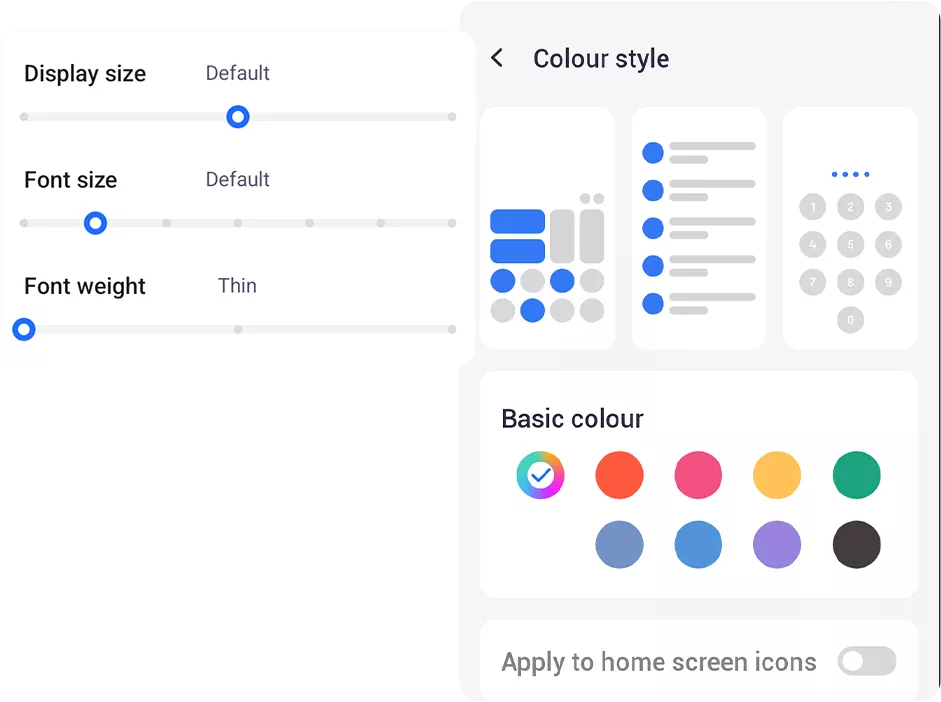
Large choix de thèmes et fonds d'écran animés parmi 8 catégories.
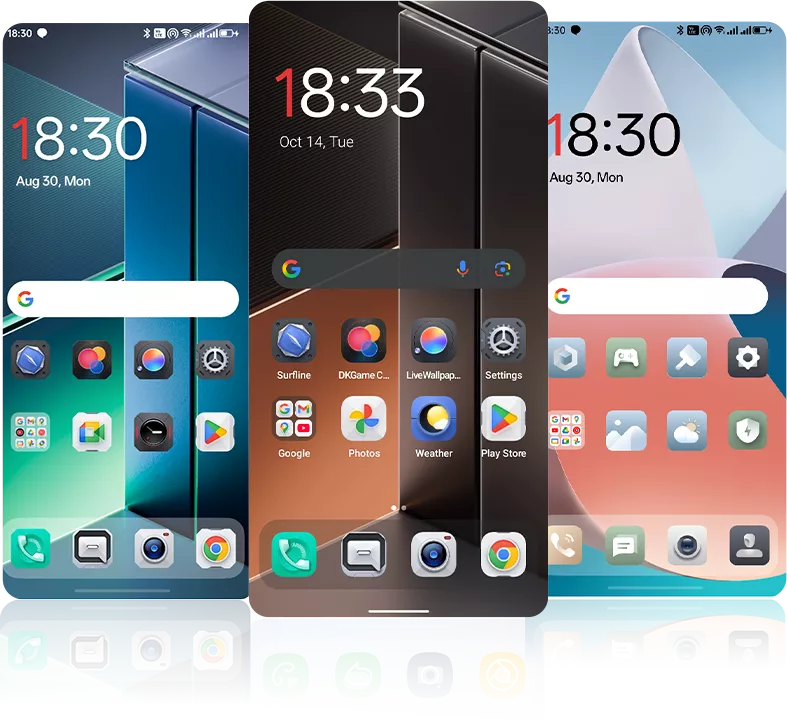 •Styles de thème :
Supporte les thèmes minimalistes, parallèles et autres.
Changez facilement les couleurs de l’interface.
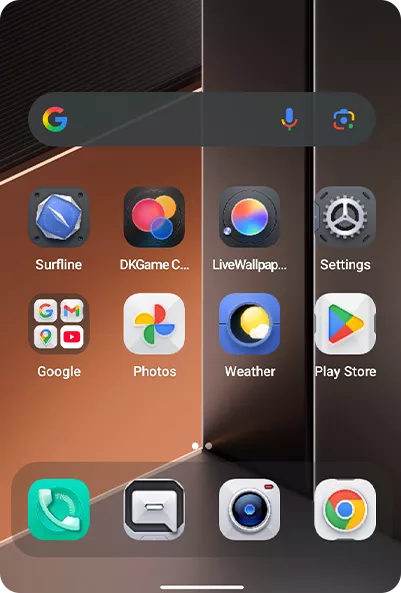
Supporte les thèmes minimalistes, parallèles et autres. •Rafraîchissement de l’interface des applications :
Applications principales mises à jour avec visuels unifiés. •Améliorations de l’interface système : barre d’état et animations d’alimentation améliorées, plus fluides interaction.
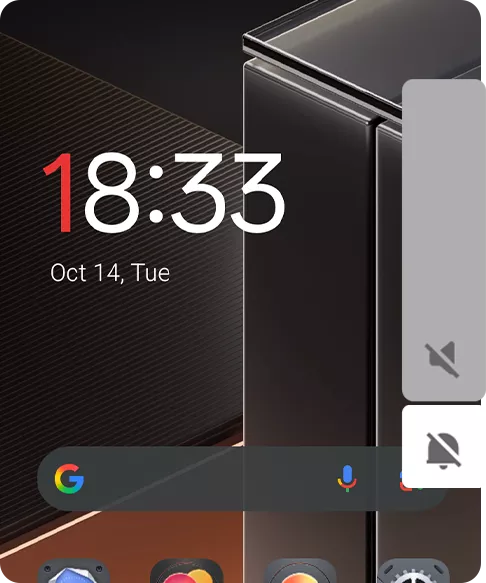
 •Animations allumage/extinction écran : transitions douces de réveil et de veille, avec option
fondu ou pas d’animation.
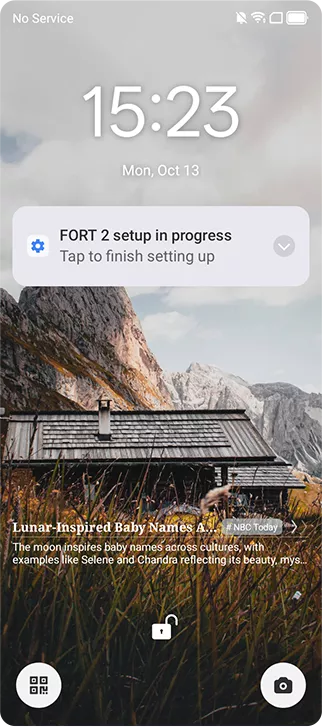
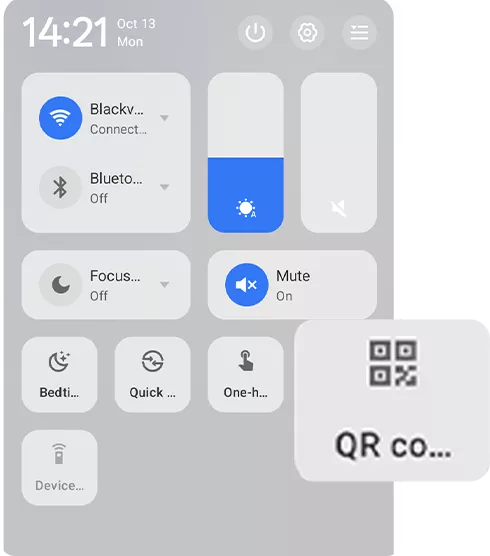
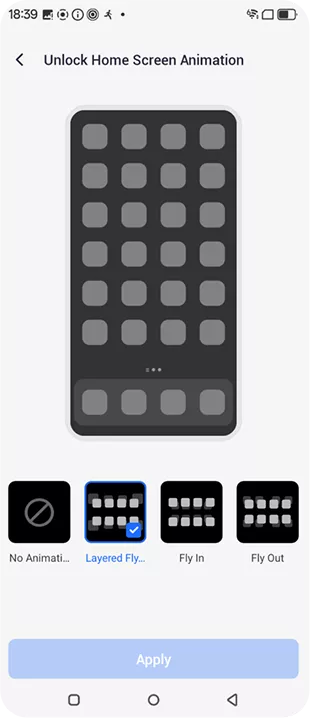 •Animations du centre de contrôle : mouvements d’ouverture/fermeture élégants avec retours réactifs
retours.
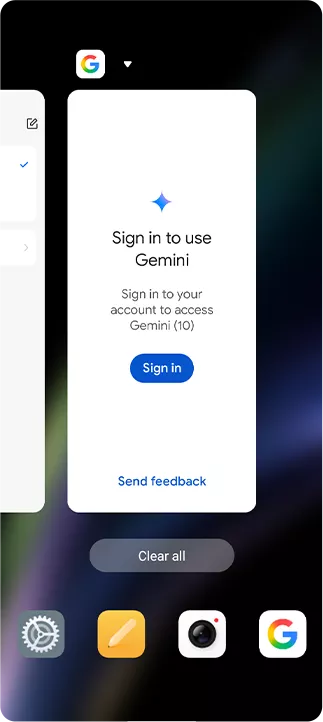
Transitions d’écran naturelles avec styles personnalisables. •Animations application-vers-accueil : entrée et sortie fluides pour un visuel unifié.
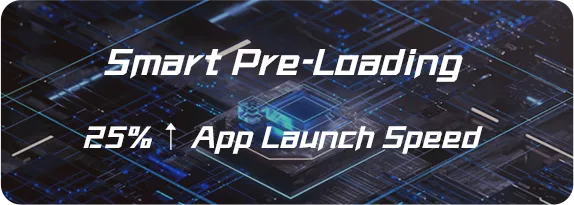
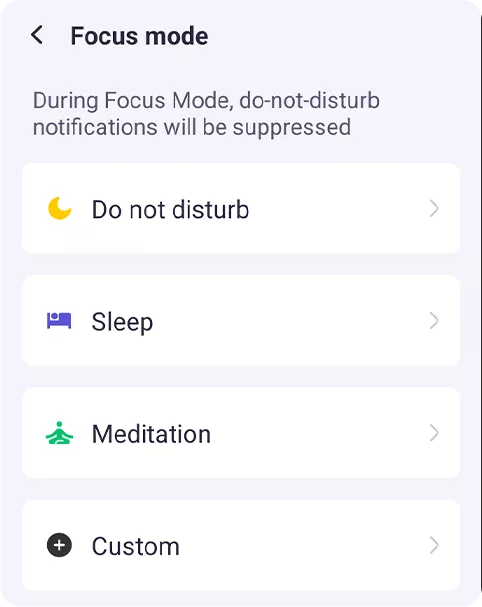 •Calcul focalisé
 •Système de fichiers en lecture seule EROFS
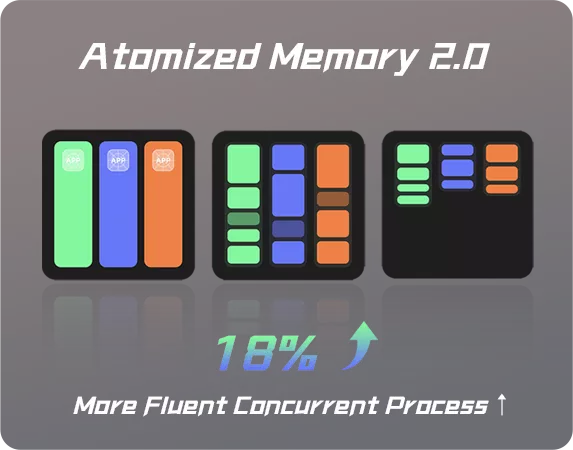
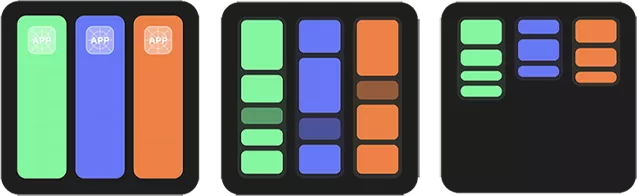 •Mémoire atomisée 2.0
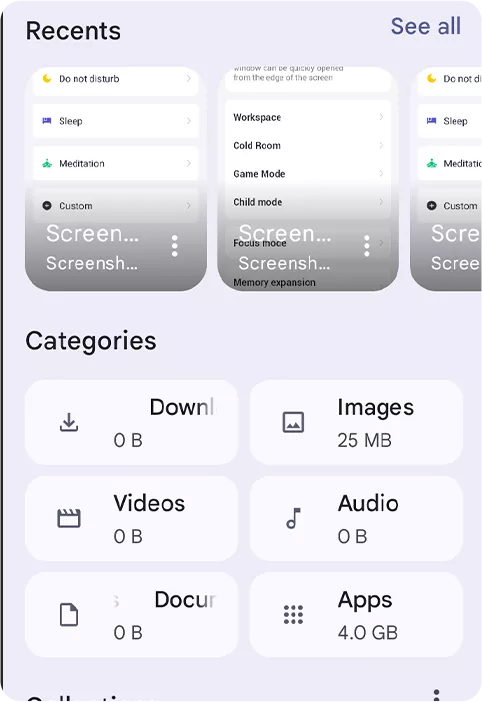 •Système de fichiers F2FS

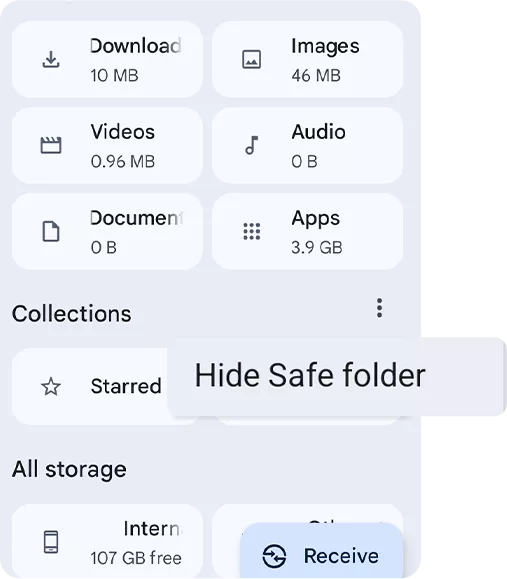
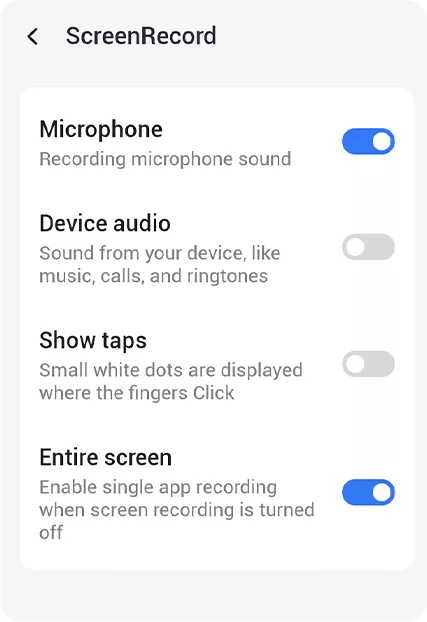
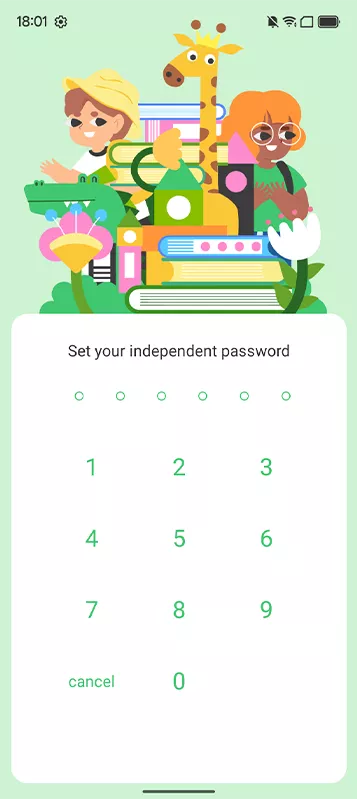
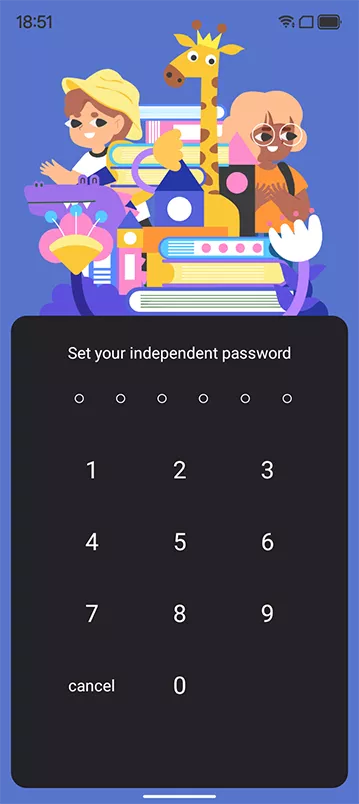
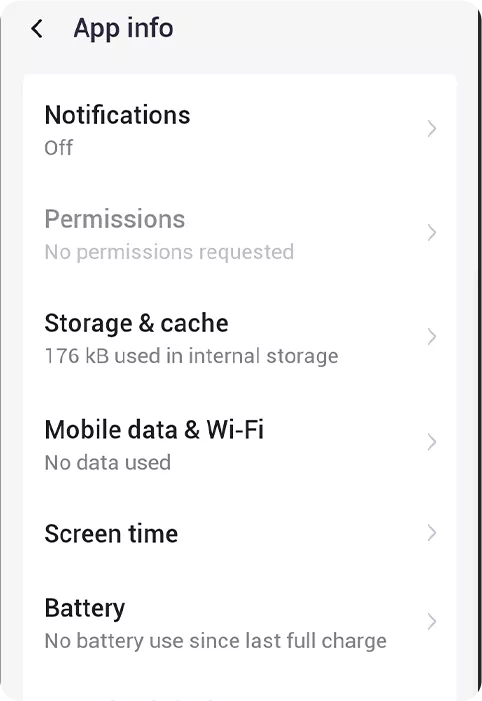
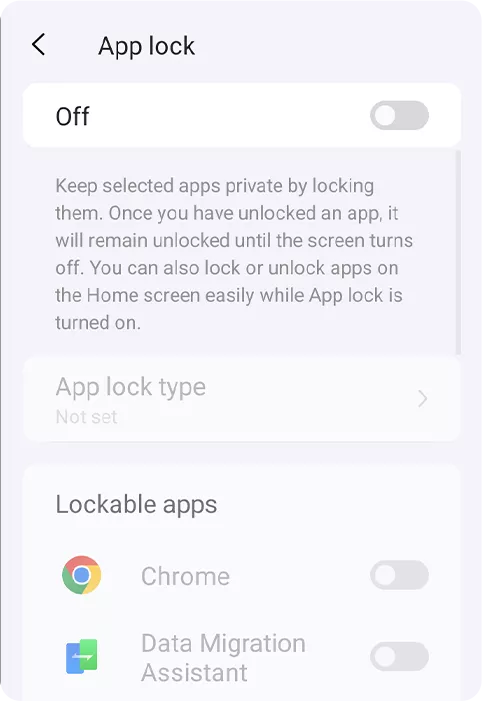
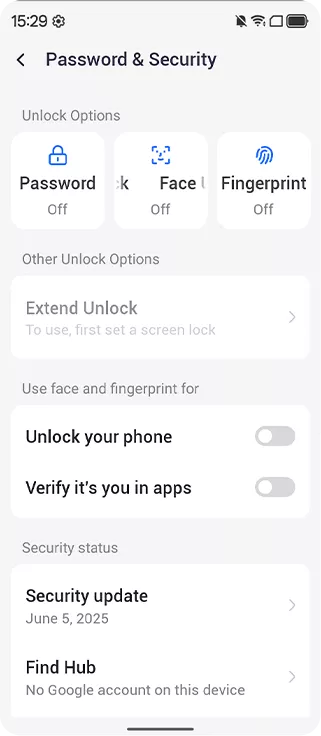
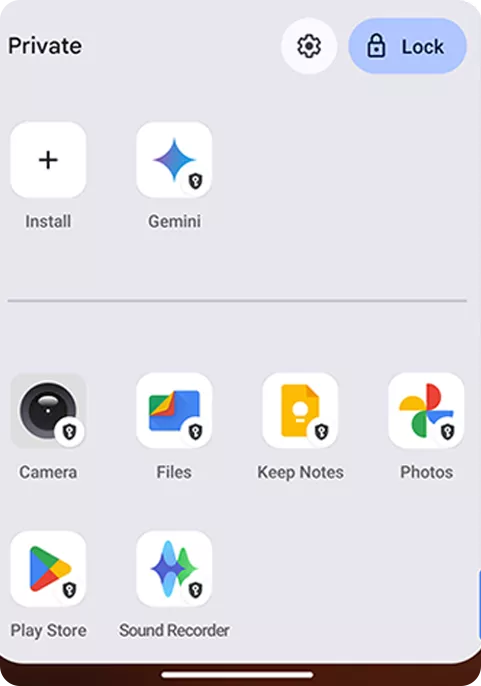
Autorisations Verrouillage d’application
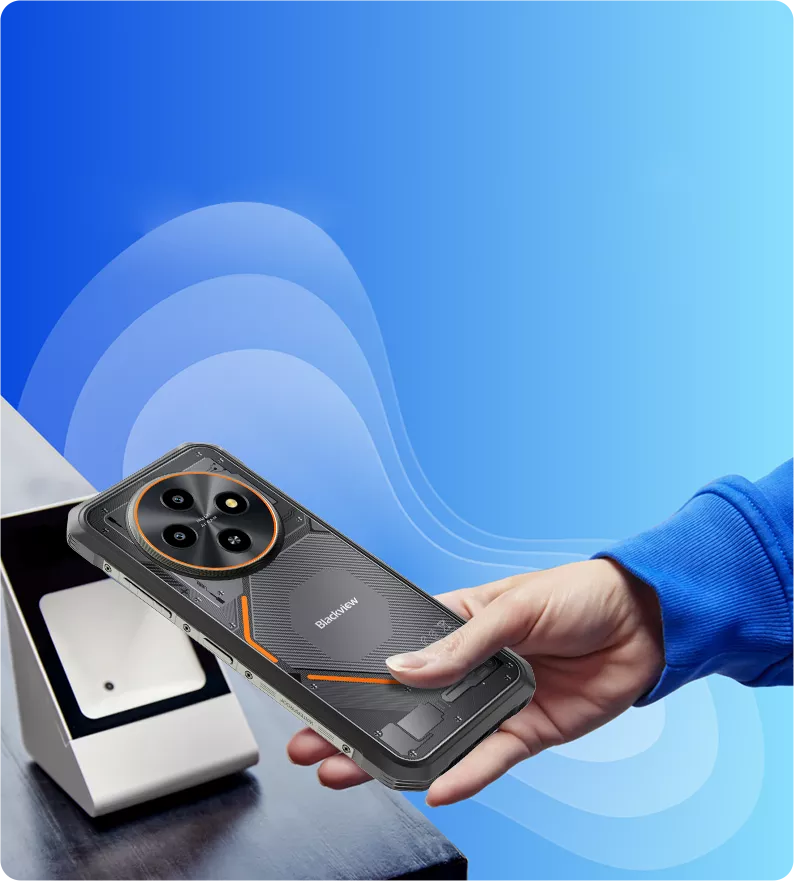
Même dans les zones sans WiFi.
Paiements et transfert sécurisé de données.
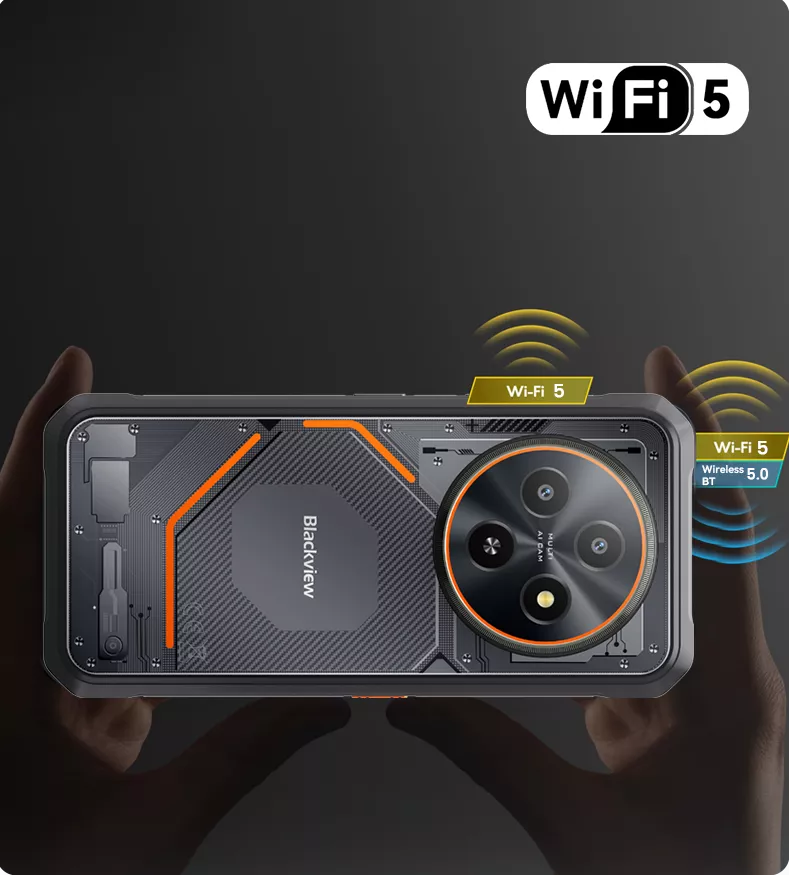
Sans fil BT 5.0 Pour des connexions plus rapides et stables
et transferts de données.
-
ModèleFORT 2
-
CouleurNoir Obsidienne, Blanc Éclair
-
Dimensions174,6*83*10,7 mm
-
Poids245,3 g
-
Système d’exploitationDokeOS 5.0 basé sur Android 15
-
AffichageÉcran HD+ IPS 6,56 pouces, résolution 720*1612
Taux de rafraîchissement 90 Hz, ratio écran/corps 89,7 %,
Fréquence d’échantillonnage tactile 180 Hz -
CPUProcesseur MediaTek Helio G81 Octa-core
-
RAM & ROMJusqu’à 24 Go RAM +128 Go/256 Go ROM
-
Extension TFExtension jusqu’à 2 To
-
Batterie5000mAh ; charge rapide 18W
-
Caméra frontale13MP
-
Caméra arrière16MP
-
Haut-parleurHaut-parleur Smart-K
-
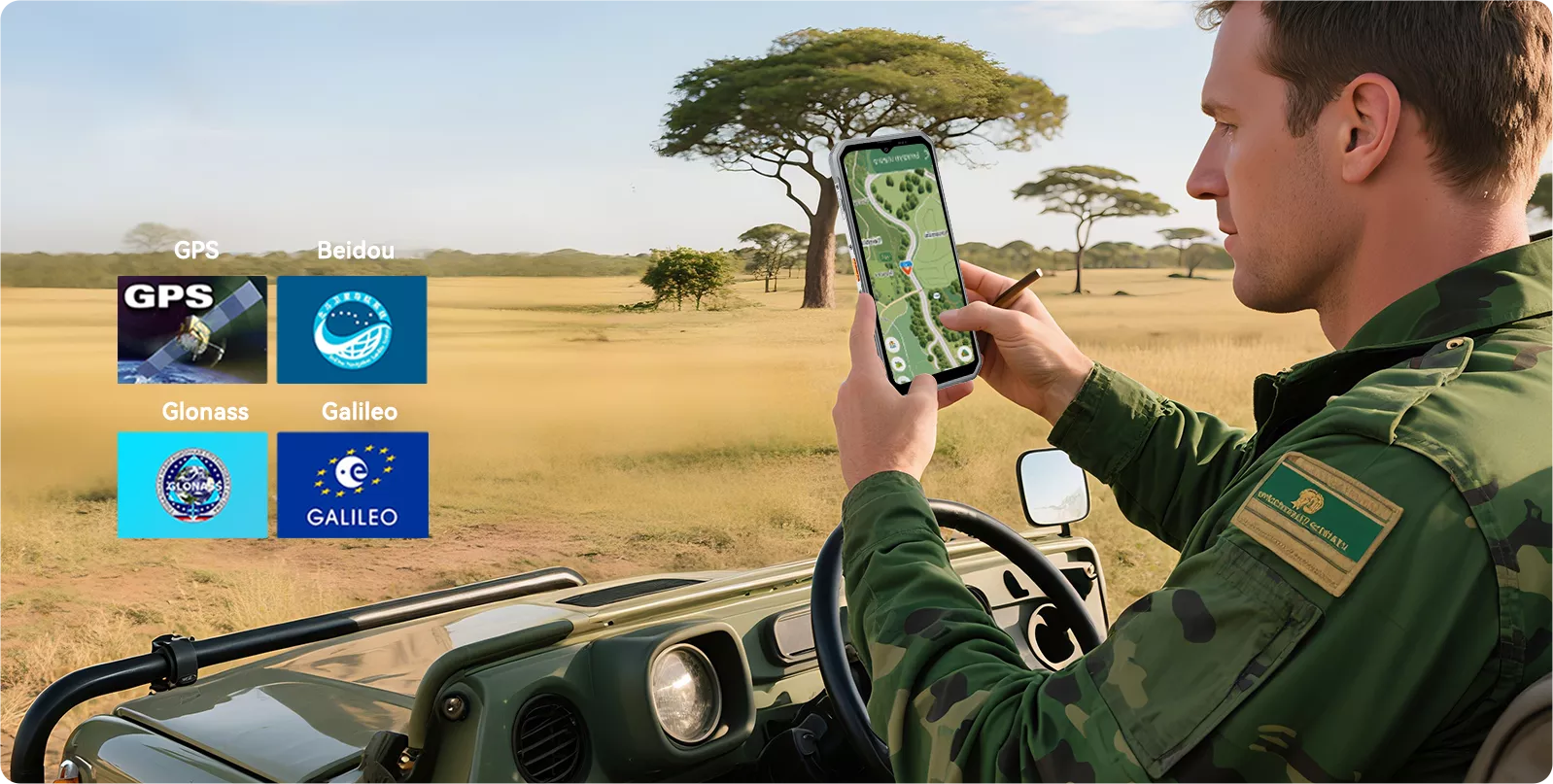
NavigationGPS+Glonass+Beidou+Galileo, support L1
-
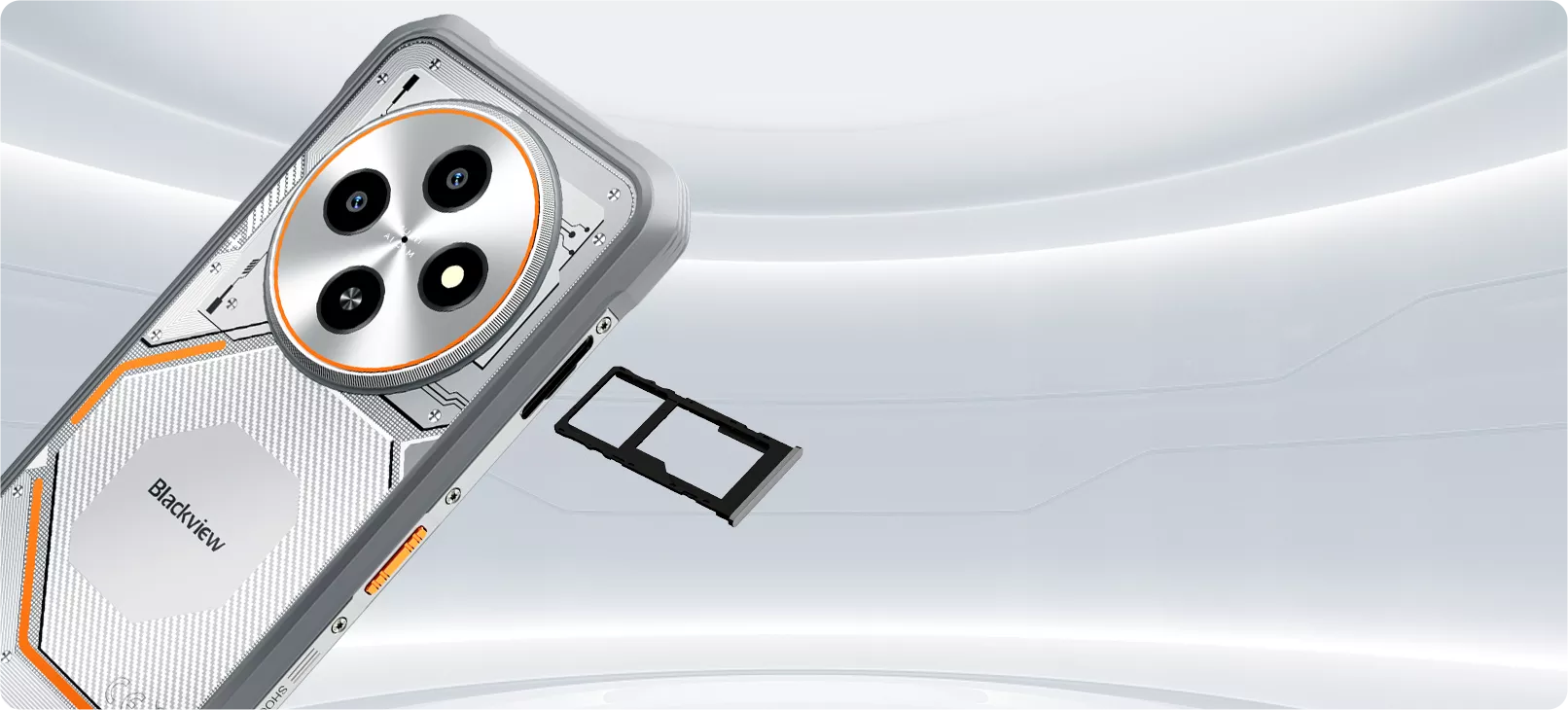
Emplacement carteDouble ; 2*SIM/1*SIM +1*Carte TF
-
NFCSupport
-
Double VoLTE 4GSupport
-
Wi-Fi & BTIEEE802.11 ac/a/b/g/n (2,4/5,0 GHz) ; BT 5.0
-
Connectivité réseauBande 2G : B2/B3/B5/B8, CDMA : BC0/BC1/BC10
Bande 3G : B1/B8
Bande 4G : FDD : B1/B3/B7/B8/B19/B20/B28AB,
TDD : B40/B41
| Modèle | FORT 2 |
| Couleur | Noir Obsidienne, Blanc Éclair |
| Dimension | 174,6*83*10,7 mm |
| Poids | 245.3 g |
| Système d'exploitation | DokeOS 5.0 basé sur Android 15 |
| Afficher | Écran HD+ IPS 6,56 pouces, résolution 720*1612 Taux de rafraîchissement 90 Hz, ratio écran-corps de 89,7 % Fréquence d’échantillonnage tactile 180 Hz |
| Processeur | Processeur octa-core MediaTek Helio G81 |
| RAM & ROM | Jusqu’à 24 Go RAM + 128 Go/256 Go ROM |
| Extension TF | Extension jusqu’à 2 To |
| Batterie | 5000 mAh ; charge rapide 18 W |
| Caméra frontale | 13MP |
| Caméra arrière | 16MP |
| Haut-parleur | Haut-parleur Smart-K |
| Navigation | GPS+Glonass+Beidou+Galileo, prise en charge L1 |
| Emplacement carte | Double ; 2*SIM/1*SIM + 1*Carte TF |
| NFC | Assistance |
| Double 4G VoLTE | Assistance |
| Wi-Fi & BT | IEEE802.11 ac/a/b/g/n (2,4/5,0 GHz) ; BT 5.0 |
| Connectivité réseau | Bande 2G : B2/B3/B5/B8, CDMA : BC0/BC1/BC10 Bande 3G : B1/B8 Bande 4G : FDD : B1/B3/B7/B8/B19/B20/B28AB, TDD : B40/B41 |
• Forfait UE : Adaptateur secteur non inclus
• Forfait hors UE : Adaptateur secteur inclus

How much does the Blackview FORT 2 weigh?
The Blackview FORT 2 weighs 245.3 grams and is 10.7 millimeters thick, making it both practical and not overly bulky—perfect for both work and everyday use. Its slim profile fits easily into a jacket pocket, work bag, or fanny pack. Whether you’re commuting, traveling between job sites, or enjoying outdoor activities, it’s highly portable.
It also features a rugged and durable design that balances everyday portability, so you can carry it with you all day long and handle calls, messages, and navigation needs at any time.
What mobile networks does the Blackview FORT 2 support?
The Blackview FORT 2 is a rugged 4G smartphone that supports 4G LTE, 3G, and 2G networks. You can use it on compatible mobile networks to make calls, send messages, browse the web, view maps, and make video calls.
It also supports dual 4G SIM cards, allowing you to use both your work and personal numbers on the same phone. Before purchasing, please check the supported network bands listed in the FORT 2 product specifications and verify compatibility with your carrier. Available services depend on your mobile plan and local network coverage.
Does the Blackview FORT 2 have 24GB of physical RAM?
No, the Blackview FORT 2 comes with 8GB of physical RAM and supports up to 16GB of virtual RAM expansion, for a total of 24GB of memory. This 16GB portion is allocated from the phone's internal storage.
Virtual RAM expansion enhances multitasking capabilities by allowing more applications to remain active in the background—a useful feature for daily use, outdoor tasks, and switching between multiple apps. However, the performance of virtual RAM is not identical to that of physical RAM.
Can I use the Blackview FORT 2’s touchscreen while wearing gloves?
Yes. The Blackview FORT 2 features “Glove Mode 2.0,” which allows the touchscreen to respond normally even when you’re wearing gloves. This is especially useful when it’s inconvenient to remove your gloves—such as when performing maintenance outdoors, in cold weather, or when checking directions, answering calls, or opening work apps.
Response may vary depending on the material, thickness, and fit of your gloves, so we recommend testing this feature with the gloves you normally wear. Larger buttons and simple taps are generally easier to use. If the touchscreen does not respond, or if you need to perform precise actions, it may be better to switch to thinner gloves or remove one glove.
Can I use the Blackview FORT 2 in the rain?
Yes. The Blackview FORT 2 features IP68 and IP69K water resistance ratings, making it capable of withstanding sudden outdoor rain. Even when the weather changes, you can still use it to check your route, answer calls, or record work details. Before exposing the phone to water, please ensure that all protective covers are securely closed and that the phone’s casing and seals are undamaged.
After use, we recommend wiping the phone with a soft, dry cloth and ensuring the charging port is completely dry before connecting the data cable. If water droplets affect touchscreen responsiveness, wipe the screen dry before using it. Water resistance may diminish due to wear and tear, impact, or repairs, so if the screen is cracked or the body is damaged, inspect the device before exposing it to moisture again.
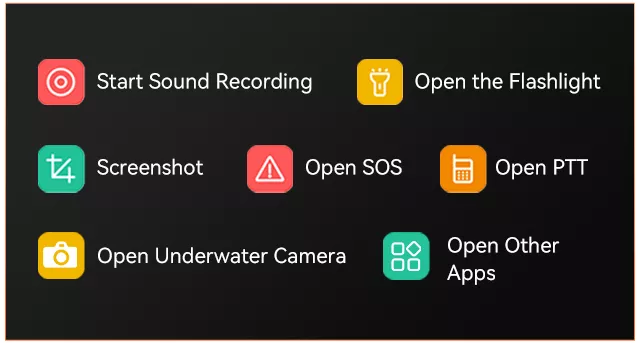
What can I do with the Blackview FORT 2’s shortcut button?
The shortcut keys on the Blackview FORT 2 allow you to quickly access selected features or apps, such as turning on the flashlight or taking a screenshot. Instead of having to unlock your phone and search for the app every time, you can simply assign frequently used actions to these keys. You can also set up shortcut keys for functions you frequently use while working or during outdoor activities.
You’ll need to select the desired option from the list in your phone’s settings, then test the button while the screen is both on and locked. However, some actions may require you to unlock your phone first.
Who is the Blackview FORT 2 rugged phone best suited for?
The Blackview FORT 2 is ideal for farm workers, maintenance technicians, delivery drivers, warehouse staff, and others. It’s also well-suited for commuters and casual outdoor enthusiasts, as it’s not only rainproof, dustproof, and shock-resistant, but also very lightweight, slim, and durable.
In addition to its slim design, the Glove Mode and shortcut keys make it easy to perform frequently used tasks such as checking directions, opening work apps, and using the flashlight. As a result, the FORT 2 is well-suited for everyday communication and offers exceptional durability.
What does the Blackview FORT 2’s 90Hz refresh rate mean for everyday use?
The Blackview FORT 2’s display can refresh the screen up to 90 times per second. Compared to a 60Hz display, this makes scrolling through messages, browsing the web, and navigating menus much smoother when supported by the software.
The refresh rate does not determine image clarity; that depends on factors such as screen resolution and the content itself. It also does not mean that every game will run at 90 frames per second. Gaming performance is determined by factors such as the processor, graphics settings, and the game’s own frame rate limit, while video playback depends on the frame rate of the video itself.
Can I expand the Blackview FORT 2’s storage with a microSD card?
Yes. The Blackview FORT 2 supports microSD cards up to 2TB, providing additional space to store photos, videos, music, and work documents. This extra storage is especially convenient if you frequently collect files while outdoors or like to keep multimedia files on your phone.
The microSD card shares the same slot as the second SIM card, so you’ll need to choose between using two SIM cards or one SIM card plus a memory card. Be sure to purchase from a reputable supplier and select a memory card suitable for storing your files. Some apps recommend saving data to internal storage, and you should also back up important files to another location in case the memory card is lost or damaged.
Does the Blackview FORT 2 support NFC payments?
Yes. The Blackview FORT 2 supports NFC payments and allows for contactless payments through compatible payment services. This requires a supported bank card, a payment app available in your country or region, and a phone that meets the service’s security requirements. The presence of NFC hardware alone does not guarantee that every bank or payment app will work properly.
To get started, enable the NFC feature, add your bank card to the payment app, complete the verification process, and select that app as your default contactless payment service. If necessary, you can also set up a screen lock. When checking out, unlock your phone and hold it near the contactless payment symbol on the terminal. If the payment fails, first check the app’s settings and whether your bank card is eligible before determining if the issue lies with the phone itself.
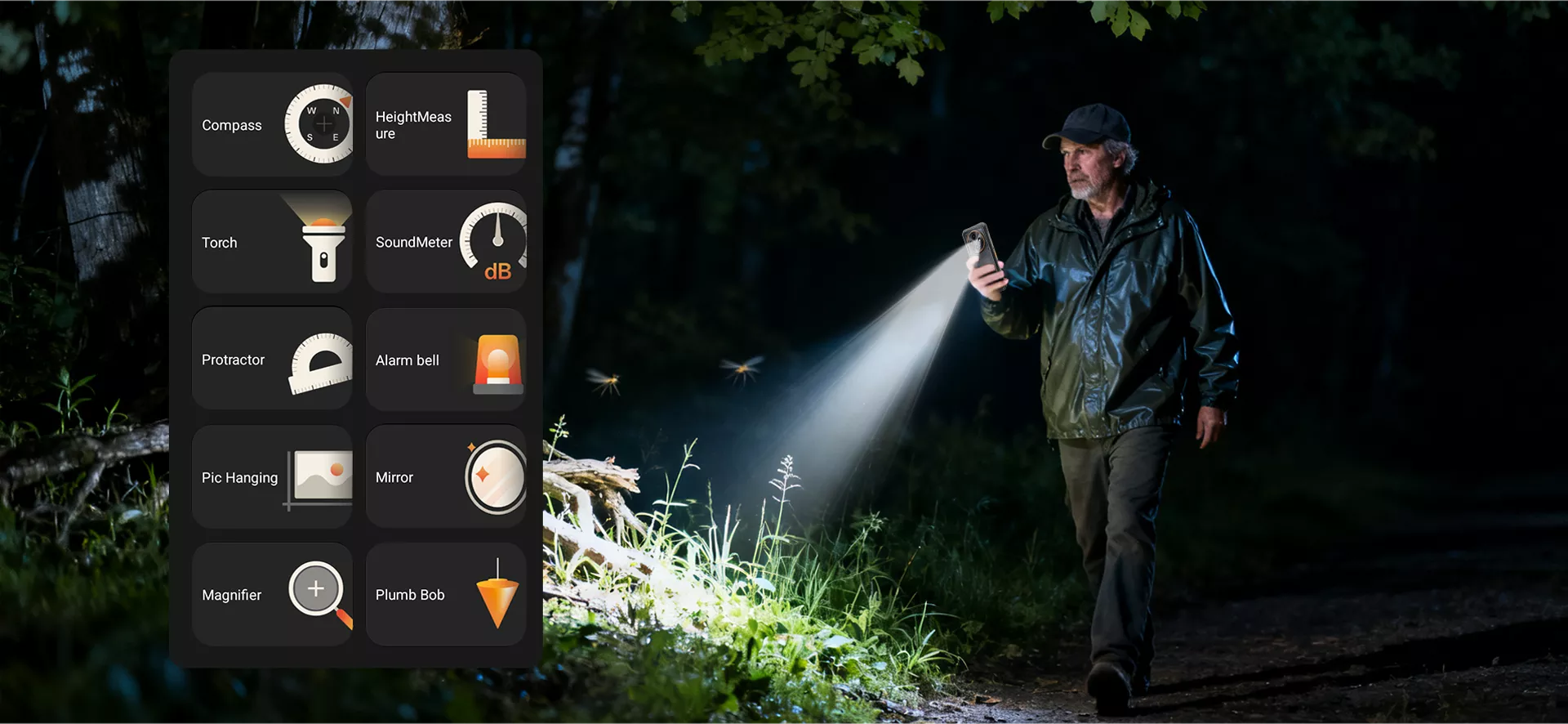
What can I use the Blackview FORT 2’s built-in toolbox for?
The Blackview FORT 2’s toolbox includes practical tools such as a flashlight, compass, and sound level meter. These tools can help with everyday tasks, such as finding dropped items in dimly lit areas, determining your direction outdoors, or checking the noise level around you.
For more accurate readings, it is recommended to use each tool under appropriate conditions. When using the compass, stay away from magnets and large metal objects; when measuring noise levels, do not cover the microphone. These tools are designed for quick reference but are not intended to replace calibrated equipment for professional measurements or safety assessments.
Can I take underwater photos with the Blackview FORT 2?
Yes. The Blackview FORT 2 is equipped with an underwater photography feature and can be submerged at a depth of 1.5 meters for up to 30 minutes. This is a general guideline for the phone’s water resistance; however, you should not exceed the tested depth or use the phone underwater for extended periods.
Before attempting underwater photography, make sure the phone is undamaged, all protective covers are securely closed, and you are familiar with the camera’s operation. Please note that the protection rating does not apply to diving, seawater, pool chemicals, or pressurized flowing water environments. Additionally, after the phone comes into contact with water, be sure to dry it off and ensure the charging port is dry before charging.
How can the Blackview FORT 2 help me keep work notes organized?
The Notebook 3.0 app on the Blackview FORT 2 supports search, sorting, and reminder features, and allows you to export notes as Word or TXT files. You can use it to centrally manage work details, inspection records, shopping lists, or follow-up tasks, making it easier to find the information you need.
Create a note for each work task, including the client’s name, location, and date in the title. Record completed work and any points to note, then set a reminder for your next service visit. When you need to share details, simply export the note and send it.
How can I transfer data from my old phone to the Blackview FORT 2?
Be sure to back up your old phone before you begin. During the initial setup of the Blackview FORT 2, follow the on-screen prompts to copy apps and data or restore from a Google backup. When using the wired or wireless transfer options provided on the screen, make sure both phones are charged and allow enough time to transfer large photo and video libraries.
Before resetting or giving away your old phone, verify that your contacts, photos, documents, and other important information have been successfully transferred. Banking apps, authentication accounts, and some chat histories require separate transfer or login procedures. If you’re migrating from an iPhone, follow the corresponding iPhone data transfer guide and turn off iMessage when transferring your phone number to an Android device.
Should I choose the 128GB or 256GB version of the Blackview FORT 2?
If you mainly use your phone for messaging, navigation, everyday apps, and occasional photography—don’t play games, have a limited budget, and regularly back up and delete old files—the 128GB version is the best choice. On the other hand, if you need to store a lot of videos, games, downloaded maps, or work documents, we recommend the 256GB version.
Additionally, if your current storage is nearing 128GB, we recommend choosing the 256GB version to leave more space for future downloads and updates. You can also add a microSD card, but this will occupy the second SIM card slot. Therefore, if you need to use two SIM cards simultaneously, opting for larger internal storage may be particularly useful.
What do the Blackview FORT 2’s 16MP and 13MP camera specifications refer to?
The 16-megapixel camera refers to the Blackview FORT 2’s rear camera, while the 13-megapixel camera refers to the front camera. The rear camera can be used for everyday scenes, work documentation, and photographing documents, while the front camera is used for selfies and video calls.
To achieve clearer photos, clean the lens before use and take photos in a well-lit area. When photographing documents, hold the phone parallel to the page to avoid casting shadows on the document, and make sure the text is clearly legible before taking the photo.
Jump to another section