



Oscal MARINE 3 6.56" 90Hz 디스플레이 MediaTek Helio G81 옥타코어 13MP 적외선 야간 투시 카메라 5000mAh 4G 러기드 폰

서둘러 주세요, 재고가 5개만 남았습니다.
하이라이트
하이라이트
✔6.56" 90Hz HD IPS 디스플레이
✔13MP 적외선 야간 투시 카메라
✔MediaTek Helio G81 옥타코어
✔5000mAh 배터리 및 18W 고속 충전
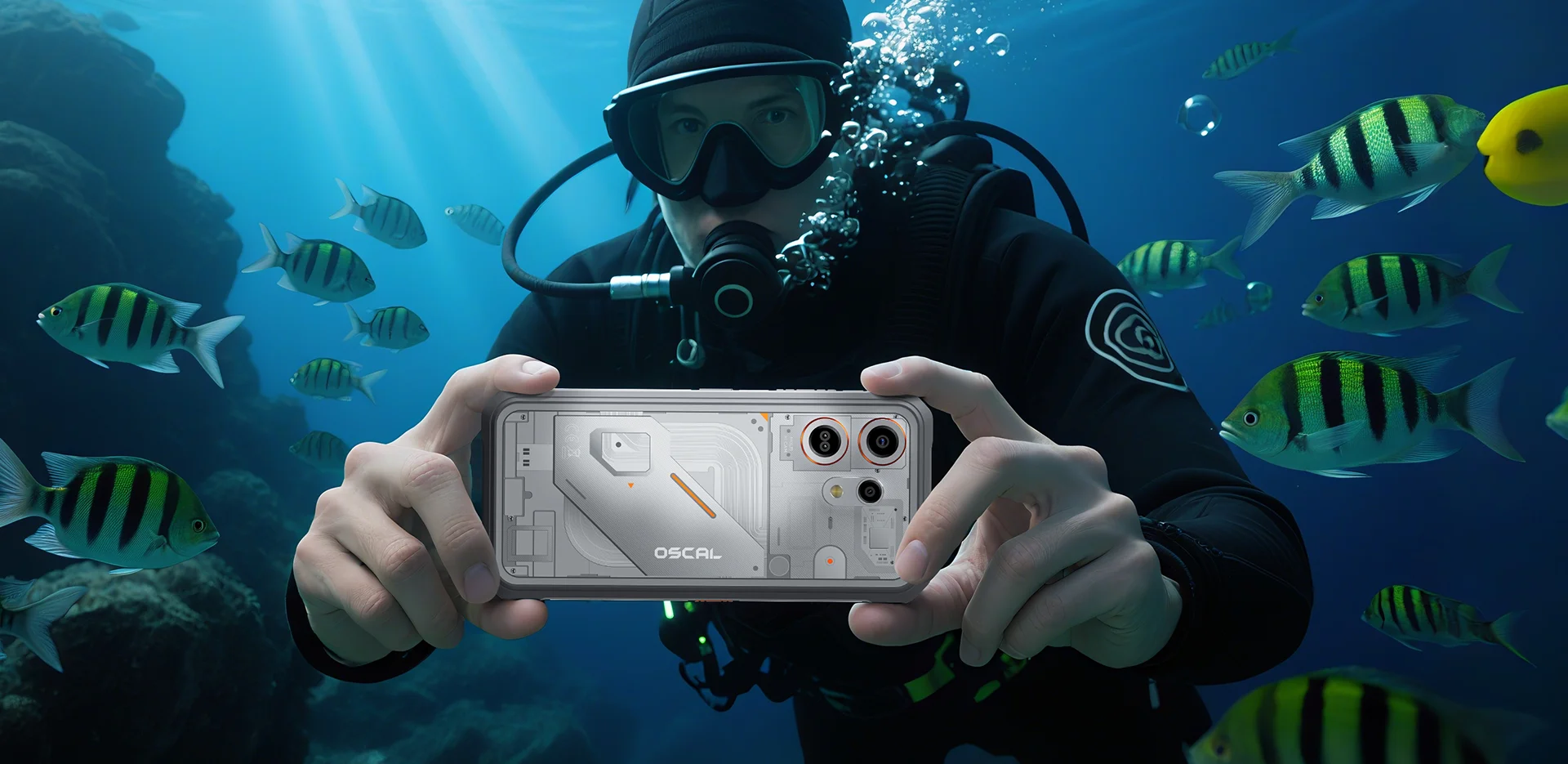
✔IP68 & IP69K & MIL-STD-810H 인증
정보
정보
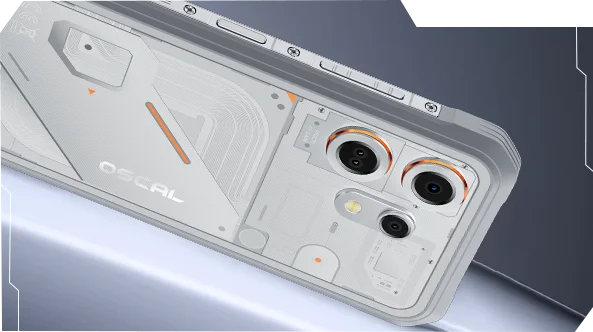
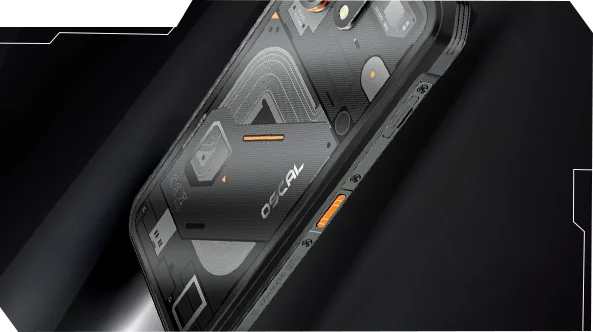
OSCAL MARINE 3는 까다로운 환경에서 신뢰할 수 있는 모바일 성능이 필요한 사용자를 위해 제작되었습니다. 6.56인치 90Hz HD IPS 디스플레이와 MediaTek Helio G81 성능, 5000mAh 배터리 및 18W 고속 충전을 결합하여 업무, 여행, 내비게이션 및 야외 활동에 적합합니다. 주요 현장용 기능으로는 13MP 적외선 야간 투시 카메라, 야외 및 일상 사용에 적합한 슬림한 견고한 디자인, IP68 & IP69K & MIL-STD-810H 보호 기능이 포함되어 있습니다. 작업 현장, 원격 여행 및 일상적인 강인함을 위해 설계되어 일반 휴대폰으로는 부족할 때도 사용자가 연결 상태를 유지하고 세부 사항을 포착하며 계속 나아갈 수 있는 자신감을 제공합니다.
브랜드 소개
브랜드 소개
Blackview는 훌륭한 기술이 단순한 사양을 넘어야 한다고 믿습니다. 실제 생활에 맞고, 실제 문제를 해결하며, 가장 중요한 순간에 신뢰할 수 있어야 합니다.
Blackview는 처음에 혹독한 환경을 위한 견고한 휴대폰으로 시작했습니다. 오늘날에는 스마트폰, 태블릿, 노트북, 스마트워치, 오디오 제품 등 더 넓은 스마트 기기 생태계를 제공합니다.
모든 카테고리에서 우리의 초점은 변함없습니다: 내구성 있는 품질, 실용적인 혁신, 그리고 합리적인 가격. 우리는 처음부터 믿음직스러운 제품을 설계합니다.
고객이 가장 중요하게 여기는 것은 무엇인지 이해합니다: 부드러운 성능, 오래가는 신뢰성, 유용한 기능, 그리고 불필요한 비용 없이 일상을 더 편리하게 만드는 기술입니다.
그래서 Blackview는 제품 테스트, 사용자 경험, 그리고 업무, 여행, 창작, 야외 탐험, 일상적인 연결에 의미 있는 가치를 제공하는 기능에 진정한 관심을 기울입니다.
Blackview는 신뢰할 수 있는 기술을 원하는 사람들을 위해 만들어졌습니다: 현대 생활을 따라갈 수 있는 스마트하고 유능한 기기입니다.
설계부터 신뢰할 수 있고, 본질적으로 실용적이며, 실제 생활을 위해 만들어졌습니다.
배송 및 반품
배송 및 반품
• 배송: 주문은 영업일 기준 1~2일 이내에 처리됩니다. 표준 배송은 위치에 따라 영업일 기준 3~7일이 소요됩니다.
• 반품: 주문을 받은 날로부터 30일 이내에 제품을 반품하거나 교환할 수 있습니다. 상품은 구매 증빙과 함께 원래 상태여야 합니다.
제품에 제조상의 결함이나 손상이 있을 경우 추가 비용 없이 기꺼이 교환해 드립니다.


안드로이드 16과 도크OS 5.0 | 적외선 야간 투시
견고한 성능 IP68
MIL-STD-810H
IP69K

 2.0
내비게이션 GPS+GLONASS+
갈릴레오+베이더우




커피 및 기름 방지 표면
긴급 구조
동영상
 야외 활동을 위한 더 많은 기능

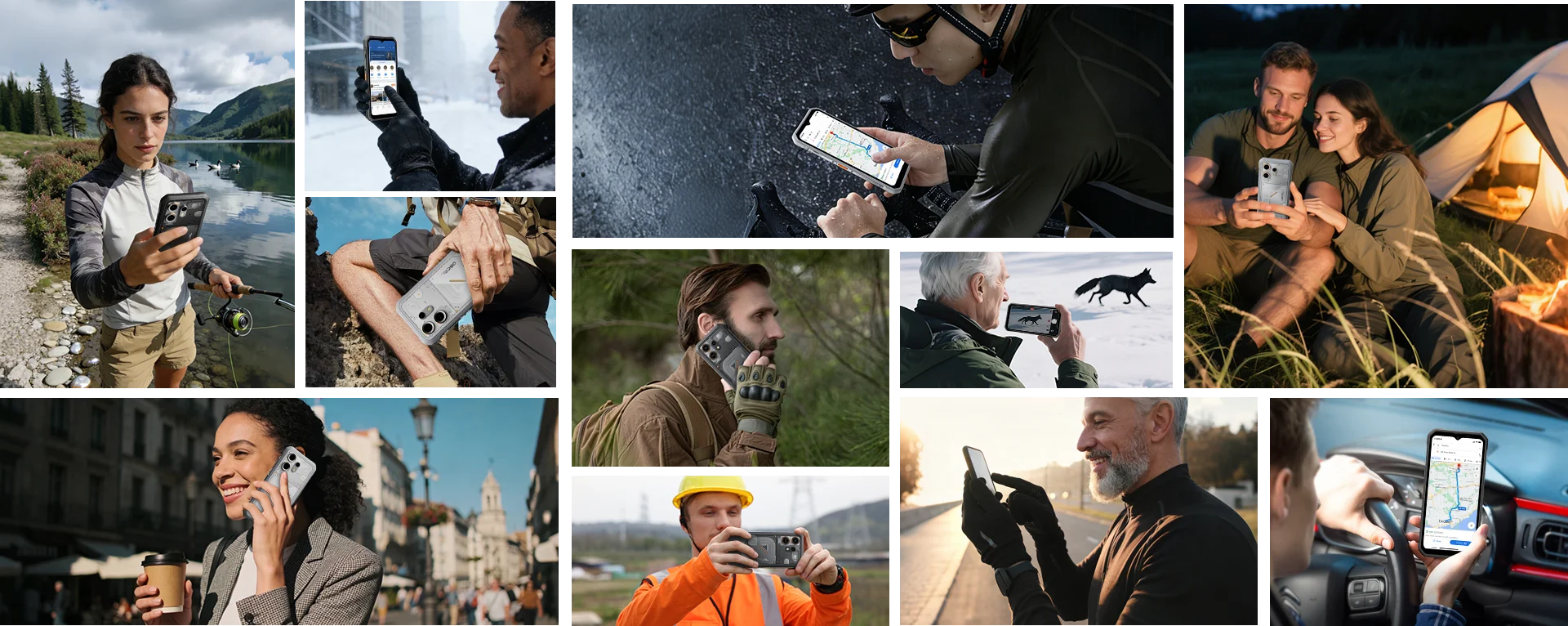
장갑을 낀 상태에서도 향상된 터치 반응을 유지합니다. 겨울 출퇴근부터 빠른 정차 시에도, OSCAL MARINE 3가 손쉽게 응답합니다.
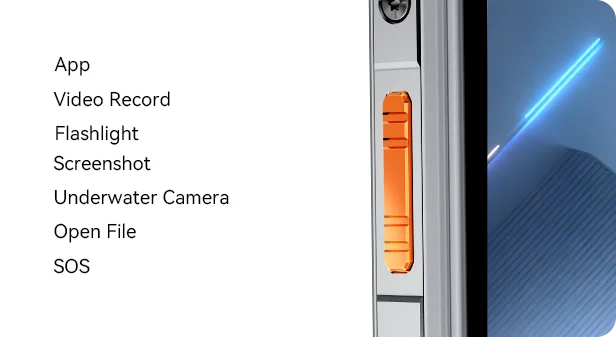
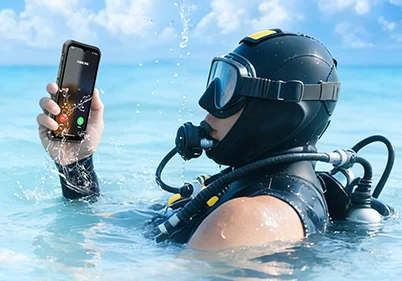
측면 키를 사용자 맞춤 설정하여 좋아하는 기능에 빠르게 접근하세요 한 번, 두 번, 또는 길게 눌러 — 수중 카메라 실행부터 손끝으로 손전등 켜기부터 SOS 경고 전송까지 모두 가능합니다.
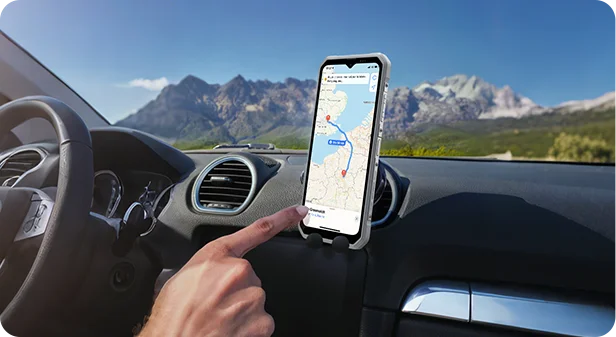
GPS, GLONASS, BeiDou, Galileo가 결합되어 정확한 위치를 제공합니다 정확성 — 어디서든 탐험하세요.
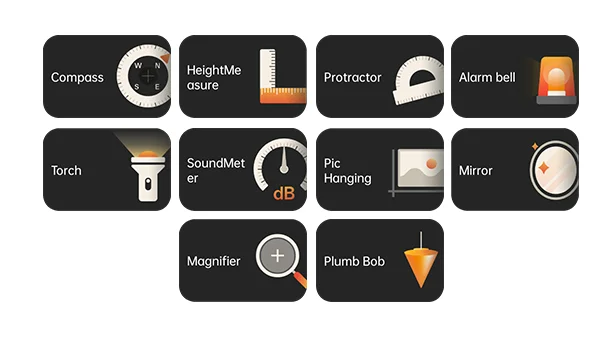
나침반, 소리 측정기 등 모든 상황에 유용한 도구가 가득합니다. 수평자와 돋보기까지 — MARINE 3는 작업과 모험을 위해.


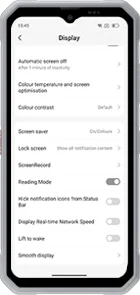 읽기 모드
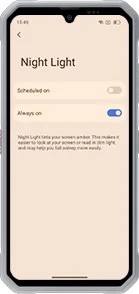 야간 조명
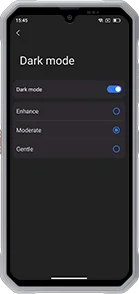 다크 모드
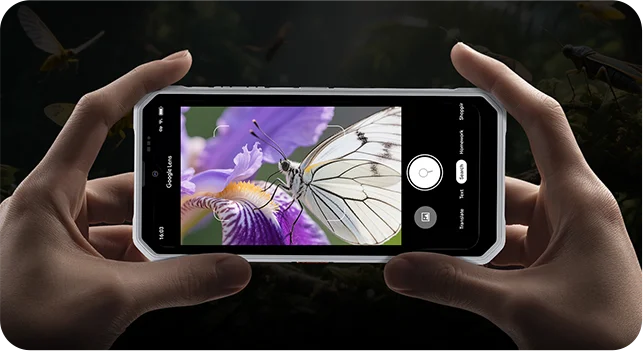
비전 카메라


보호 기능
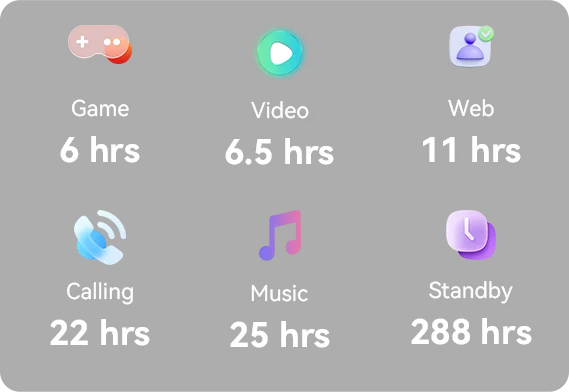 *OSCAL 연구소 데이터. 실제 결과는 사용 환경과 조건에 따라 다를 수 있습니다.


새로운 모습, 더 많은 마법.
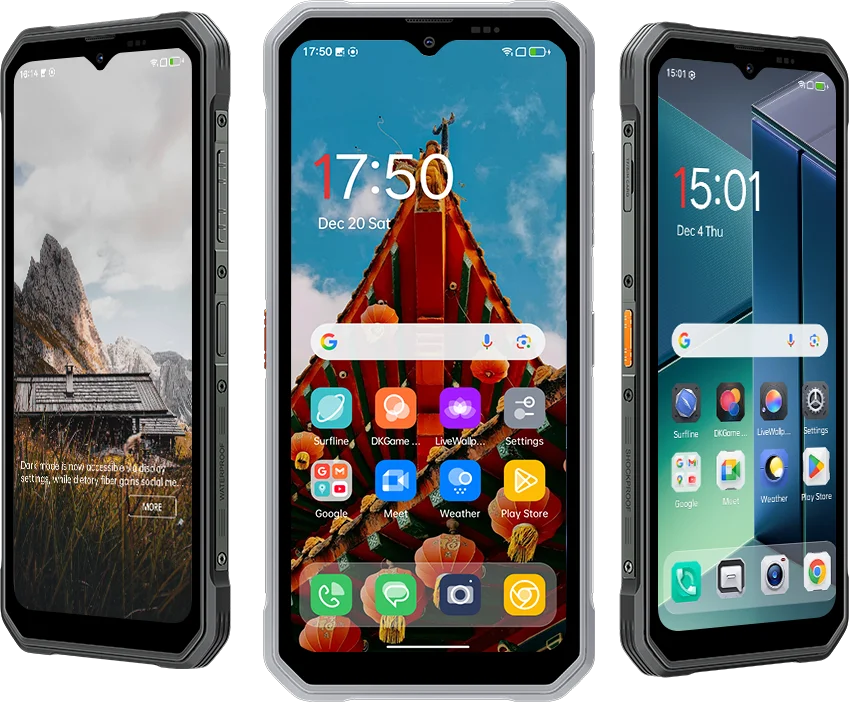 DokeOS 4.2 (Android 15)에서 DokeOS 5.0 (Android 16)으로 업그레이드된 MARINE 3는
더 부드럽고 똑똑하며 개인화된 경험 — 외관과 레이아웃부터 성능까지. 단순한
더 빠르고 친근합니다. 사용할수록 더 당신답게 느껴집니다.




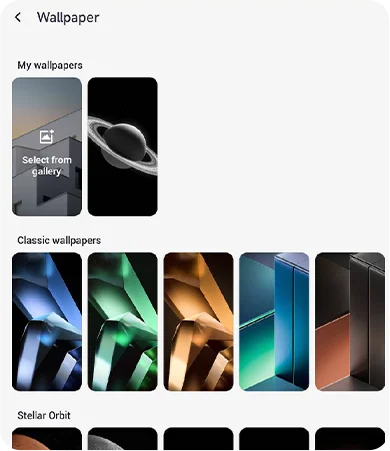
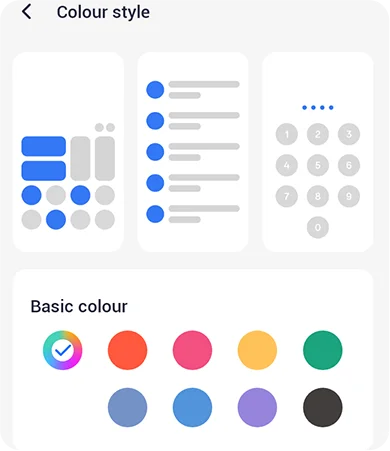
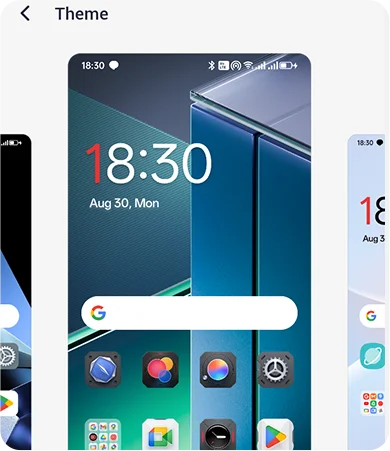
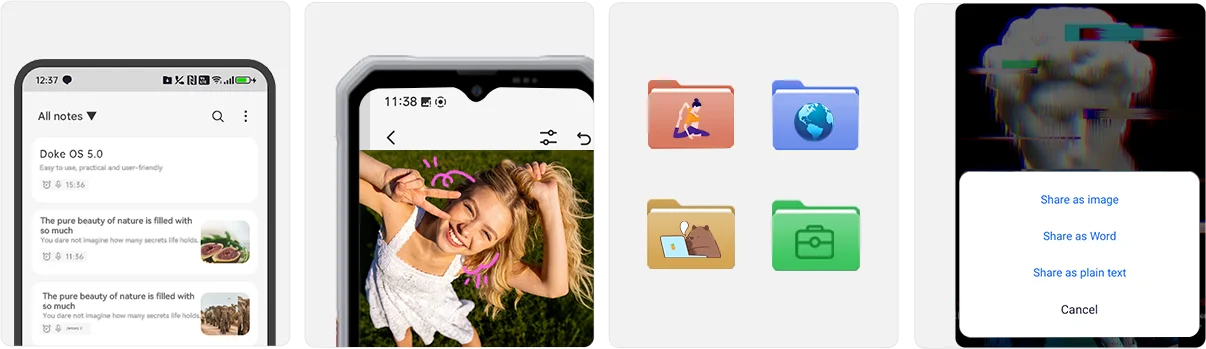
 * OSCAL 연구소의 MARINE 3 기기 테스트 기반 데이터, DokeOS 5.0 사용
최적화; 결과는 모델에 따라 다를 수 있습니다.
프라이버시
프라이버시 우선, 항상 안전하게.
MARINE 3는 데이터 보호를 강화하여 당신의 프라이버시를 최우선으로 합니다
저장 공간부터 앱 권한까지, 공유하는 내용과 보는 사람을 완벽하게 제어할 수 있습니다.
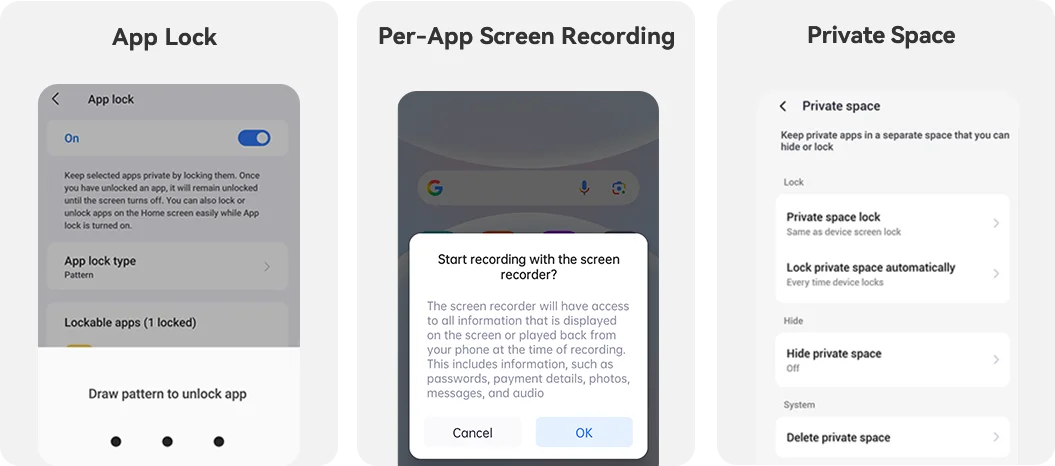
모두 당신 손안에. 생산성과 즐거움을 유지하세요
내장 필수 기능으로 어디서나:
 건강
 EasyShare
 게임 센터
 워크스페이스


어시스턴트 Surfline





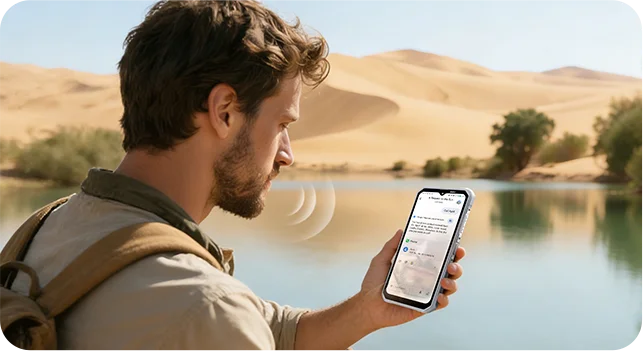
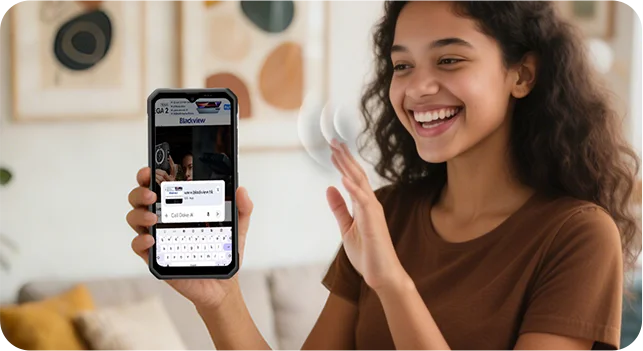
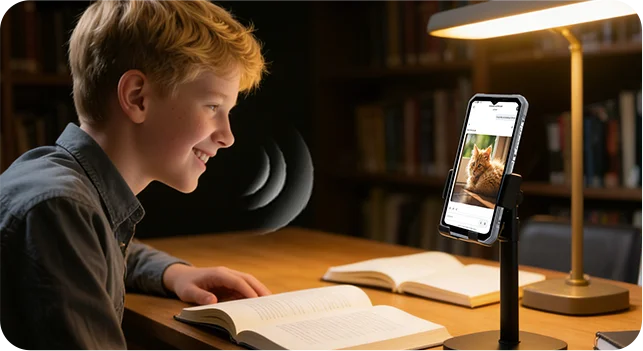
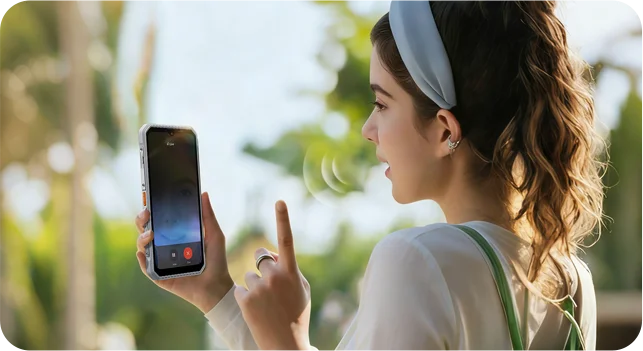
진짜 연결 OSCAL MARINE 3와 친구처럼 대화하세요. 실시간 AI 음성으로 상호작용에서 듣고, 이해하며 즉시 반응하여 자연스러운 양방향 대화를 제공합니다— 타이핑이나 대기 없이 대화합니다.


 Hi Doki 앱
 AI 이미지 변환
Image
 AI 텍스트 변환
Image
 AI 음악
작곡
 AI 문서
파싱
 AI 온라인
검색
 AI 튜터링
어시스턴트
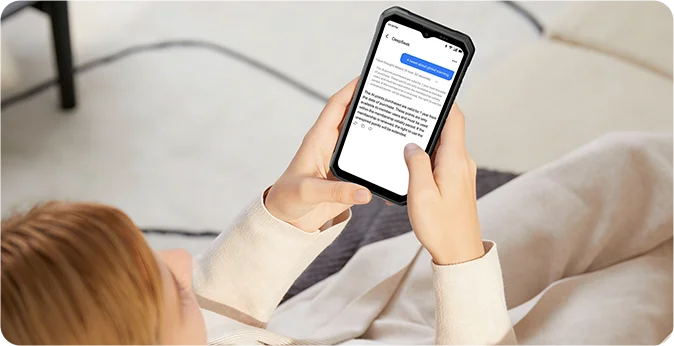
빠른 검색과 정확한 답변을 제공하며, 당신에게 맞게 적응하는 AI 동반자 당신의 독특한 요구에 매끄럽게 맞추고 복잡함을 쉽게 명확하게 바꿉니다.
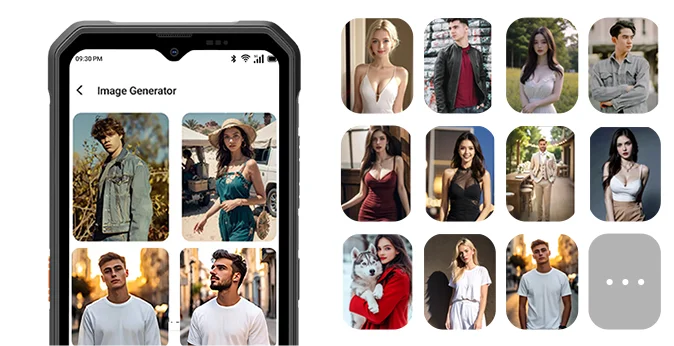
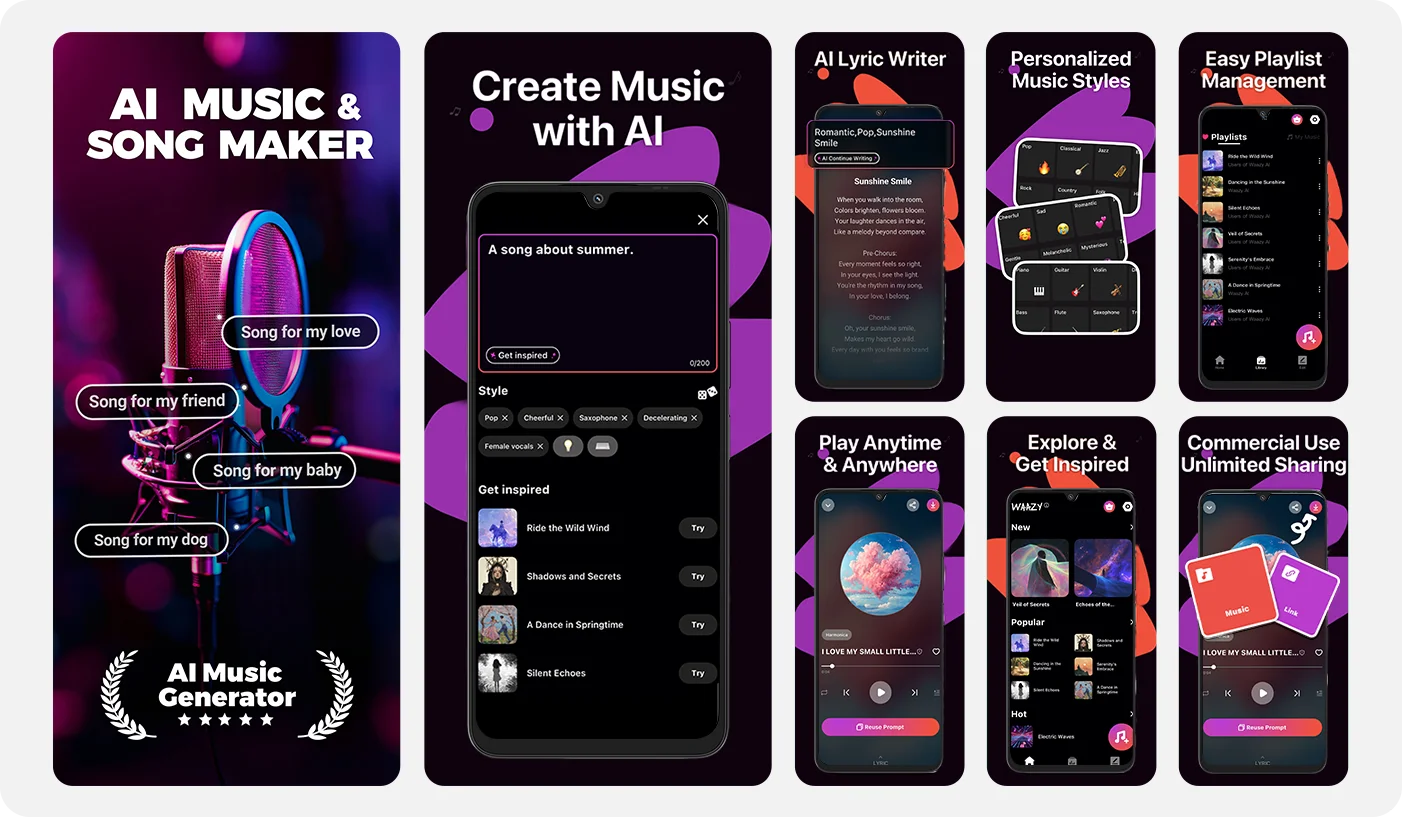
아이디어를 설명하기만 하면 AI가 신속하게 이미지를 만들고 포착합니다 모든 디테일을 놀라운 정밀도로 표현하며, 가장 대담한 상상도 생생한 현실로 만듭니다 현실.
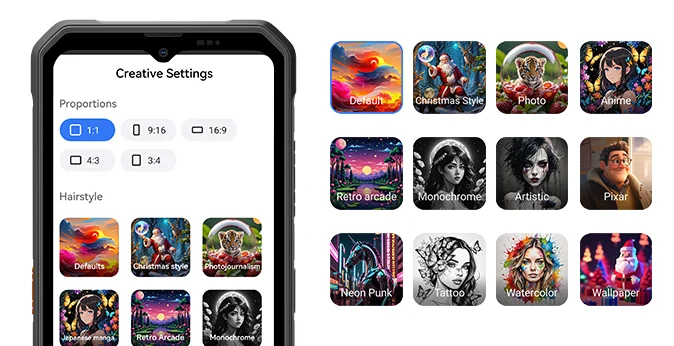
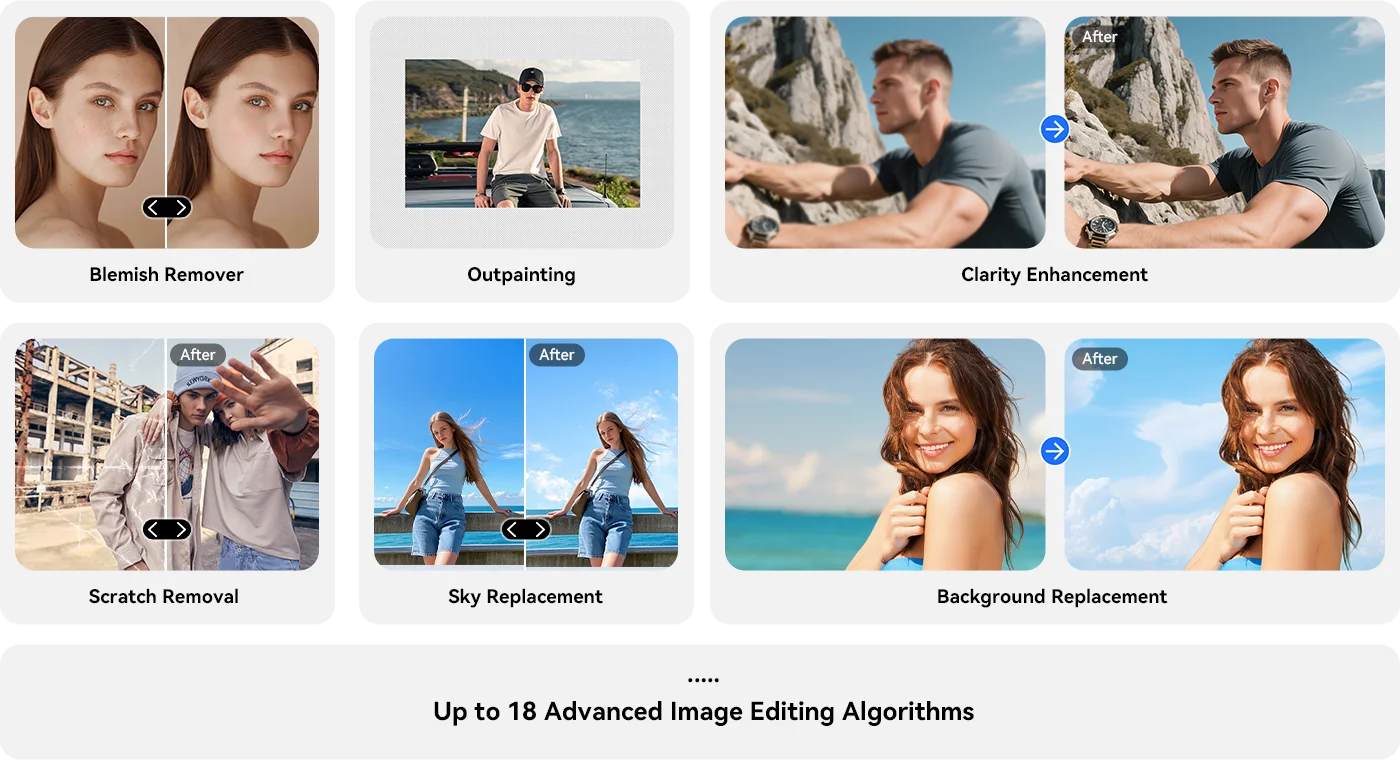
33가지 눈부신 효과로 어떤 이미지든 몇 초 만에 걸작으로 바꾸세요, 시네마틱 품질의 멋진 시각 효과를 만들고, 모든 디테일을 당신의 비전에 맞게 다듬을 수 있습니다 비전.
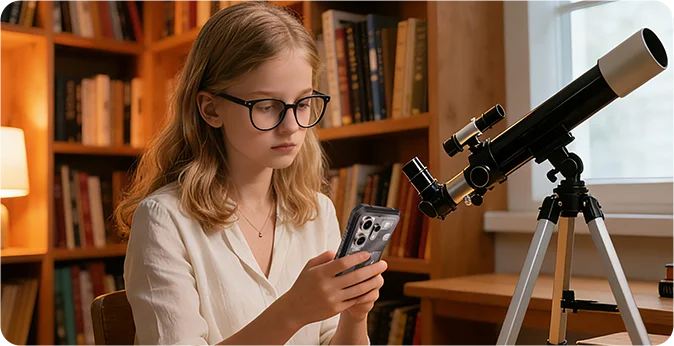
20가지 다양한 개성 — 언제든 대화, 교육, 또는 엔터테인먼트를 제공합니다, 학습 속도에 맞춘 맞춤형 안내로 어려운 주제를 흥미로운 여정으로 바꿉니다.
16가지 역동적인 스타일로 상상에서 독점적인 멜로디를 만드세요 즉각적이며 다양한 상황에 맞게 유연한 톤으로 적응하고 전문적인 음악 작품을 생성합니다 전문 기술 없이도 쉽게.
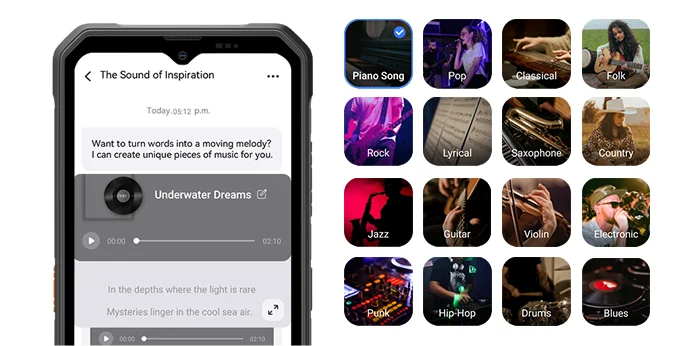
 ImageX 앱
 VidGen 앱

정지 사진을 부드러운 팬, 줌과 함께 역동적인 시각 스토리로 변환하세요, 몇 초 만에 시차 효과 추가. 자막, 음악, 전환 추가; 시네마틱부터 기분에 맞는 빈티지 스타일.
그냥 설명하세요, AI가 몇 초 만에 당신의 말을 영상으로 만듭니다 — 장면, 카메라 움직임과 속도 포함. 간단한 언어로 스타일, 화면 비율, 길이 조절, 자막 및 전환 추가.

 Soundle 앱
OSCAL MARINE 3 사양
색상
크기
무게
운영체제
디스플레이
팬텀 블랙, 스타라이트 화이트
174.6*83*10.7mm
245g
90Hz 주사율,
화면 대 본체 비율 89.7% 옥타코어 MediaTek Helio G81
CDMA : BC0/BC1/BC103G 밴드: B1/B84G 밴드:
FDD : B1/B3/B7/B8/B19/B20/B28AB, TDD:B40/B41
| 모델 | MARINE 3 |
| 색상 | 팬텀 블랙, 스타라이트 |
| 크기 | 화이트 |
| 무게 | |
| 운영체제 | DokeOS 5.0 안드로이드 16 기반 |
| 디스플레이 | 6.56인치 HD+ IPS, 720*1612 해상도 90Hz 주사율, 화면 대 본체 비율 89.7% |
| CPU | 옥타코어 MediaTek Helio G81 |
| RAM 및 ROM | 8GB RAM + 256GB ROM 8GB RAM + 128GB ROM, LPDDR4X+EMMC5.1 |
| RAM 확장 | 최대 16GB |
| TF 확장 | 최대 2TB |
| 배터리 | 5000mAh; 18W 고속 충전 |
| 전면 카메라 | 13MP |
| 후면 카메라 | 16MP |
| 적외선 야간 투시 카메라 | 13MP |
| 스피커 | 스마트-K 스피커 |
| 내비게이션 | GPS+글로나스+베이더우+갈릴레오 |
| 카드 슬롯 | 듀얼; 2 SIM / 1 SIM + 1* TF 카드 |
| NFC | 지원 |
| Wi-Fi 및 무선 BT | IEEE 802.11 a/b/g/n/ac (2.4/5.0GHz); BT 5.0 |
| 네트워크 연결 | 2G 밴드: B2/B3/B5/B8, CDMA: BC0/BC1/BC103G 밴드: B1/B84G 밴드: FDD: B1/B3/B7/B8/B19/B20/B28AB, TDD: B40/B41 |
Is the OSCAL MARINE 3 suitable for use on construction sites?
Yes. The OSCAL MARINE 3 is well-suited for use at construction sites—whether for home renovations, outdoor building projects, or utility work such as pipe installation. It carries IP68 and IP69K ingress protection ratings and is certified to the MIL-STD-810H military standard, making it resistant to dust, rain, and everyday bumps or impacts.
During site inspections, you can use it to take progress photos, record relevant information, and document outstanding tasks. That said, you should still exercise caution; despite its rugged design, the device remains vulnerable to risks such as operating machinery, falling materials, or being crushed.
What is the battery capacity of the OSCAL MARINE 3?
The OSCAL MARINE 3 is a lightweight, rugged smartphone equipped with a 5,000mAh battery (comparable to the 5,391mAh battery in the iPhone 18 Pro Max) and supports 18W wired charging.
If used primarily as a secondary device for messaging or occasional calls, it can last for a full day. Conversely, intensive tasks such as continuous navigation, photography, or video playback will drain the battery faster, potentially preventing it from lasting the entire day. If your work involves frequent outdoor navigation, it is advisable to check your battery level during breaks to determine if a recharge is necessary.
Do the OSCAL MARINE 3’s AI features require a paid subscription?
Yes, some AI features on the OSCAL MARINE 3 require a paid subscription once the free trial period or free usage quota has been exhausted. Before subscribing, please carefully review the pricing, included features, usage limits, and renewal terms displayed within the app.
If you only use the device occasionally for routine Q&A, information searches, or simple text processing, you can utilize the provided free trial or quota first, then decide whether to subscribe based on your actual needs. Basic phone functions—such as making calls, sending text messages, and browsing the web—do not require an AI service subscription.
Can I turn off promotional notifications from preinstalled apps on the OSCAL MARINE 3?
Yes, you can manage these through your phone’s settings or the notification settings within the individual apps. If you receive a promotional notification, first identify which app it originated from. For example, shopping apps like Amazon or Sam’s Club may send promotional alerts; if you prefer not to receive notifications about discounts, special offers, or product recommendations, check within the app to see if there is an option to disable them.
If an app does not categorize its notifications, you can adjust its settings via your phone’s system settings. Please note, however, that doing so might also disable important alerts, such as those related to orders or deliveries. You may want to disable notifications for apps you rarely use, while keeping them enabled for the ones you use most frequently.
Does the OSCAL MARINE 3 lag when switching between everyday apps?
The OSCAL MARINE 3 is well-suited for tasks such as sending and receiving messages, handling emails, browsing the web, and using navigation apps. For instance, switching from checking emails to a chat app to reply to a message, and then returning to a browser to look up information—these are all typical daily use scenarios.
However, when running performance-intensive applications—such as Genshin Impact or photo-editing software—you may notice slower loading times or a less responsive interface. Running multiple resource-heavy apps simultaneously can also place a significant strain on the device. Consequently, the phone is best suited for daily communication and basic tasks; more complex operations may require a bit more patience.
Is the OSCAL MARINE 3’s screen easy to read in direct sunlight?
Under direct sunlight, the screen may not be as clear as it is indoors. When viewing fine text, place names on maps, or route details, you may need to increase the screen brightness or use your hand or a hat to shield the screen from the sun for better visibility. If glare is significant, try adjusting the angle of the device or moving to a shaded area.
Keeping the screen clean—free from dust, water spots, and fingerprints—also helps improve visibility. Additionally, once you move indoors or into the shade, you can lower the brightness to make viewing more comfortable and conserve battery power.
How accurate is the OSCAL MARINE 3’s GPS during outdoor navigation?
The OSCAL MARINE 3 supports GPS, GLONASS, Galileo, and BeiDou satellite positioning systems, making it suitable for daily travel and outdoor navigation. In open areas without obstructions, it is easier to obtain an accurate location; however, near dense forests or tunnels, there may be a discrepancy between the indicated position and your actual location.
While using the device, check whether the location marker on the map aligns with the road or trail you are on. If the marker drifts off the route or the orientation becomes unstable, move to an open area and wait a moment for the position to update.
What can the OSCAL MARINE 3’s night vision camera capture in complete darkness?
The OSCAL MARINE 3 is equipped with a 13MP infrared night-vision camera, allowing you to observe or capture nearby scenes in the dark.
Infrared night vision produces monochrome (black-and-white) images rather than full-color photos. Please note that the distance to the subject and the presence of any obstructions can significantly limit the level of detail visible; objects closer to the camera are generally easier to identify than those further away.
Can the OSCAL MARINE 3 last a full working day with frequent navigation and screen use?
This depends on the actual duration of navigation use and screen-on time. If you only use navigation while commuting to and from your workplace, and primarily use the phone for calls and messages during the day, power consumption will be relatively low. Conversely, if you need to keep a map displayed for several hours with the screen set to high brightness for outdoor use, the 5,000mAh battery might require a top-up before the workday ends.
If your job requires frequent route checking, you can charge the device during breaks or while parked, and turn off navigation when it’s not in use. For those working outdoors for long periods where charging isn't convenient, carrying a compact power bank is a practical solution to keep the phone charged, ensuring you don't run out of power when you need it for navigation or communication.
Can I use the OSCAL MARINE 3’s touchscreen while wearing work gloves?
Yes. The OSCAL MARINE 3 features "Glove Mode 2.0," which ensures touchscreen responsiveness even when you are wearing gloves. This makes it convenient to answer calls, check work-related messages, open apps, or view navigation routes while performing tasks such as construction work, equipment maintenance, or outdoor operations.
Please note that touchscreen performance may be affected by the material and thickness of your gloves. If you are wearing thick work gloves or gloves with wide fingertips, you might find it difficult to tap small icons or type text. If the screen becomes unresponsive or you frequently tap the wrong area, please remove your gloves—whenever it is safe and convenient to do so—to continue using the device.
Can I uninstall AI apps that I do not use on the OSCAL MARINE 3?
You can uninstall AI applications that provide an "Uninstall" option; However, not all pre-installed apps can be removed. If you do not use AI image generation, video production, or music creation tools, check the phone's settings to see if the specific app supports uninstallation. If it does, you can simply uninstall it.
Before uninstalling, be sure to save any images, videos, or other works you wish to keep. If you have an active paid subscription, remember to cancel it, as deleting the app will not automatically stop recurring charges.
What should I do if mud or sand gets into the OSCAL MARINE 3’s USB-C port?
If you discover sand or dirt in the port, turn off the phone immediately and do not charge it. Hold the phone with the port facing downward and gently tap it to dislodge any loose particles. For sand around the port, use a soft, dry brush to sweep it away; For any mud or grime, wipe it off with a soft tissue.
Use a light source to help you see clearly while cleaning. Avoid using sharp objects—such as a SIM ejector tool—to scrape or dig inside the port, and do not force a charging cable into it. Only connect a charging cable once the port is completely clean and dry.
What should I do if the OSCAL MARINE 3’s speaker sounds muffled after getting wet?
Residual water in the speaker openings can cause the sound to become quieter or muffled. First, wipe any water off the phone’s exterior with a clean cloth. Then, place the phone with the speaker openings facing downward in a dry, well-ventilated area to air-dry—ensure that the openings are not obstructed.
Once dry, play some music at a moderate volume to check if the sound quality has returned to normal. If the sound remains muffled, check the speaker grilles for any remaining water droplets or debris; wipe away any such obstructions and allow the device to air-dry further.
Can I charge the OSCAL MARINE 3 immediately after it gets wet?
No. Charging the device while the charging port is still wet may result in an electric shock. If the phone gets wet, wipe the device dry, and then check both the USB-C port and the charging cable connector to ensure no moisture remains.
If there are water droplets inside the port, position the port facing downward and leave it in a well-ventilated area to air-dry. Do not use hot air to dry it, and avoid inserting paper towels or tissues into the port to absorb moisture. Only connect the charger once you are certain that both the port and the charging cable connector are completely dry.
Why has the tracking information for my OSCAL MARINE 3 order not updated?
Tracking information is only updated once the courier has scanned your package. The absence of new entries while a package is awaiting pickup or is in transit does not necessarily indicate an issue. If you have not received your order by the estimated delivery date, or if a delivery exception occurs, please contact the store’s customer service team via your order page, providing your order number and tracking number.
Orders are typically processed and dispatched within 2–7 business days. Once shipped, standard delivery is estimated to take 7–20 business days, while expedited delivery is estimated to take 5–7 business days; these timeframes do not include order processing time. Actual delivery times may vary based on holidays and the destination. For pre-sale products, please refer to the specific pre-sale schedule provided on the product page or in your order notification.
Jump to another section