



Oscal TANK 1 6.78 吋 120Hz 主螢幕 & 2.01 吋副螢幕 20000mAh 170LM 手電筒與夜視攝影機三防 5G AI 智慧型手機

缺貨
亮點
亮點
✔6.78" 120Hz 主顯示器 & 2.01" 多功能副顯示器
✔內建 170 流明雙 LED 手電筒
✔MediaTek Dimensity 7050 6nm 5G 八核心處理器
✔20000mAh 電池,支援 55W 快充
✔6400萬主鏡頭+2000萬夜視鏡頭
✔IP68、IP69K 及 MIL-STD-810H 認證
資訊
資訊
Oscal TANK 1 是一款重型耐用的 5G 手機,專為長時間戶外使用、緊急準備和嚴苛工作環境而設計。它配備 20,000mAh 電池、55W 快充、6.78 吋 120Hz 2.4K 螢幕、Dimensity 7050 處理器及雙螢幕設計,功能強大且多樣。64MP 後置相機、20MP 夜視相機、170LM 手電筒、WiFi 6、雙 5G、IP68 與 IP69K 防護,以及 MIL-STD-810H 耐用性,使其成為現場使用者和冒險者的理想選擇。
關於品牌
關於品牌
在 Blackview,我們相信優秀的科技不應只靠令人驚豔的規格取勝,更應融入真實生活、解決實際問題,並在最重要的時刻保持可靠。
Blackview 從為嚴苛環境打造的堅固型手機起家。如今,我們提供更完整的智慧裝置生態系,包括智慧型手機、平板電腦、筆記型電腦、智慧手錶、音訊產品等。
在每個產品類別中,我們始終秉持相同理念:耐用的品質、務實的創新,以及人人都能負擔的價格。我們設計的產品從第一天起就讓人安心可靠。
我們了解顧客最重視什麼:流暢的效能、持久的可靠性、實用的功能,以及能讓日常生活更輕鬆又不需額外花費的科技。
因此,Blackview 專注於產品測試、使用者體驗,以及能為工作、旅行、創作、戶外探索和日常聯繫帶來實質價值的功能。
Blackview 為重視可靠科技的人而打造:智慧、實用的裝置,跟得上現代生活的步調。
可靠,源自精心設計。務實,出於本性。為真實生活而打造。
配送與退貨
配送與退貨
• 出貨:訂單處理時間通常約需 2-7 個工作日,預售商品除外。配送期間僅計算工作日,不包括假日或非工作日。配送時間取決於配送方式。
• 退貨:若手機未使用、未受損,且包含所有原廠配件,您可於送達後 14 天內申請退貨。產品相關故障若發生於一個月內,經檢查後可能符合更換、退款或免費維修的資格;因誤用、摔落、進水、拆解或未經授權改裝所造成的損壞則不在保固範圍內。

TANK 1
TANK 強悍實力,全面融入其中。
續航更久,看得更遠,思慮更周全。
20,000mAh ExploVolt 電池
170lm 超高亮度雙 LED 手電筒
700 尼特 120Hz 2.4K 螢幕
64MP 主鏡頭 + 50MP 前鏡頭 + 20MP 夜視鏡頭
MediaTek Dimensity 7050 SoC
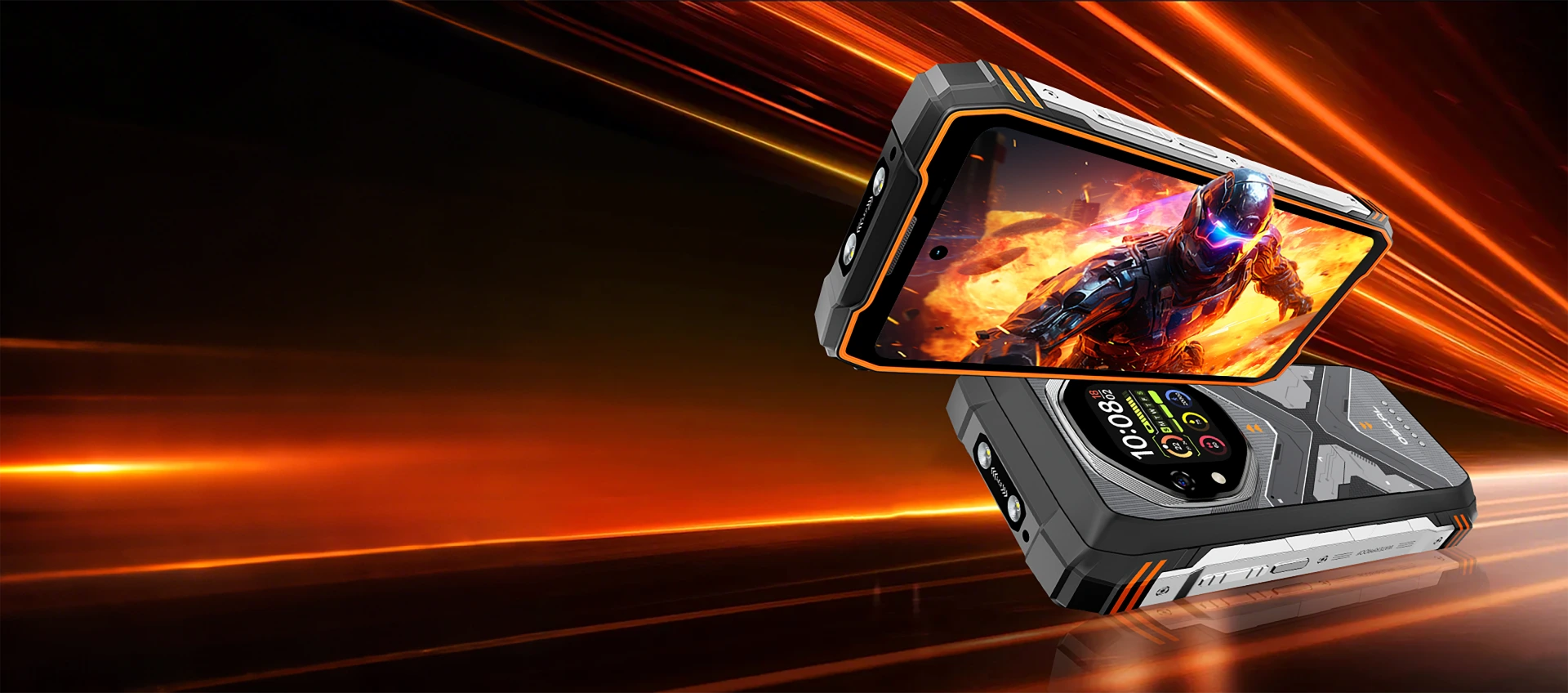

選擇 OSCAL TANK 1 的 8 大理由
第 1 名
業界領先的 20,000mAh ExploVolt 電池
史上最大 • 超長續航 • 為無盡冒險而生
第 2 名
業界領先的堅固耐用表現
堅固耐用,迎戰各種戶外挑戰。
第 3 名
智慧雙螢幕創新設計
旗艦護眼主螢幕 + 智慧戶外 輔助螢幕
第 4 名
旗艦級影像,日夜皆清晰
各種光線下都清晰明亮
第 5 名
旗艦級效能引擎
6nm MediaTek Dimensity 7050 +
大容量儲存空間 + 5 層散熱
第 6 名
業界首創 · 自研 Doke AI 套件
整合全球前三大 AI 模型

第 7 名
業界獨有 · 基於 Android 15 的 DokeOS 4.2
更智慧。更流暢。更個人化、更無縫。
第 8 名
業界獨有的全面售後服務
3 年 Android 重大更新
+ 完整售後支援

陪伴你走過最漫長的旅程
突破所有極限,為每段旅程注入動力
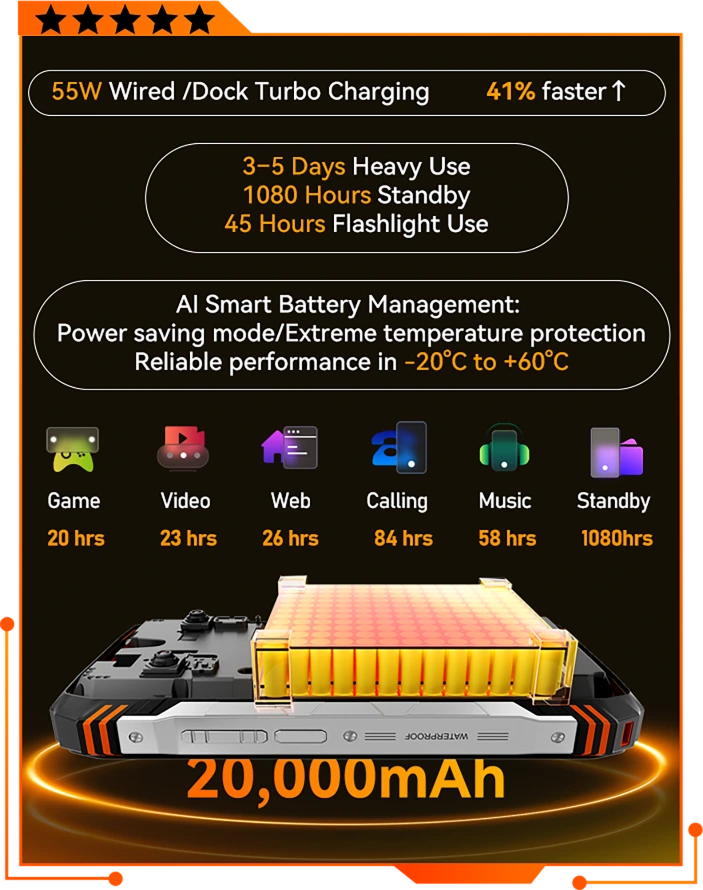
20,000mAh ExploVolt 電池
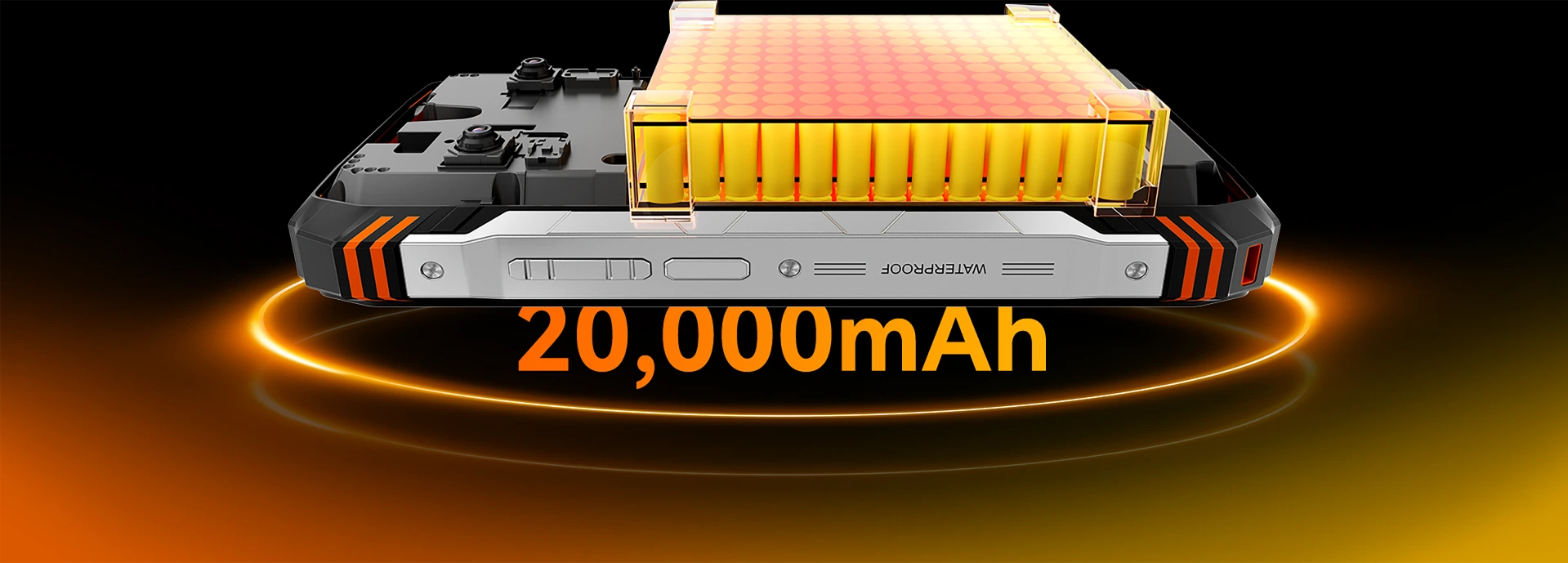
隆重介紹 ExploVolt,TANK 1的新世代電力核心。搭載業界領先的 20,000mAh 大電池,徹底突破一般耐用手機的續航上限,電量是一般智慧型手機的 4 到 5 倍。 無論是遠離電網數日,或執行通宵任務,TANK 1都能持續運作,遠勝其他手機。
重度使用最長可達 3-5 天,連續照明 45 小時

遊戲
20 小時

影片
23 小時

網頁瀏覽
38 小時

通話
84 小時

音樂
58 小時

LED 手電筒
45 小時

待機
1080 小時
*數據由 OSCAL 實驗室測試。實際使用情況可能因使用方式與環境條件而異。
電力更強,等待更少
55W 有線與充電座渦輪快充
大電量?沒問題。TANK 1升級支援 55W 快速充電,只需 3.7 小時即可為 20,000mAh 超大電池充飽電,最長可提供 1080 小時待機。
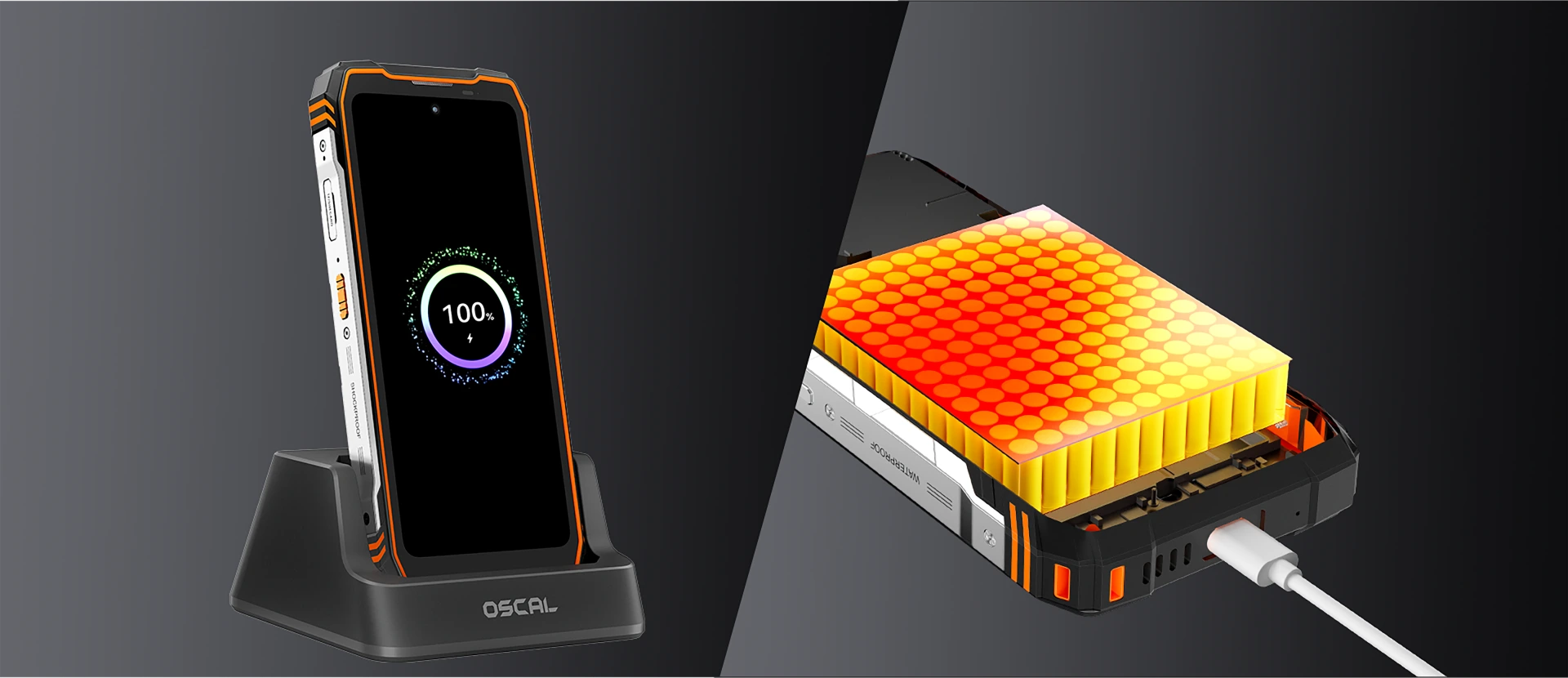
輕鬆放入即可充電
速度再創新高。
5W OTG 反向供電(支援充電
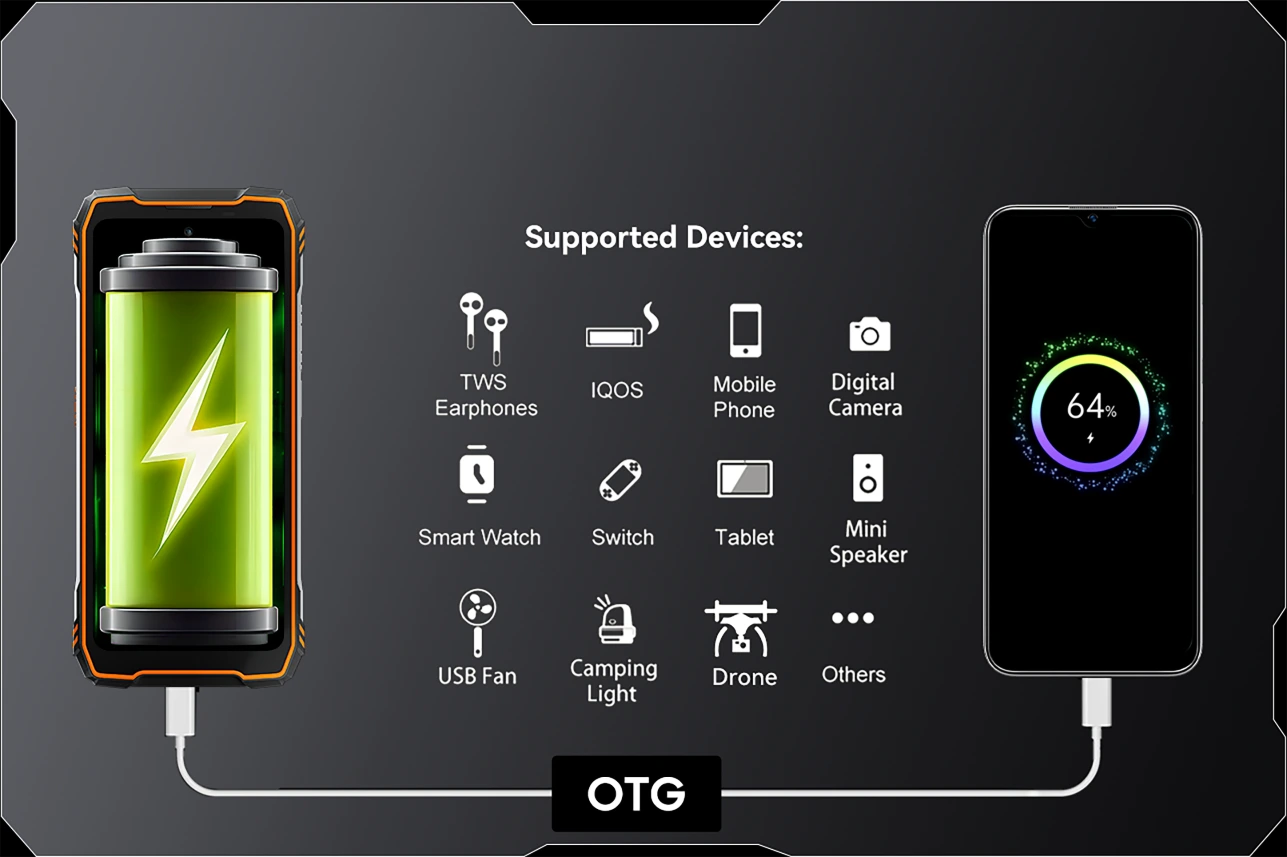
耐用度全面升級。
功能滿載,實戰驗證。
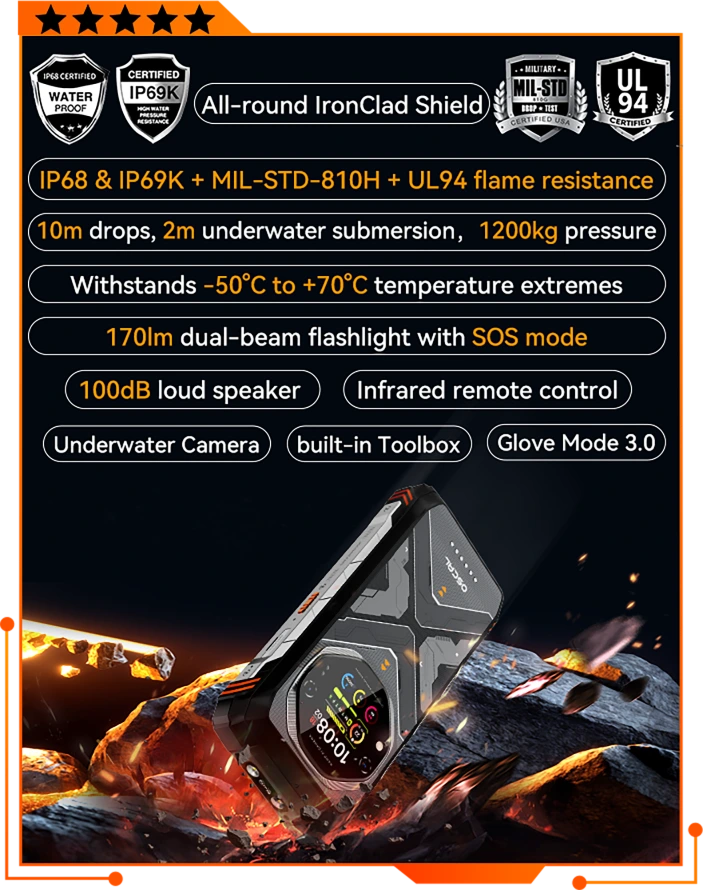
IronClad Shield 防護架構
名如坦克,天生泰坦。
作為 TANK 系列的首款機型,TANK 1融合軍規級堅固耐用與未來感十足的暗紋設計。靈感源自坦克等裝甲車輛,鮮明的輪廓與隨光變化的紋理不只外型強悍,更有實力證明。TANK 1具備抗摔、防塵、防水及耐壓能力,是專為追求風格與強悍性能的人打造的新世代耐用手機。
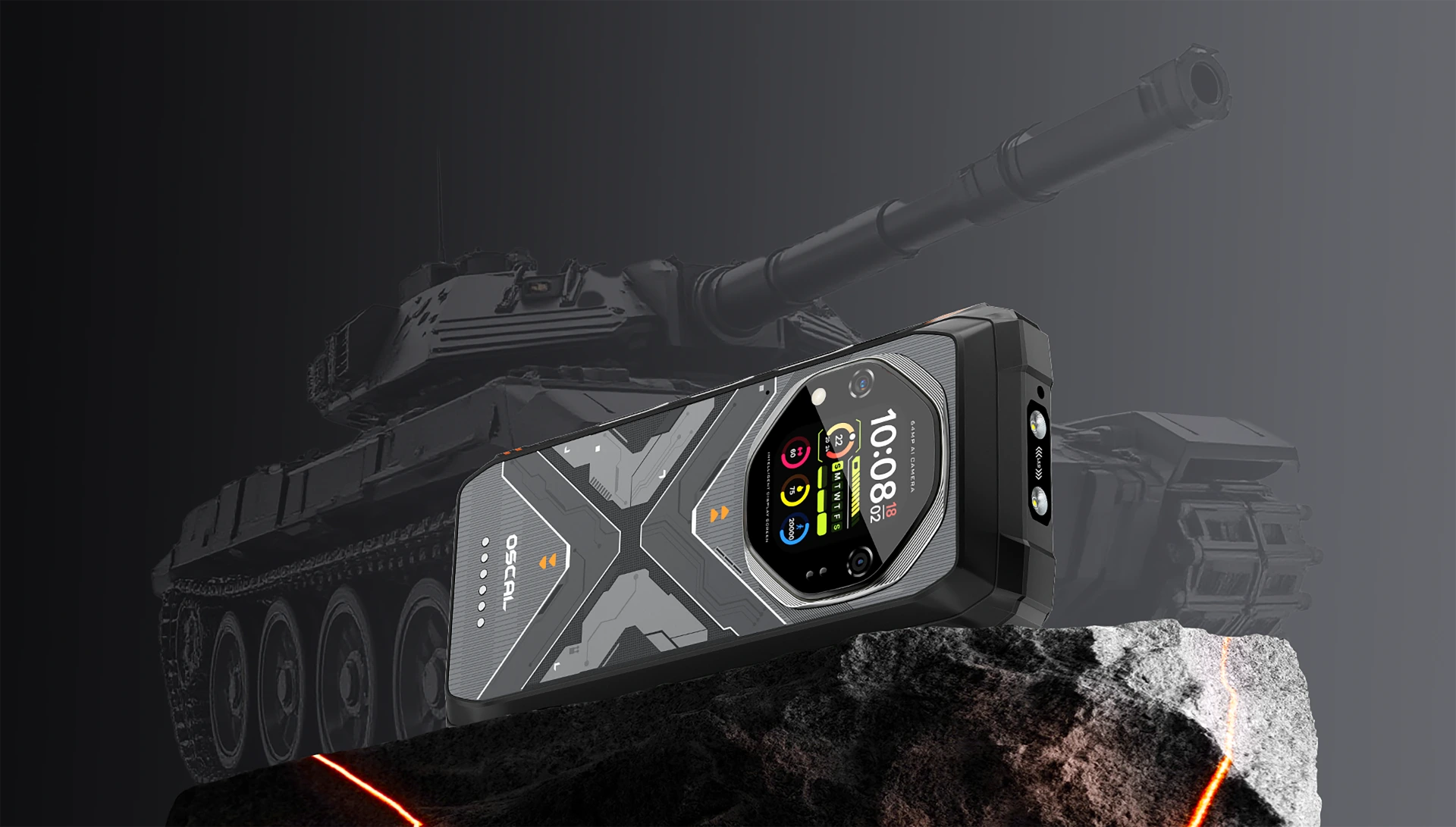
專為極限而生,細節之處無不講究。
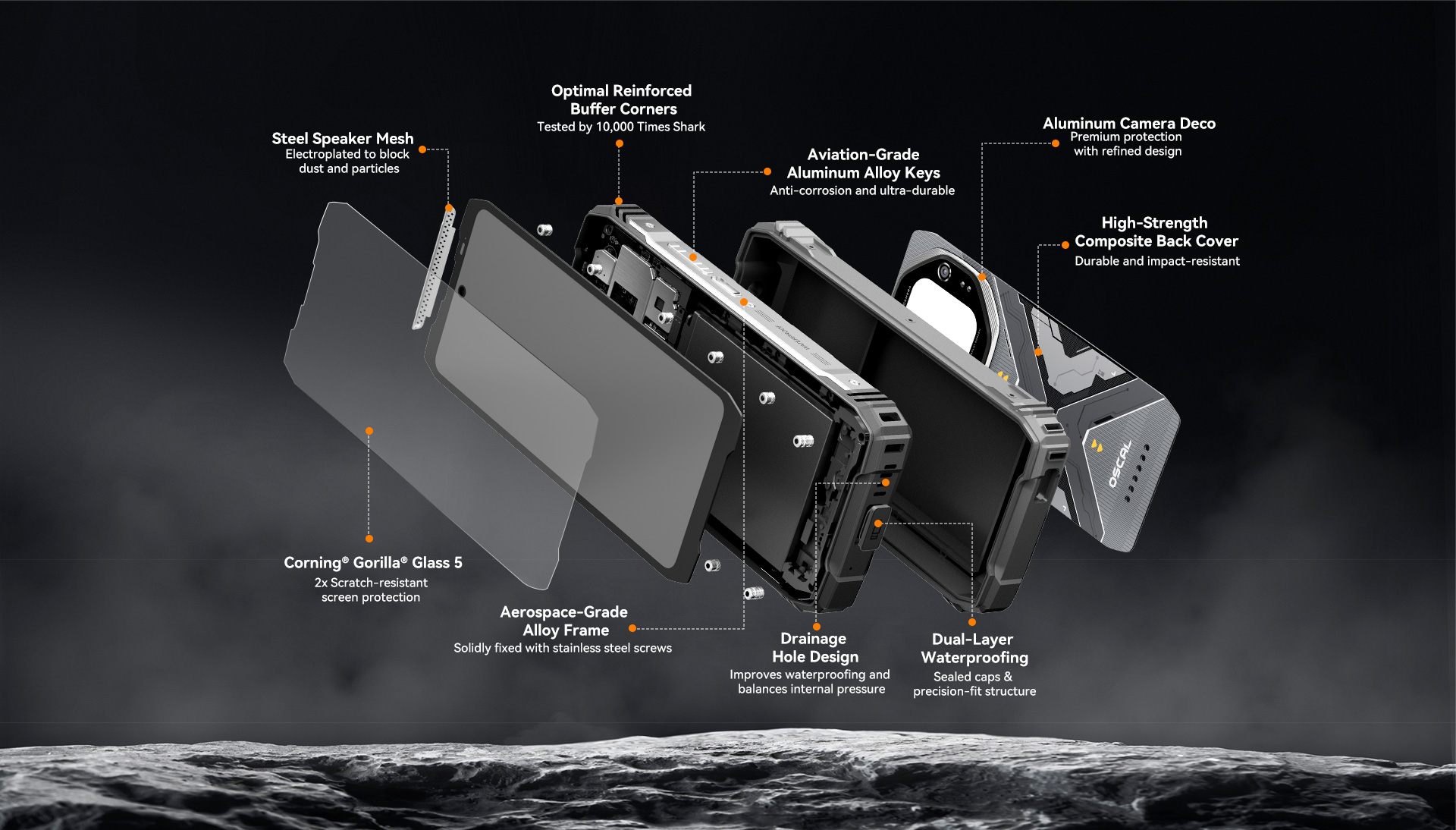
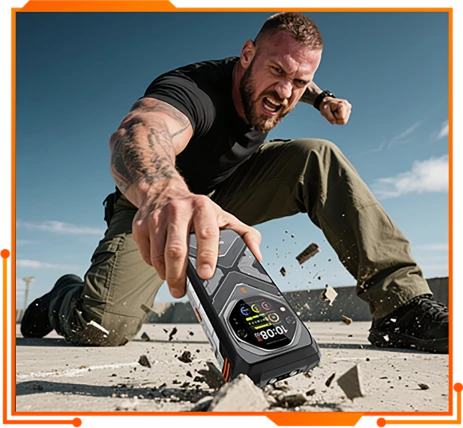
可承受 1.5 公尺
致命重摔
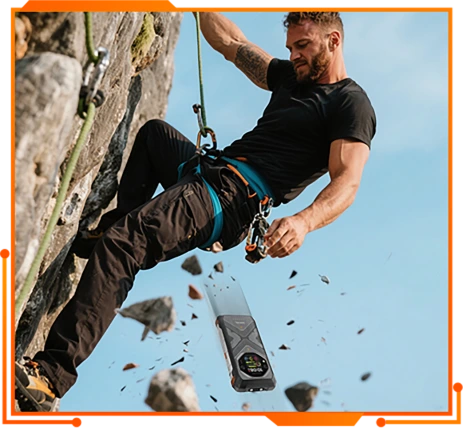
10 公尺自由落體
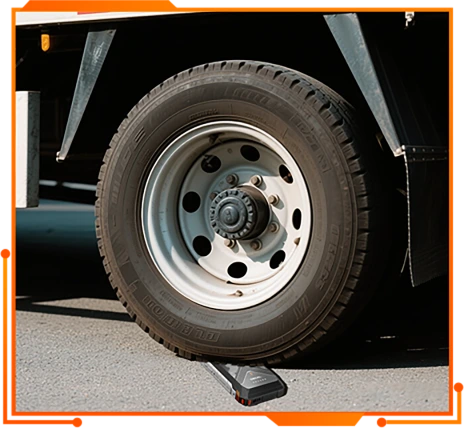
耐壓 1200 kg
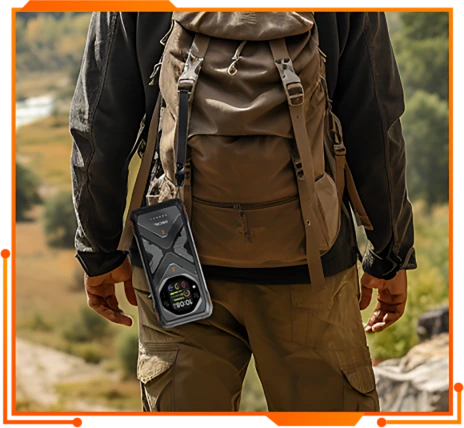
方便掛繩
防水防塵等級

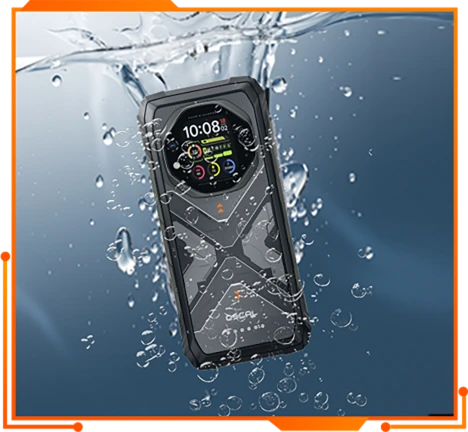
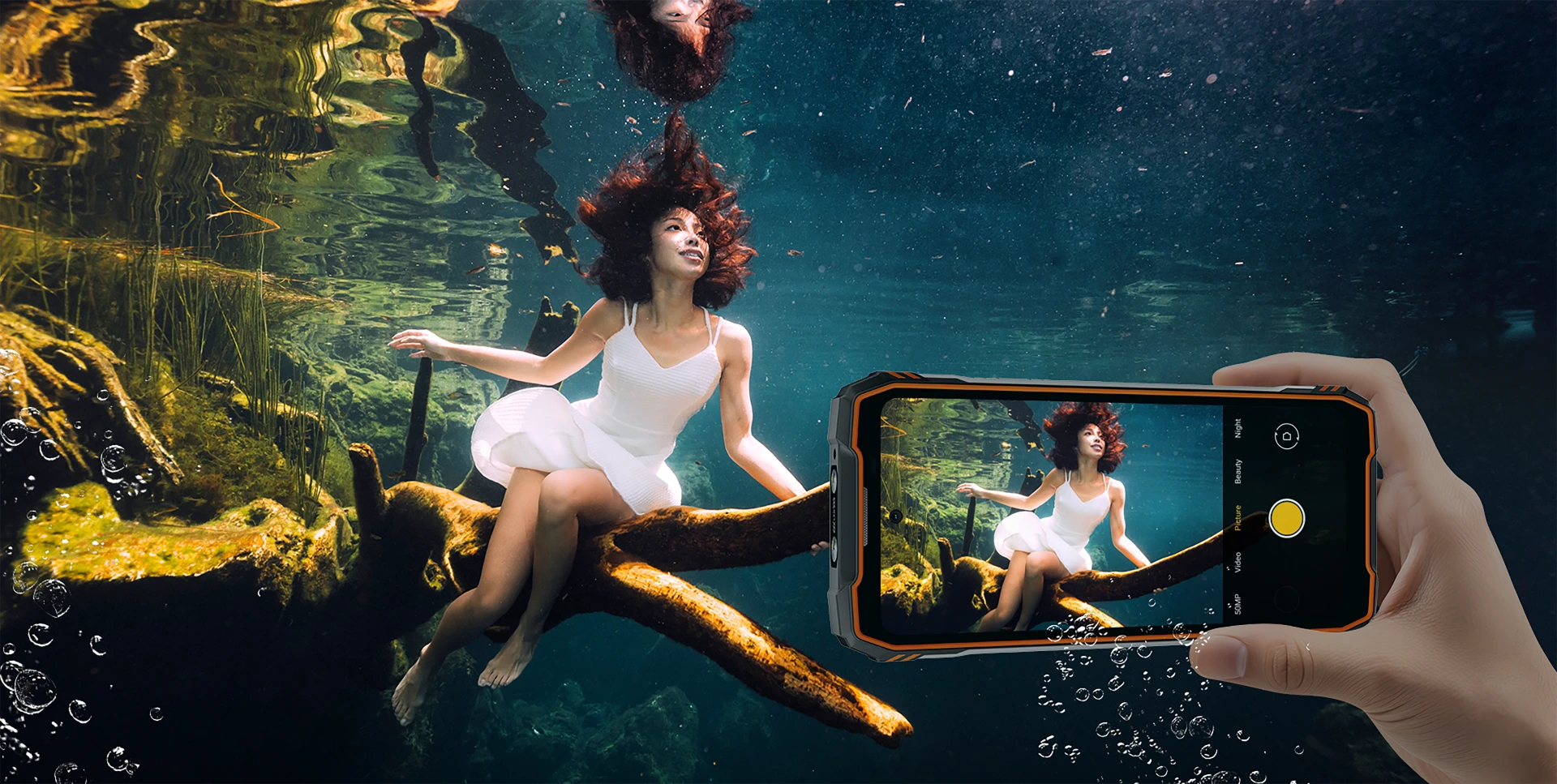
水下 2 公尺浸泡 30 分鐘
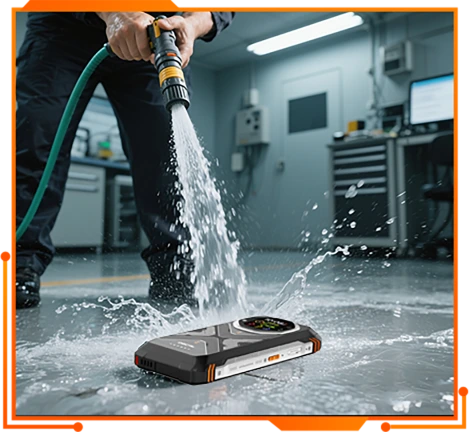
近距離高壓水柱
範圍 (8~10MPa, 85°C for 30s)
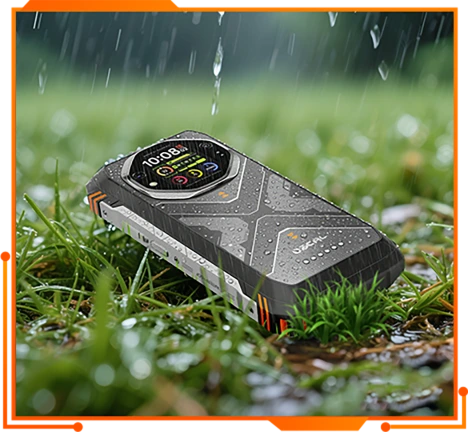
防雨
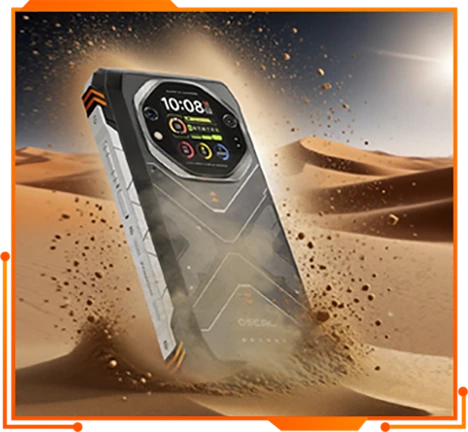
99% 防塵
水下相機
卓越的防水性能,讓你能長時間在水下拍攝精彩照片,為社群媒體增添魅力!
符合 MIL-STD-810H

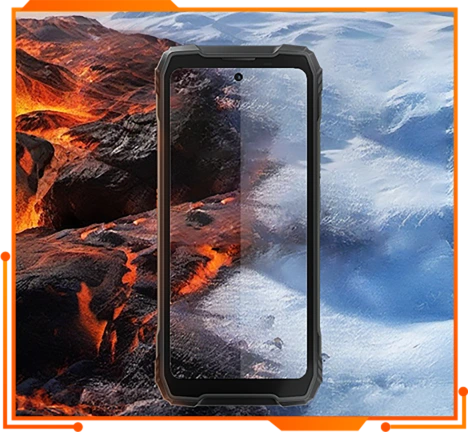
-20°C 至 60°C 穩定運作
-55℃ 至 70℃ 仍可運作
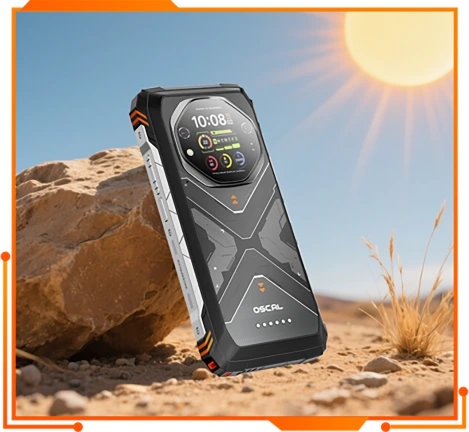
抗紫外線與耐日曬
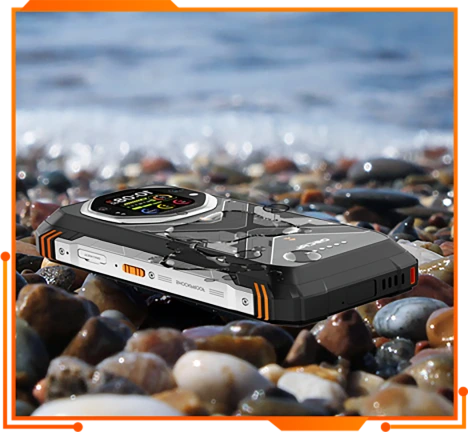
船舶級防腐蝕
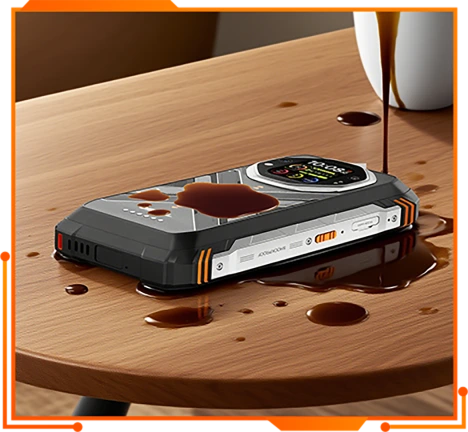
防霉防菌
抗咖啡與防油表面
UL94 HB 阻燃認證
提供基本的阻燃能力,提升嚴苛環境下的安全性。

輕觸一下即可排水
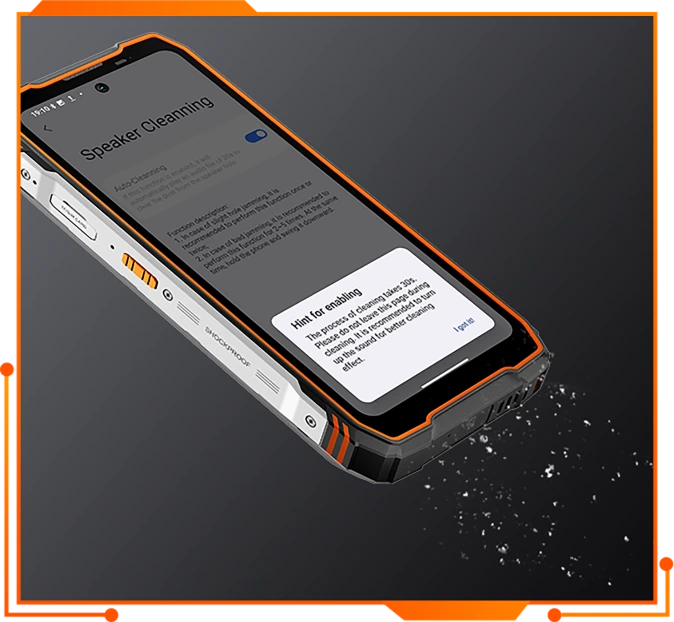
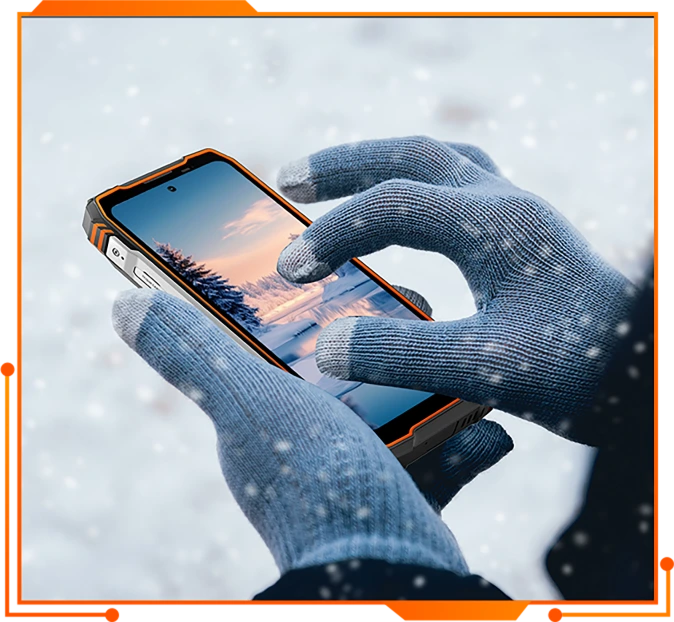
手套模式 3.0
觸控螢幕靈敏度提升 15%↑
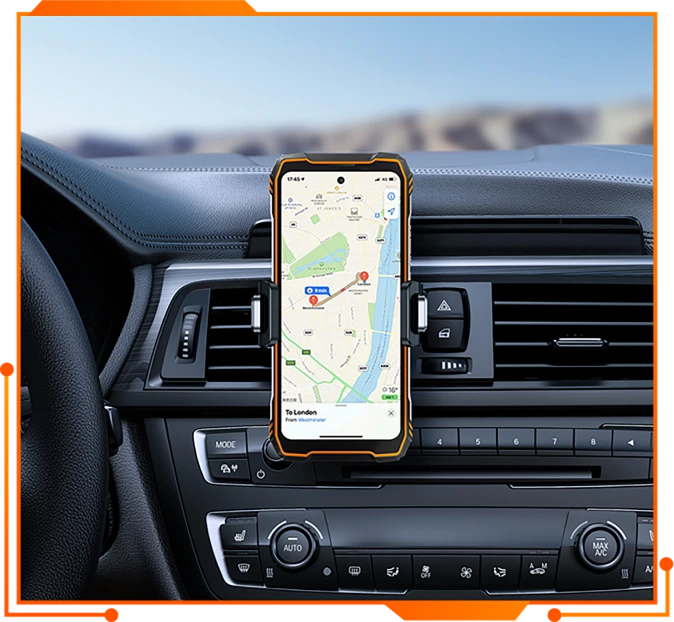
雙模導航系統
搭載 (L1+L5),導航更精準
GPS+北斗+GLONASS+Galileo+QZSS
多功能 ToolBag 應用程式
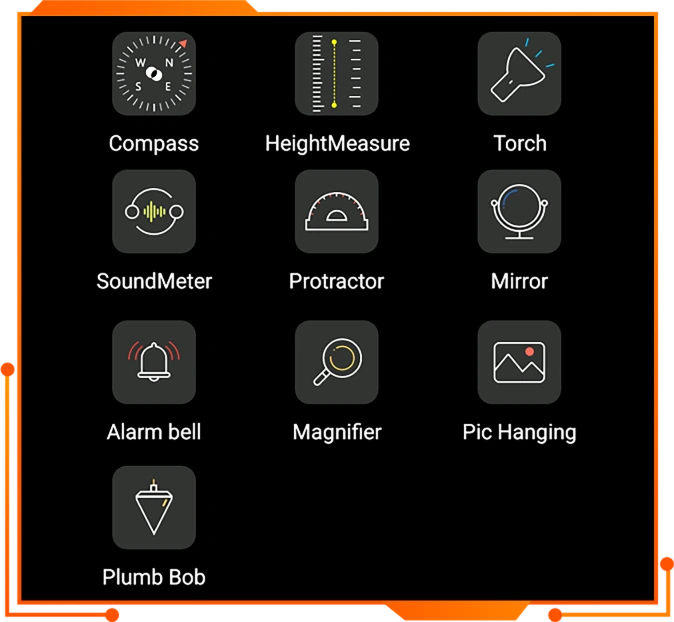
可自訂
快捷鍵
應用程式
錄影
手電筒
螢幕截圖
水下相機
開啟檔案
SOS
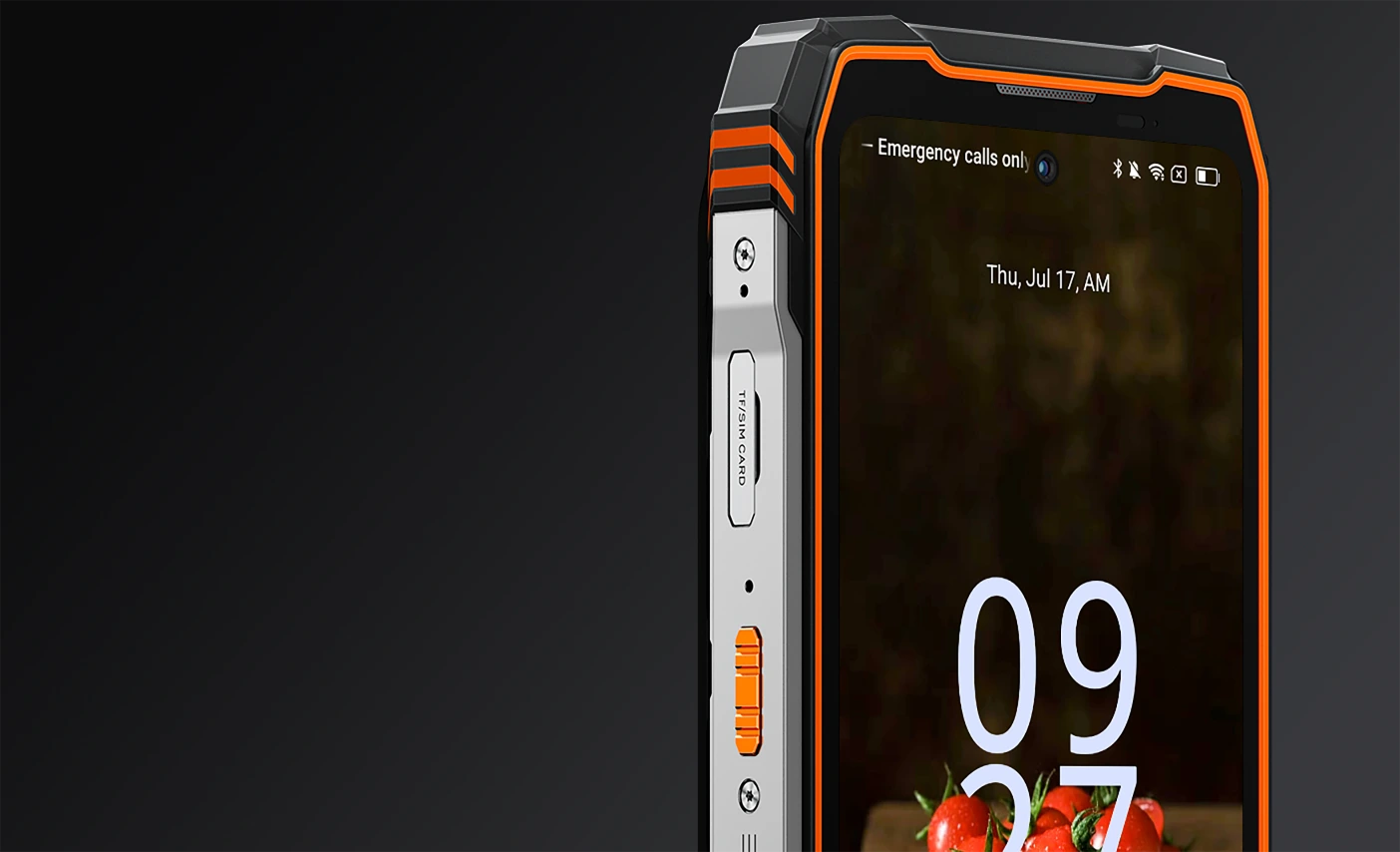
堅固耐用,自有道理。專為賦能而設計

超亮 170lm 雙光束 LED 燈
照亮、導航、掌控
將任何情況化為你的掌控範圍。搭載 170lm 雙光束 LED 手電筒,TANK 1 為你帶來即時視野、清晰方向,讓你滿懷信心地繼續前進, 無論黑夜中有何挑戰。
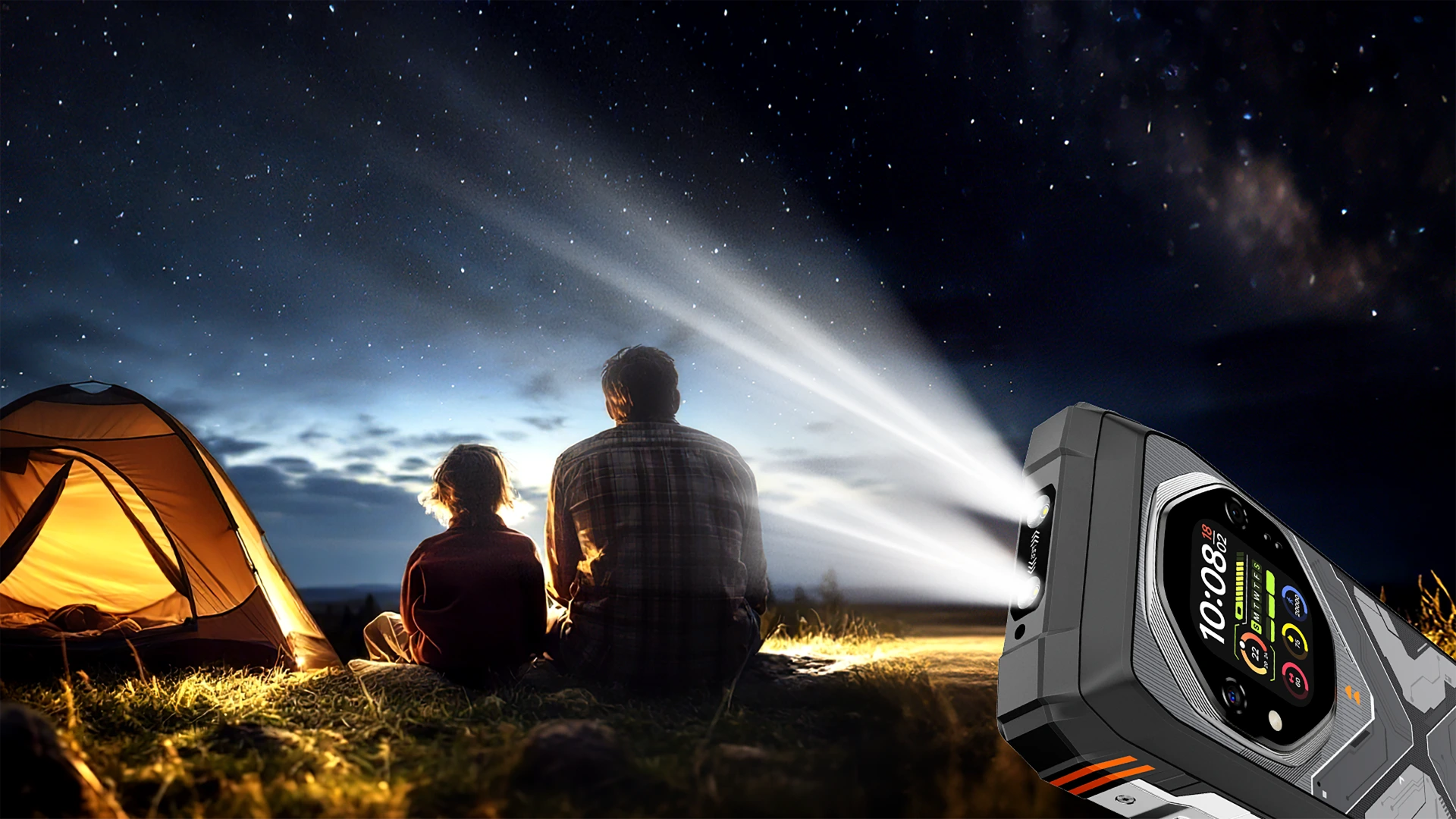
170 流明
最高亮度

最遠 18 公尺
最遠照射距離

最長 45 小時
持續照明

照明模式/
SOS 模式

一鍵
操作

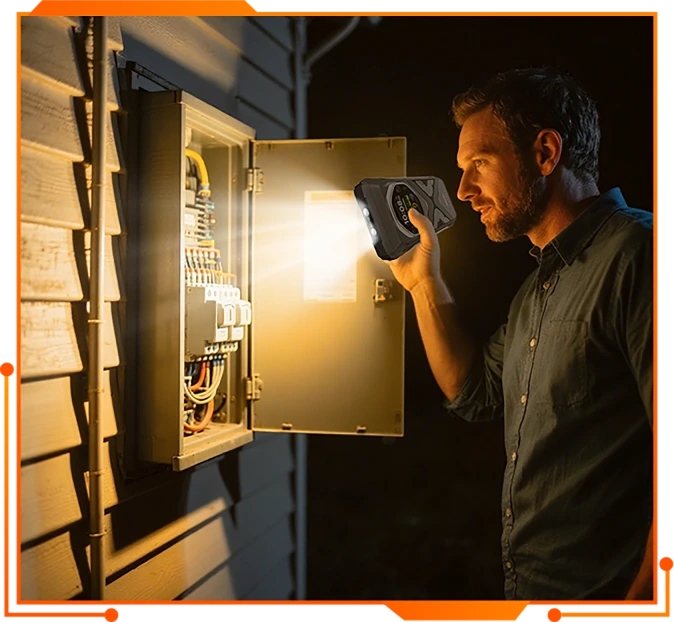
停電與緊急狀況
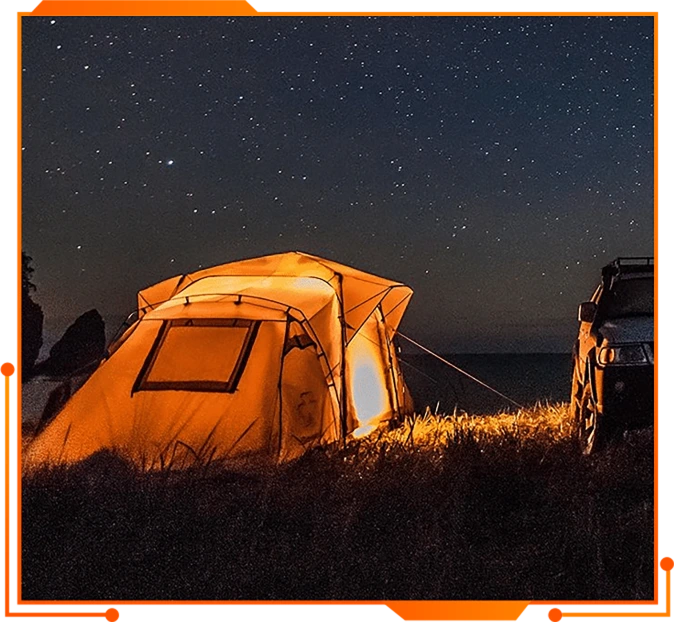
戶外露營
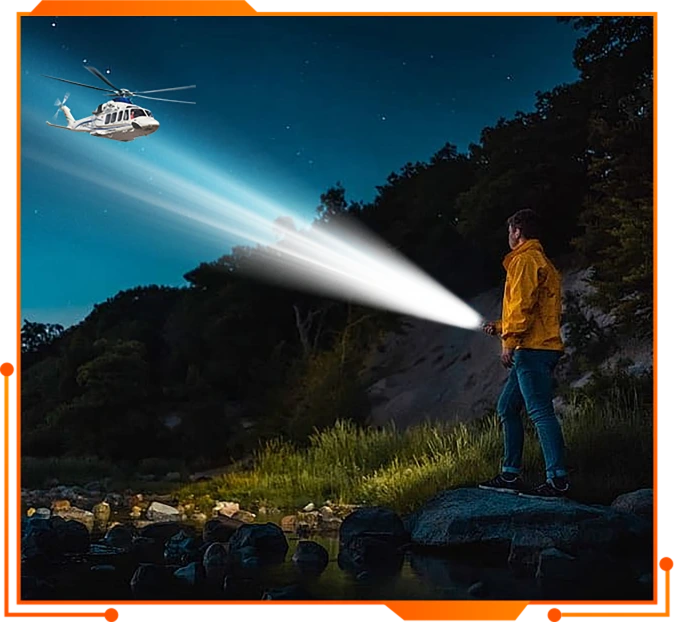
緊急時使用 SOS 模式,讓別人找到你

車輛故障或維修
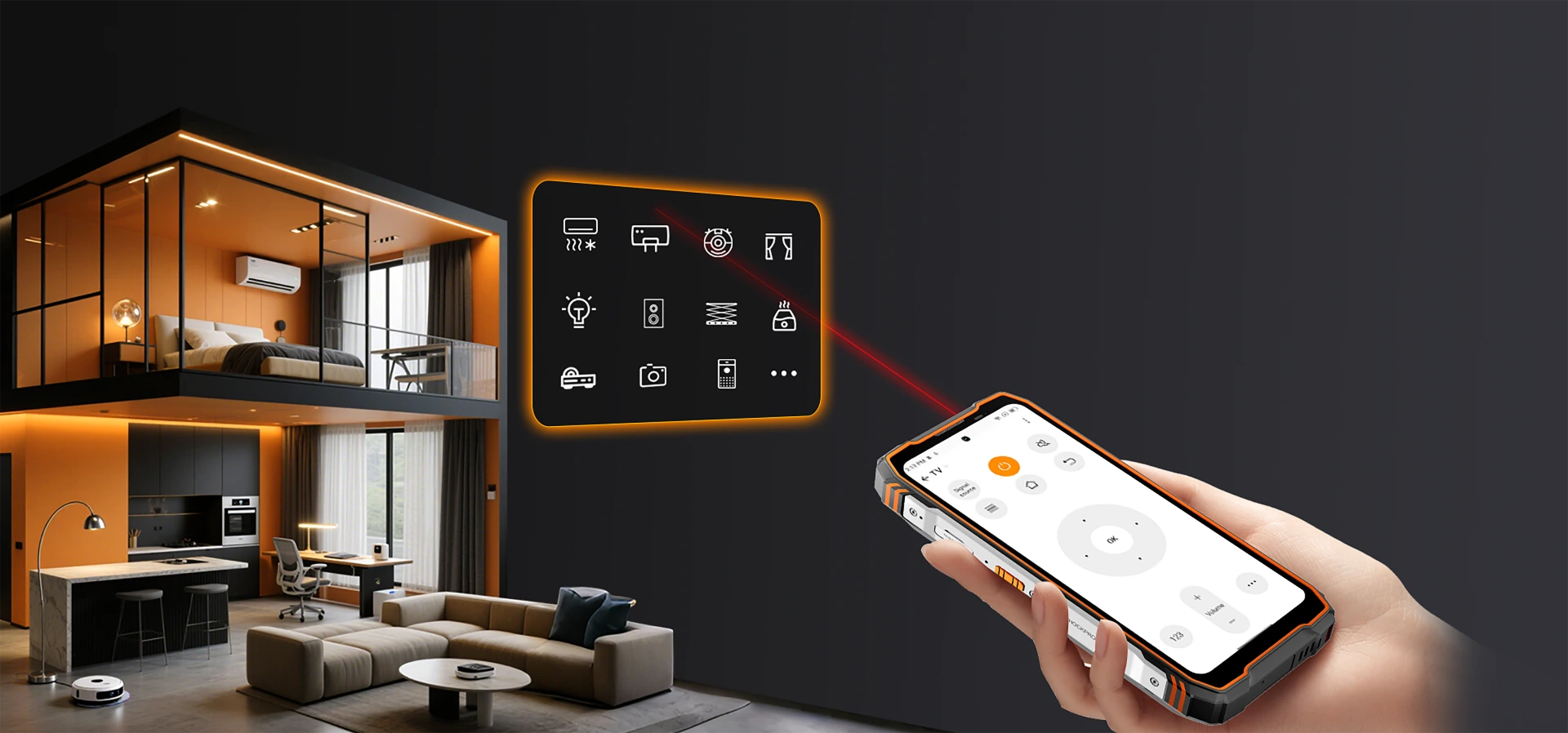
紅外線遙控
切換、控制、更簡單
不需要額外遙控器,也不必費心設定。輕鬆用手中的裝置管理多種家用設備與電器。
100dB 高音量揚聲器
響亮、清晰、可靠。
專為戶外環境打造,TANK 1 的高功率揚聲器音量最高可達 100dB ,清晰音效輕鬆穿透最嘈雜的戶外環境。無論是在工地作業、徒步穿越偏遠步道, 還是在緊急時呼叫求助,都能讓別人清楚聽見你的聲音。
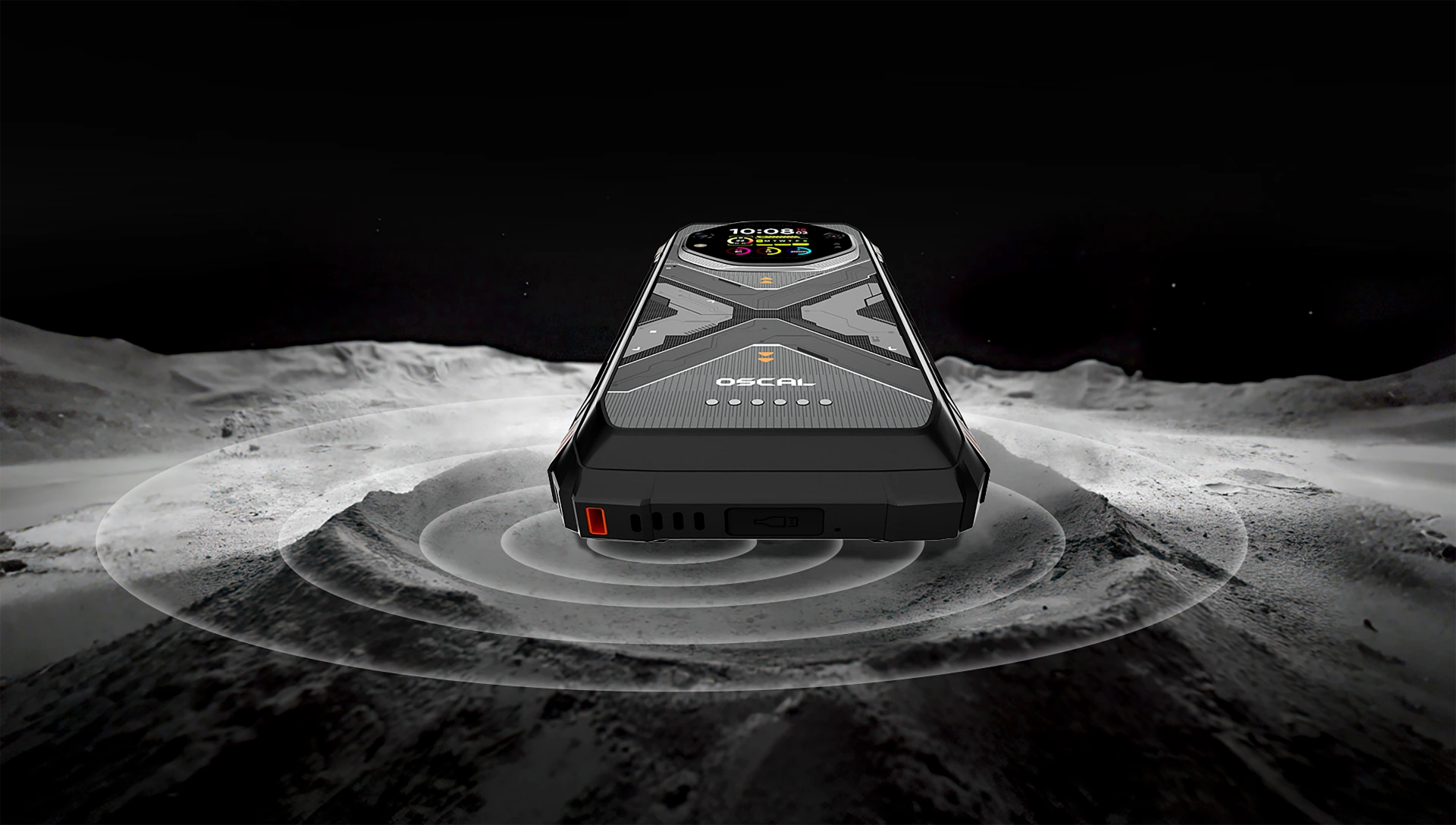
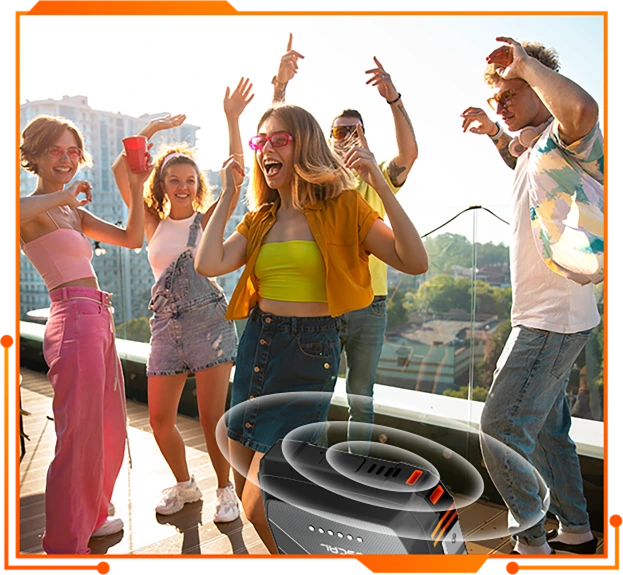
戶外最佳化音效

為荒野而生
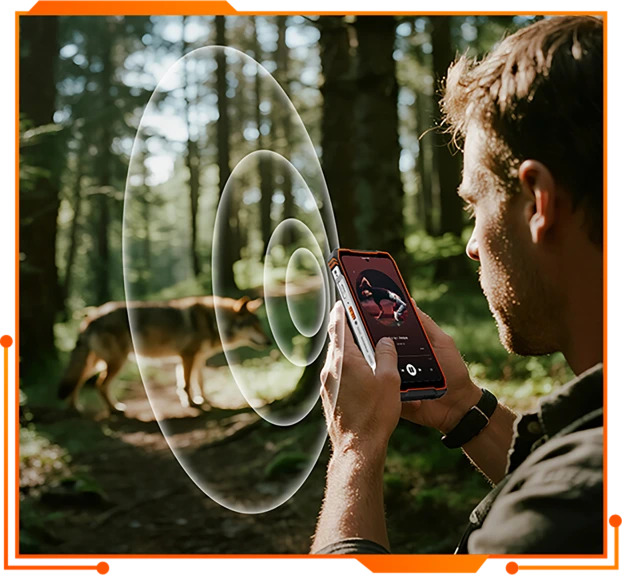
緊急時呼叫求助
戶外適用的雙螢幕。
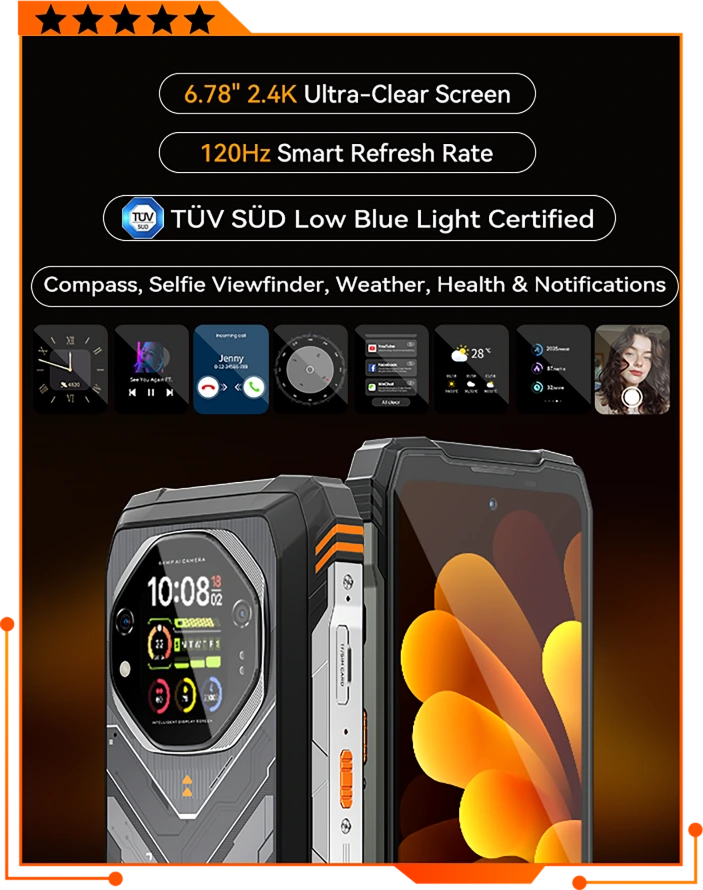
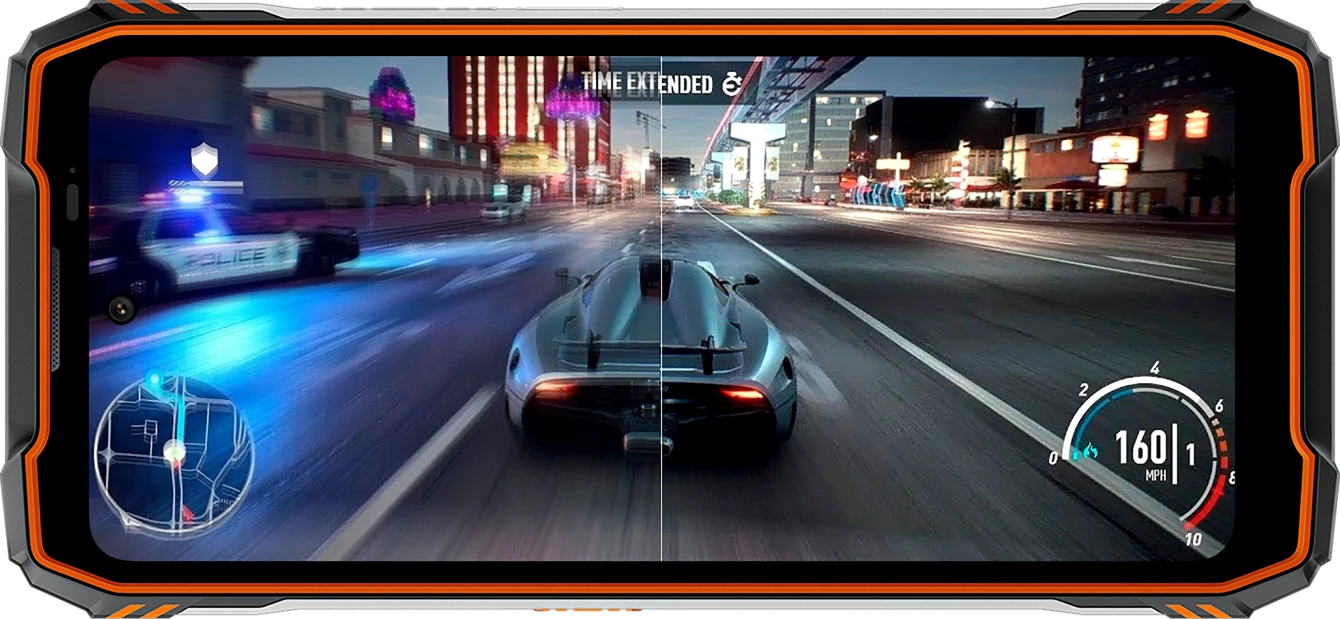
6.78 吋 2.4K FHD+ 護眼顯示螢幕
場景更銳利,體驗更流暢
在採用 CORNING GORILLA GLASS 5 螢幕的同時兼顧耐用性,TANK 1 配備超大 6.78 吋 2.4K FHD+ 顯示螢幕,呈現令人驚豔的細節與 清晰銳利的畫質。每一格畫面都更銳利、更流暢,栩栩如生。
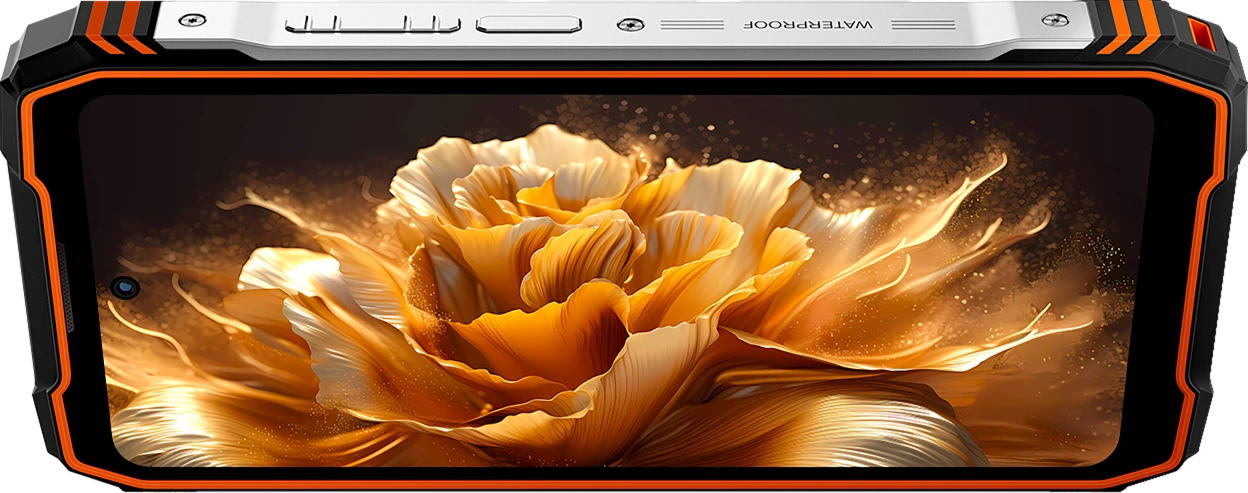

1080*2460
高解析度

1,670 萬色
鮮豔生動的畫面

120Hz 更新率
1-120HZ 動態調整

700 尼特
亮度

TÜV SÜD
低藍光認證

240Hz
觸控取樣率
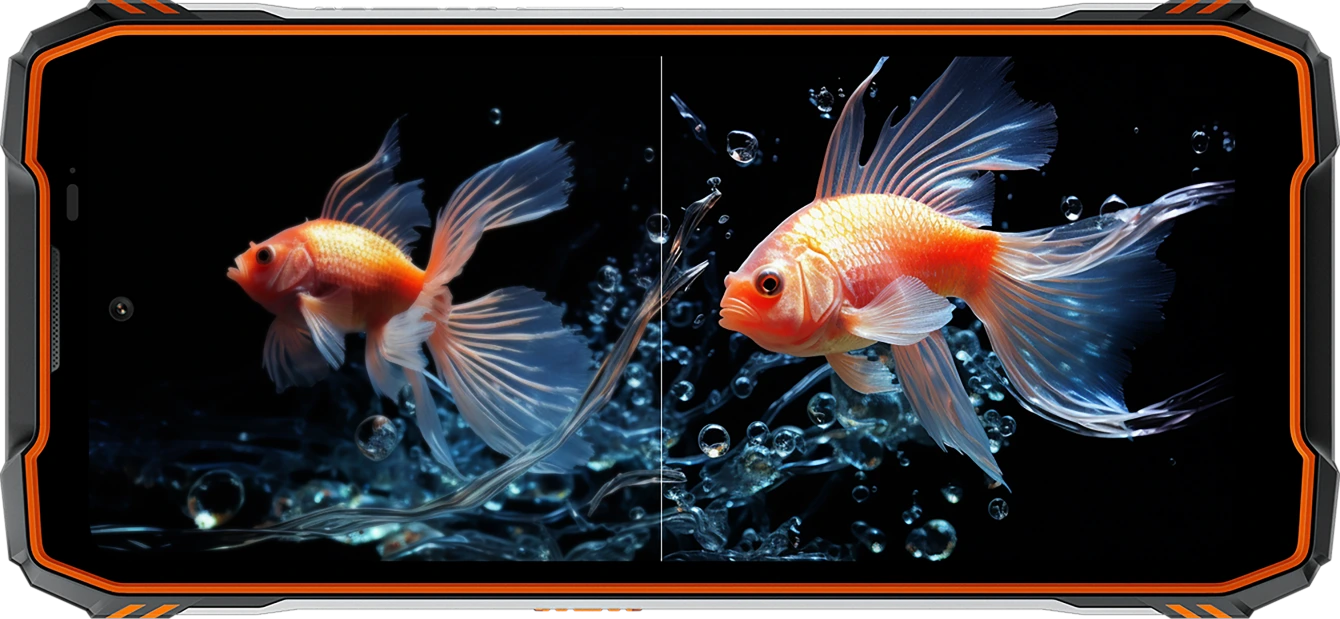
2.01 吋副螢幕
正面實用
背面舒適
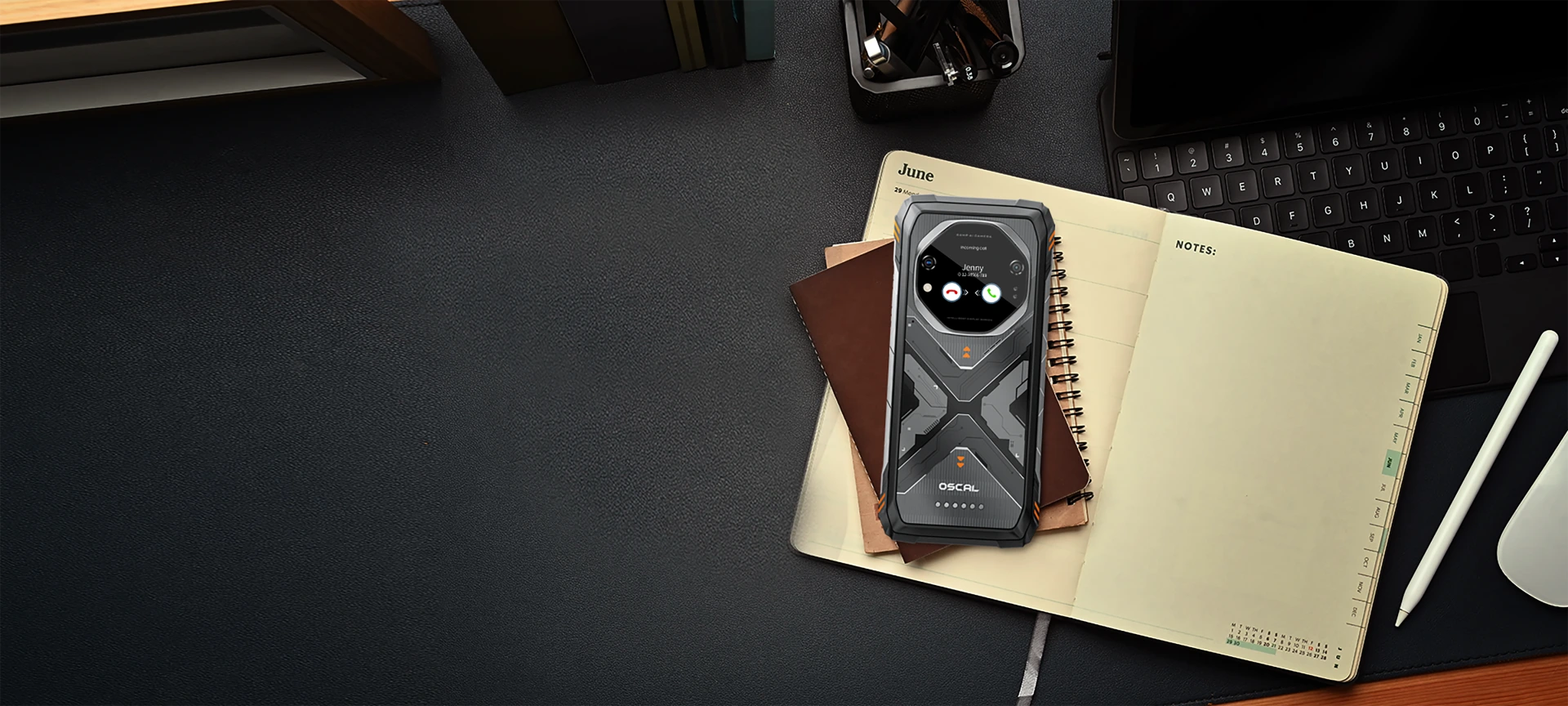
背面配備 2.01 吋副螢幕,TANK 1 將重要工具與即時資訊呈現在 你需要的位置。無需解鎖裝置,也不會打斷手邊的事。
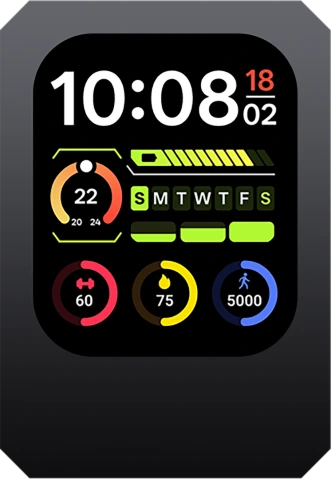
查看時間
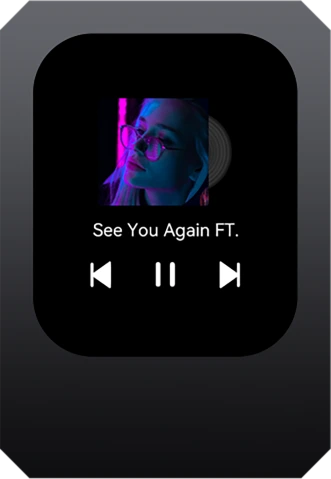
播放/暫停/切換曲目

接聽/拒接
來電
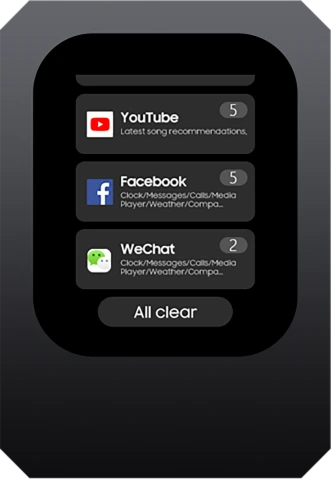
即時查看
訊息
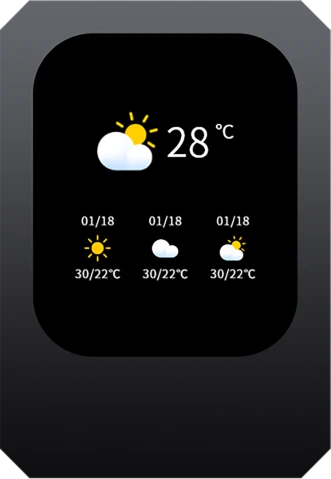
快速查看
天氣
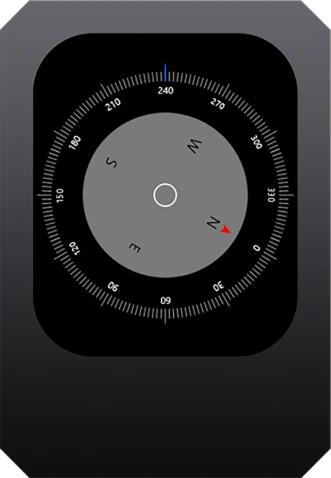
實用指南針
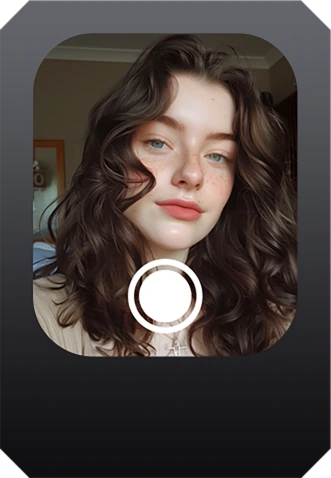
更快速且
自拍更清晰
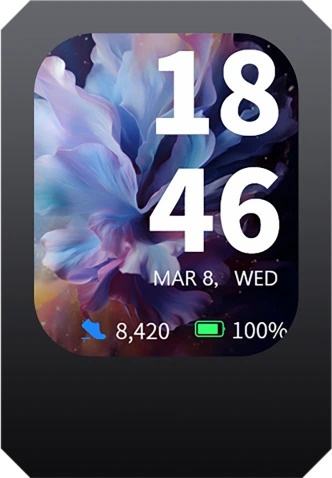
錶面
展現個性
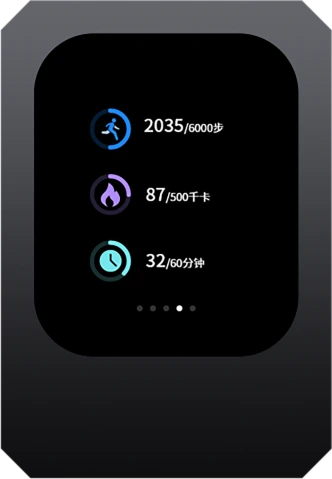
快速捷徑
天氣/健康
旗艦級攝影
超清晰影像系統
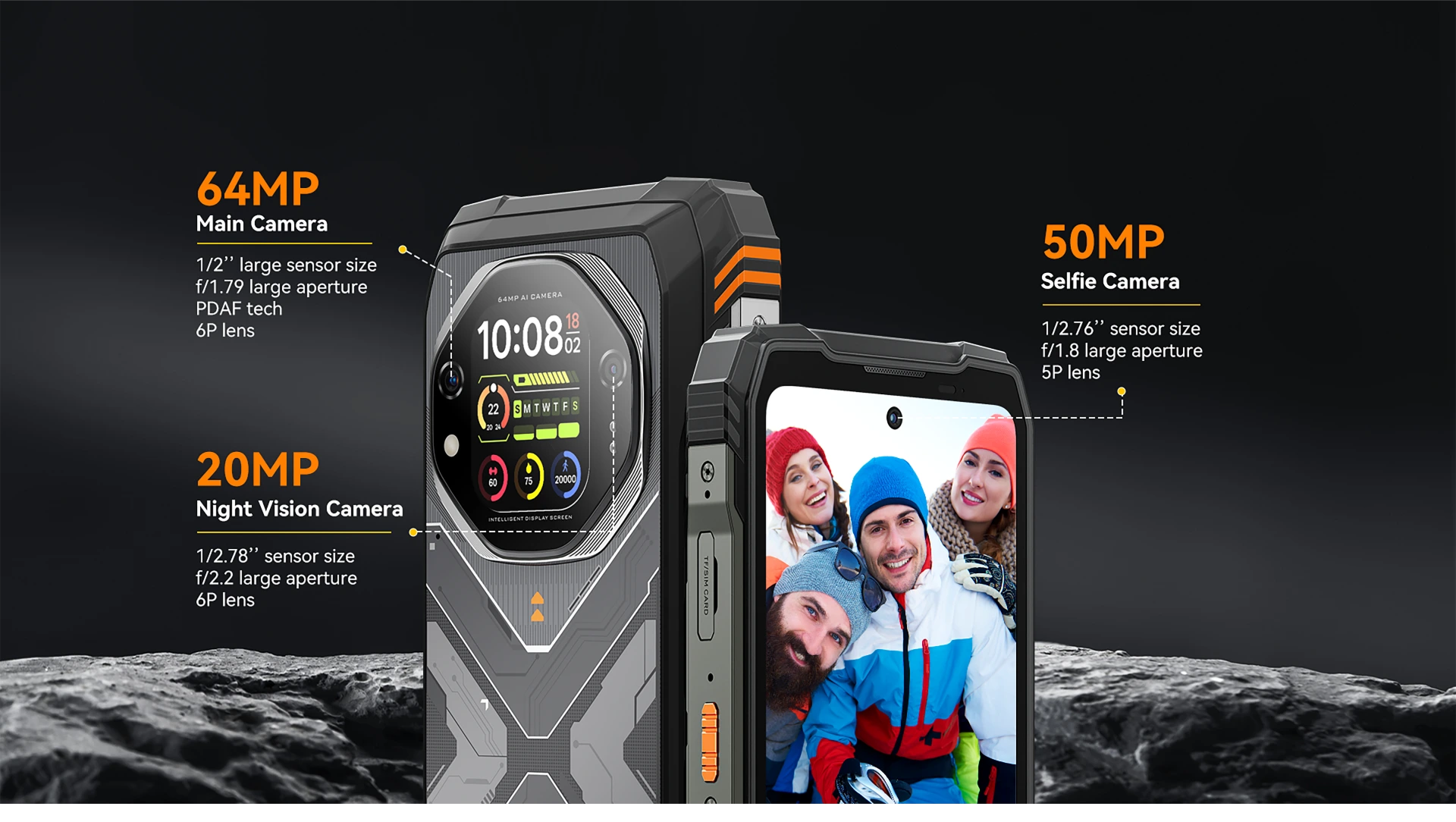
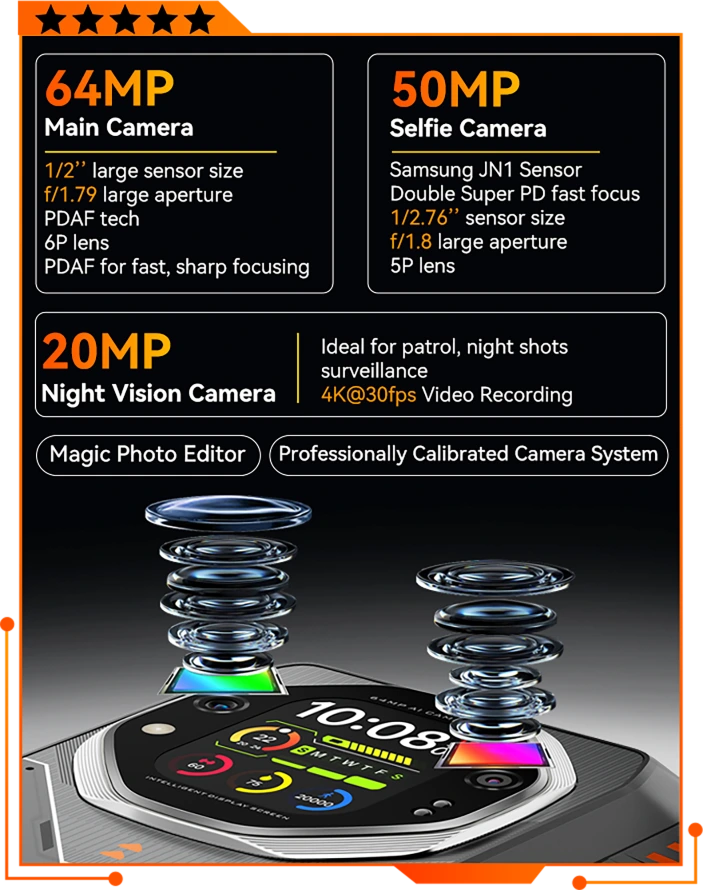
64MP AI 真彩相機
捕捉每個細節。
重溫每個瞬間
捕捉雙眼所見,甚至更多。搭載 64MP AI 主鏡頭感光元件,TANK 1 每次拍攝都能呈現驚人的銳利細節與逼真色彩。從鮮明的戶外 景觀到近距離的細緻紋理,每張照片都清晰、均衡,忠實呈現當下。
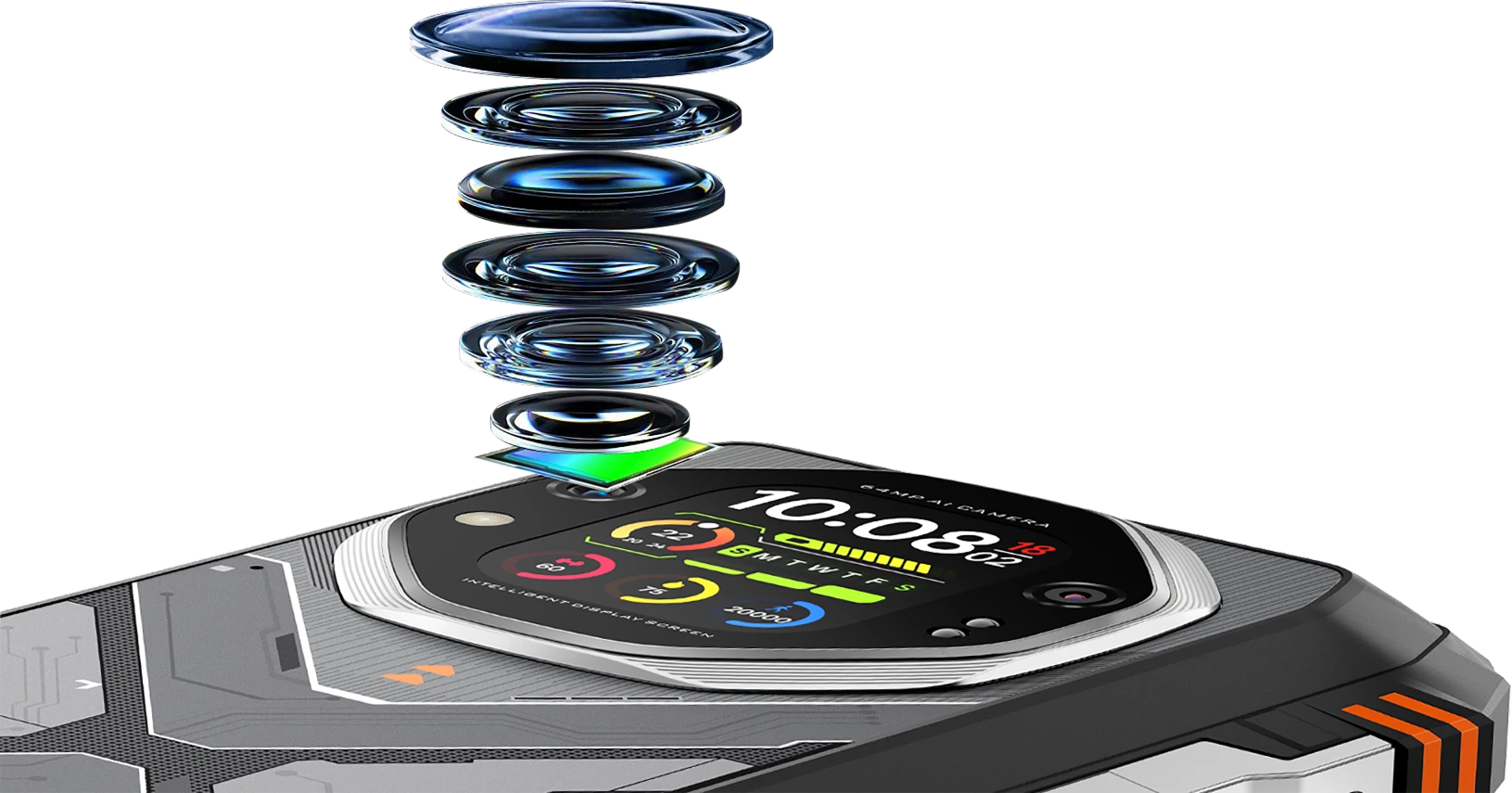

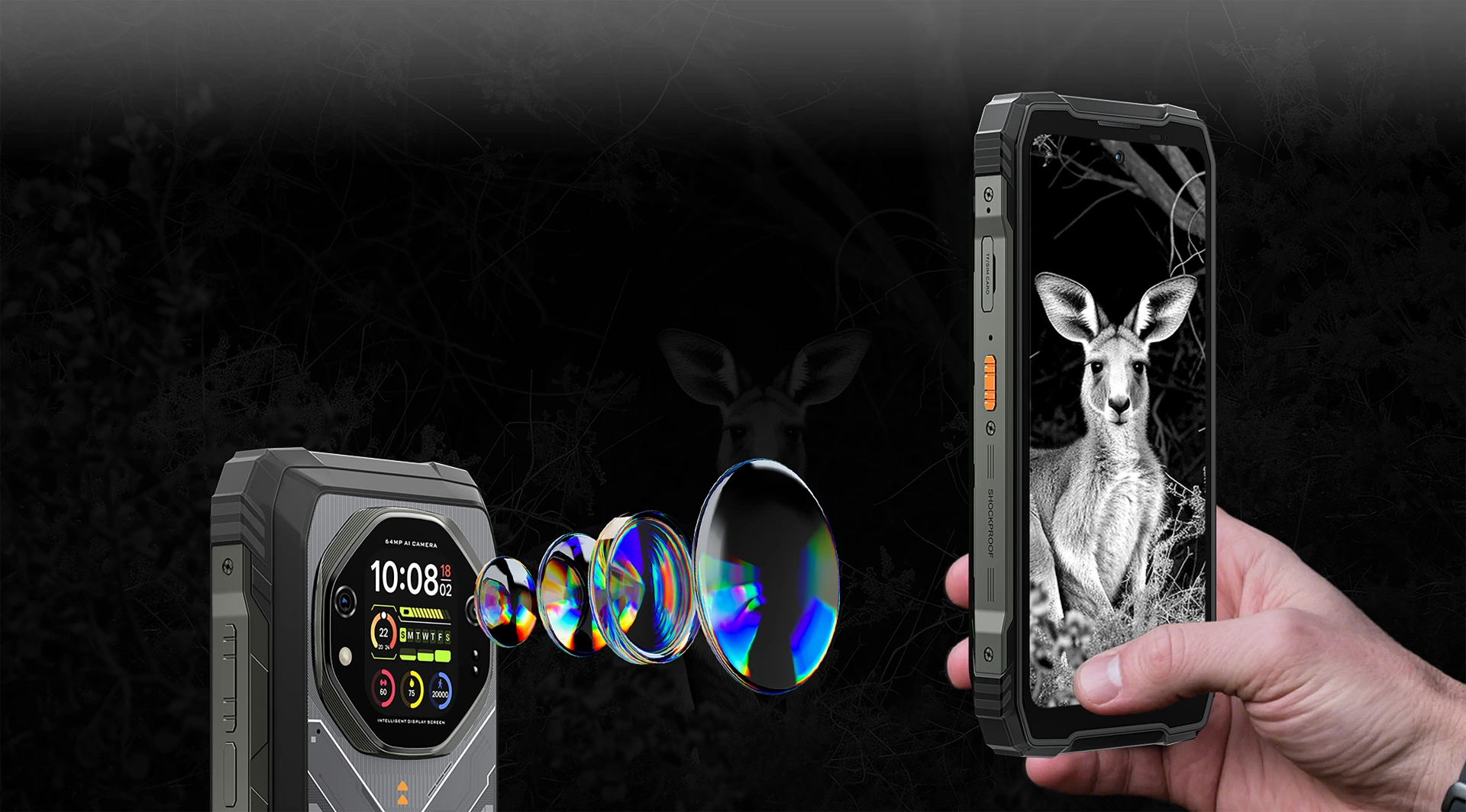
20MP 夜視相機
捕捉黑夜,守護安全
搭載 20MP 夜視相機,即使在完全黑暗中也能看得清楚、確保安全,無需額外照明。非常適合夜間冒險、 安全防護與緊急狀況,在能見度至關重要時,讓你倍感安心。

夜間清楚看見營地周遭

天黑後也能安心探索步道
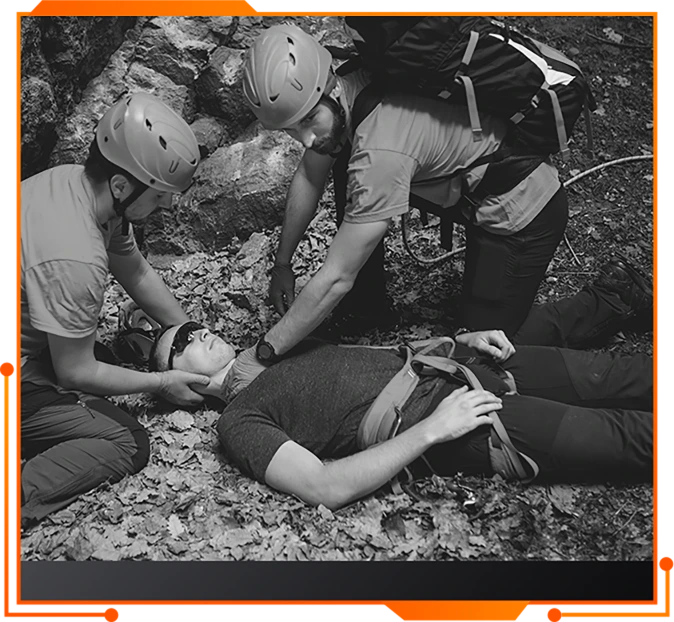
精準定位需要協助的人
在緊急救援期間

拍攝令人驚豔的夜間照片與影片
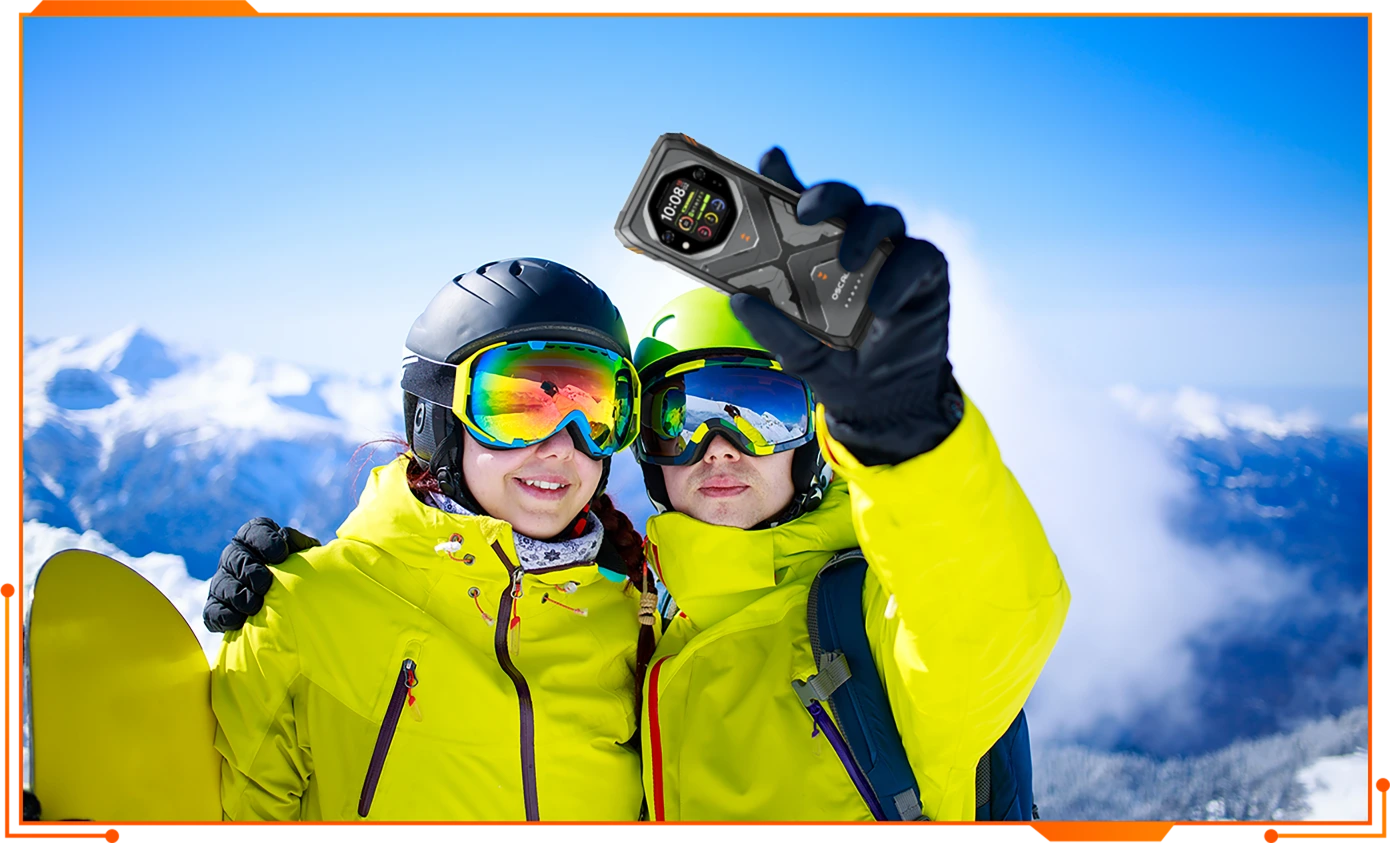
50MP 自拍 AI 相機
清晰、智慧、出眾
隨時隨地拍出最好的自己。透過 AI 美顏與智慧場景最佳化,每張自拍都清晰自然, 即使身處戶外也能隨手分享。
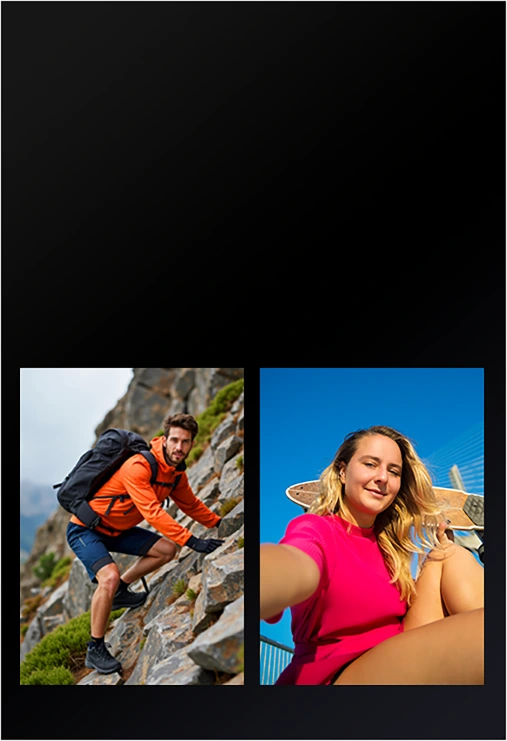
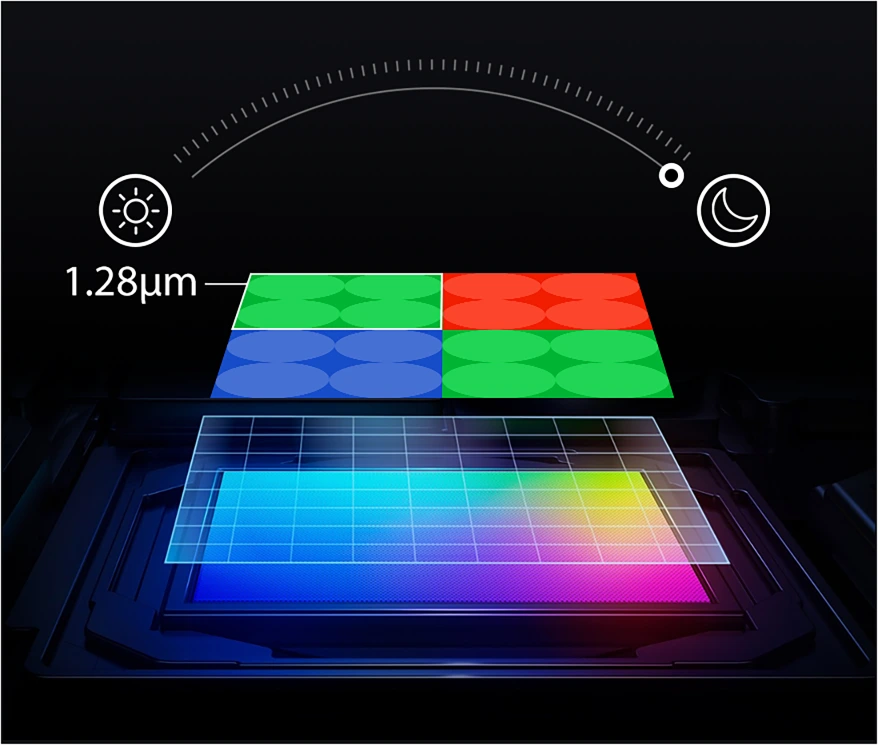
1.28μm 四合一像素合併
技術
夜間超明亮
白天超清晰
智慧系統調校,輕鬆拍出專業級照片
由 OSCAL 專業影像團隊精心調校,智慧相機系統會自動最佳化每項設定——曝光、對焦、色彩與清晰度,讓每張 照片都呈現最佳效果,無需費心調整。
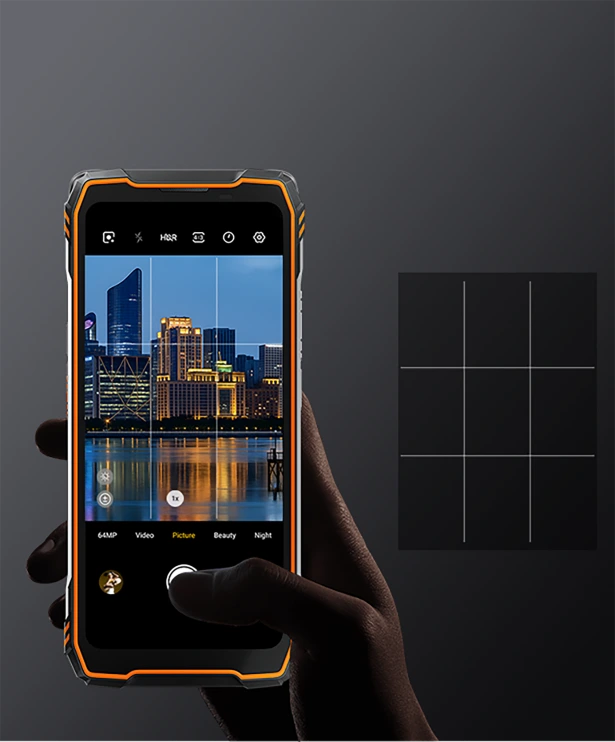
輔助線
完美取景
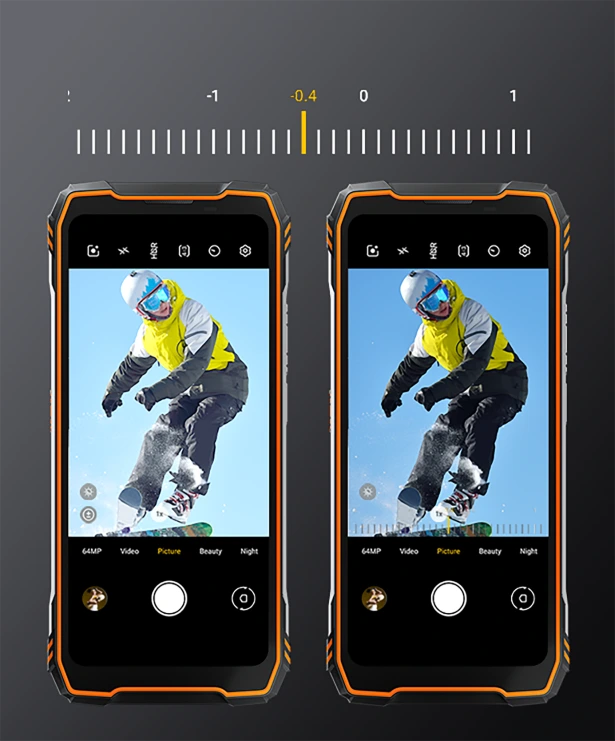
進階曝光控制
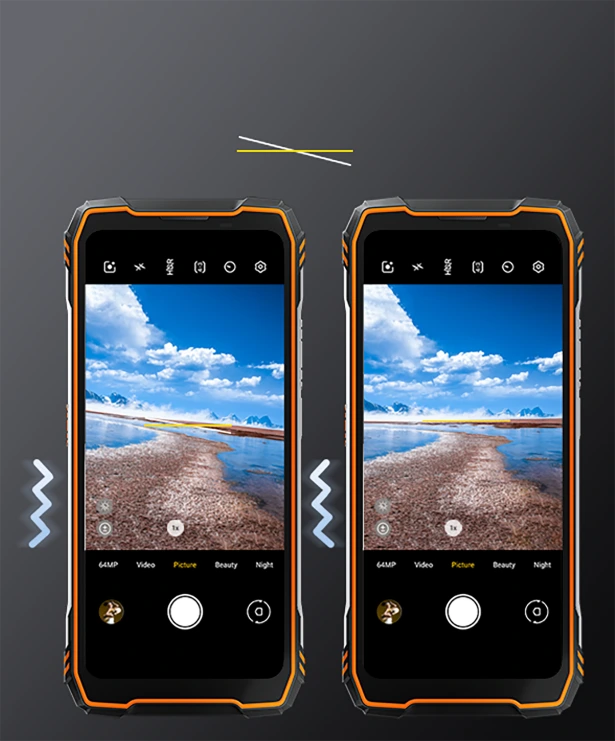
智慧水平校正與震動提醒
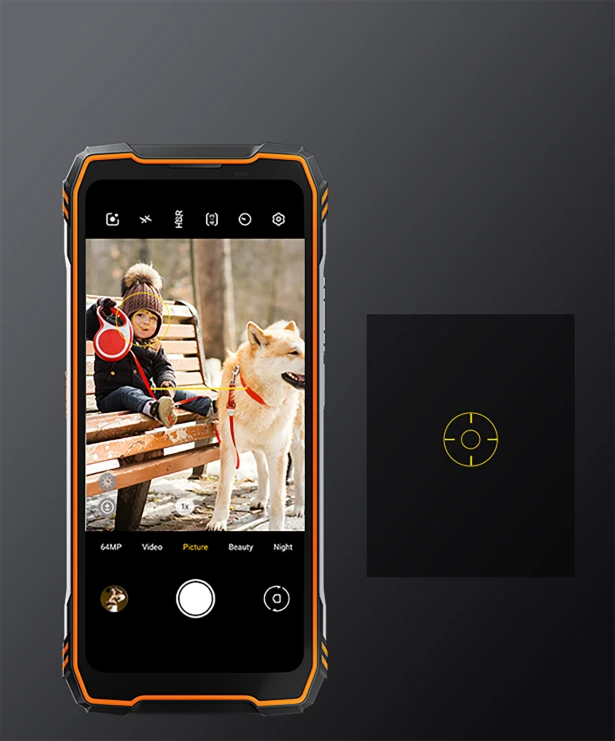
可自訂中心準星
堅固、真實、非凡
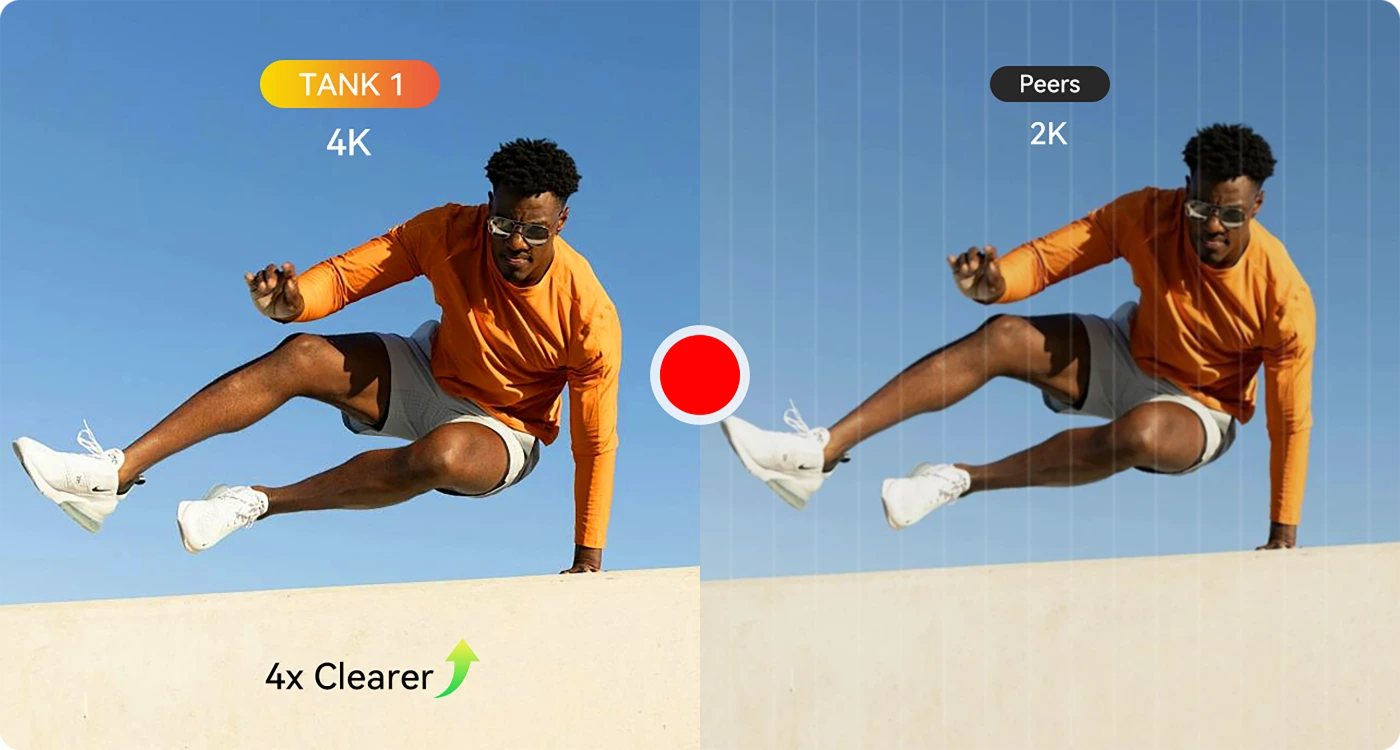
4K 30fps 錄影
無論旅程帶你前往何處,都能拍攝超清晰 4K 影片。無論是 充滿動感的越野路線,還是寧靜的自然時光,每個細節都清晰銳利,宛如電影畫面。
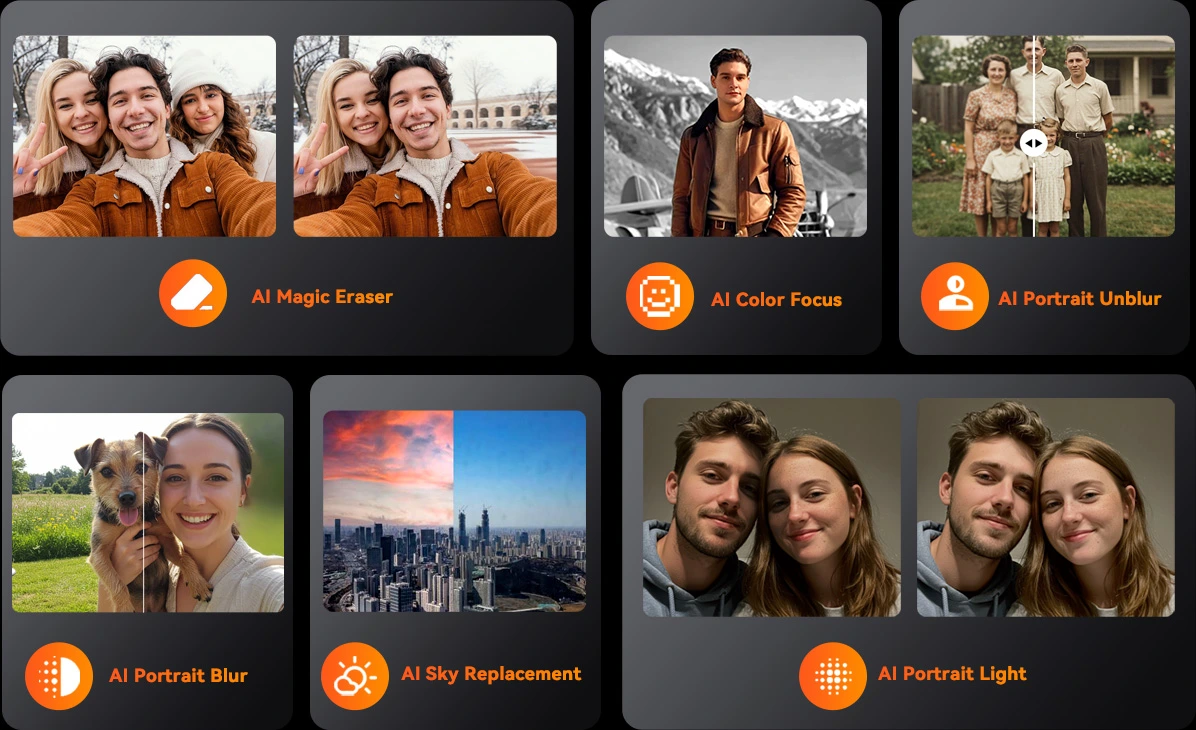
AI 相片編輯器
如魔法般改造相片
運用尖端 AI 的強大功能,即時提升珍貴回憶的影像品質。無論是捕捉日常點滴還是精彩冒險,AI 相片編輯器都能輕鬆自動地讓每張照片呈現最佳效果。
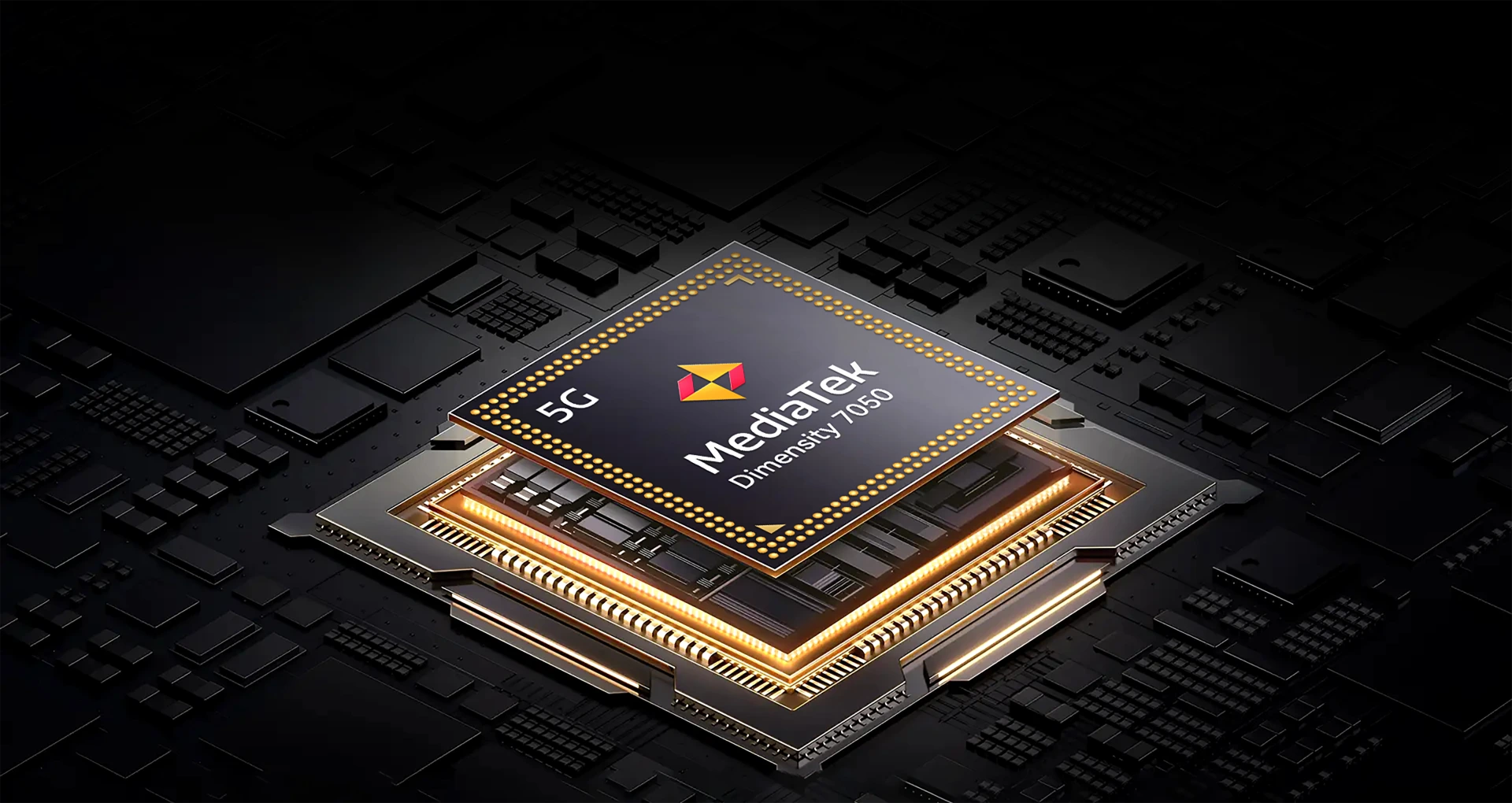
旗艦級效能,野獸模式啟動
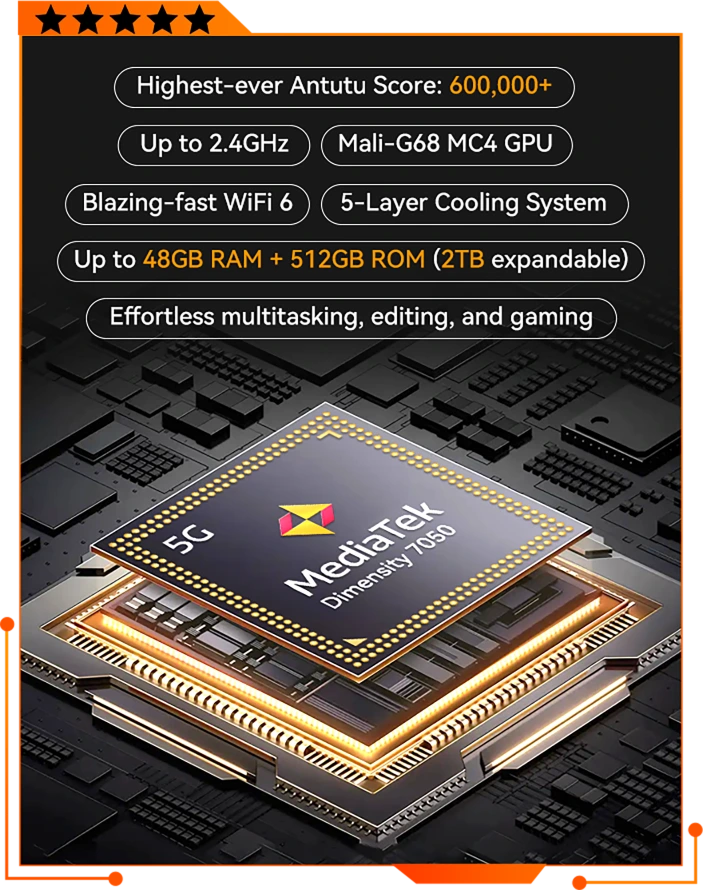
6nm MediaTek Dimensity 7050
加速前進,整裝出發,領先群倫
搭載 6nm MediaTek Dimensity 7050 與 MediaTek HyperEngine,TANK 1 帶來旗艦級速度、極速 App 響應、更流暢的遊戲體驗與更智慧的電源管理,效能強悍又不耗電。
提升 20% ↑
CPU 效能
流暢度提升 38% ↑
遊戲效能
601,430
Antutu 跑分 ↑
台積電先進製程
6nm 製程
MediaTek NPU 550
AI 相機強化功能
LPDDR5+UFS3.1
資料處理更快速
*所有提升數據皆根據與 MediaTek Dimensity 6300 平台的基準測試比較得出。
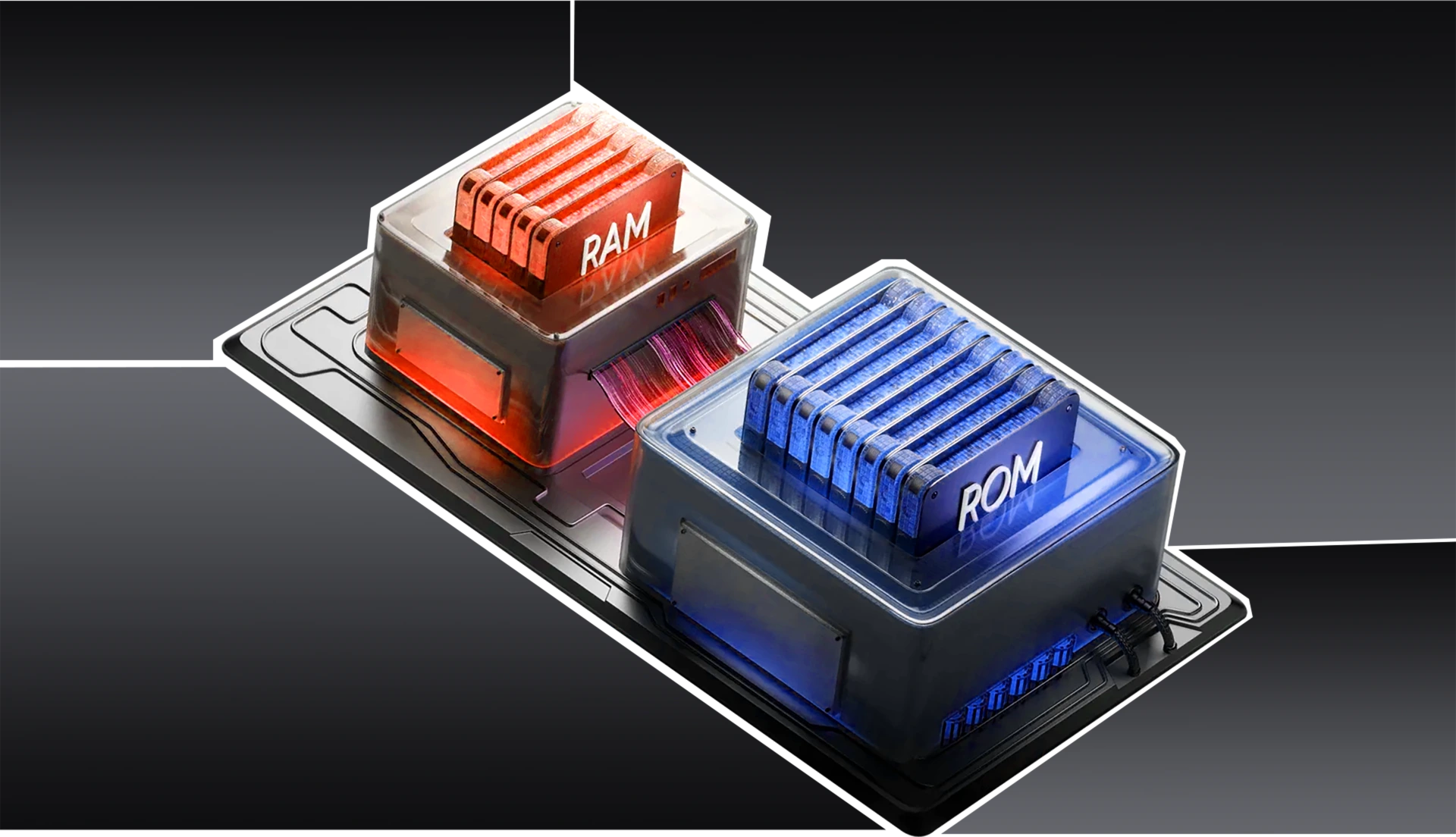
原子化記憶體 2.0
可用 RAM 增加 9% ↑
執行更快,儲存更多
最高 48GB RAM
=16GB 實體 + 32GB 虛擬
1:2 RAM 擴充技術
≈ 344K+ 張照片
≈ 5K+ 部短影片
≈ 903K+ 首歌曲
512GB ROM 加上
可擴充至 2TB 儲存空間
疾速 Wi-Fi 6,快速高效 5G

先進多層散熱系統
保持冷靜,全力發揮
TANK 1專為高效能而打造,同時避免過熱。新一代散熱架構結合多種 先進材料,實現快速、全面的散熱:
25% 散熱效能更出色 ↑
9009.4mm²總散熱面積
2794mm²
散熱銅管
735.4mm²
散熱矽膠
180mm²
散熱凝膠
4400mm²
石墨
900mm²
銅箔
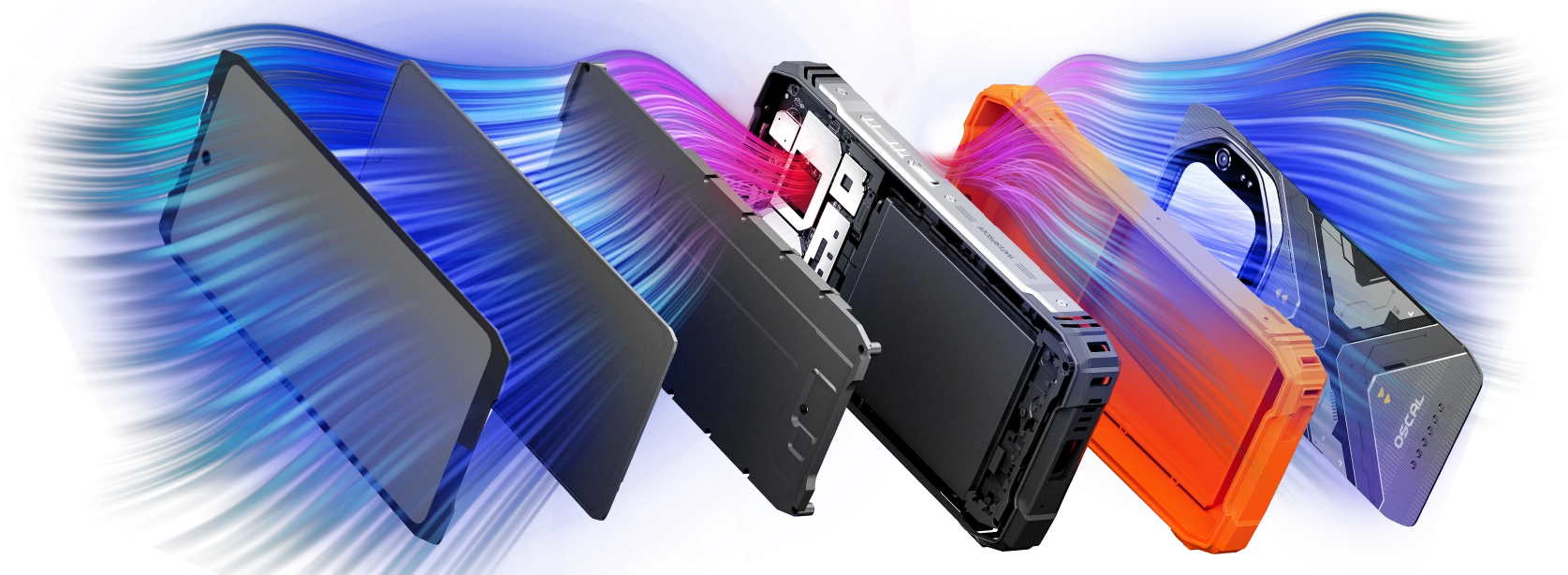
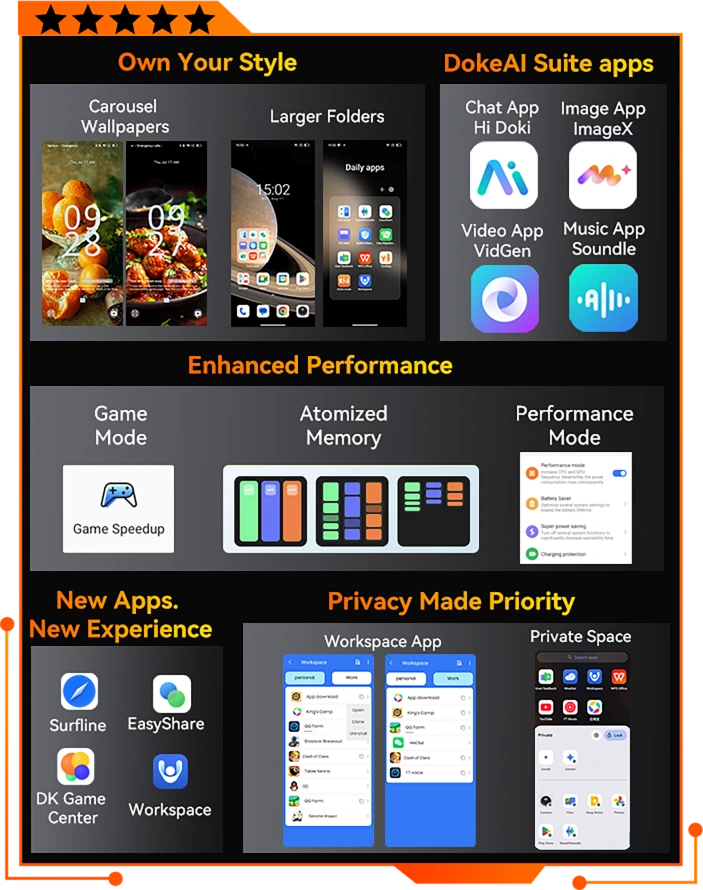
融入 DokeAI 的 DokeOS 4.2
更智慧。更流暢。更個人化、更無縫。
全新應用程式,開啟更多可能
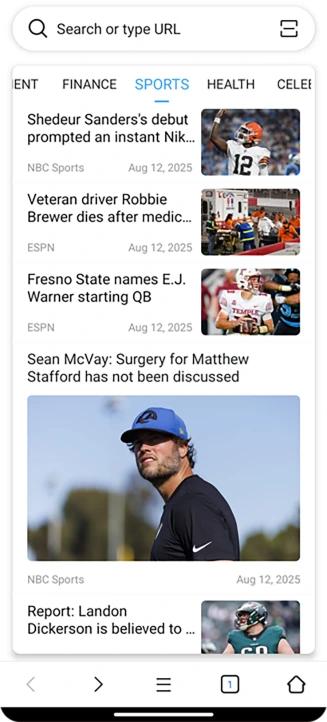
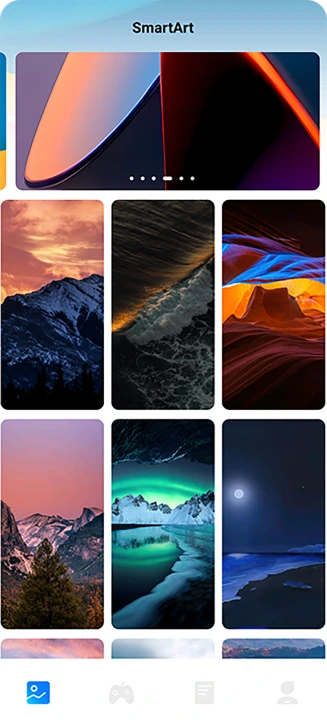
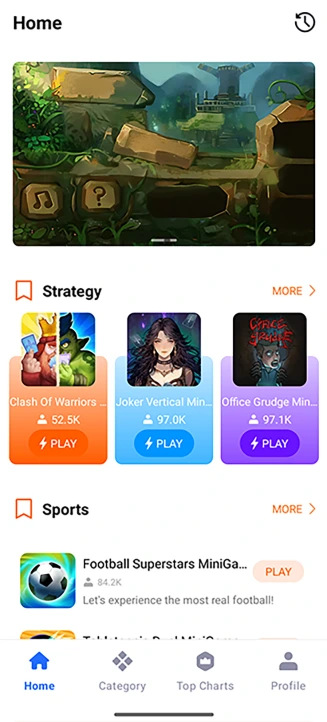
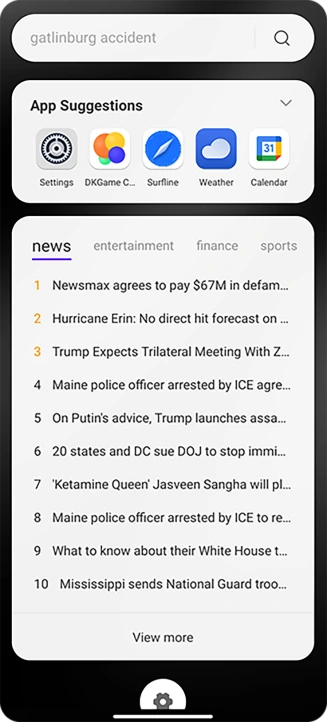
DokeOS 4.2 為日常工作注入更多效能。透過 Surfline 等全新應用程式,你可以即時瀏覽網頁、享受更智慧的搜尋,並取得精選的工作與娛樂工具,所有內容都井然有序地呈現在簡潔、 直覺的介面中,讓操作更得心應手。




EasyShare 應用程式
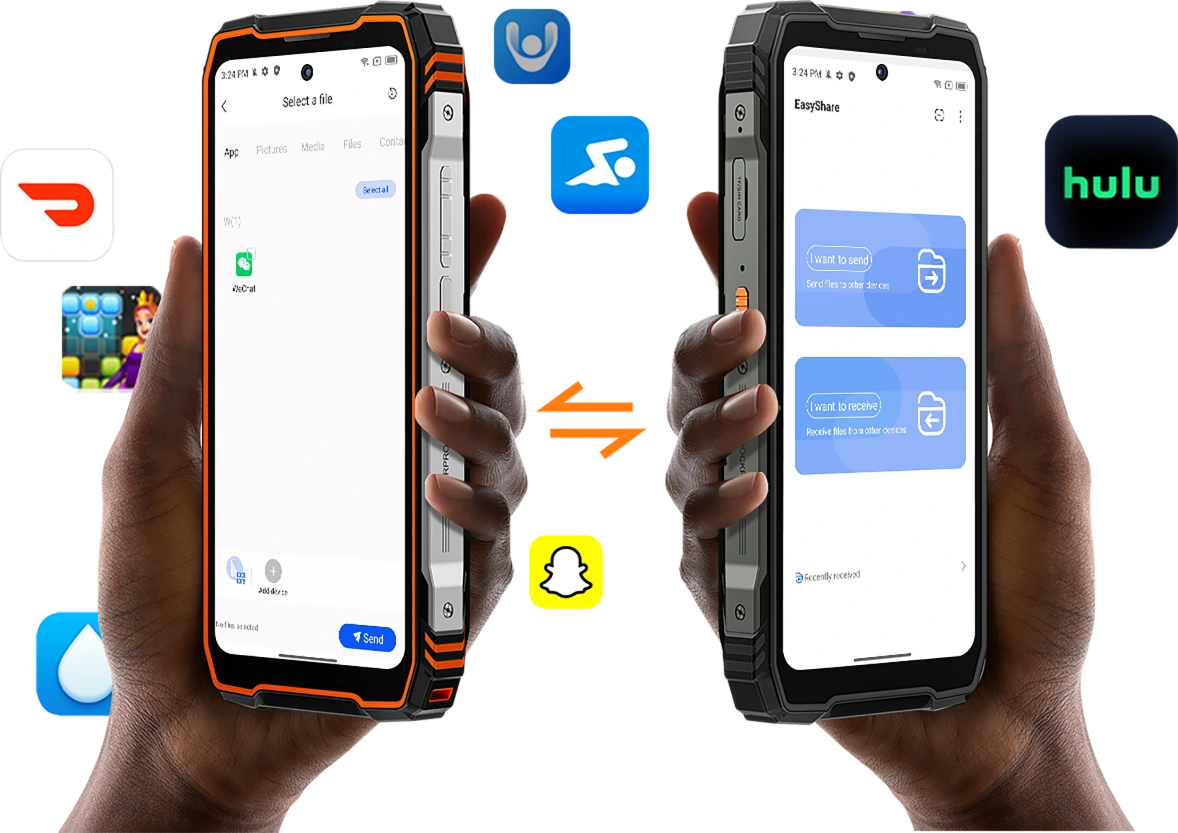
隨時隨地,即時分享
輕鬆傳輸檔案、照片和影片, 無論在家中、辦公室 或外出途中,無需網路或 BT,速度更快、效率更高。
最高 7.7MB/s
速度比無線 BT 快 77 倍 ↑
離線使用
安全點對點傳輸 ↑
大型資料夾
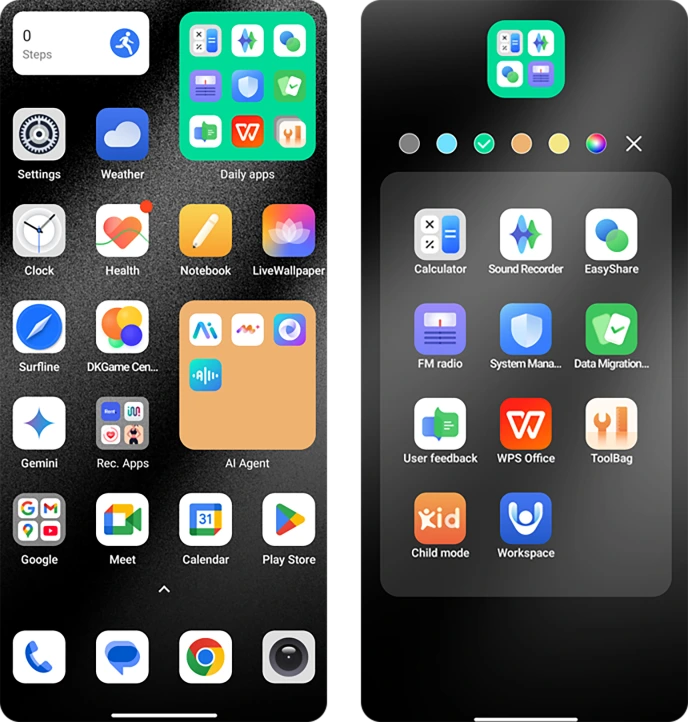
更大、更整齊、更快速
將喜愛的應用程式或檔案整理到大型或小型資料夾中,自訂顏色、尺寸和形狀,打造個人風格,像專家一樣整理應用程式。
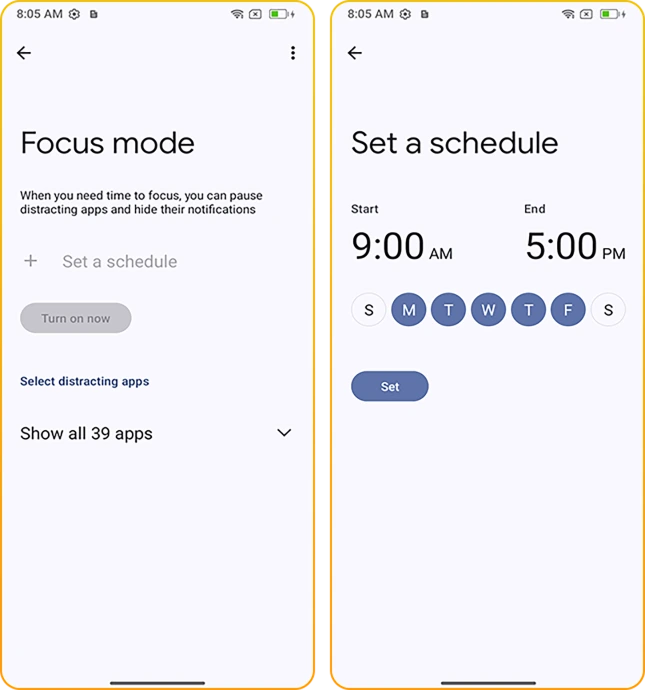
專注模式
專注當下
使用可自訂的 專注模式,讓自己保持專注。透過 封鎖不需要的通知和應用程式,打造 專屬體驗,讓你聚焦於最重要的事。
禁止遊玩模式/冥想模式/工作/運動/閱讀
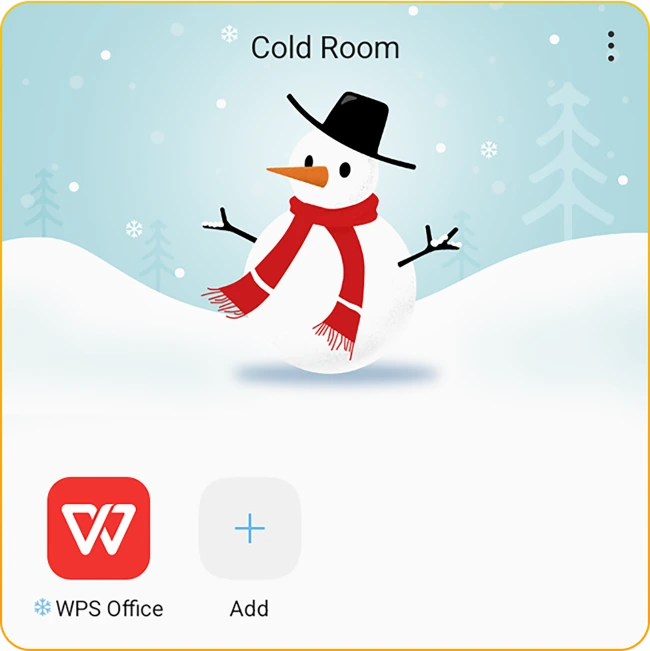
冷凍室
輕鬆凍結,
自動釋放
凍結較少使用的應用程式, 停止它們在背景執行, 防止不需要的應用程式 自動啟動。
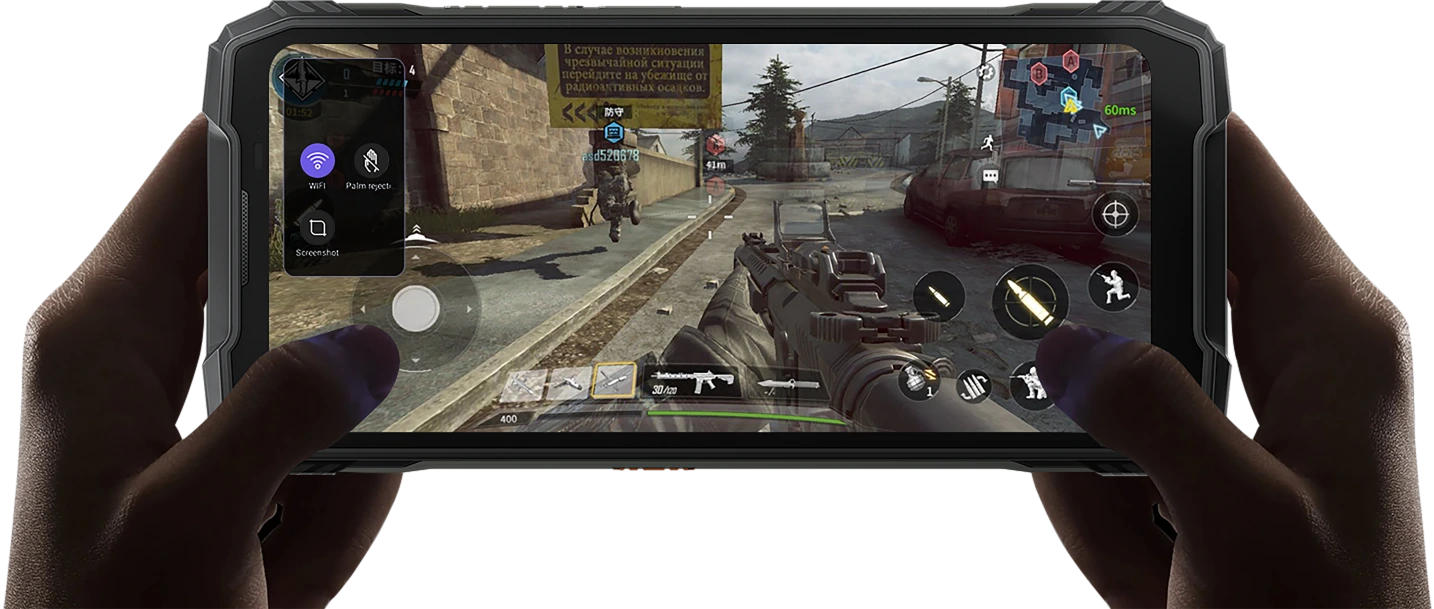
遊戲模式
純粹遊戲體驗,零干擾
沉浸於疾速流暢的遊戲體驗。啟用後,TANK 1 能 阻擋干擾,助你全心投入,盡情享受每個精彩刺激的時刻。
隆重推出 Doke AI 2.0,
讓生活更美好、更智慧
全面整合全球頂尖 AI 模型
從塵土飛揚的越野小徑到繁忙的工作現場,TANK 1隨時待命。只要開口說一聲,就能導航、打電話、搜尋或控制應用程式,無需動手點按。 AI 助理讓多工處理變得輕而易舉,讓你專注於重要的事。



AI 語音喚醒
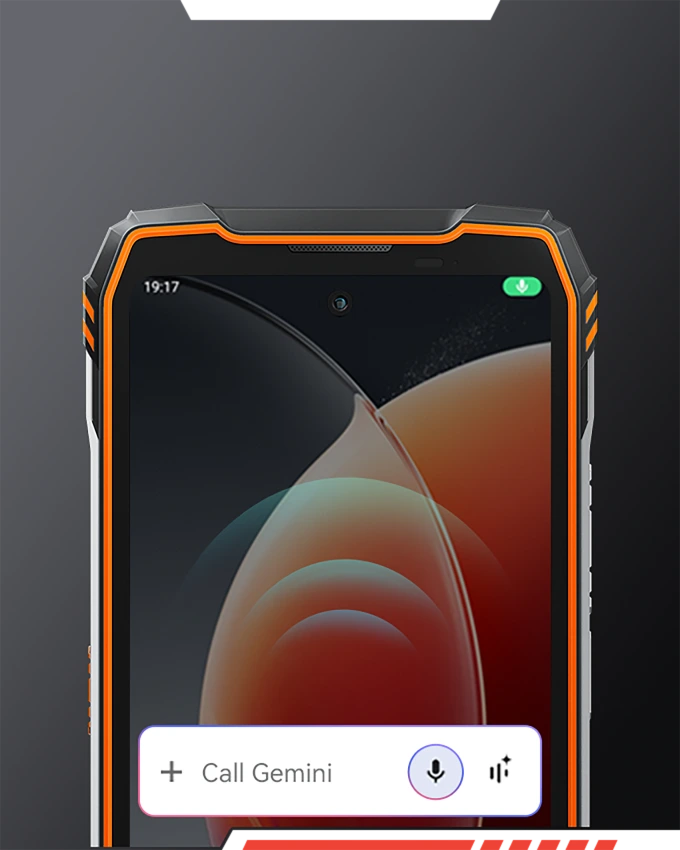
AI 全螢幕智慧功能
協助
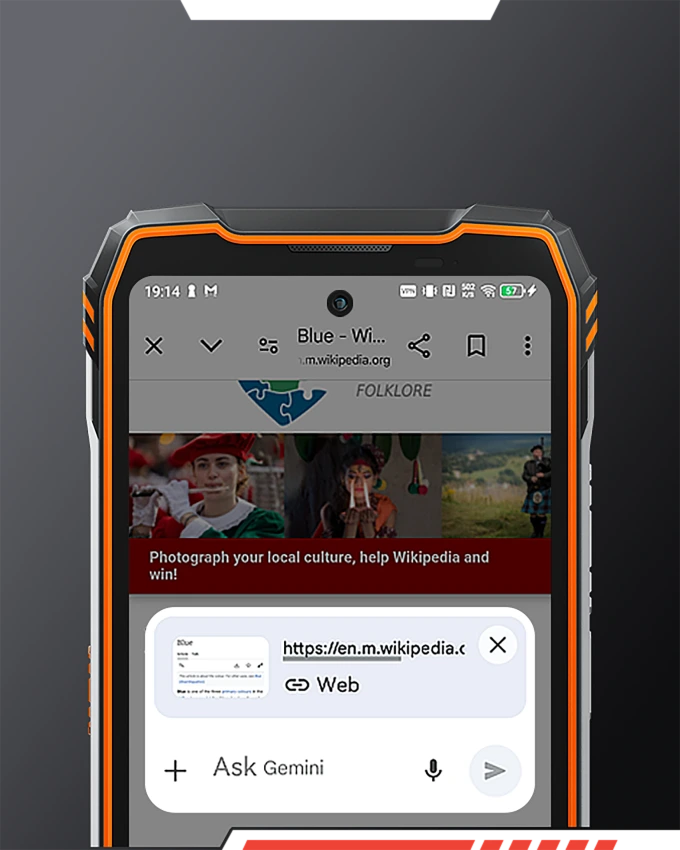
AI 智慧全域控制
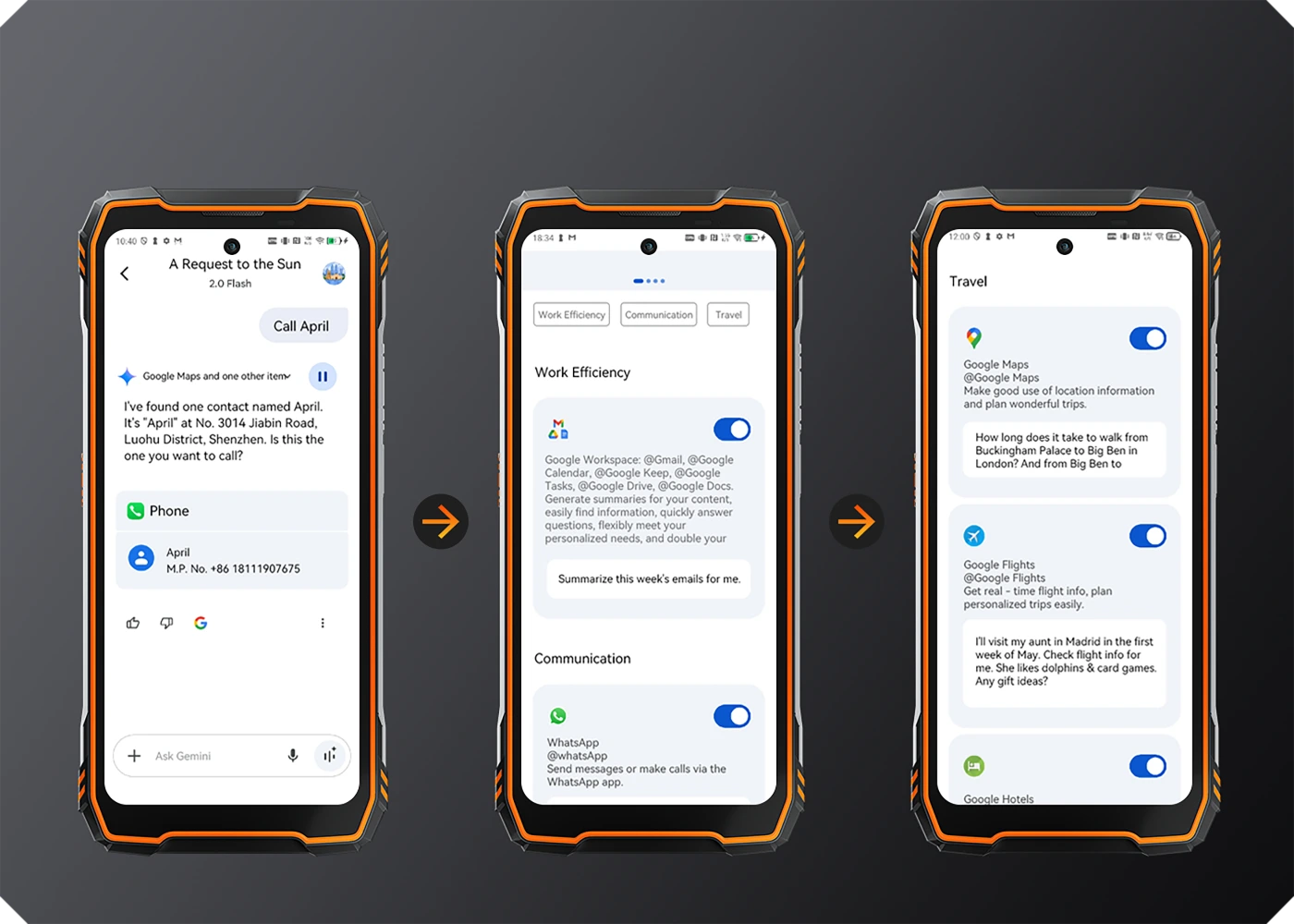
AI 智慧語音互動
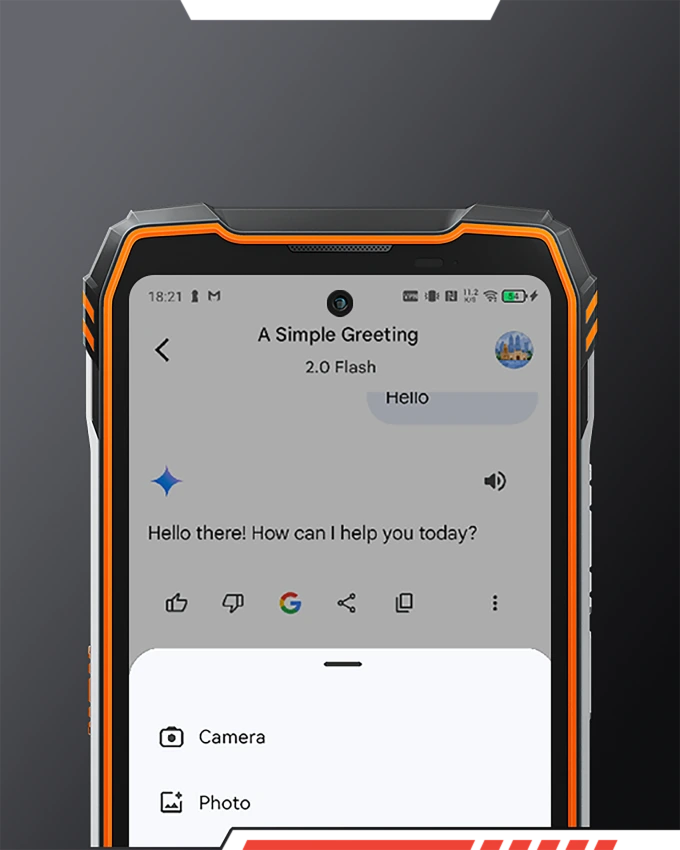
AI 即時對話
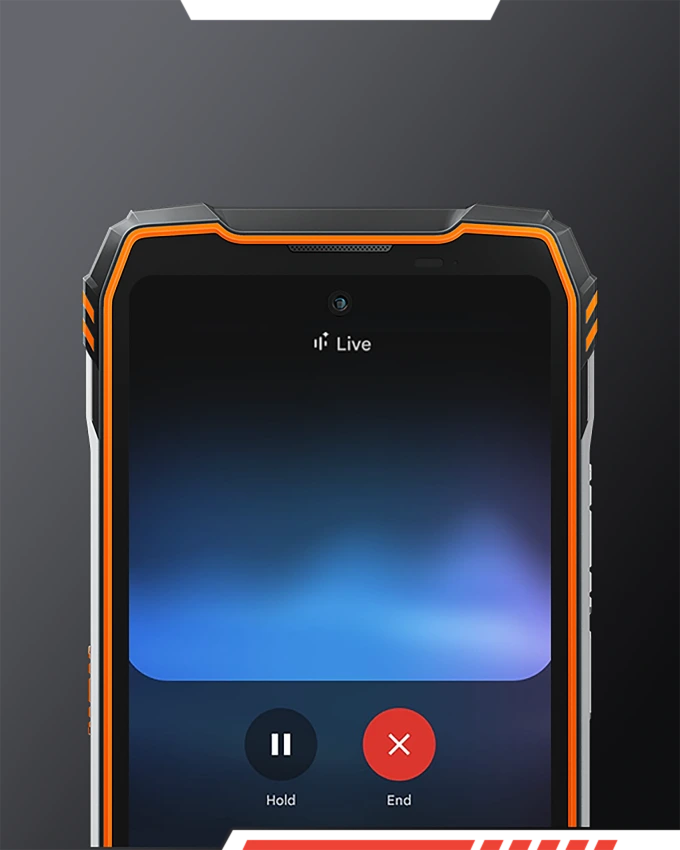
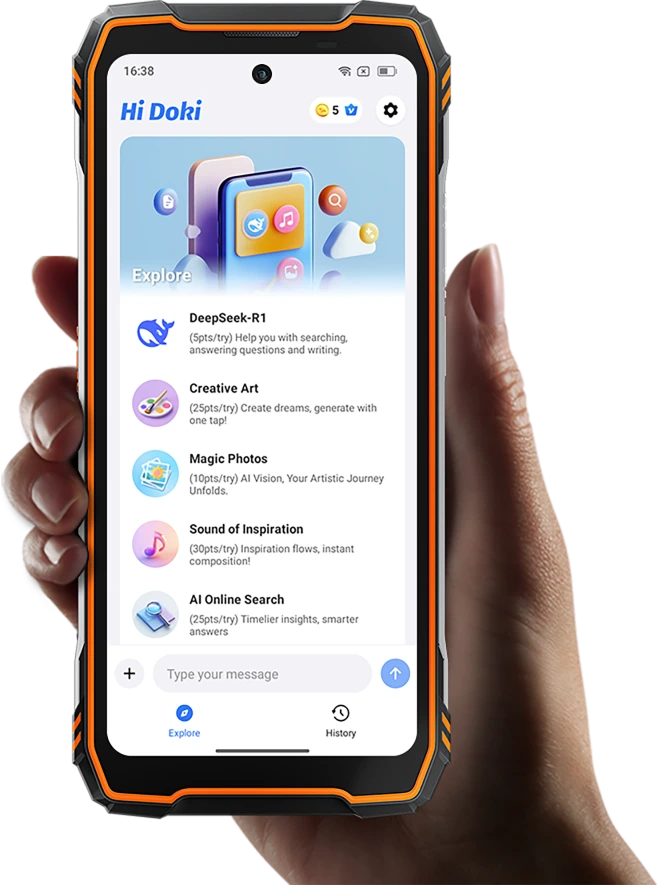

Hi Doki 應用程式
從語音到願景,
釋放創意
體驗閃電般快速、 深度思考的 AI 搜尋、輕鬆的文件分析與智慧寫作輔助, 開啟更深刻的洞見與無限創意。
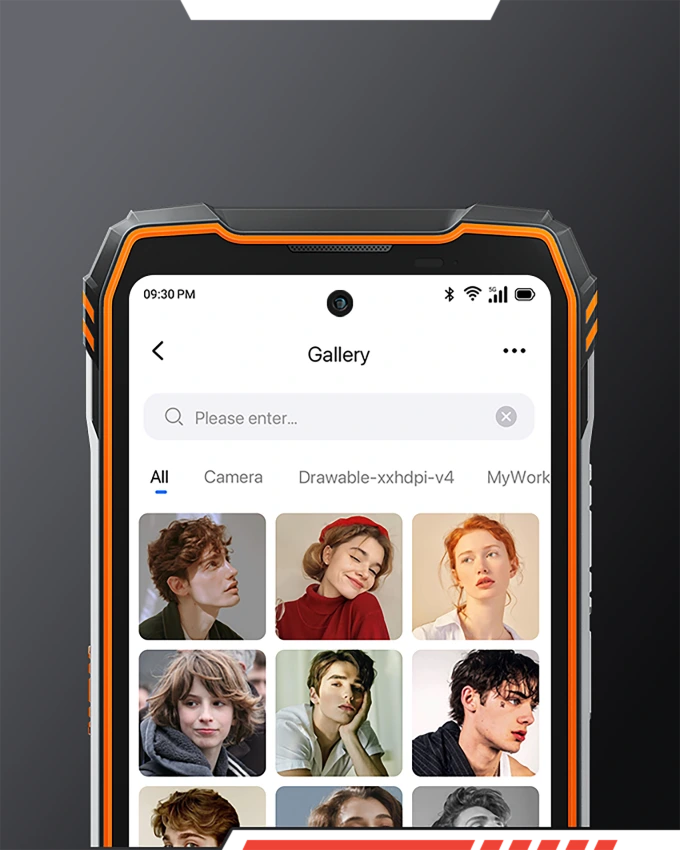
AI 文字轉圖片
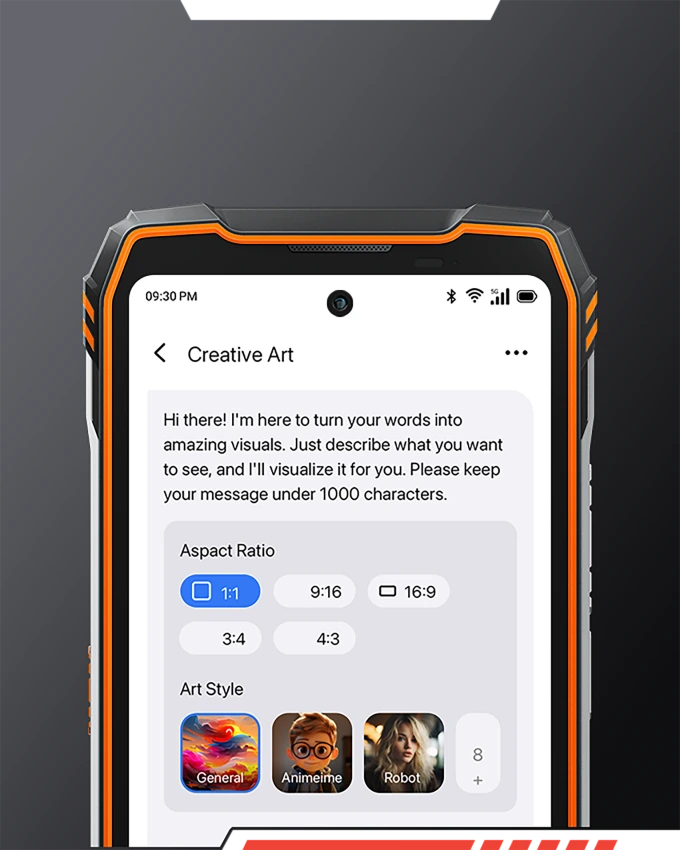
AI 圖片轉圖片

ImageX 應用程式
從新手到高手,
讓每篇貼文都爆紅
提供多達 18 種強大的 AI 編輯工具,讓你 輕鬆編輯照片,讓你的每篇貼文煥然一新, 迅速爆紅!
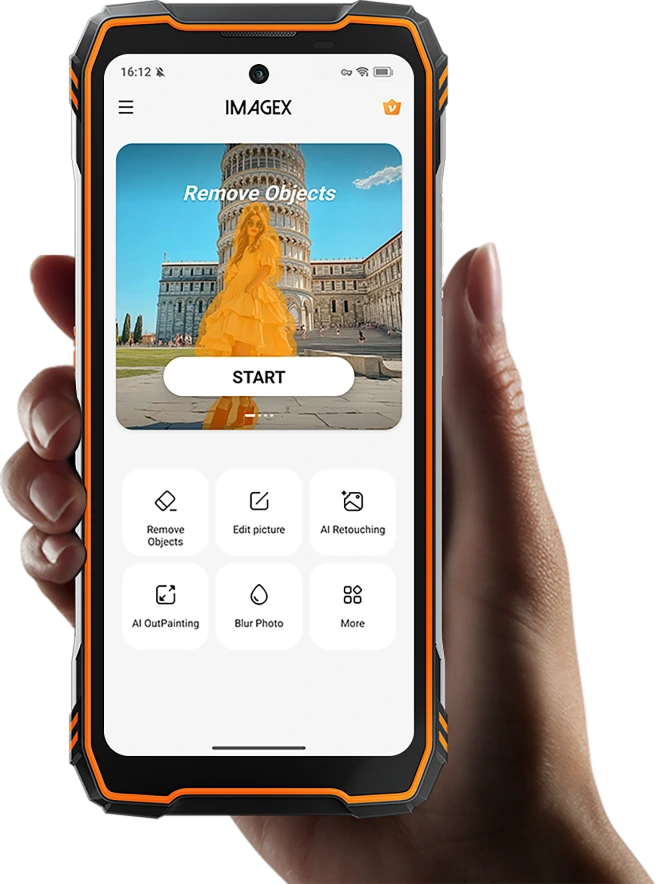
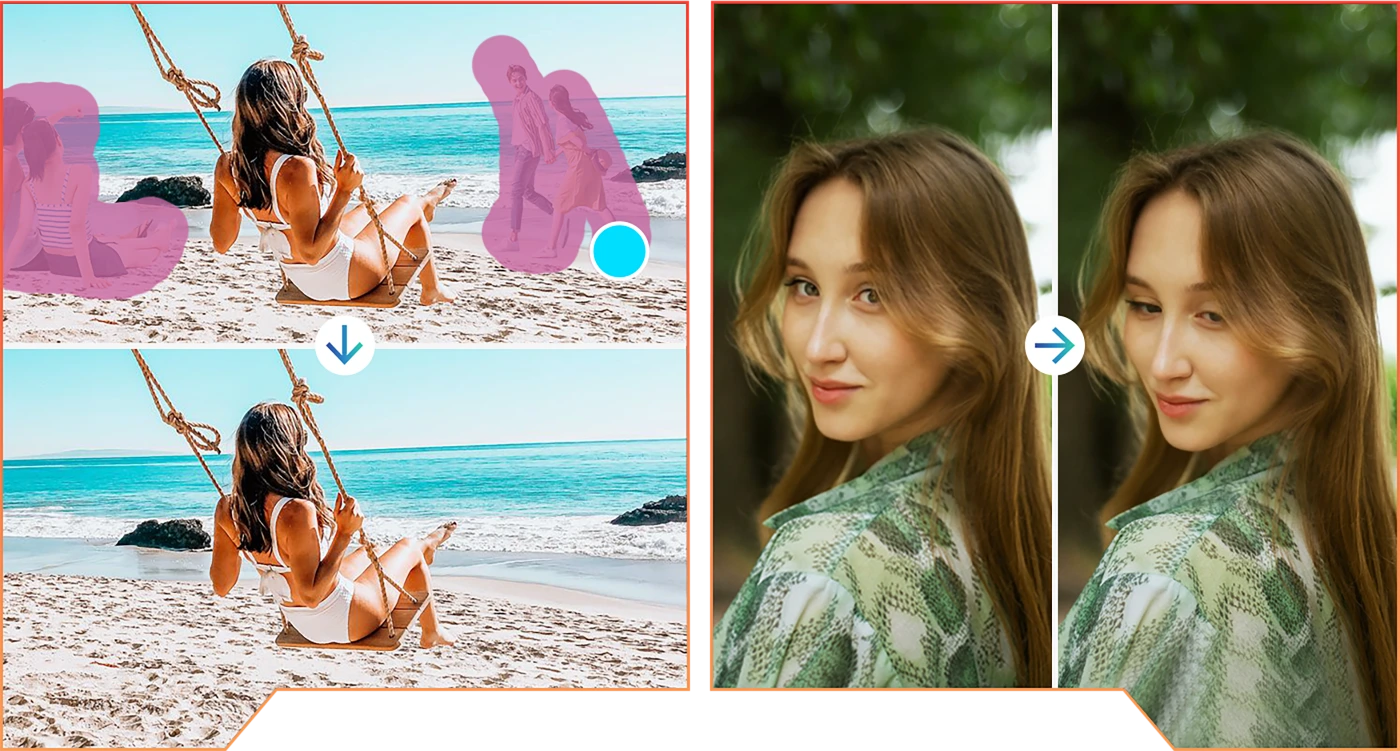
多達 18 種強大的圖片編輯工具
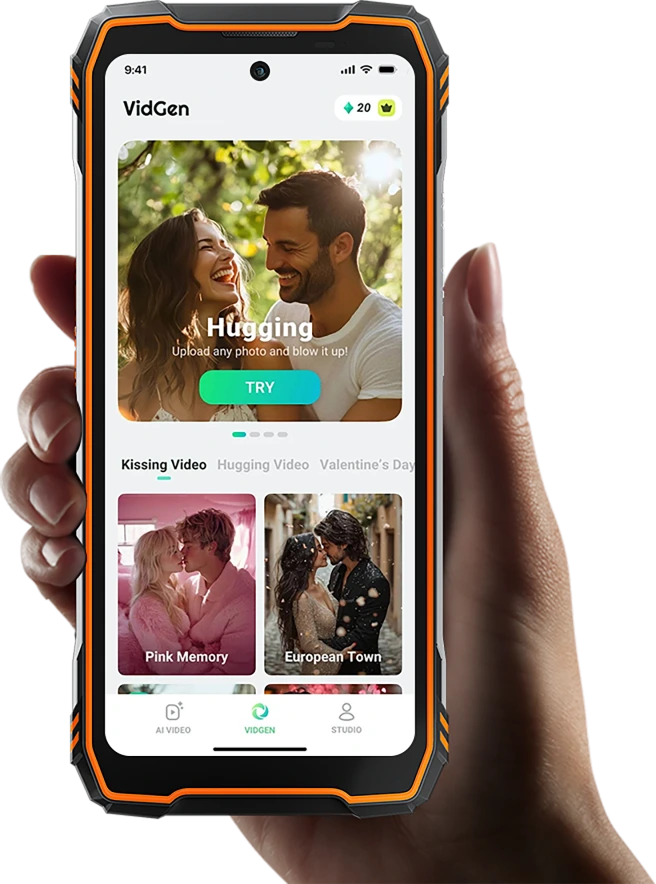

VidGen 應用程式
讓你的故事躍然眼前,
一鍵創作影片
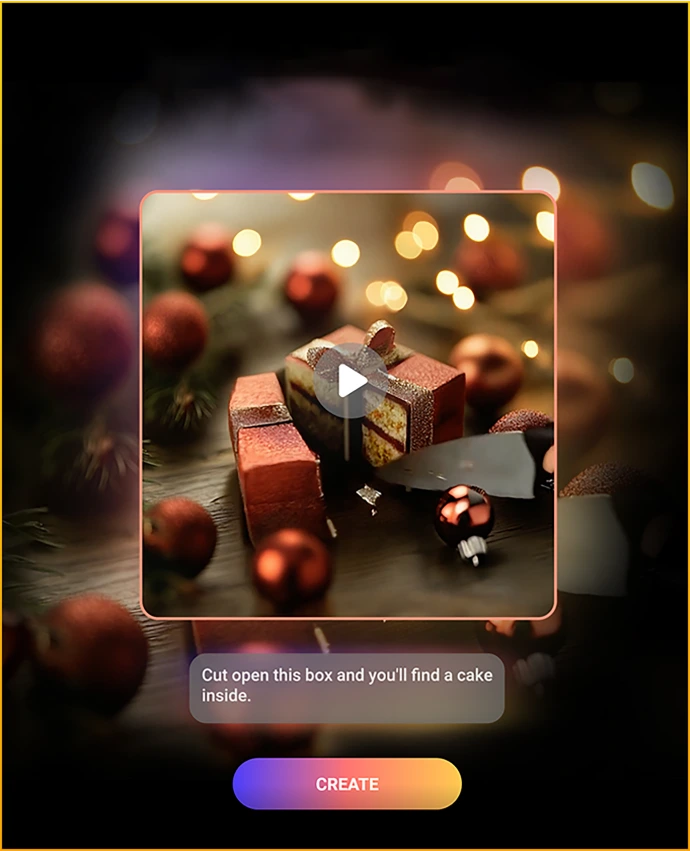
無論是日常 Vlog、創意短片, 還是精彩時刻,都能運用智慧 AI 技術, 為影片注入活力! 只需輸入文字或圖片,觀看 AI 生成精彩影片,將你的文字與圖片化為 難忘的視覺饗宴。
AI 文字轉影片

AI 圖片轉影片

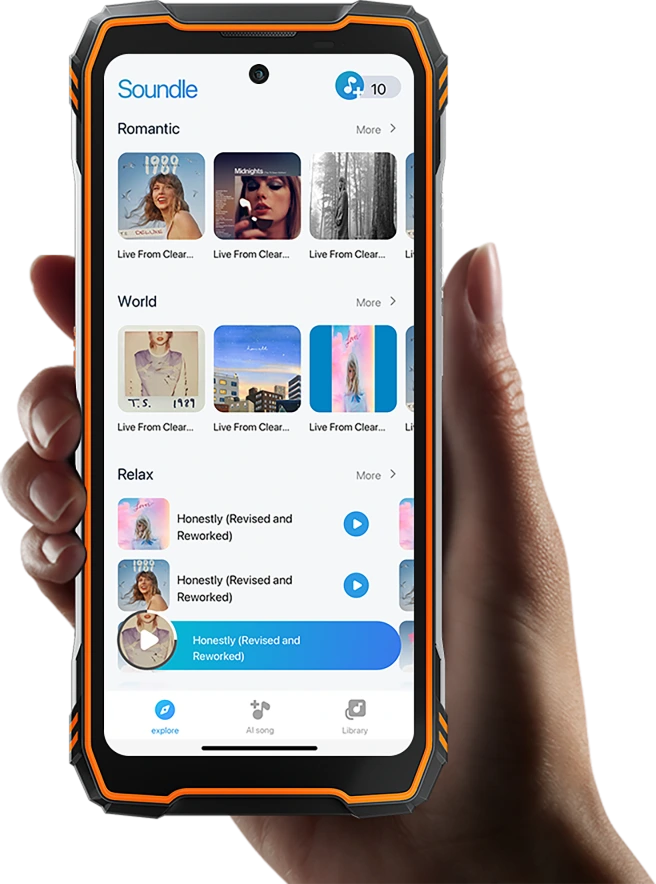
Soundle 應用程式
你的背景音樂,由你作主
自由調整風格、氛圍、 樂器與節奏,甚至創作自己的歌詞, 讓每首背景音樂都獨一無二。從靈感火花到交響樂章, 以你的方式,創作你的音樂。
*上述所有 Doke 應用程式皆提供 30 天免費試用,讓使用者充分體驗其中的便利與樂趣。

我們為您全面保固
無論身在何處,都有卓越支援相伴。
我們始終致力於讓您滿意,為您帶來最安心的使用體驗。無論您的冒險旅程帶您前往何處,可靠的客戶支援、完善的保固與迅速的服務始終伴您左右。

- 24/7 線上客服中心支援
- 全球維修網絡
| 型號 | TANK 1 |
| 顏色 | 黑色、橘色 |
| 尺寸 | 184*83*29.5mm |
| 重量 | 640g |
| 作業系統 | 基於 Android 15 的 DokeOS 4.2 |
| 螢幕 |
6.78 吋 2.4K FHD+IPS,1080 * 2460 解析度,Corning® Gorilla® Glass 5, 120Hz 更新率 副螢幕:2.01 吋,240 * 296 解析度 |
| CPU | 八核心 5G MediaTek Dimensity 7050,6nm,最高 2.4GHz |
| RAM & ROM | 12GB RAM & 256GB ROM,最高可擴充至 24GB RAM;16GB RAM & 512GB ROM,最高可擴充至 32GB RAM; |
| TF 卡擴充 | 最高支援 2TB 擴充 |
| 電池 | 20,000mAh;55W 快速充電(有線與底座充電) |
| 前置相機 | 50MP (Samsung® ISOCELL JN1) |
| 後置相機 | 64MP 主鏡頭+20MP 夜視鏡頭 |
| 喇叭 | BOX 喇叭搭配 Smart-K |
| 防護等級 | IP68 & IP69K & MIL-STD-810H |
| 導航 | GPS/GLONASS/BeiDou/Galileo/QZSS (L1+L5) |
| 卡槽 | 雙卡:2 張 SIM 卡/1 張 SIM 卡+1 張 TF 卡 |
| 手套模式 | 支援 |
| NFC | 支援 |
| 雙 5G | 支援 |
| Wi-Fi&藍牙 | IEEE802.11a/b/g/n/ac/ax (2.4GHz/5GHz); BT 5.2 |
| 網路連線 | 2G 頻段:B2/B3/B5/B8 |
| 型號 | TANK 1 |
| 顏色 | 黑色,橘色 |
| 尺寸 | 184*83*29.5mm |
| 重量 | 640g |
| 作業系統 | 基於 Android 15 的 DokeOS 4.2 |
| 顯示器 | 6.78 吋 2.4K FHD+IPS,1080 * 2460 解析度,康寧®大猩猩®玻璃 5,120Hz 更新率 副螢幕: 2.01 吋,240 * 296 解析度 |
| 處理器 | 八核心 5G MediaTek 天璣 7050,6nm,最高 2.4GHz |
| 記憶體與儲存 | 12GB RAM & 256GB ROM,最高可擴充至 24GB RAM;16GB RAM & 512GB ROM,最高可擴充至 32GB RAM; |
| TF 擴充 | 最高支援 2TB 擴充 |
| 電池 | 20,000mAh;55W 快充(有線及座充) |
| 前置相機 | 50MP(Samsung® ISOCELL JN1) |
| 後置相機 | 64MP 主鏡頭+20MP 夜視 |
| 喇叭 | BOX 喇叭搭配 Smart-K |
| 堅固等級 | IP68 & IP69K & MIL-STD-810H |
| 導航 | GPS/GLONASS/北斗/Galileo/QZSS(L1+L5) |
| 卡槽 | 雙卡:2SIM/1SIM+1*TF 卡 |
| 手套模式 | 支援 |
| 近場通訊 | 支援 |
| 雙 5G | 支援 |
| Wi-Fi&藍牙 | IEEE802.11a/b/g/n/ac/ax(2.4GHz/5GHz);BT 5.2 |
| 網路連接 | 2G 頻段:B2/B3/B5/B8 3G 頻段: WCDMA:B1/B2/B4/B5/B6/B8/B19, CDMA:BC0/BC1/BC10 4G 頻段: TDD:B34/B38/B39/B40/B41 FDD: B1/2/3/4/5/7/8/12/13/17/18/19/20 /25/26/28/28A/28B/30/66 5G 頻段: N1/3/5/7/8/20/28/38/40/41/77/78 |

What protection does the OSCAL TANK 1 offer for outdoor use?
The OSCAL TANK 1 carries IP68 and IP69K ratings and meets the MIL-STD-810H military standard, making it well-suited for outdoor use. These ratings ensure effective resistance against dust, water immersion, and impacts that may occur during outdoor work or activities.
Before exposing the phone to dust or rain, please ensure that the SIM card slot cover and the charging port cover are securely closed. Also, check the device for any signs of damage before it comes into contact with water. Please note that water resistance may diminish over time due to daily wear and tear or accidental damage; Therefore, the device is not necessarily suitable for all types of underwater activities.
How can I charge the OSCAL TANK 1 when a wall outlet is unavailable?
If a wall outlet is unavailable, you can charge the OSCAL TANK 1 using a compatible power bank, a car USB charger, or a portable power station, provided you have the appropriate cables. These options are useful for keeping the device powered while traveling, camping, or engaging in other outdoor activities.
Charging speed depends on the power source and the specifications of the cable; for instance, a standard USB port may have a lower power output than the phone’s original charger, resulting in slower charging. It is advisable to plan ahead for your trip by ensuring you have sufficient backup power—such as a power bank—to maintain a reliable energy supply.
Is the OSCAL TANK 1 comfortable to carry every day?
The OSCAL TANK 1 weighs 640 grams, measures 29.5 mm in thickness, features a built-in 20,000mAh high-capacity battery, and boasts a rugged, durable design. It is a suitable addition to the everyday carry (EDC) kit for users who frequently haul outdoor gear or work equipment.
Using a waist pack or an easily accessible backpack compartment is an ideal way to carry it, ensuring both secure storage and quick retrieval. If you intend to carry it in a pocket, please verify beforehand that the pocket is large enough. For in-vehicle use, it is recommended to select a car mount capable of firmly supporting the device’s size and weight.
Can I uninstall or disable preinstalled apps on the OSCAL TANK 1?
Yes, you can uninstall or disable some pre-installed apps, though not all system apps can be removed. You can check for "Uninstall" or "Disable" options by opening the app's information page within "Settings."
If an app cannot be removed, consider adjusting its notification or app permissions instead. Please exercise caution: do not disable system components you are unfamiliar with just to free up space, as this could interfere with other device functions.
What should I do if my OSCAL TANK 1 stops working after getting wet?
Stop using the phone immediately, power it off, and—most importantly—do not attempt to charge it. Wipe the exterior of the phone dry with a cloth or paper towel, then place it on a table to air dry. Do not repeatedly try to restart the phone or insert any objects into the charging port.
If the phone remains unresponsive or continues to malfunction after these steps, please contact a professional technician for assistance. Be sure to inform them of the cause of the issue so they can accurately assess the problem.
How can I get official software support for the OSCAL TANK 1?
Open "Settings," locate the "System Update" option, and check if any updates are available for your OSCAL TANK 1. If an update is prompted, follow the on-screen instructions to download and install it. You can also use the search function within "Settings" to look for "System Update."
Before updating, please back up important files, connect to a stable Wi-Fi network, and ensure your device has sufficient battery power. Do not force the phone to shut down during the installation process; wait until the installation is complete. If no update prompt appears, it means there are currently no updates available for your rugged phone.
What can I do with the OSCAL TANK 1’s rear display?
The rear display allows you to check the time, view notifications and weather, control music playback, and answer or reject incoming calls. It also features a compass and serves as a viewfinder when taking selfies with the rear camera.
It provides a quick-glance interface when the back of the phone is facing you—for instance, you can pause music or check caller information without needing to flip the phone over. However, for tasks like reading, typing, browsing the web, or using full-scale applications, the main screen is a better choice, as it offers more space for interaction.
How does the OSCAL TANK 1’s speaker perform for calls and music?
The speaker on the OSCAL TANK 1 is suitable for hands-free calls, voice navigation, and casual music listening. While it provides sufficient volume, a high volume level does not necessarily equate to deep bass or nuanced audio quality. Sound quality can also be influenced by the source material, the volume setting, and the surrounding environment.
For calls, hold the phone close to your ear and use it in a relatively quiet environment. When playing music, we recommend adjusting the volume gradually to a level that suits your preference. For higher sound-quality standards, we recommend using headphones or an external Bluetooth speaker for a better listening experience.
Is the OSCAL TANK 1’s main camera suitable for everyday photos?
Yes. The 6400MP main camera on the OSCAL TANK 1 is well-suited for daily use, allowing you to easily capture landscapes, objects, documents, or memorable moments from your family life.
Before taking a photo, clean the lens; tap on your subject to focus, and keep the phone steady. When photographing documents or product labels, move closer and ensure the text appears sharp before pressing the shutter. When shooting photos of people or pets indoors, increasing the ambient light and taking multiple shots will improve your chances of getting a clear, high-quality image.
What can I see with the OSCAL TANK 1’s night vision camera?
The night-vision camera lets you see people, animals, and objects in dark environments. It is useful for viewing poorly lit areas or for making observations at a campsite when the main camera cannot capture sufficient detail.
When using the night-vision camera, keep the phone steady and point it toward the area you wish to view. Distance, obstacles, and reflective surfaces may affect image quality. Additionally, the camera cannot measure temperature or "see through" walls.
Is the OSCAL TANK 1’s charging dock sold separately?
Yes, you must purchase the charging dock for the OSCAL TANK 1 separately. It supports a 55W charging dock, which allows you to charge the phone simply by placing it onto the dock.
Please ensure that you select a charging dock compatible with the TANK 1 and verify whether an adapter and cables are included in the package. Additionally, keep the charging contacts clean and dry, and ensure the phone is positioned correctly on the dock.
Does the OSCAL TANK 1 need wired headphones to use FM radio?
Yes. The built-in FM radio requires wired headphones, which act as an antenna to receive broadcast signals. Please note that Bluetooth headphones cannot function as an antenna.
Simply connect wired headphones and open the FM radio app to search for local stations. Ensure you use compatible wired headphones (or a compatible adapter, if necessary). Please be aware that signal reception may be affected by factors such as your geographical location or the presence of buildings.
Who is the OSCAL TANK 1 rugged phone designed for?
The OSCAL TANK 1 is ideal for field technicians, construction workers, farmers, camping enthusiasts, and anyone who spends long periods away from power sources. It is also a great choice for users who prioritize battery capacity and robust, durable protection.
This rugged phone combines communication, photography, night vision, and illumination features, making it well-suited for a variety of professional and outdoor activities—from coordinating work tasks over the phone to capturing photos while camping.
What can I use the OSCAL TANK 1’s built-in flashlight for?
The built-in flashlight on the OSCAL TANK 1 can be used for locating gear, inspecting dark corners, setting up camp, or providing temporary illumination. When a dedicated flashlight is unavailable, the phone’s built-in light serves as a convenient alternative to help you get the job done.
To use it, simply direct the beam toward the area you wish to examine; if shadows interfere with close-range tasks, adjust the angle to minimize them. Once you have finished your task, remember to turn off the flashlight to conserve battery power.
Jump to another section