



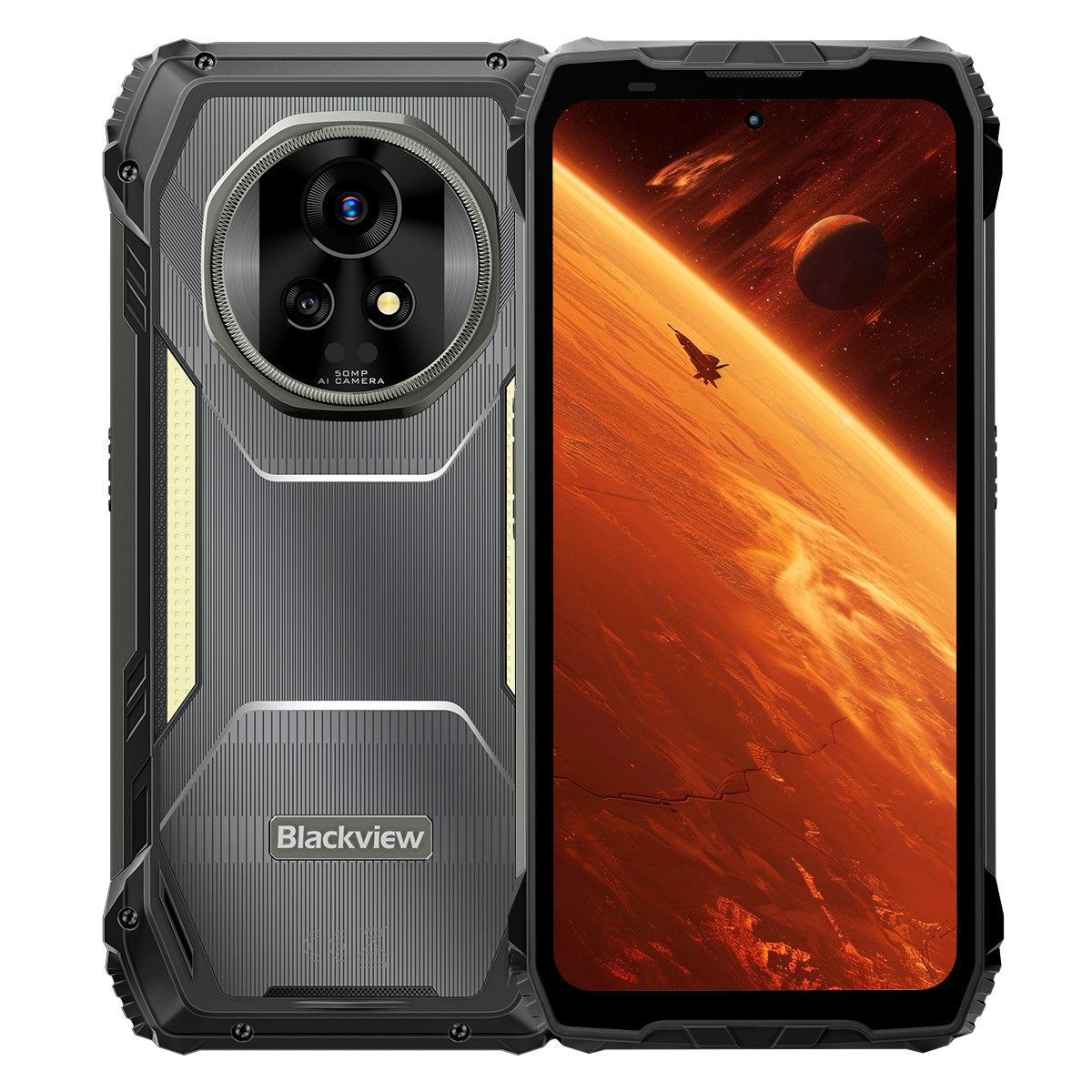


Blackview XPLORE 2 telefon rezistent 5G cu AI, ecran AMOLED de 6.73 inch cu rezoluție 3.2K, 12+256GB sau 16+1TB, Dimensity 8300, 20000mAh și lampă de camping de 467LM

Disponibil în stoc (41)
Caracteristici principale
Caracteristici principale
✔Ecran AMOLED LTPO 6,73" 120Hz 3,2K
✔Lumină dublă de camping încorporată de 467 lumeni
✔MediaTek Dimensity 8300 4nm 5G Octa-core și WiFi 6E
✔Baterie 20000mAh cu încărcare rapidă de 120W
✔Cameră principală 50MP + cameră de vedere nocturnă 20MP
✔Certificări IP68 & IP69K & MIL-STD-810H
✔Suport eSIM
Informații
Informații
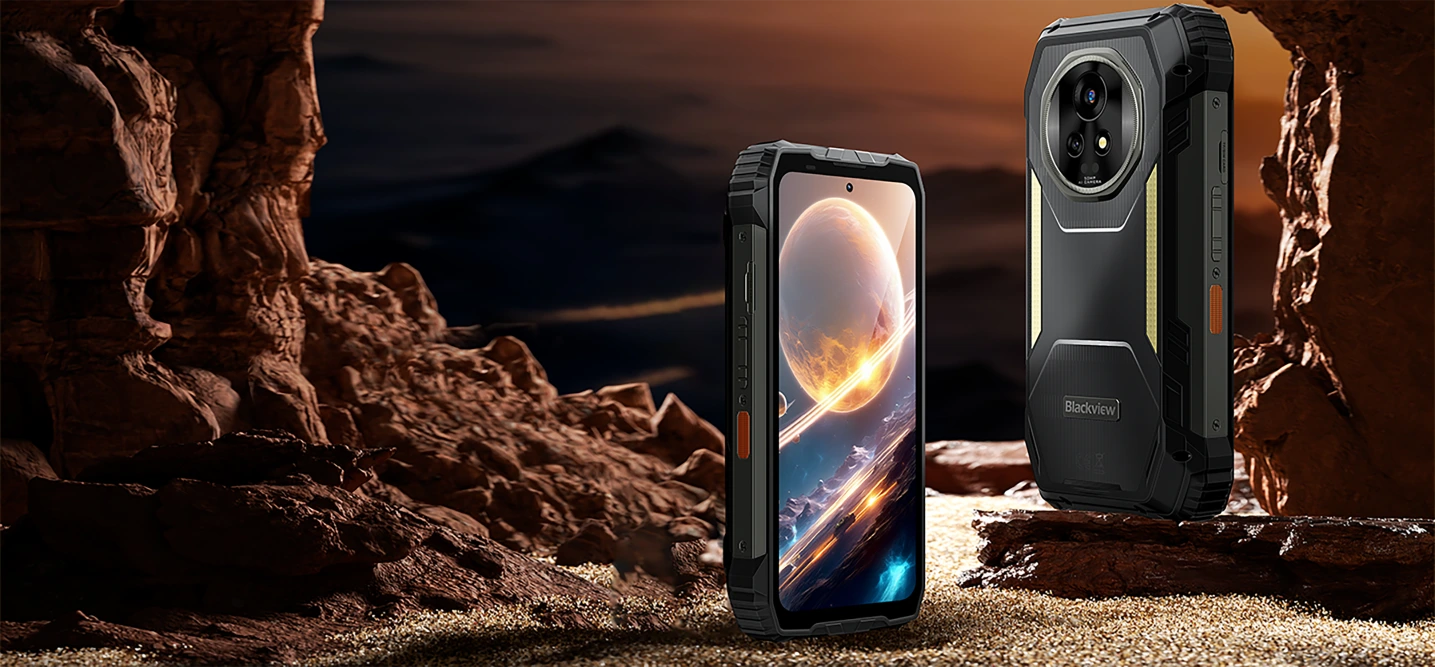
Blackview XPLORE 2 este un flagship robust 5G creat pentru utilizatorii care doresc calitate de afișare de elită, autonomie îndelungată și utilitate profesională în aer liber. Ecranul său AMOLED de 6,73 inch, 120Hz, 3,2K, procesorul Dimensity 8300, WiFi 6E și bateria masivă de 20.000mAh cu încărcare rapidă de 120W îl fac puternic pentru muncă, navigație, media și călătorii. O cameră principală de 50MP, cameră de vedere nocturnă de 20MP, lumină de camping de 467LM, suport eSIM, protecție IP68 & IP69K și durabilitate MIL-STD-810H îl pregătesc pentru condiții de teren solicitante.
Despre brand
Despre brand
La Blackview, credem că tehnologia excelentă trebuie să ofere mai mult decât specificații impresionante. Trebuie să se potrivească vieții reale, să rezolve probleme reale și să rămână fiabilă atunci când contează cel mai mult.
Blackview a început cu telefoane robuste, concepute pentru medii dificile. Astăzi, oferim un ecosistem mai vast de dispozitive inteligente, inclusiv smartphone-uri, tablete, laptopuri, ceasuri inteligente, produse audio și multe altele.
În toate categoriile, ne păstrăm aceeași direcție: calitate durabilă, inovație practică și prețuri accesibile. Creăm produse pe care te poți baza încă din prima zi.
Înțelegem ce apreciază cel mai mult clienții: performanță fluidă, fiabilitate de lungă durată, funcții utile și tehnologie care face viața de zi cu zi mai ușoară, fără costuri inutile.
De aceea, Blackview acordă o atenție deosebită testării produselor, experienței utilizatorilor și funcțiilor care oferă valoare reală pentru muncă, călătorii, creație, explorarea în aer liber și conectarea de zi cu zi.
Blackview este creată pentru oamenii care vor tehnologie în care pot avea încredere: dispozitive inteligente și performante, concepute pentru a ține pasul cu viața modernă.
Fiabilă prin design. Practică prin natura sa. Creată pentru viața reală.
Livrare și retururi
Livrare și retururi
• Expediere: Procesarea comenzii durează de obicei aproximativ 2-7 zile lucrătoare, cu excepția produselor disponibile la precomandă. Perioada de expediere se calculează doar în zile lucrătoare, excluzând sărbătorile și zilele nelucrătoare. Durata expedierii depinde de metodele de livrare.
• Retururi: Puteți solicita un retur în termen de 14 zile de la livrare, dacă telefonul nu a fost folosit, nu este deteriorat și include toate accesoriile originale. Defecțiunile produsului apărute în decurs de o lună pot permite înlocuirea, rambursarea sau repararea gratuită după verificare, în timp ce deteriorările cauzate de utilizarea necorespunzătoare, căderi, apă, dezasamblare sau modificări neautorizate nu sunt acoperite.


Primul AMOLED 3.2K 5G din lume
Model de top rezistent, cu armură AI
Născut pentru culmi. Construit pentru sălbăticie.
Ecran AMOLED 6,73" 3.2K, 120 Hz | Imagini HDR uimitoare | Camere Samsung duale de 50 MP® + vedere nocturnă de 20 MP| Stabilizare duală (OIS + EIS) | 5G, Dimensity 8300 de 4 nm | 48 GB LPDDR5X și 1 TB UFS4.0 + extindere TF de până la 2 TB | Baterie mega de 20.000 mAh și încărcare super-rapidă de 120 W
Top 9 motive pentru a alege Blackview
XPLORE 2
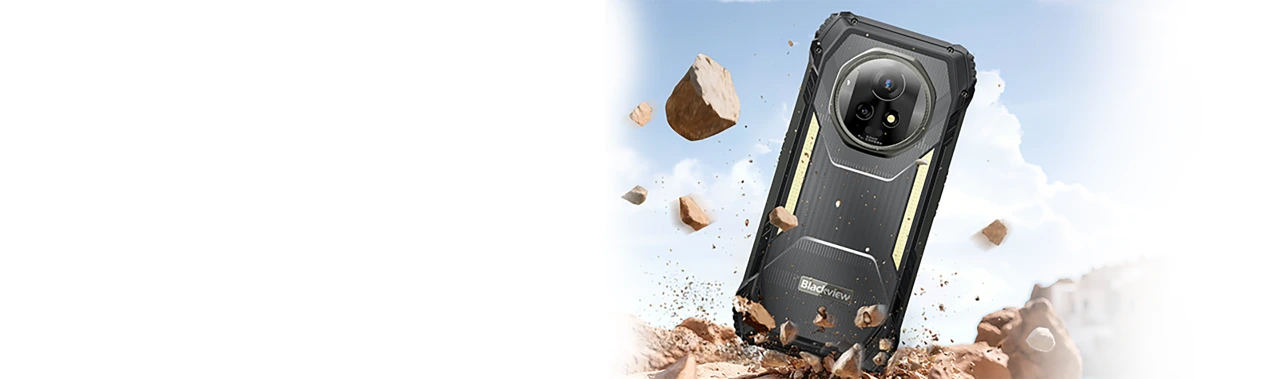
Cea mai mare rezistență din industrie
Standard militar de top MIL-STD-810H
Rezistență la căderi de la 6 metri | Sarcină ultra-grea de 500 kg | Rezistență la temperaturi extreme, de la -20°C până la +60°C
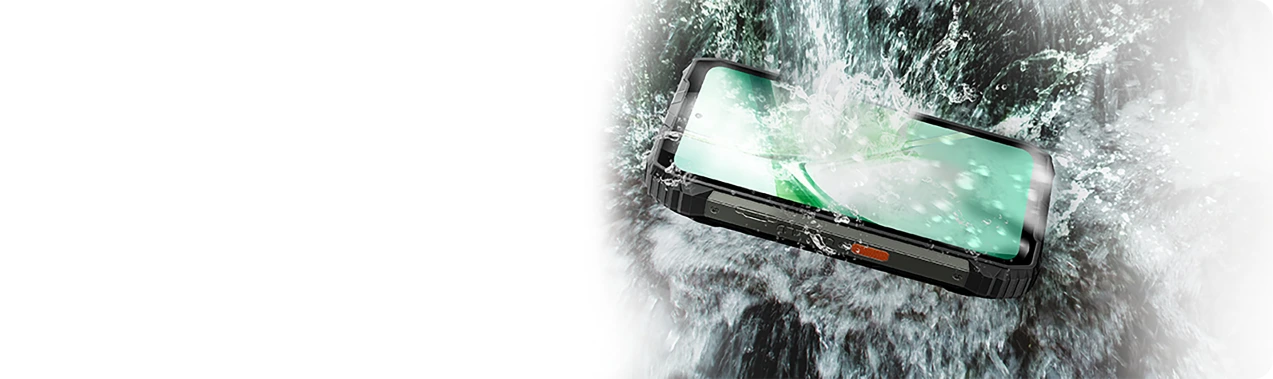
Apogeul protecției împotriva apei
Protecție de top IP69K și IP68
Elimină praful și apa printr-o singură atingere | Ecran tactil rezistent la ploaie, cu AI| Fotografii subacvatice
Rezistent la scufundare la 2 m timp de 30 de minute | Rezistă la fierberea apei la 80℃
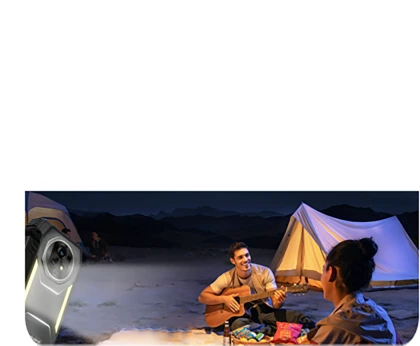
Gardianul nopții
Lampă de camping de 467 lm
Lumină mai puternică | Stroboscop puternic pentru avertizare și apărare | Semnal SOS instantaneu în caz de urgență
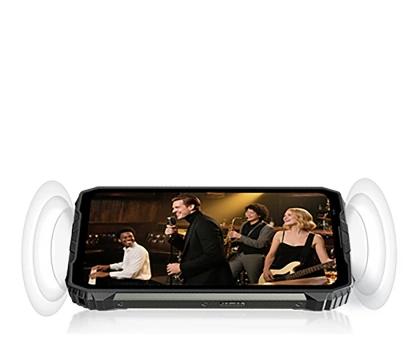
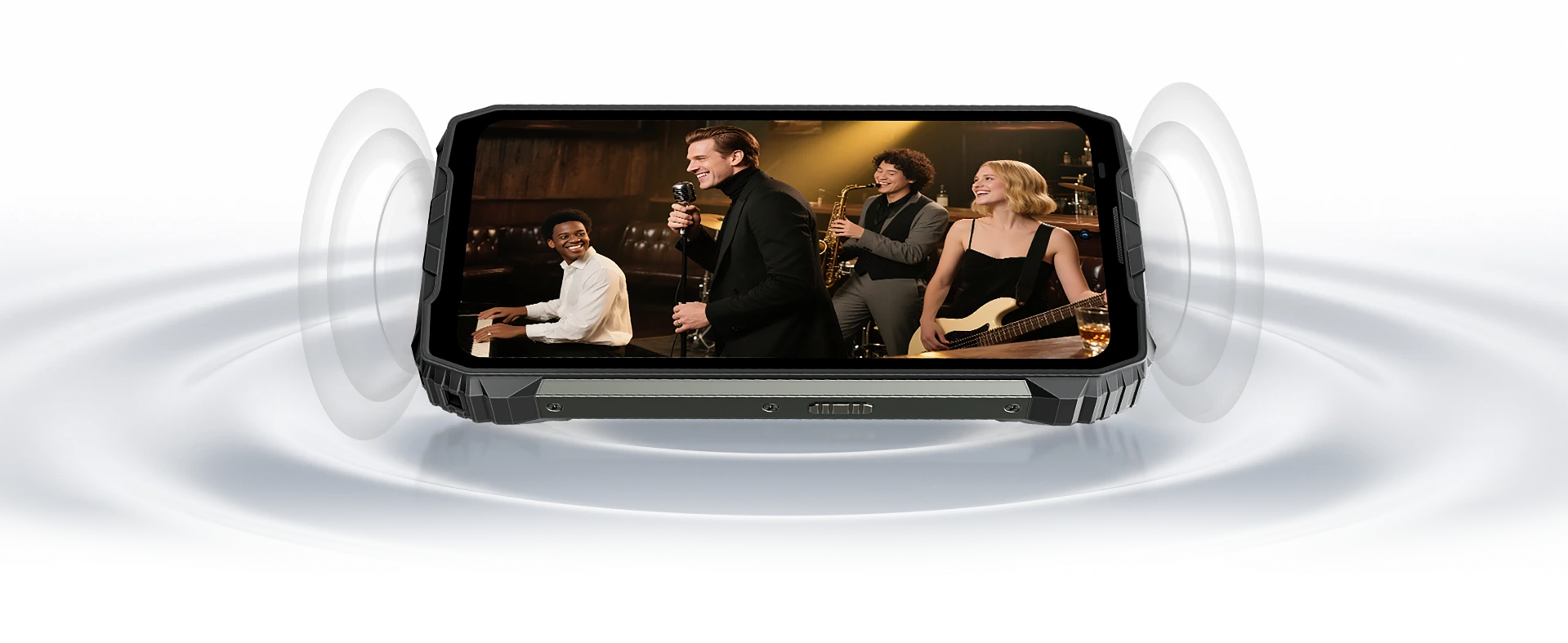
Sunet stereo revoluționar
Difuzoare stereo Smart-K duble de 2 W
Sunet stereo cu până la 316% mai puternic, pentru o experiență audio captivantă oriunde.
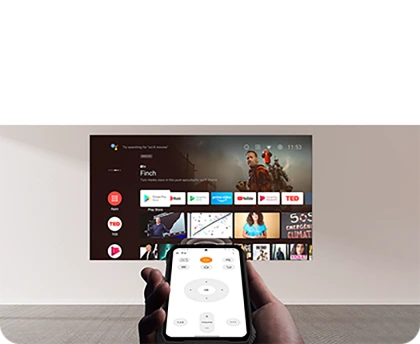
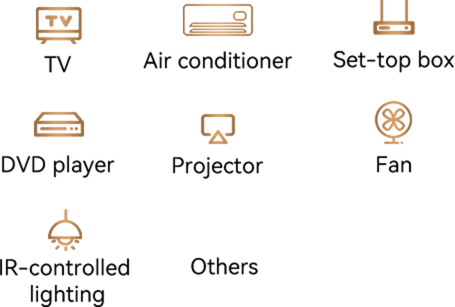
Telecomandă cu infraroșu
Transformă-ți telefonul într-o telecomandă universală în câteva secunde!
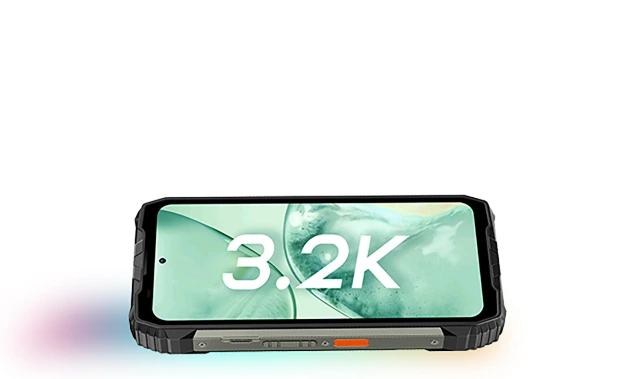
Dincolo de limitele vizuale
Un ecran HDR 3.2K de 6,73” — fără egal în clasa sa
Luminozitate de vârf de 2600 de niți, lider în industrie | Rată de reîmprospătare adaptivă LTPO de 1–120 Hz | Reglare a luminozității de înaltă frecvență, 1920 Hz | Certificat TÜV SÜD pentru emisii reduse de lumină albastră
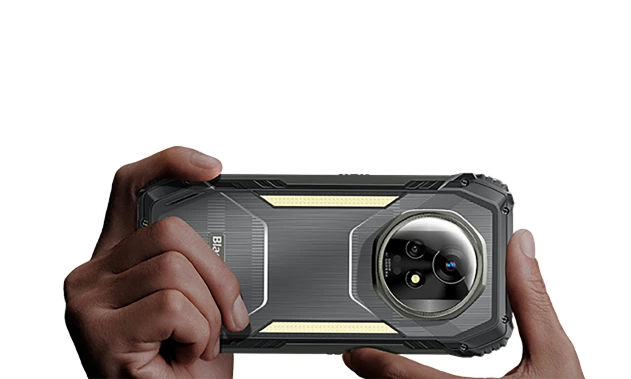
Imagine la superlativ
Camere AI duble Samsung® de 50 MP | Vedere nocturnă de 20 MP | Ultra HDR | OIS și EIS
Înregistrare video cinematografică 4K HDR10+ | Urmărirea mișcării | Zoom 8×
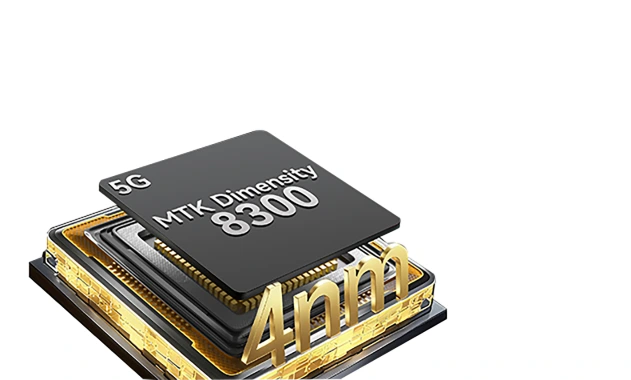
Performanță dusă la un nou nivel
Procesor 5G Dimensity 8300 de top | 16 GB LPDDR5X RAM + extensie de 32 GB | 1 TB UFS4.0 ROM
1,339,275
Scor AnTuTu
 84%
Performanță generală
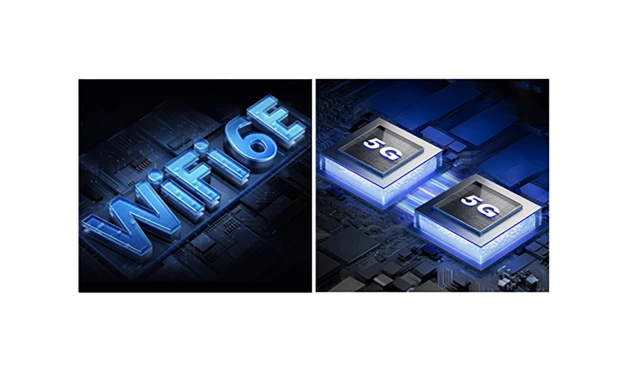
Conectivitate de nouă generație
Compatibilitate cu WiFi 6E și două rețele 5G
Viteză de 3 ori mai mare
Încărcare instantanee. Streaming fără întreruperi.
Conectivitate cu adevărat globală
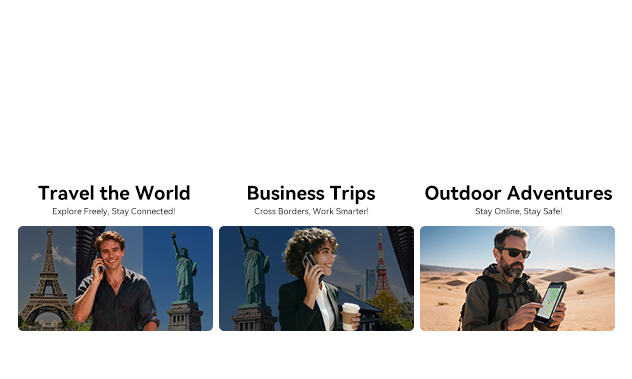
Premieră în industrie
Smartphone rezistent cu suport eSIM
Economisește până la 90% la taxele de roaming | Nu este necesară o cartelă SIM fizică | Libertatea de a schimba operatorul
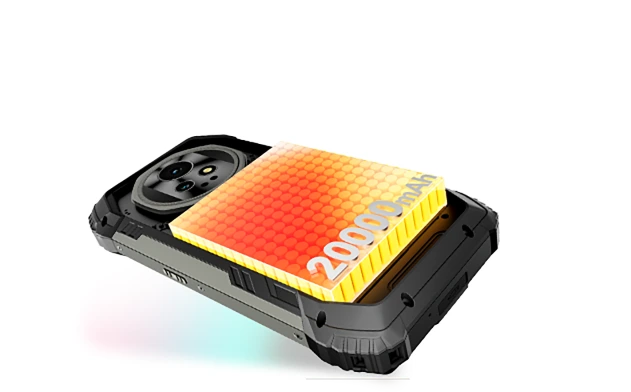
Regele bateriilor
Cea mai mare baterie din istoria telefoanelor robuste
Baterie duală uriașă de 20.000 mAh | Până la 75 de zile în standby ultraîndelungat | Încărcare ultrarapidă de 120 W | Încărcare inversă de 10 W
Singurul din industrie dezvoltat intern
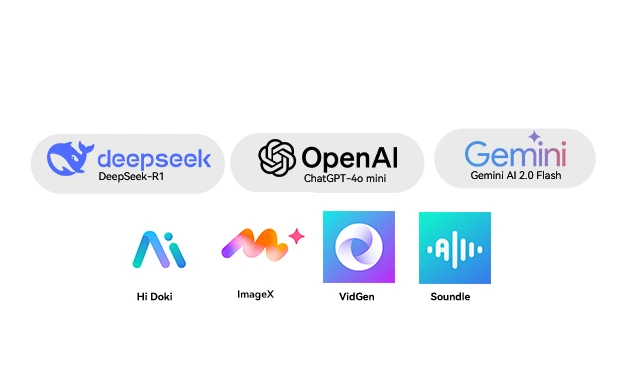
Cele mai bune 3 modele AI din lume. Toate într-un singur loc.
Activare prin amprentă vocală și control fără mâini
Singurul din industrie dezvoltat intern
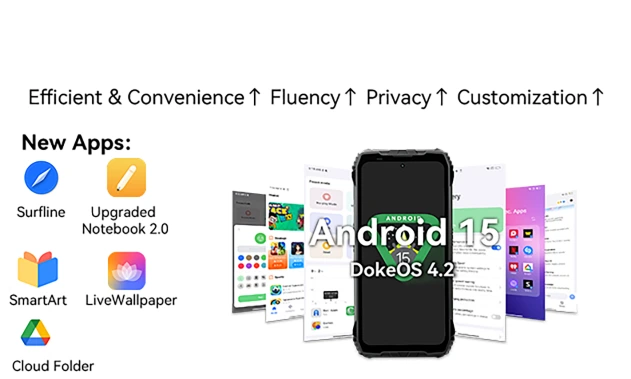
Noul DokeOS 4.2, bazat pe Android 15
Îmbunătățiri inteligente pentru orice situație
Singurul angajament post-vânzare din industrie
Rezistență redefinită
Protecție de rezistență de top.
Certificări de rezistență de top în industrie
Certificat conform standardului militar MIL-STD-810H și clasificărilor IP68/IP69K, XPLORE 2 oferă protecție supremă împotriva căderilor, prafului, apei și strivirii - stabilind un nou reper în materie de rezistență.

6 metri
Cu adevărat rezistent la căderi
Rezistă la căderi de la o înălțime de până la 6 metri, din orice unghi, pe orice suprafață.1

IP6X
Cu adevărat rezistent la praf
Protecție completă împotriva nisipului, prafului și particulelor industriale.

IPX9K
Cu adevărat impermeabil
Rezistă la jeturi cu temperatură și presiune ridicate, stropiri și scufundare.

MIL-STD-810H
Cu adevărat rezistent la strivire
Rezistă la compresie extremă, impact și medii dificile.
Cea mai mare rezistență din industrie
Indestructibil din toate părțile
Mai rezistent ca niciodată - consolidat pe interior și exterior pentru a rezista la căderi, forțe de strivire și temperaturi extreme.
6 metri
Rezistență la cădere
Rezistență la căderi de nivel superior
1,5 metri
Cădere mortală
Rezistă la căderi directe
500 kg
Capacitate de încărcare
Rezistă la presiuni extrem de mari2
-20°C până la +60°C
Temperaturi extreme
Interval larg de funcționare
Dovedit prin aceste teste extreme

Construcție ultra-rezistentă
Premieră în industrie
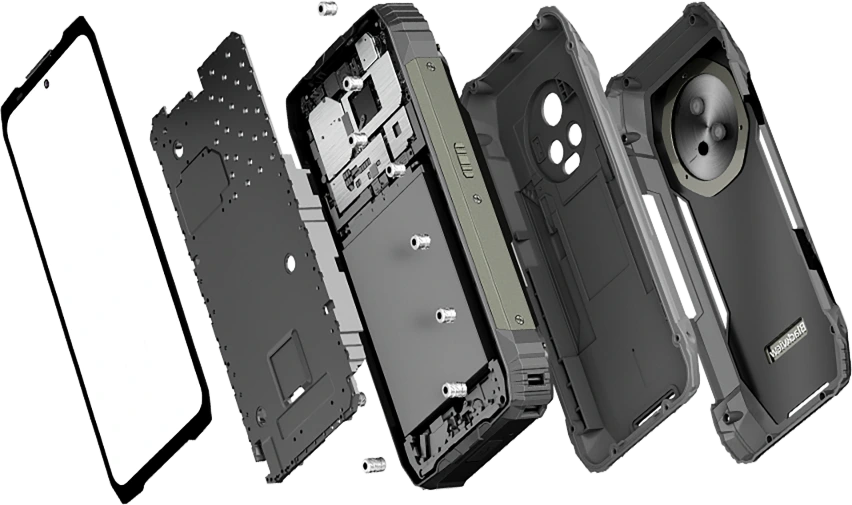
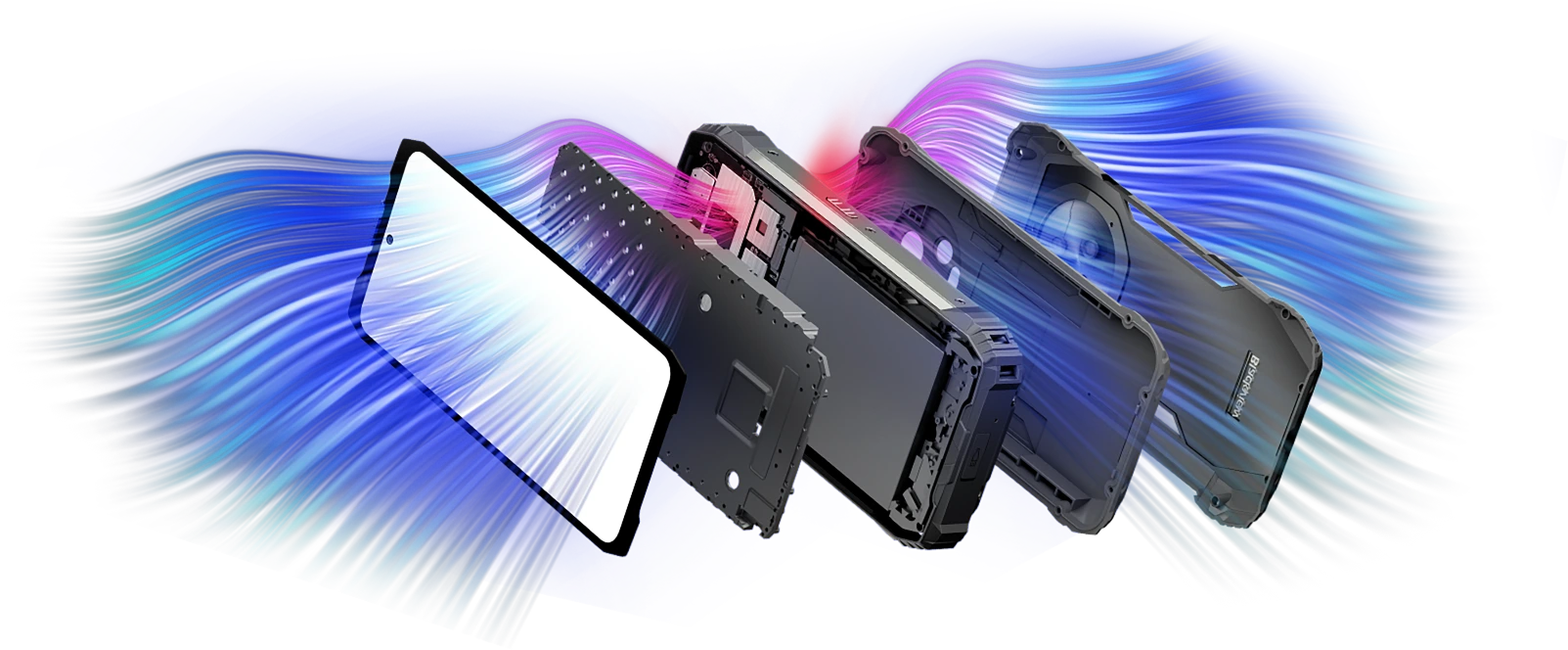
Structură ArmorShield
XPLORE 2 adoptă un design ArmorShield cu 5 straturi, consolidat cu Gorilla® Glass 5 și aliaj Al-Ti de calitate aerospațială, pentru durabilitate completă.
5 straturi
ArmorShield
Structură
4 colțuri
Consolidată
Protecție
400%
Impact mai puternic
Rezistență3
Apogeul protecției împotriva apei
Protecție IP69K de nivel superior
Certificat IP69K și IP68, rezistă la orice: apă fierbinte opăritoare, jeturi puternice de înaltă presiune, stropi din mai multe unghiuri și imersiuni îndelungate.
80℃
Rezistență la apă clocotită
10.000 kPa
Rezistă la jeturi de apă de presiune industrială
0° / 30° / 60° / 90°
Protecție împotriva stropilor din orice direcție
2 m timp de 30 min
Testat pentru scufundări la mare adâncime4
Peste 1.000.000 de teste
Fiabilitate testată prin imersiune
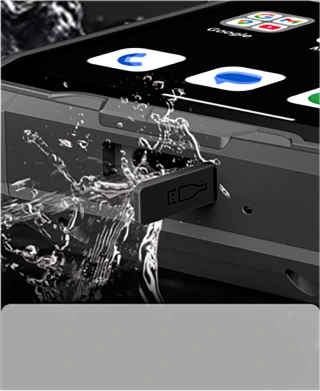
Port USB cu protecție dublă împotriva apei
Rezistă la apă fără husă și oferă protecție dublă când portul este închis.
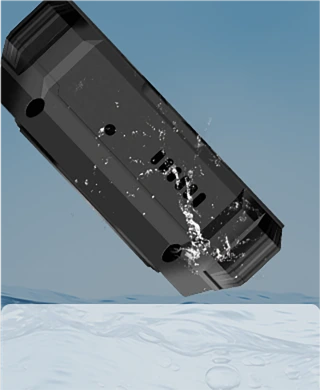
Elimină praful și apa printr-o singură atingere
Elimină instantaneu apa din difuzor, pentru ca fiecare apel să se audă tare și clar.5
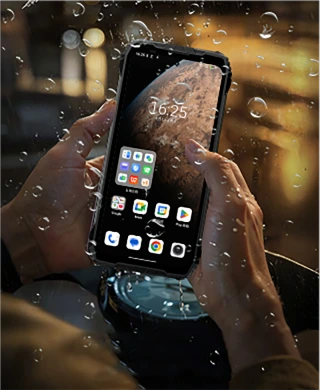
Ecran tactil rezistent la ploaie, cu AI
Chiar și în ploi torențiale, ecranul rămâne fluid și receptiv.6
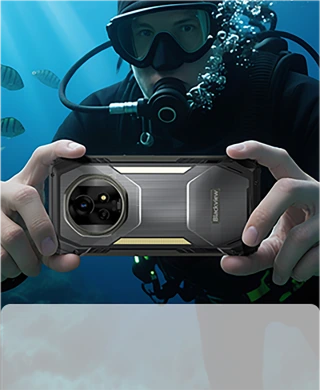
Fotografii subacvatice
De la stropi la scufundări, surprinde cu ușurință lumea subacvatică.
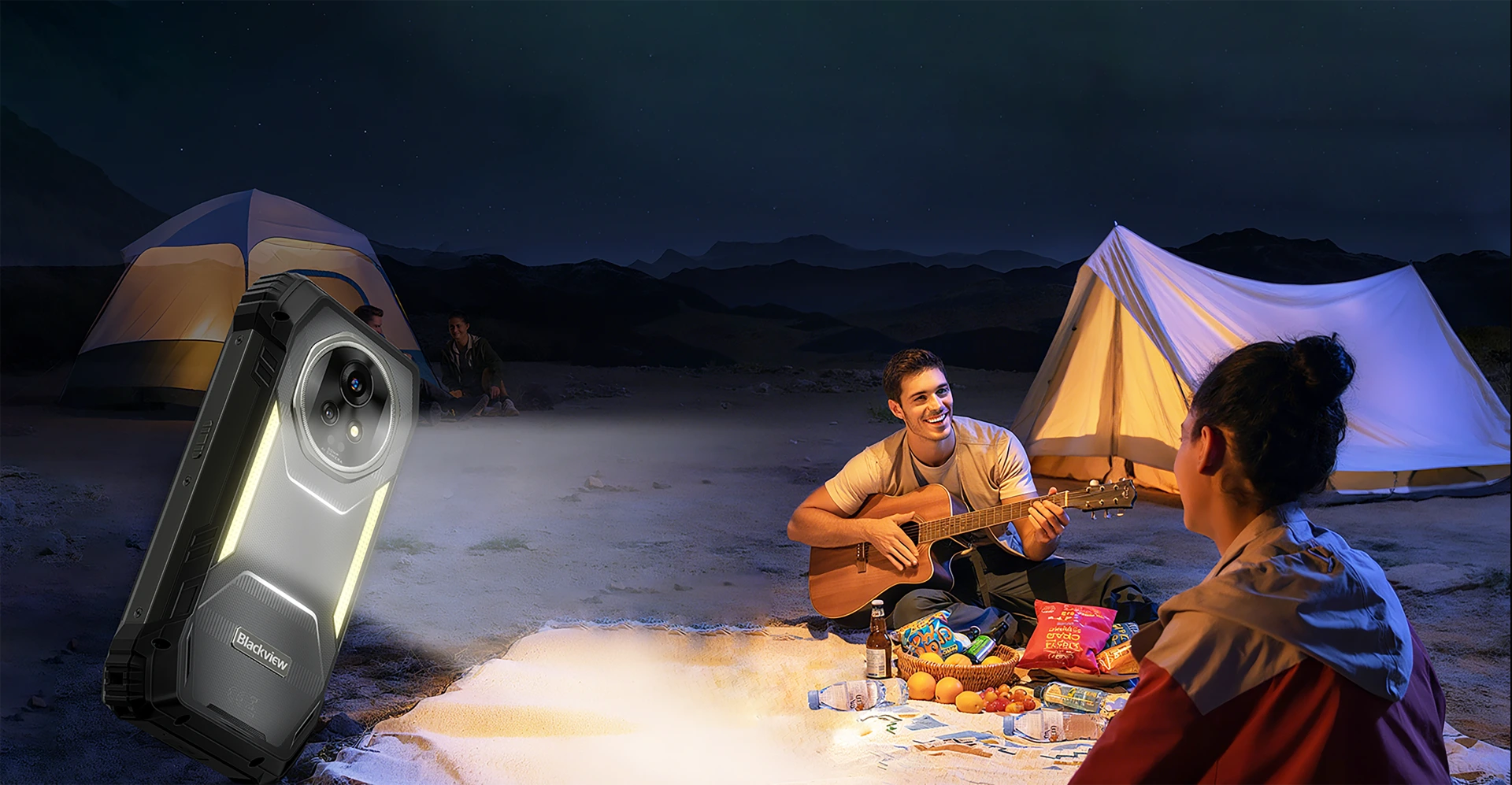
Gardianul nopții
Lampă de camping de 467 lm pentru o sălbăticie mai luminoasă și mai sigură
Când se lasă noaptea, lampa de camping de 467 lm a lui XPLORE 2 transformă întunericul în siguranță. De la camping la pene de curent, te ajută să fii pregătit și să deții controlul.
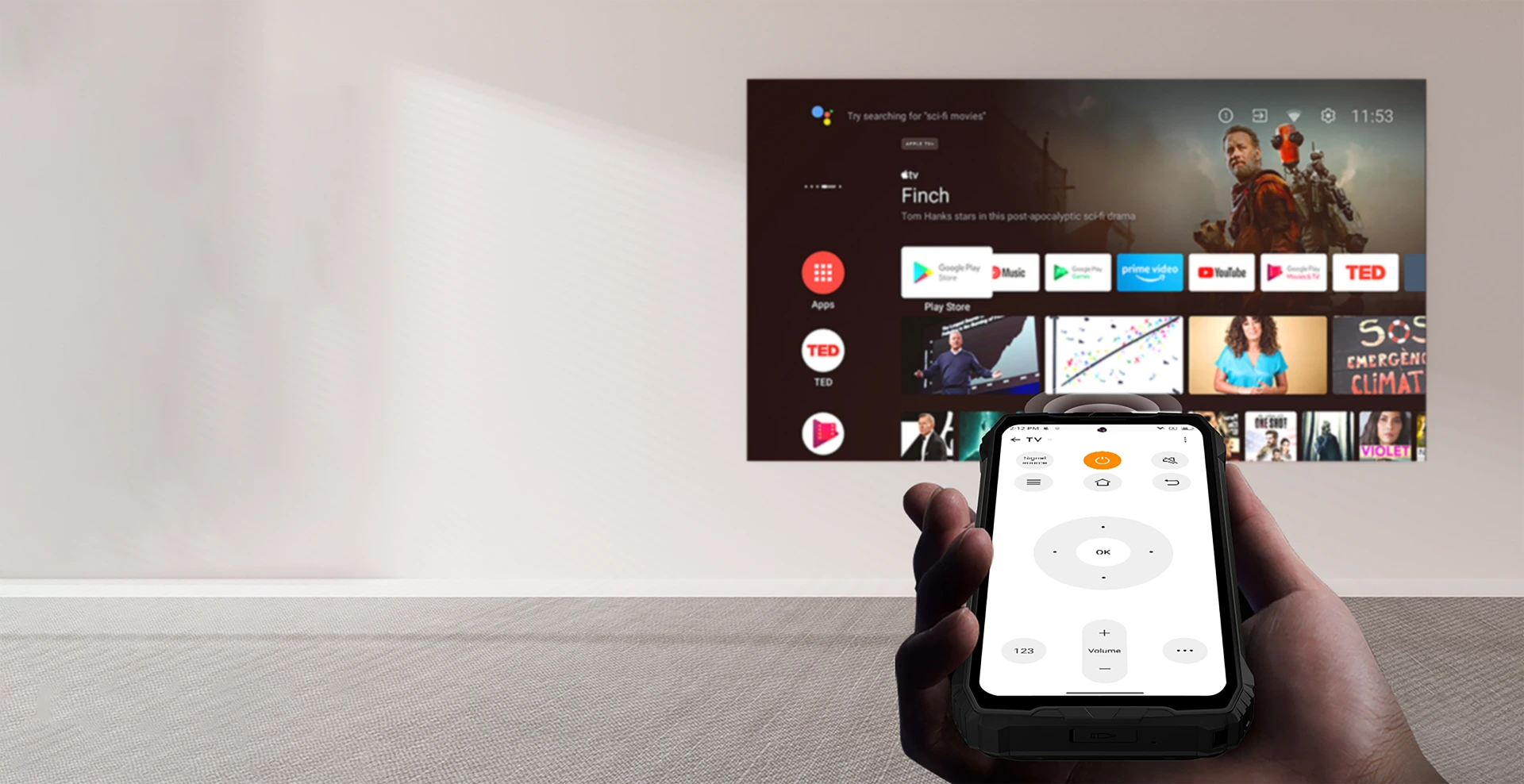
Telecomandă cu infraroșu
Transformă-ți telefonul într-o telecomandă universală în câteva secunde!8
Sunet stereo revoluționar
Difuzoare stereo Smart-K duble de 2 W
Sunet stereo cu până la 316% mai puternic, pentru o experiență audio captivantă oriunde.9
5 dB
Volum mai puternic 10
+50%
Sunet mai clar11
Dincolo de limitele vizuale
Ecran
Viu
Fidel realității
HDR
Contrast și detalii îmbunătățite
Acuratețe a culorilor de nivel profesional
Contrast și detalii îmbunătățite
2600 niți
Luminozitate maximă lider în industrie12
6,73 inchi
Ecran AMOLED flagship
521 PPI
Densitate de pixeli de o claritate excepțională
Afișaj permanent
Ora și alertele, dintr-o privire
DCI-P3
Gamă largă de culori, de nivel cinematografic13
68,7 miliarde
Culori fidele realității
10,000,000:1
Raport de contrast ultra-înalt
1–120 Hz
Rată de reîmprospătare adaptivă LTPO14
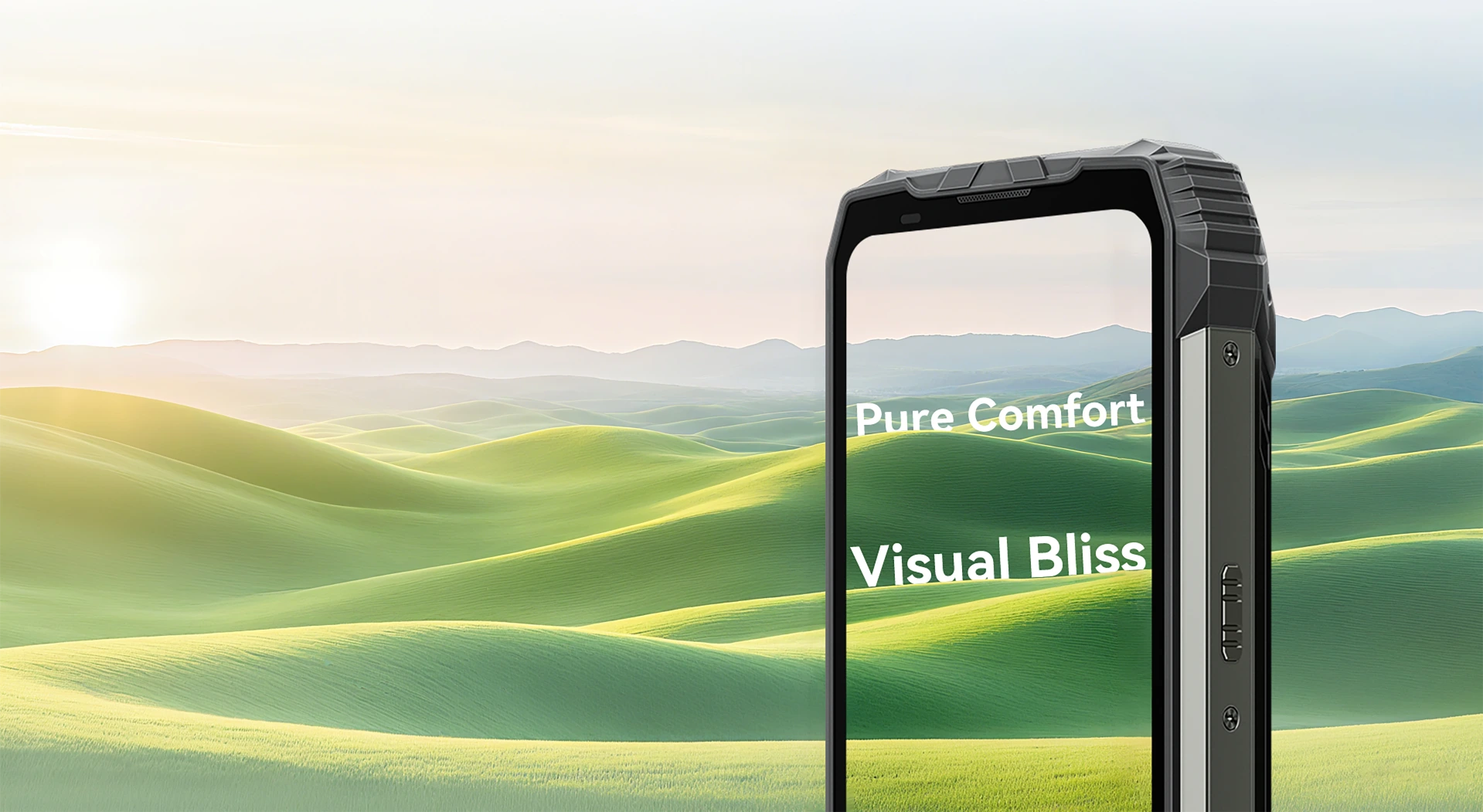
Ecran
Ameliorează
Confort

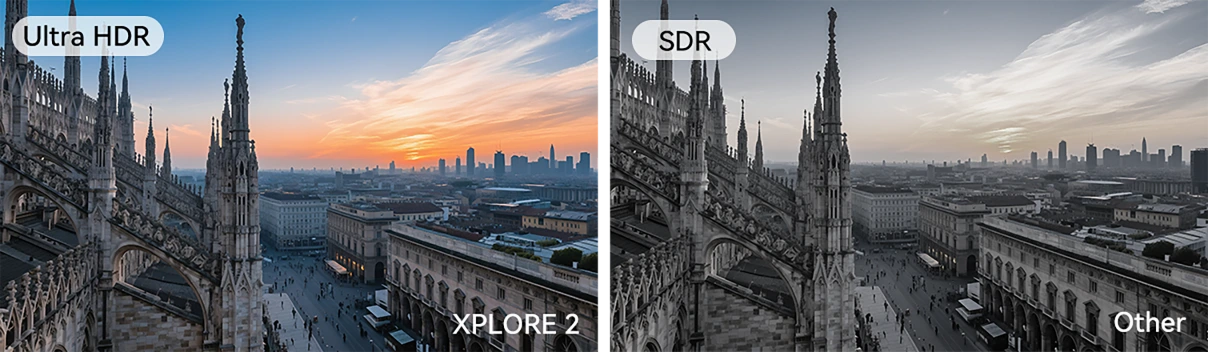
Full-Link HDR
Pornind de la imagini uimitoare și ajungând la captură cu gamă dinamică ultra-extinsă, Full-Link HDR oferă o strălucire realistă și asigură păstrarea fiecărui detaliu.
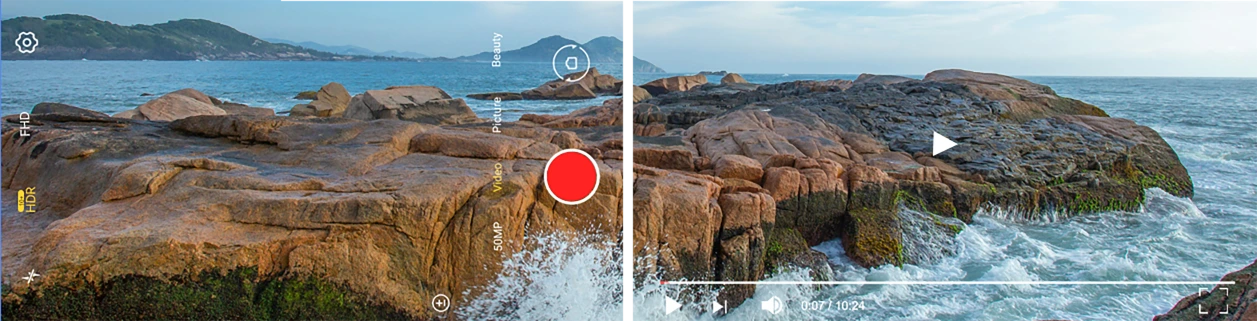
Imagine la superlativ
Imagini mai clare și mai stabile
Cameră principală flagship Samsung® GN9 de 50 MP
De la peisaje îndepărtate la momente în mișcare, surprinde totul în detaliu.
1/1.57"
Senzor mai mare
f/1.88
Fotografii de noapte mai luminoase
6P
Claritate excepțională

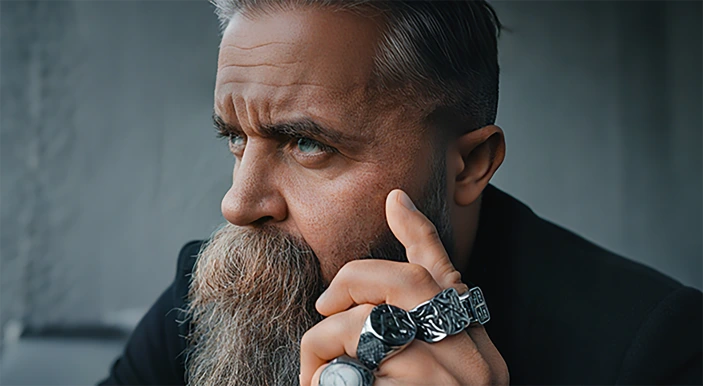
Detalii de clasă superioară
Fotografie Ultra HDR, de 3 ori mai multe detalii15
Descoperă sălbăticia în cele mai mici detalii — de la orizonturi arse de soare la poteci întunecate, cu fiecare umbră, zonă luminoasă și culoare mai vie ca niciodată.
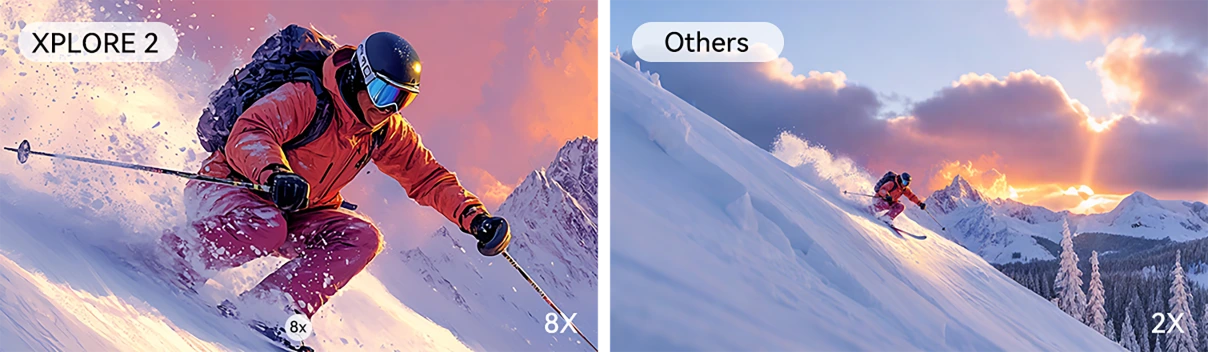
Lider în industrie
De 8 ori mai aproape. Totul, extrem de clar
Apropie scenele îndepărtate cu detalii cristaline și focalizare stabilă.
Cameră frontală Samsung® JN1 de 50 MP
Fie în lumina orbitoare a zilei, fie în lumină slabă, surprinde selfie-uri clare, luminoase și naturale.

Vedere nocturnă de nivel superior
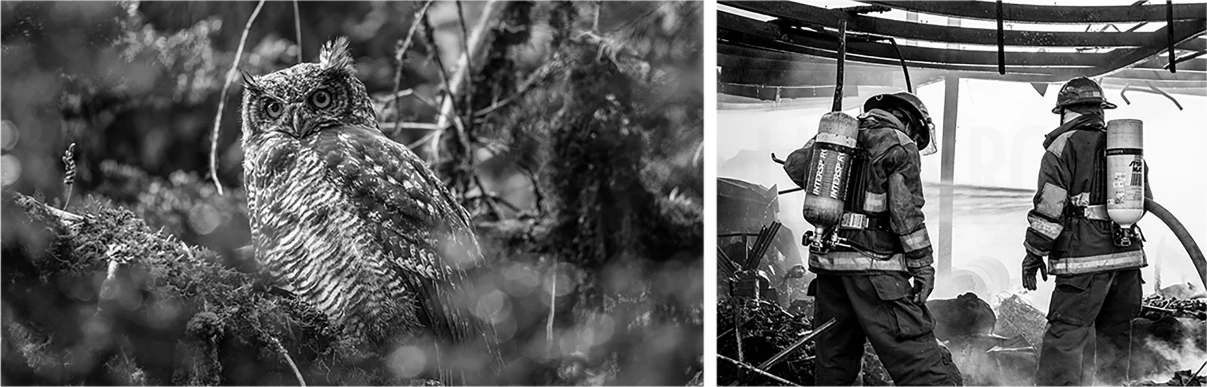
Cameră Sony® de vedere nocturnă, 20 MP
De la inspecții de siguranță la misiuni de salvare, vezi clar în întuneric deplin.
Video la nivel profesional
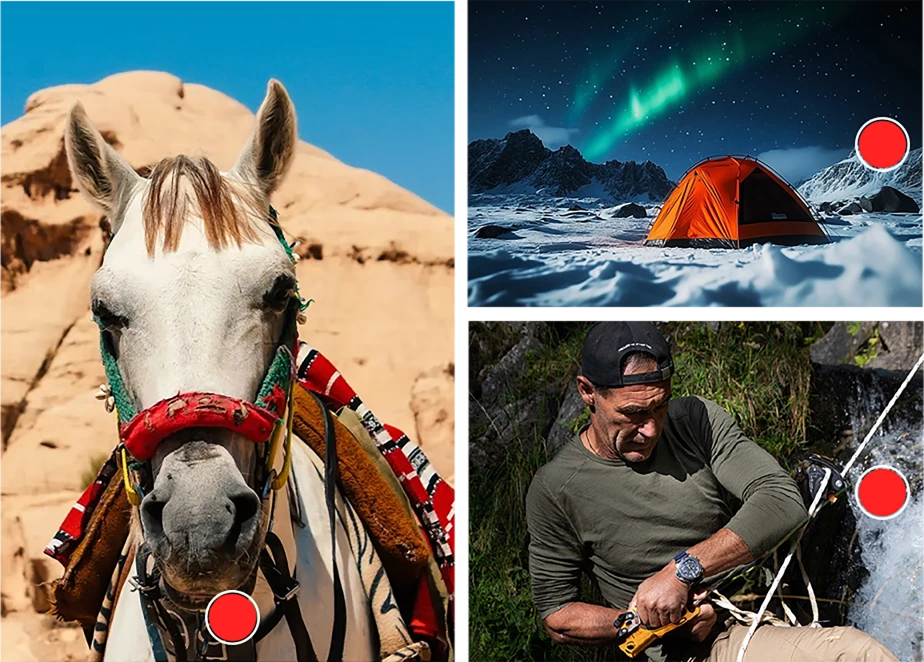
4K HDR10+ cinematografic
Surprinde detalii extrem de clare, culori vii și contrast realist la 60 FPS. De la peisaje la filme personale, fiecare cadru spune o poveste cinematografică.
Instrumente de fotografiere mai inteligente

Funcții inteligente AI

AI complet  Editare imagini
Transformă-ți fotografiile în imagini uimitoare cu un singur clic — editarea nu a fost niciodată mai ușoară!
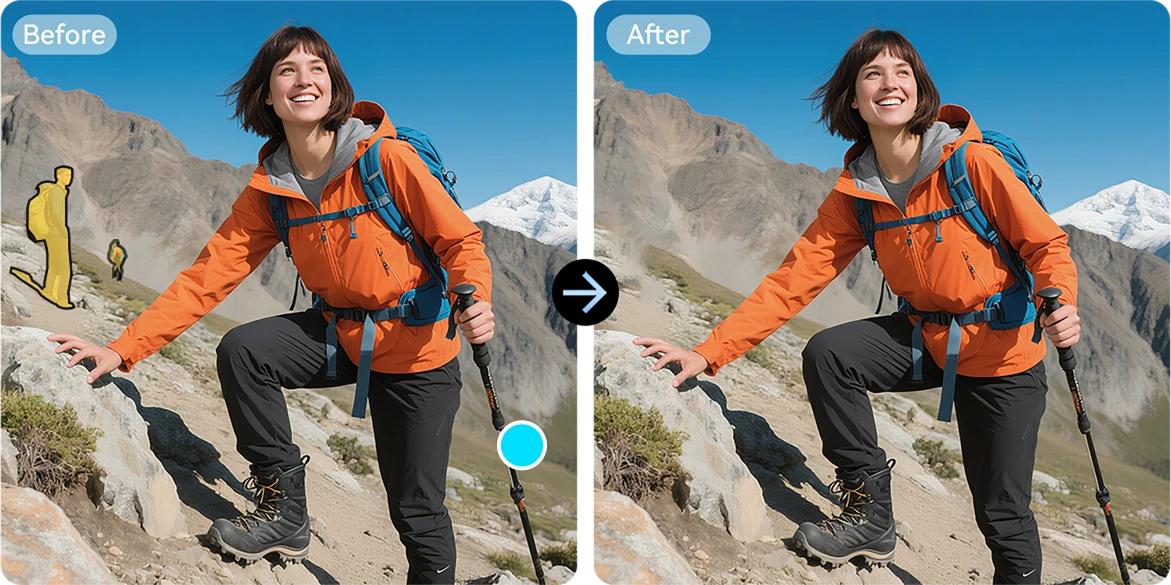
AI Eliminare obiecte
Șterge cu precizie elementele care distrag atenția, fără efort.
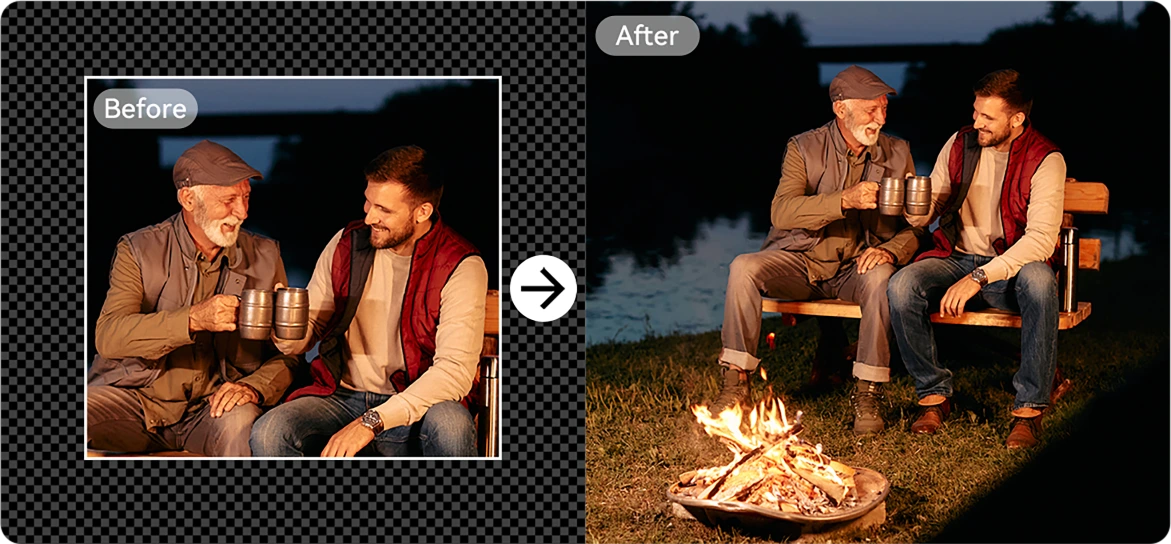
AI Extindere imagine
Extinde inteligent limitele.
AI Estompare fotografie
Concentrează-te pe ceea ce contează cu estompare inteligentă.
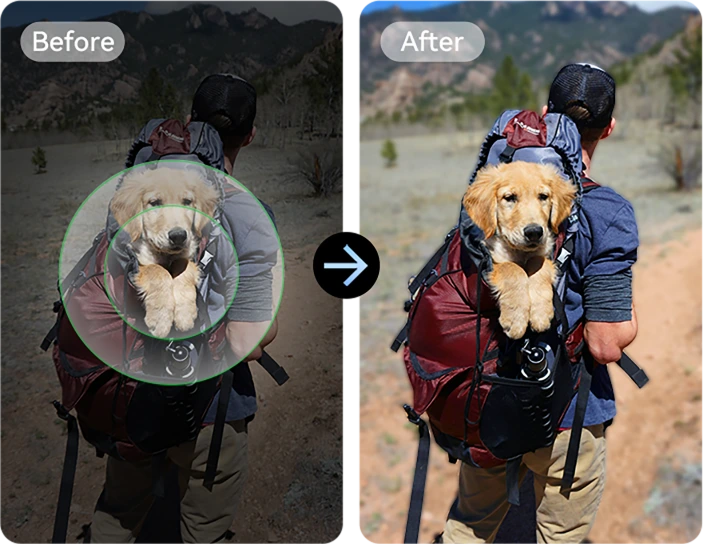
AI Înlocuire fundal
Schimbă fundalurile și transformă scenele după bunul plac.
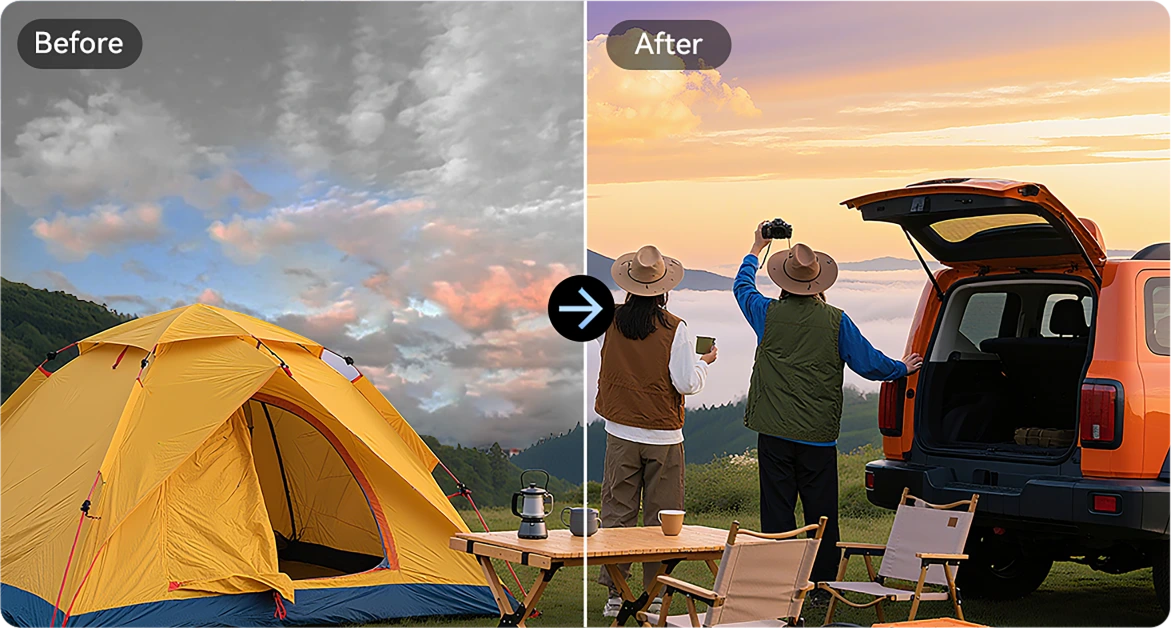
Momente renăscute
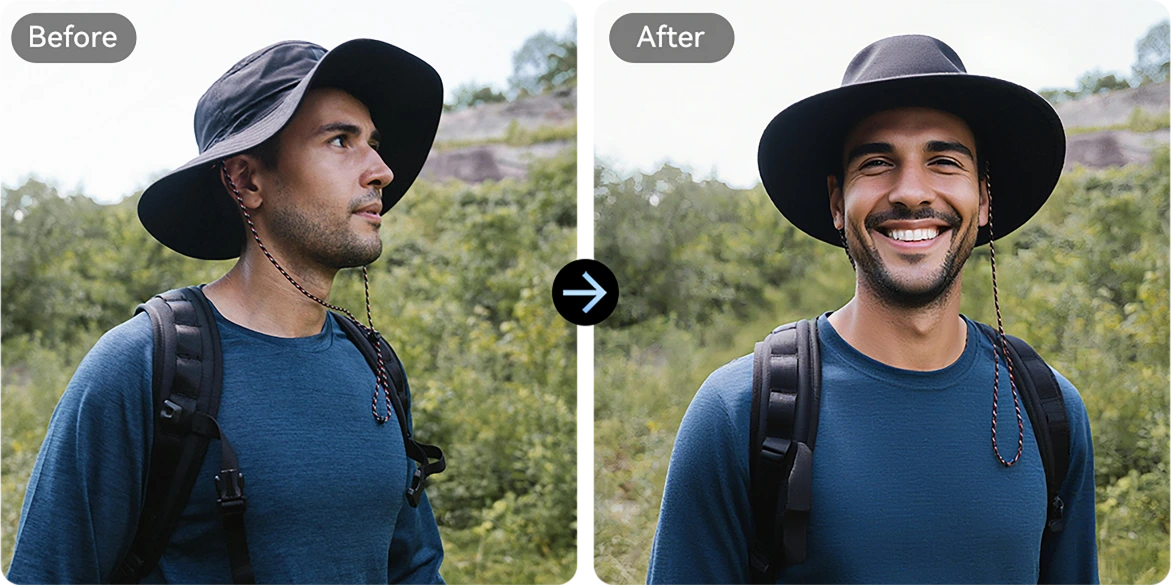
AI Animare
Dă viață fotografiilor! Adaugă mișcare chipurilor și privește-ți amintirile dansând pline de energie
Performanță dusă la un nou nivel
Performanță de nivel superior
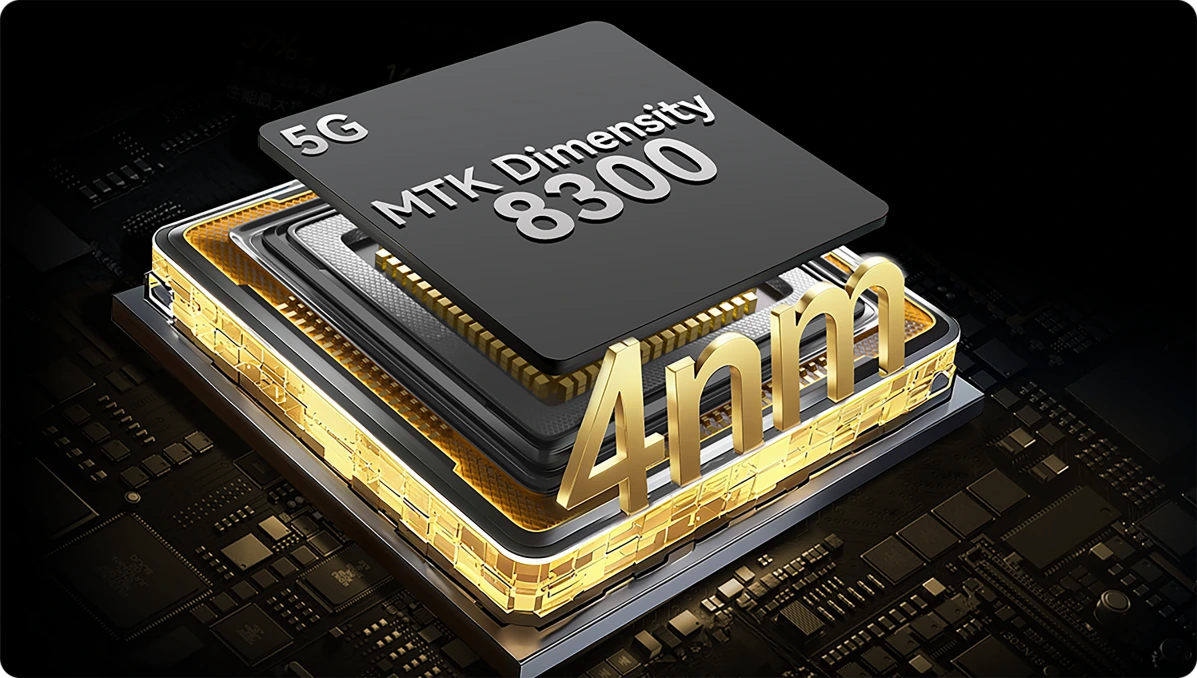
Procesor MediaTek Dimensity 8300 de 4 nm, 5G de top
Realizat cu un proces de 4 nm și cu frecvență de până la 3,35 GHz, XPLORE 2 face față sesiunilor lungi de jocuri și multitaskingului intens cu fluiditatea unui model de top.
40%
CPU mai rapid16
30%
GPU mai puternic17
84%
Performanță generală18
1,339,275
Scor AnTuTu
Memorie la capacitate maximă
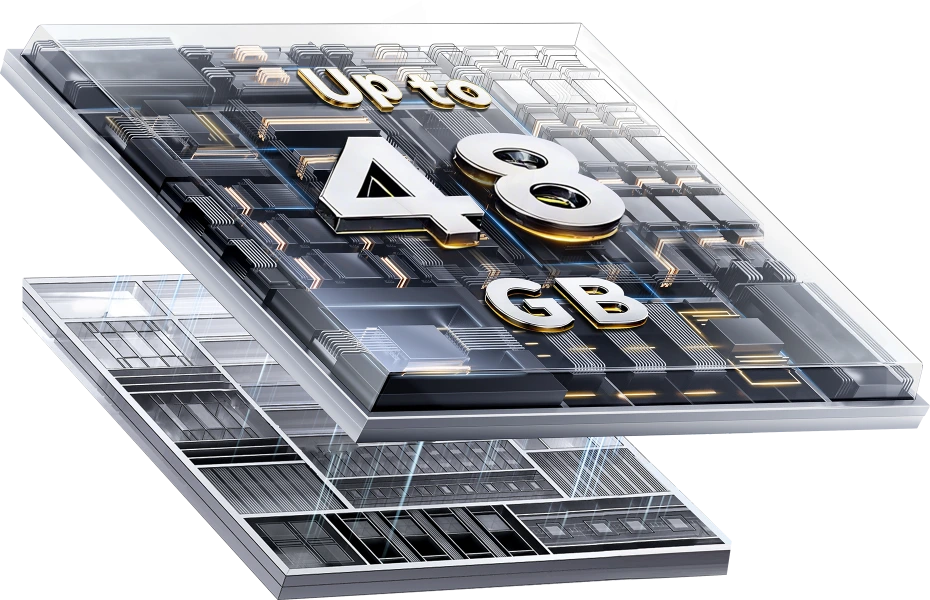
Până la 48 GB RAM
(16 GB fizici + extensie de 32 GB)
Susținut de până la 48 GB de RAM și memoria atomizată 2.0, XPLORE 2 oferă răspunsuri mai rapide, multitasking fără întreruperi și performanță fără întârzieri.
2X
Transmitere mai rapidă a datelor19
45%
Deschiderea și comutarea aplicațiilor mai rapide20
22 de aplicații
Multitasking fluid, fără întârzieri21
LPDDR5X
RAM de mare viteză
Stocare accelerată
1 TB ROM + până la
Extensie TF de până la 2 TB
Cu memoria ROM UFS4.0 de 1 TB și extensia TF de până la 2 TB, XPLORE 2 stochează totul, de la hărți de înaltă rezoluție și filmări cu drona până la fișiere de salvare — acces instantaneu, chiar și pe teren.
2X
Capacitate de stocare mai mare22
2,3X
Viteză mai mare de citire și scriere23
UFS4.0
Stocare ultra-rapidă
1 TB + extensie TF de 2 TB = Stochează tot

Conectivitate de nouă generație
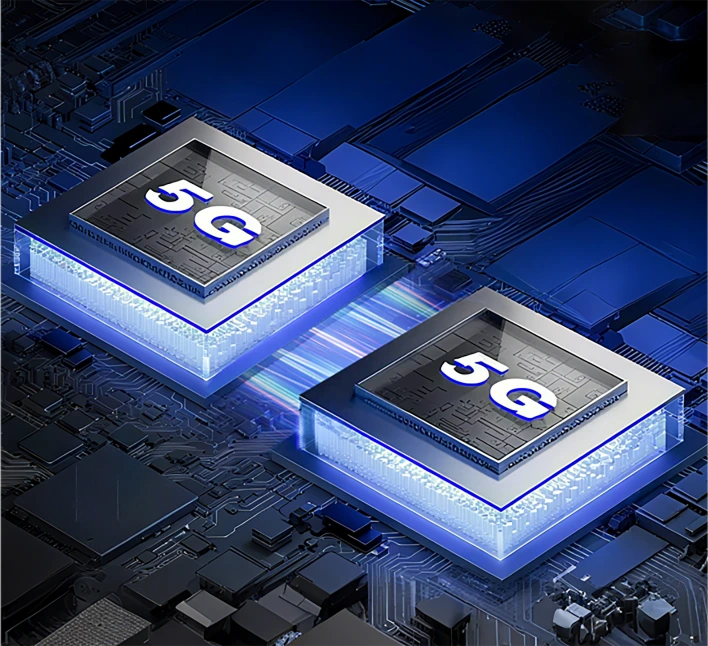
Compatibilitate cu WiFi 6E și două rețele 5G
Fii cu un pas înainte cu WiFi 6E și două rețele 5G — mai rapid, mai fluid și cu adevărat global.
Viteză de 3 ori mai mare
Încărcare instantanee. Streaming fără întreruperi.24
6 GHz + 5 GHz + 2,4 GHz
WiFi tri-band. Mai rapid. Mai puternic.
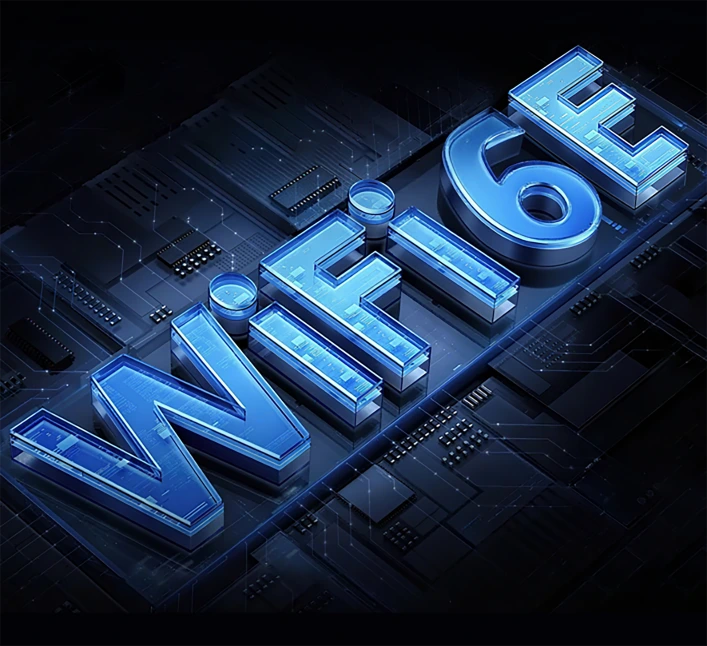
Încărcare la 2,5 Gbps | Descărcare la 5,11 Gbps
Încărcări și descărcări fulgerătoare.25
Compatibilitate cu două rețele 5G
Conectivitate cu adevărat globală
Performanță maximă, fără compromisuri
Sistem de răcire eficient 3-în-1
Rămâne rece datorită designului termic avansat — chiar și în timpul sesiunilor intense de jocuri, al streamingului 5G continuu sau al muncii în aer liber pe tot parcursul zilei.
Grafit + cupru + silicon
Trei materiale, transfer rapid al căldurii
Suprafață de disipare de 2.262,8 mm²
Disipare mai rapidă a căldurii, performanță maximă mai îndelungată
<37°C la utilizarea de zi cu zi
Mereu rece, mereu stabil
Premieră în industrie
Smartphone robust cu suport eSIM
O revoluție globală în comunicare!
Comunicare globală, mai simplă și mai accesibilă!

Economisești bani: reduci costurile de roaming cu până la 90%!
Economisești efort: fără cartelă SIM fizică, libertatea de a schimba operatorul!
Rămâi conectat: semnal fiabil, mereu online!
Rămâi conectat oricând și oriunde!
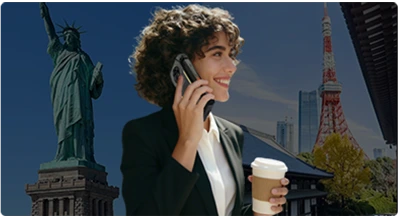
Călătorește în jurul lumii
Explorează în voie și rămâi conectat!

Călătorii de afaceri
Treci granițele și lucrează mai inteligent!
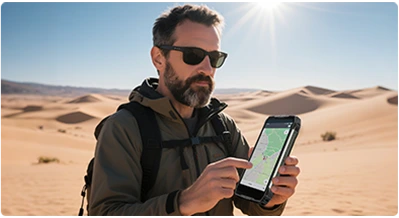
Aventuri în aer liber
Rămâi conectat, rămâi în siguranță!
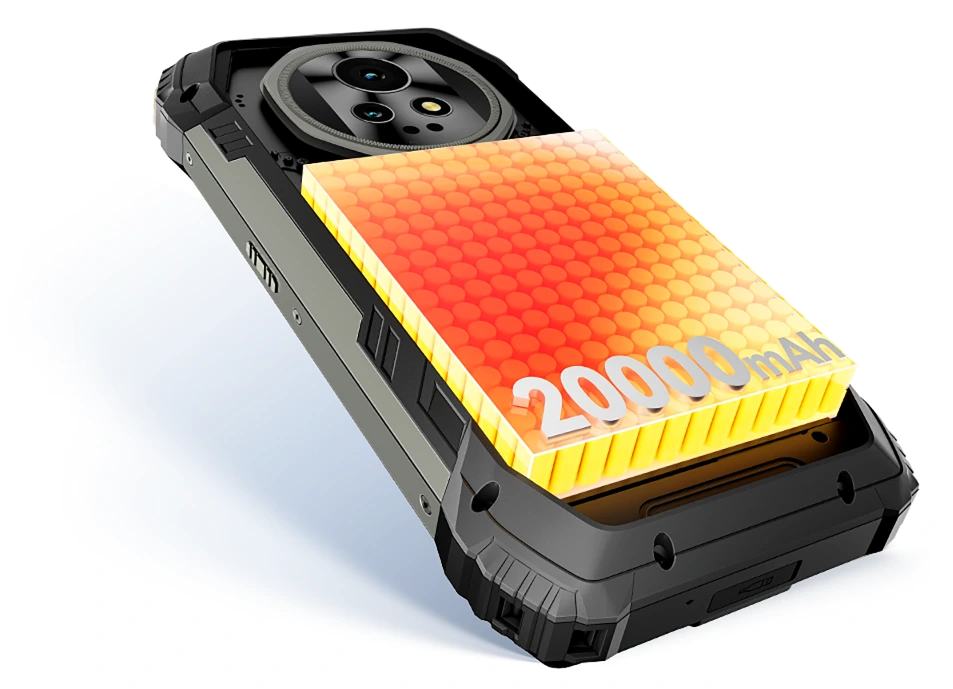
Regele bateriilor
Baterie duală uriașă de 20.000 mAh
Echivalentul a 4 telefoane cu baterii de 5.000 mAh fiecare — energie de neoprit, autonomie pentru toată ziua.
Gestionarea energiei cu AI


1,6X
Durată de viață mai mare26
Peste 36 de ore
Utilizare intensă27
Peste 23 de ore
Jocuri
Peste 24 de ore
Navigare pe internet
Peste 166 de ore
Apeluri
Peste 10 ore
Iluminare continuă
75 de zile
În standby
Cea mai rapidă din clasa sa
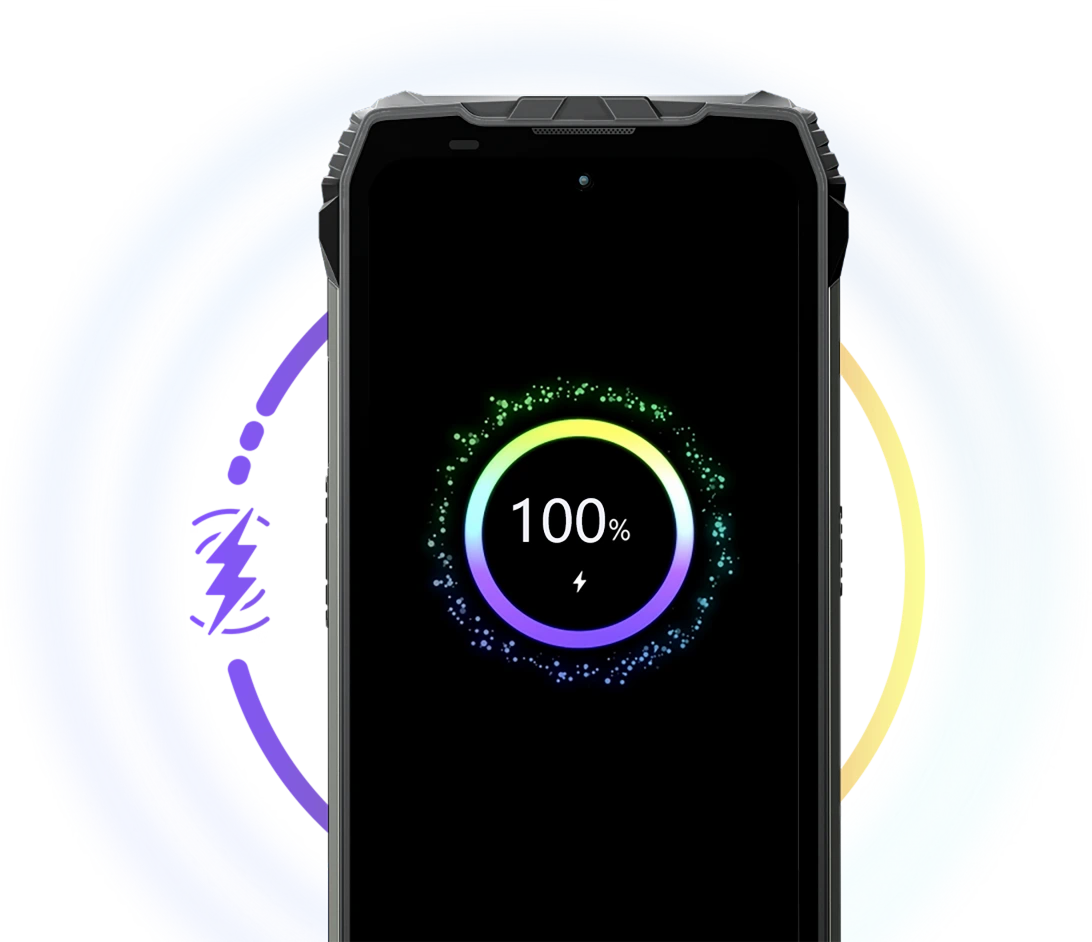
Încărcare ultrarapidă de 120 W
50% în 39 de minute. 100% în 117 minute. Mereu gata când ai nevoie.28
118% Mai rapidă
Încărcare
Fără așteptare. Putere pură.29
Încărcare inversă de 10 W
Partajează energie oricând și oriunde.

Singurul din industrie dezvoltat intern



Inteligență controlată prin voce
Gemini AI 2.0
Mai inteligent. Mai rapid. Controlat prin voce. XPLORE 2 îți oferă controlul — fără să folosești mâinile, oriunde ai merge.
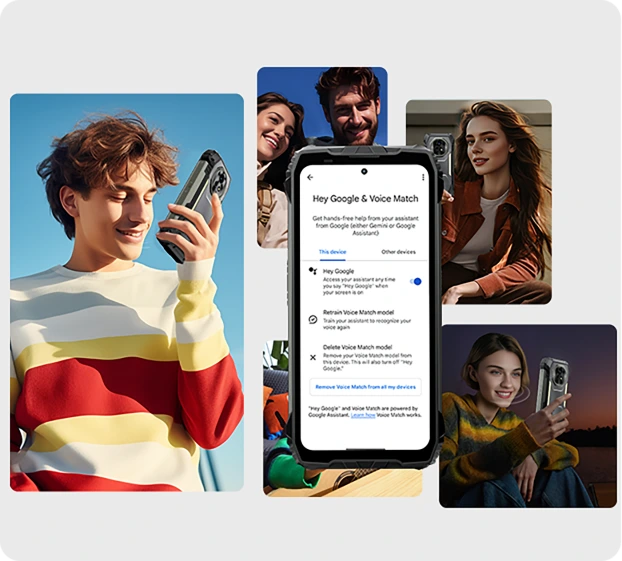
Activare prin amprentă vocală și control fără mâini
Deblochează și controlează prin voce — în siguranță și fără să folosești mâinile.
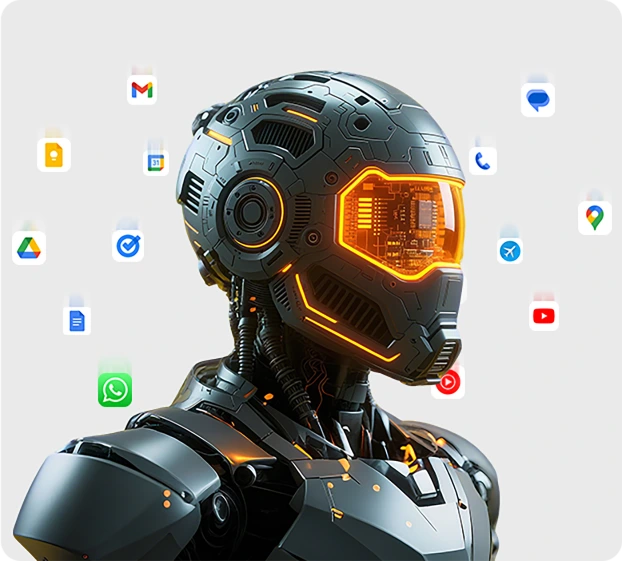
Control inteligent universal
O singură voce, control deplin în toate aplicațiile și setările.
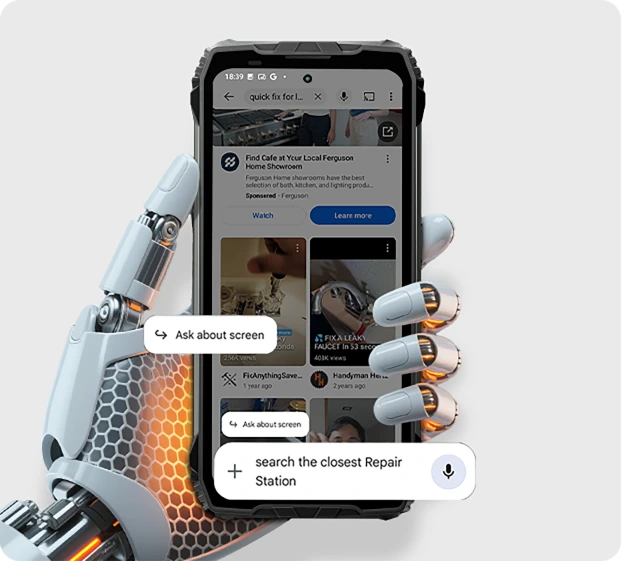
Asistență pe tot ecranul
Ajutor instantaneu pe ecran, oriunde te-ai afla.
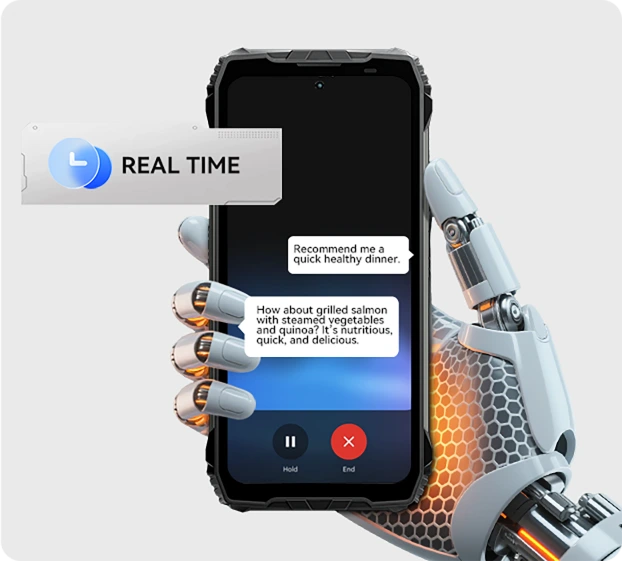
Interacțiune în timp real
Conversează firesc, oriunde te poartă îndatoririle.
Singura suită AI dezvoltată intern din industrie
Hi Doki | ImageX | VidGen | Soundle
Patru aplicații, creații nelimitate — scrie, editează, filmează și compune fără limite.30
Singurul din industrie dezvoltat intern
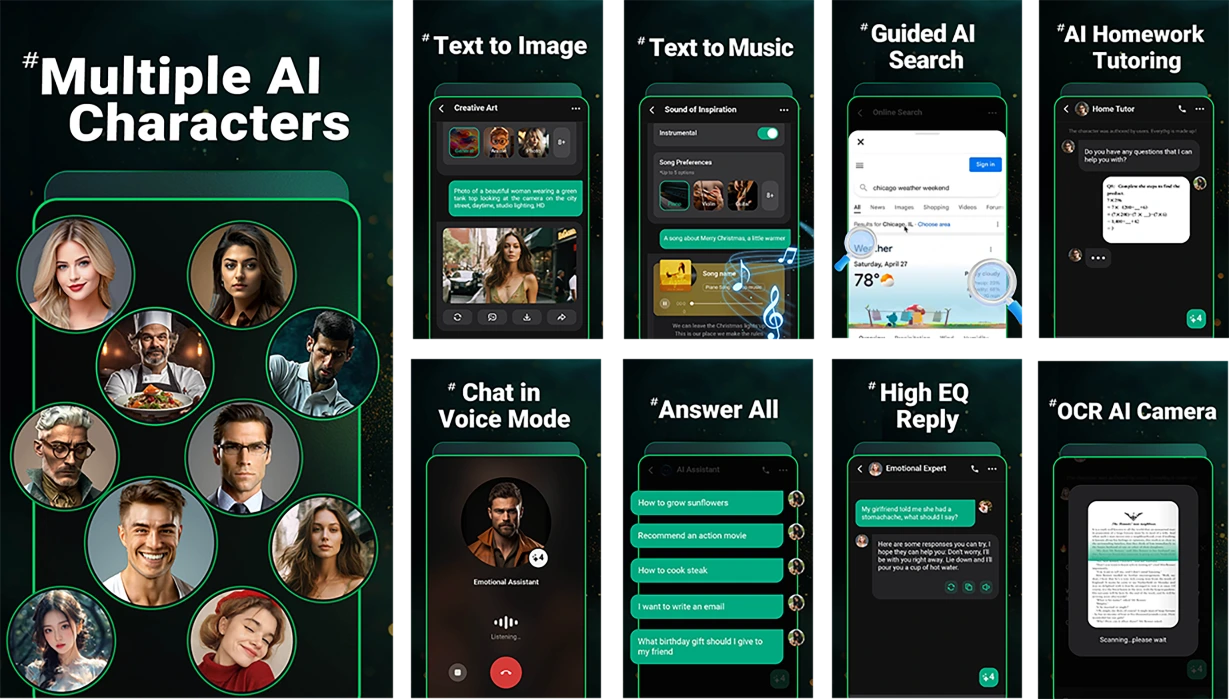
Hi Doki
Căutare bazată pe AI, analiză de documente și redactare inteligentă. De la cercetare la creație, ideile prind viață cu o singură atingere.
Singurul din industrie dezvoltat intern
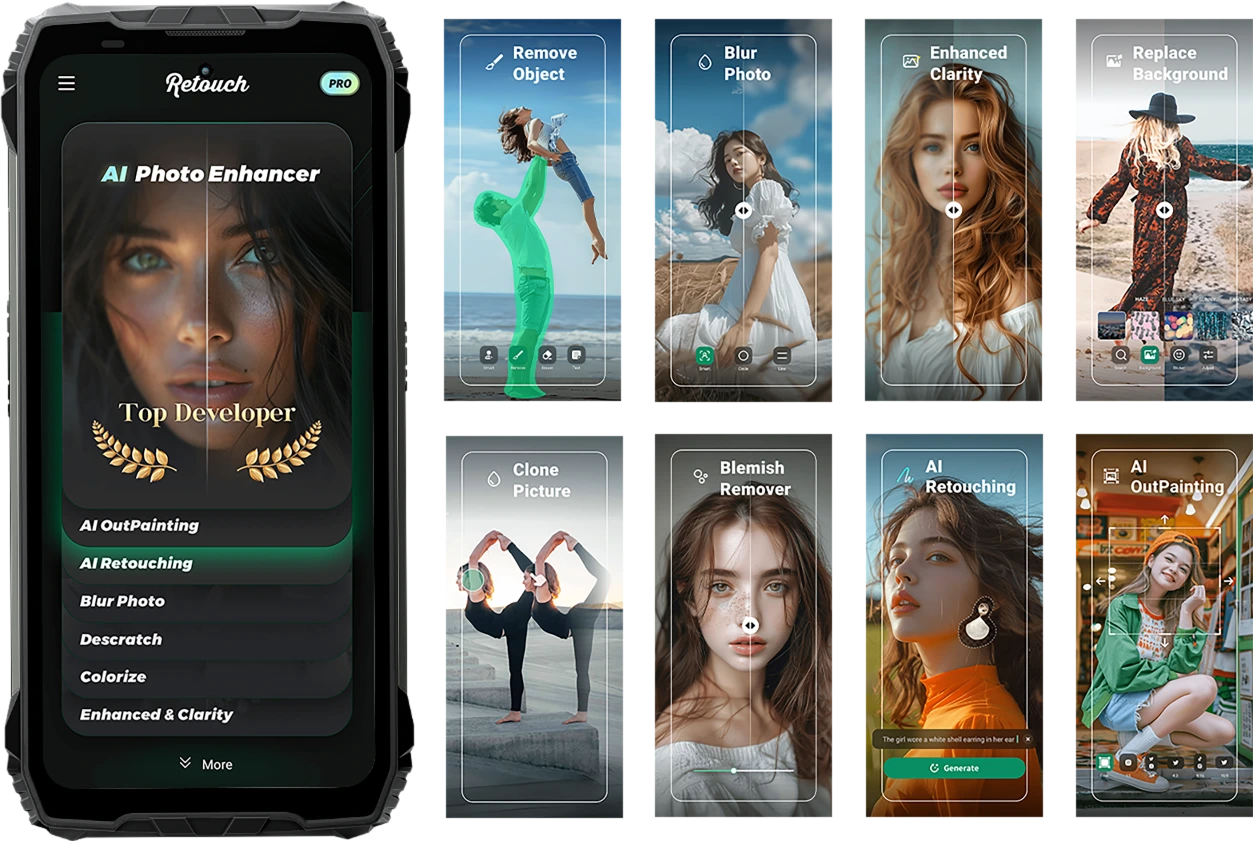
ImageX
Cu 18 instrumente de editare AI, transformă cadrele obișnuite în imagini uimitoare — îmbunătățite, stilizate și gata de distribuit.
Singurul din industrie dezvoltat intern
VidGen
De la text la video, de la imagini la povești — AI-ul îți transformă ideile în vloguri, videoclipuri scurte și povești captivante, fără efort.

Singurul din industrie dezvoltat intern
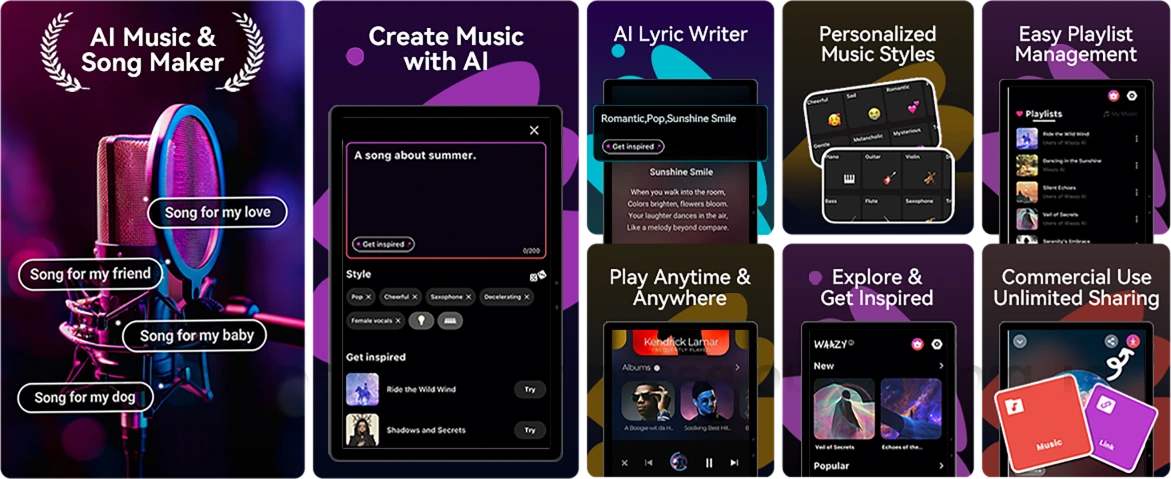
Soundle
Introdu pasiunea ta și lasă AI-ul să compună. De la melodii romantice la ritmuri pline de energie, muzica este creată special pentru tine.
Singurul din industrie dezvoltat intern
Noul DokeOS 4.2, bazat pe Android 15
Mai inteligent. Mai rapid. Mai sigur. Mai personal.
XPLORE 2 redefinește performanța prin viteză, eficiență, confidențialitate și personalizare fără limite.31
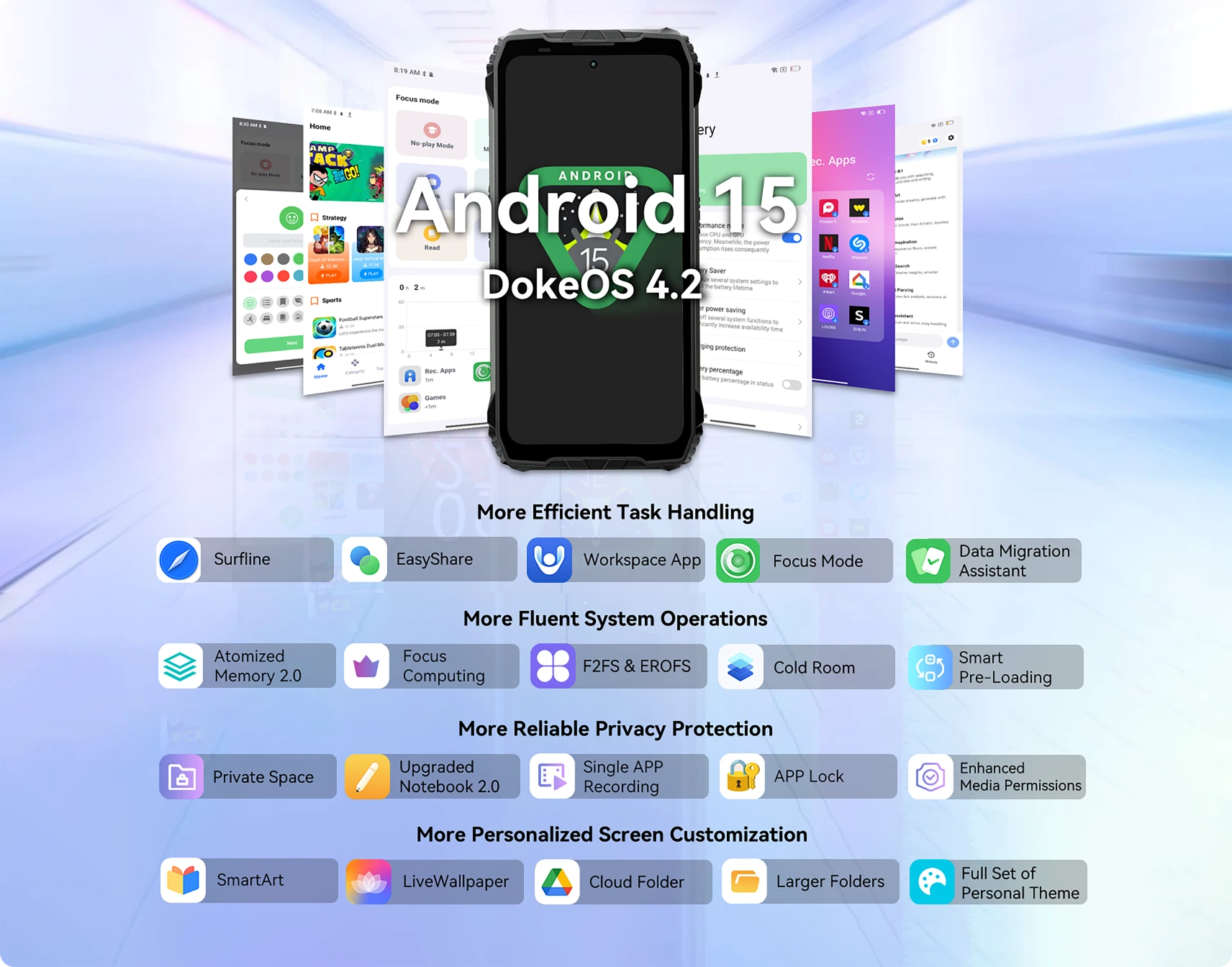
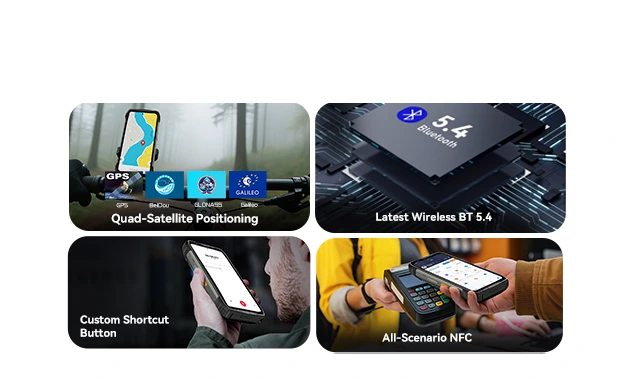
Îmbunătățiri inteligente pentru orice situație

Sistem cu patru constelații de sateliți
Rămâneți pe drumul cel bun cu poziționare de înaltă precizie — acuratețe fiabilă de 1 metru în orice mediu.32
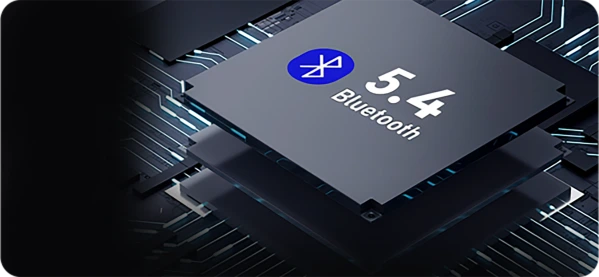
Cea mai recentă tehnologie wireless BT 5.4
Transferați fișiere cu 50% mai rapid, beneficiați de conexiuni mai stabile și conectați-vă fără probleme la toate dispozitivele.34
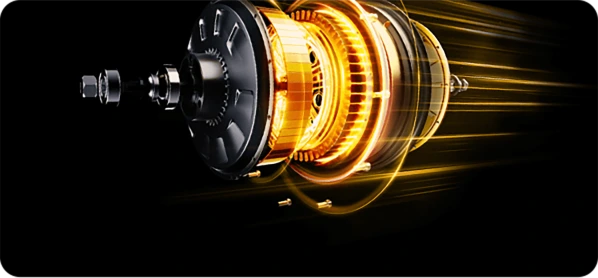
Giroscop de înaltă precizie
Navigați cu precizie. Măsurați cu exactitate cu ajutorul AR. Mișcați-vă mai fluid în fiecare acțiune.
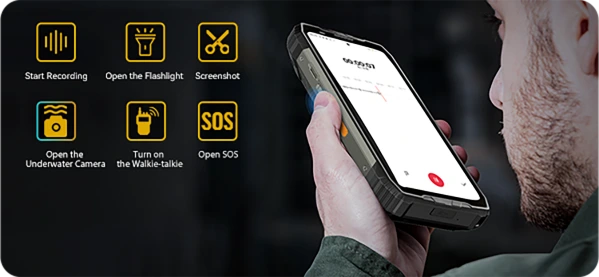
Buton de comandă rapidă personalizabil
Funcțiile esențiale, la o singură apăsare de buton.
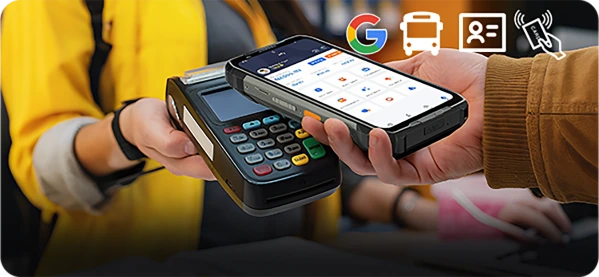
NFC pentru orice situație
De la plăți la carduri de acces, totul cu o singură atingere.35
Singurul angajament post-vânzare din industrie
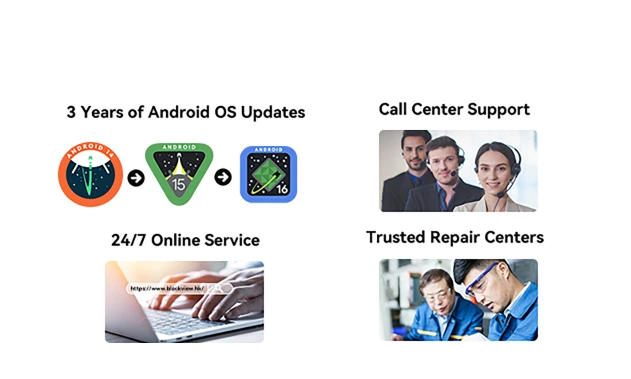
Ajutor mai rapid. Actualizări mai îndelungate. Siguranță deplină.36
3 ani de actualizări ale sistemului de operare Android
Asistență extinsă, mereu actualizată

Asistență prin call center
Asistență telefonică directă, atunci când aveți nevoie

Servicii online 24/7
Ajutor imediat, zi și noapte

Centre de reparații de încredere
Servicii offline fiabile, pe care vă puteți baza
Specificații Blackview XPLORE 2
| Model | XPLORE 2 |
| Culoare | Negru |
| Dimensiuni | 186 * 87,8 * 29 mm |
| Greutate | 670 g |
| Sistem de operare | DokeOS 4.2 bazat pe Android 15 |
| Ecran | Ecran AMOLED de 6,73 inchi, 3,2K, rezoluție de 1440 * 3200, Corning® Gorilla® Glass 5, rată de reîmprospătare de 120 Hz |
| CPU | Procesor octa-core MediaTek Dimensity 8300 5G, 4 nm, până la 3,35 GHz |
| RAM și ROM | 12 GB RAM și 256 GB ROM, LPDDR5X+UFS4.0 16 GB RAM și 1 TB ROM, LPDDR5X+UFS4.0 |
| Extindere TF | Extindere TF de până la 2 TB |
| Baterie | 20.000 mAh; încărcare ultrarapidă de 120 W |
| Cameră frontală | 50MP |
| Cameră spate | Cameră principală de 50 MP + cameră pentru vedere nocturnă de 20 MP |
| Difuzor | Difuzor Dual Smart-K BOX |
| Clasificare pentru rezistență | IP68 & IP69K & MIL-STD-810H |
| Navigație | GPS L1+L5/GLONASS/BeiDou/Galileo |
| Slot pentru card | Dual: 2*SIM/1*SIM +1*Card TF |
| NFC | Compatibilitate |
| Dual 5G VoLTE | Compatibilitate |
| Wi-Fi&Bluetooth | Wi-Fi 6E; BT 5.4 |
| Conectivitate la rețea | Bandă 2G: B2/B3/B5/B8 Bandă 3G: WCDMA: B1/B2/B4/B5/B6/B8/B19 (RXD) CDMA: BC0 Bandă 4G: TDD:B34/B38/B39/B40/B41 FDD:B1/2/3/4/5/7/8/12/13/17/18/19/20/25/26/28A/28B/30/66 Bandă 5G: N1/3/5/7/8/20/28/38/40/41/77/78/79 |
1. Date obținute de la Laboratorul Blackview. Fiind un dispozitiv electronic de precizie, telefonul se poate deteriora în urma căderilor. Evitați să scăpați sau să loviți dispozitivul. Performanța reală poate varia în funcție de mediul de utilizare, unghiul căderii și materialul suprafeței. Consultați experiența reală.
2. Date obținute de la Laboratorul Blackview. Fiind un dispozitiv electronic de precizie, telefonul se poate deteriora în continuare sub presiune puternică. Evitați să strângeți sau să loviți dispozitivul.
3.Date preluate din laboratorul Corning, în urma comparării Gorilla® Glass 5 cu sticla obișnuită sodocalcică. În condiții controlate, Gorilla® Glass 5 demonstrează performanțe superioare.
4.XPLORE 2 rezistă la stropi, apă și praf în condiții normale de utilizare și are clasificările IP69K și IP68 în condiții de laborator controlate. Protecția nu este permanentă, iar rezultatele reale pot varia în funcție de uzura dispozitivului, obiceiurile de utilizare și factorii de mediu. Nu încărcați telefonul cât timp este ud.
5.Folosește vibrații sonore pentru a îndepărta praful și apa din difuzor, contribuind la menținerea clarității apelurilor și a performanței audio normale. Rezultatele curățării pot varia în funcție de cantitatea de praf sau apă acumulată și de mediul de utilizare. Consultați experiența reală.
6.Experiența tactilă poate varia în funcție de ploaie, scenariile de utilizare a aplicațiilor și obiceiurile fiecărui utilizator. Consultați experiența reală.
7. Date preluate din laboratorul Blackview. Cele trei niveluri de luminozitate sunt: Ultra Bright 467 lm, High Bright 368 lm și Low Bright 236 lm.
8.Funcția de telecomandă cu infraroșu este compatibilă, în teorie, cu majoritatea dispozitivelor controlate prin IR, însă compatibilitatea reală poate varia în funcție de modelul specific și de mediu. Performanța poate fi diferită în utilizarea reală.
9.Comparația performanței cu difuzoarele convenționale duble de 1 W se bazează pe rezultatele unor teste de laborator simulate, evaluate în funcție de caracteristicile tehnice ale produsului. Rezultatele reale pot varia în funcție de mediul de utilizare, modelul dispozitivului sau configurația tehnică.
10.În comparație cu două difuzoare de 1 W, nivelul crește cu aproximativ 5 dB. Performanța audio poate varia în funcție de scenariul de utilizare, calitatea sursei audio și zgomotul ambiental. Consultați experiența reală.
11.În comparație cu două difuzoare de 1 W, capacitatea de auz umană este îmbunătățită cu aproximativ 50%. Performanța audio specifică depinde de experiența reală.
12.Luminozitatea maximă poate ajunge la 2600 niți, iar luminozitatea de activare globală este de 1300 niți, valabilă doar în anumite scenarii. Luminozitatea manuală obișnuită este de 500 niți. Experiența reală depinde de condițiile de utilizare.
13.Ecranul cu gamă largă de culori DCI-P3 necesită surse de imagine și video compatibile pentru un efect optim.
14.Ecranul acceptă o rată de reîmprospătare dinamică de 120 Hz. Ratele de reîmprospătare pot varia ușor în funcție de interfața aplicației și de scenariile de joc. Consultați experiența reală.
15.Datele provin din teste efectuate în laboratorul Blackview în condiții controlate. Performanța reală poate varia în funcție de factori precum iluminarea, complexitatea scenei sau configurațiile dispozitivului.
16. Date provenite din testele teoretice ale Laboratorului Blackview, prin comparație cu Blackview XPLORE 1. Performanța reală poate fi afectată de optimizarea sistemului, încărcarea aplicațiilor și mediul de rețea. Vă rugăm să consultați experiența efectivă.
17. Date provenite din testele teoretice ale Laboratorului Blackview, prin comparație cu Blackview XPLORE 1. Performanța reală poate varia în funcție de optimizarea sistemului, încărcarea aplicațiilor și mediul de rețea. Vă rugăm să consultați experiența efectivă.
18. Date provenite din testele teoretice ale Laboratorului Blackview, prin comparație cu Blackview XPLORE 1. Performanța generală poate varia în funcție de optimizarea sistemului, încărcarea aplicațiilor și mediul de rețea. Vă rugăm să consultați experiența efectivă.
19. Date obținute de Laboratorul Blackview în condiții de testare standardizate, prin comparație cu Blackview XPLORE 1. Performanța specifică poate varia în funcție de condițiile efective de utilizare.
20. Date obținute de Laboratorul Blackview în condiții de testare standardizate, prin comparație cu Blackview XPLORE 1. Performanța specifică poate varia în funcție de condițiile efective de utilizare.
21. Datele se bazează pe teste efectuate în Laboratorul Blackview, în condiții controlate. Performanța reală poate varia în funcție de factori precum tipul aplicației, setările sistemului, procesele din fundal etc.
22. Datele provin din Laboratorul Blackview, comparația fiind realizată cu Blackview XPLORE 1.
23. Datele provin din testele teoretice efectuate în Laboratorul Blackview, comparația fiind realizată cu Blackview XPLORE 1. Vitezele reale pot varia în funcție de condițiile efective de utilizare.
24. Date furnizate de Laboratorul Blackview, prin comparație cu WiFi 5. Experiența reală poate varia din cauza factorilor de mediu și a dispozitivului.
25. Vitezele de rețea menționate reprezintă valori maxime teoretice. Vitezele reale pot varia în funcție de condițiile rețelei, suportul operatorului, configurația dispozitivului și alți factori. Performanța depinde de condițiile reale de utilizare.
26. Suportă până la 800 de cicluri complete de încărcare. Performanța reală poate varia în funcție de tiparele de utilizare, factorii de mediu, întreținerea dispozitivului etc.
27.Toți timpii de utilizare se bazează pe teste efectuate pe modele de laborator Blackview. Performanța reală poate varia în funcție de scenariile de utilizare, solicitarea aplicațiilor, condițiile de rețea și obiceiurile fiecărui utilizator.
28.Viteza de încărcare poate varia în funcție de încărcător, cablul de încărcare, tensiune și temperatura ambientală. Consultați condițiile reale de utilizare.
29.Date furnizate de laboratorul Blackview, în comparație cu Blackview XPLORE 1.
30.Doke AI oferă o perioadă de probă gratuită de 30 de zile. Eficiența funcțiilor AI poate varia în funcție de scenariile de utilizare, conținutul introdus și obiceiurile fiecărui utilizator. Consultați experiența reală.
31.Funcțiile vor fi îmbunătățite continuu prin actualizări OTA. Consultați experiența reală.
32.Date furnizate de laboratorul Blackview. Precizia poziționării poate varia din cauza obstacolelor din mediu, a interferențelor și a efectelor de propagare pe căi multiple. Consultați experiența reală.
33.Date furnizate de laboratorul Blackview, în comparație cu Blackview XPLORE 1.
34.Efectele specifice ale utilizării pot varia în funcție de tipul cardului, metoda de criptare și compatibilitatea dispozitivului. Este posibil ca accesul cu carduri criptate să nu fie acceptat, iar funcțiile de plată pot necesita parole sau verificare. Consultați experiența reală.
35.Conținutul specific al serviciilor poate varia în funcție de politicile regionale și de capacitățile centrelor de reparații. Consultați situația reală.
*Pot exista diferențe de pixeli între diferitele moduri foto și video. Consultați situația reală.
*Imaginile produselor și conținutul ecranului de pe paginile de mai sus au doar rol ilustrativ. Aspectul real al produsului (inclusiv, dar fără a se limita la aspect, culoare și dimensiune) și conținutul afișat pe ecran (inclusiv, dar fără a se limita la fundaluri, interfața de utilizare și ilustrații) pot diferi ușor. Consultați produsul real.
*Datele de pe paginile de mai sus sunt valori teoretice furnizate de laboratorul Blackview, obținute în condiții de testare specifice (consultați descrierile specifice fiecărui element). Utilizarea reală poate varia ușor în funcție de diferențele dintre produse, versiunile software, condițiile de utilizare și factorii de mediu. Consultați condițiile reale de utilizare.
*Din cauza modificărilor în timp real ale loturilor de produse și a factorilor care țin de aprovizionarea producției, Blackview poate ajusta și revizui descrierile textuale și efectele imaginilor de pe paginile de mai sus pentru a reflecta cât mai fidel performanța, specificațiile, indicii și componentele reale ale produselor.
*În cazul în care sunt necesare astfel de modificări și ajustări, nu va fi transmisă nicio notificare specială.
| Model | XPLORE 2 |
| Culoare | Negru |
| Dimensiune | 186 * 87.8 * 29mm |
| Greutate | 670g |
| Sistem de operare | DokeOS 4.2 bazat pe Android 15 |
| Ecran | Ecran AMOLED 3.2K de 6,73 inch, rezoluție 1440 * 3200, Corning® Gorilla® Glass 5, rată de reîmprospătare 120Hz |
| CPU | MediaTek Dimensity 8300 Octa-core 5G, 4nm, până la 3.35GHz |
| RAM & ROM | 12GB RAM & 256GB ROM, LPDDR5X+UFS4.0 16GB RAM & 1TB ROM, LPDDR5X+UFS4.0 |
| Extindere TF | Extindere TF până la 2TB |
| Baterie | 20.000mAh; Încărcare hiper rapidă 120W |
| Cameră frontală | 50MP |
| Cameră spate | 50MP Principal+20MP Viziune Nocturnă |
| Difuzor | Difuzor Dual Smart-K BOX |
| Clasificare robustă | IP68 & IP69K & MIL-STD-810H |
| Navigație | L1+L5 GPS/GLONASS/BeiDou/Galileo |
| Slot card | Dual: 2*SIM/1*SIM +1*Card TF |
| NFC | Asistență |
| Dual 5G VoLTE | Asistență |
| Wi-Fi&Bluetooth | Wi-Fi6E; BT 5.4 |
| Conectivitate rețea | Bandă 2G: B2/B3/B5/B8 Bandă 3G: WCDMA: B1/B2/B4/B5/B6/B8/B19 (RXD) CDMA: BC0 Bandă 4G: TDD: B34/B38/B39/B40/B41 FDD: B1/2/3/4/5/7/8/12/13/17/18/19/20/25/26/28A/28B/30/66 Bandă 5G: N1/3/5/7/8/20/28/38/40/41/77/78/79 |
• Pachet UE: Adaptor de alimentare neluat în calcul
• Pachet Non-UE: Adaptor de alimentare inclus

How can I check whether the Blackview XPLORE 2 is compatible with my mobile carrier?
The Blackview XPLORE 2 supports 2G, 3G, 4G LTE, and 5G networks. Before purchasing, please check that the network bands supported by the XPLORE 2 match those used by your mobile network operator. First, identify which networks you use, then check the supported network bands in the specifications section of the product details page.
Alternatively, you can contact your mobile network operator to enquire whether this handset supports voice calls, text messages, and mobile data services via a SIM card. This will help you determine whether it is compatible. Please note that the availability of 4G or 5G services also depends on your operator’s network coverage, your mobile plan, and the operator’s support for this handset.
Does the Blackview XPLORE 2 support eSIM, and how do I activate it?
Yes. The Blackview XPLORE 2 series supports eSIM, allowing you to activate a mobile plan online without inserting a physical SIM card. To use this feature, you will need to register for the eSIM service with a mobile network operator or service provider that supports the XPLORE 2.
Before registering, please check whether this service is available in your region and whether it includes all the features you require. Some eSIM plans offer mobile data only, whilst others also include voice calls and text messaging. Ask your service provider for instructions on how to activate the service.
How long does the Blackview XPLORE 2’s 20,000mAh battery last with everyday use?
In laboratory testing, the Blackview XPLORE 2’s 20,000mAh battery delivered more than 36 hours of heavy use, making it well suited to long workdays and outdoor activities. Actual battery life varies depending on how much time you spend on calls, navigation, browsing, and entertainment.
Keeping navigation running on screen throughout the day uses more power than occasionally checking directions or replying to messages. Gaming and high screen brightness also drain the battery faster. Before a longer trip, try using the phone as you normally would for a day to get a better idea of how long a charge will last for you. This can help you decide whether to bring a power bank.
Should I choose the Blackview XPLORE 2 with 12GB RAM and 256GB storage or 16GB RAM and 1TB storage?
The 12GB/256GB version is suitable for everyday use, photography, navigation, and gaming. If you frequently use large apps or prefer to store more large games, videos, and work files, we recommend the 16GB/1TB version.
You can base your decision on your storage habits. If you regularly back up your photos and clear out junk files, 256GB should be sufficient. Conversely, if you prefer to keep everything—such as downloaded films and offline maps—1TB would be more suitable, as you won’t need to free up space as frequently.
How does the Blackview XPLORE 2 perform in demanding games like Genshin Impact?
Yes, you can play demanding games such as Genshin Impact on the Blackview XPLORE 2. Its Dimensity 8300 processor and LPDDR5X RAM enable it to handle these games and deliver smooth gameplay with appropriate graphics settings. It is recommended to start with medium graphics settings, which offer a better balance of image quality and responsiveness.
Higher graphics settings and extended play sessions may result in occasional drops in frame rate, particularly in complex scenes or when the device is warm. Should this occur, reducing the graphics quality can help maintain smoother gameplay. However, a consistent frame rate or the complete absence of stuttering cannot be guaranteed.
Is the Blackview XPLORE 2’s camera suitable for quick snapshots and moving subjects?
Yes. The XPLORE 2’s 50-megapixel main camera is ideal for everyday snapshots, such as moments in family life or work scenes. The optical image stabilisation feature helps reduce camera shake, whilst the motion tracking function ensures moving objects remain sharply in focus at all times.
When photographing children, pets, or other moving subjects, it is advisable to shoot in well-lit conditions and ensure the subject remains within the frame at all times. In low light, ask the subject to pause briefly; This will yield better results than adjusting the camera settings. The image stabilisation feature effectively minimises hand shake, but cannot eliminate blurring caused by fast-moving subjects.
How do I turn on the Blackview XPLORE 2’s camping light, and what lighting modes are available?
The XPLORE 2’s camping light offers three modes: steady, flashing, and SOS. Steady mode is suitable for lighting while pitching a tent, searching for equipment, or during a power cut; flashing mode can attract the attention of people nearby; SOS mode lets you send a distress signal with the light.
When using the light, select the appropriate mode for the situation; switch it off when not in use to conserve battery power. Please note that SOS mode is merely a visible light signal; it does not automatically transmit your location or contact emergency services.
What can I use the Blackview XPLORE 2’s night vision camera for?
The 20-megapixel infrared night vision camera helps you observe and photograph your surroundings in the dark. When there is insufficient ambient light, you can use it to check around your tent, inspect unlit storage spaces, or capture details of your equipment.
The images produced by the night vision function are in black and white, not colour photographs. Its operating principle also differs from thermal imaging: you can see the outline of objects in the dark, but you cannot use it to measure temperature or identify hot or cold areas.
Can I replace the Blackview XPLORE 2’s battery myself?
If your XPLORE 2’s battery life isn’t as long as it used to be and you don’t want to buy a new phone, you can replace the battery. We recommend contacting Blackview’s after-sales team first to help determine whether the issue requires a battery replacement or a repair. If you find it more convenient or quicker to visit a local repair shop, be sure to ask the technician whether they are familiar with repairing rugged smartphones to ensure the phone functions correctly after repair.
Alternatively, if you are a qualified repair technician or have the relevant experience and tools, you may purchase a suitable battery and replace it yourself. Before replacing the battery, please ensure it is compatible and that you can reassemble and reseal the phone correctly. Please note that opening the phone will affect its water resistance, and any damage caused during unauthorised repairs will not be covered by the Blackview warranty.
What are the differences between the Blackview XPLORE 2 Standard, Satellite, and Projector versions?
The Blackview XPLORE 2 Standard is primarily designed for everyday tasks. The Satellite Edition adds messaging capabilities in supported areas without mobile network coverage, whilst the Projector Edition allows you to watch films at your campsite or share presentations on a wall or screen. The table below outlines their main differences.
| Feature | XPLORE 2 Standard | XPLORE 2 Satellite | XPLORE 2 Projector |
|---|---|---|---|
| eSIM support | Yes | Yes | Yes |
| Satellite messaging | No | Yes—voice, text, and location messages* | No |
| Built-in projector | No | No | 100 lumens; 854 × 480 resolution; up to 100″ |
| Processor | MediaTek Dimensity 8300 | MediaTek Dimensity 8300 | MediaTek Dimensity 8300 |
| RAM / Storage | 12GB / 256GB or 16GB / 1TB | 12GB / 256GB or 16GB / 1TB | 12GB / 256GB or 16GB / 1TB |
| Battery / Charging | 20,000mAh / Up to 120W wired | 20,000mAh / Up to 120W wired | 20,000mAh / Up to 120W wired |
| Weight / Dimensions | 670g / 186 × 87.8 × 29mm | 675g / 186 × 87.8 × 29mm | 710g / 186 × 87.8 × 29mm |
| Best suited for | Everyday work and outdoor activities | Remote work and exploration beyond mobile coverage | Movies, camping entertainment, and presentations |
What software updates are available for the Blackview XPLORE 2, and how do I install them?
The XPLORE 2 comes pre-installed with DokeOS 4.2, based on Android 15, and offers three years of Android operating system update support. This refers to the support period, not a guaranteed number of major Android version upgrades.
When your phone notifies you that an update is available, connect to Wi-Fi and follow the on-screen instructions to install it. Before starting the update, we recommend backing up important files and ensuring the battery is sufficiently charged. If the installation fails, please send the error message and the current software version to Blackview Customer Service so that we can assist you with the next steps.
What warranty and after-sales services are available for the Blackview XPLORE 2 purchased from the official shop?
If you have purchased the XPLORE 2 from the official Blackview store, you are entitled to a 12-month repair warranty covering eligible faults. Should your mobile phone fail to function properly, please provide your order number and a brief description of the issue to our official customer service team. Attaching photographs or videos will help us understand the problem and provide more useful troubleshooting advice.
If repairs are required, please contact us before posting the phone so that we can confirm the relevant arrangements. For approved warranty repairs, you will be responsible for the cost of returning the phone, whilst Blackview will cover the cost of returning the repaired device. Damage caused by improper use is not covered by the free repair service; Please check with our team in advance if any repair costs are incurred.
Can I use the Blackview XPLORE 2 Projector to watch movies at home or while camping?
Yes. The XPLORE 2 projector allows you to turn any suitable wall or portable screen into a cinema. It supports a maximum screen size of 100 inches, with a brightness of 100 lumens and a resolution of 854 × 480.
For a family film night, we recommend a dimly lit room or watching after dark, using a smooth, light-coloured surface. If the image appears too dark, you can reduce the image size or dim the surrounding lights. Before going camping, download films onto your mobile phone in advance to avoid issues with unstable network signals at your campsite.
How do I turn on the projector on the Blackview XPLORE 2 Projector and adjust the image for a clear picture?
Once the projection function is enabled, point the lens at a flat surface and turn the physical focus knob until the text and edges appear clear and sharp. When the phone is projecting at an upward or downward angle, the automatic vertical keystone correction feature helps to correct the image.
Place the phone on a stable coffee table or desk, facing the centre of the viewing area. Move the phone closer to produce a smaller image, or further away to produce a larger one, then refocus. If the image remains blurry, try dimming the surrounding lights first, then increase the projection size.
Where are satellite services available for the Blackview XPLORE 2 Satellite, and do they require a subscription?
The Blackview XPLORE 2 Satellite service covers satellite messaging in 36 countries across regions including Australia and New Zealand. If you are unsure whether the service is available in your area before purchasing, please contact the Blackview customer service team and let us know where you plan to use it, so that we can help you check whether that location is supported.
Satellite messaging is a paid service separate from standard mobile plans. Before travelling to areas without mobile coverage, please check the available plans, text message limits, and activation requirements, and complete the setup in advance.
Jump to another section