



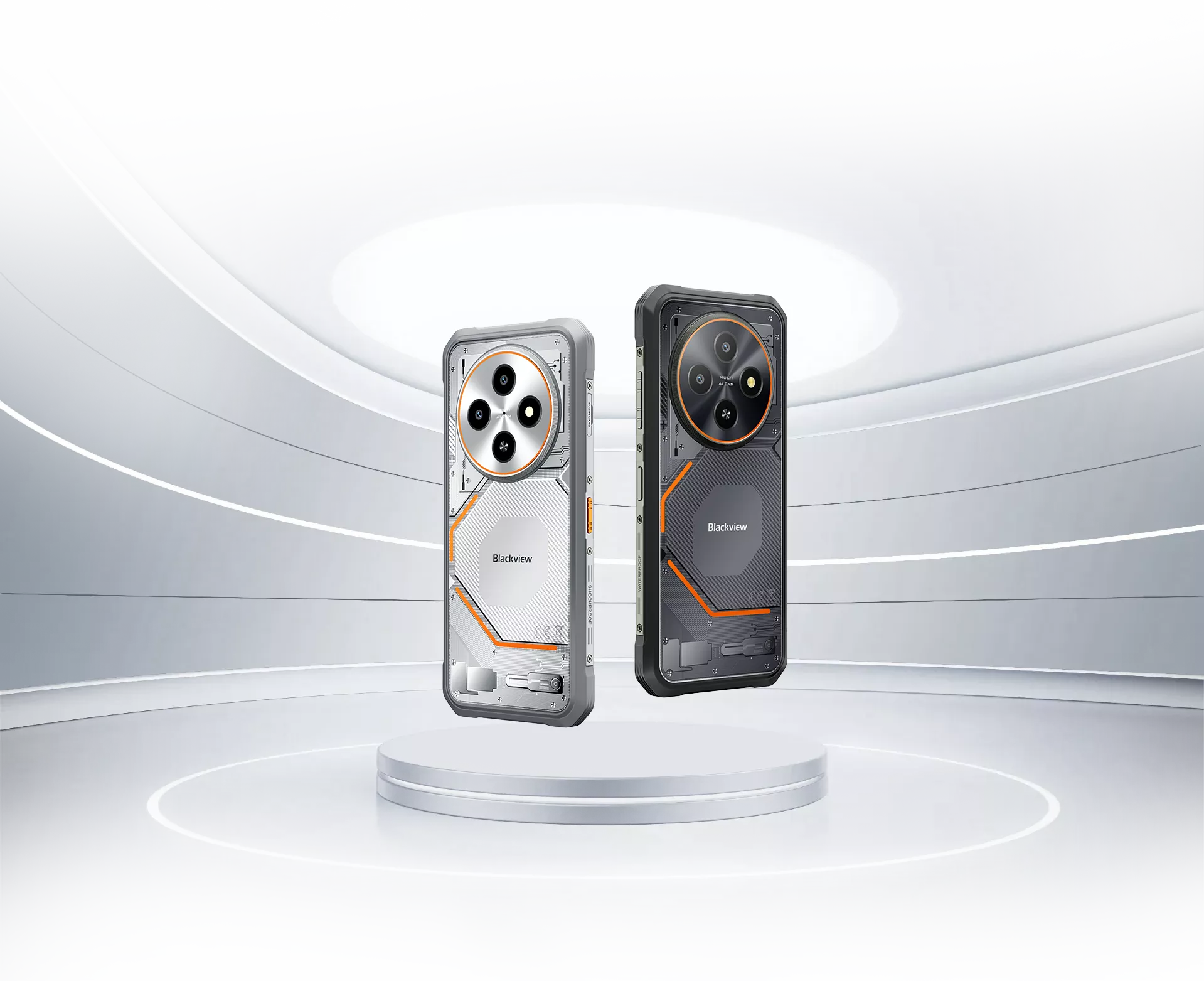
Blackview FORT 2 울트라슬림 6.56인치 MediaTek Helio G81 옥타코어 5000mAh 16MP+13MP AI 카메라 NFC 4G 러기드 휴대폰

재고 없음
하이라이트
하이라이트
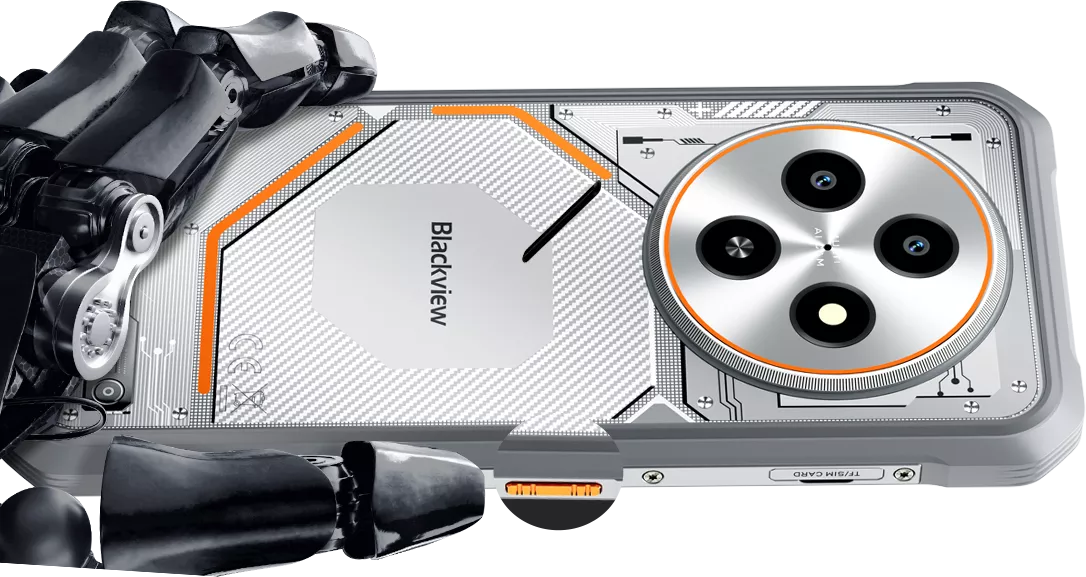
✔6.56인치 245.3g & 10.7mm 슬림 러기드 폰
✔옥타코어 MediaTek Helio G81 프로세서
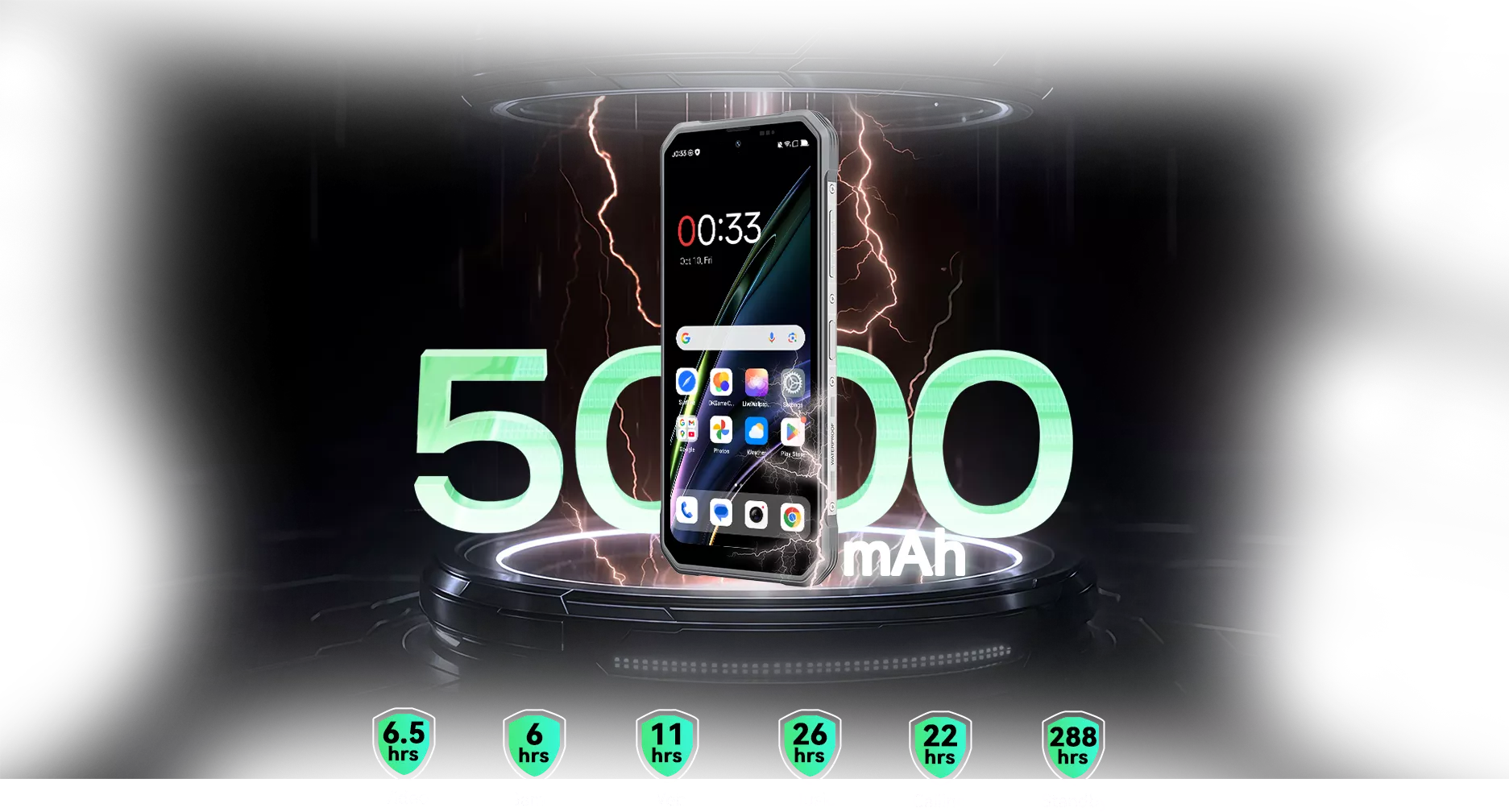
✔5000mAh & 18W 고속 충전
✔IP68 & IP69K & MIL-STD-810H 인증
정보
정보
Blackview FORT 2는 무거운 벽돌 같은 기기를 들고 다니지 않고도 야외에서 신뢰할 수 있는 내구성을 원하는 사용자를 위해 제작된 슬림한 러기드 4G 휴대폰입니다. 6.56인치 90Hz HD+ 디스플레이, MediaTek Helio G81 프로세서, 5000mAh 배터리, 18W 고속 충전으로 일상 작업을 원활하고 실용적으로 유지합니다. IP68 및 IP69K 방수·방진, MIL-STD-810H 내구성, 장갑 모드, 수중 카메라, NFC, 듀얼 4G 지원, 16MP 후면 카메라를 갖춰 업무, 여행, 일상 모험에 적합한 가벼운 현장용 휴대폰입니다.
브랜드 소개
브랜드 소개
Blackview는 훌륭한 기술이 단순한 사양을 넘어야 한다고 믿습니다. 실제 생활에 맞고, 실제 문제를 해결하며, 가장 중요한 순간에 신뢰할 수 있어야 합니다.
Blackview는 처음에 혹독한 환경을 위한 견고한 휴대폰으로 시작했습니다. 오늘날에는 스마트폰, 태블릿, 노트북, 스마트워치, 오디오 제품 등 더 넓은 스마트 기기 생태계를 제공합니다.
모든 카테고리에서 우리의 초점은 변함없습니다: 내구성 있는 품질, 실용적인 혁신, 그리고 합리적인 가격. 우리는 처음부터 믿음직스러운 제품을 설계합니다.
고객이 가장 중요하게 여기는 것은 무엇인지 이해합니다: 부드러운 성능, 오래가는 신뢰성, 유용한 기능, 그리고 불필요한 비용 없이 일상을 더 편리하게 만드는 기술입니다.
그래서 Blackview는 제품 테스트, 사용자 경험, 그리고 업무, 여행, 창작, 야외 탐험, 일상적인 연결에 의미 있는 가치를 제공하는 기능에 진정한 관심을 기울입니다.
Blackview는 신뢰할 수 있는 기술을 원하는 사람들을 위해 만들어졌습니다: 현대 생활을 따라갈 수 있는 스마트하고 유능한 기기입니다.
설계부터 신뢰할 수 있고, 본질적으로 실용적이며, 실제 생활을 위해 만들어졌습니다.
배송 및 반품
배송 및 반품
• 배송: 주문은 영업일 기준 1~2일 이내에 처리됩니다. 표준 배송은 위치에 따라 영업일 기준 3~7일이 소요됩니다.
• 반품: 주문을 받은 날로부터 30일 이내에 제품을 반품하거나 교환할 수 있습니다. 상품은 구매 증빙과 함께 원래 상태여야 합니다.
제품에 제조상의 결함이나 손상이 있을 경우 추가 비용 없이 기꺼이 교환해 드립니다.

 더 가볍게 들고, 더 자유롭게 움직이세요.
더 대담하게 살아가세요 어디서든 가볍고 멈추지 마세요.
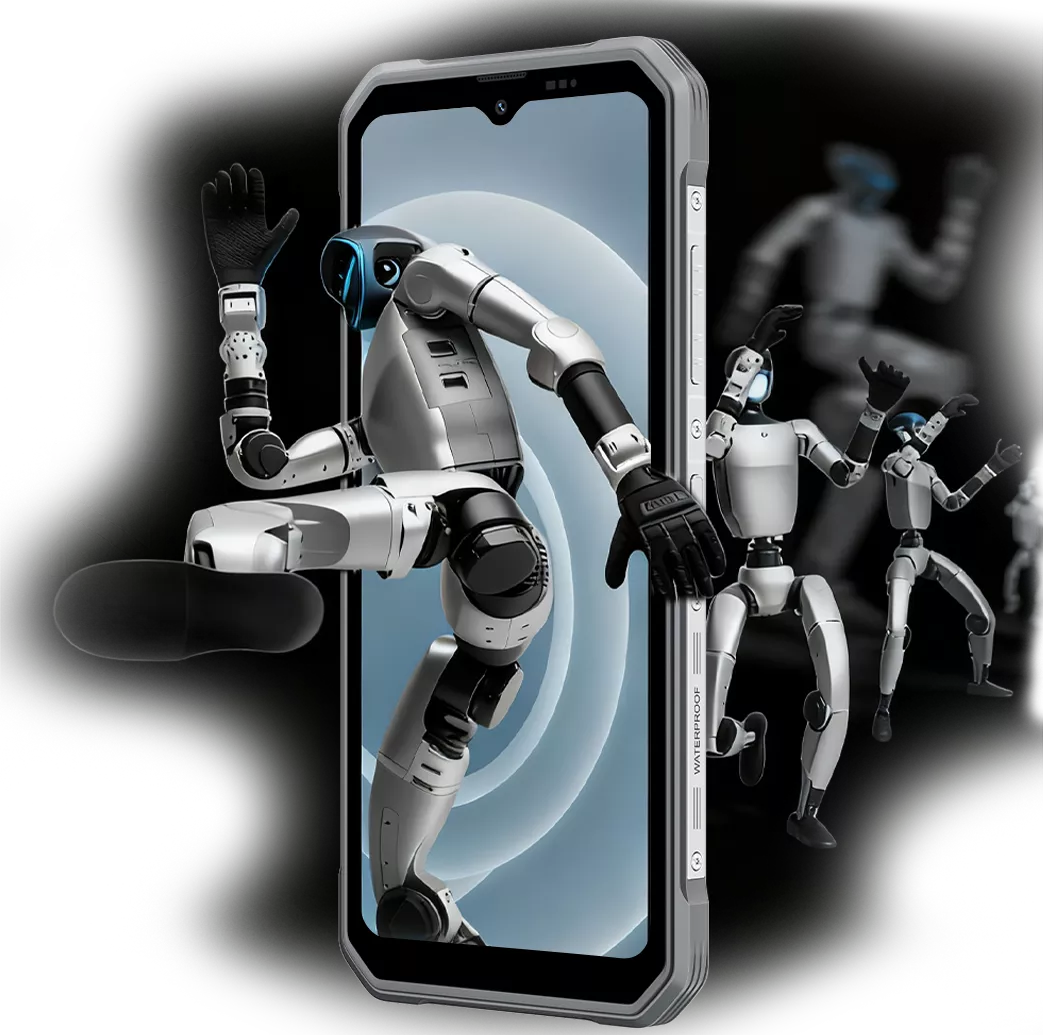
기대 이상으로 슬림한
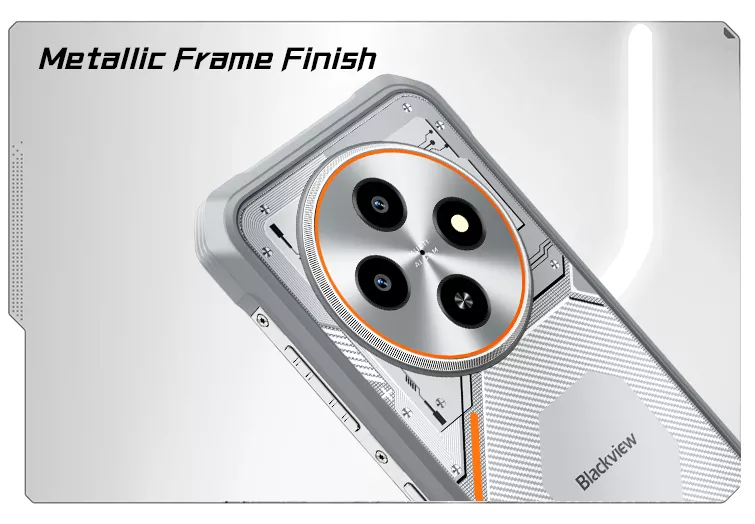

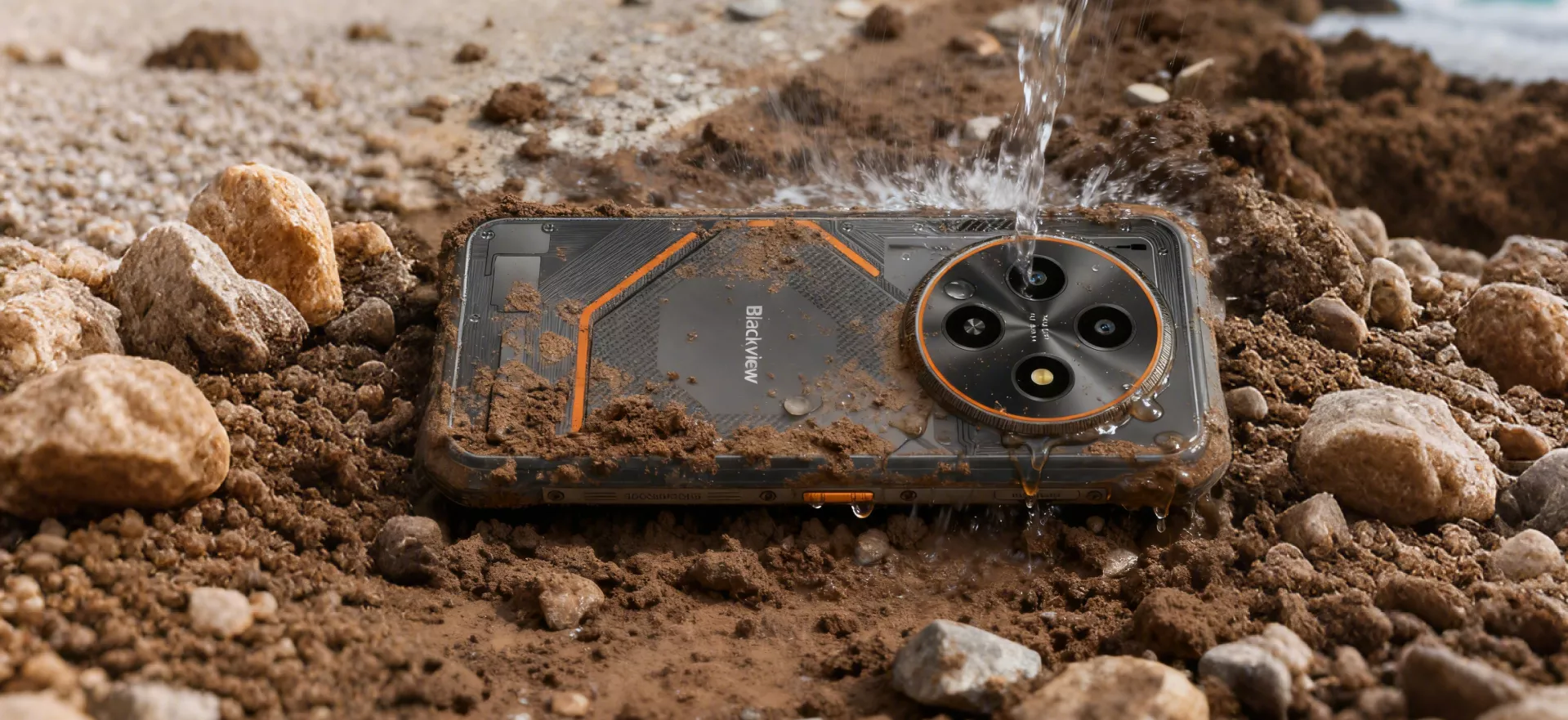 건조하게, 깨끗하게, 견고하게 제작
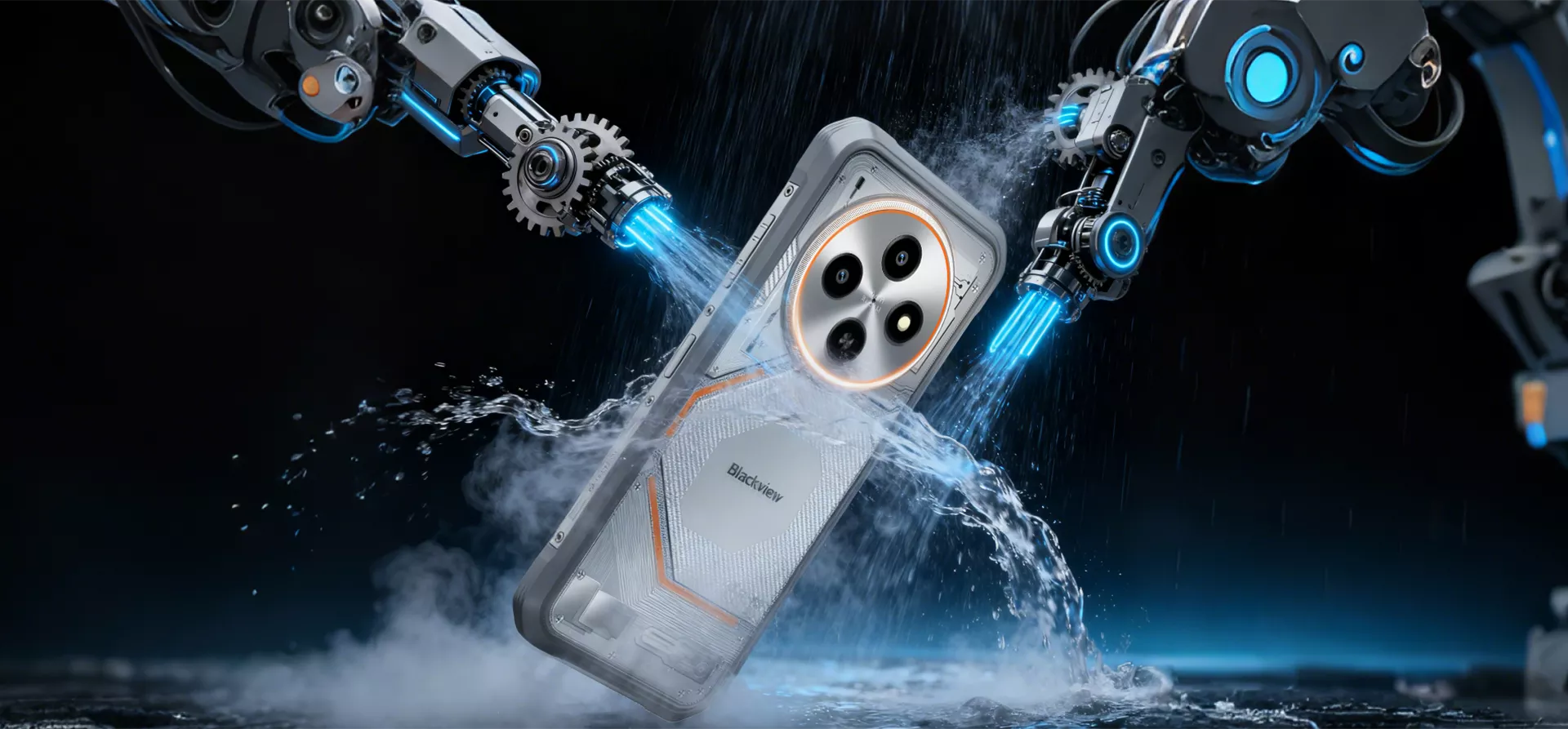
최고 수준 IP68 & IP69K 방수 및 방진
진흙투성이 작업장부터 갑작스러운 폭우와 눈보라까지, FORT 2는 모두 견뎌냅니다
IP68 및 IP69K 등급으로 1.5m 수심에서 30분간 견디며 폭우도 문제없습니다
시간당 80mm 이상의 비 — 가장 혹독한 환경에서도 견딥니다.
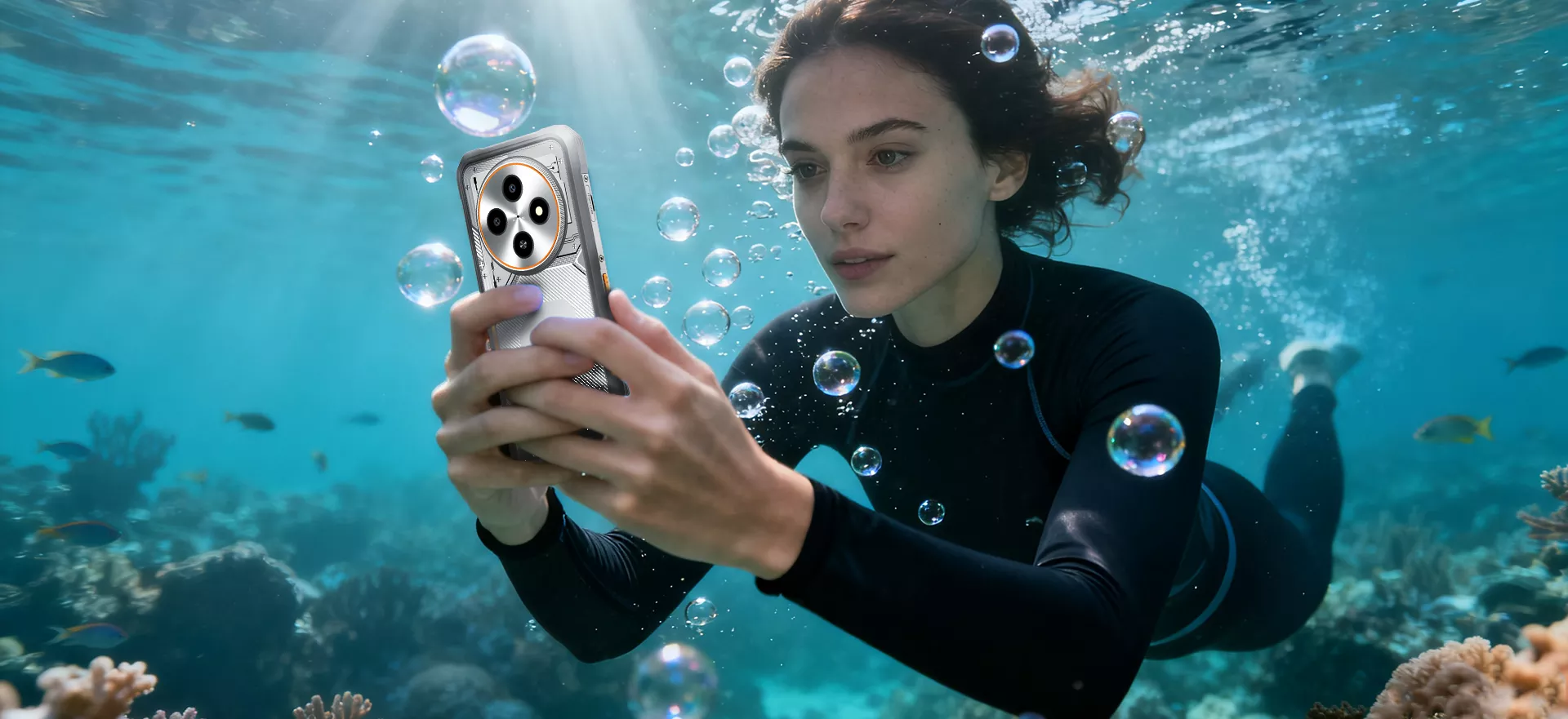
 잠수하세요. 모든 순간을 포착하세요
방수 카메라
FORT 2의 방수 카메라는 젖고 거친 환경에서도 선명한 사진을 찍을 수 있습니다
— 물과 먼지에 강한 견고함.

어디서든 작동하는 AI 세계 최고
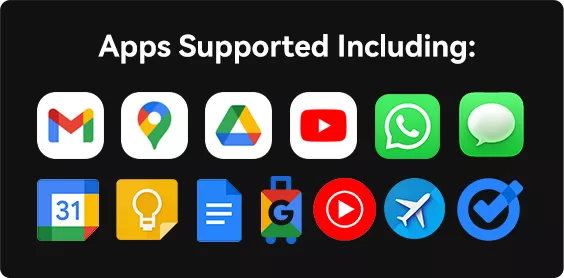
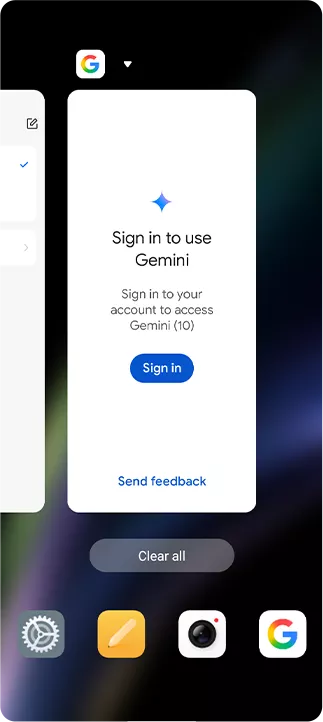
끊김 없는 효율성 AI 글로벌 스마트 컨트롤 음성이나 텍스트를 강력한 크로스앱 어시스턴트로 변환하여 — 일상 업무를 더 빠르고 쉽게. GPS 내비게이션과 긴급 통신부터 날씨 알림까지 및 기기 관리를 위해 Gemini AI가 앱 전반에서 원활한 제어를 지원합니다.
스마트 허브 AI 전체 화면 스마트 어시스턴스 더 이상 모호한 답변은 없습니다 — 화면을 이해하고 맞춤형 답변을 제공합니다 실시간 콘텐츠 기반. 탭 한 번으로 질문하고 당신을 진정으로 이해하는 AI를 경험하세요.
작업을 간소화하세요 모두를 위한 스마트 AI 음성 Q&A
항상 신뢰할 수 있습니다

DeepSeek-R1 빠른 검색과 정확한 답변을 위한 궁극의 AI 동반자.
파싱 길고 복잡한 문서도 손쉽게 이해하세요.
작곡 16가지 역동적인 스타일로 상상을 몇 초 만에 멜로디로 바꾸세요.
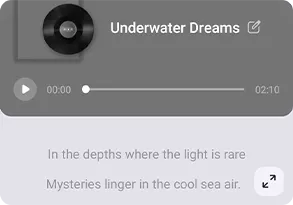
어시스턴트 20가지 개성 — 언제든 대화, 학습, 또는 엔터테인먼트 준비 완료.
야외를 정복하세요 ImageX 앱(AI 사진 향상기) 거친 야외 모험부터 이동 중 프로젝트까지, ImageX는 촬영과 순간을 손쉽게 향상. 최대 18가지 스마트 AI 도구로 사진을 촬영, 다듬고 편집할 수 있습니다 거친 기기에서 직접 — 현장 작업, 여행, 야외 창작에 이상적입니다.
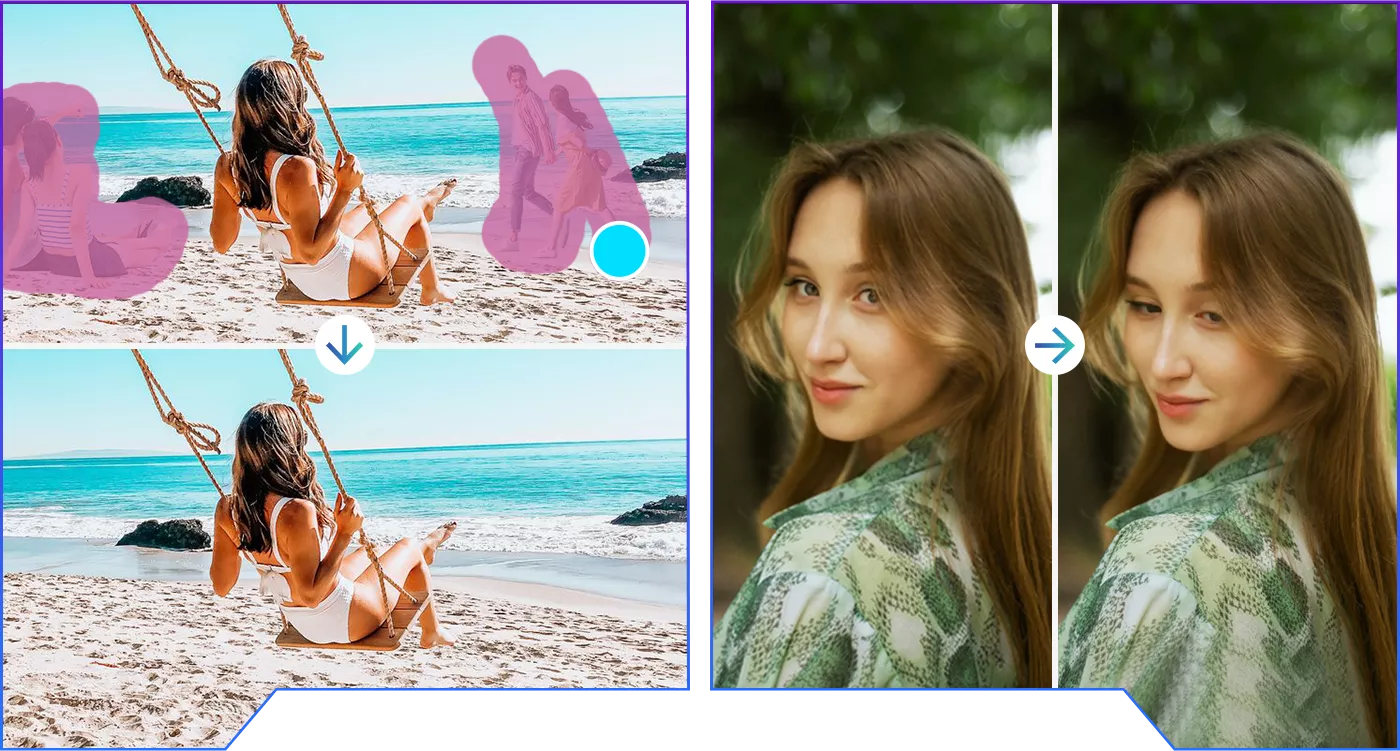 최대 18가지 고급 이미지 편집 알고리즘
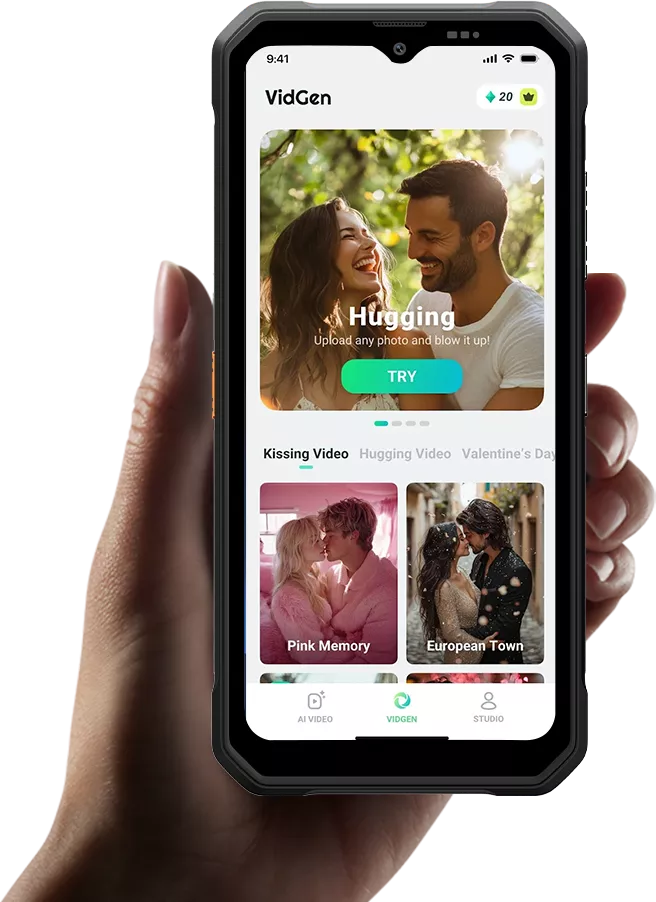

역동적인 모험 VidGen APP(AI 영상 생성기)
음악과 함께

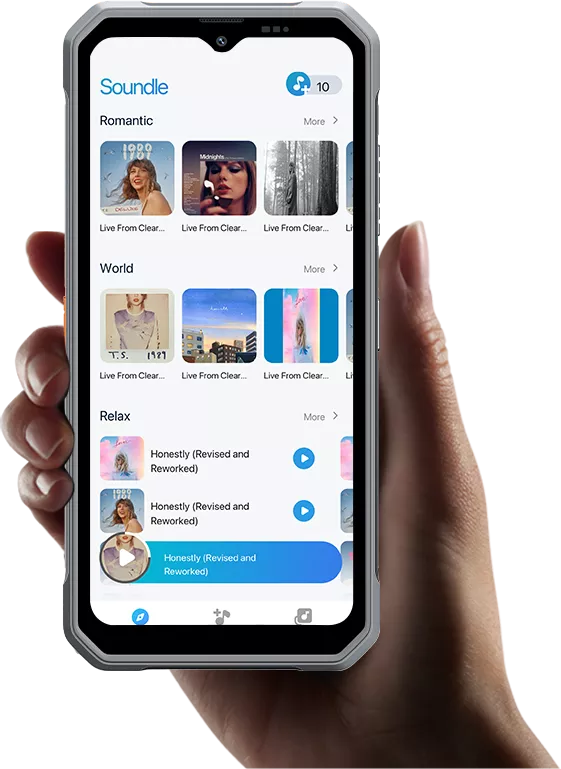
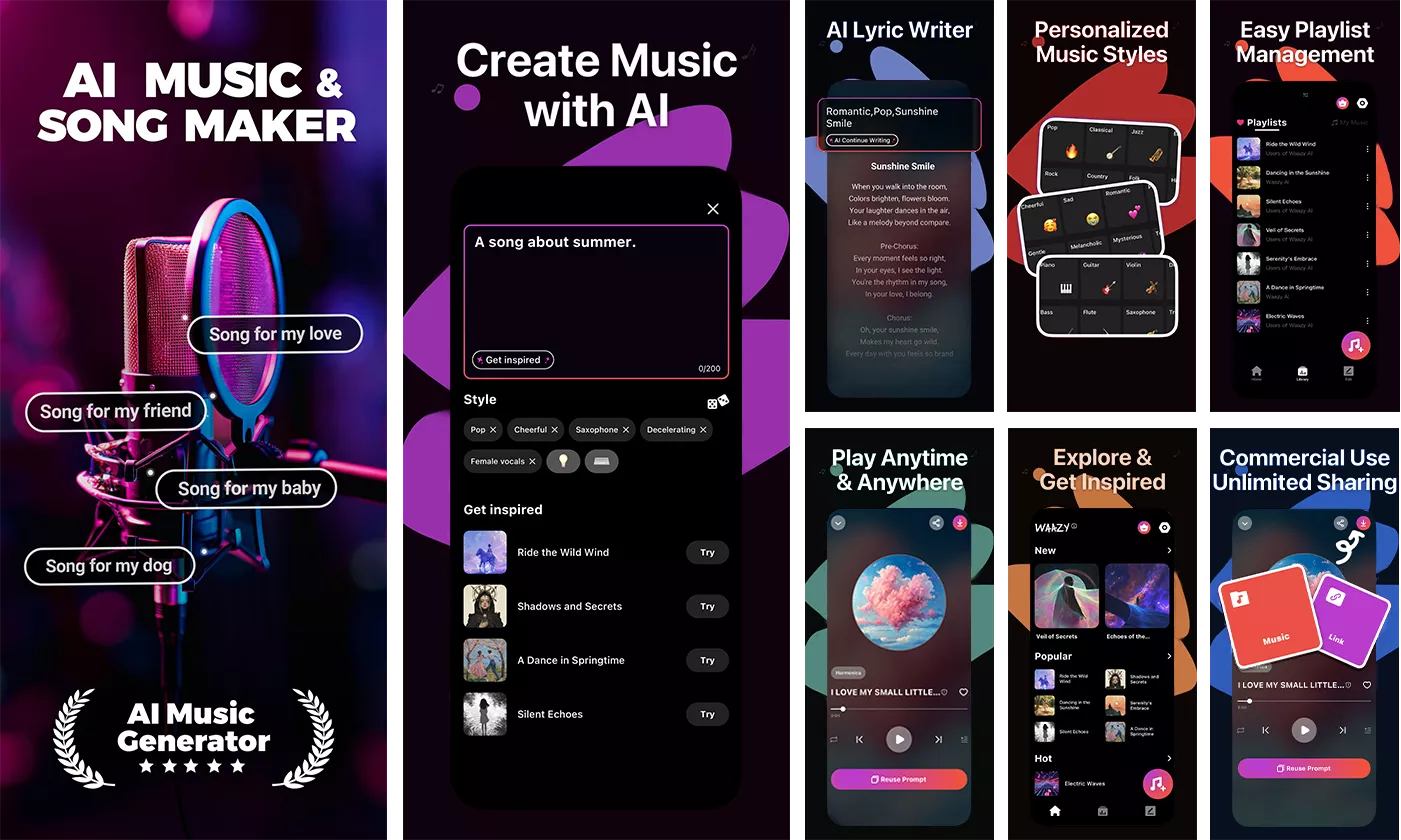 *모든 Doke AI 앱에 대해 30일 무료 체험이 제공되며, 완전한 접근 권한을 드립니다
모든 AI 기능을 제한 없이 제공합니다.
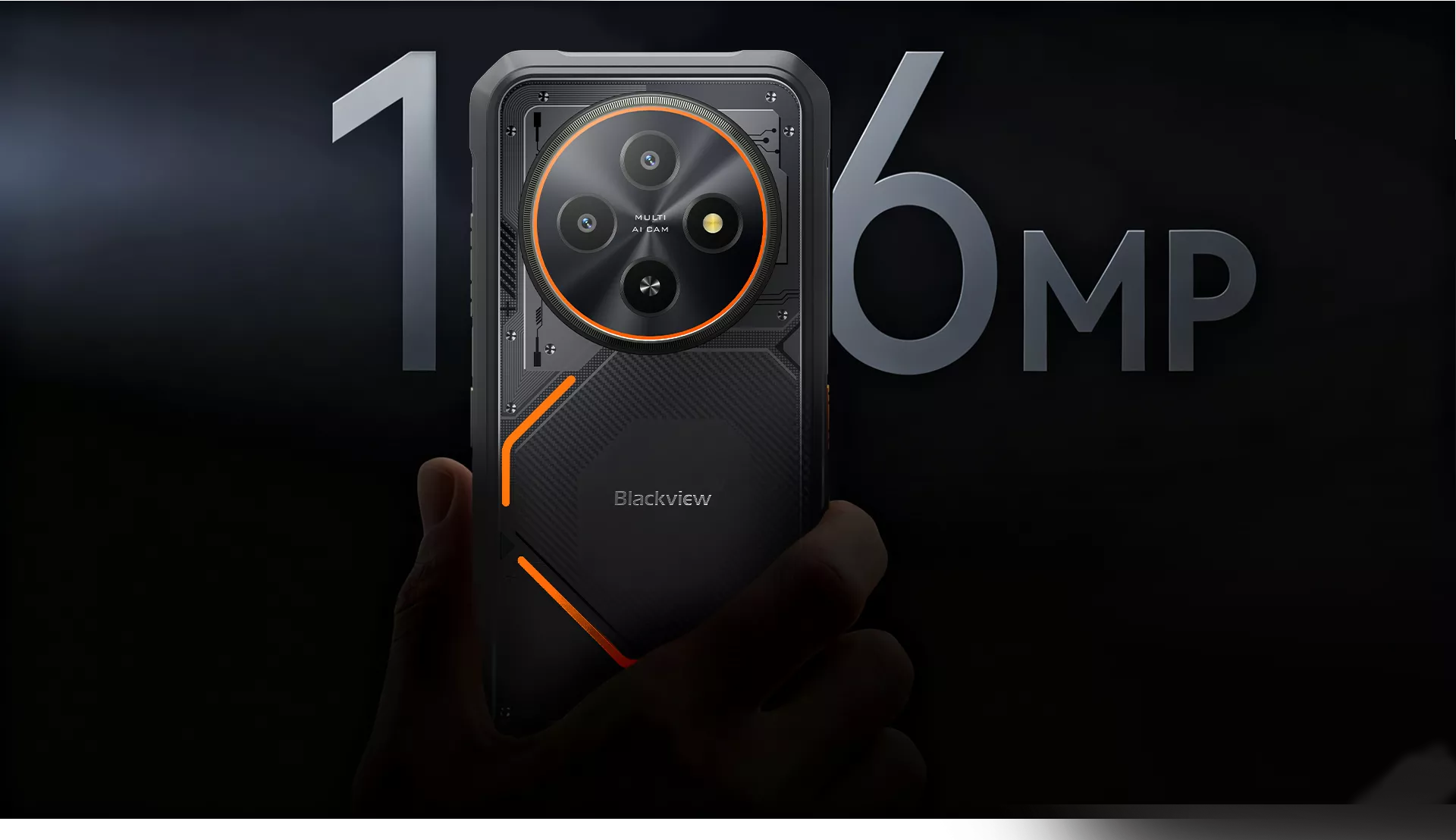
16MP AI 후면 카메라
모험을 담아보세요. 모든 디테일을 선명하게
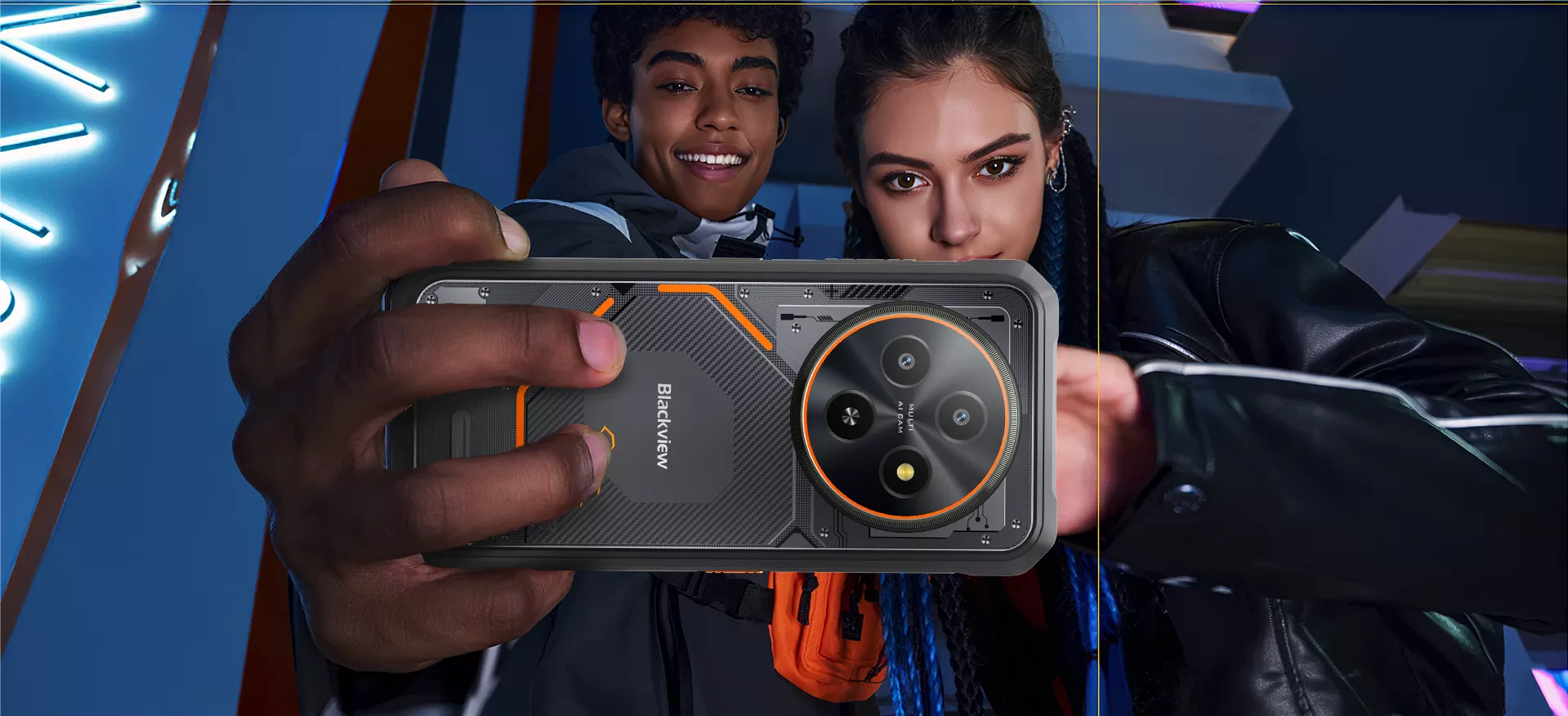
FORT 2의 16MP 후면 카메라는 현장 작업, 야외 모험, 또는 단체 촬영에 적합합니다
셀카를 손쉽게 — 거친 환경에서도 모든 디테일을 살린 선명한 영상.
 선명한 움직임, 몰입감 있는 시야
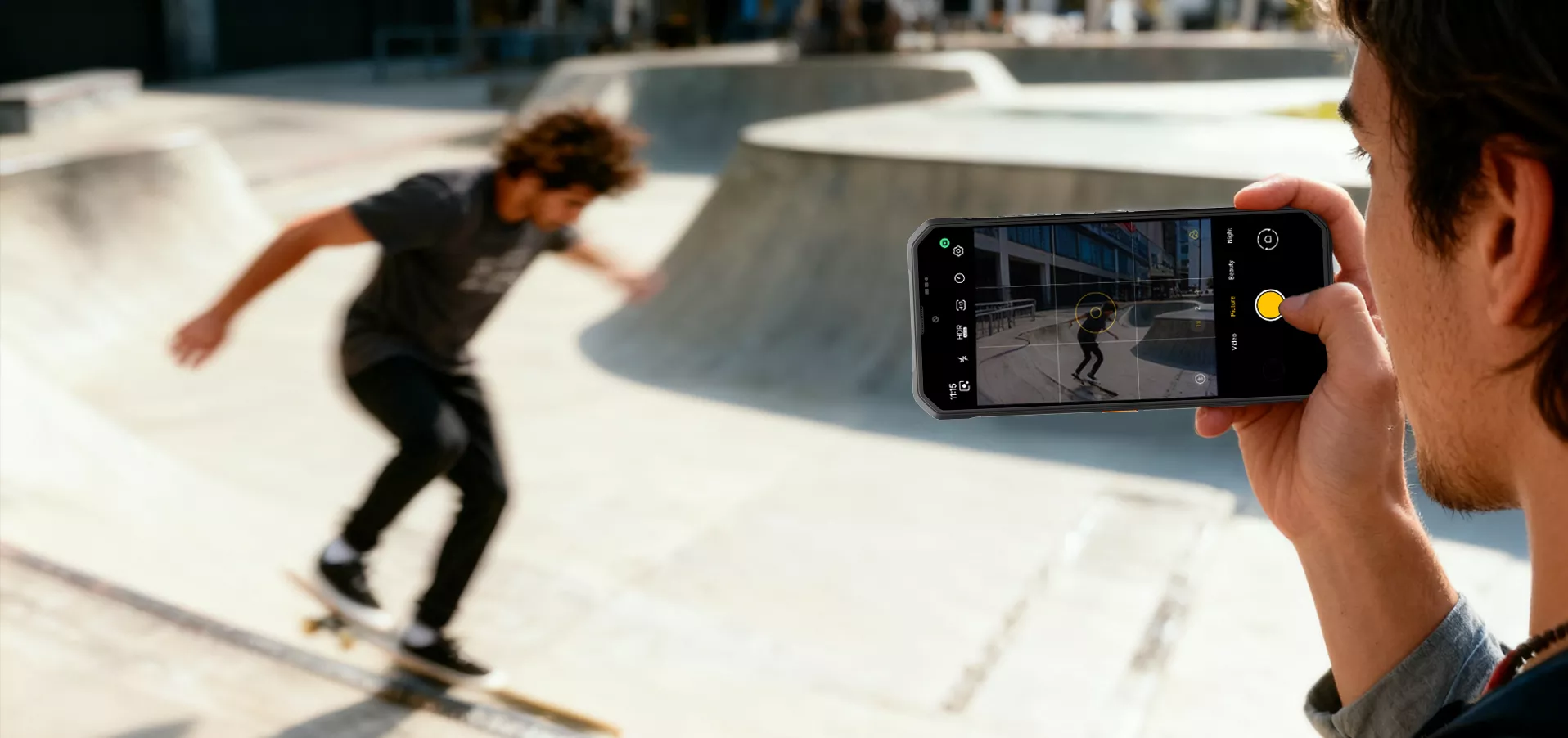
1080P FHD 비디오 녹화
선명하고 상세한 1080P FHD 비디오로 모든 순간을 포착하세요. 야외에 완벽함
모험, 현장 작업, 이동 중 활동에 생생한 색상, 부드러운 움직임, 몰입감을 제공합니다
어디서든 시청 가능
 한 번의 탭으로 모든 것을 탐색
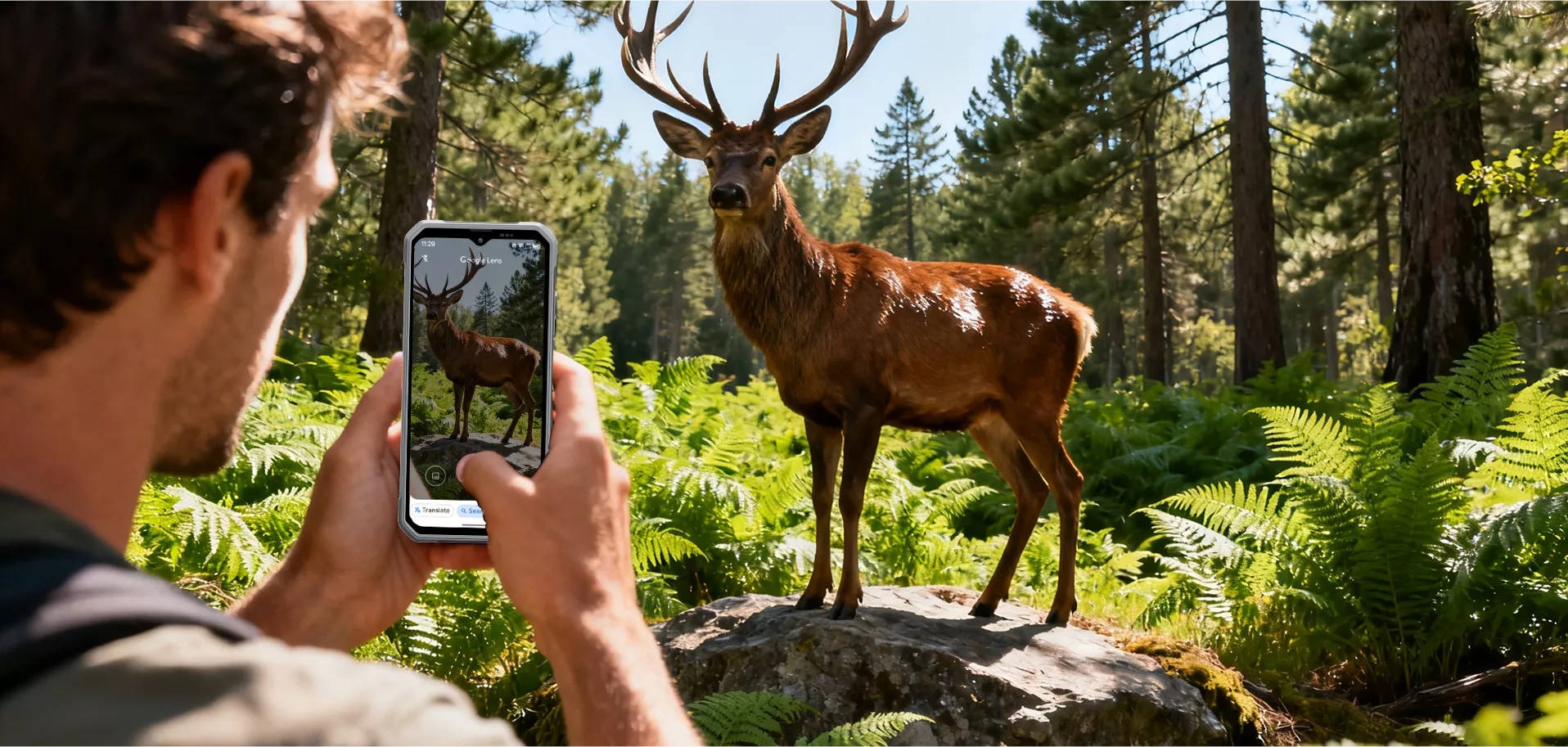
AI 스마트 구글 렌즈
셔터를 한 번 누르면 발견의 세계가 열립니다. 즉시 검색,
모든 것을 식별하고 탐색하세요.


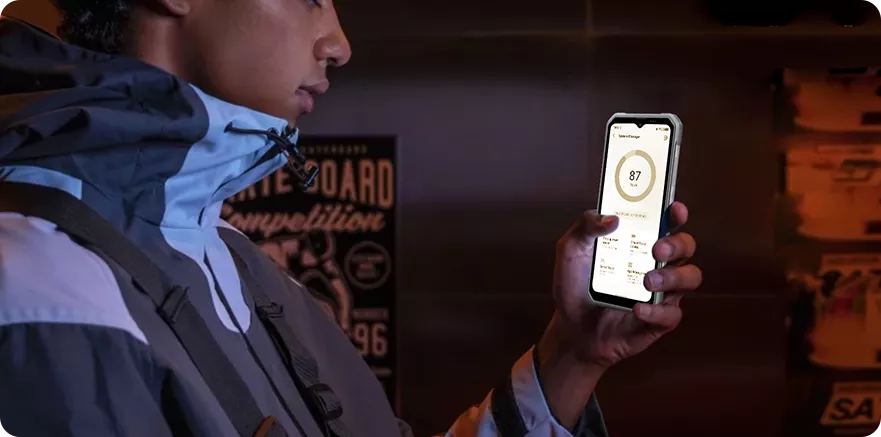
편안한 시청 경험

그레이스케일 인터페이스로

따뜻한 색감으로
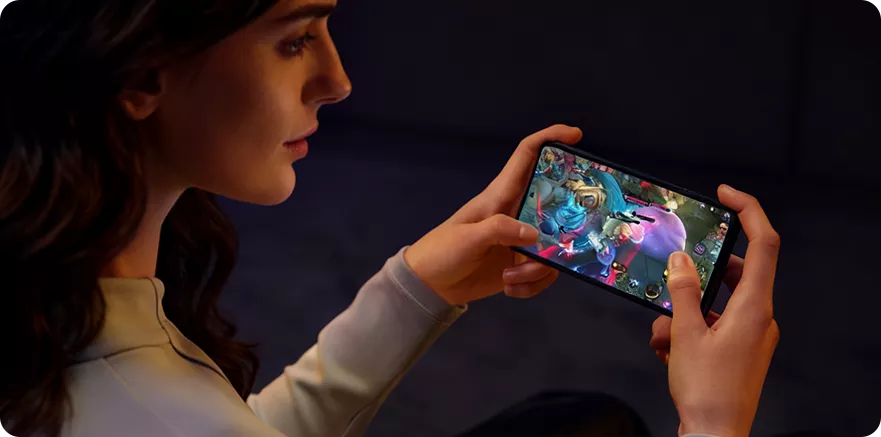
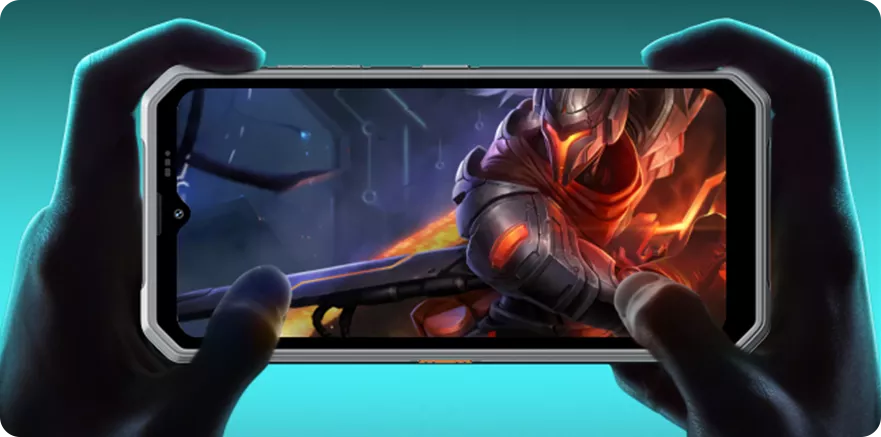

최대 성능 옥타코어 MediaTek Helio G81 프로세서


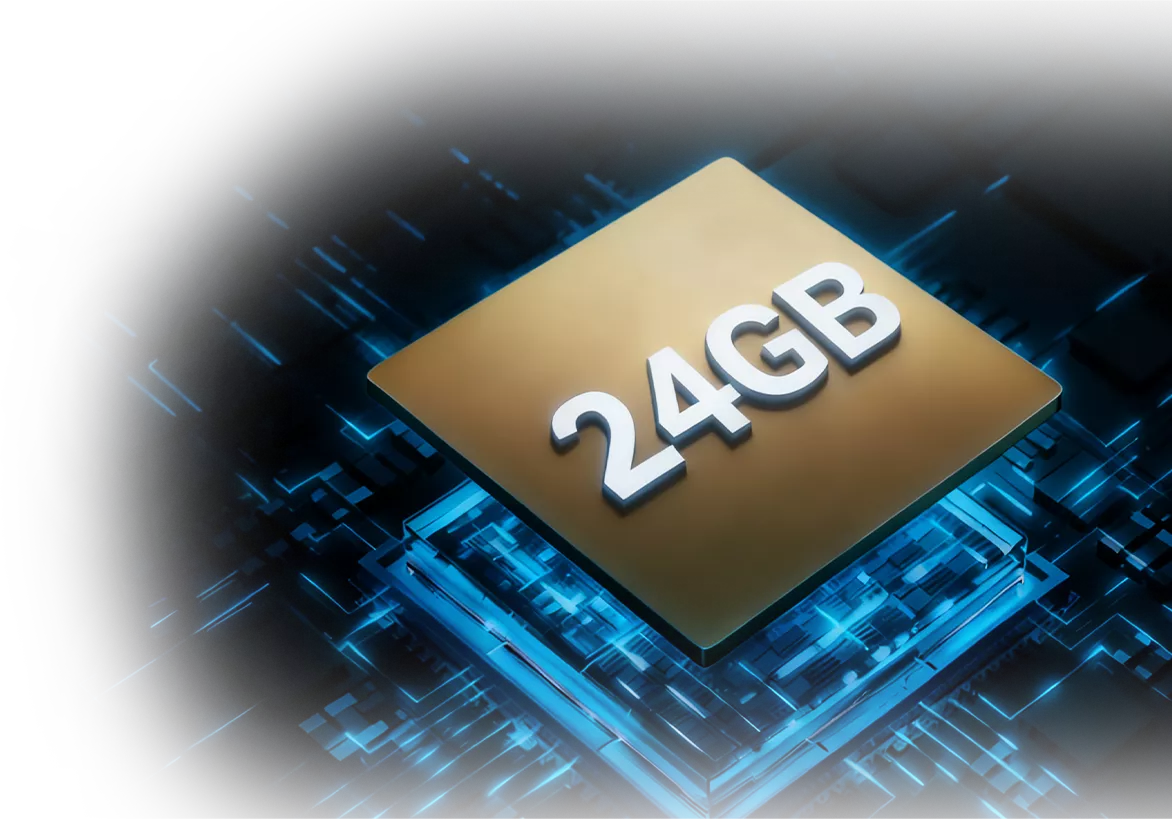
무한한 가능성 최대 24GB RAM = 8GB RAM + 16GB 확장 현장 점검부터 야외 임무까지, FORT 2의 최대 24GB RAM이 앱을 원활한 실행과 작업 흐름, 강력한 내구성에 맞게 설계됨.
및 프라이버시와 함께 최신 DokeOS 5.0 기반
Android 15


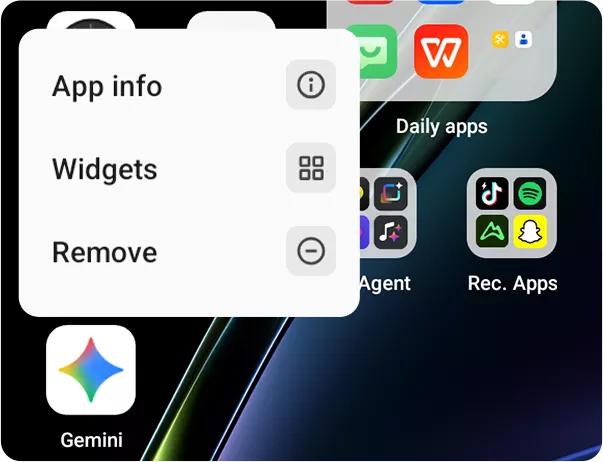
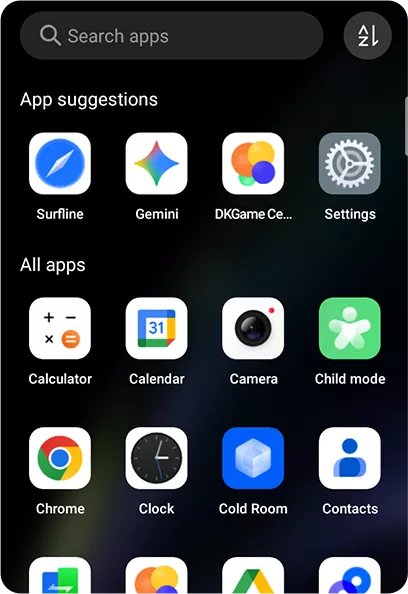
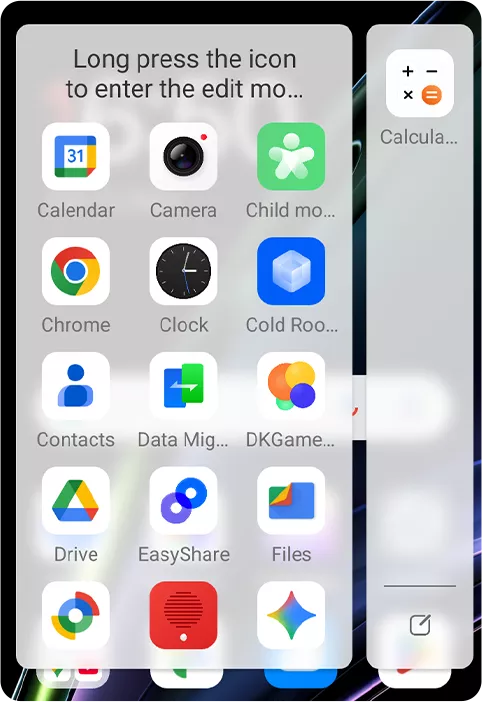
삭제 확인 추가 및 더 명확한 아이콘. •앱 서랍:
앱을 이름, 사용량, 카테고리별로 정렬.
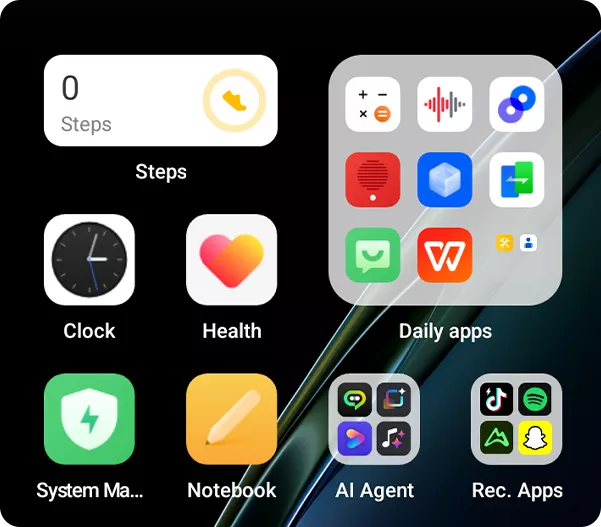 •데스크탑 위젯:
더 명확한 정보로 재설계된 목록
한 한눈에.
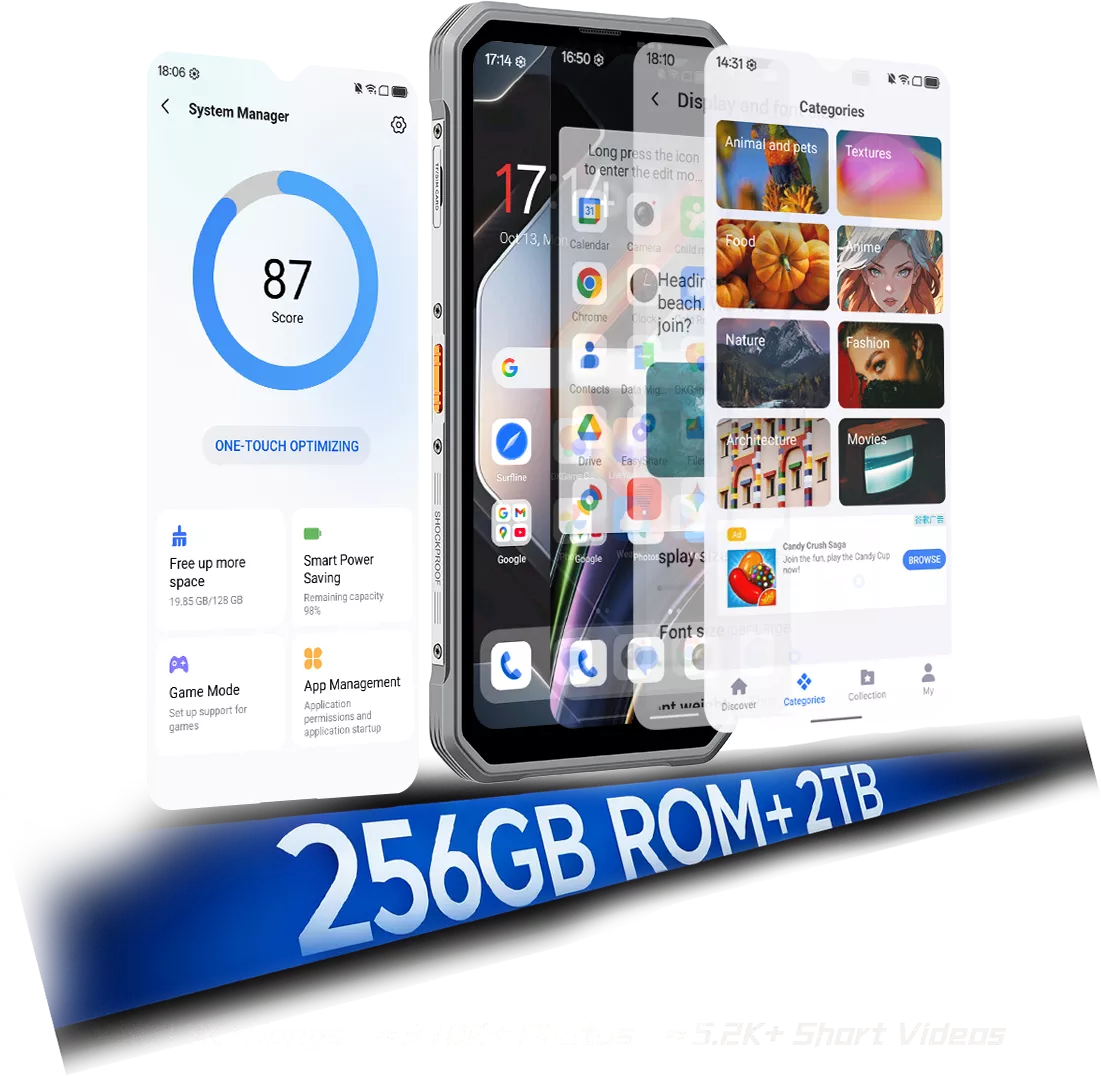
더 가볍고 자연스러운 느낌의 새로운 유리 질감. 정제되고 신뢰할 수 있으며, 당신의 일상을 위한 준비 완료 속도, 부드러움, 효율성을 위해 설계된 DokeOS 5.0은 저장소, AI, 카메라 등 원활한 경험을 위해. 시스템 관리자: 더 똑똑한 정리, 더 넓은 공간
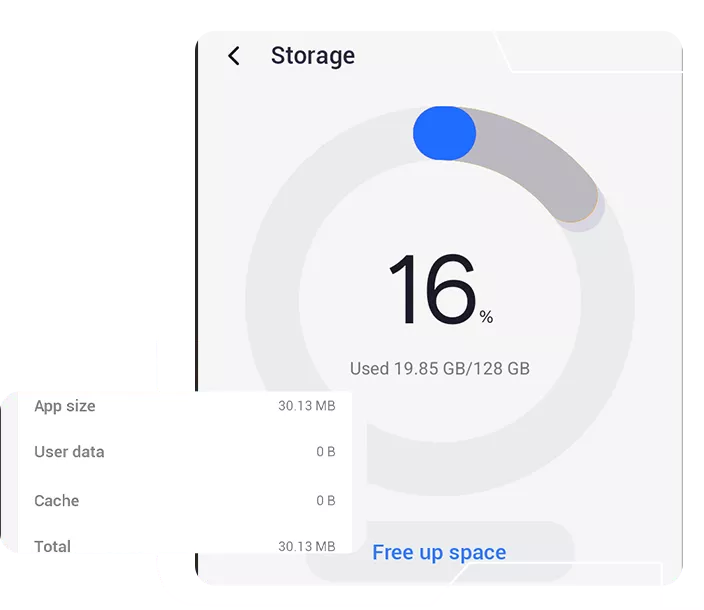
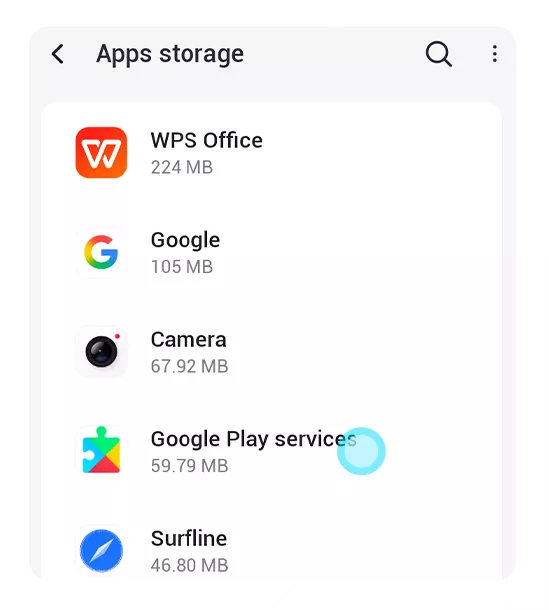
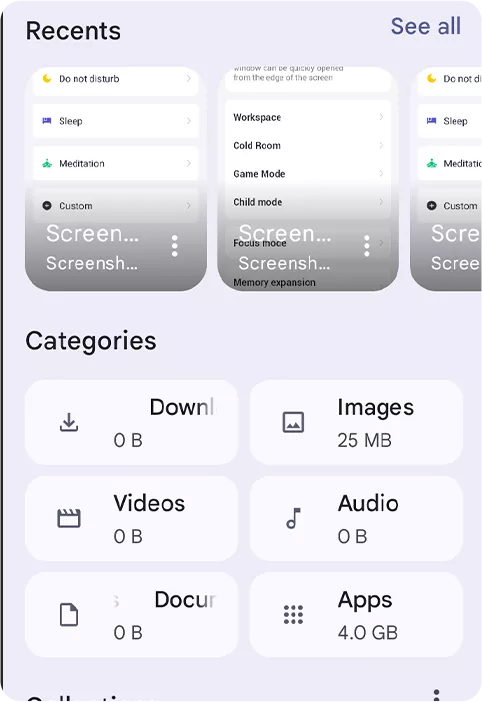
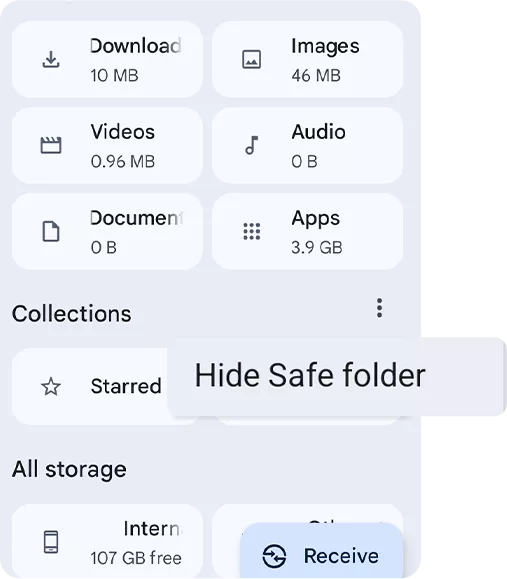
원터치로 정크 파일 삭제 및 공간 확보. •분류된 정리:
파일 유형별로 정리하여 더 나은 제어.
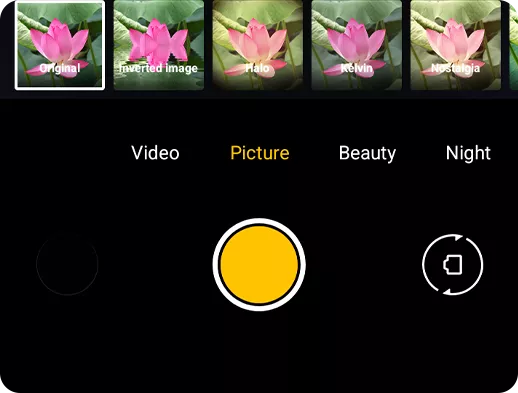
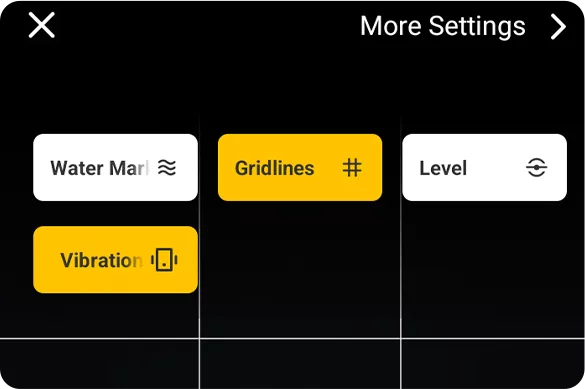
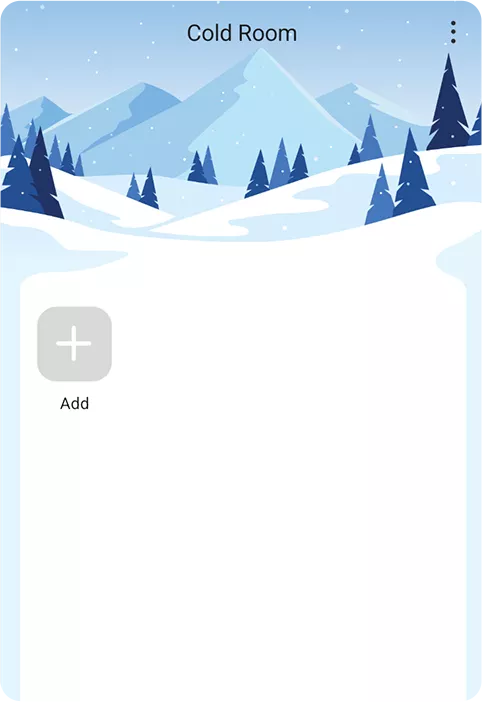
원터치로 시네마틱 무드 연출. •빠른 접근:
구도 격자, 워터마크, 수평 도구, 햅틱 피드백

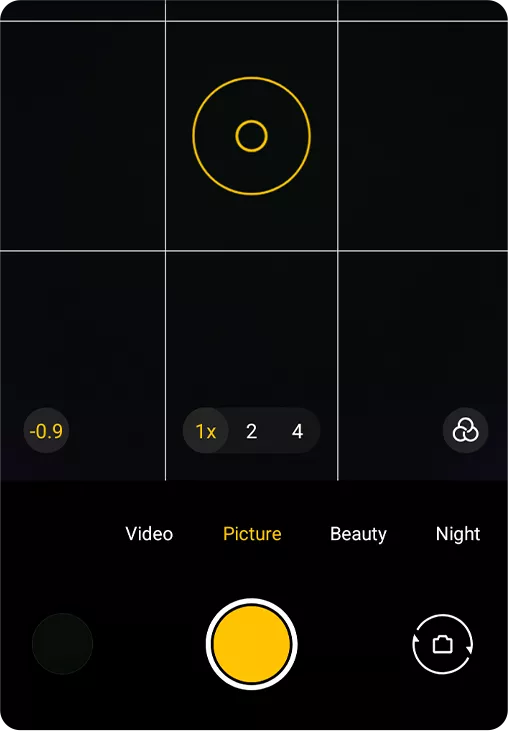
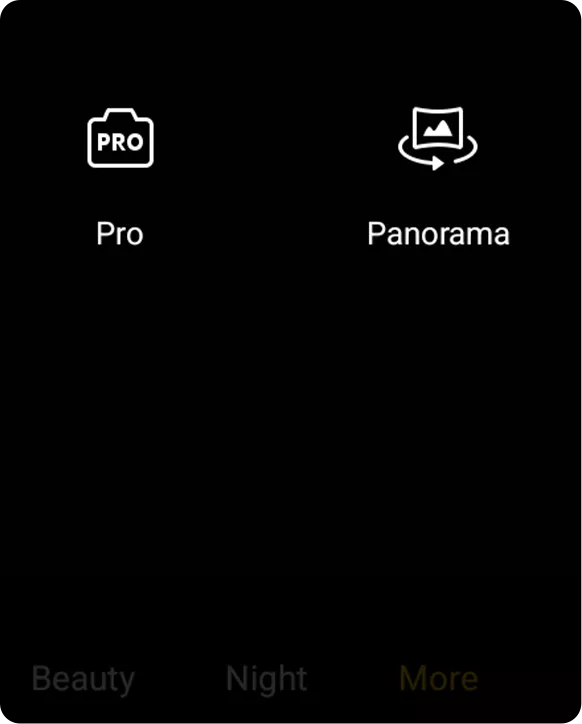
더 정밀한 구도, 더 안정적인 촬영. •프로 모드 향상:
색온도 조절 및 선택 세 가지 측정 모드

 자유롭게 쓰고, 쉽게 찾고, 안전하게 보관하세요
모든 것을 즉시 검색. •유연한 정렬:
생성, 수정 등으로 정렬하여 더 쉽게 검색.
여러 노트를 한 번에 관리. •최근 삭제됨:
삭제된 노트를 쉽게 복구.
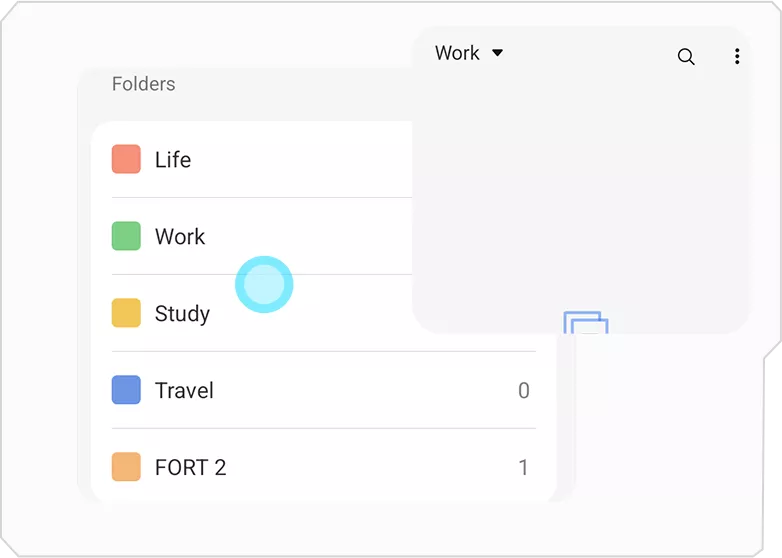
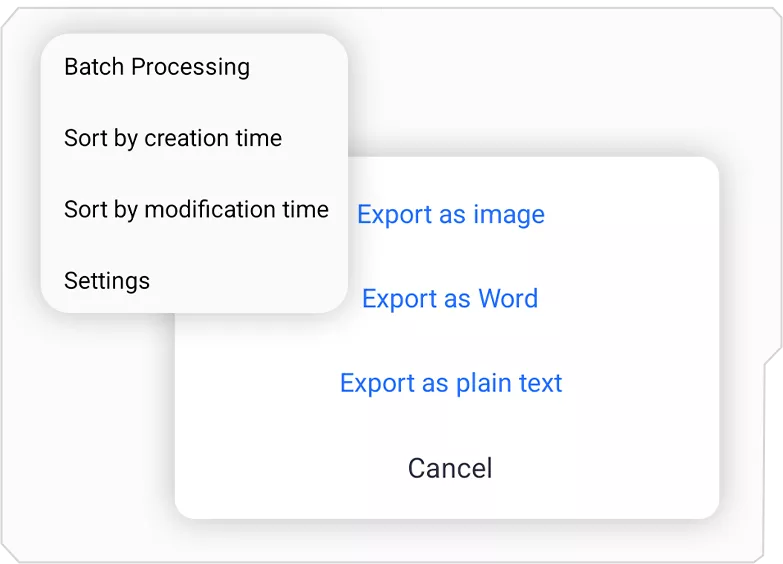
모든 동작에 즉각적인 피드백. •유연한 내보내기:
노트를 Word 또는 TXT로 내보내기.
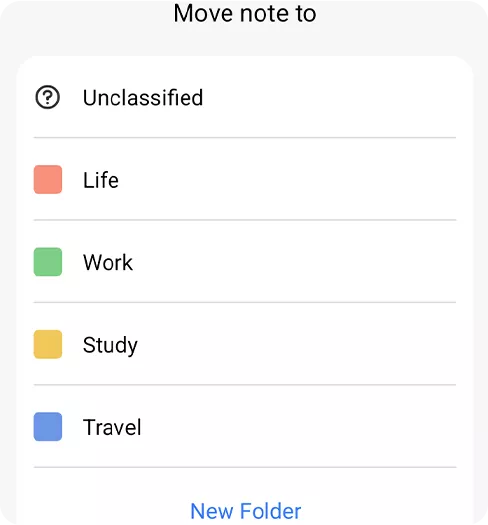
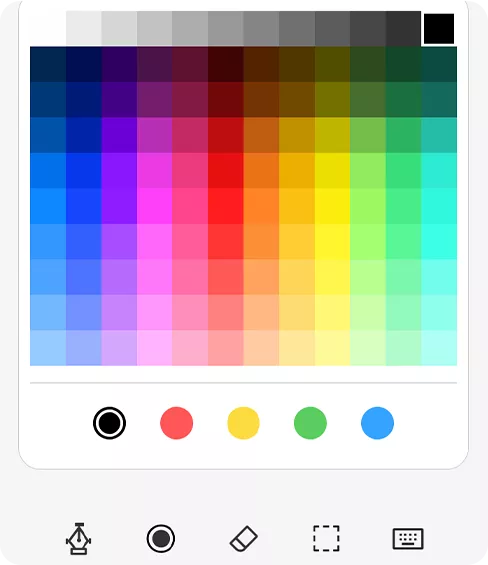
하이라이트, 목록, 맞춤 서식으로 노트 포맷팅 색상. •낙서 업그레이드:
조절 가능한 브러시와 색상의 똑똑한 낙서.
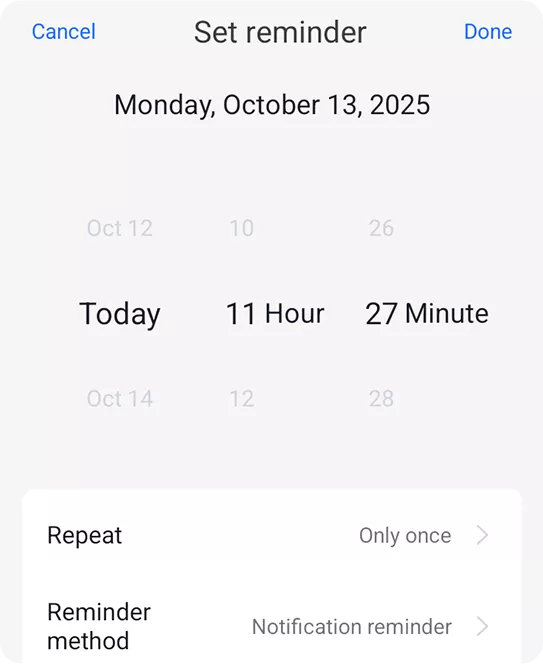
더 똑똑한 알림 •향상된 알림:
일간, 주간, 월간, 연간 등 유연한 알림 또는 연간 옵션.
 서프라인: 손끝에서 만나는 뉴스
여러 출처의 인기 주제를 한데 모아 명확하고 간결한 보기. •원터치 접근:
추가 전환 없이 즉시 필요한 것을 얻으세요 필수.
-
![]() •게임 센터 【NEW】
-
![]() •이지쉐어 앱
-
![]() •워크스페이스 앱
-
![]() •건강 앱
-
![]() •세심한 타이머
-
![]() •데이터 마이그레이션 도우미





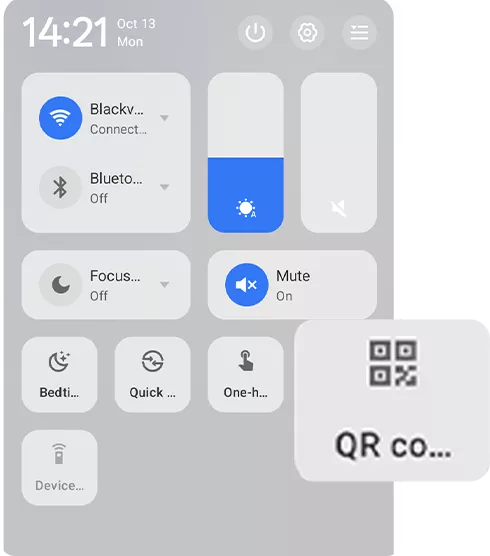

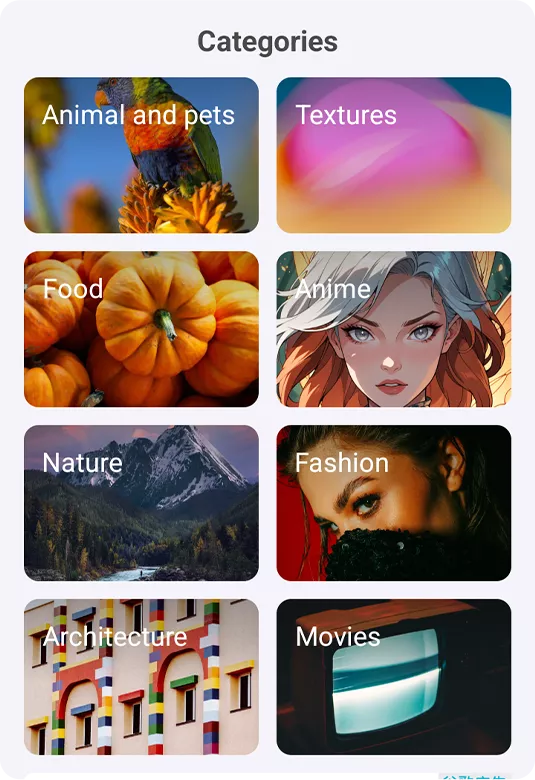
 당신의 모습, 당신의 규칙
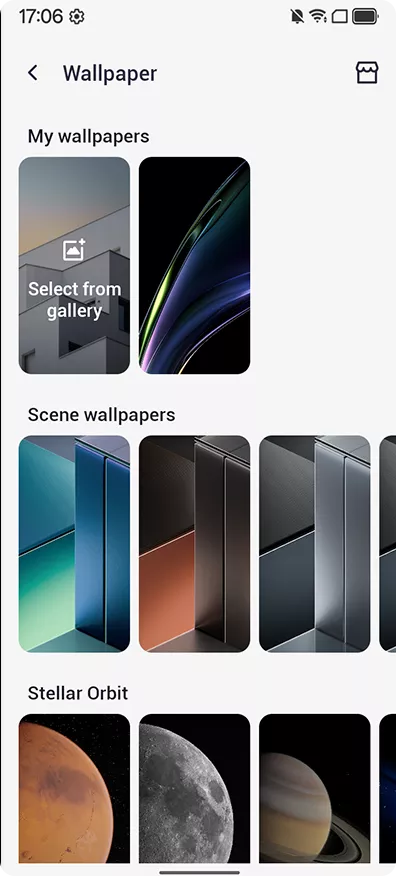
8가지 이상의 다양한 테마와 라이브 배경화면 카테고리.
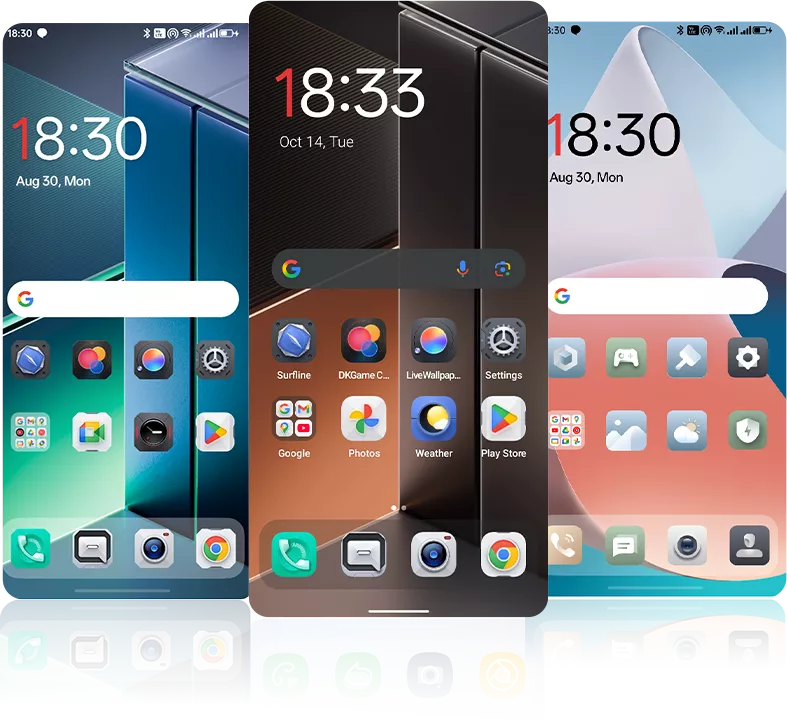 •테마 스타일:
미니멀, 병렬 및 기타 테마 지원.
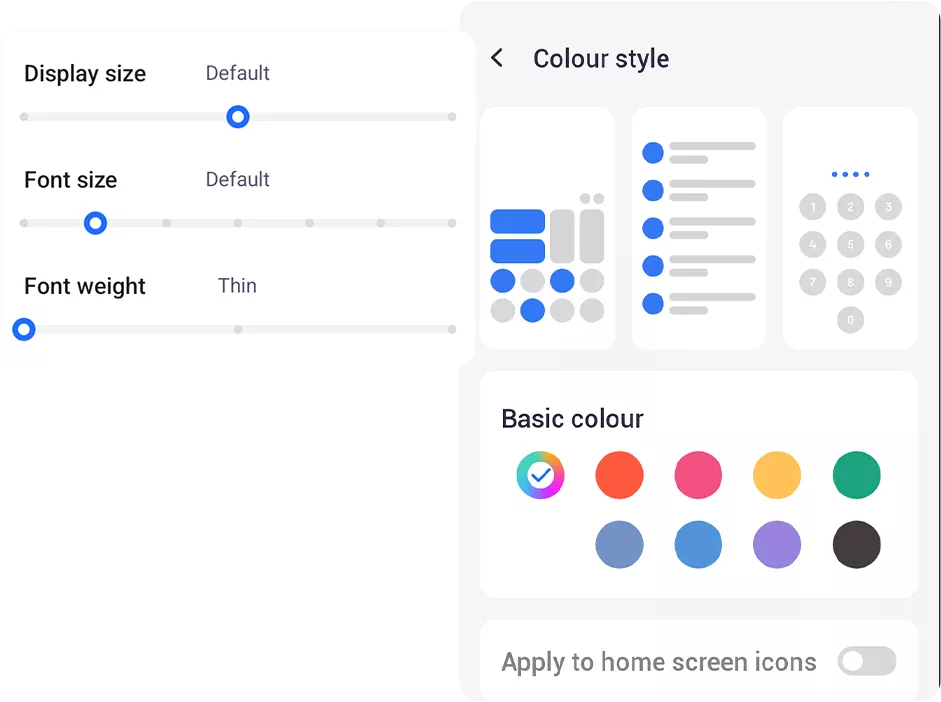
인터페이스 색상을 쉽게 전환하세요.
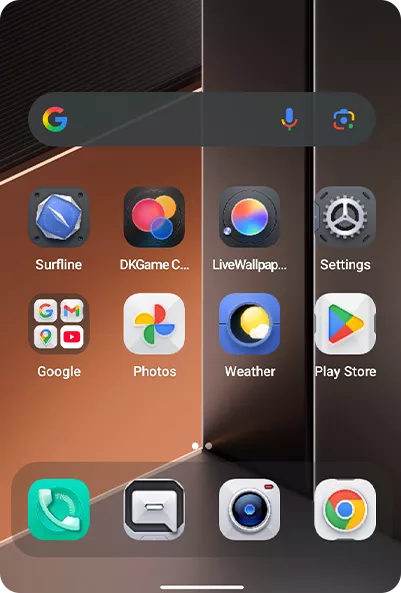
미니멀, 병렬 및 기타 테마 지원. •앱 UI 리프레시:
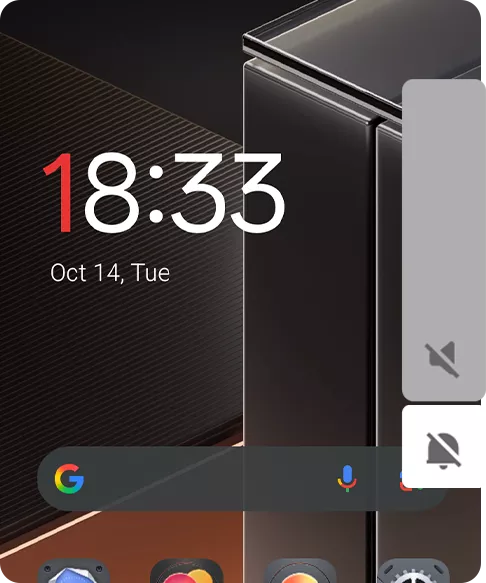
핵심 앱이 통일된 시각으로 업데이트됨. •시스템 UI 개선: 향상된 상태 표시줄 및 전원 애니메이션, 더 부드러운 상호작용.
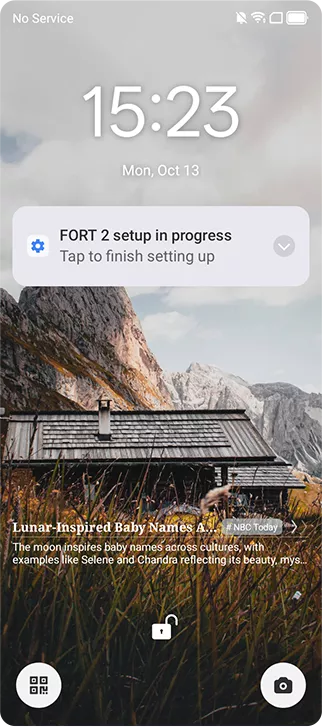
 •화면 켜기/끄기 애니메이션: 부드러운 깨어남 및 절전 전환, 선택적
페이드 또는 애니메이션 없음.
 •제어 센터 애니메이션: 반응형으로 세련된 열기/닫기 동작
피드백.
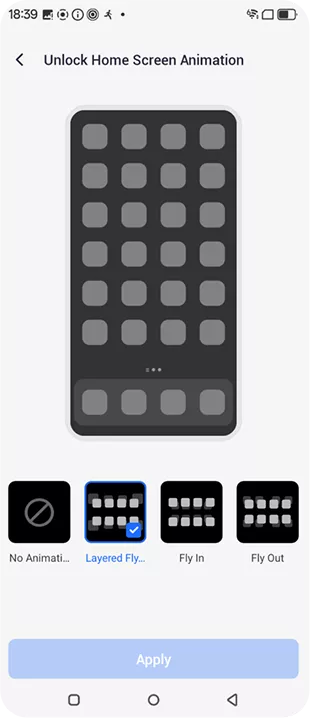
자연스러운 화면 전환 사용자 맞춤 스타일. •앱-홈 애니메이션: 통일된 시각을 위한 부드러운 진입 및 종료.
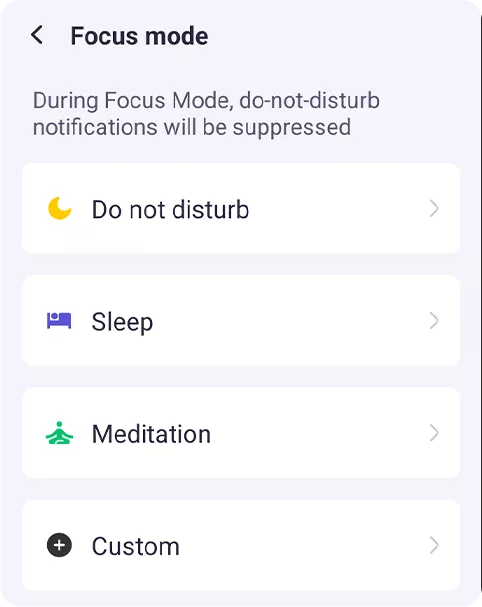 •포커스 컴퓨팅
 •EROFS 읽기 전용 파일 시스템
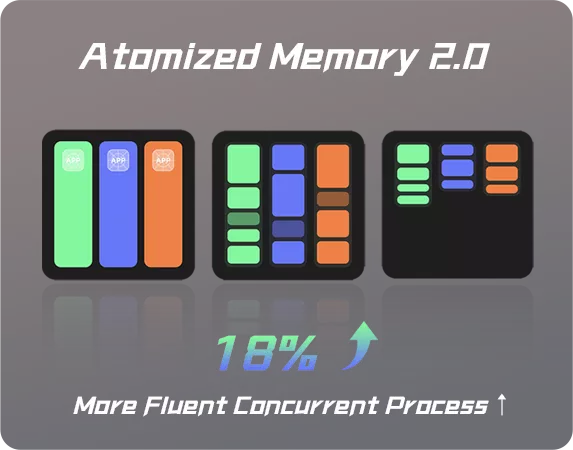
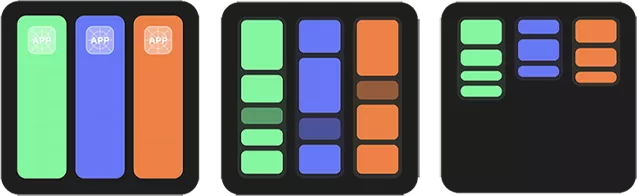 •Atomized Memory 2.0
 •F2FS 파일 시스템

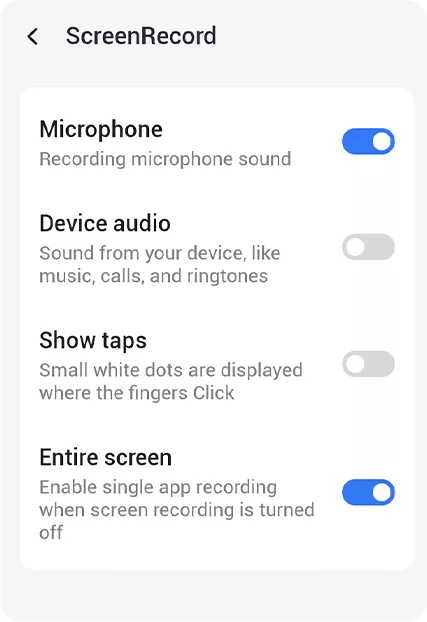
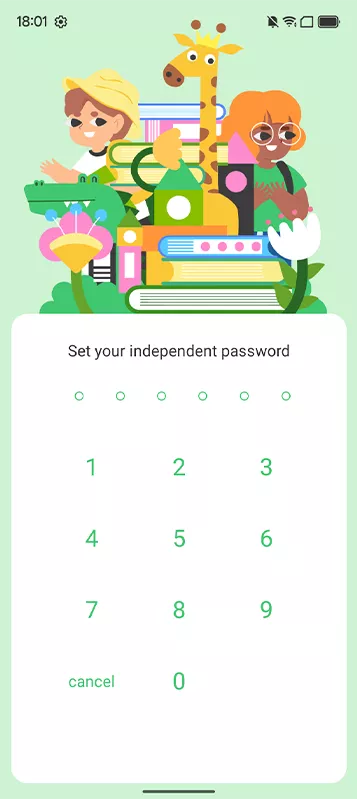
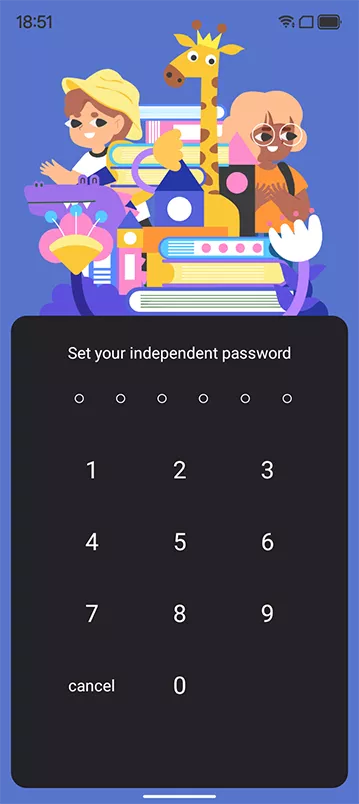
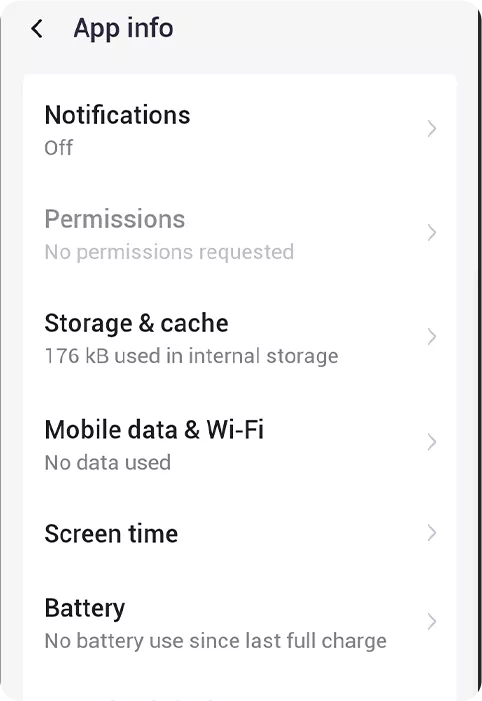
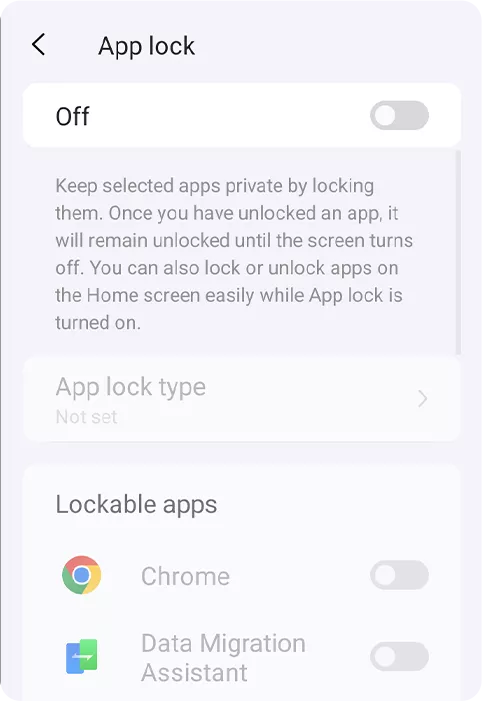
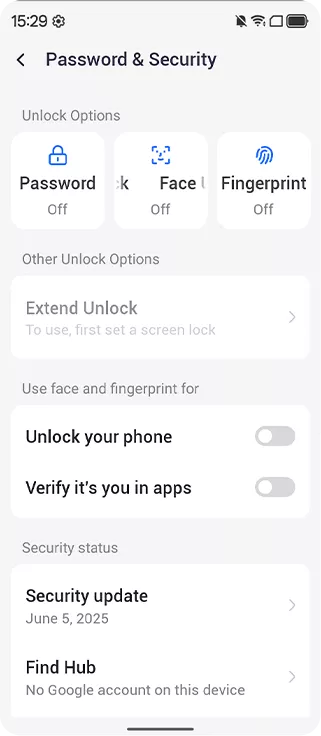
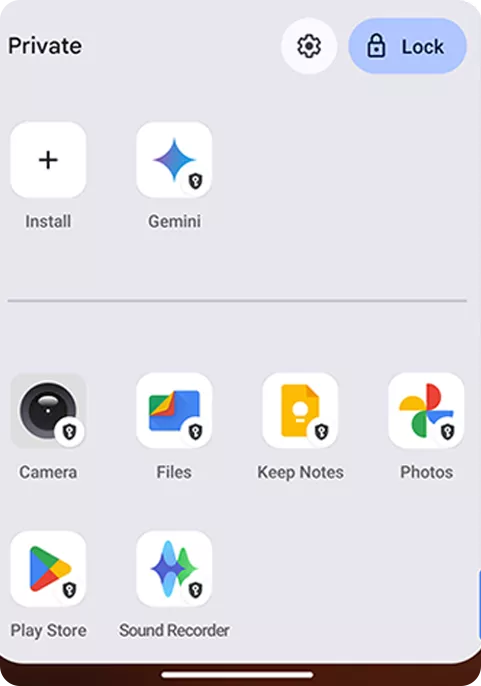
권한 앱 잠금
WiFi가 없는 지역에서도.
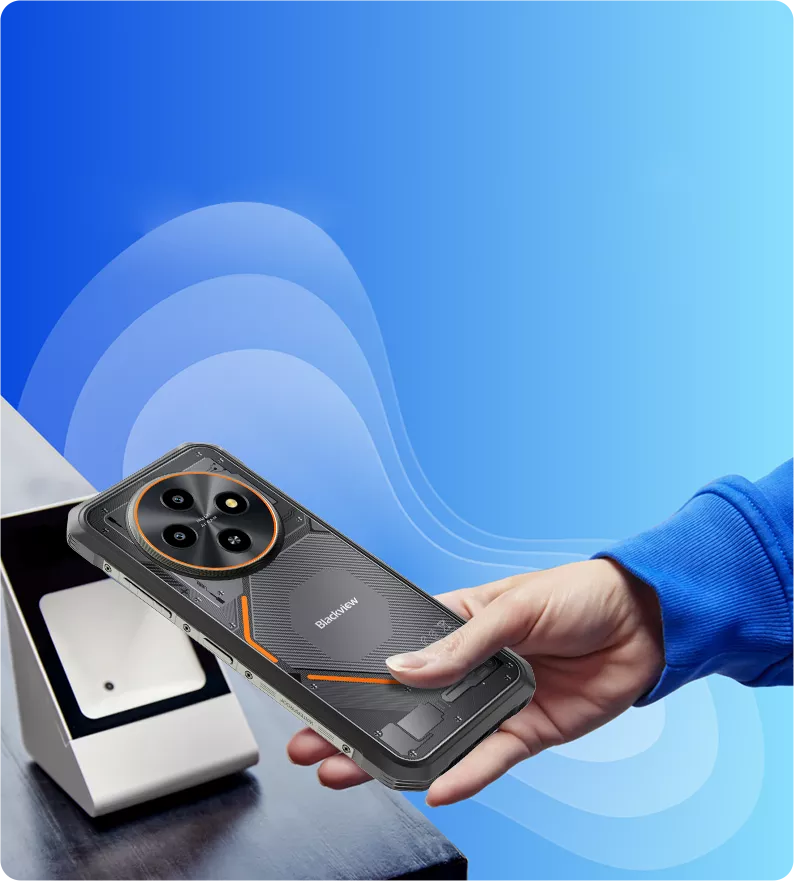
결제 및 안전한 데이터 전송.
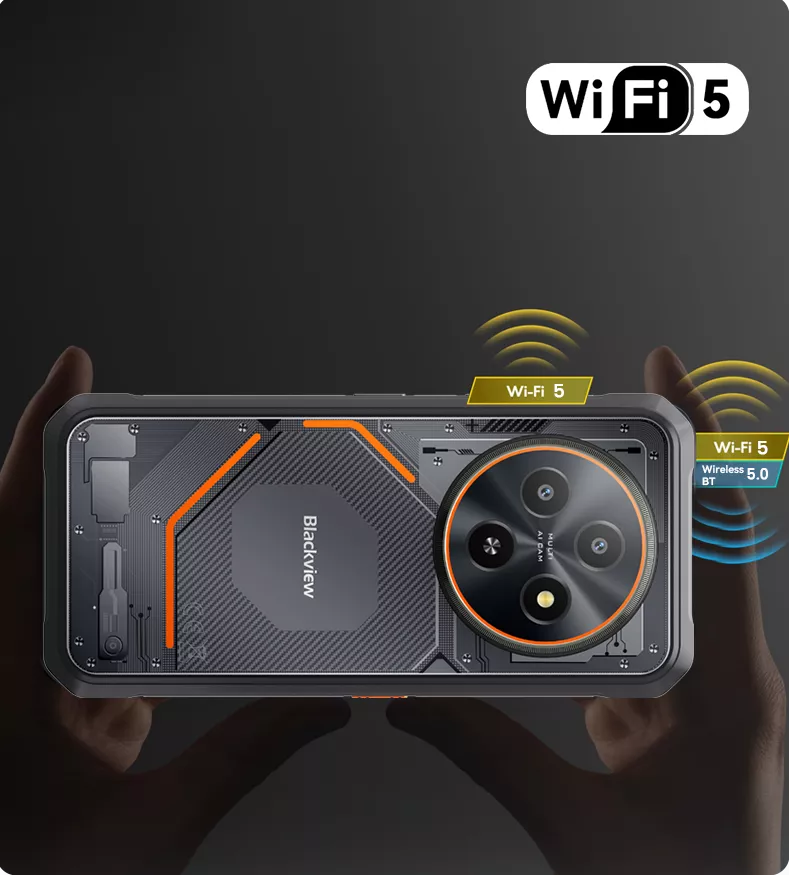
무선 BT 5.0 더 빠르고 안정적인 연결을 위해
및 데이터 전송.
-
모델FORT 2
-
색상Obsidian Black, Lightning White
-
크기174.6*83*10.7mm
-
무게245.3 g
-
운영체제Android 15 기반 DokeOS 5.0
-
디스플레이6.56인치 HD+ IPS, 720*1612 해상도
90Hz 주사율, 89.7% 화면 대 본체 비율,
180Hz 터치 샘플링 속도 -
CPU옥타코어 MediaTek Helio G81 프로세서
-
RAM 및 ROM최대 24GB RAM +128GB/256GB ROM
-
TF 확장최대 2TB 확장
-
배터리5000mAh; 18W 고속 충전
-
전면 카메라13MP
-
후면 카메라16MP
-
스피커Smart-K 스피커
-
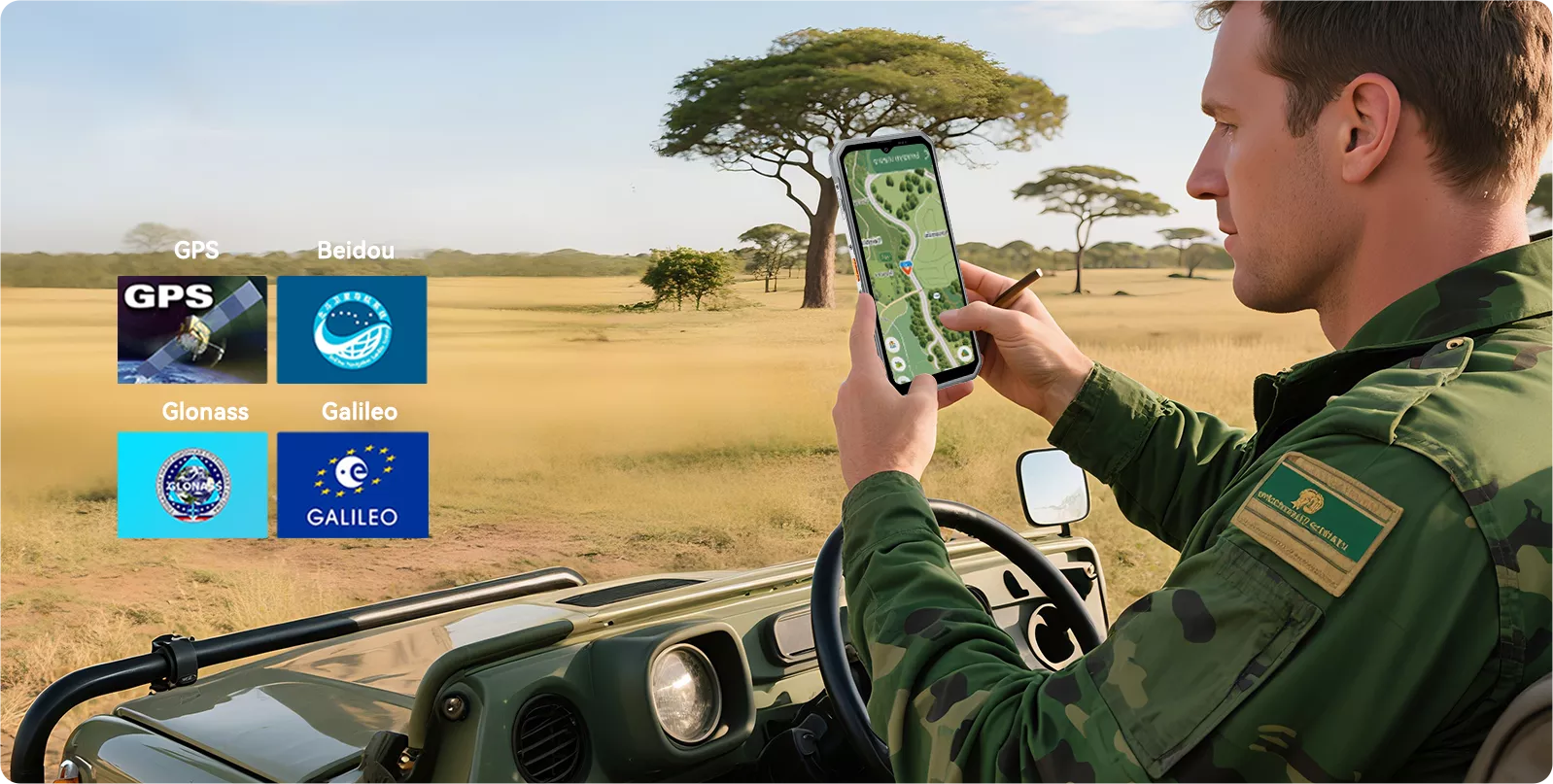
내비게이션GPS+Glonass+Beidou+Galileo ,L1 지원
-
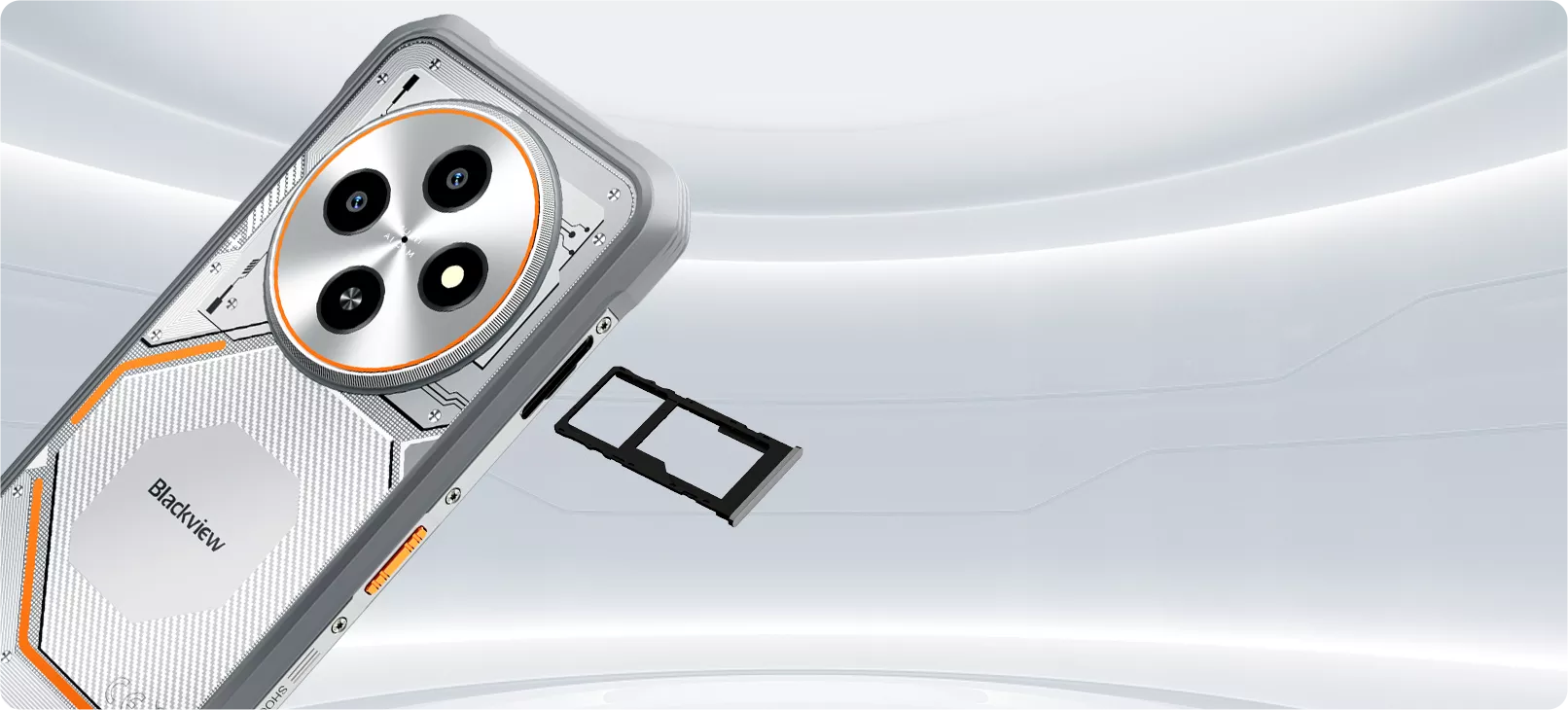
카드 슬롯듀얼; 2*SIM/1*SIM +1*TF 카드
-
NFC지원
-
듀얼 4G VoLTE지원
-
Wi-Fi 및 BTIEEE802.11 ac/a/b/g/n (2.4/5.0GHz); BT 5.0
-
네트워크 연결2G 대역: B2/B3/B5/B8,CDMA: BC0/BC1/BC10
3G 대역: B1/B8
4G 대역: FDD: B1/B3/B7/B8/B19/B20/B28AB,
TDD: B40/B41
| 모델 | FORT 2 |
| 색상 | 옵시디언 블랙, 라이트닝 화이트 |
| 크기 | 174.6*83*10.7mm |
| 무게 | 245.3 g |
| 운영체제 | Android 15 기반 DokeOS 5.0 |
| 디스플레이 | 6.56인치 HD+ IPS, 720*1612 해상도 90Hz 주사율, 89.7% 화면 대 본체 비율, 180Hz 터치 샘플링 속도 |
| CPU | 옥타코어 MediaTek Helio G81 프로세서 |
| RAM 및 ROM | 최대 24GB RAM +128GB/256GB ROM |
| TF 확장 | 최대 2TB 확장 |
| 배터리 | 5000mAh; 18W 고속 충전 |
| 전면 카메라 | 13MP |
| 후면 카메라 | 16MP |
| 스피커 | 스마트-K 스피커 |
| 내비게이션 | GPS+글로나스+베이더우+갈릴레오, L1 지원 |
| 카드 슬롯 | 듀얼; 2*SIM/1*SIM +1*TF 카드 |
| NFC | 지원 |
| 듀얼 4G VoLTE | 지원 |
| Wi-Fi 및 BT | IEEE802.11 ac/a/b/g/n (2.4/5.0GHz); BT 5.0 |
| 네트워크 연결 | 2G 대역: B2/B3/B5/B8, CDMA: BC0/BC1/BC10 3G 대역: B1/B8 4G 대역: FDD: B1/B3/B7/B8/B19/B20/B28AB, TDD: B40/B41 |
• EU 패키지: 전원 어댑터 미포함
• 비EU 패키지: 전원 어댑터 포함

How much does the Blackview FORT 2 weigh?
The Blackview FORT 2 weighs 245.3 grams and is 10.7 millimeters thick, making it both practical and not overly bulky—perfect for both work and everyday use. Its slim profile fits easily into a jacket pocket, work bag, or fanny pack. Whether you’re commuting, traveling between job sites, or enjoying outdoor activities, it’s highly portable.
It also features a rugged and durable design that balances everyday portability, so you can carry it with you all day long and handle calls, messages, and navigation needs at any time.
What mobile networks does the Blackview FORT 2 support?
The Blackview FORT 2 is a rugged 4G smartphone that supports 4G LTE, 3G, and 2G networks. You can use it on compatible mobile networks to make calls, send messages, browse the web, view maps, and make video calls.
It also supports dual 4G SIM cards, allowing you to use both your work and personal numbers on the same phone. Before purchasing, please check the supported network bands listed in the FORT 2 product specifications and verify compatibility with your carrier. Available services depend on your mobile plan and local network coverage.
Does the Blackview FORT 2 have 24GB of physical RAM?
No, the Blackview FORT 2 comes with 8GB of physical RAM and supports up to 16GB of virtual RAM expansion, for a total of 24GB of memory. This 16GB portion is allocated from the phone's internal storage.
Virtual RAM expansion enhances multitasking capabilities by allowing more applications to remain active in the background—a useful feature for daily use, outdoor tasks, and switching between multiple apps. However, the performance of virtual RAM is not identical to that of physical RAM.
Can I use the Blackview FORT 2’s touchscreen while wearing gloves?
Yes. The Blackview FORT 2 features “Glove Mode 2.0,” which allows the touchscreen to respond normally even when you’re wearing gloves. This is especially useful when it’s inconvenient to remove your gloves—such as when performing maintenance outdoors, in cold weather, or when checking directions, answering calls, or opening work apps.
Response may vary depending on the material, thickness, and fit of your gloves, so we recommend testing this feature with the gloves you normally wear. Larger buttons and simple taps are generally easier to use. If the touchscreen does not respond, or if you need to perform precise actions, it may be better to switch to thinner gloves or remove one glove.
Can I use the Blackview FORT 2 in the rain?
Yes. The Blackview FORT 2 features IP68 and IP69K water resistance ratings, making it capable of withstanding sudden outdoor rain. Even when the weather changes, you can still use it to check your route, answer calls, or record work details. Before exposing the phone to water, please ensure that all protective covers are securely closed and that the phone’s casing and seals are undamaged.
After use, we recommend wiping the phone with a soft, dry cloth and ensuring the charging port is completely dry before connecting the data cable. If water droplets affect touchscreen responsiveness, wipe the screen dry before using it. Water resistance may diminish due to wear and tear, impact, or repairs, so if the screen is cracked or the body is damaged, inspect the device before exposing it to moisture again.
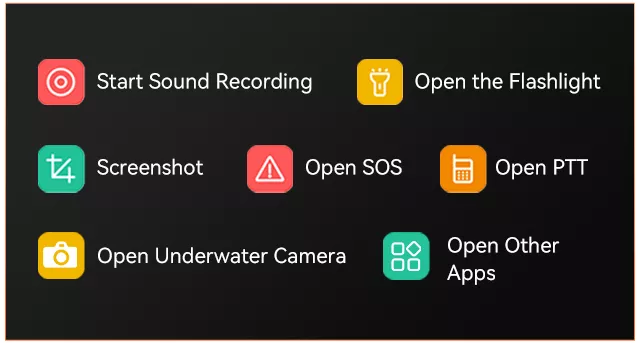
What can I do with the Blackview FORT 2’s shortcut button?
The shortcut keys on the Blackview FORT 2 allow you to quickly access selected features or apps, such as turning on the flashlight or taking a screenshot. Instead of having to unlock your phone and search for the app every time, you can simply assign frequently used actions to these keys. You can also set up shortcut keys for functions you frequently use while working or during outdoor activities.
You’ll need to select the desired option from the list in your phone’s settings, then test the button while the screen is both on and locked. However, some actions may require you to unlock your phone first.
Who is the Blackview FORT 2 rugged phone best suited for?
The Blackview FORT 2 is ideal for farm workers, maintenance technicians, delivery drivers, warehouse staff, and others. It’s also well-suited for commuters and casual outdoor enthusiasts, as it’s not only rainproof, dustproof, and shock-resistant, but also very lightweight, slim, and durable.
In addition to its slim design, the Glove Mode and shortcut keys make it easy to perform frequently used tasks such as checking directions, opening work apps, and using the flashlight. As a result, the FORT 2 is well-suited for everyday communication and offers exceptional durability.
What does the Blackview FORT 2’s 90Hz refresh rate mean for everyday use?
The Blackview FORT 2’s display can refresh the screen up to 90 times per second. Compared to a 60Hz display, this makes scrolling through messages, browsing the web, and navigating menus much smoother when supported by the software.
The refresh rate does not determine image clarity; that depends on factors such as screen resolution and the content itself. It also does not mean that every game will run at 90 frames per second. Gaming performance is determined by factors such as the processor, graphics settings, and the game’s own frame rate limit, while video playback depends on the frame rate of the video itself.
Can I expand the Blackview FORT 2’s storage with a microSD card?
Yes. The Blackview FORT 2 supports microSD cards up to 2TB, providing additional space to store photos, videos, music, and work documents. This extra storage is especially convenient if you frequently collect files while outdoors or like to keep multimedia files on your phone.
The microSD card shares the same slot as the second SIM card, so you’ll need to choose between using two SIM cards or one SIM card plus a memory card. Be sure to purchase from a reputable supplier and select a memory card suitable for storing your files. Some apps recommend saving data to internal storage, and you should also back up important files to another location in case the memory card is lost or damaged.
Does the Blackview FORT 2 support NFC payments?
Yes. The Blackview FORT 2 supports NFC payments and allows for contactless payments through compatible payment services. This requires a supported bank card, a payment app available in your country or region, and a phone that meets the service’s security requirements. The presence of NFC hardware alone does not guarantee that every bank or payment app will work properly.
To get started, enable the NFC feature, add your bank card to the payment app, complete the verification process, and select that app as your default contactless payment service. If necessary, you can also set up a screen lock. When checking out, unlock your phone and hold it near the contactless payment symbol on the terminal. If the payment fails, first check the app’s settings and whether your bank card is eligible before determining if the issue lies with the phone itself.
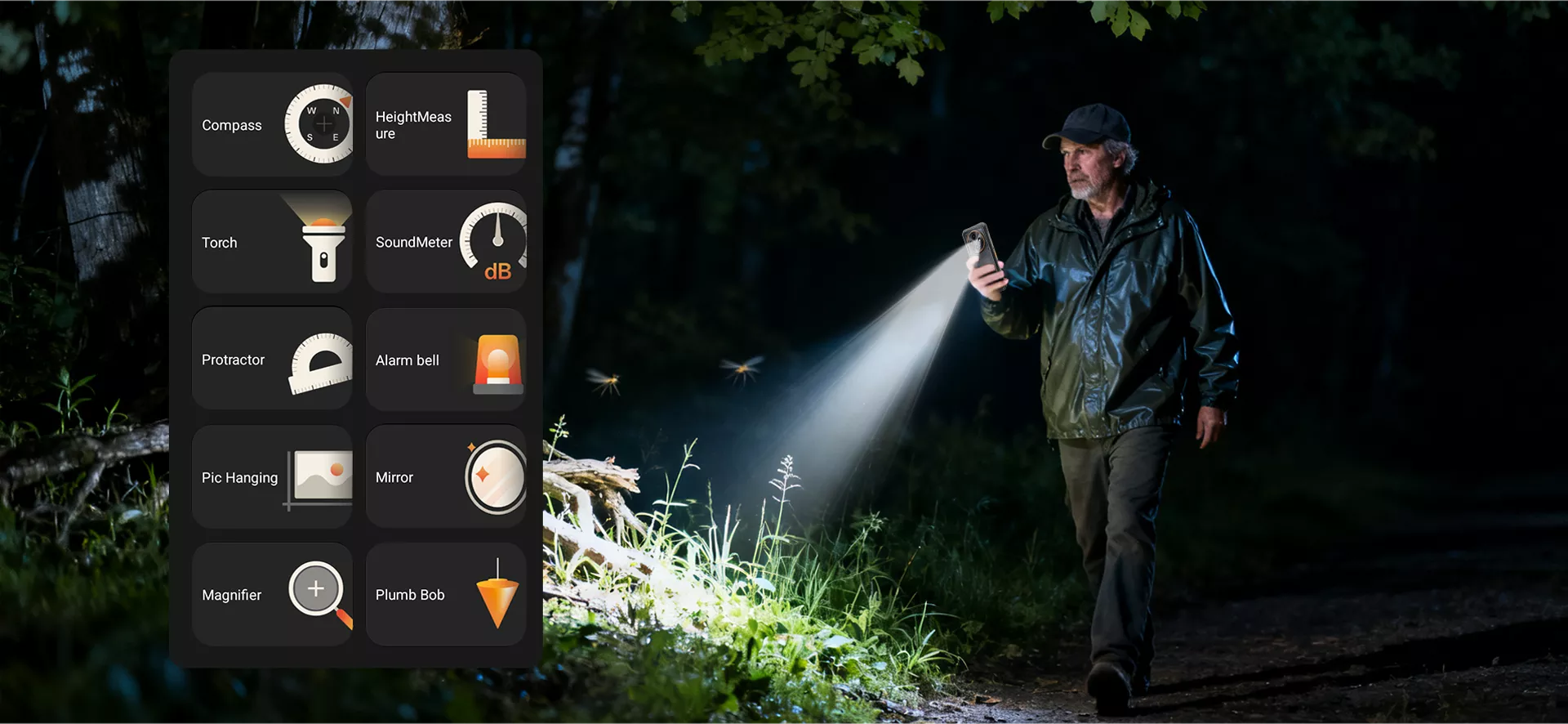
What can I use the Blackview FORT 2’s built-in toolbox for?
The Blackview FORT 2’s toolbox includes practical tools such as a flashlight, compass, and sound level meter. These tools can help with everyday tasks, such as finding dropped items in dimly lit areas, determining your direction outdoors, or checking the noise level around you.
For more accurate readings, it is recommended to use each tool under appropriate conditions. When using the compass, stay away from magnets and large metal objects; when measuring noise levels, do not cover the microphone. These tools are designed for quick reference but are not intended to replace calibrated equipment for professional measurements or safety assessments.
Can I take underwater photos with the Blackview FORT 2?
Yes. The Blackview FORT 2 is equipped with an underwater photography feature and can be submerged at a depth of 1.5 meters for up to 30 minutes. This is a general guideline for the phone’s water resistance; however, you should not exceed the tested depth or use the phone underwater for extended periods.
Before attempting underwater photography, make sure the phone is undamaged, all protective covers are securely closed, and you are familiar with the camera’s operation. Please note that the protection rating does not apply to diving, seawater, pool chemicals, or pressurized flowing water environments. Additionally, after the phone comes into contact with water, be sure to dry it off and ensure the charging port is dry before charging.
How can the Blackview FORT 2 help me keep work notes organized?
The Notebook 3.0 app on the Blackview FORT 2 supports search, sorting, and reminder features, and allows you to export notes as Word or TXT files. You can use it to centrally manage work details, inspection records, shopping lists, or follow-up tasks, making it easier to find the information you need.
Create a note for each work task, including the client’s name, location, and date in the title. Record completed work and any points to note, then set a reminder for your next service visit. When you need to share details, simply export the note and send it.
How can I transfer data from my old phone to the Blackview FORT 2?
Be sure to back up your old phone before you begin. During the initial setup of the Blackview FORT 2, follow the on-screen prompts to copy apps and data or restore from a Google backup. When using the wired or wireless transfer options provided on the screen, make sure both phones are charged and allow enough time to transfer large photo and video libraries.
Before resetting or giving away your old phone, verify that your contacts, photos, documents, and other important information have been successfully transferred. Banking apps, authentication accounts, and some chat histories require separate transfer or login procedures. If you’re migrating from an iPhone, follow the corresponding iPhone data transfer guide and turn off iMessage when transferring your phone number to an Android device.
Should I choose the 128GB or 256GB version of the Blackview FORT 2?
If you mainly use your phone for messaging, navigation, everyday apps, and occasional photography—don’t play games, have a limited budget, and regularly back up and delete old files—the 128GB version is the best choice. On the other hand, if you need to store a lot of videos, games, downloaded maps, or work documents, we recommend the 256GB version.
Additionally, if your current storage is nearing 128GB, we recommend choosing the 256GB version to leave more space for future downloads and updates. You can also add a microSD card, but this will occupy the second SIM card slot. Therefore, if you need to use two SIM cards simultaneously, opting for larger internal storage may be particularly useful.
What do the Blackview FORT 2’s 16MP and 13MP camera specifications refer to?
The 16-megapixel camera refers to the Blackview FORT 2’s rear camera, while the 13-megapixel camera refers to the front camera. The rear camera can be used for everyday scenes, work documentation, and photographing documents, while the front camera is used for selfies and video calls.
To achieve clearer photos, clean the lens before use and take photos in a well-lit area. When photographing documents, hold the phone parallel to the page to avoid casting shadows on the document, and make sure the text is clearly legible before taking the photo.
Jump to another section