



Blackview FORT 1 6.56인치 90Hz 스마트 AI 디스플레이 Unisoc Tiger T615 옥타코어 10000mAh 4G AI 러기드 폰

재고 없음
하이라이트
하이라이트
✔6.56인치 HD+ IPS 90Hz 스마트 AI 디스플레이
✔Unisoc T615 옥타코어 프로세서
✔10000mAh 배터리 몬스터와 48일간의 안심
✔IP68&IP69K& MIL-STD-810H 인증
정보
정보
Blackview FORT 1은 긴 배터리 수명, 실용적인 내구성, 원활한 일상 사용성을 필요로 하는 사용자를 위해 설계된 견고한 4G 휴대폰입니다. 6.56인치 90Hz HD+ 디스플레이, Unisoc Tiger T615 프로세서, 10,000mAh 배터리를 탑재해 작업 현장, 여행, 야외 활동에 적합합니다. 18W 고속 충전, 16MP + 2MP 후면 카메라, NFC, 듀얼 4G VoLTE, 쿼드 내비게이션, Smart-K 스피커, Android 15 기반 DokeOS 4.2를 갖춰 견고하고 실용적인 body 안에서 신뢰할 수 있는 성능을 제공합니다.
브랜드 소개
브랜드 소개
Blackview는 훌륭한 기술이 단순한 사양을 넘어야 한다고 믿습니다. 실제 생활에 맞고, 실제 문제를 해결하며, 가장 중요한 순간에 신뢰할 수 있어야 합니다.
Blackview는 처음에 혹독한 환경을 위한 견고한 휴대폰으로 시작했습니다. 오늘날에는 스마트폰, 태블릿, 노트북, 스마트워치, 오디오 제품 등 더 넓은 스마트 기기 생태계를 제공합니다.
모든 카테고리에서 우리의 초점은 변함없습니다: 내구성 있는 품질, 실용적인 혁신, 그리고 합리적인 가격. 우리는 처음부터 믿음직스러운 제품을 설계합니다.
고객이 가장 중요하게 여기는 것은 무엇인지 이해합니다: 부드러운 성능, 오래가는 신뢰성, 유용한 기능, 그리고 불필요한 비용 없이 일상을 더 편리하게 만드는 기술입니다.
그래서 Blackview는 제품 테스트, 사용자 경험, 그리고 업무, 여행, 창작, 야외 탐험, 일상적인 연결에 의미 있는 가치를 제공하는 기능에 진정한 관심을 기울입니다.
Blackview는 신뢰할 수 있는 기술을 원하는 사람들을 위해 만들어졌습니다: 현대 생활을 따라갈 수 있는 스마트하고 유능한 기기입니다.
설계부터 신뢰할 수 있고, 본질적으로 실용적이며, 실제 생활을 위해 만들어졌습니다.
배송 및 반품
배송 및 반품
• 배송: 주문은 영업일 기준 1~2일 이내에 처리됩니다. 표준 배송은 위치에 따라 영업일 기준 3~7일이 소요됩니다.
• 반품: 주문을 받은 날로부터 30일 이내에 제품을 반품하거나 교환할 수 있습니다. 상품은 구매 증빙과 함께 원래 상태여야 합니다.
제품에 제조상의 결함이나 손상이 있을 경우 추가 비용 없이 기꺼이 교환해 드립니다.

 FORT 1
더 빠르게 생각하세요
더 오래 지속되고, 더 안전하게
더 똑똑한 AI. 마라톤 10000mAh
배터리. 최고 수준 MIL-STD 내구성

견고한 디자인
당신의 목소리, 당신의 열쇠
요새의 견고한 건축에서 영감을 받아 FORT 1은 극한 환경을 견딜 수 있도록 설계되었습니다. 견고한 구조는 군용 등급 내구성을 반영

스트랩 구멍
어디서든 클립, 걸기, 고정 가능

지문 인식
잠금 해제 지원
기기 잠금 해제, 깨우기, 명령을 빠르게 실행하는 단축키 제공
6.56인치 90Hz 스마트 AI 디스플레이에서 최고의 화질 No.1
48일간 안심 사용 가능한 No.2 10000mAh 배터리 괴물
간편하고 핸즈프리, Doke AI 탑재
Unisoc T615 옥타코어로 작업을 원활하게 프로세서 & 최대 18GB RAM & 256GB ROM & 2TB TF 지원 저장 공간
IP68&IP69K& MIL-STD-810H 인증 견고한 바디
AI 기반. 모든 순간을 기억에 남게
최신 DokeOS 4.2, Android 15 기반
6.56인치에서 최고의 화질
90Hz 스마트 AI 디스플레이
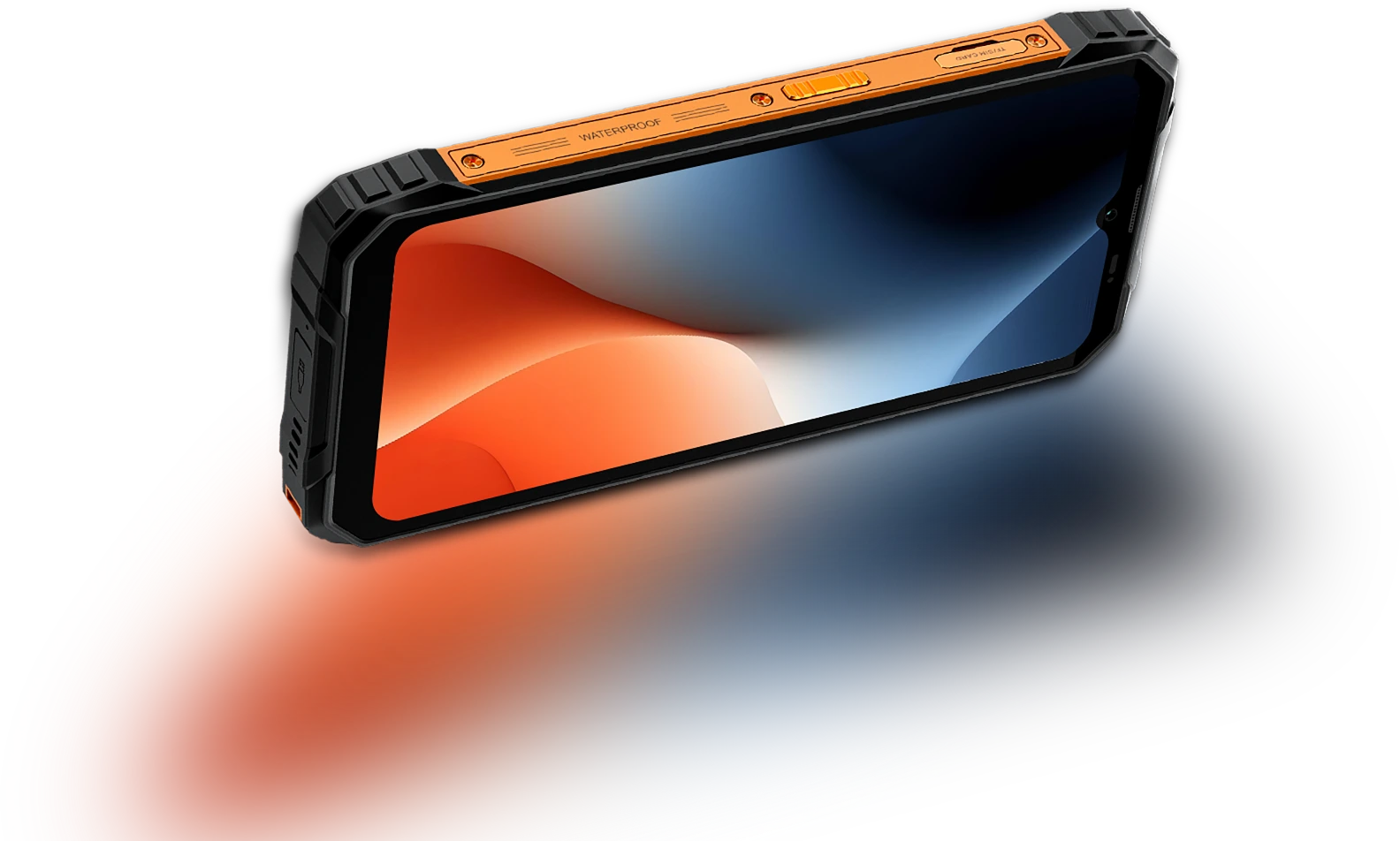
6.56인치 HD+ IPS 디스플레이
더 많이 보고, 쉽게 스크롤하세요
FORT 1은 6.56인치 HD+ 디스플레이를 탑재해 실내외 어디서나 선명하고 반응 빠르며 읽기 쉽습니다. 견고하게 제작되어 실사용에 적합하며 가시성과 휴대성의 균형을 이룹니다.
터치 샘플링 주사율
180Hz
화면 대 본체 비율 비율
83%
더 얇고 가벼움
INCELL IPS
PPI
269
해상도
720*1612 픽셀
밝기
450니트
화면 비율
20:9
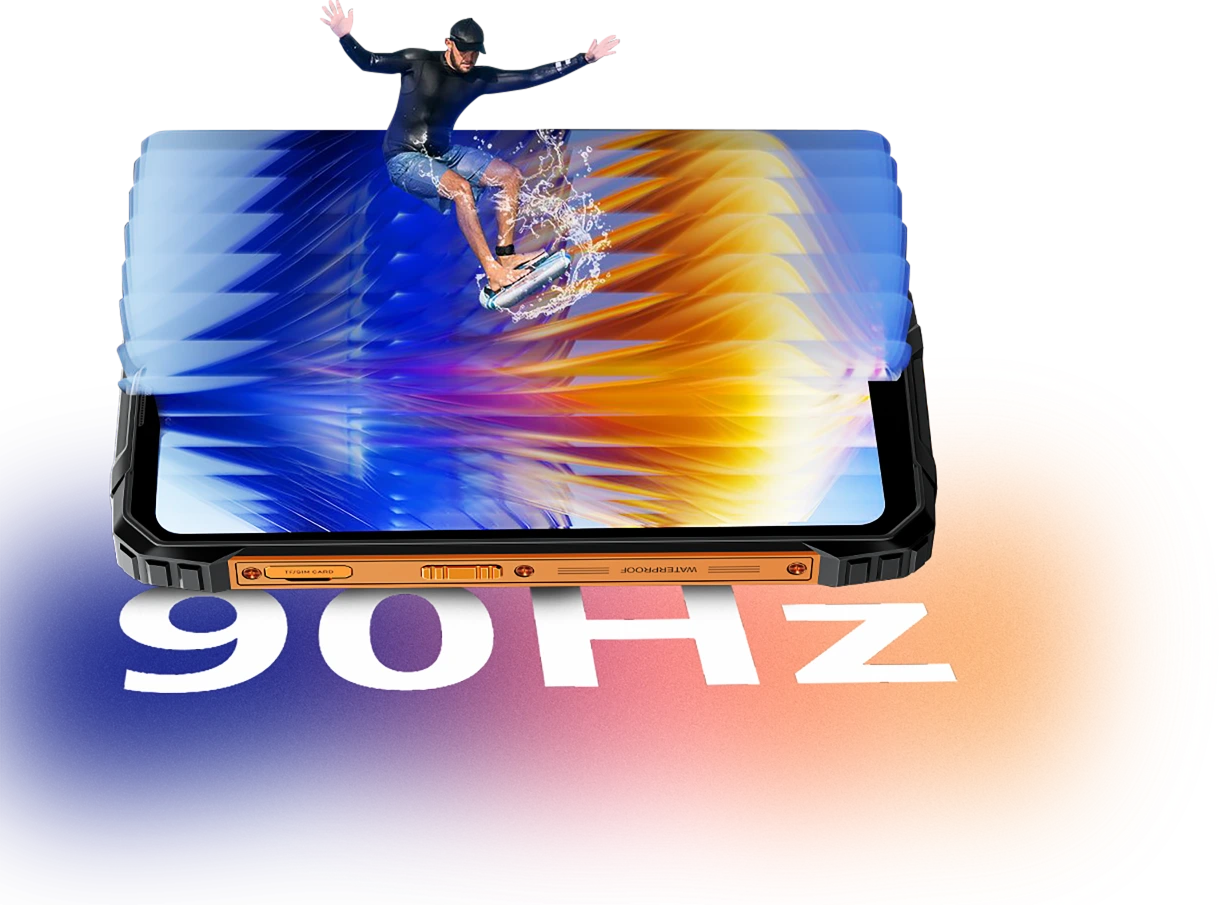
스마트 AI 적응형 90Hz
주사율
모든 스와이프. 매번
프레임. 오직
부드러움
메시지 스크롤, 지도 확인, 작업 업데이트 검토 시 FORT 1의 스마트 AI 적응형 90Hz 주사율이 필요할 때 부드럽게 유지합니다. 사용하지 않을 때는 낮은 주사율로 전환
60Hz
읽기, 문자, 대기 시 더 효율적 유지

90Hz
더 부드러운 스크롤, 유연한 스와이프, 애니메이션을 위해 작동


눈의 편안함이 중요합니다
눈에 더 편안하게,
낮이든 밤이든
장시간 작업, 야외 독서, 밤 시간 휴식 등 언제든 눈의 피로를 줄이도록 설계된 Blackview FORT 1은 주변 환경에 맞게 조절되는 스마트 화면 모드를 제공합니다. 시간이나 작업에 상관없이 편안하고 집중할 수 있게 도와줌
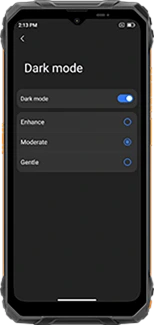
다층 다크 모드
(강화/보통/부드러움)
더 어둡고 편안한 인터페이스 제공
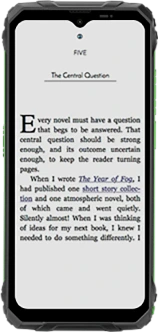
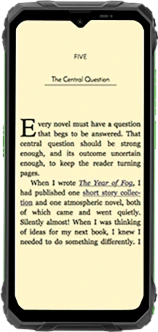
독서 모드
밝기를 낮추고 강한 빛을 필터링해 종이 같은 느낌 제공
야간 조명
저조도에서 눈의 피로를 줄여주는 블루라이트 감소
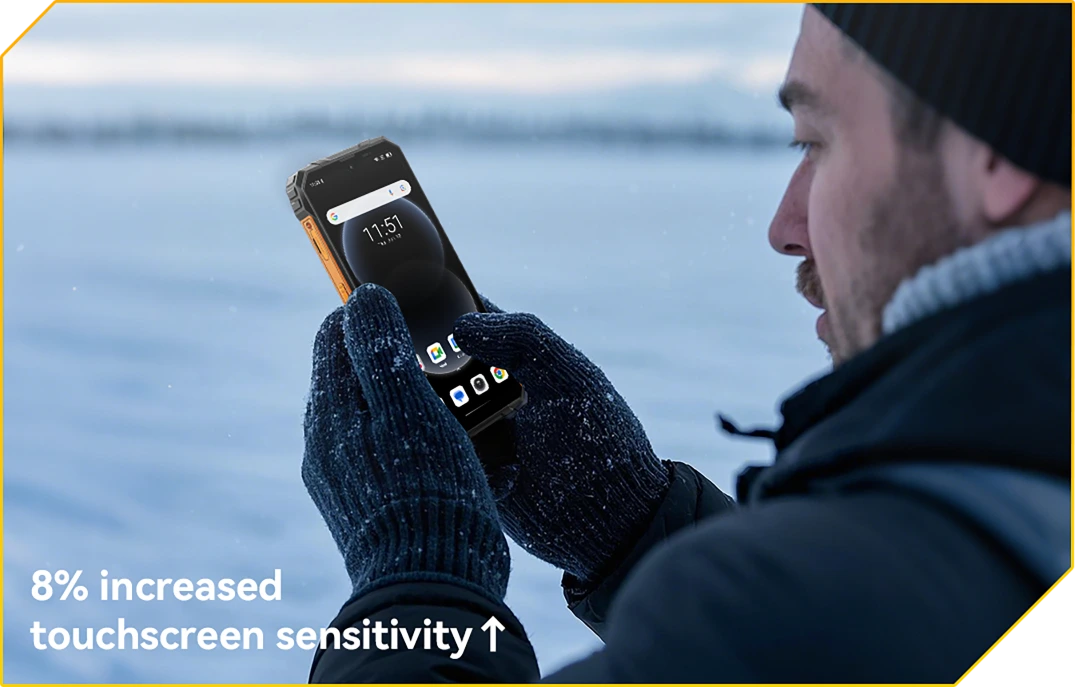
장갑 모드 2.0
터치 준비 완료. 장갑 착용 상태에서도
장갑을 벗지 않고도 탭, 스와이프, 스크롤 가능
No.2 10000mAh 배터리 괴물
48일간의 안심 사용
10000mAh 대용량 배터리
전원 지속. 매일매일
거대한 10000mAh 배터리로 FORT 1은 다른 기기가 멈춘 후에도 계속 작동하도록 설계되었습니다. 여러 날 근무, 오지, 혹은 깊은 현장에서도, 다음 충전 걱정 없이 작업하고, 길을 찾고, 소통할 수 있습니다.

12시간
게임
43시간
통화
45시간
음악
21시간
웹
21시간
대기
AI 적응형
충전 보호
더 안전한 충전과
오래 가는 배터리.
+1년 더 긴 수명↑


AI 전력 절약
알고리즘
배터리 수명을 연장하기 위해 백그라운드 활동, 밝기, 성능을 자동으로 조절합니다.
500회 이상 배터리 사이클
80% 배터리로
수명 유지
2~3배 걱정 없는 사용을 의미합니다.


5W OTG 역충전 지원
공유 가능한 전원,
어디에 있든
이동 중 다른 기기를 충전해야 하나요? 5W OTG 역충전으로 FORT 1은 휴대용 보조 배터리 역할도 합니다, 이어버드를 충전할 수 있게 해줍니다, 손전등이나 동료의 휴대폰도, 콘센트 없이도 됩니다. 주머니 속 백업 전원입니다.
역충전 지원 기기

3위 번거로움 없는 핸즈프리
도키 AI가 지원합니다.
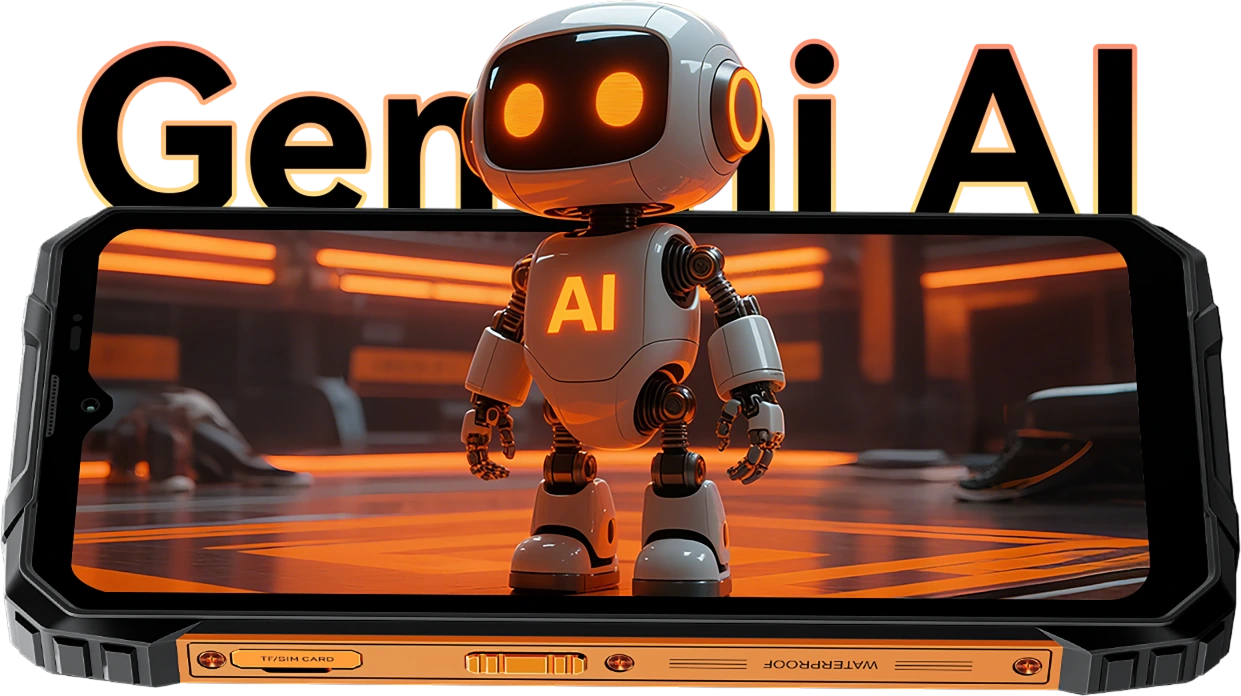
FORT 1의 도키 AI는 DeepSeek-R1, ChatGPT-4o mini, Gemini AI 2.0 Flash Thinking Experimental 등 세계 최고 AI 모델과 통합되어 일상 업무에 차원이 다른 지능을 제공합니다. 현장에 있든, 이동 중이든, 외진 곳에 있든, 이 견고한 AI 어시스턴트는 단순하고 스마트하며 원활하게 작동합니다.
음성 깨우기 &
음성 인식
당신의 목소리.
당신의 접근.
장갑을 끼거나 손이 가득 차 있어도 말만 하세요. FORT 1은 당신의 고유한 목소리로 즉시 안전하게 깨어납니다.

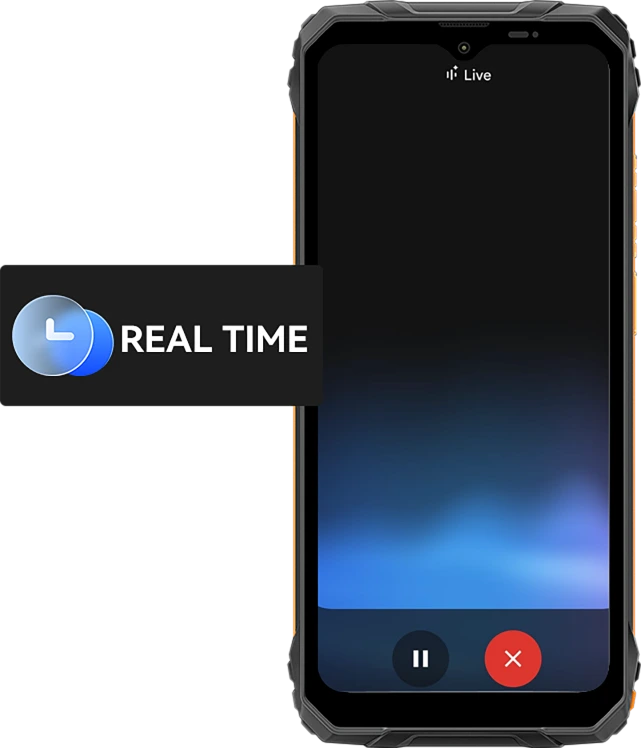
실시간 음성 상호작용
빠르게 물어보고 답을 받으세요
더 빠르게.
빠른 업데이트부터 실시간 조언까지, 노바, 오빗, 베가 같은 10가지 표현력 있는 음성 스타일로 휴대폰과 대화하고 즉시 답변을 받으세요 — 유용하고 인간적인 음성입니다.
선택 가능한 10가지 음성 옵션:
화면 인식 지원
도움이 바로
당신의 디스플레이.
도움이 필요한 파일, 지도, 이미지가 보이나요? 그냥 물어보세요. 앱 전환 없이, 방해 없이.

글로벌 스마트 제어
한 목소리. 완전한 제어.
설정 조정, 앱 실행, 도구 관리 모두 핸즈프리로. 멀티태스킹 중이거나 작업 중 장갑을 낀 상태에 이상적입니다.


지메일

구글 캘린더

구글 킵

구글 작업

구글 드라이브

구글 문서

왓츠앱

메시지

전화

구글 지도

구글 항공편

구글 호텔

유튜브

유튜브 뮤직
가장 똑똑한 창의적 사이드킥
하이 도키 앱 AI 스마트 채팅 어시스턴트
모든 작업과 아이디어를 위한 당신의 AI 동반자
건설 현장에서 아이디어를 구상하거나 일상 업무를 도울 때도, Hi Doki가 항상 준비되어 있습니다.

ImageX 앱
실제 모험을 위한 강력한 AI 사진 도구
가장 험한 환경에서도 당신의 사진은 전문가 수준의 다듬기를 받을 자격이 있습니다. 18가지 AI 편집 기능과 함께, ImageX on FORT 1은 현장 스냅, 야외 사진, 일상 순간을 빠르고 간편하게 공유할 가치가 있는 비주얼로 바꿉니다.
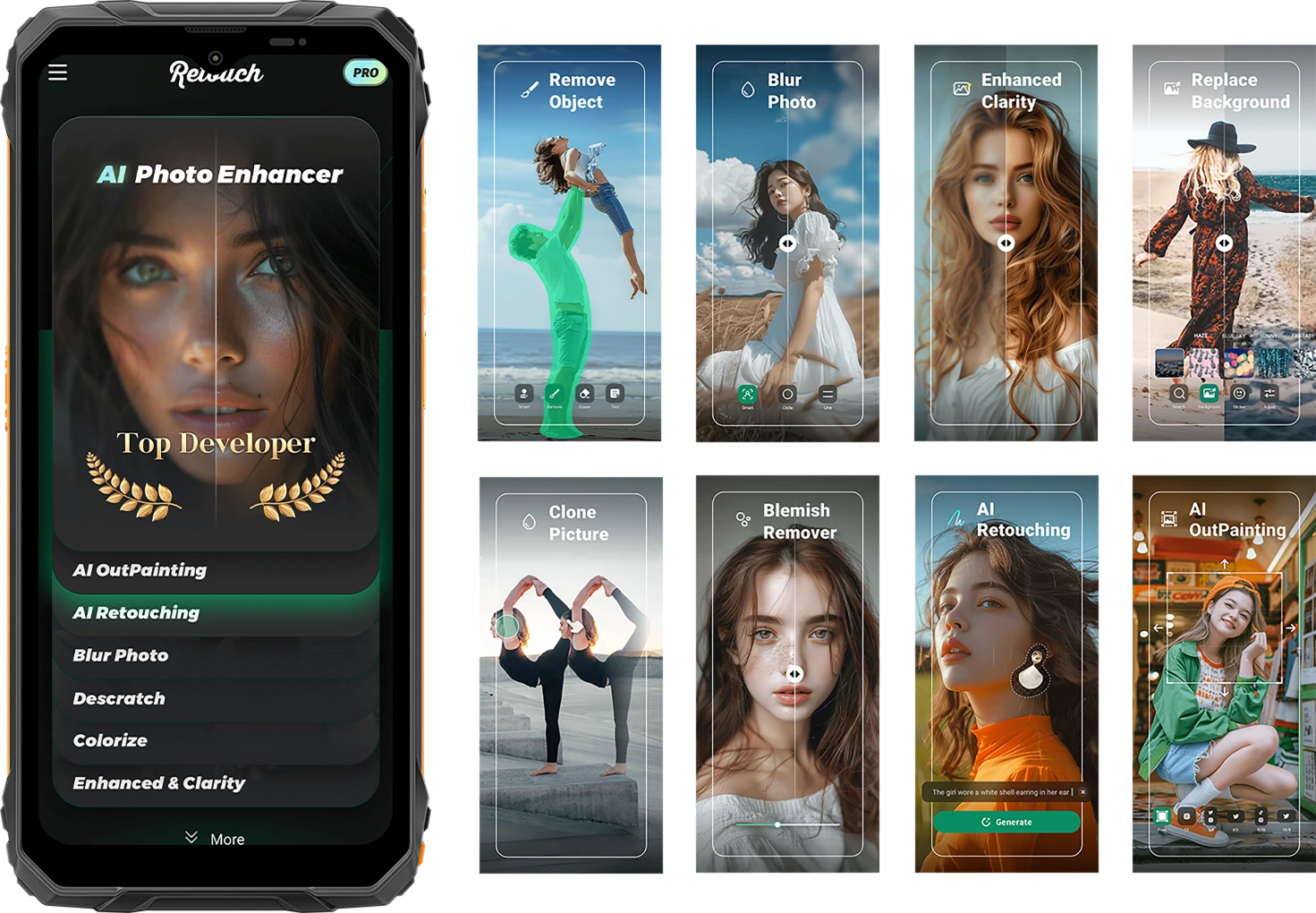
거친 삶을 포착하세요. 세련되게 공유하세요.
AI 물체 제거
원하지 않는 물체, 낯선 사람, 장비 잡동사니를 몇 초 만에 지우세요. 중요한 곳에 집중을 유지합니다.

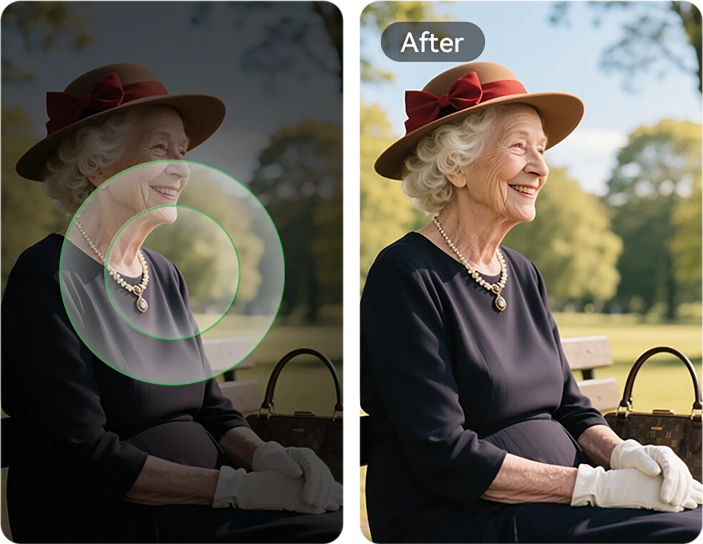
AI 적응형
충전 보호
한 번의 탭으로 모든 작업 완료. 조명, 색상, 균형을 스마트하게 조정 — 편집 기술이 필요 없습니다.


AI 사진
리터칭
피부를 자동으로 부드럽게 하고, 조명을 보정하며, 초상화를 자연스럽고 깔끔하게 향상시킵니다.
AI 아웃페인팅
이미지 가장자리를 확장해 더 많은 풍경, 더 많은 맥락 — 더 많은 이야기를 보여주세요.

AI 사진 흐림 효과
어수선하거나 산만한 배경을 흐리게 처리해 피사체가 선명하고 뚜렷하게 돋보이게 합니다.
AI 배경 교체
산길에서 작업 현장까지 — 기분이나 메시지에 맞게 배경을 즉시 전환하세요.

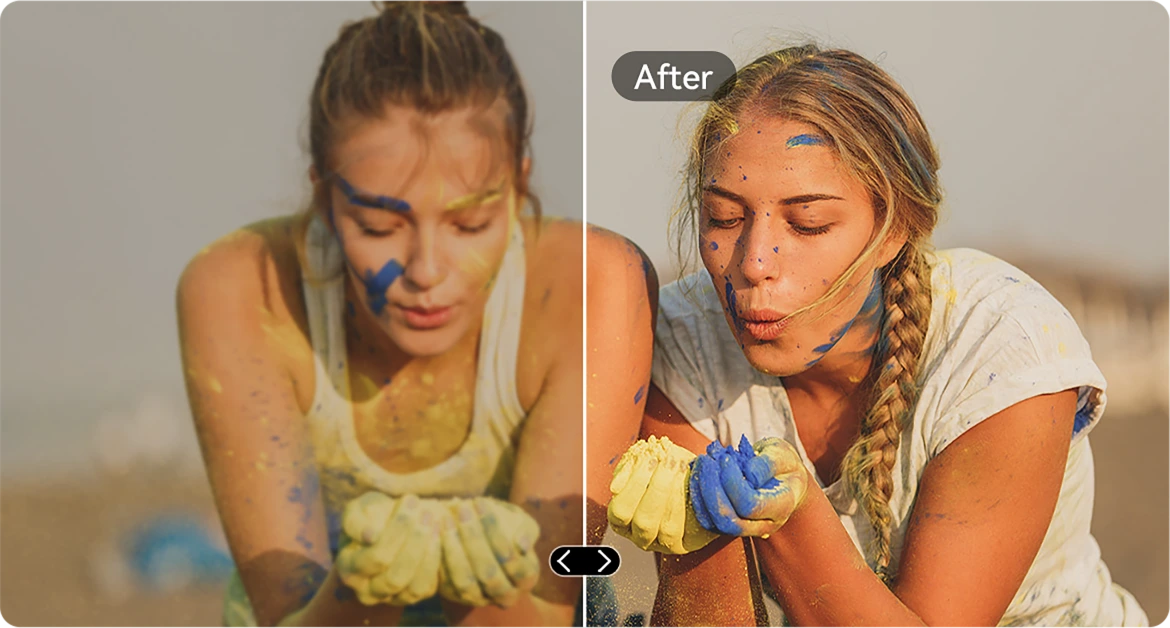
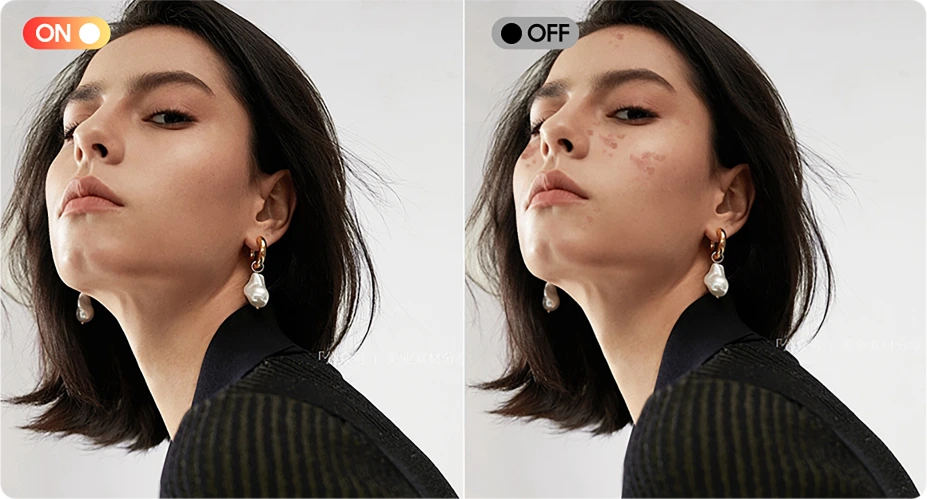
잡티 제거기
피부나 사진 표면의 잡티, 작은 점, 결점을 손쉽게 감지하고 다듬어 이미지가 완벽하고 깨끗하게 보이도록 합니다.

AI 선명도 향상
흐릿하거나 저조도 이미지를 선명하게 만들어 모든 세부 사항이 돋보이게 합니다 — 빠르게 움직이는 상황에서도 마찬가지입니다.
AI 사진 붙여넣기
사진 간 요소를 복사하세요. 도구, 태그, 사람을 원하는 위치에 정확히 배치할 수 있습니다.

AI 스크래치 제거
스크래치, 손상, 노후된 이미지를 한 번의 탭으로 원본에 가까운 품질로 복원하세요.
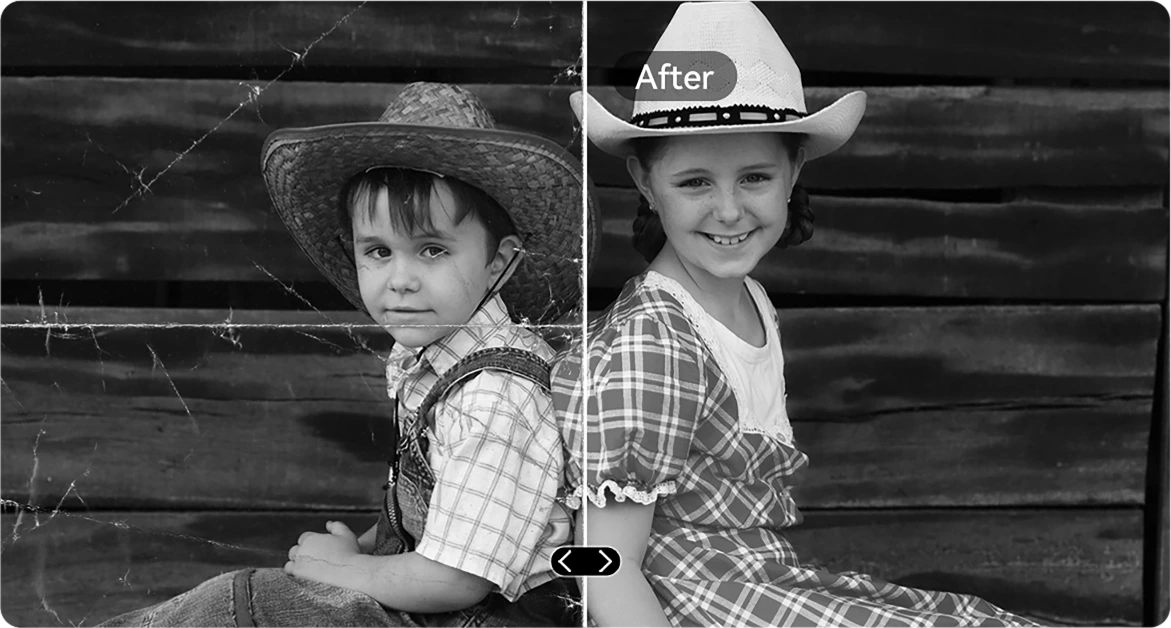
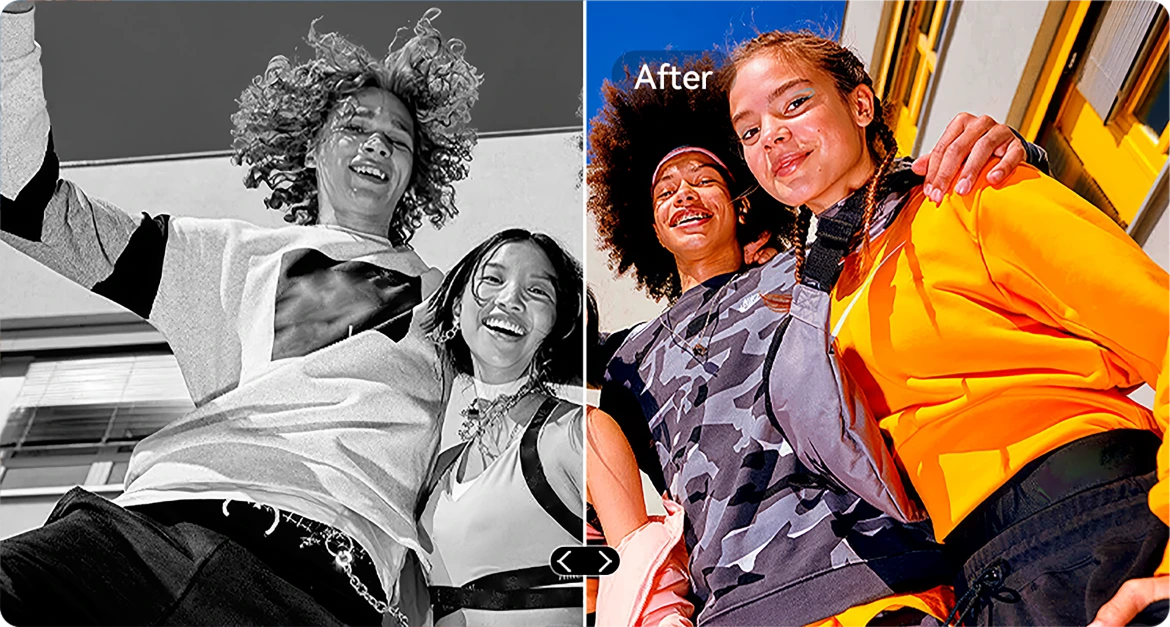
AI 흑백 색채화
흑백 사진에 새 생명을 불어넣어 모든 세부 사항의 색상을 정확하게 복원합니다. 사람, 풍경, 심지어 햇살까지 시간이 되돌아간 듯 생생하게 살아납니다.

AI 사진 보정
기울어지거나 비스듬한 사진을 자동으로 수정해 깔끔하고 직선적인 전문가 수준의 사진으로 만듭니다.
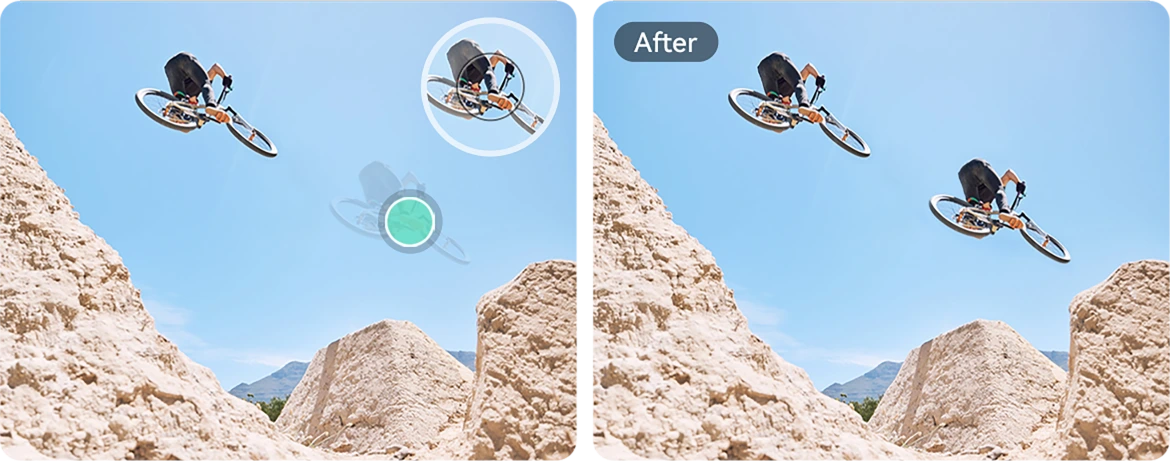
AI 사진 복제
시각적 균형, 스토리텔링 또는 창의적인 재미를 위해 객체를 복제하세요.
AI 사진 애니메이션
초상화에 미묘한 움직임을 추가하세요 — 얼굴이 움직이고, 깜빡이며, 미소 짓게 만들어 역동적인 느낌을 줍니다.

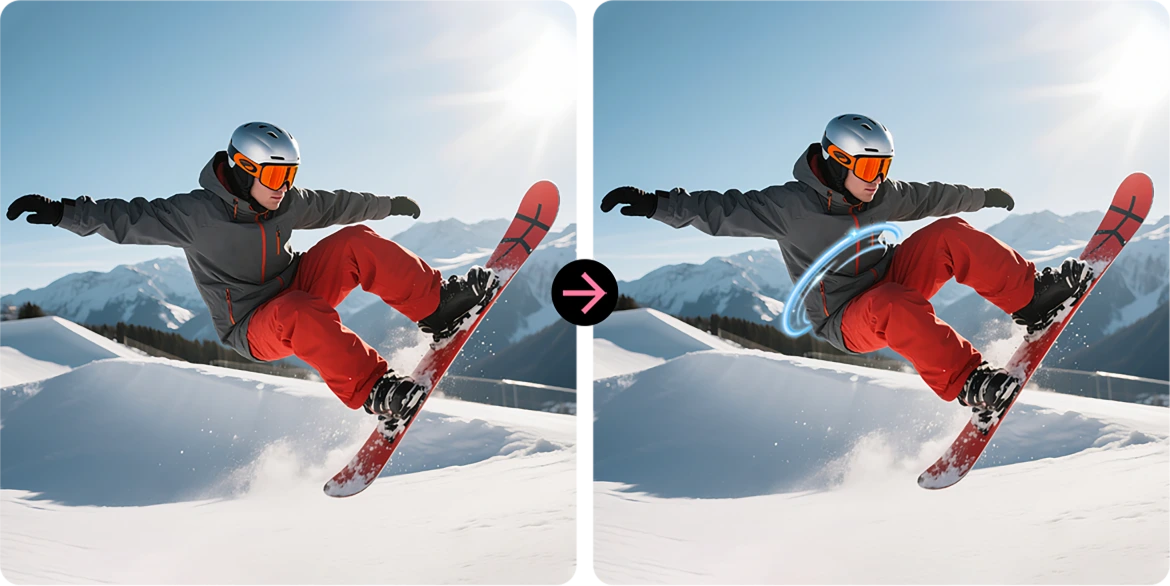
AI 나선형 효과
평범한 사진을 시선을 사로잡는 예술 작품으로 바꾸는 인상적인 나선형 오버레이를 적용하세요.
하늘 교체
한 번의 탭으로 칙칙한 하늘을 멋진 일몰, 몽환적인 구름, 극적인 날씨로 업그레이드하세요.
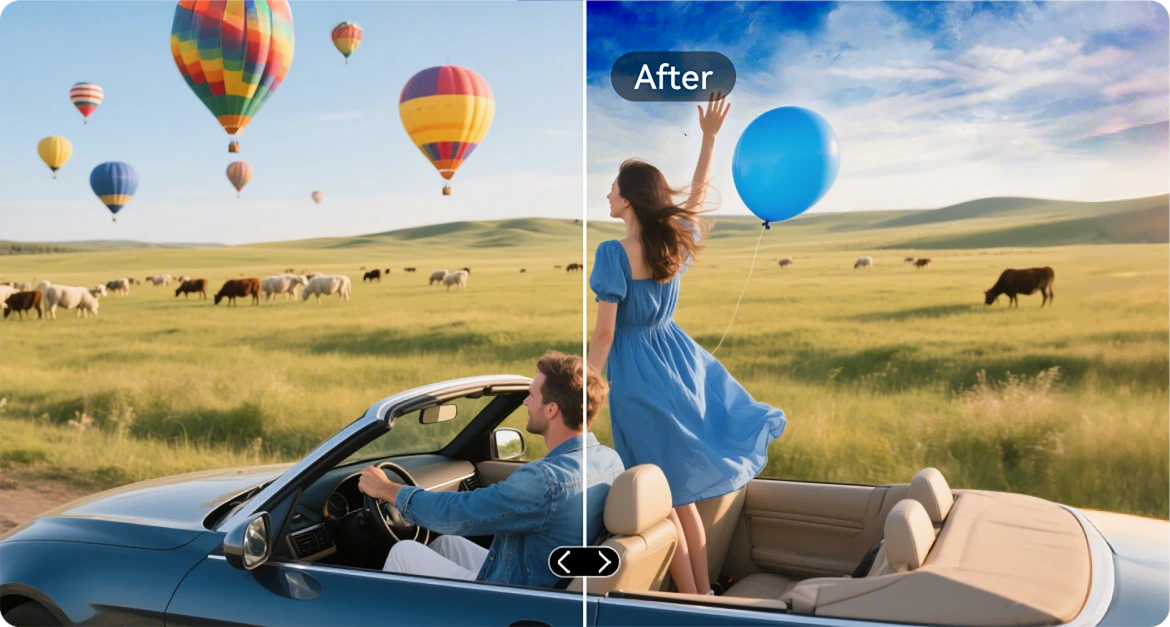
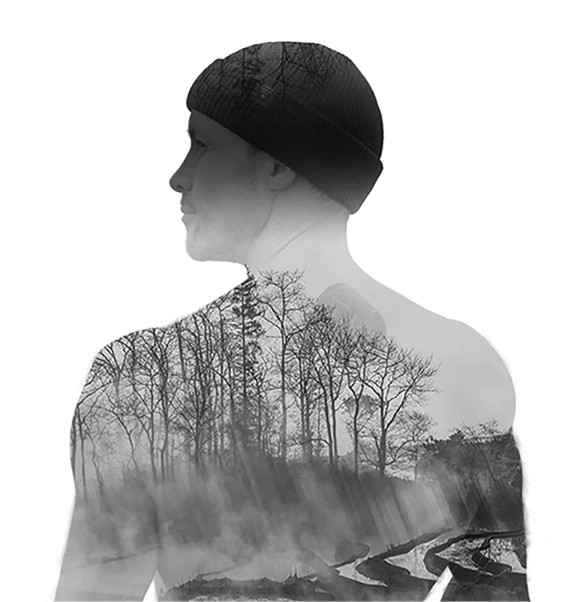
AI 이중 노출
두 이미지를 하나로 합칩니다 — 영화 같은 분위기나 대담한 스토리텔링에 완벽합니다.
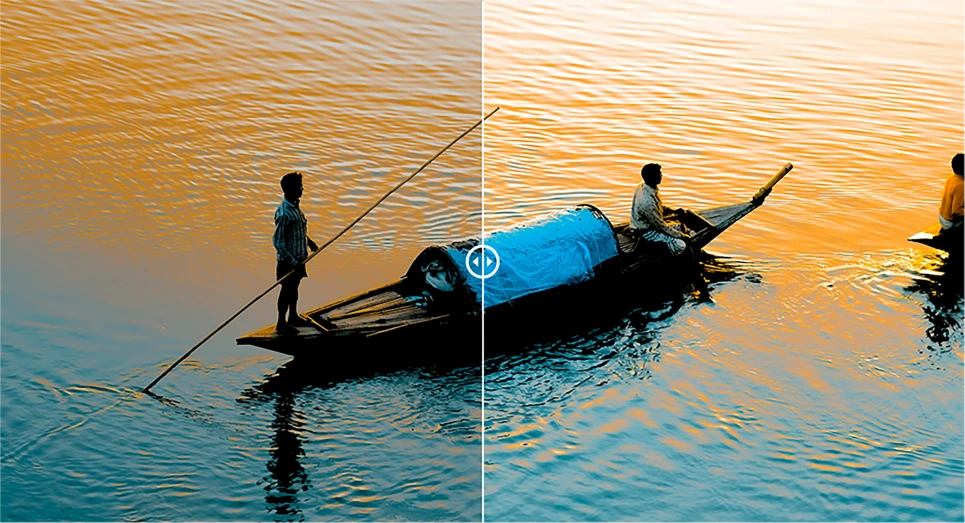
AI 급진적 색상 대비
흐릿한 색상을 생생한 빛으로 바꿔줍니다. 야외 조명이나 거친 환경에 이상적입니다.

VidGen 앱
스마트 AI 비디오 편집기
야외 이야기에 생명을 불어넣으세요
등산, 건축, 캠핑, 일상 촬영 등 어떤 상황이든, VidGen은 원본 순간을 몇 번의 탭으로 역동적이고 공유 가능한 동영상으로 바꿉니다.

텍스트를 동영상으로 변환
장면이나 아이디어를 설명하면 AI가 생생한 시각 스토리를 만듭니다 — 액션 요약부터 사용법 가이드까지.

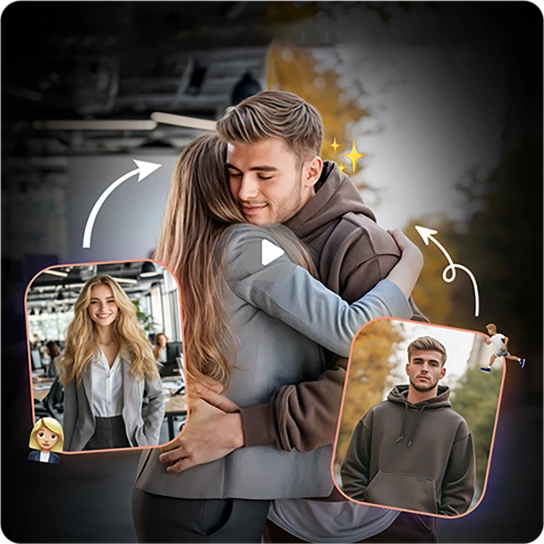
사진을 동영상으로 변환
많은 정지 사진이 있나요? AI가 부드럽고 영화 같은 추억으로 이어줍니다.
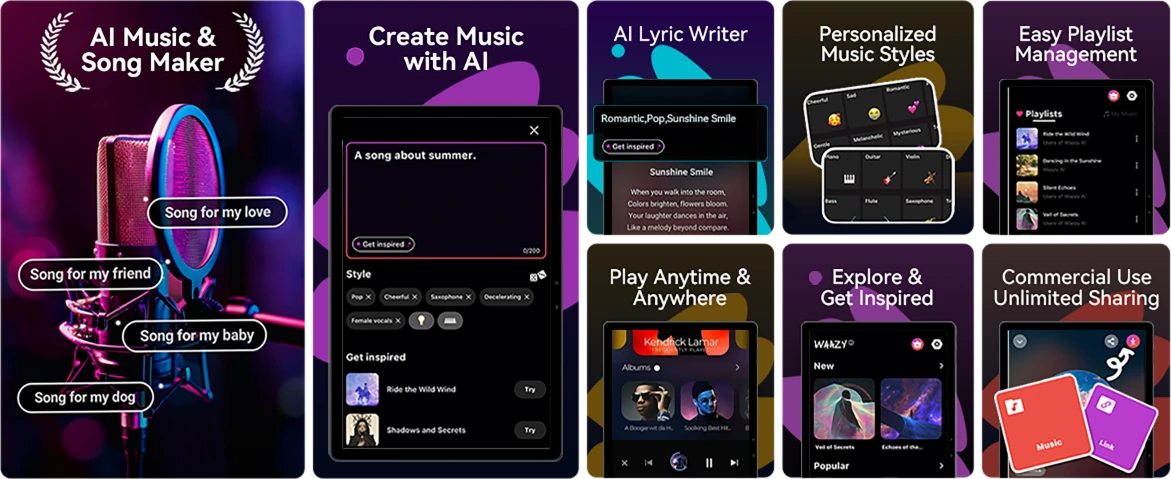
Soundle 앱
스마트 AI 음악 작곡가
언제 어디서나 음악을 만드세요.
악기 없나요? 스튜디오 없나요? 문제없습니다. Soundle과 함께라면, 견고한 휴대폰이 음악 실험실이 되어, 순간을 이동 중에도 사운드트랙으로 바꿉니다.
No.4 Unisoc으로 작업을 순조롭게 처리하세요 T615 옥타코어 프로세서 & 최대 18GB RAM & 256GB ROM & 2TB TF 저장 공간
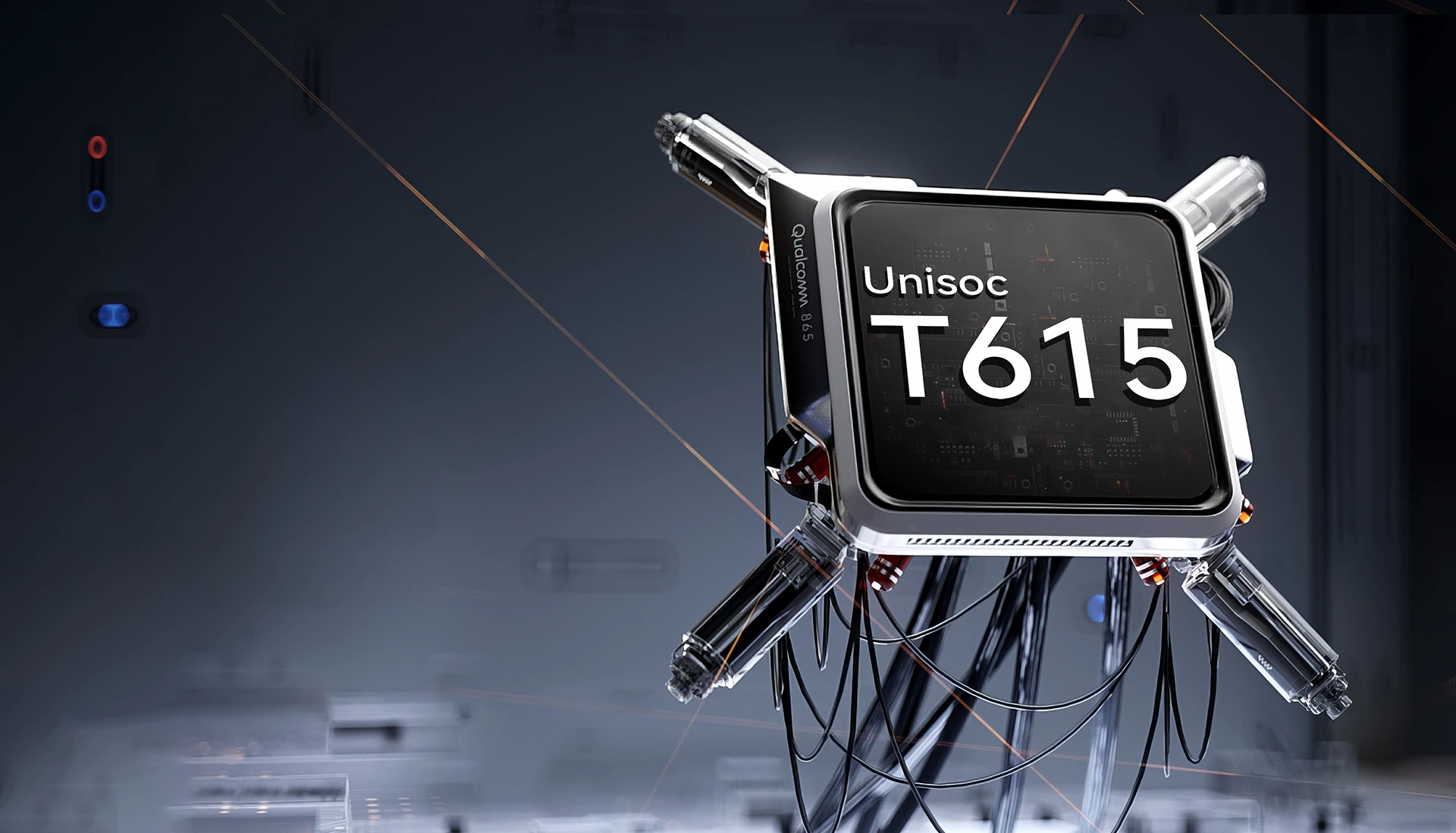
Unisoc T615 옥타코어
프로세서
계속 유지할 수 있는 전력 위로
부드럽고, 신뢰할 수 있으며, 효율적입니다. 작업 앱 전환, 오프 그리드 내비게이션, 이동 중 콘텐츠 시청 모두 문제없습니다. Unisoc T615는 지연 없이 필요한 성능을 제공합니다.
12nm EUV 공정
낮은 전력 소비에 최적화됨
2 x Cortex-A75@1.8GHz + 6 x
Cortex-A55@1.6GHz
더 원활한 성능을 위한 강력한 코어
Arm Mali-G57 GPU@850MHz
부드러운 그래픽과 선명한 시각 효과
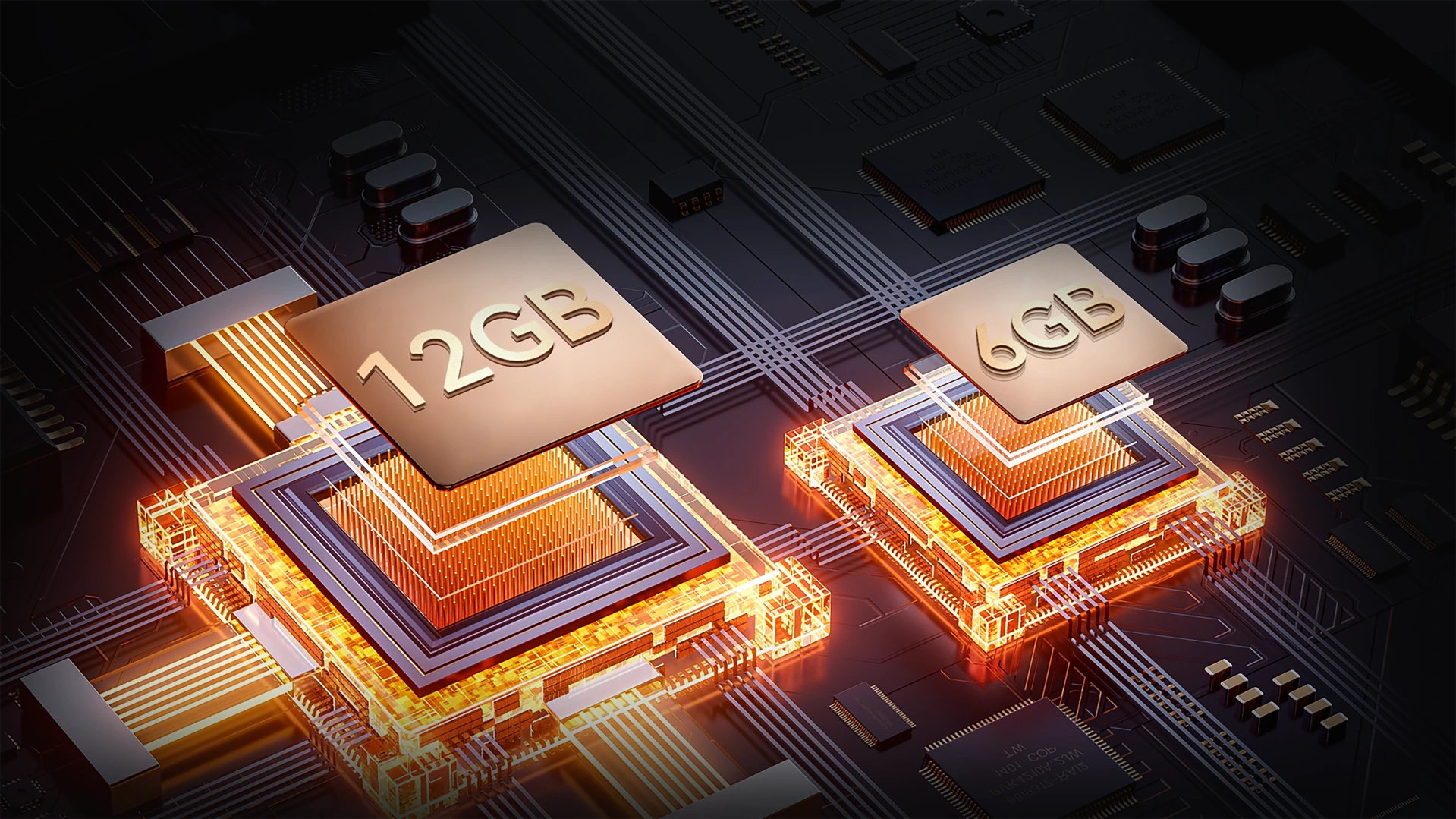
최대 18GB RAM (6GB + 12GB 확장)
더 많은 메모리, 더 부드러운 임무 수행
땀 흘리지 않고 멀티태스킹하세요. 최대 18GB RAM으로 FORT 1은 현장 도구부터 엔터테인먼트 앱까지 모두 빠른 로딩, 부드러운 전환, 지연 없는 처리를 지원합니다.
최대 18GB RAM=
6GB RAM + 12GB 확장
20% 더 빠른 반응 속도↑
Atomized Memory 2.0
9% 더 많은 RAM 사용 가능↑
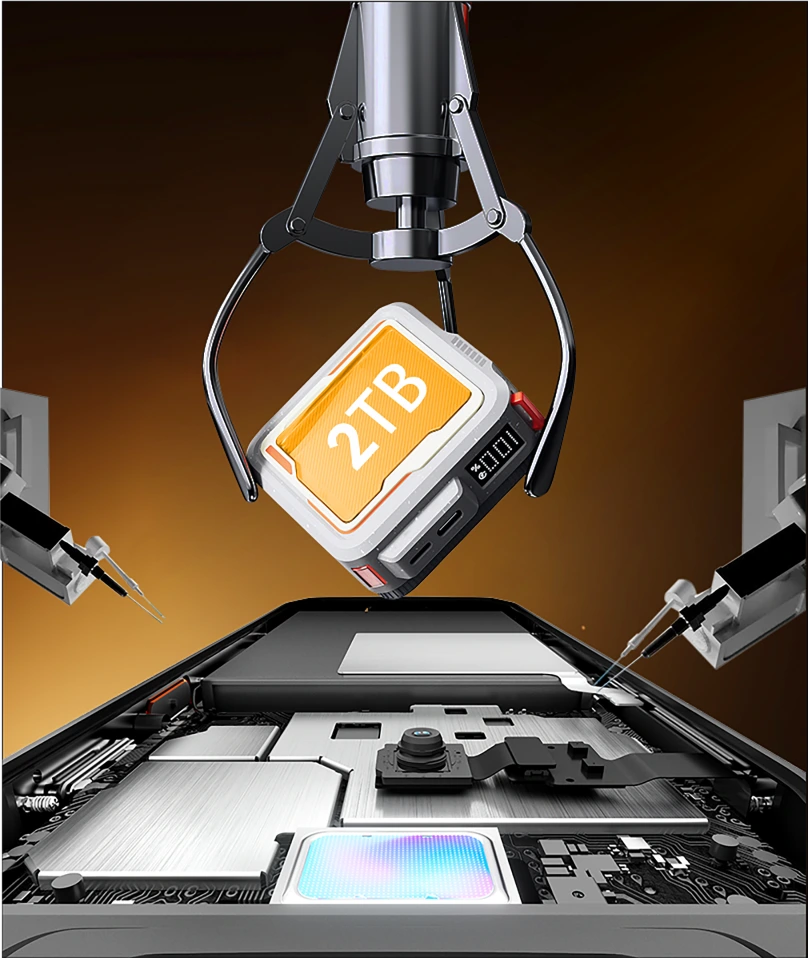
256GB ROM + 2TB TF 확장
오래가는 저장 공간
현장이나 오프 그리드에서 공간 부족 걱정은 이제 그만. 256GB 내장과 최대 2TB TF 카드 지원으로, FORT 1은 지도, 사진, 동영상, 임무에 중요한 파일들을 모두 손끝에서 바로 저장할 수 있습니다.

≈900K
+ 트랙 노래

≈59.4K
+ 짧은 동영상

≈498.6K
+ 사진
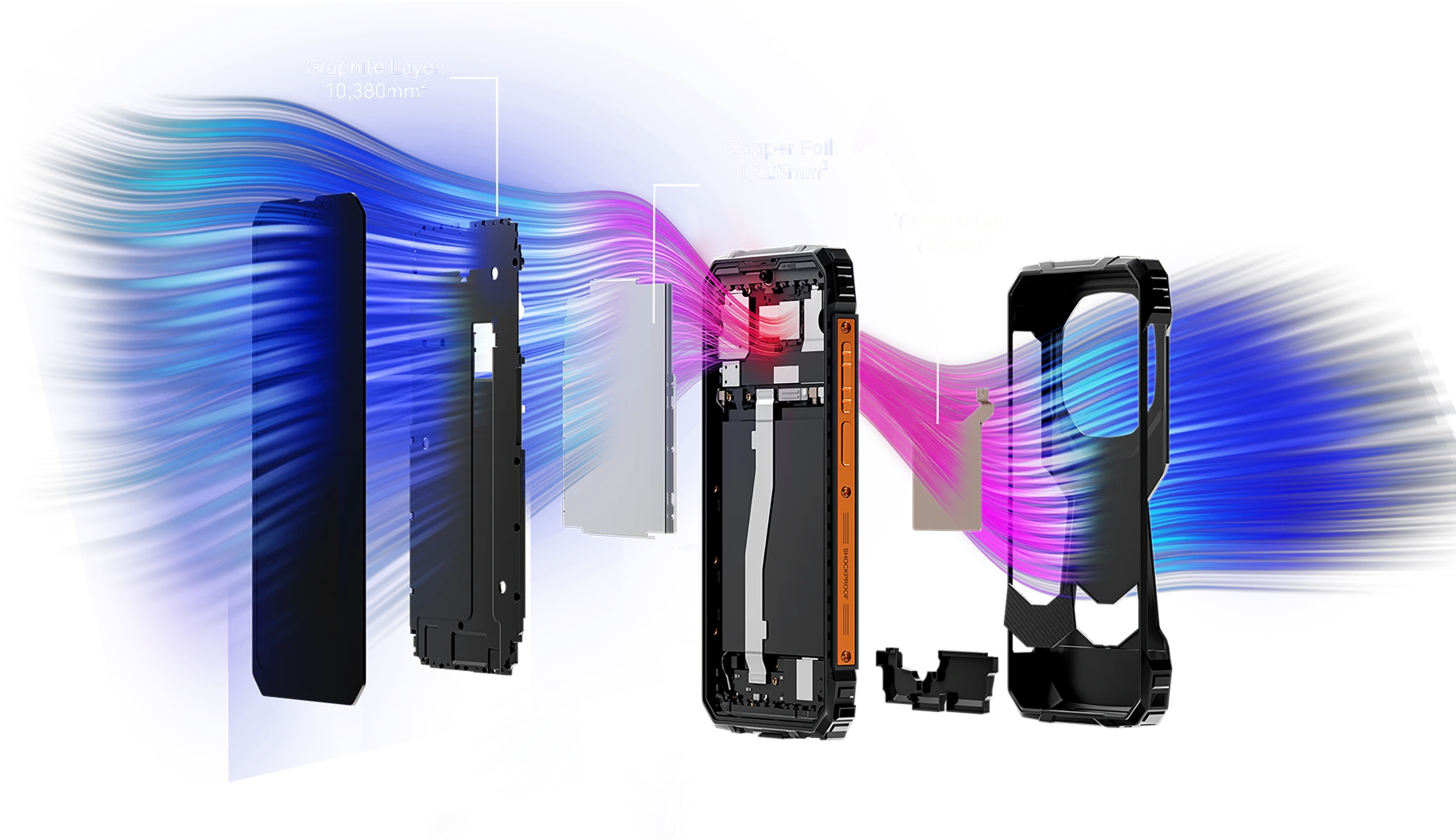
12,072mm² 이상의 냉각 면적
시원한 성능, 멈추지 않는 게임
12,072mm²를 커버하는 강력한 통합 냉각 시스템을 갖춘 FORT 1은 지속적인 최고 성능을 위해 효율적인 열 방출을 보장합니다—심지어 오랜 게임 세션도 문제없습니다. 과열 걱정 없이 끊김 없는 게임을 즐기세요.
No.5 IP68, IP69K 및 MIL-STD-810H 인증
견고한 바디
모든 모서리가 강화되었습니다. 모든 세부 사항이 임무 준비 완료입니다.
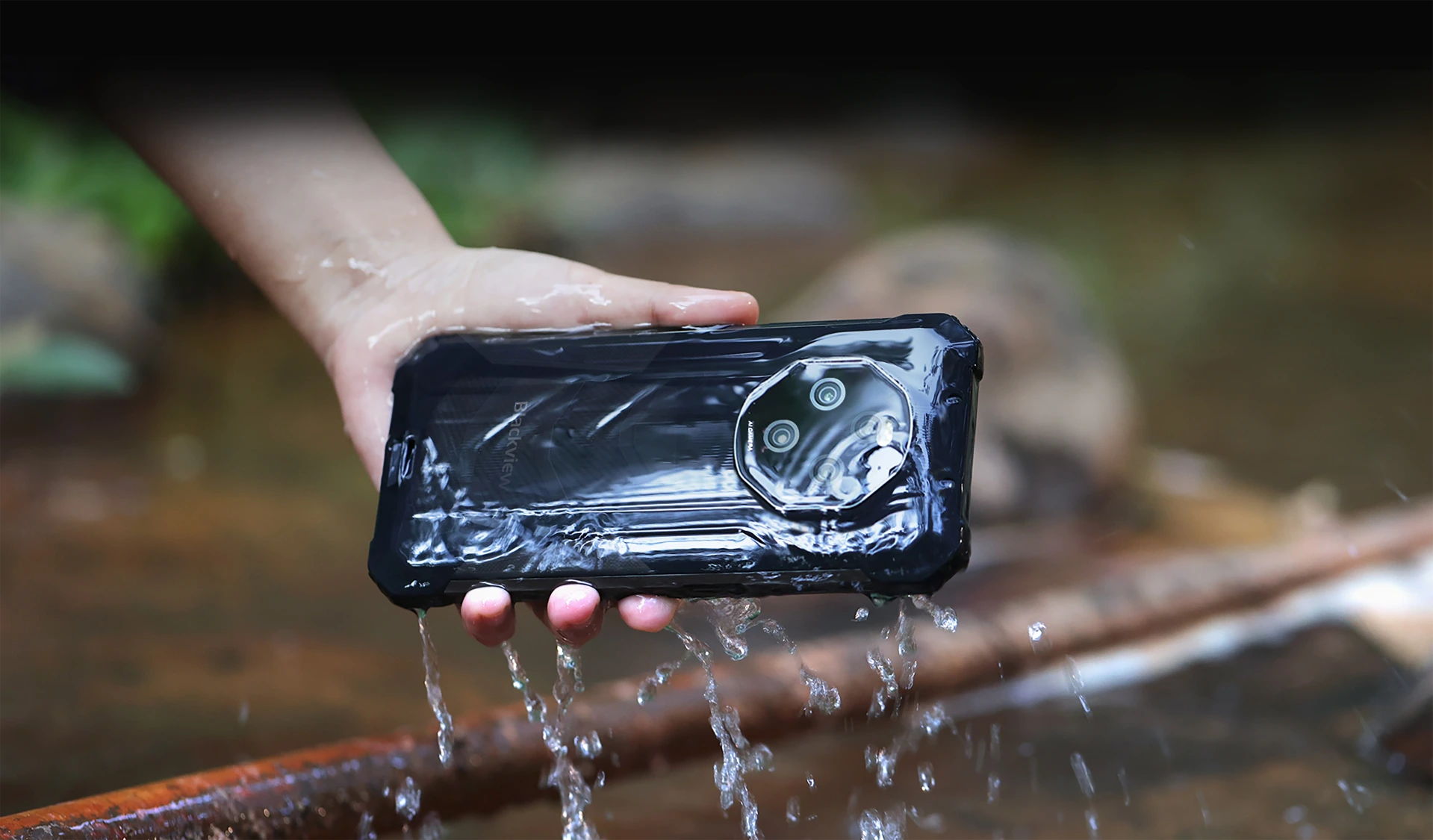
IP68 및 IP69K 인증을 받은 방수 및 방진 기능
견디도록 제작되고, 성능을 위해 설계되었습니다
FORT 1은 IP68 및 IP69K 인증을 받아 가장 혹독한 환경에서도 견딜 수 있도록 설계된 궁극의 견고한 동반자입니다. 물에 잠기거나 먼지 속에 묻혀도, 극한 환경에 노출되어도 FORT 1은 흔들림 없이 변함없이 계속 작동합니다.
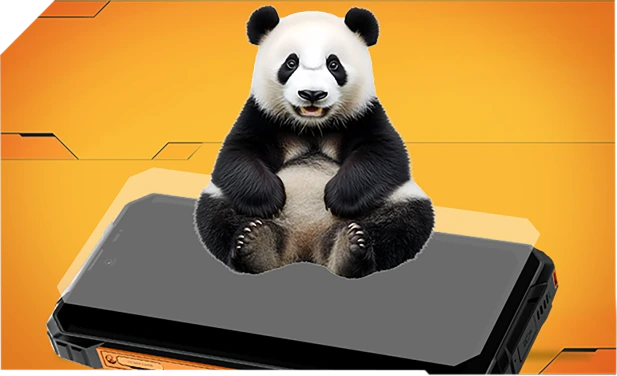
판다 글래스로 강화되고 가장자리까지 밀봉되어 뛰어난 방수 성능을 자랑하며, 싱크대나 세탁기 낙하도 견딥니다.
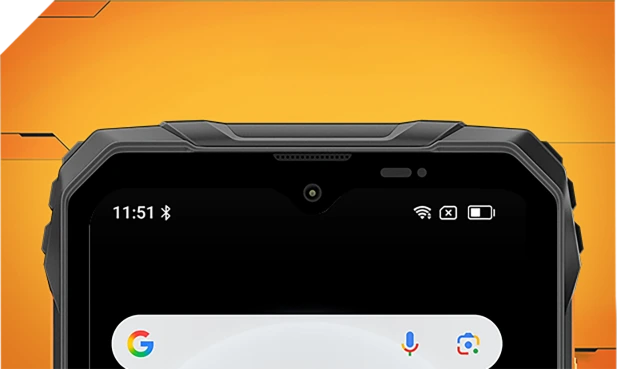
정교한 메쉬 필터로 내부와 외부 모두 방수되어, 물 튀김이나 폭풍우에도 선명함을 유지합니다.
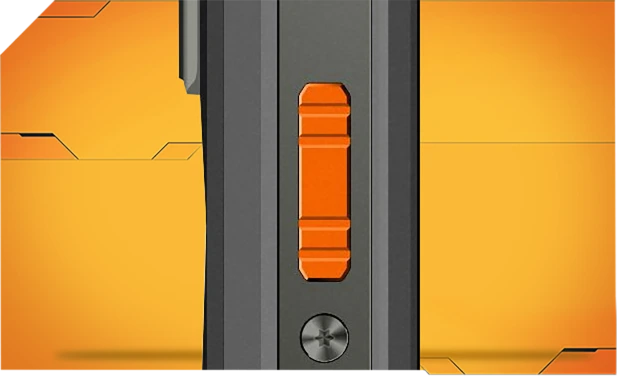
부식 방지 알루미늄으로 제작되고 방수 링으로 밀봉되어 비, 진흙, 먼지 속에서도 신뢰할 수 있는 제어를 제공합니다.

단단히 밀봉된 아사히 유리는 렌즈를 맑고 건조하게 유지하며, 수중에서도 보호합니다.
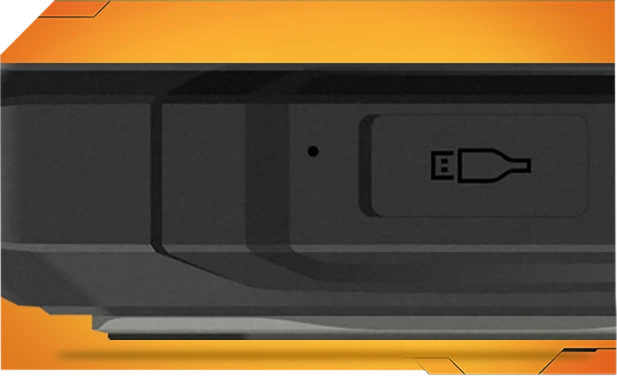
TPU 포트 커버는 99%의 물과 먼지를 차단하며, 10,000회 이상 테스트되어 걱정 없이 야외에서 사용할 수 있습니다.
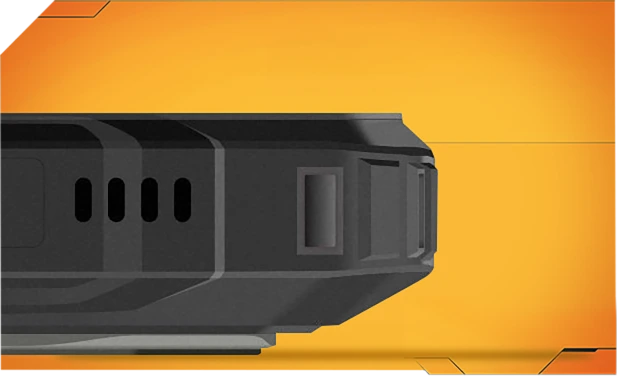
한 번의 터치로 스마트 사운드파 기술을 사용해 스피커에서 물과 먼지를 제거하여 언제 어디서나 선명한 오디오를 유지합니다.
가장 강력한 MIL-STD-810H
인증된 견고함. 어떤 상황에도 준비 완료.
엄격한 MIL-STD-810H 기준을 통과한 FORT 1은 극한 환경—열, 추위, 습기, 낙하, 먼지, 진동—에서도 견딥니다. 건설 현장, 산길, 비 오는 날에도 포기하지 않고 계속 작동합니다.

가장 거친 낙하에도 강화됨
FORT 1은 내부부터 견고하게 제작되어 낙하, 충격, 거친 사용에도 끄떡없으며 부피감 없는 디자인을 자랑합니다.
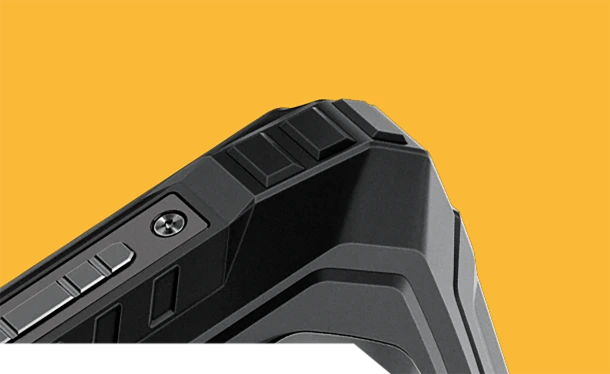
충격 방지 코너
특별히 강화된 모서리가 가장 중요한 충격을 흡수합니다.
내구성 있는 후면 커버
고강도 외피 + 부드러운 고무 = 강력한 낙하 저항.


항공 등급 금속 프레임
튼튼한 알루미늄 합금, 나사로 고정되어 견고하고 안정적입니다.
어디서든 진짜 내구성
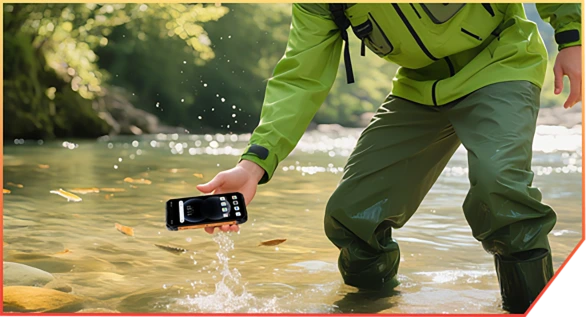
협곡 트레킹 중 개울에 빠져도

창고 배송 중 떨어져도

산길에서 바위에 부딪혀도
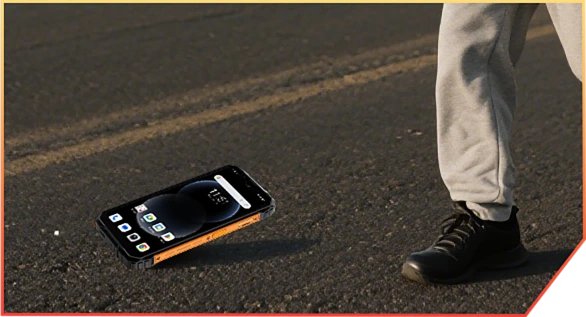
작업 현장에서 트럭에서 떨어져도
No.6 AI 기반. 모든
순간을 간직한 기억
AI 매직. 모든 사진, 모험 준비 완료.
필터도, 재촬영도 필요 없습니다. 진흙, 먼지, 산 어디서든 작동하는 스마트하고 견고한 편집입니다.
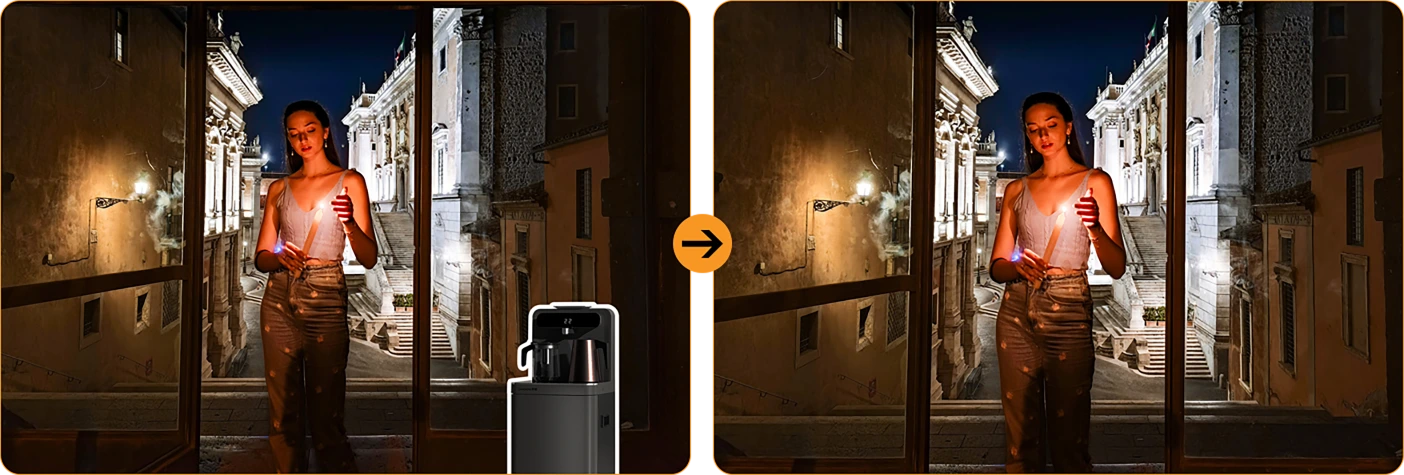
 매직 이레이저
한 번의 터치로 군중, 잡동사니, 혼란을 제거하세요. 중요한 것만 남깁니다.
 원터치 하늘 교체
비 오는 사진? 흐린 하늘? 햇살, 별, 또는 폭풍우 드라마로 바꿔보세요.


인물 배경 흐림
친구들을 돋보이게 하고 배경은 흐리게 만드세요,
순간이 아닙니다.
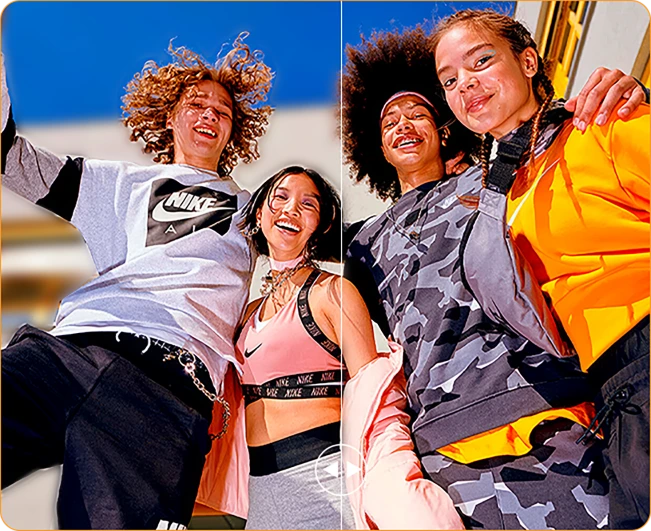
 컬러 포커스
잡음을 줄이고 분위기를 강조하세요. 대담함이 더 돋보입니다.

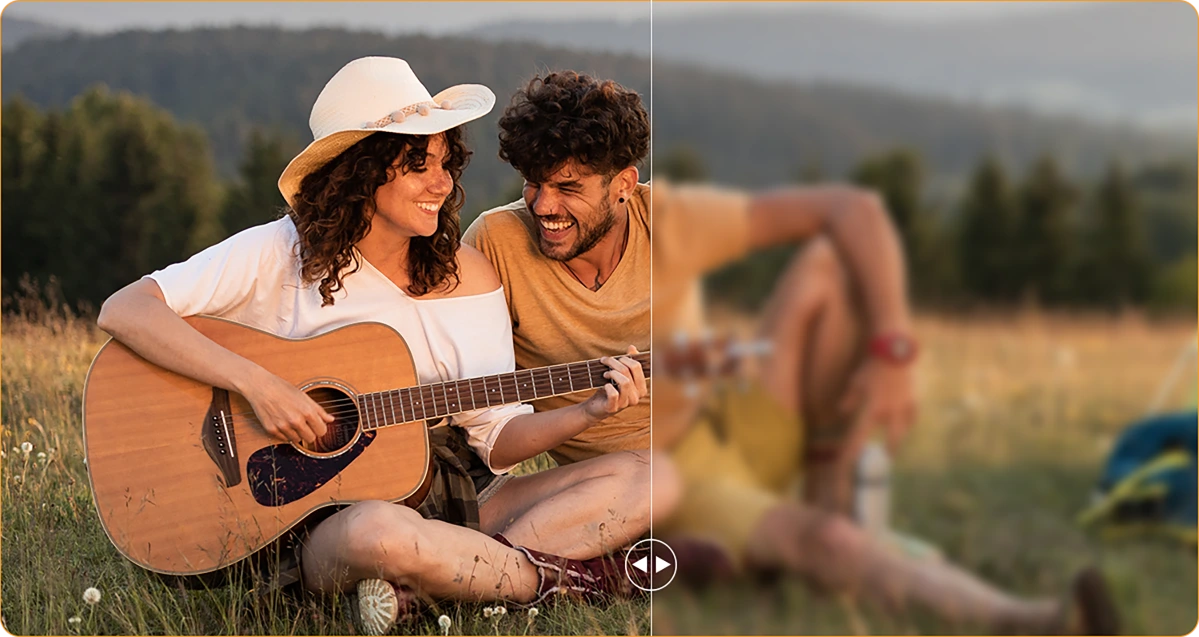
 사진 흔들림 보정
손이 떨리거나 렌즈에 먼지가 있어도 AI가 마치 그런 일이 없었던 것처럼 선명하게 만듭니다.
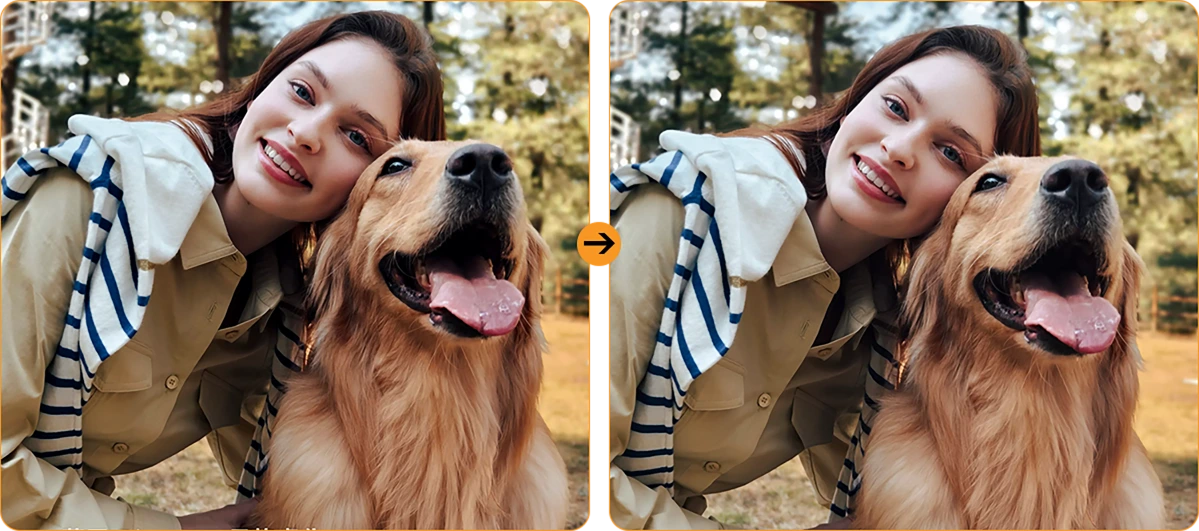
인물 조명
어두운 곳도 문제없습니다. 해질 무렵이나 모닥불 아래에서도 당신은 빛납니다.
16MP AI 메인 카메라
선명한 사진. 진짜 순간.
작업 현장 세부 사항부터 주말 모험까지, 16MP AI 메인 카메라가 선명하고 생생하게 모두 포착하여 공유할 준비가 되어 있습니다. 번거로움 없이, 클릭할 때마다 훌륭한 결과만을 제공합니다.

16MP AI 메인 카메라
선명한 사진. 진짜 순간.
작업 현장 세부 사항부터 주말 모험까지, 16MP AI 메인 카메라가 선명하고 생생하게 모두 포착하여 공유할 준비가 되어 있습니다. 번거로움 없이, 클릭할 때마다 훌륭한 결과만을 제공합니다.


페이스 필 라이트
빛나지 않는다
자연은
어둡고 거친 셀카는 잊으세요. 내장된 얼굴 채움 조명으로 어두운 곳, 역광, 빛이 없는 곳에서도 얼굴이 밝고 선명하게 유지됩니다.
HDR
균형 잡히고 생생한 표현
고명암비(HDR)가 모든 디테일을 포착하여 대비, 색상, 빛을 향상시켜 까다로운 조명에서도 사진이 돋보입니다.
인물 사진
시선을 사로잡는 심도
배경 흐림으로 피사체를 선명하게 강조하여 깊이와 드라마를 더합니다—AI가 완벽한 프로 스타일 룩을 지원합니다.

뷰티
상쾌한 모습, 자연스러운 느낌
부드러운 피부, 밝은 톤, AI 마법의 터치—빠른 셀카도 자연스럽고 생생하게 만들어줍니다.
야간
밝은 밤, 선명한 디테일
노이즈 없이 밤을 포착하세요. 자동으로 향상된 노출로 어두운 환경에서도 선명하고 생생한 장면을 보여줍니다.

최신 DokeOS 4.2 버전 7
Android 15 기반
| 모델 | FORT 1 |
| 색상 | 블랙, 오렌지, 그린 |
| 크기 | 176.15 * 80.1 * 17.5mm |
| 무게 | 390g |
| 운영체제 | Android 15 기반 DokeOS 4.2 |
| 디스플레이 | 6.56인치 HD+ IPS, 720 * 1612 해상도 90Hz 주사율, 83% 화면 대 body 비율 |
| CPU | 옥타코어 Unisoc Tiger T615 |
| RAM & ROM | 6GB RAM & 256GB ROM, 최대 12GB 확장 4GB RAM & 128GB ROM, 최대 8GB 확장 LPDDR4X + eMMC 5.1 |
| TF 확장 | 최대 2TB 확장 |
| 배터리 | 10000mAh; 18W 고속 충전 |
| 전면 카메라 | 8MP |
| 후면 카메라 | 16MP 메인 + 2MP 심도 |
| 스피커 | 1개 스마트 - K 박스 스피커 |
| 내비게이션 | GPS+GLONASS+Galileo+Beidou |
| 카드 슬롯 | 세 개; 2*nano SIM + 1*TF 카드 |
| NFC | 지원 |
| 듀얼 4G VoLTE | 지원 |
| Wi-Fi & 블루투스 | IEEE802.11 a/b/g/n/ac; BT 5.2 |
| 네트워크 연결 | 2G 밴드: B2/B3/B5/B8 3G 밴드: B1/B2/B4/B5/B8 4G 밴드: FDD:B1/B2/B3/B4/B5/B7/B8/B12 B13/B17/B19/B20/B26/B28A/B28B/B66 TDD:B40/B41 |
| 모델 | FORT 1 |
| 색상 | 블랙, 오렌지, 그린 |
| 크기 | 176.15 * 80.1 * 17.5mm |
| 무게 | 390g |
| 운영체제 | Android 15 기반 DokeOS 4.2 |
| 디스플레이 | 6.56인치 HD+ IPS, 720 * 1612 해상도 90Hz 주사율, 83% 화면 대 body 비율 |
| CPU | 옥타코어 Unisoc Tiger T615 |
| RAM & ROM | 6GB RAM & 256GB ROM, 최대 12GB 확장 4GB RAM & 128GB ROM, 최대 8GB 확장 LPDDR4X + eMMC 5.1 |
| TF 확장 | 최대 2TB 확장 |
| 배터리 | 10000mAh; 18W 고속 충전 |
| 전면 카메라 | 8MP |
| 후면 카메라 | 16MP 메인 + 2MP 심도 |
| 스피커 | 1PC 스마트 - K 박스 스피커 |
| 내비게이션 | GPS+GLONASS+Galileo+Beidou |
| 카드 슬롯 | 세 개; 2*nano SIM + 1*TF 카드 |
| NFC | 지원 |
| 듀얼 4G VoLTE | 지원 |
| Wi-Fi & Bluetooth | IEEE802.11 a/b/g/n/ac; BT 5.2 |
| 네트워크 연결성 | 2G 밴드: B2/B3/B5/B8 3G 밴드: B1/B2/B4/B5/B8 4G 밴드: FDD:B1/B2/B3/B4/B5/B7/B8/B12 B13/B17/B19/B20/B26/B28A/B28B/B66 TDD:B40/B41 |
• EU 패키지: 전원 어댑터 미포함
• 비EU 패키지: 전원 어댑터 포함

Who is the Blackview FORT 1 rugged phone designed for?
The Blackview FORT 1 suits construction workers, maintenance technicians, farmers, delivery personnel, and outdoor enthusiasts who enjoy camping or hiking. It is also an excellent choice for those who frequently work in dusty or rainy environments and require a device for communication, navigation, and daily tasks.
With its high-capacity battery and rugged, durable build, it helps users stay connected, access work-related information, take photos, and use navigation tools in their everyday lives.
How does the Blackview FORT 1 perform when switching between everyday apps?
The Blackview FORT 1 is capable of handling everyday tasks, such as sending and receiving messages, managing emails, using navigation, and browsing the web—for instance, checking an email, switching to reply, and then returning to your browser. However, it may respond more slowly when running demanding applications, such as large-scale games.
If you notice a significant slowdown when switching between apps, first check whether there are any background tasks—such as downloads, software updates, or resource-intensive applications—running. You may want to wait for these tasks to finish or try restarting your phone.
Does the Blackview FORT 1 have a 10,000mAh battery?
Yes. The Blackview FORT 1 is equipped with a large-capacity 10,000mAh battery. This provides an ample power reserve for tasks such as making calls, sending and receiving messages, navigation, and entertainment—ideal for situations where you are away from charging facilities for long periods or unable to charge while working.
Actual battery life depends on how the device is used. Activities such as continuous navigation, gaming, using high screen brightness, or operating in areas with weak mobile signal will consume more power. Before embarking on a long trip, it is recommended to fully charge the phone and consider whether you need to bring a power bank, depending on the duration of your journey.
What charging speed does the Blackview FORT 1 support?
The Blackview FORT 1 supports wired charging at up to 18W (requires a compatible charger and cable). Even if a charger with a higher power rating is used, the charging speed will not exceed 18W.
Charging speed will gradually slow down as the battery nears full capacity. Using the phone while it is charging, or charging it in a high-temperature environment, may extend the time required for a full charge. Furthermore, given the device's large 10,000mAh battery, a full charge will take some time; please ensure you allow sufficient time if you intend to fully charge the phone before heading out.
Can I use the Blackview FORT 1 to charge other devices?
Yes. The Blackview FORT 1 supports 5W OTG reverse charging, so you can power compatible devices via a wired connection. This is useful for topping up other phones or small accessories when a power outlet isn't available.
Simply connect the devices using an appropriate OTG adapter and charging cable, then verify that charging has begun. With an output power of 5W, this feature is best suited for emergency charging. Please note that this will consume the FORT 1’s own battery, so ensure you retain enough power for your own essential needs, such as making calls or using navigation.
Is it normal for Blackview FORT 1 to get warm while charging?
It is normal for the device to generate some heat during charging, as the process itself produces thermal energy. Using the phone—such as watching videos, using navigation, or running other applications—while it is charging will cause it to heat up further.
We recommend using a compatible charger and cable, and charging the device in a cool environment. If the phone becomes excessively hot or displays a temperature warning while charging, please disconnect it from the power source and allow it to cool down before further use.
Does the Blackview FORT 1 come with a power adapter?
Included accessories depend on the regional version purchased. The EU version does not include a power adapter, while non-EU versions do. Please check your order details to confirm the specific version and plug type you selected.
If your version does not include an adapter, you can use an existing compatible charger or purchase one separately. To ensure the phone charges at its maximum speed, it is recommended to use a charger and cable that support 18W charging.
What can the Blackview FORT 1’s AI assistant help me with?
The AI assistant on the Blackview FORT 1 can help answer questions, explain information, and assist with daily tasks through text or voice interaction. It can also launch applications, adjust system settings, and provide support based on the content currently displayed on the screen.
To get more accurate results, be clear and specific about your needs—for example, you can ask it to explain complex topics in simpler, more accessible terms, or to help you organize your thoughts. Always verify key information before relying on its answers or taking action based on its suggestions.
What does the Blackview FORT 1’s adaptive 90Hz refresh rate do?
The adaptive refresh rate feature automatically toggles between 60Hz and 90Hz based on your current activity. At 90Hz, scrolling and animations appear much smoother; in scenarios where high fluidity isn't required, the refresh rate drops to help reduce screen power consumption.
This difference is most noticeable when browsing the web, checking messages, or navigating through app menus—it enhances the smoothness of on-screen motion. Please note that not all games can run at 90 frames per second (FPS); gaming performance depends on the specific application and the phone's hardware capabilities.
Can I use the Blackview FORT 1’s touchscreen while wearing gloves?
Yes. The Blackview FORT 1 supports "Glove Mode 2.0," allowing you to operate the touchscreen even while wearing gloves. This is highly practical for outdoor work—for instance, when you need to quickly answer calls, check messages, or look up navigation routes.
You can enable "Glove Mode" in the phone's settings and test it using the gloves you typically wear. Touch responsiveness may vary depending on the material and thickness of the gloves; Thicker gloves or those with heavy insulation might affect the precision of your interactions.
What protection does the Blackview FORT 1 offer for outdoor work?
The Blackview FORT 1 features IP68 and IP69K ingress protection ratings and complies with the MIL-STD-810H testing standard, providing effective resistance against dust, moisture, and impacts encountered during outdoor work.
When using the device, ensure that the SIM card tray and all protective covers are securely closed. If the device sustains a severe impact, check for any visible damage. If the phone gets wet, ensure the charging port is completely dry before attempting to charge it. Additionally, please note that protective seals may wear down over time; therefore, even with a rugged device like this, careful handling during daily use is still recommended.
Is the Blackview FORT 1’s camera suitable for photographing documents and equipment?
Yes, it is. The Blackview FORT 1 features a 16MP main camera, which is well-suited for everyday tasks such as documenting paperwork, equipment, labels, or work progress—delivering the best results in well-lit environments. When capturing content that includes text or fine details, ensure your composition is clear and the focus is sharp.
When photographing documents, keep the phone parallel to the page to avoid shadows or reflections. When photographing equipment, it is recommended to first take an overall shot, followed by close-up shots of specific details you need to record.
How can I manage unwanted notifications on the Blackview FORT 1?
First, identify which application (app) is sending the notifications. You can then long-press the notification to access control options, or navigate to the notification management page for that specific app within "Settings." From there, you can disable certain categories of notifications while keeping important alerts enabled.
For promotional messages, check the recommendation or marketing settings within the app itself. If you cannot locate the notification controls, or if unwanted alerts continue to appear, please contact our customer support team—be sure to include a screenshot, the name of the app, and the software version.
What should I do if the Blackview FORT 1’s speaker sounds distorted or cuts out?
First, try playing different audio clips in various applications to determine whether the issue affects all sound or is limited to a specific app. Also, check to see if the audio is being routed to a connected Bluetooth device instead of the phone’s built-in speaker.
Additionally, try setting the volume to a moderate level, ensure that the speaker openings are not obstructed, and restart your phone. If the issue—such as sound distortion or interruptions—persists across multiple applications, you may want to have the device inspected by a professional.
Jump to another section