



Wireless Headphones | Bluetooth Speakers | Blackview


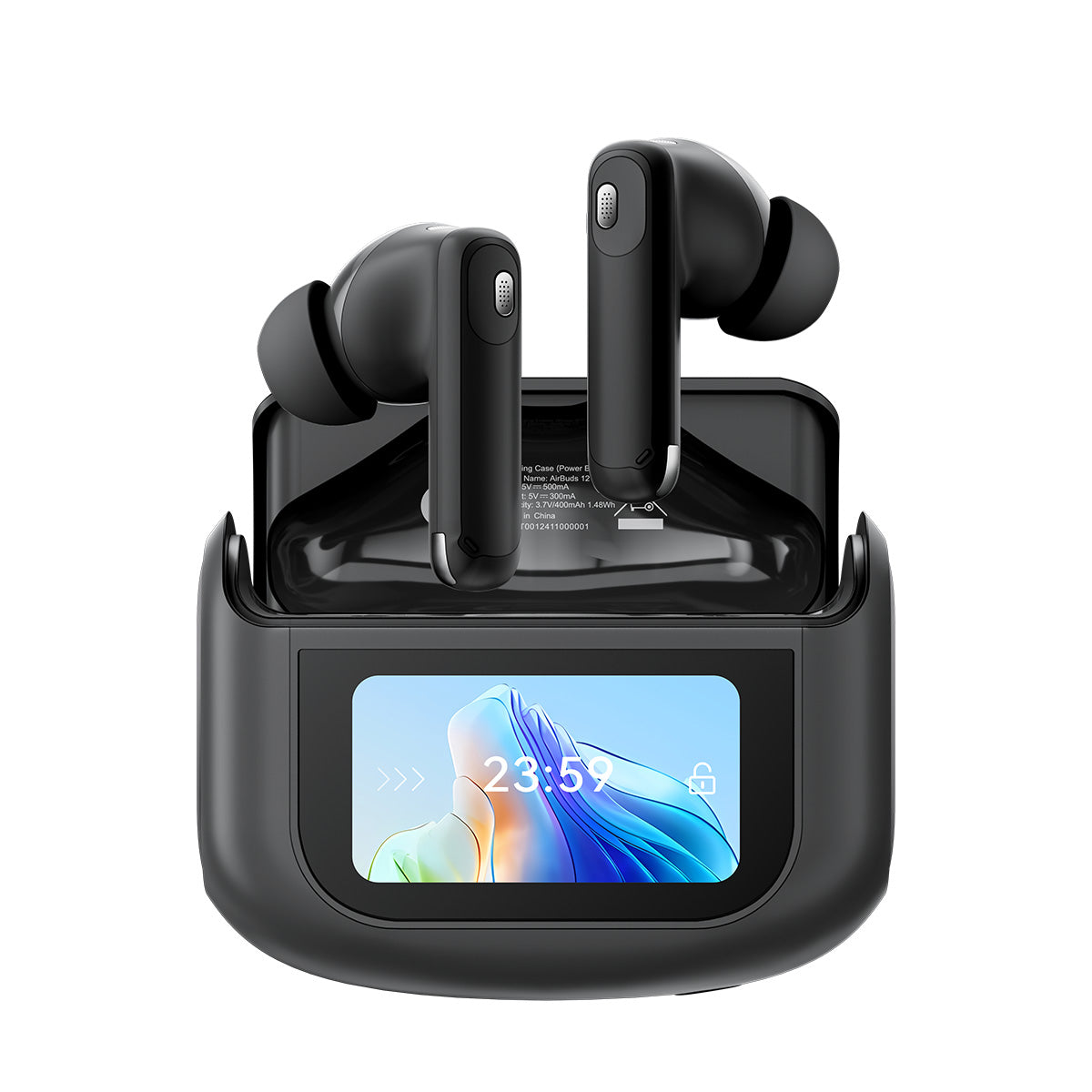


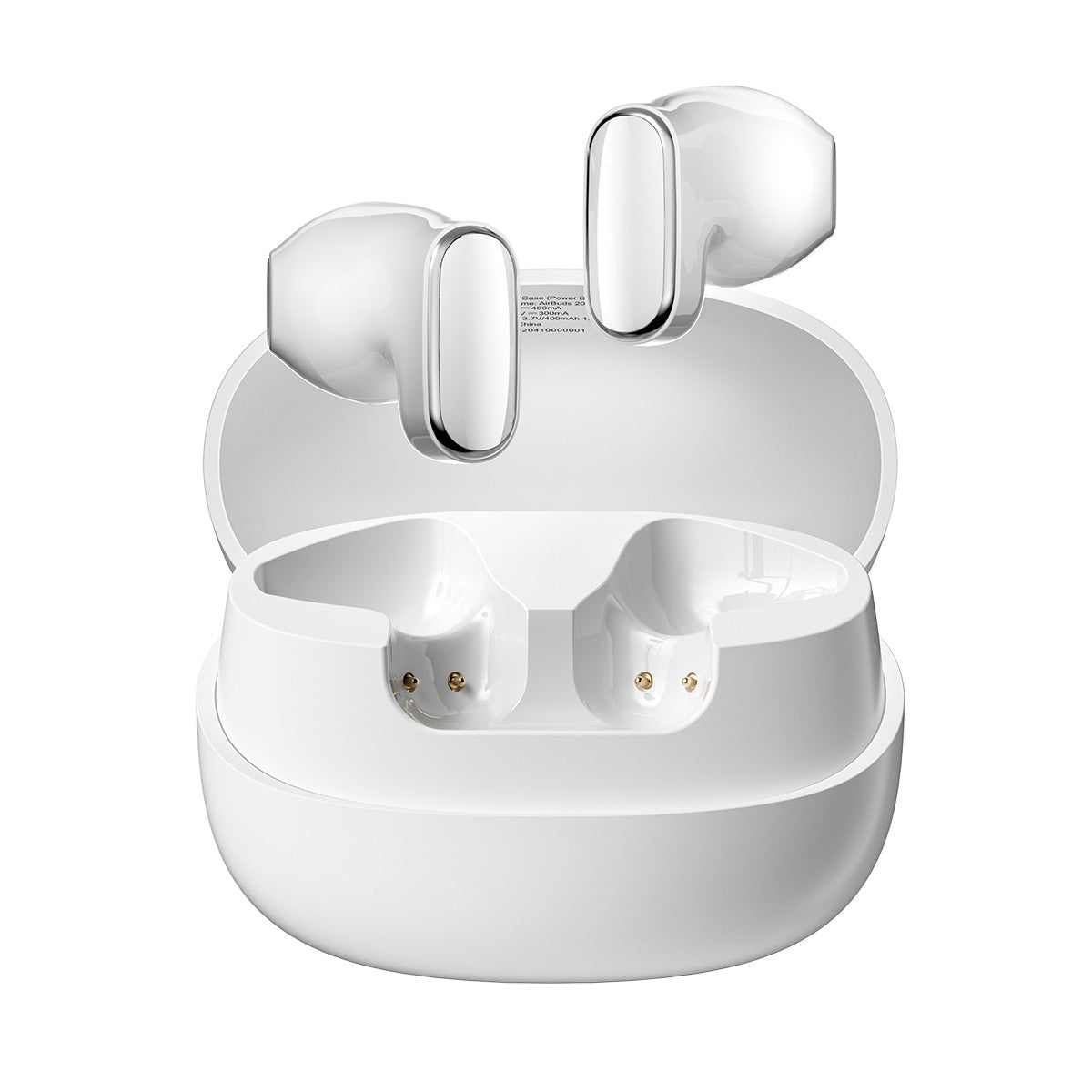


Why Choose Blackview Earbuds & Speakers?
Blackview earbuds, Bluetooth speakers, and more deliver clear sound, stable wireless connectivity, and portable designs for music, calls, entertainment, and everyday listening.
- Clear Sound and Calls: Enjoy clear vocals, balanced sound, and reliable call quality for music, videos, online meetings, and daily communication.
- Stable Bluetooth Connection: Fast, reliable Bluetooth connectivity ensures smooth listening across compatible smartphones, tablets, laptops, and other devices.
- Portable and Long-Lasting: The earbuds and speakers feature a compact design and reliable battery life, making them suitable for commuting, travel, workouts, and outdoor use.
Earbuds & Speakers FAQs
Are wireless earbuds suitable for workouts?
Are wireless earbuds suitable for workouts?
Yes, wireless earbuds are ideal for activities like walking, running, gym workouts, and cycling, especially when they fit securely and are waterproof. For example, the Blackview AirBuds 13 have an IPX7 waterproof rating, protecting against sweat and rain during intense exercise, allowing you to enjoy music and calls wirelessly while exercising.
Before purchasing, check the weight, fit, stability, control design, and IP rating of your chosen earbuds, especially for high-intensity exercise or outdoor use.
How do I connect wireless earbuds to a phone?
How do I connect wireless earbuds to a phone?
First, open the Bluetooth settings on the phone and turn on Bluetooth. Then, power on the Blackview wireless earbuds and put them into pairing mode. Wait for the phone to search for nearby devices, then select the earbuds model from the list of available devices to complete the pairing.
After the first successful connection, the earbuds will usually reconnect automatically whenever they are turned on and Bluetooth is enabled on the phone. If pairing fails, remove the saved earbuds from the Bluetooth device list and repeat the steps.
Can Bluetooth earbuds be used individually?
Can Bluetooth earbuds be used individually?
Yes, many Bluetooth earbuds support single-earbud mode, allowing either the left or right earbuds to be used independently. This is useful for phone calls, office work, commuting, listening to music while staying aware of the surroundings, or continuing to use one earbud when the other runs out of battery.
On supported models, the earbuds may automatically switch between single-ear and dual-ear modes when one earbud is placed in or removed from the charging case. Availability varies by model, so check the product specifications before purchasing.
How should Bluetooth earbuds be cleaned?
How should Bluetooth earbuds be cleaned?
Cleaning methods vary according to the earbuds' design. Bluetoothearbuds such as the Blackview AirBuds 9, AirBuds 20, AirBuds 30, and AirBuds 15 should have their silicone ear tips removed and cleaned separately. A soft, dry brush can be used to clear earwax, dust, and debris from the speaker mesh, charging contacts, and charging case.
Open-ear models such as the Blackview AirBuds 13 should be wiped around the ear hooks, speaker surfaces, and sweat-prone areas after exercise. Over-ear earbuds such as the Blackview FitBuds H1 can be cleaned with a soft, slightly damp cloth across the ear cushions, headband, and outer shell, then left to dry completely before use.
Do not rinse the earbuds directly, even if they have a water-resistance rating. Avoid sharp tools, strong cleaning products, and excessive moisture, and keep liquid away from the speakers, microphones, charging ports, and charging case.
What is the Bluetooth range of a wireless speaker?
What is the Bluetooth range of a wireless speaker?
Bluetooth range depends on the speaker model, Bluetooth version, connected device, surrounding walls, obstacles, and signal interference. Blackview Bluetooth speakers can maintain a stable connection within the operating range stated in the product specifications when there are few physical obstructions. For better performance, keep the speaker and audio source reasonably close and avoid placing thick walls or metal objects between them.
Can a Bluetooth speaker be used outdoors?
Can a Bluetooth speaker be used outdoors?
Yes, portable Bluetooth speakers are suitable for camping, picnics, garden gatherings, beach trips, barbecues, and other outdoor activities. Blackview offers portable Bluetooth speakers with long battery life, durable construction, stable wireless connectivity, and water-resistant designs, making them convenient for outdoor entertainment.
Before using a speaker near water, sand, dust, or rain, check the model’s official IP rating and usage instructions, as the level of protection varies by product.
Do wireless earbuds support noise cancellation?
Do wireless earbuds support noise cancellation?
Yes, many wireless earbuds on the market support active noise cancellation for music playback; others use ambient noise cancellation to improve call clarity. Some Blackview earbuds models also offer features for commuting, travel, office work, and everyday listening, or one or two of these features simultaneously.
However, the actual noise cancellation effect depends on the earbuds' design, microphone system, surrounding environment, and supported listening modes.
Why is there an audio delay when using wireless earbuds?
Why is there an audio delay when using wireless earbuds?
Audio latency can be caused by Bluetooth version, audio codec, connected device, application, signal interference, being outside Bluetooth range, or network conditions. Latency may be more noticeable when watching videos or playing games.
When using wireless earbuds, keeping them close to the connected device, reducing nearby wireless interference, and turning off unnecessary Bluetooth connections can help improve audio synchronization.
Can wireless earbuds connect to laptops and tablets?
Can wireless earbuds connect to laptops and tablets?
Yes, Blackview wireless earbuds can connect to Bluetooth-enabled laptops and tablets. For example, the Blackview AirBuds 15 and AirBuds 30 support connections with smartphones, tablets, and laptops, making them suitable for music, online meetings, video calls, movies, and other everyday uses.
To connect them, turn on Bluetooth on the laptop or tablet, put the earbuds into pairing mode, and select the earbuds model from the available device list. When switching devices, disconnect the earbuds from the previously connected device before pairing them with a new one.
Can a Bluetooth speaker connect to Android and iPhone devices?
Can a Bluetooth speaker connect to Android and iPhone devices?
Yes, most Bluetooth speakers can connect to Android smartphones and iPhones, and even tablets, provided the device supports Bluetooth audio. The Blackview Bluetooth speaker can also pair with compatible tablets, laptops, mini PCs, and other wireless devices. While the pairing process is generally similar across platforms, available control functions and supported audio features may vary by device.